Table of Contents
This guide organizes the entries in "10 Quality Free AI Tools You Might Not Know About" and explains what each option, idea, or example offers. It also highlights practical details that matter when comparing the choices.
10. Reclaim.ai
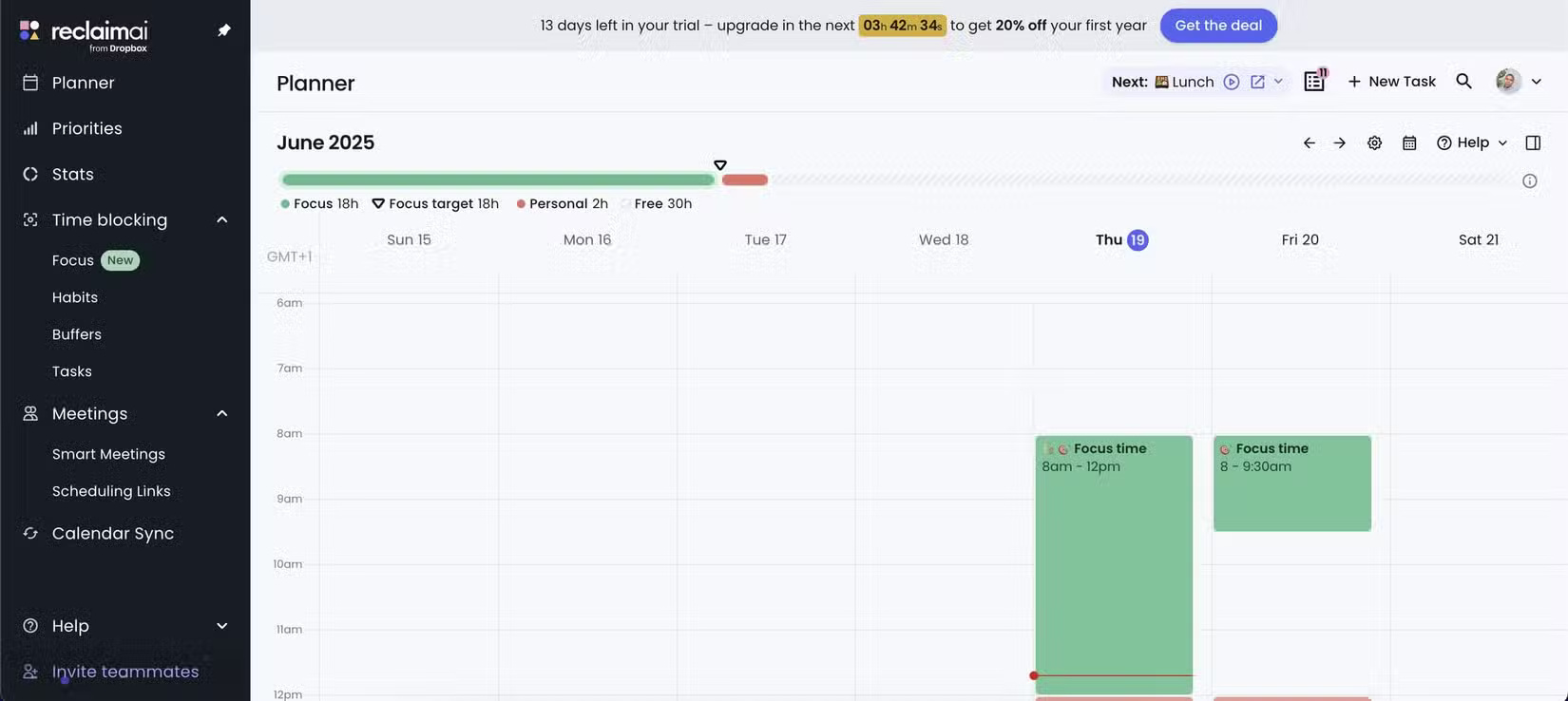
Too many productivity tools can add clutter. Reclaim.ai is the opposite. It connects to your Google or Outlook calendar, automatically finding space for deep work, personal habits, or downtime without conflicting with your current meetings.
When you sign up, you get to try out the premium features for 14 days. After that, it automatically switches you to the free plan, which is still very useful for personal users.
9. Poe
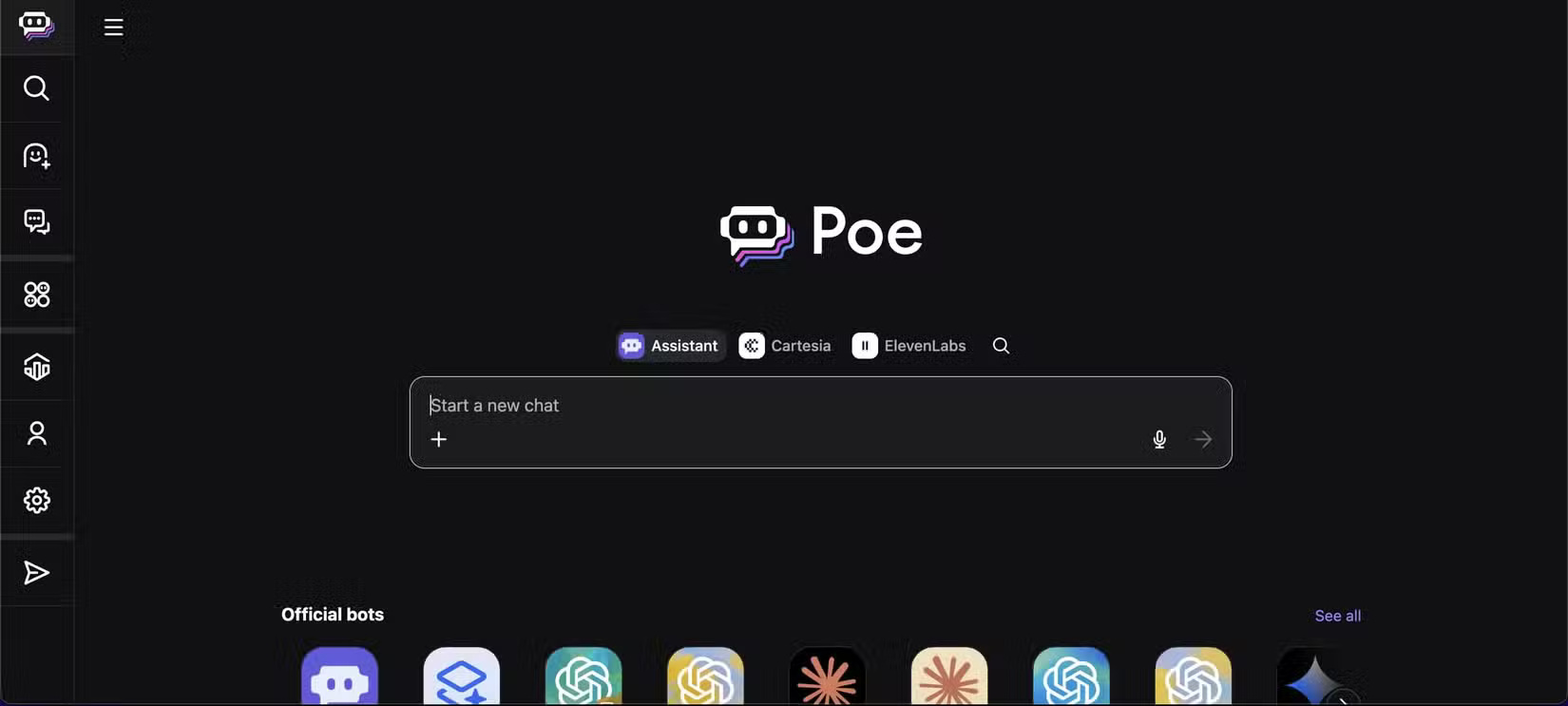
Poe looks simple but is incredibly flexible. It gives you access to multiple models, including GPT-4, Claude, and open source models like Llama or Mistral, all from a single interface. If you're having trouble finding an AI model that fits your specific needs, Poe makes it easy to experiment with different options in one place. You can even do text-to-speech using leading speech models like ElevenLabs Turbo V2.5 right on Poe.
8. tl;dv
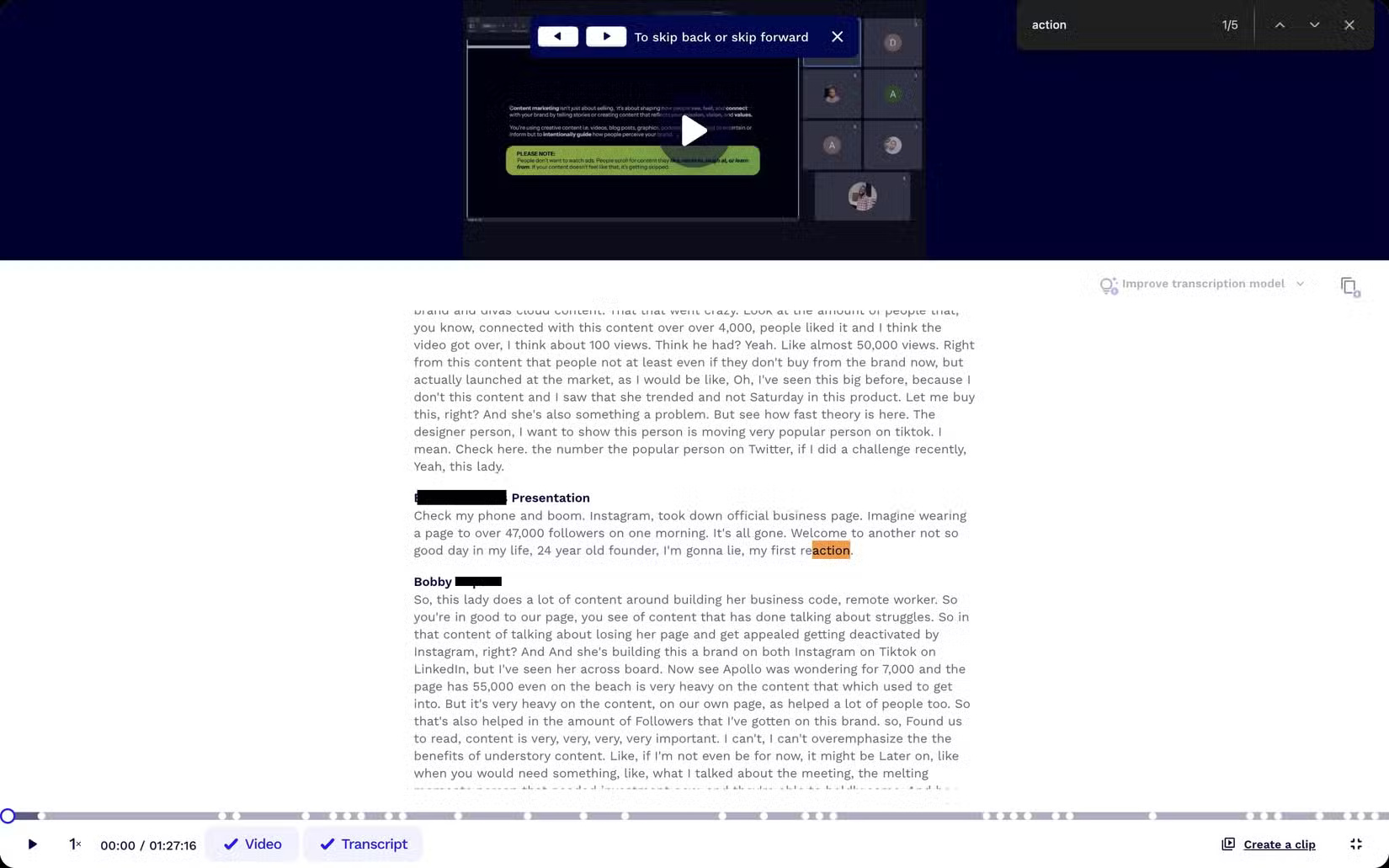
If you've ever sat on an hour-long Zoom call only to lose track of what really matters, tl;dv is your savior. Its name stands for "too long; didn't watch" — and that's exactly what it does. It records your meetings, transcribes them, and extracts the most important parts so you don't have to rewatch everything.
It works with Zoom and Google Meet, and the free plan is pretty generous. Whether you're meeting with clients, team meetings, or online meetings, tl;dv lets you focus while it does the heavy lifting.
7. Napkin AI
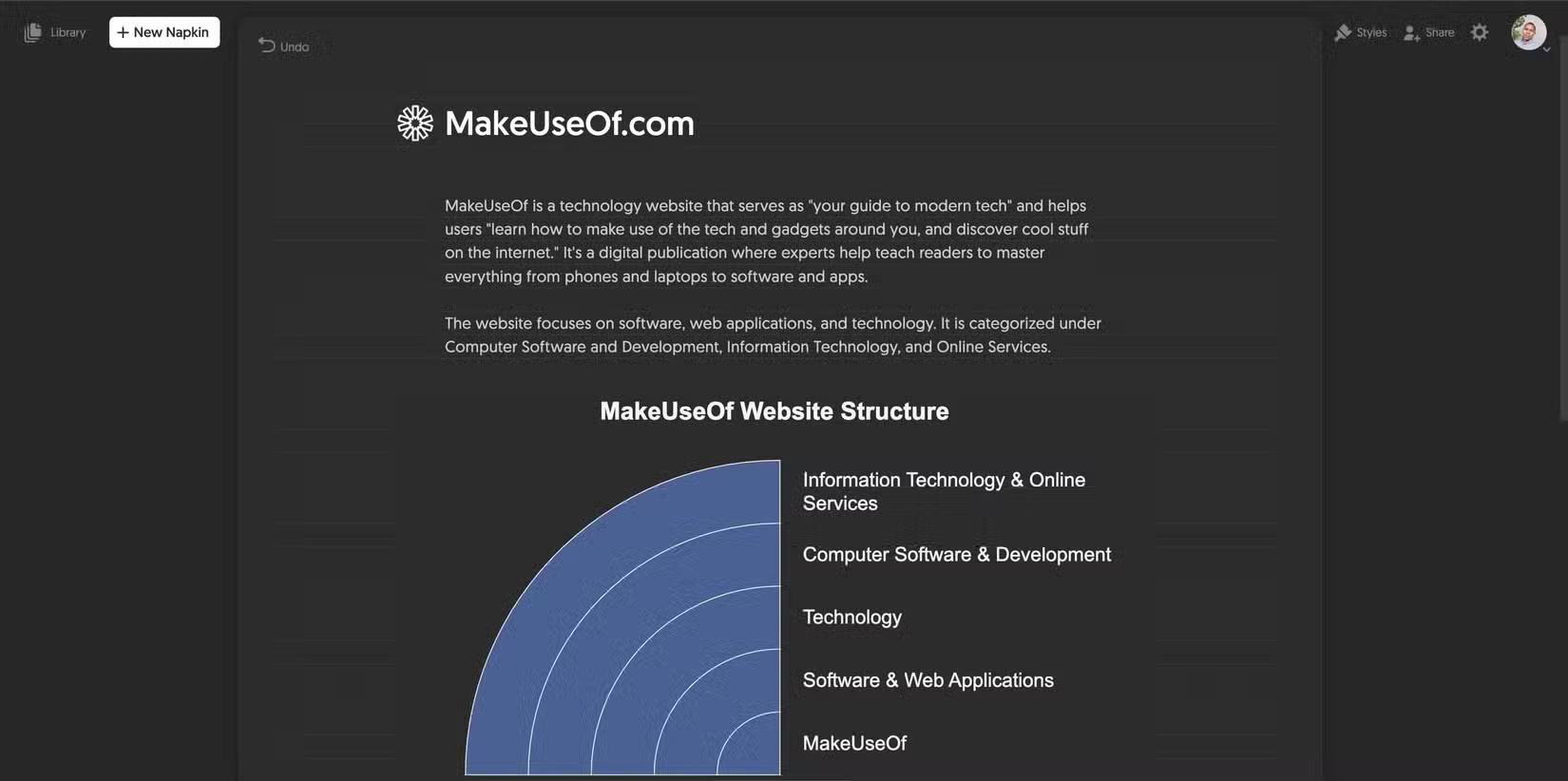
Turning ideas into visuals often takes time, effort, and some design skills. Napkin AI changes that. This free tool converts text into polished diagrams, flowcharts, and illustrations without any design background.
Simply paste in your content – whether it's a strategy document, meeting notes, or a concept you're working on – and ask Napkin to generate the right visuals. The output is clean, editable, and ready to use. You can customize colors, fonts, and layouts, then export your work in PNG, PDF, or SVG format.
6. Kodu AI
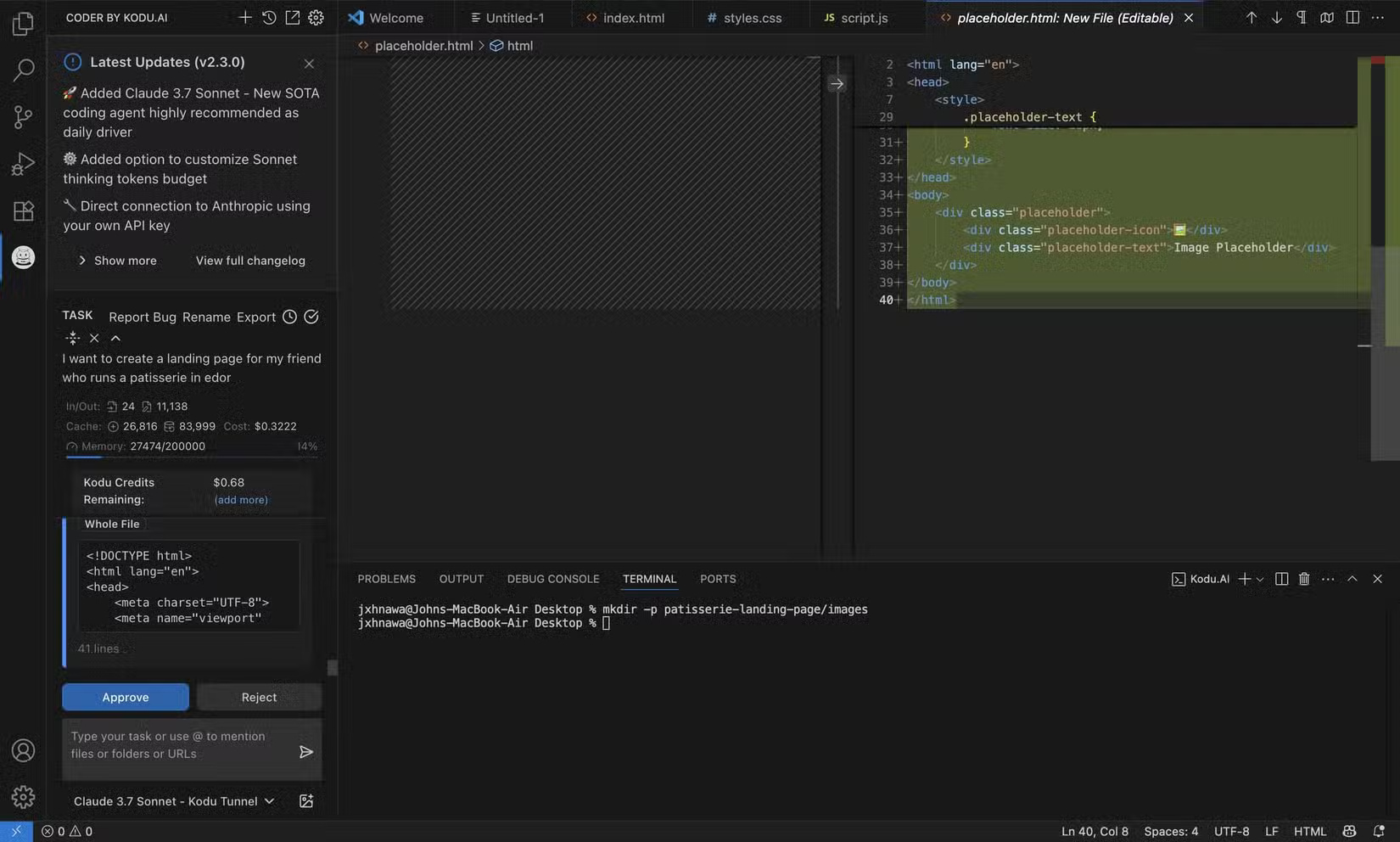
If you like the idea of an AI coding assistant but don't want to switch to a new environment like Replit or Cursor, Kodu AI is a great alternative. It works right inside VS Code and brings Claude into your workflow as a focused, conversational coding assistant.
5. Leonardo AI
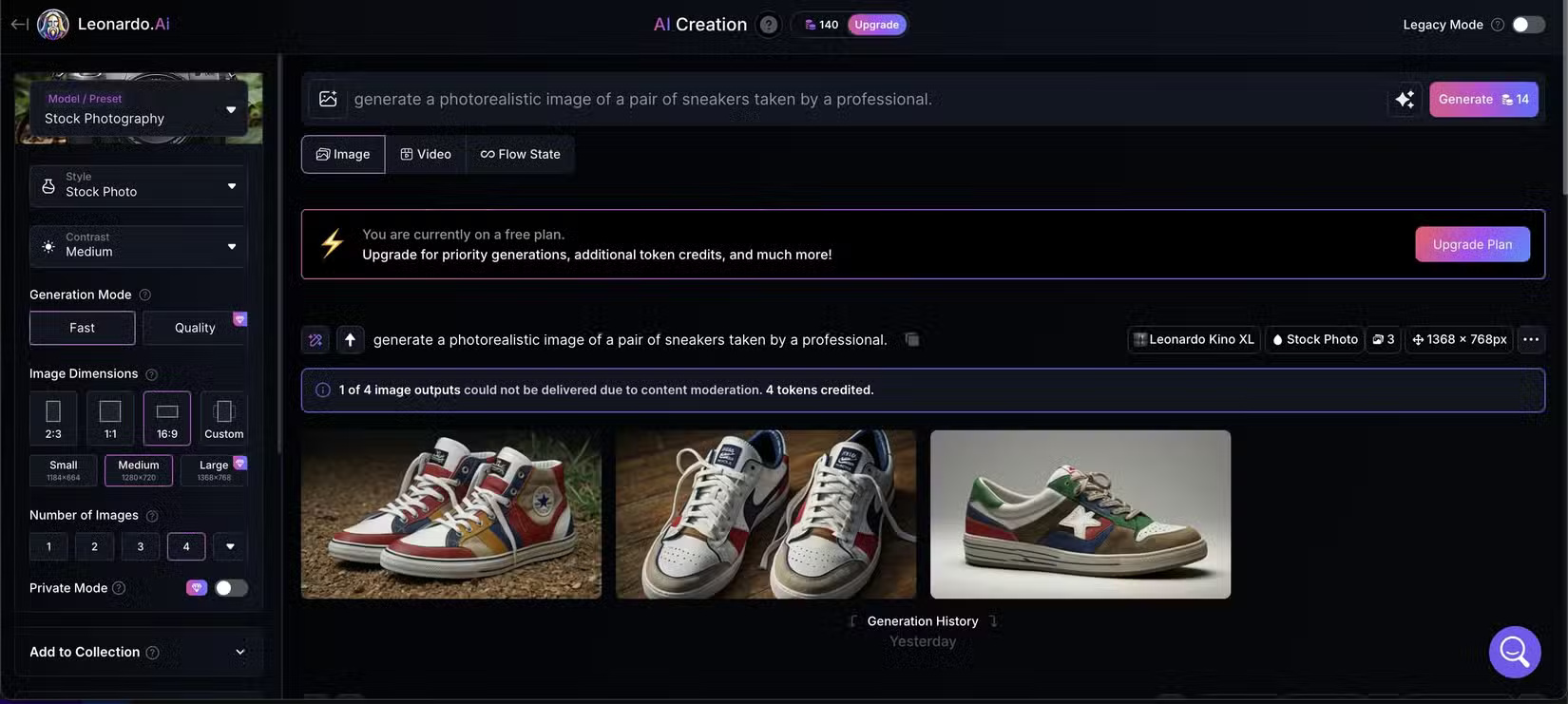
Leonardo AI is an image and video creation tool that has expanded far beyond its original focus on gaming content. You can create images, animated videos, and transparent PNGs from a text prompt, and now includes access to Google 's Veo 3 model for video creation.
There's also an AI canvas, background removal, upscaling, and other tools built in, so it's more of a creative playground than a single-purpose app.
4. Gamma
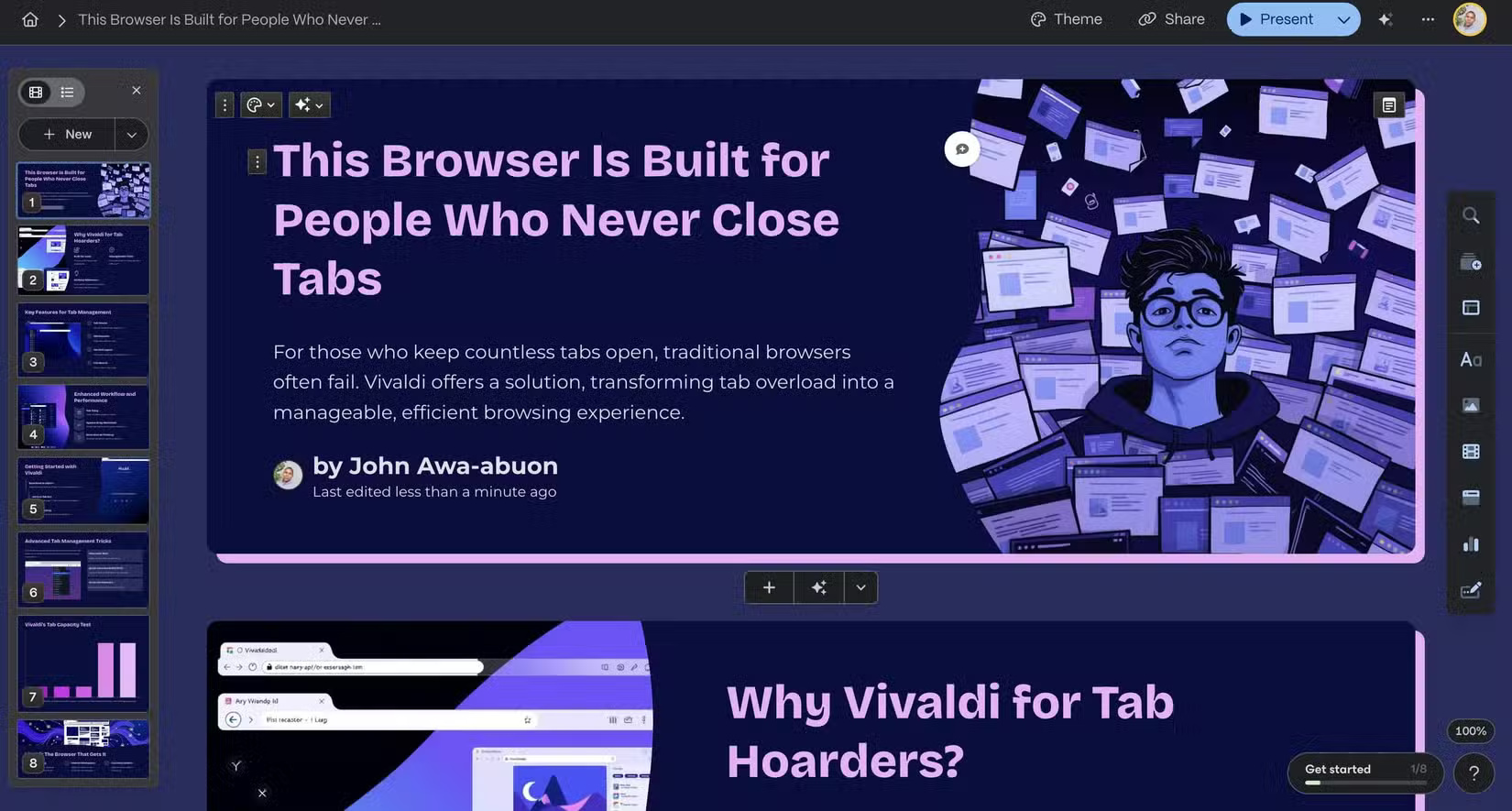
Creating a presentation from scratch is one of those tasks that many people put off until the last minute. Do you have an idea, maybe even some notes, but dread the thought of having to tweak the slide layouts and fonts?
That's where Gamma comes in. You paste in your notes or sketches and it builds a really nice presentation. No need to tweak templates or formatting. The AI figures out how to break your content into slides, add images, and keep everything clean and easy to read.
3. Clipdrop
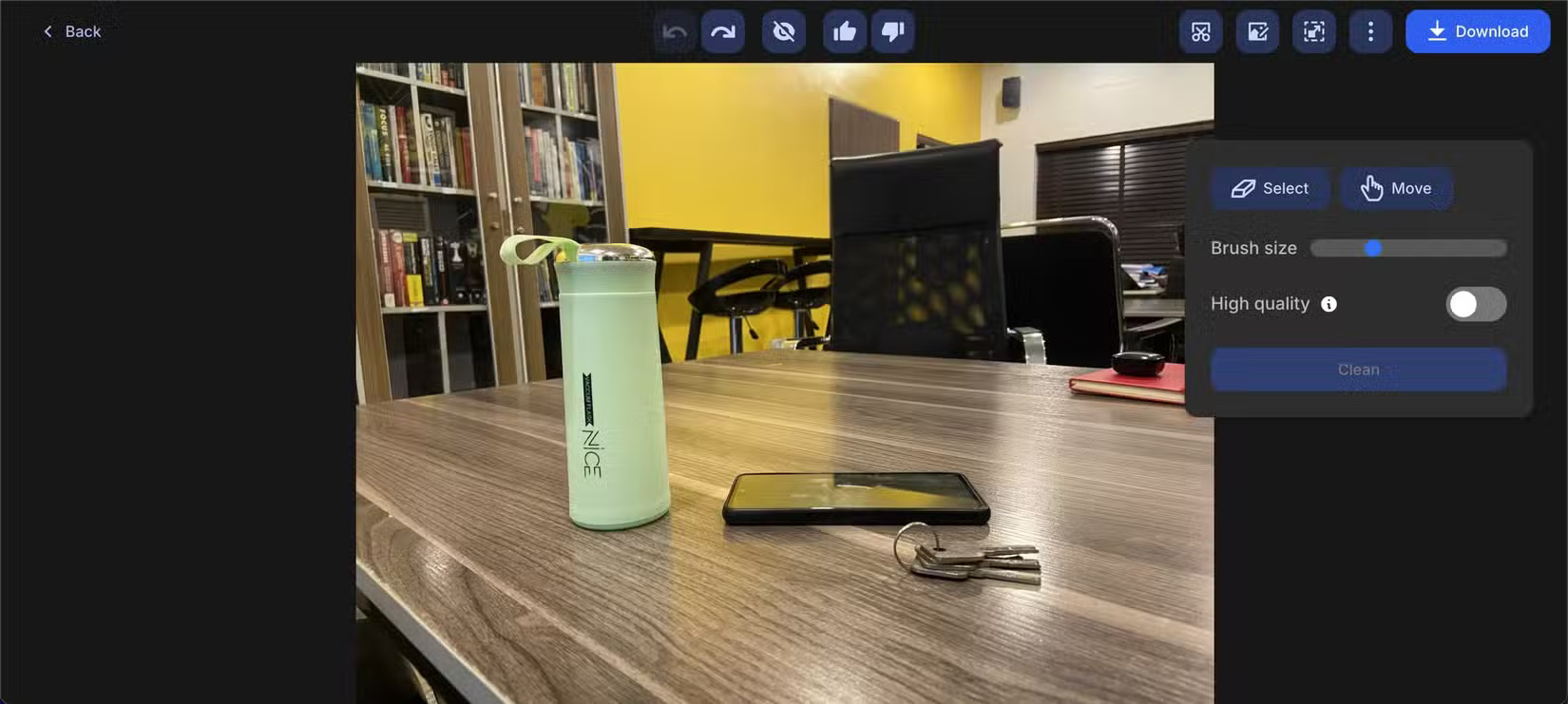
Some photo editing tools try to do everything. Clipdrop focuses on doing a few things really well. It's a collection of AI-powered tools that you can use right in your browser, perfect for quick edits when you don't want to fire up something like Photoshop.
Cleanup is my favorite tool. Just swipe through whatever you want to remove (like a cable or a cup) and it's gone in seconds. The results are surprisingly clean, even when you're working with messy images.
2. Mubert
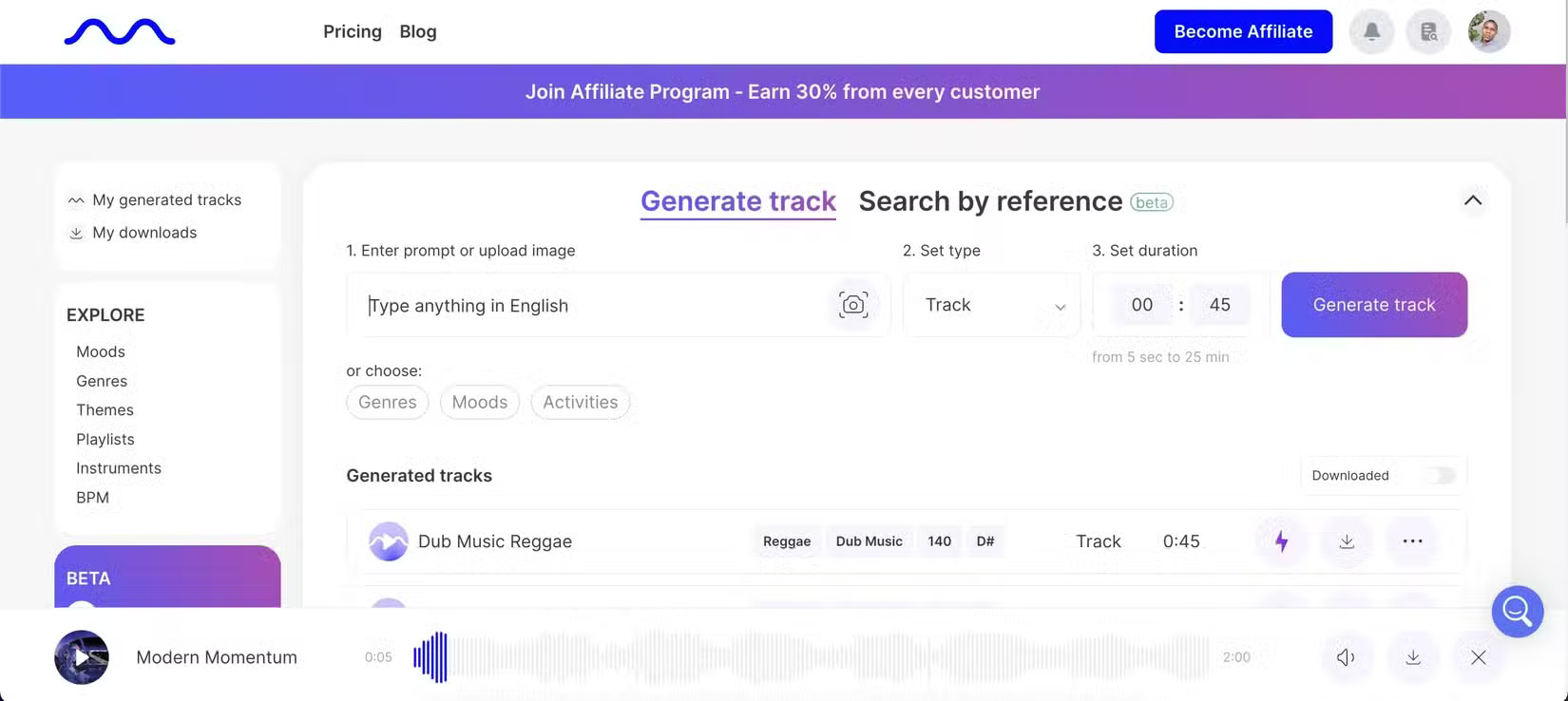
Finding royalty-free music that fits your project is harder than it needs to be. Mubert fixes that by using AI to generate new tracks based on mood or use case. You can create a relaxing beat for focus, an energizing loop for a workout, or ambient sounds for a podcast.
1. Luma 3D
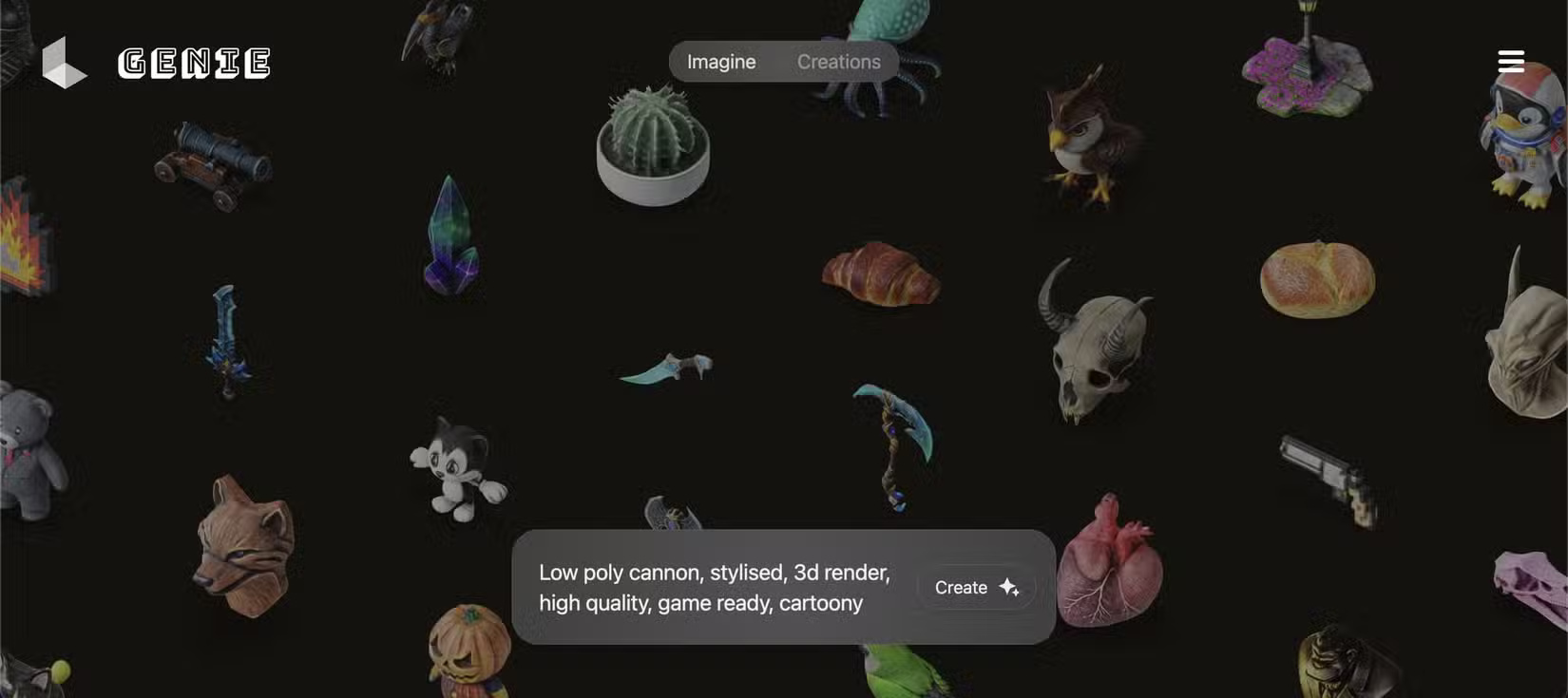
If you've ever wanted to create a 3D model without touching a design tool, Luma 3D makes it surprisingly easy. Just type a prompt into "Genie" and watch it generate a fully rendered 3D model, ready to preview, download, and use. Luma turns your ideas into visual content without the learning curve.
Big-name platforms get all the attention, but the real gems are often hidden in plain sight. Whether you're designing, coding, editing, or just organizing your thoughts, these free tools prove that powerful AI doesn't have to come with a hefty price tag.
FAQ
What should you know about 10. Reclaim.ai?
Too many productivity tools can add clutter. Reclaim.ai is the opposite. It connects to your Google or Outlook calendar, automatically finding space for deep work, personal habits, or downtime without conflicting with your current meetings.
What should you know about 9. Poe?
Poe looks simple but is incredibly flexible. It gives you access to multiple models, including GPT-4, Claude, and open source models like Llama or Mistral, all from a single interface. If you're having trouble finding an AI model that fits your specific needs, Poe makes it easy to experiment with different options in one place.
What should you know about 8. tl;dv?
If you've ever sat on an hour-long Zoom call only to lose track of what really matters, tl;dv is your savior. Its name stands for "too long; didn't watch" — and that's exactly what it does. It records your meetings, transcribes them, and extracts the most important parts so you don't have to rewatch everything.
What should you know about 7. Napkin AI?
Turning ideas into visuals often takes time, effort, and some design skills. Napkin AI changes that. This free tool converts text into polished diagrams, flowcharts, and illustrations without any design background.
Related Articles
 How to Improve Video Quality: Step-by-Step Guide6 minutes read
 Top 5 Free Web Conferencing Tools7 minutes read
 The Top Free Tools for SEO People from Google6 minutes read
 Top Free AI Tools for Creating Images from Text and Existing Photos5 minutes read
 Information: 6 Free Security Tools Needed5 minutes read
 5 Best Free Tools to Create Infographics5 minutes read
Reader Comments 0
Sign in with email or Google to join the discussion.