Table of Contents
AI coding tools at a glance
| AI tools | Best suited for | Limit | Price |
| Claude Code | Professional programmers work with large codebases. | Token consumption is quite high. | |
| OpenAI Codex | AI Coding Agents operate asynchronously, assigning tasks and creating Pull Requests. | The new Codex models are quite expensive. | |
| Cursor | IDE integrates AI Agent for scheduling and task assignment. | Contextual loss can occur with large codebases. | Free with paid plan |
| GitHub Copilot | Integrates GitHub, VS Code, and the terminal. | The ability to coordinate agents is not particularly outstanding. | Free with paid plan |
| Google Antigravity | Google's new IDE AI Agent, using Gemini 3 Pro. | Not as complete as other platforms. | Free with paid plan |
| Windsurf / Devin Desktop | The Americ IDE is based on VS Code with a Cascade feature. | The tasks were not handled well from start to finish. | Free with paid plan |
| Replit | Even people without programming knowledge can create AI applications. | Not aimed at professional programmers. | Free with paid plan |
| CodeGPT | Supports the use of proprietary APIs, suitable for teams and businesses. | Some features sometimes malfunction. | Free with paid plan |
Detailed AI coding tool comparison
- Claude Code: Best for professional programming and large projects.
- OpenAI Codex: A strong choice if you use the OpenAI ecosystem.
- Cursor: A comprehensive AI IDE favored by many programmers.
- GitHub Copilot: Suitable for GitHub and VS Code users.
- Google Antigravity: Promising for the future with the power of Gemini 3 Pro.
- Windsurf: A notable competitor to Cursor.
- Replit: Best for people who don't know how to program.
- CodeGPT: A flexible extension for VS Code and JetBrains.
Claude Code
Currently, the best AI for programming is Anthropic's Claude Code. This is an AI coding agent that runs directly in the terminal and can interact with the entire codebase. Claude Code can:
AI coding tools now range from autocomplete and in-editor chat to agents that inspect repositories, edit several files, run tests, use a browser, or prepare a pull request. The right tool is the one that fits your development environment and produces reviewable changes—not the one with the longest feature list.
Choose by workflow
- Terminal and repository agents: Claude Code and OpenAI Codex suit developers who want an agent to work across files and tools while staying close to a Git workflow.
- AI-first editors: Cursor and Windsurf/Devin Desktop combine editor context with agentic changes, checkpoints, and codebase search.
- GitHub-centered teams: GitHub Copilot spans IDE assistance, CLI use, code review, and cloud agents that can work on branches.
- Visual multi-agent management: Google Antigravity emphasizes supervising agents and reviewing plans, diffs, and artifacts.
- Browser-based app creation: Replit Agent combines generation with hosted development, infrastructure, databases, and deployment.
- Configurable agent layer: CodeGPT focuses on editor assistance and custom agents connected to selected models and knowledge.
Use a repeatable evaluation
Test each candidate on the same small feature and bug fix. Compare repository understanding, diff size, test quality, terminal transparency, rollback, secret handling, correction count, extension compatibility, and total usage cost. Never merge agent-generated code without reviewing the diff and running the project's tests, static analysis, and security checks.
Official references include GitHub Copilot documentation, Replit Agent, CodeGPT, and Windsurf/Devin Desktop.
For deeper comparisons, see TipsMake's guides to Cursor versus GitHub Copilot, Replit versus Cursor, Windsurf as a Cursor alternative, and GitHub Copilot alternatives.
- Develop new software
- Debugging
- Product Deployment
- Perform programming tasks directly from the terminal.
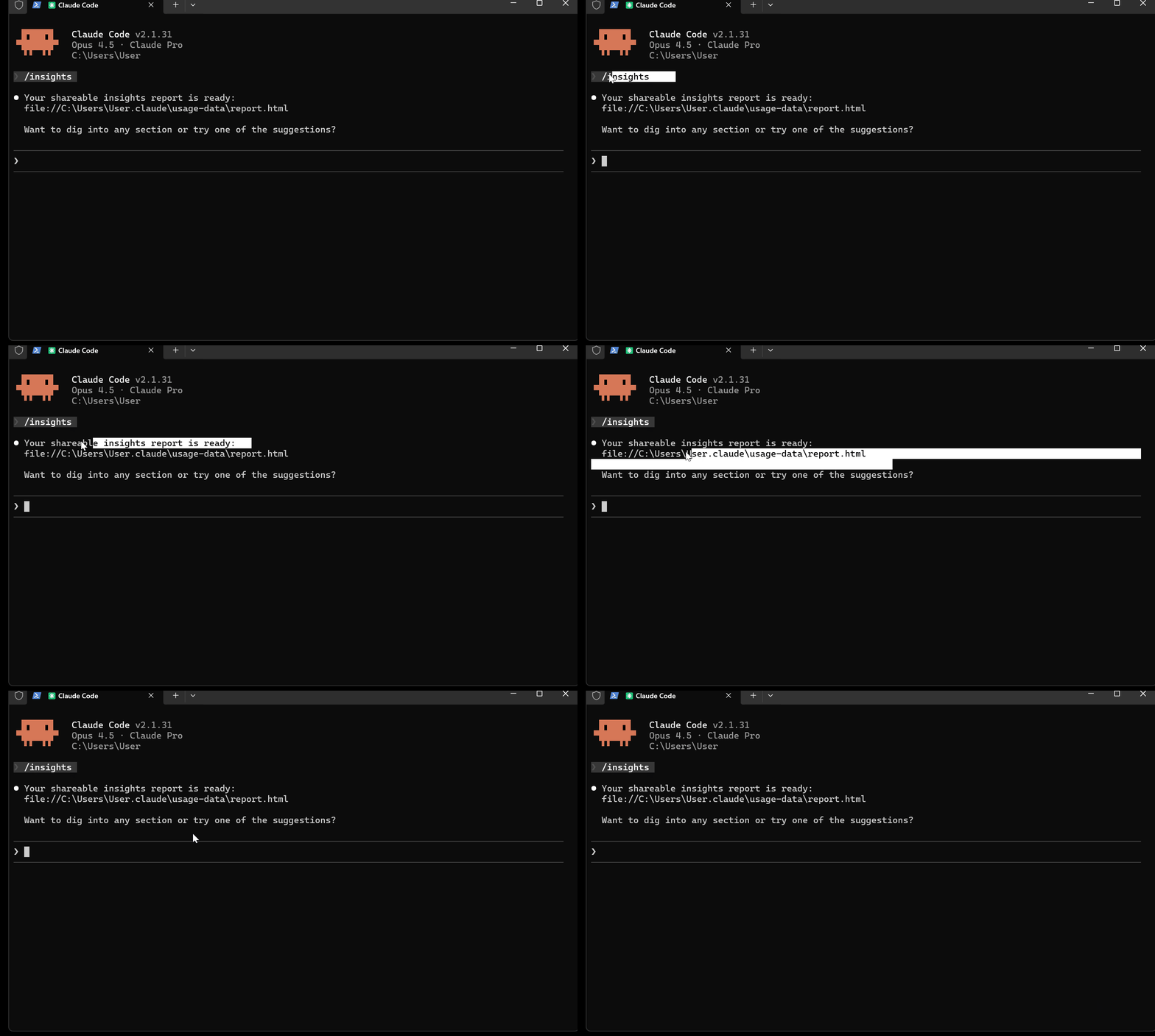
Users simply describe the problem to be solved, and Claude Code will handle the rest. Claude Code uses Claude Opus 4.5, one of the highest-rated AI models for programming today. On the SWE-bench Verified ranking, Opus 4.5 achieved 80.9%, leading in software engineering tests. Many programmers even consider Claude Code to be the closest thing to AGI in the programming field.
Advantage
- The most powerful AI Coding Agent currently available.
- Using Claude Opus 4.5
- Operates directly in the terminal.
Disadvantages
- Higher price than some competitors.
OpenAI Codex
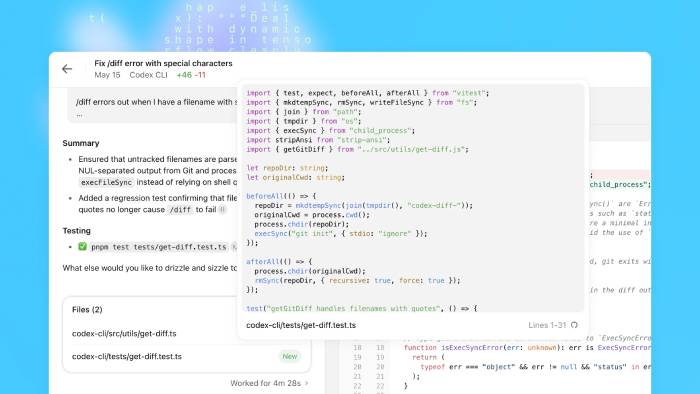
Similar to Claude Code, OpenAI also developed its own AI Coding Agent called Codex. Codex can integrate with terminals, IDEs, and source code repositories. As an AI Agent, Codex can:
- Edit the file
- Browse folders
- Execute command
- Perform automated programming tasks.
In addition, the Codex supports bug fixing, finding new solutions, developing features, and creating Pull Requests. The Codex runs on the GPT-5.2-Codex model, which is optimized for real-world software engineering tasks.
Advantage
- AI Coding Agents operate asynchronously.
- Use the GPT-5.2-Codex
- The quality is almost on par with Claude Code.
Disadvantages
- Sometimes we make simple mistakes.
Cursor
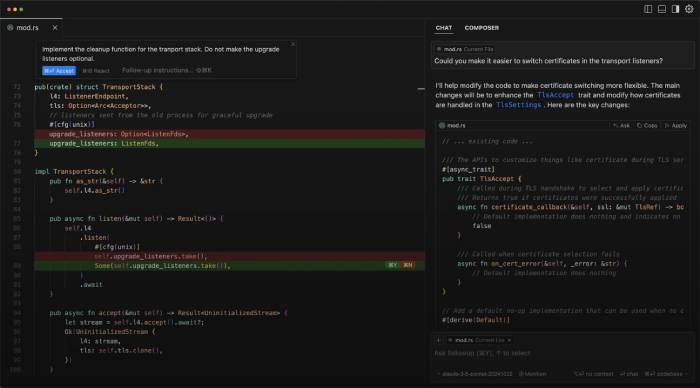
Cursor is one of the most popular AI programming tools available today. It's a version of VS Code designed with an AI-first philosophy.
Cursor allows users to assign tasks to AI agents, create and edit code, and understand the entire codebase through embedding.
Cursor's greatest strength is its ability to create code embeddings, allowing the AI to gain a deep understanding of the entire project.
Additionally, you can choose from many top-tier AI models such as Claude Opus 4.5, Gemini 3 Pro, and GPT-5.
When testing Cursor to convert old code to the new OpenAI SDK, the tool worked very effectively and automatically referenced the latest documentation.
Advantage
- Powerful IDE Americ
- Deep understanding of the codebase
- Supports many leading AI models.
Disadvantages
- You might lose context with a project that's too large.
GitHub Copilot
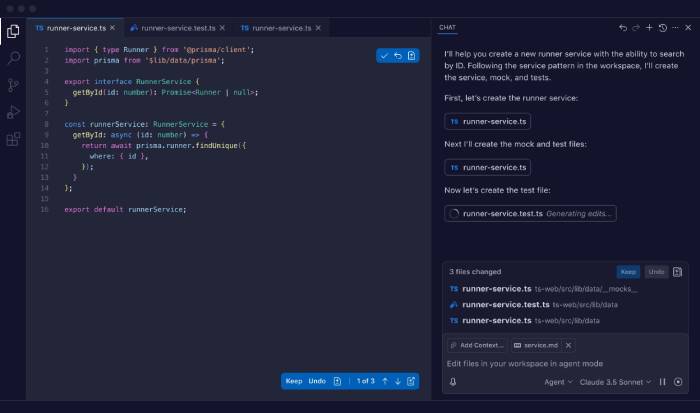
GitHub Copilot has evolved from a code suggestion tool into a complete AI agent. Copilot integrates directly with GitHub, VS Code, Terminal, MCP Server, parent applications, and project management tools.
You can use Copilot to explain source code, automate code completion, edit code, handle issues automatically, create Pull Requests, and respond to feedback. The GitHub Copilot CLI also allows direct execution in the terminal to plan and execute complex processes.
Advantage
- Direct GitHub integration
- Context-based code suggestions
- Works in VS Code and Terminal
Disadvantages
- Our agent coordination capabilities are not as strong as our competitors'.
Google Antigravity
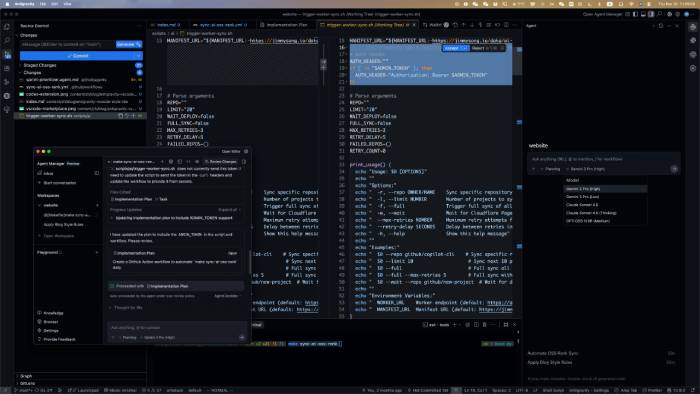
Following the launch of Gemini 3 Pro, Google also introduced a new generation IDE called Google Antigravity. Antigravity supports:
- Code auto-completion
- Create a custom AI agent.
- Monitor Agent activity
- Check the results before pushing the code.
A key highlight is the ability to coordinate AI across terminals, editors, and browsers. You can even run multiple AI Coding Agents in parallel across different workspaces.
Advantage
- AI Agent-Prioritized Design
- Control across multiple environments
- Custom Agent Support
Disadvantages
- The user community is still small.
Windsurf / Devin Desktop
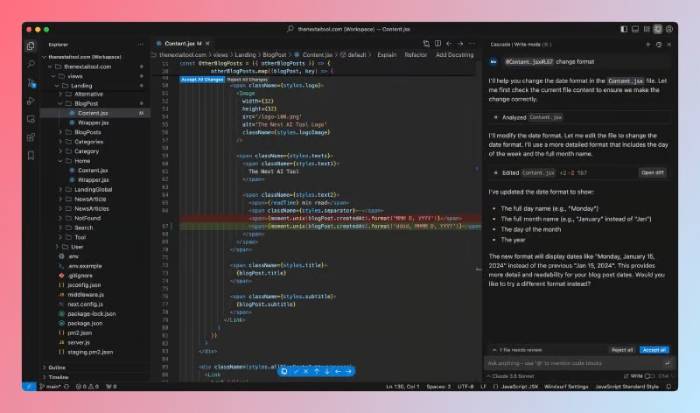
Windsurf is another AI IDE built on VS Code. Windsurf's standout feature is Cascade, which helps to deeply understand the codebase, combining it with advanced programming tools to provide relevant, contextually relevant suggestions.
Windsurf can automatically complete code, detect errors, suggest fixes, and edit multiple files simultaneously. This platform supports leading models such as Gemini 3 Pro, GPT-5, and Claude Opus 4.5.
Advantage
- Create, run, and debug code.
- Integrated IDE Americ
- The Cascade feature is useful.
Disadvantages
- Not as complete as Cursor
Replit
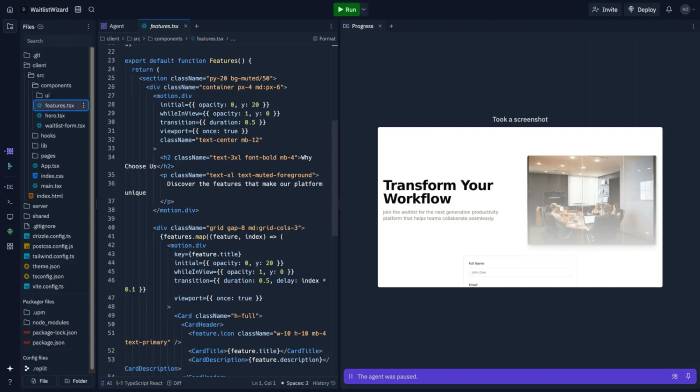
Replit isn't aimed at professional programmers, but rather at general users who want to create applications using AI. Users simply describe their needs in natural language, and Replit will plan, code, and build the application.
Replit can create Android and iOS (Beta) applications, websites, web apps, and 3D games. Additionally, the platform supports hosting, making it easy to share your creations.
Advantage
- Friendly to newcomers
- Create an application using text descriptions.
- Integrated hosting
Disadvantages
- Not for professional programmers.
CodeGPT
If you frequently use VS Code or JetBrains, you might consider CodeGPT. This extension allows you to:
- Connect to a private AI API.
- Using leading programming models
- Ask questions related to the code.
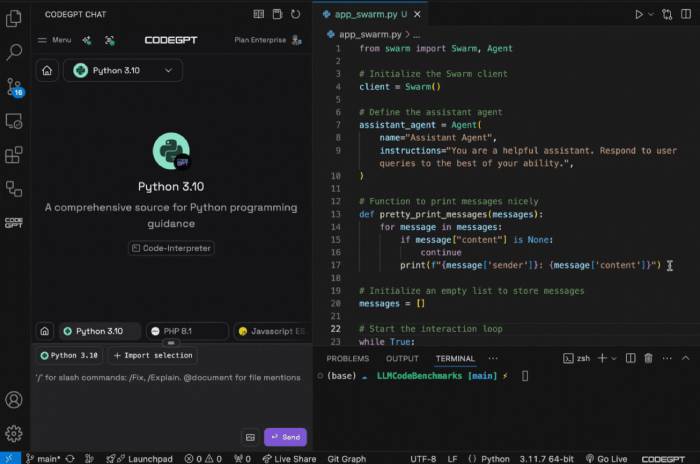
CodeGPT supports:
- Generate source code
- Explain the code
- Find the error and suggest a solution.
- Refactor code
- Create document
- Write Unit Tests
Additionally, the new version includes an AI Agent to help plan and execute programming tasks.
Advantage
- A powerful utility for VS Code and JetBrains.
- ByOK model support
- Access leading AI models
Disadvantages
- Conflicts may occur with some other extensions.
Related Articles
 Multiple Choice Questions About Programming with P1 Prize6 minutes read
 A Set of Multiple Choice Questions for Programming Has a P2 Prize5 minutes read
 What Is the Basic C ++ Programming Language?4 minutes read
 Best Programming Application for iPad 20189 minutes read
 Set of Multiple Choice Questions About Programming with P124 minutes read
 Beginners of Computer Programming Need to Focus on What?10 minutes read
Reader Comments 0
Sign in with email or Google to join the discussion.