Table of Contents
Discover the 10 best AI tools for businesses in 2026, including ChatGPT, Claude, Copilot, HubSpot AI, and Zapier, to automate processes, increase productivity.
Start with a workflow, not a tool
- Document the task, owner, inputs, expected output, and current time or cost.
- Decide which data the tool may access and which data must remain excluded.
- Test with representative cases, including errors and sensitive edge cases.
- Assign a human reviewer and define what the AI may never approve or send alone.
- Measure accuracy, editing time, adoption, incidents, and total cost before expanding.
For implementation ideas, see TipsMake's comparison of AI workflow automation tools, its guide to AI tools for Excel, and the practical overview of automating database workflows with n8n.
AI tools are software applications that utilize technologies such as machine learning, natural language processing (NLP), and generative AI. They are designed to support business operations by processing information, creating content, and assisting with various tasks within the enterprise. This article will present the top types of AI tools commonly used in businesses and their roles.
Business AI tools by use case
AI can support many different areas within a business. Depending on the industry and workflow, businesses often deploy various AI toolkits, the most common of which are:
- Content creation: Support in writing articles, marketing content, and multimedia content.
- Customer care: Automated responses to questions and support for customers.
- Data analysis: Analyzing data and identifying business trends.
- Process automation & project management: Automate repetitive tasks.
- Software programming and development: Support in writing, testing, and debugging source code.
| AI tools | Most suitable for | Category | Business applications |
| ChatGPT | Content creation, research | AI generation | Writing reports, summarizing information, brainstorming ideas |
| Claude | Write long, analytical content. | AI generation | Analyzing documents, summarizing research |
| Grammarly | Business communication | AI generates text | Improve text and email |
| HubSpot AI | Marketing & Sales Information | CRM AI | Marketing automation and CRM |
| Intercom Fin | Customer service | Conversational AI | Automated customer response |
| Microsoft Copilot | Work productivity | AI increases productivity. | Create documents, spreadsheets, and presentations. |
| Notion AI | Information management | AI increases productivity. | Internal notes and documents |
| Tableau AI | Data analysis | AI analysis | Dashboard and data analysis |
| UiPath | Process automation | RPA | Automate repetitive tasks |
| Zapier | Automate workflows | AI automation | Connecting applications and processes |
ChatGPT
- Best suited for: Content creation, research, and improving work productivity.
ChatGPT is a widely used AI-generated assistant across various departments of businesses to create content, summarize information, and support research.
Marketing teams, analysts, and managers often use ChatGPT to write reports, brainstorm ideas, quickly synthesize information, and analyze large amounts of text data.
Claude
- Best suited for: Writing long-form content, analyzing and processing knowledge.

Claude is an AI assistant developed by Anthropic, commonly used for document analysis, research summarization, structured report writing, policy document processing, and internal management support.
Grammarly
- Best suited for: Professional writing and communication support.
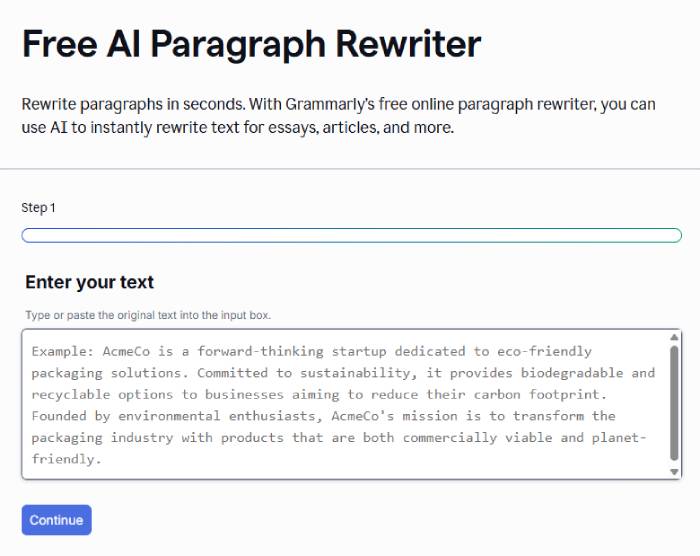
Grammarly is Grammarly's AI feature that helps you write professional emails, adjust your tone, improve content clarity, and correct spelling and grammar errors. Many businesses use GrammarlyGO to ensure consistency in internal communication and with customers.
HubSpot AI
- Best suited for: Marketing and Customer Relationship Management (CRM).
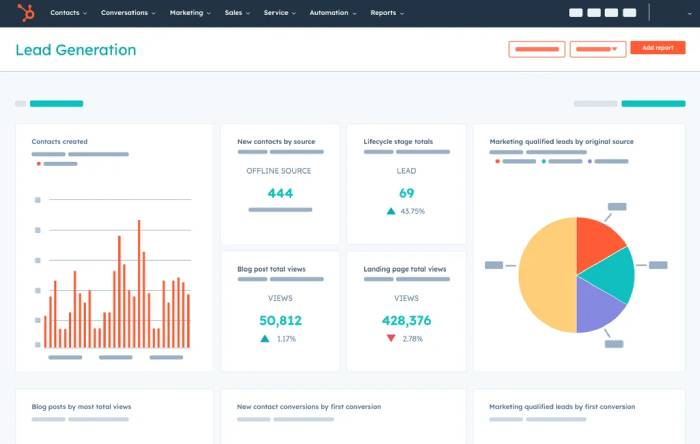
HubSpot AI integrates AI into HubSpot's CRM, Marketing, and Sales ecosystem. Key features include marketing content creation, customer data analytics, campaign personalization, and sales workflow automation.
Intercom Fin
- Best suited for: Customer service automation.
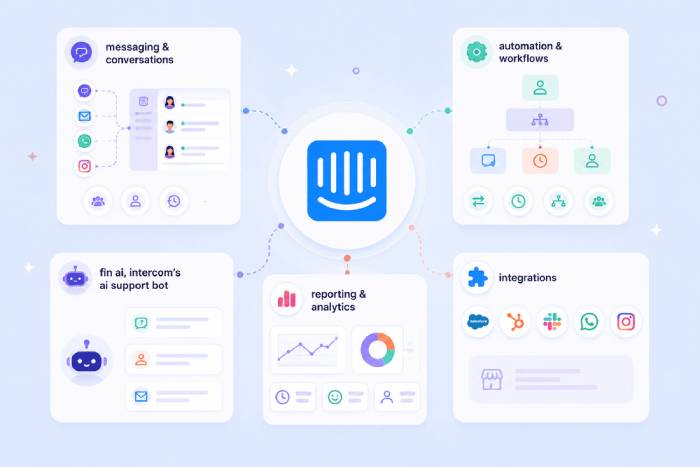
Intercom Fin is designed to answer customer questions from approved support content and hand off cases that need a person. Measure resolution quality, false answers, escalation rate, and customer satisfaction rather than assuming automation always reduces workload.
Microsoft Copilot
- Best suited for: Enhancing office productivity.
Microsoft Copilot is integrated directly into Microsoft Word, Microsoft Excel, Microsoft PowerPoint, and Microsoft Teams.
You can draft documents, create presentations, analyze spreadsheets, summarize meetings, and automate many office tasks.
Notion AI
- Best suited for: Managing internal information and documents.
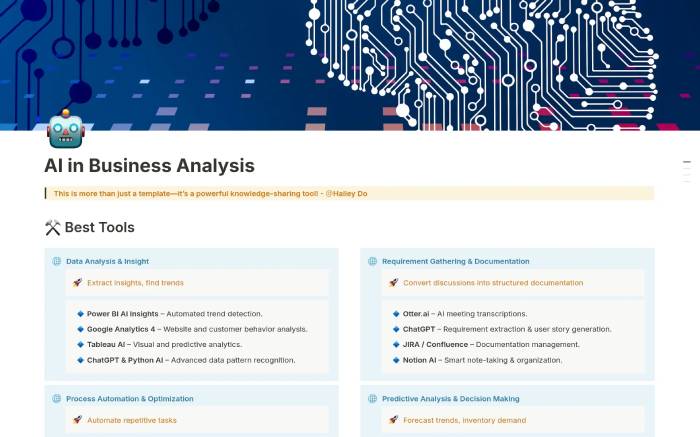
Notion AI helps teams organize notes, create internal documents, summarize projects, and manage business knowledge. It's a particularly useful tool for remote teams.
Tableau AI
- Best suited for: Data analytics and business intelligence.
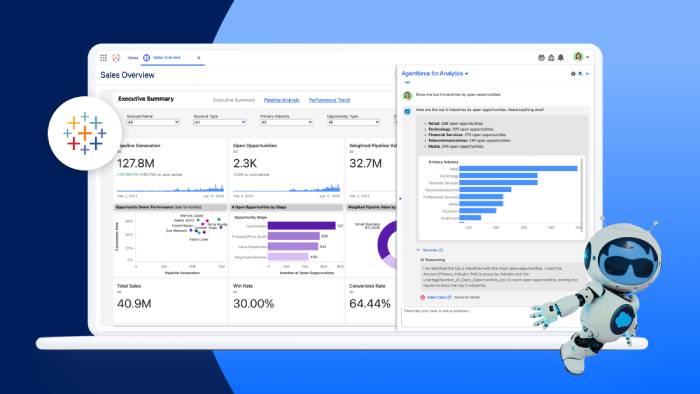
Tableau AI integrates AI features into the Tableau data analytics platform. You can:
- Business data analysis
- Create a visual dashboard.
- Searching for business trends
- Strategic decision support
UiPath
- Best suited for: Process automation using RPA.
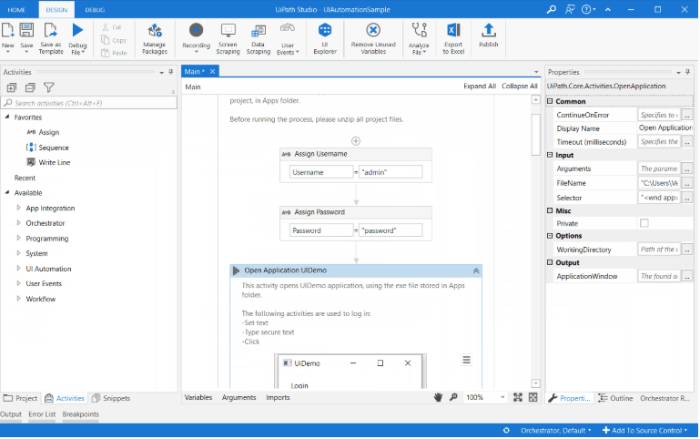
UiPath combines Robotic Process Automation (RPA), Machine Learning, and AI. Businesses often use UiPath for automated data entry, invoice processing, report generation, and the automation of repetitive tasks.
Zapier
- Best suited for: Automating workflows across multiple applications.
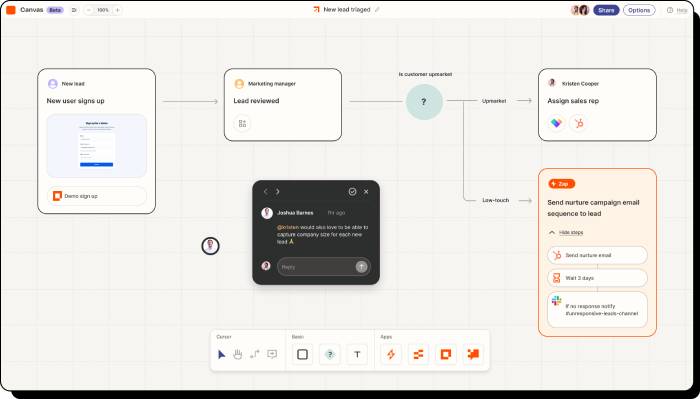
Zapier allows you to connect thousands of different applications and create automated workflows. For example:
- Automatically send emails when a new customer is acquired.
- Synchronize data between CRM and Google Sheets
- Create Slack notifications when new orders arrive.
- These workflows can reduce manual handoffs when triggers and field mappings are reliable. Add alerts, retries, duplicate protection, and an owner for failed runs.
Advantages and disadvantages of AI in business
Advantage
- Can reduce time spent on selected repetitive or information-heavy tasks.
- May reduce operating cost after implementation, review, training, and integration expenses are included.
- Automate repetitive tasks.
- Can help summarize and explore data, while accountable people retain decision authority.
- Can improve response speed or consistency when answers are accurate and escalation is easy.
Disadvantages
- Initial implementation costs can be high.
- Staff need to be trained on how to use it.
- There may be data security risks.
- Some AI results still need to be verified by humans.
Which tool fits which business need?
- Small teams: start with one approved assistant or automation tool tied to a frequent, low-risk workflow.
- Marketing Team: ChatGPT, Claude, HubSpot AI.
- Customer care: Intercom Fin.
- Data analysis: Tableau AI.
- Larger organizations: compare Microsoft 365 Copilot, UiPath, and Tableau only after identity, permissions, governance, procurement, and support requirements are defined.
- Programming and IT: ChatGPT, Claude.





Reader Comments 0
Sign in with email or Google to join the discussion.