Table of Contents
Two of the Samsung Galaxy S26 Ultra’s most distinctive additions solve everyday problems rather than chasing benchmark numbers. Privacy Display reduces the visibility of the screen from side angles, while Horizon Lock keeps video level even when the phone tilts or rotates.
Both features are convenient, but neither is magic. Privacy Display cannot stop someone directly behind you from seeing the screen, and Horizon Lock cannot remove every jolt or replace careful camera movement. Their value comes from making common tasks safer and easier.
Privacy Display limits side-angle viewing
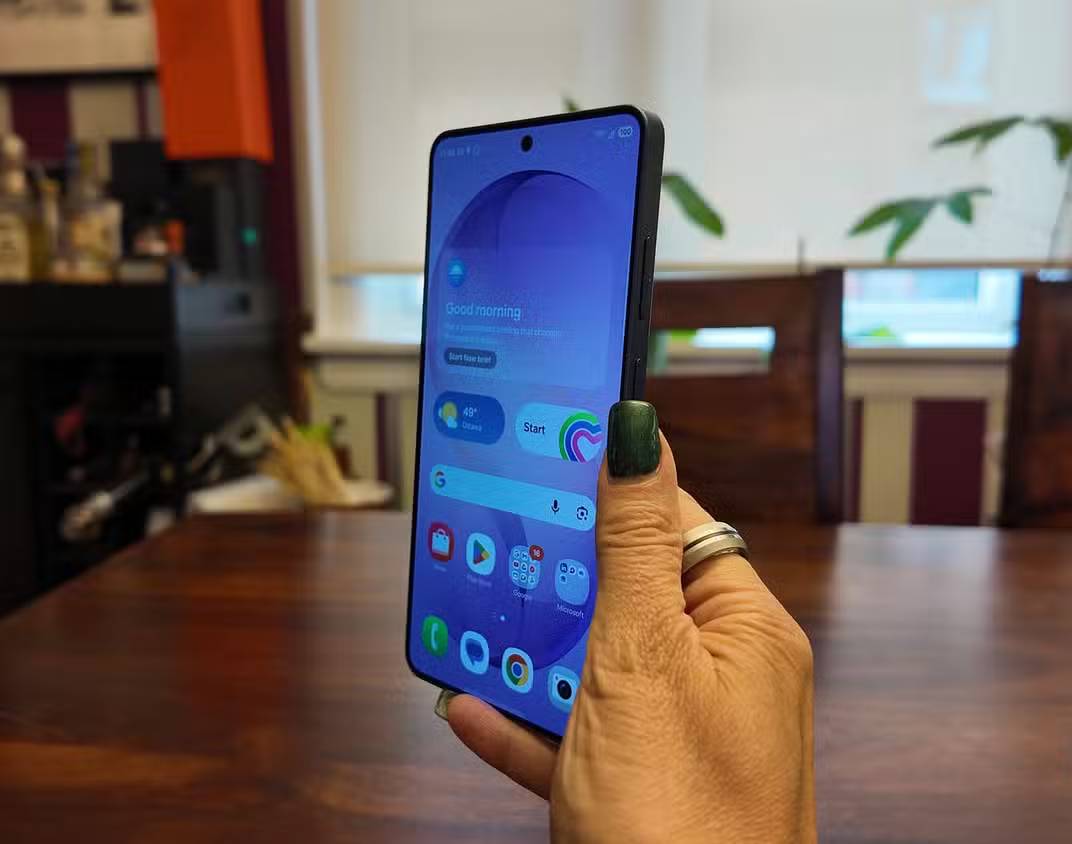
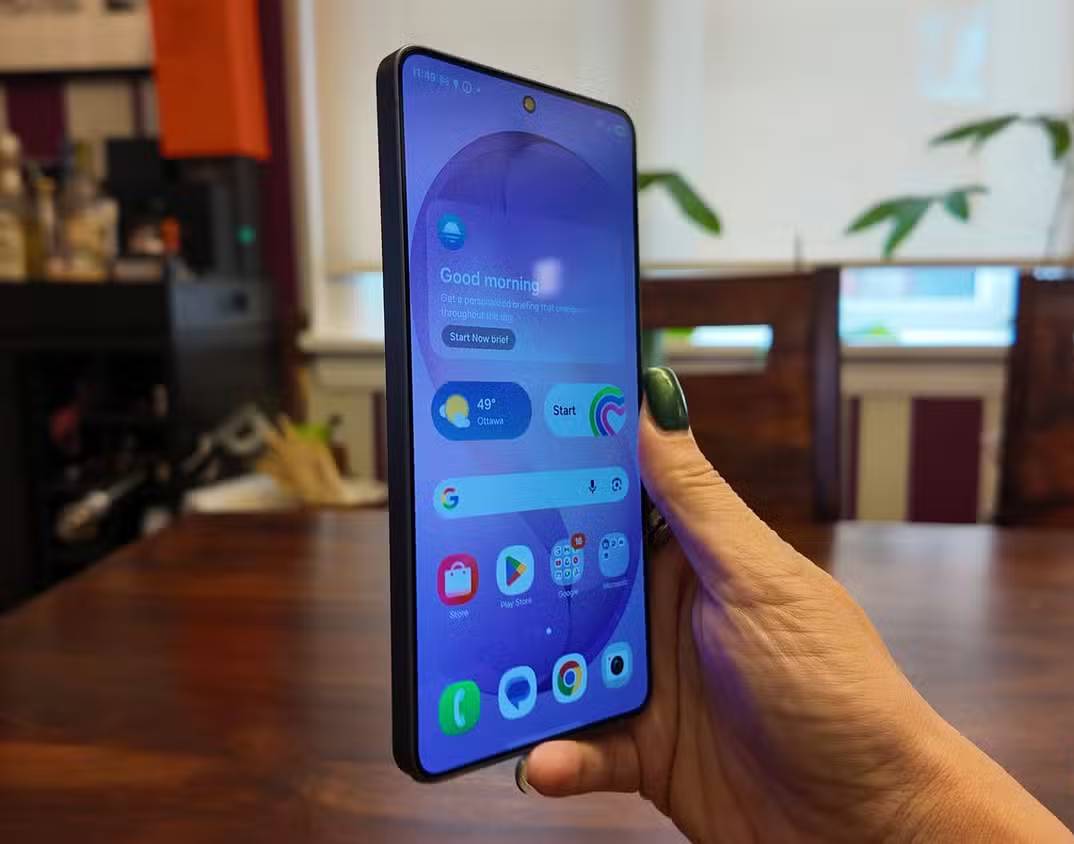
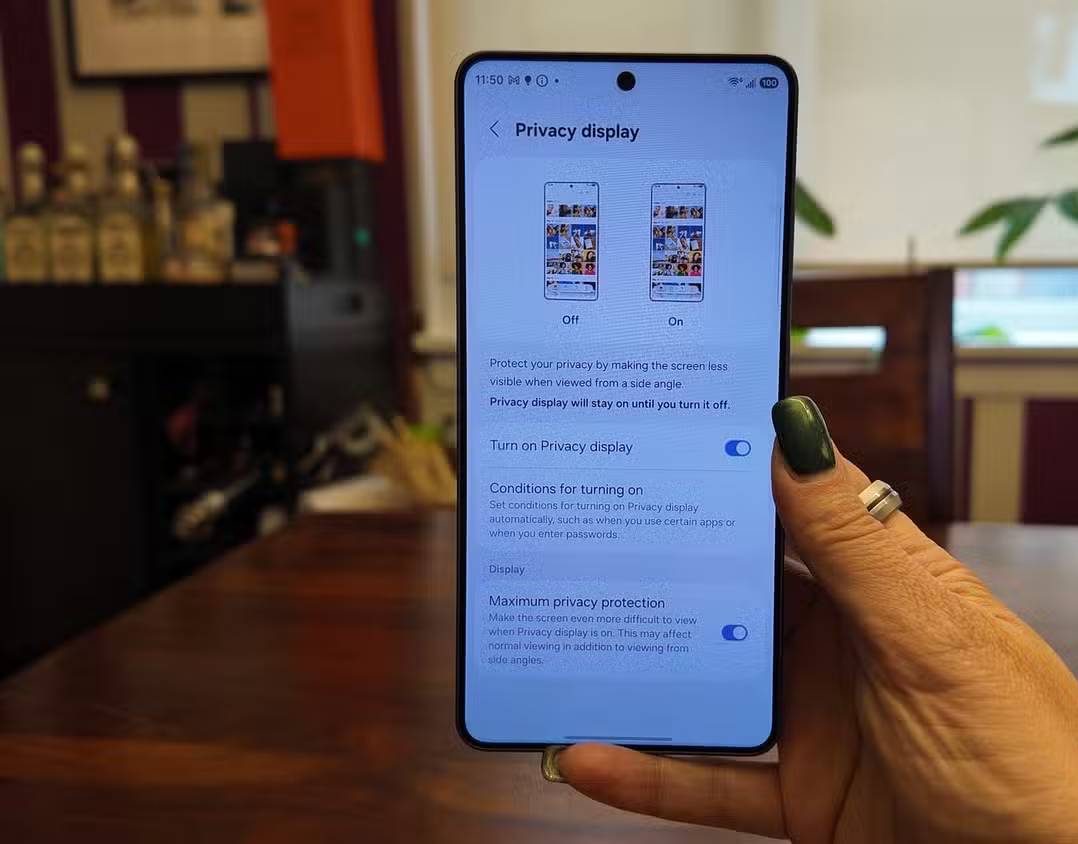
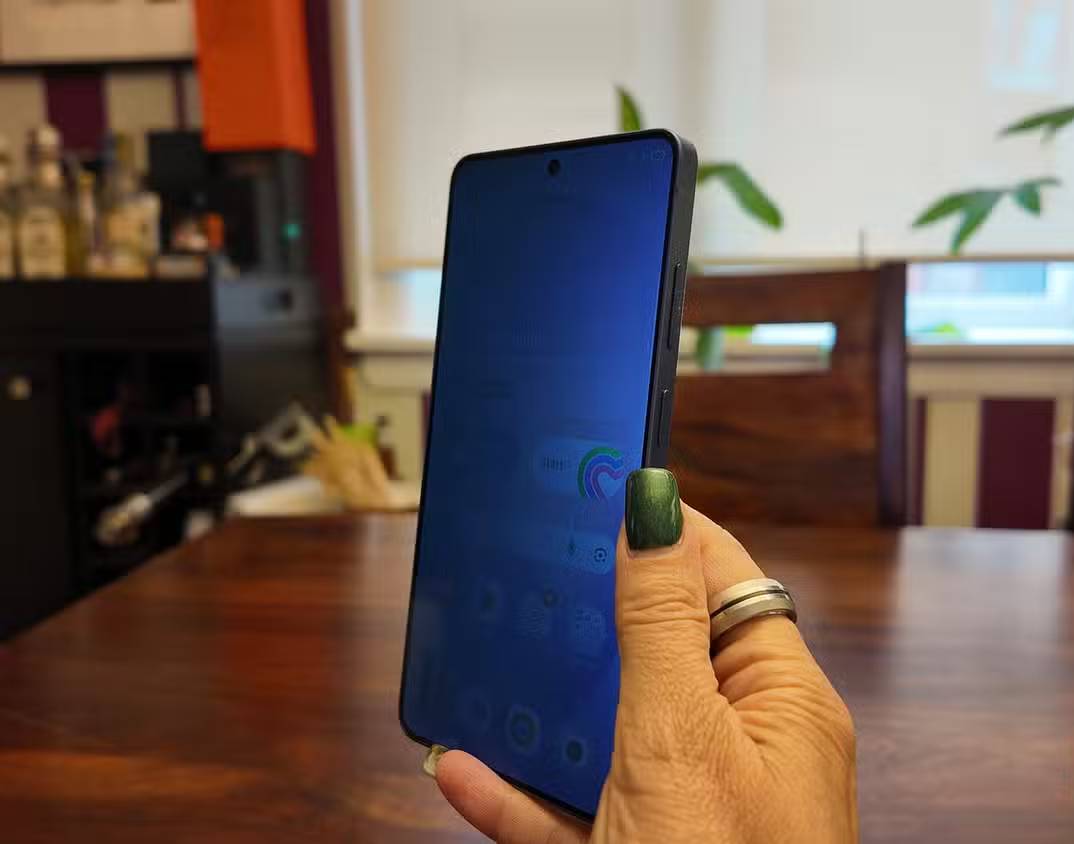
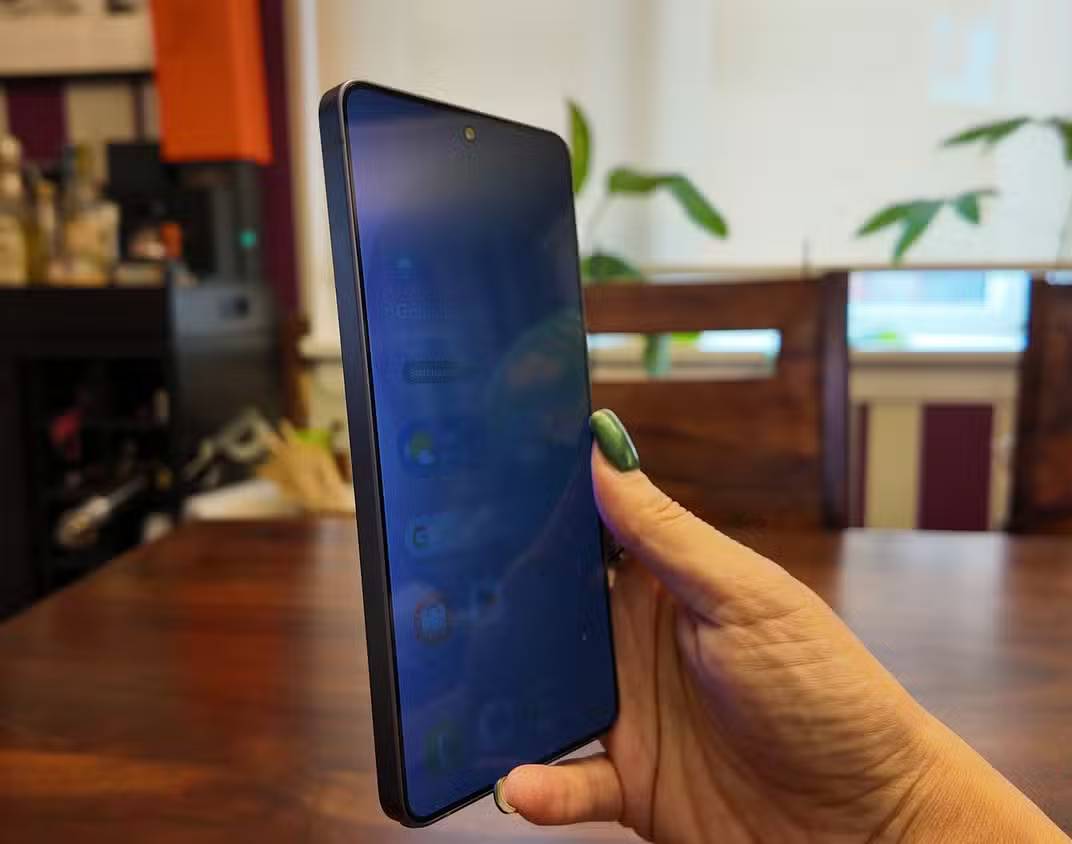
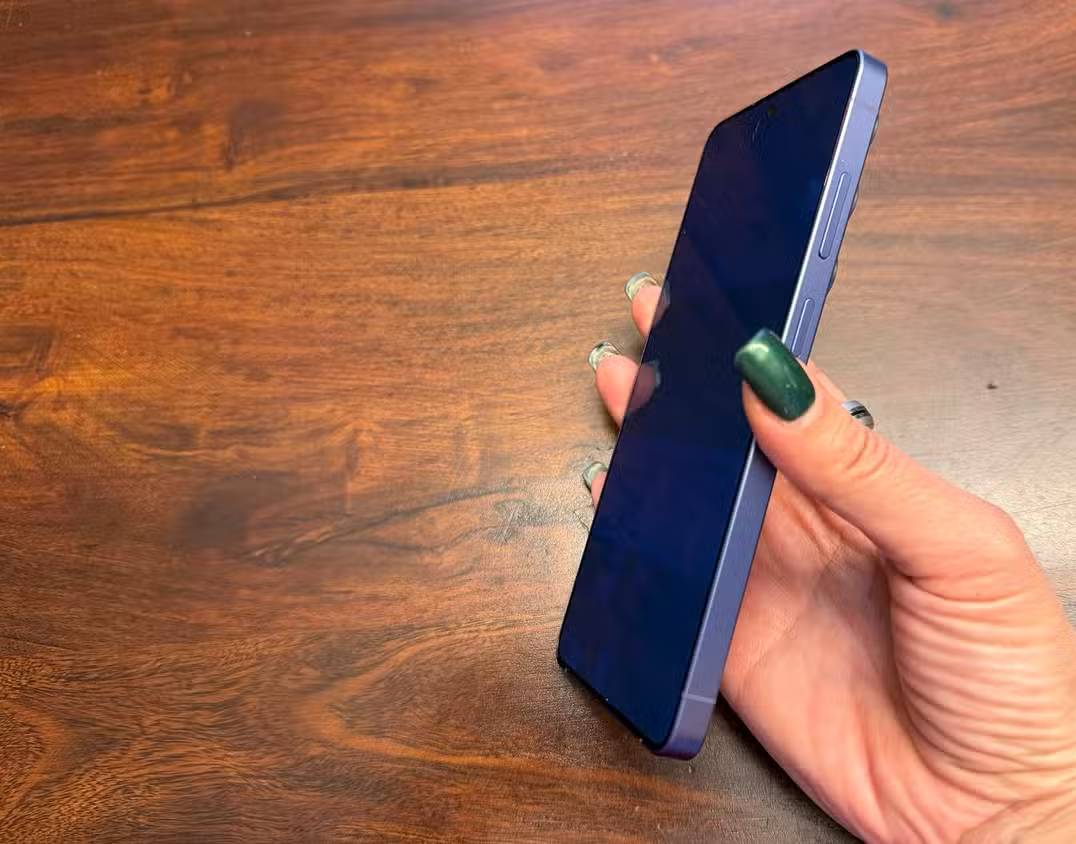
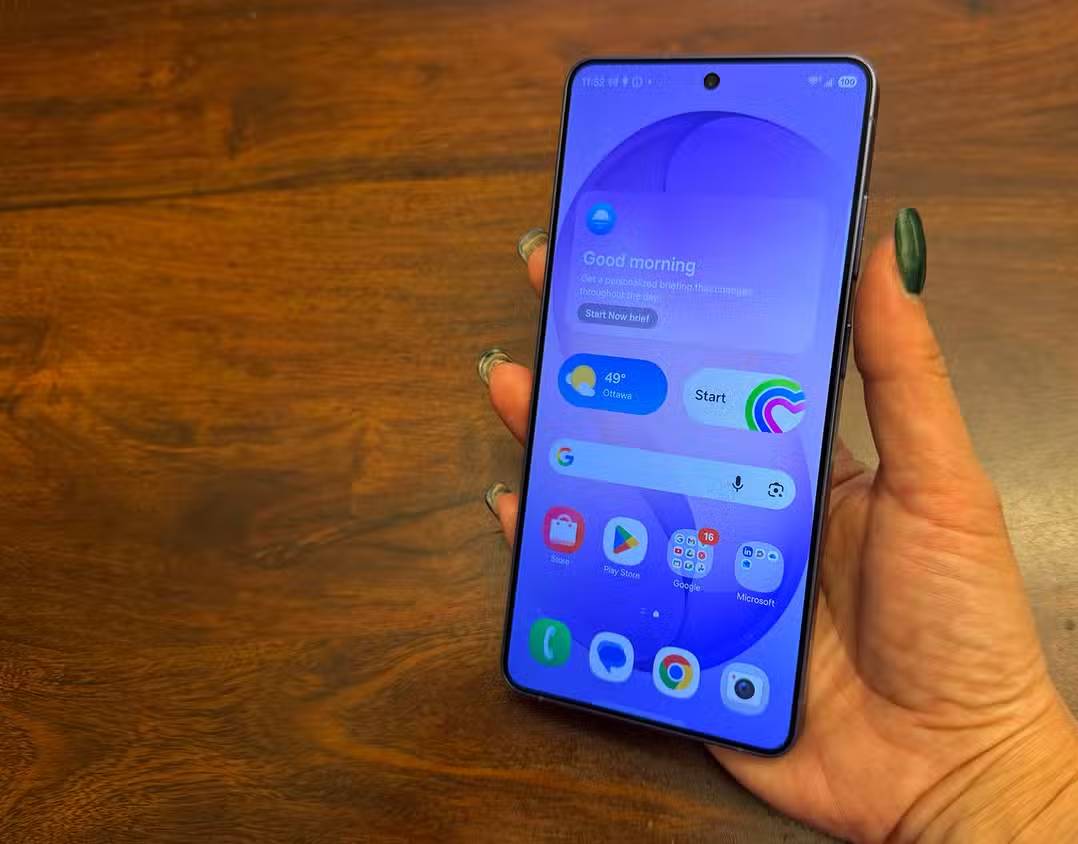
Privacy Display is a built-in alternative to an anti-spy screen protector. When enabled, it narrows the useful viewing angle so a person standing to the left or right sees a much darker image. The owner looking straight at the phone can continue to read and interact with it.
The feature can be switched on manually when reading messages, opening banking apps or working with confidential information in a crowded place. Samsung also provides controls that can activate it for selected apps or situations, such as when a protected app is open or a notification appears.
That flexibility is the main advantage over a permanent privacy film. A physical filter affects the display all the time and must be removed when a wider viewing angle is wanted. The built-in feature can remain off for sharing photos or watching video with another person, then be enabled when privacy matters.
What Privacy Display does not protect
The feature reduces side viewing; it does not make the phone invisible from every direction. Someone looking over the owner’s shoulder may still see sensitive information. Users should continue to shield the screen, lock the device and avoid entering passwords where another person can watch.
Horizon Lock keeps video level
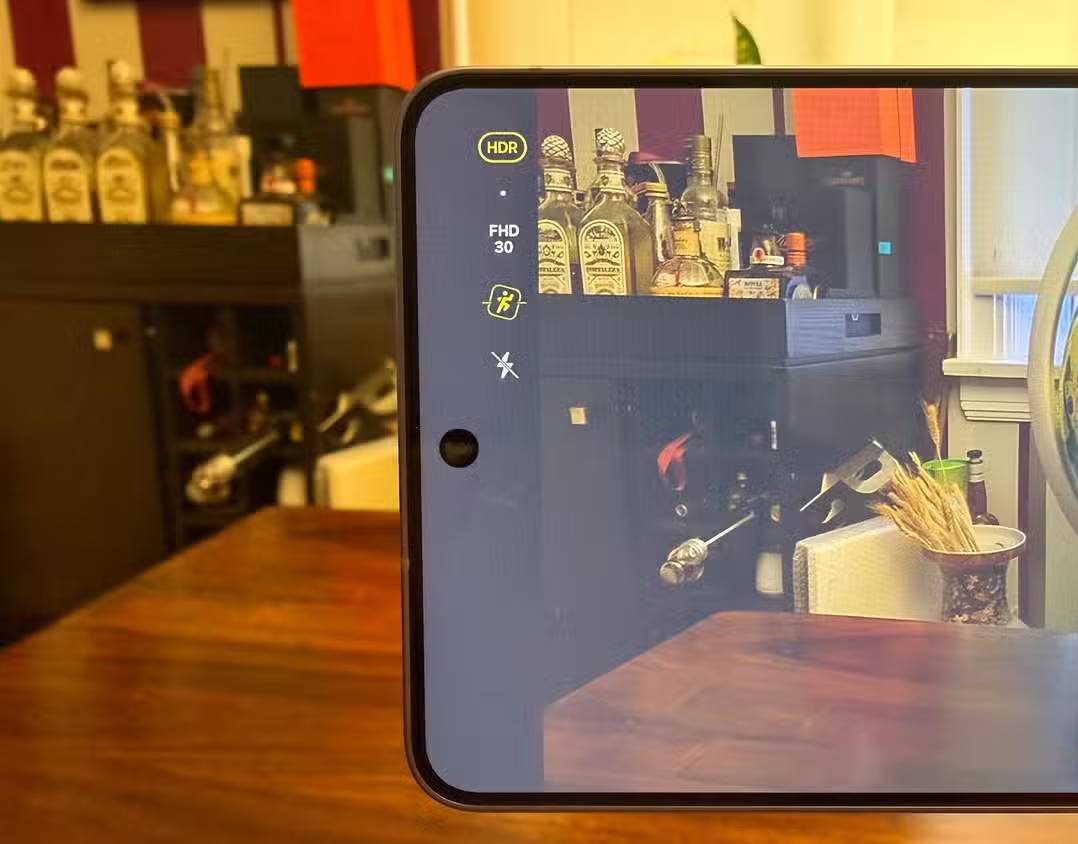
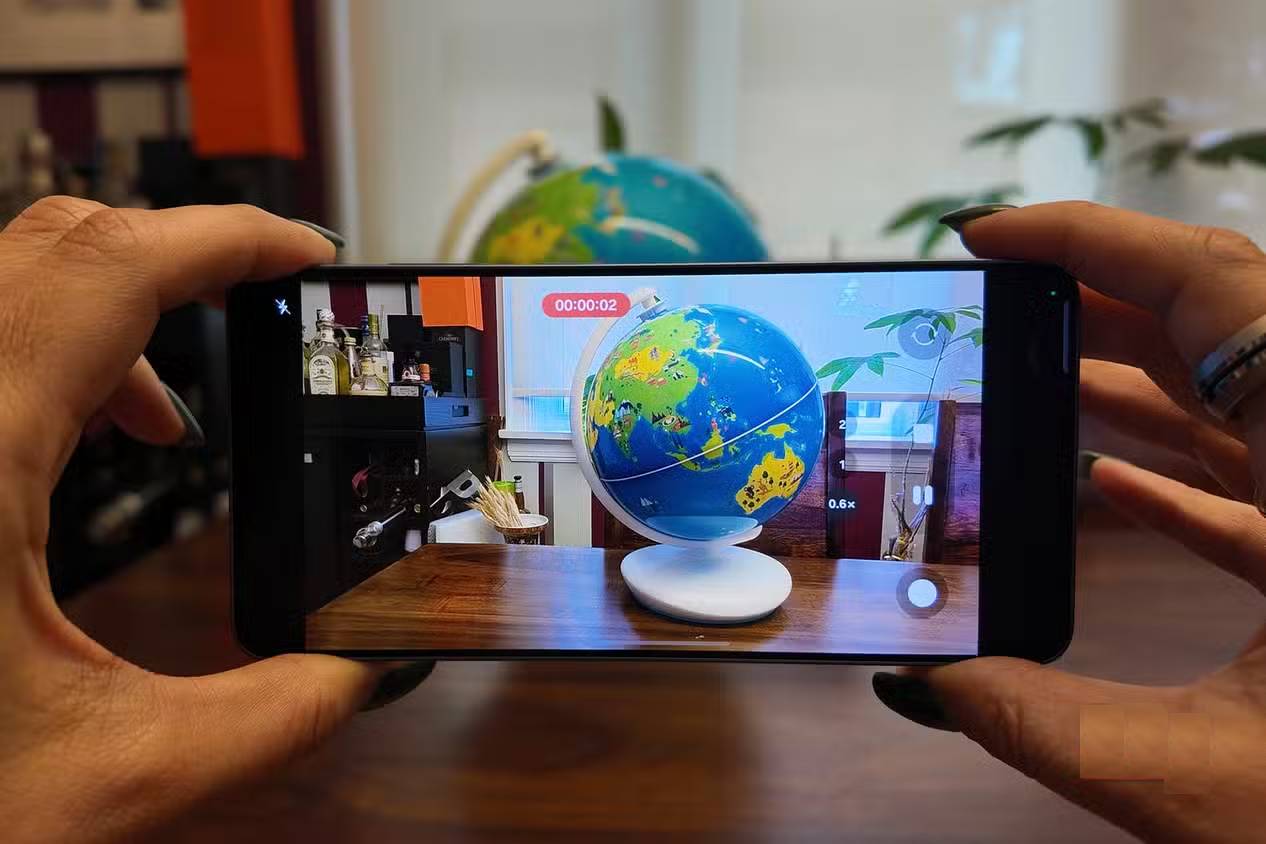
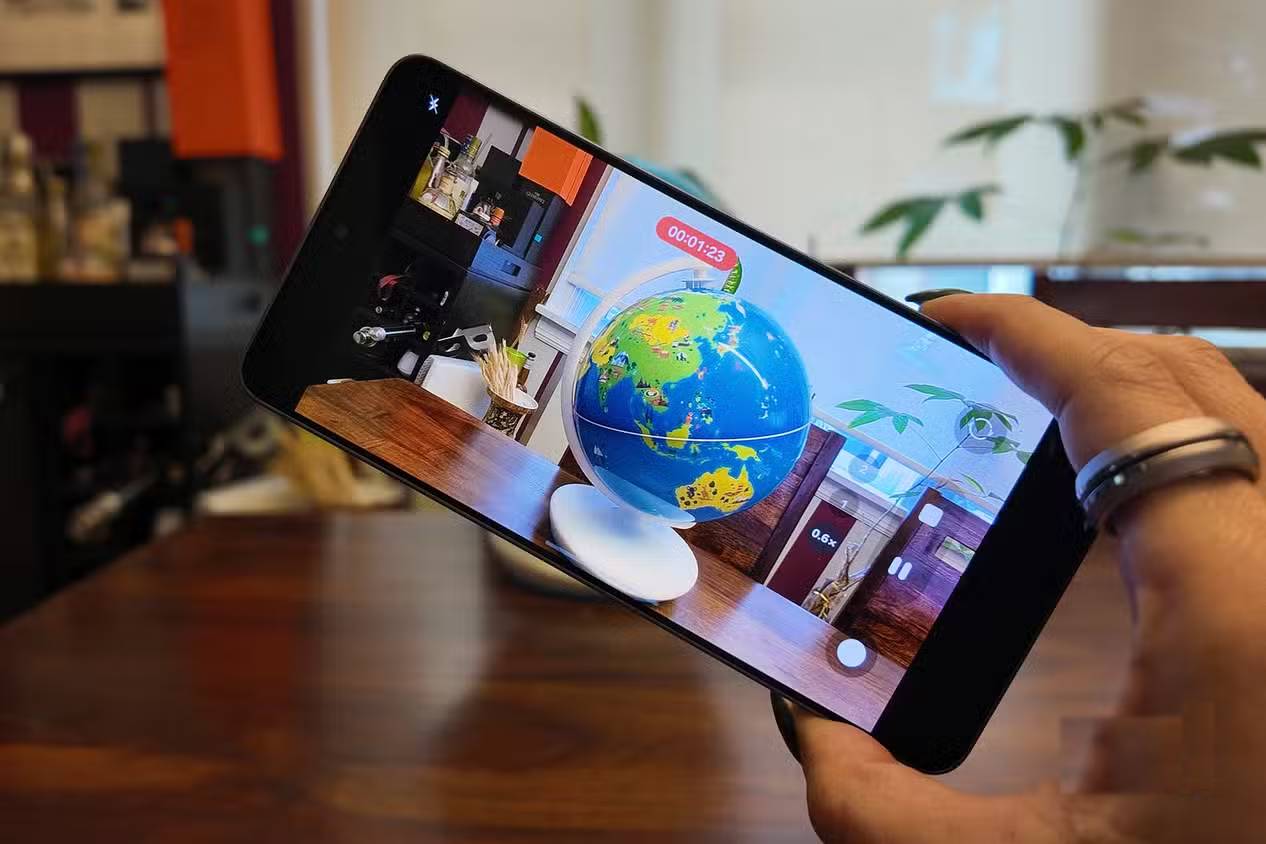
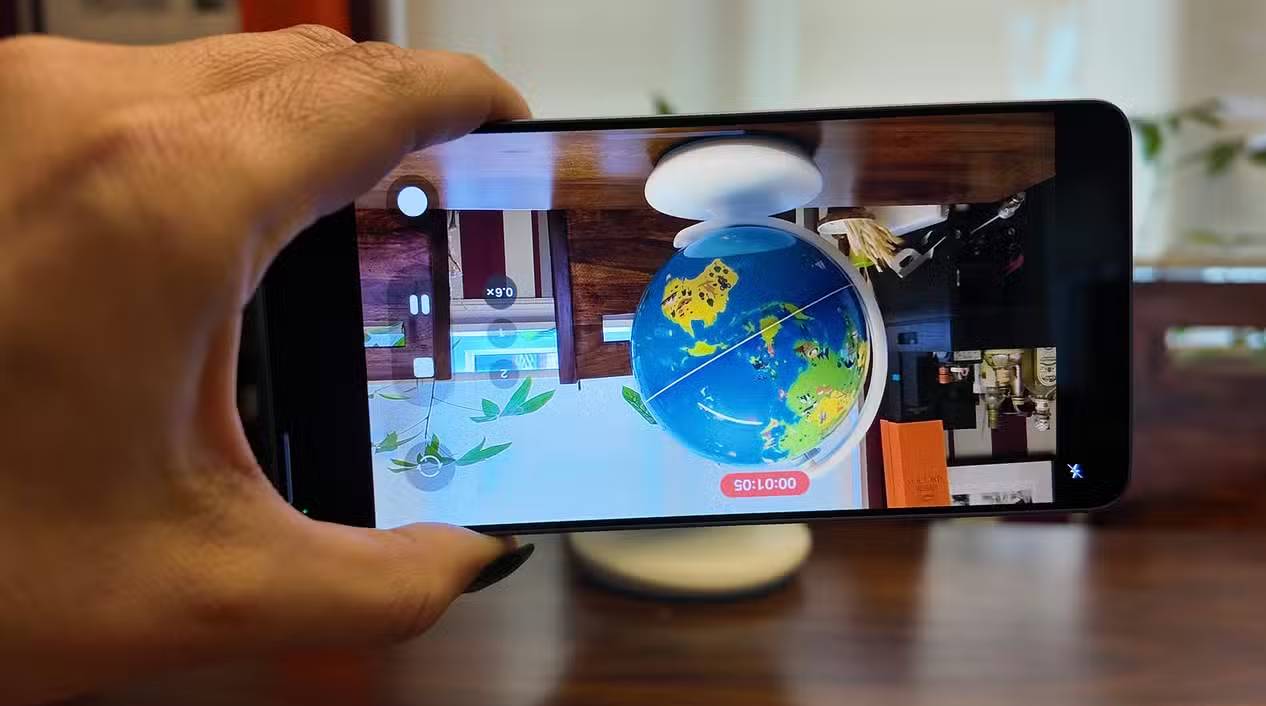
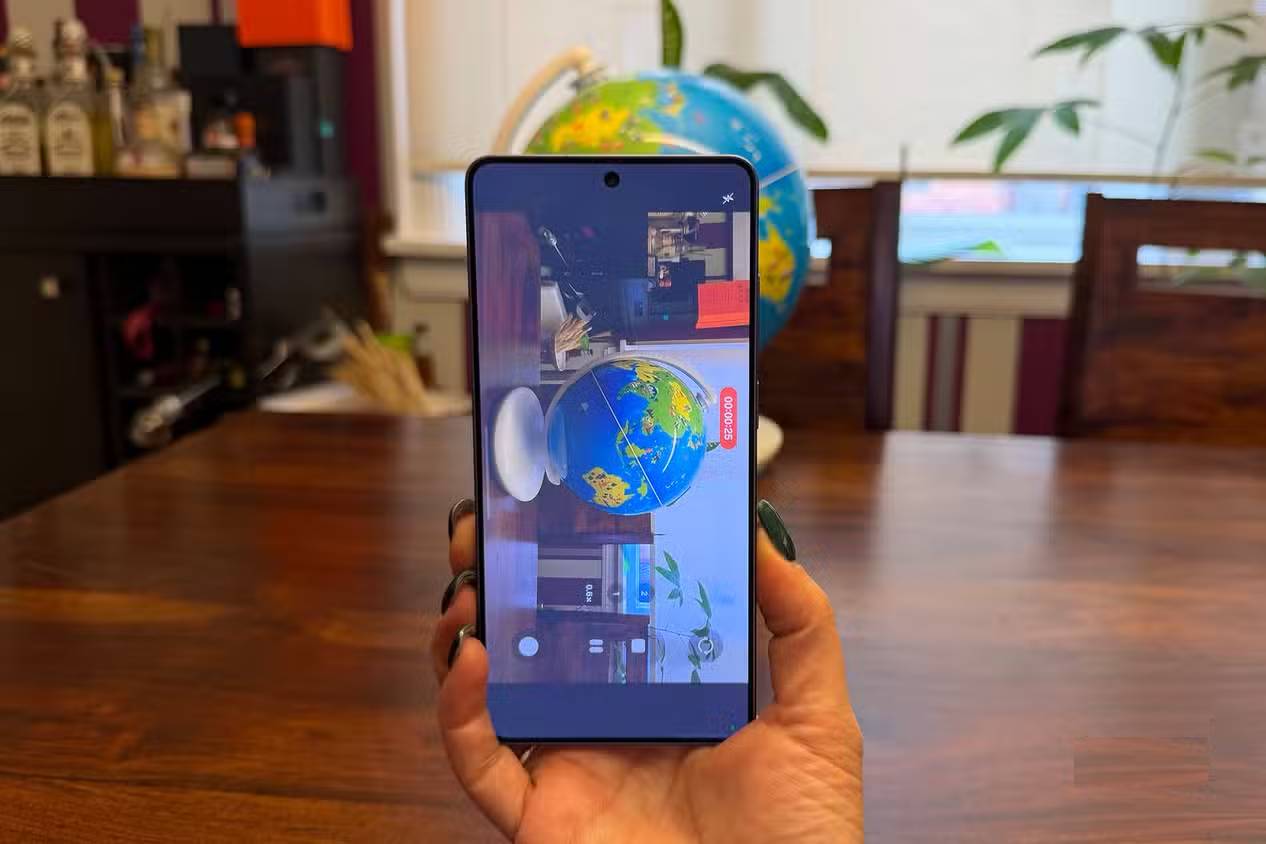
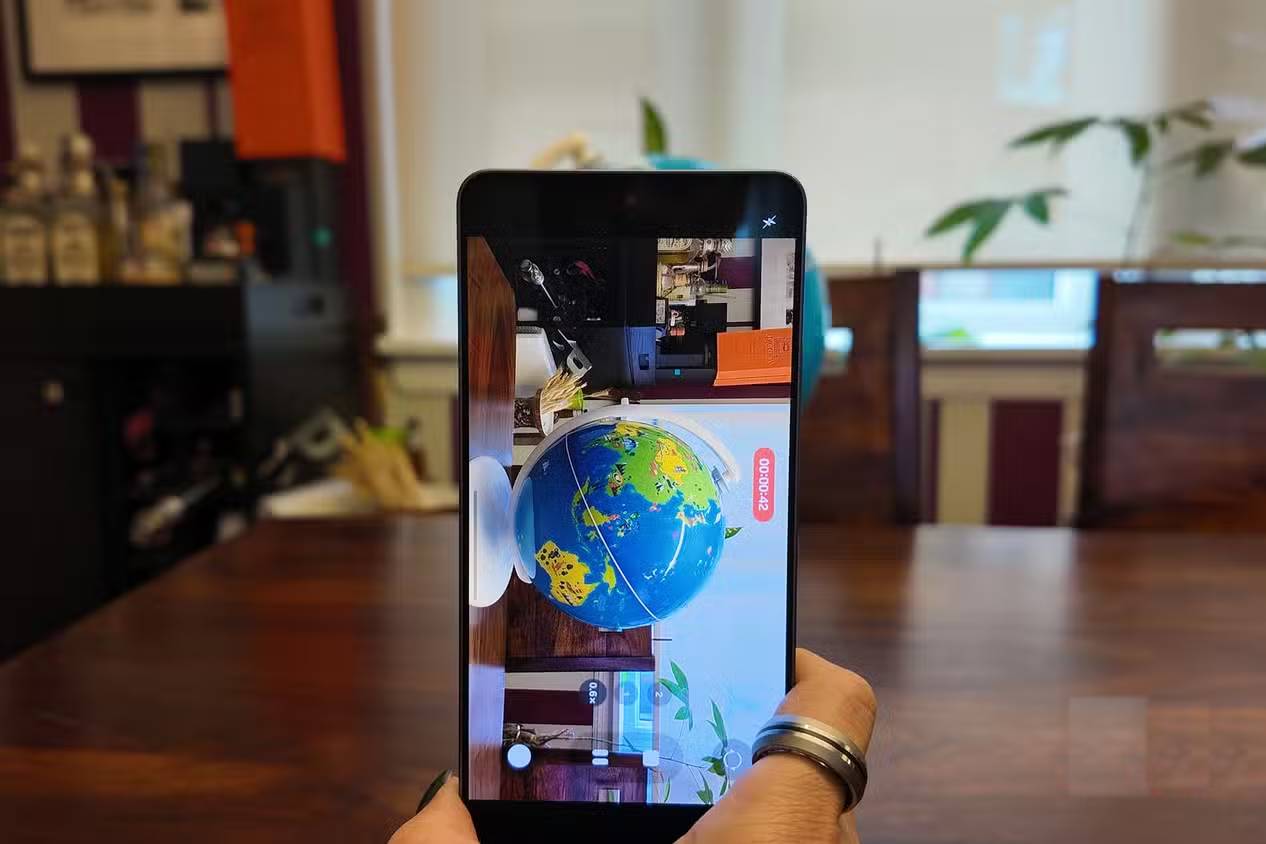
Horizon Lock builds on Samsung’s stabilized video tools. It uses information from the phone’s motion sensors together with camera processing to keep the recorded frame level while the device moves. A user can tilt the phone—and in supported conditions rotate it—without making the finished video rotate in the same way.
This is useful when filming while walking or running, when changing grip during a shot or when keeping a moving subject in frame. It can make casual action footage easier to watch without requiring a separate gimbal.
Electronic stabilization normally uses a cropped portion of the camera sensor so the software has room to compensate for motion. Available resolution, field of view and low-light performance can therefore differ from an ordinary video mode. Check the options shown in the Camera app for the selected lens and recording format.
Where the two features are most useful
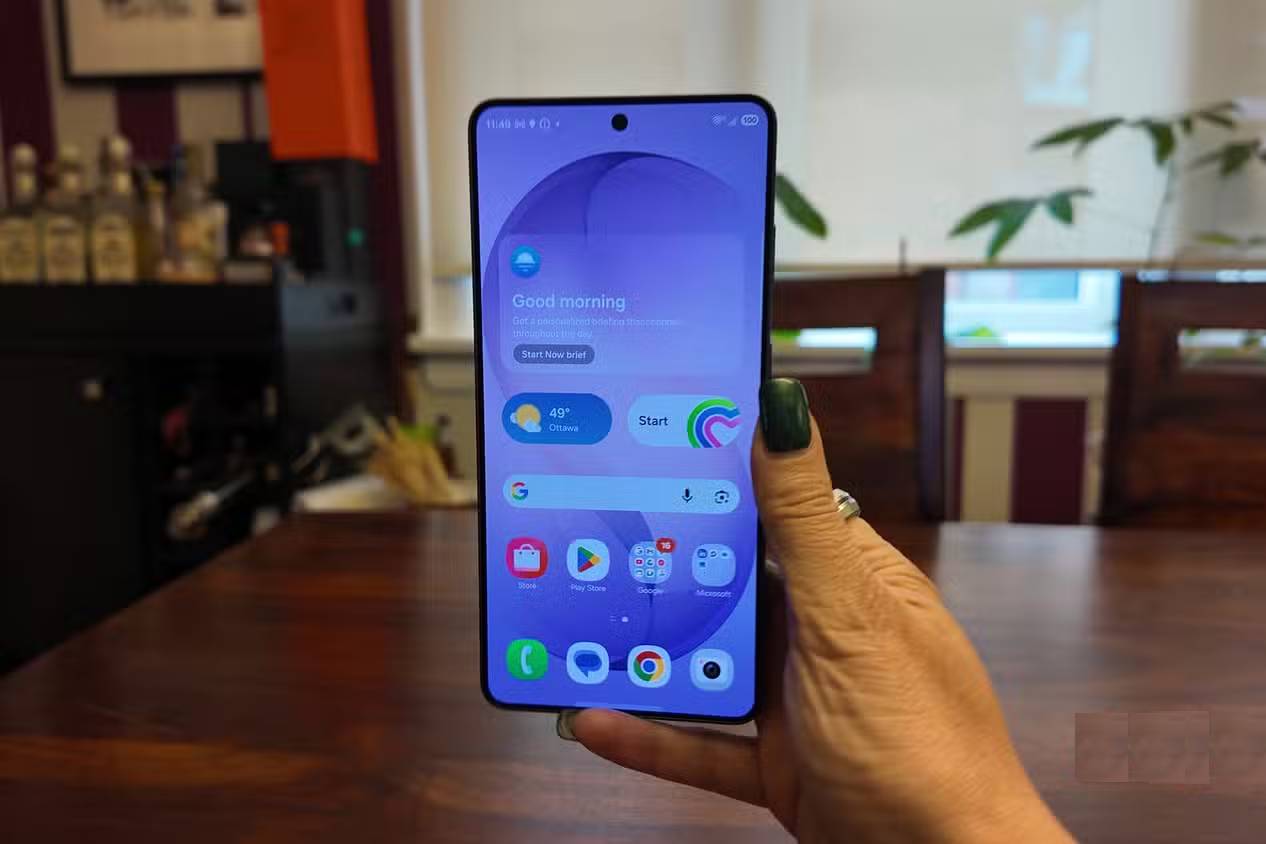
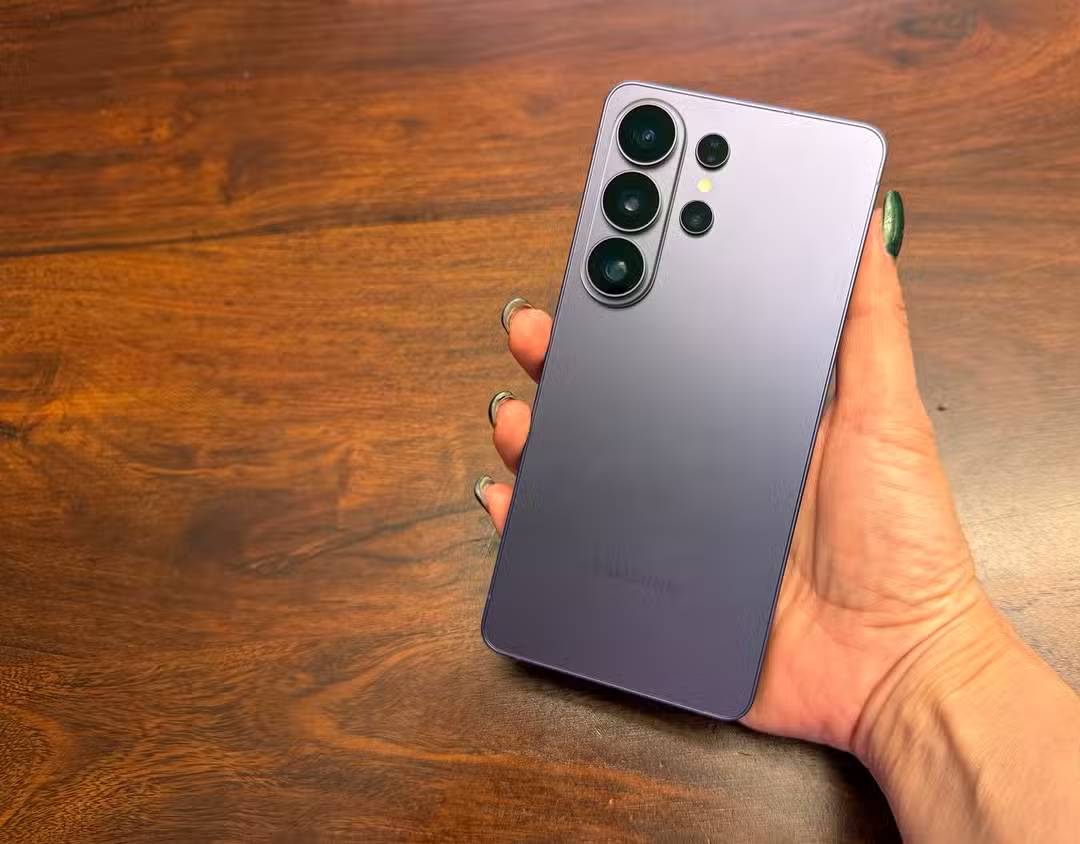
- Commuting and travel: Privacy Display can make messages and account information harder to read from neighboring seats.
- Work in shared spaces: Per-app activation helps protect selected business tools without dimming every screen.
- Family and sports video: Horizon Lock helps keep footage level when the person filming must move quickly.
- Vlogging: A stable horizon can preserve the intended landscape framing even when the phone’s grip changes.
Privacy Display is the more broadly useful feature because it addresses a risk that occurs whenever a phone is used in public. Horizon Lock is more specialized, but it can noticeably improve handheld footage. Together, they show how a phone upgrade can add practical controls rather than simply increasing speed or camera resolution.
Related Articles
 'Abdominal Surgery' Camera Cluster 'Hegemony' on Galaxy S20 Ultra4 minutes read
 Highlights on the Galaxy S21 Ultra Camera5 minutes read
 Samsung: This Is the Total Cost of Creating a Galaxy S20 Ultra3 minutes read
 10 Interesting Tips on Samsung Galaxy S8 Not Everyone Knows7 minutes read
 5 Main Differences Between Galaxy S24 Ultra and S23 Ultra: Recommended Choices8 minutes read
 Is iPhone 15 Pro Max or Galaxy S23 Ultra Better?9 minutes read
Reader Comments 0
Sign in with email or Google to join the discussion.