Table of Contents
Introduction: Some New Points About Opera 11 Browser is easier to understand when the core ideas are paired with practical examples. The sections below explain the topic clearly, highlight useful steps, and point out details that can prevent common errors.
Tipsmake.com - The latest version of Opera browser has been officially launched, accompanied by many improvements in features and interface. In the following article, TipsMake.com will review the highlights of Opera 11 version for Windows.
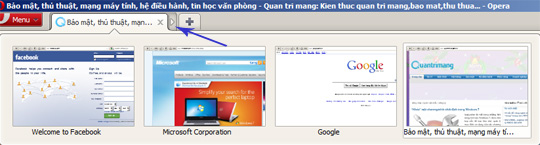
As you can see, we can drag and drop separate tabs to combine into a single tab, when moving the cursor over it, the specific content of each page will be displayed:
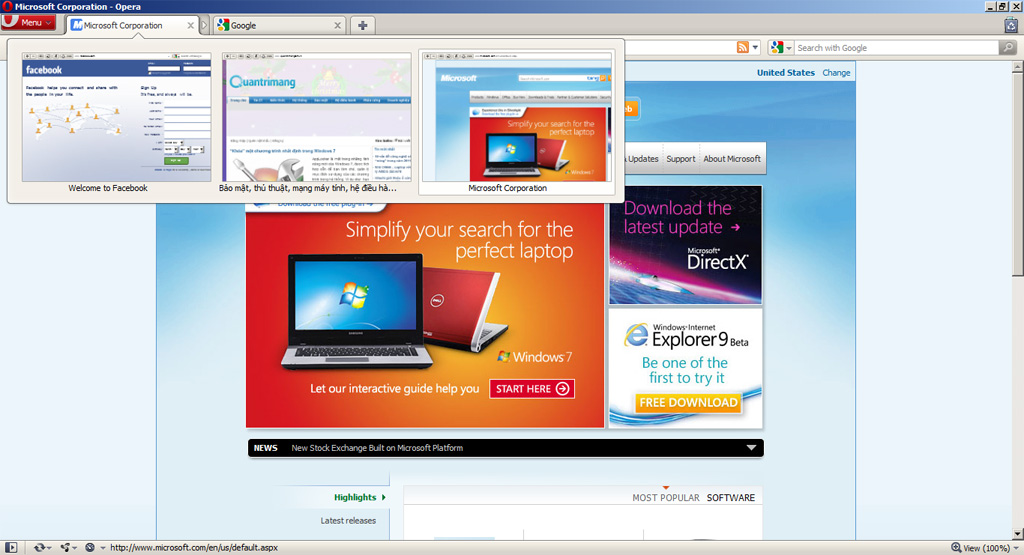
Or split those tabs out the same way with the small arrow button next to:
Cleaner URL Bar with the function to delete long search parameters 'free' when you search using Google:
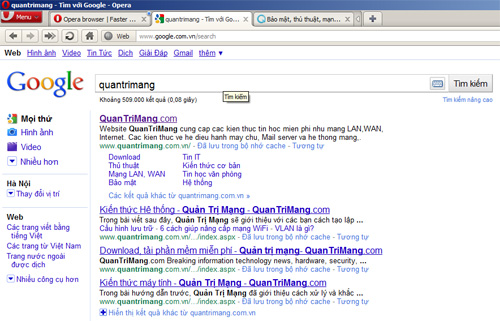
On the other hand, when you move the cursor to the address box, the actual path will be fully displayed:

In addition, you can easily see that Opera 11 emphasizes the original domain of the website currently being browsed, so that users can feel more secure knowing that they are at any site, safe or not. and easily avoid phishing.
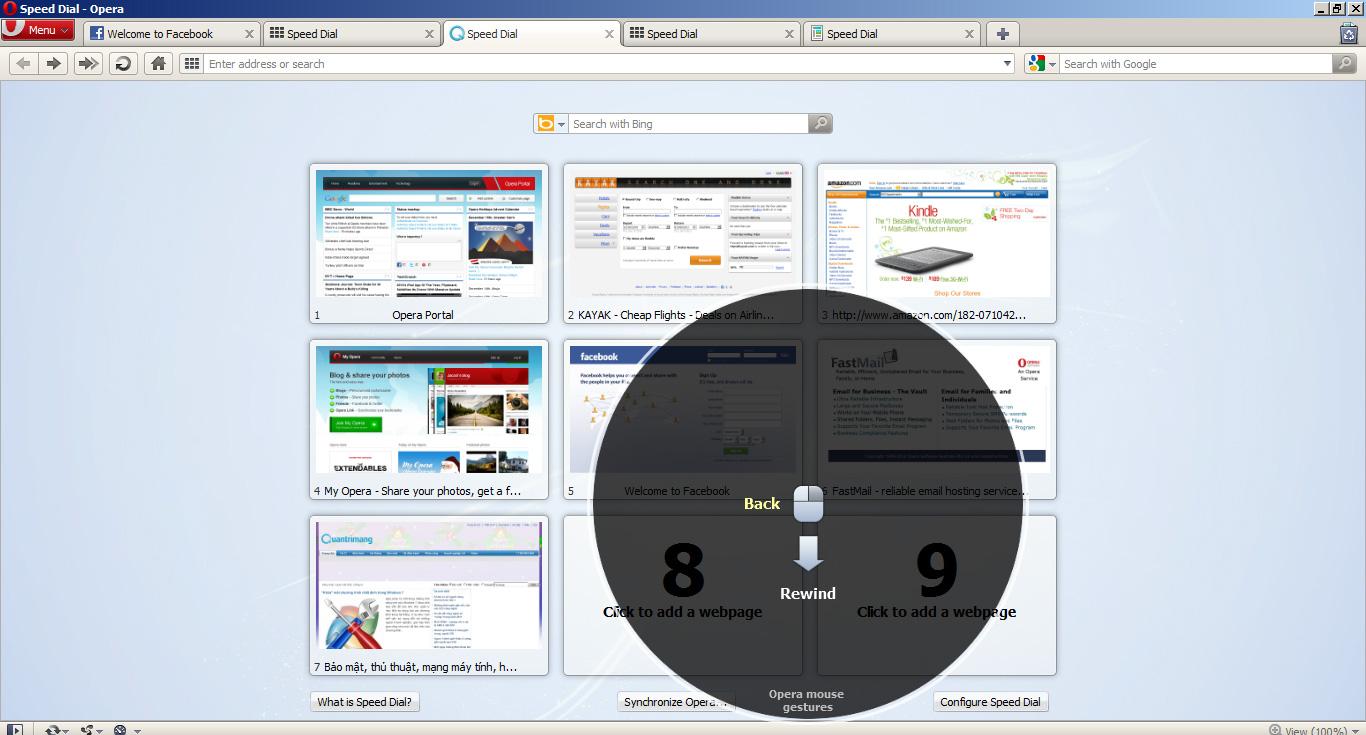
Mouse Gestures tool helps you more at work:
If you are still wondering what the Mouse Gestures tool really is, and how it works, try holding down the right mouse button and dragging it to any, a small notification panel will display and give instructions for You next move when hovering:
The new Extension system includes all the user support tools that are aggregated here, the way to install and use is no different than other browsers like Firefox or Chrome:
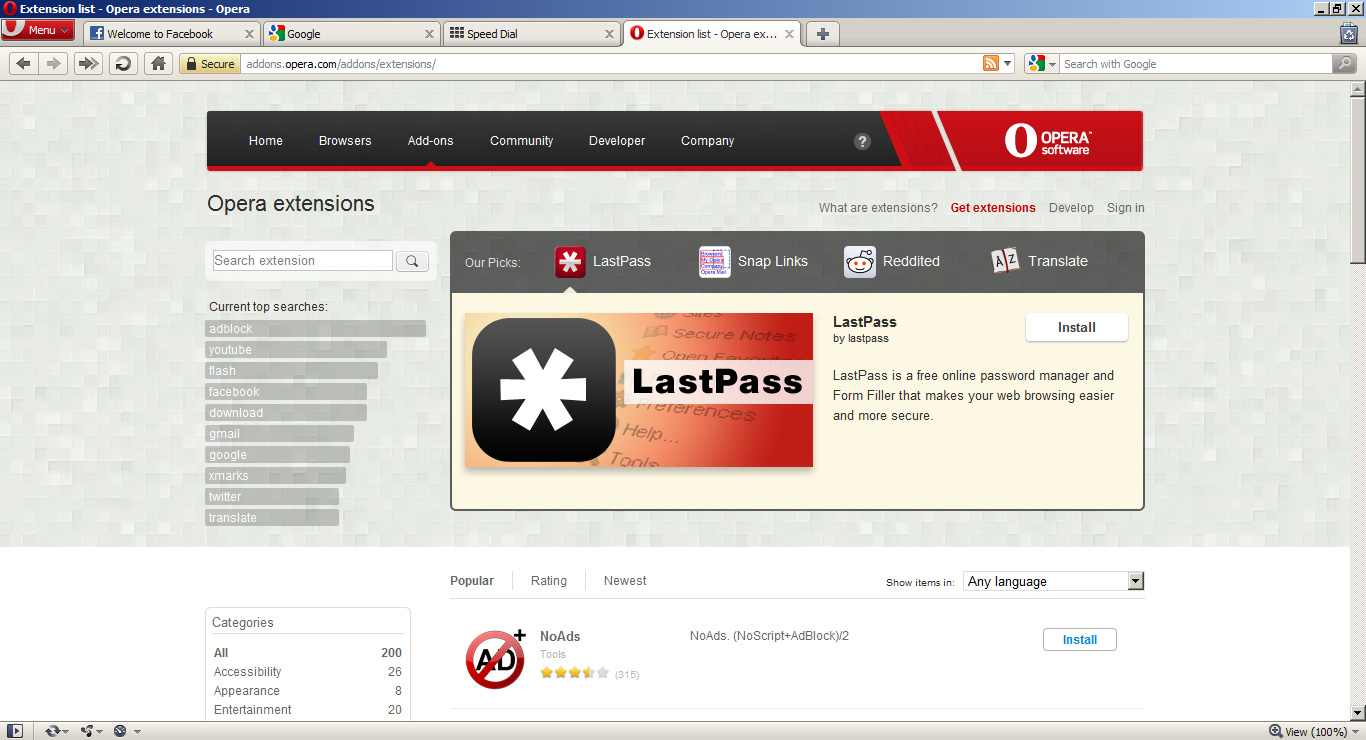
There are also many other interesting and interesting features in this new version, are you ready to explore Opera 11?
FAQ
What is Introduction: Some New Points About Opera 11 Browser?
Tipsmake.com - The latest version of Opera browser has been officially launched, accompanied by many improvements in features and interface.
Why is Introduction: Some New Points About Opera 11 Browser important?
A clear understanding of Introduction: Some New Points About Opera 11 Browser helps you make informed decisions, avoid common mistakes, and use the relevant tools or techniques more effectively.
How should beginners approach Introduction: Some New Points About Opera 11 Browser?
Start with the fundamental concepts, follow the examples step by step, and test each change in a safe environment before applying it to important systems or data.
Related Articles
 Meet Opera Air: Opera's New Browser5 minutes read
 Learn About Opera Page: of Opera Browser5 minutes read
 The Brand New Way to Use Opera One4 minutes read
 What Is Opera One Web Browser? What Can It Do?5 minutes read
 Opera Wants to Be the First PC Web Browser in the World to Integrate Electronic Wallets4 minutes read
 How to Use VPN on Opera Browser5 minutes read
Reader Comments 0
Sign in with email or Google to join the discussion.