Table of Contents
ChatGPT can handle web search, file analysis, images and even presentation files, so a blanket rule to stop using it for those tasks would mislead readers. The better question is which workspace makes a particular job easier to complete and verify. These five alternatives are worth trying when their focused workflow matches what you need.
1. Mixed files inside Google’s workspace: Gemini
Gemini may be convenient when your question involves material already in Google Drive or other connected Google services. It can work with uploaded files and images, subject to the account's access and limits. A useful test is to ask it to compare two documents and identify the exact pages or figures behind its answer. Verify those references in the originals.
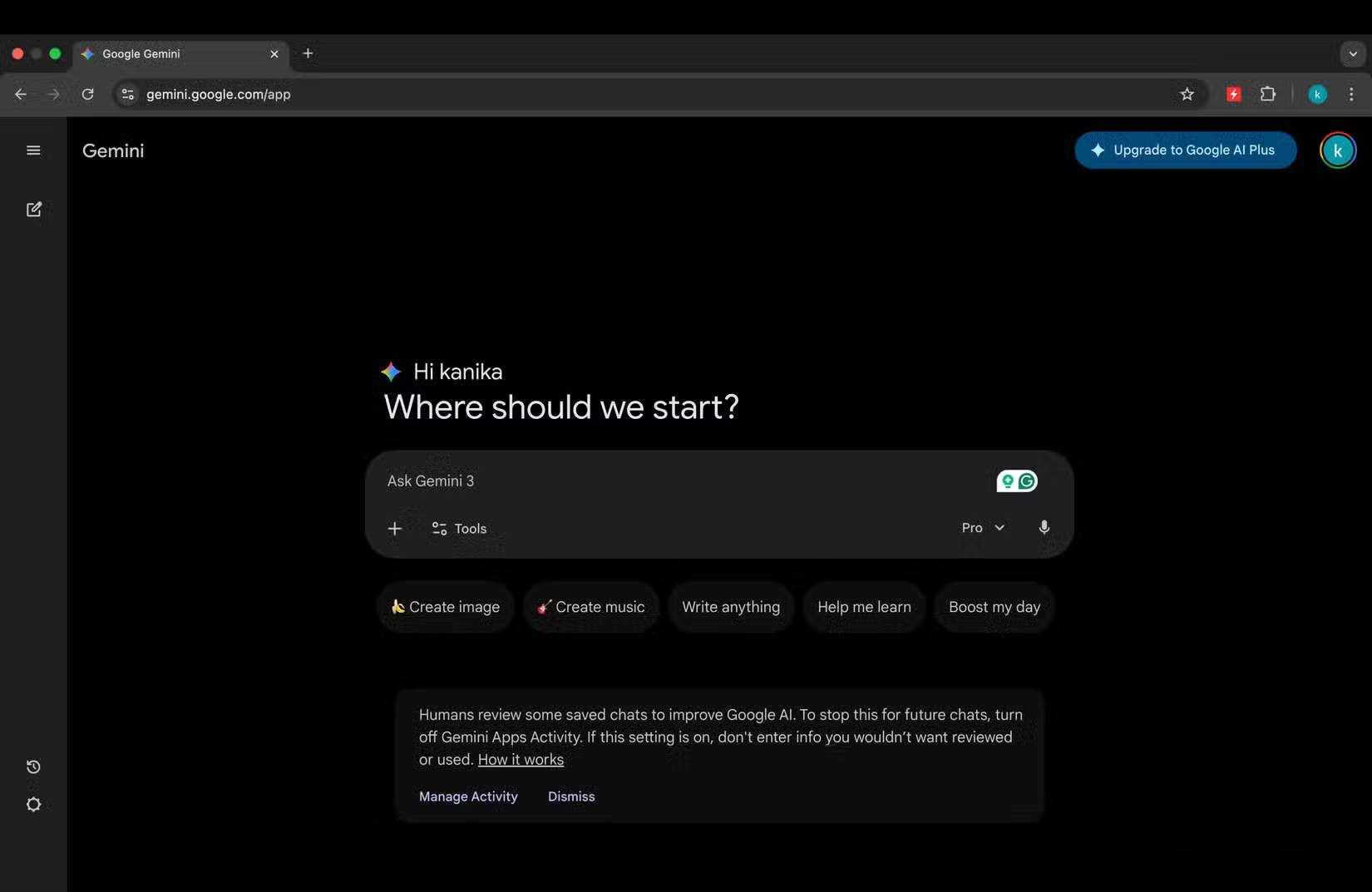
ChatGPT also accepts images and files; this choice depends on where your material lives and what connections your account permits. Do not upload private material to either service before checking its data settings and your organization's rules.
2. Web research with visible links: Perplexity
Perplexity is built around web-backed answers with source links. It can help you gather candidate sources for a current question. Open the cited pages, check their dates and compare claims against the primary source before using the answer in a report. A citation beside a sentence does not guarantee that the page supports every part of that sentence.
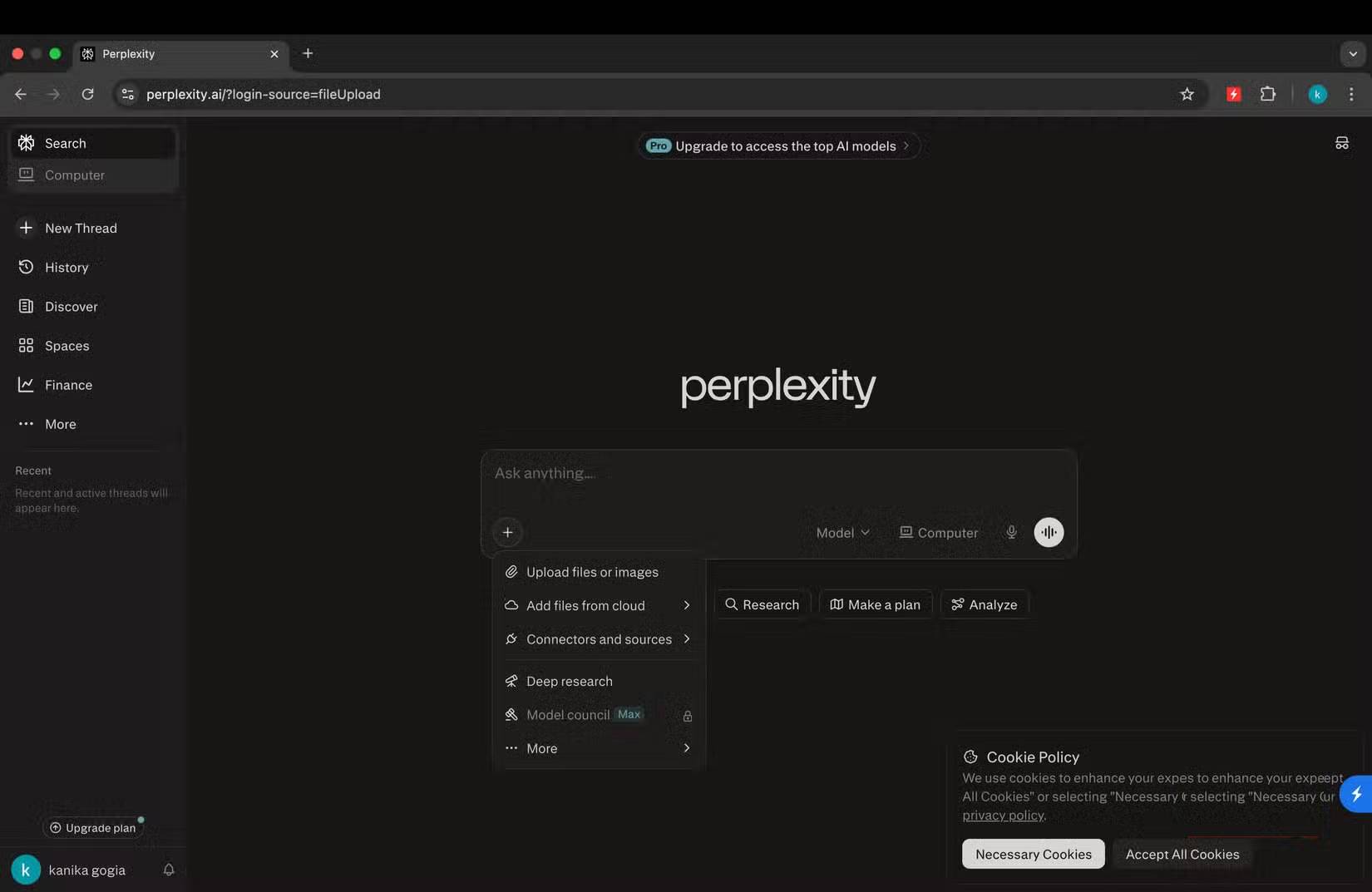
ChatGPT also offers web search with citations, as its capabilities overview explains. Run the same narrow research question in both tools and judge the quality of the underlying sources, rather than assuming one search interface always wins.
3. Studying a selected source collection: NotebookLM
NotebookLM is useful when the task begins with a defined reading set: lecture slides, articles, notes or a course packet. Put related sources in one notebook, ask a specific question, then follow its citations back to the passages. This makes it easier to distinguish what your documents actually say from a general explanation. It can still misread or omit details.
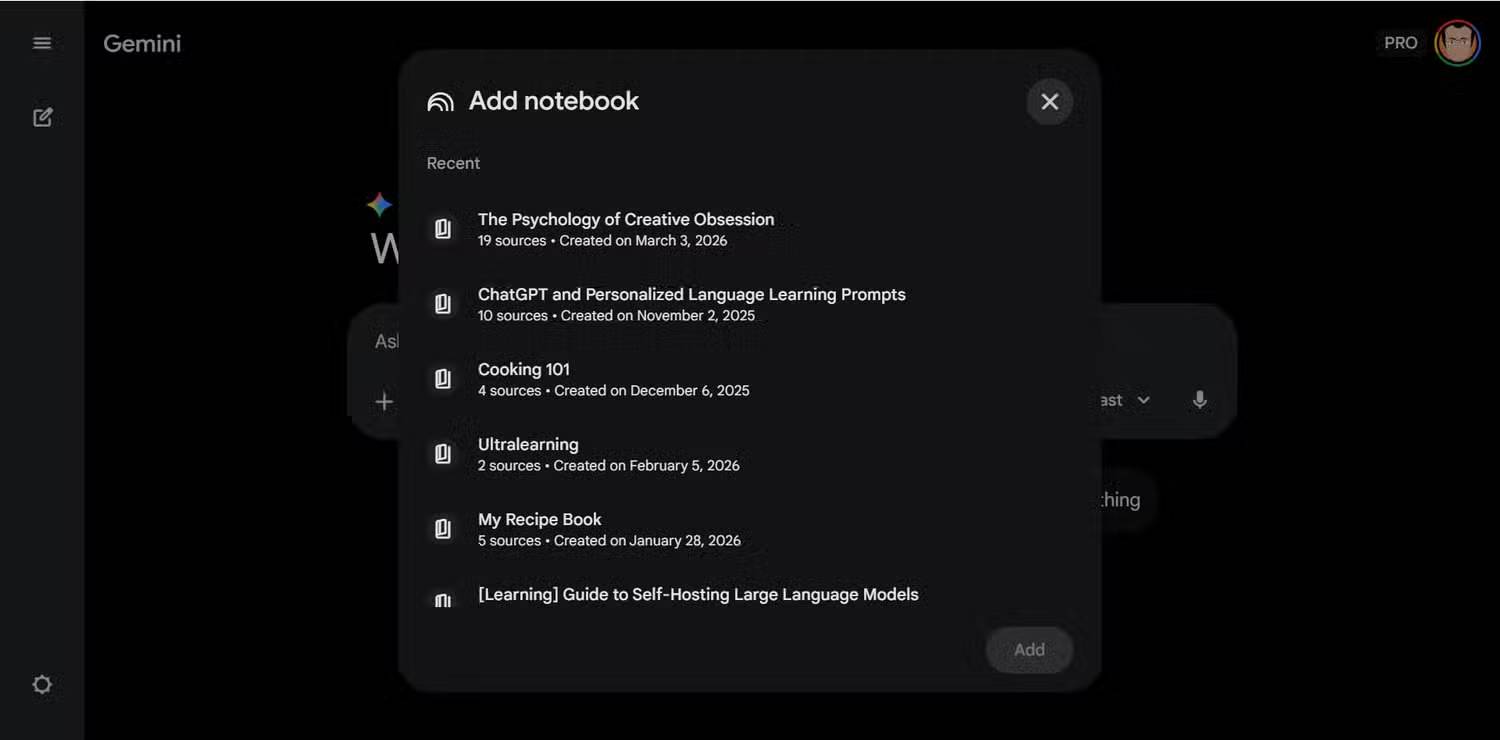
TipsMake's NotebookLM guide walks through sources, notes and study outputs. For a study session, try asking the tool to list disagreements between two readings and then inspect each quoted passage yourself.
4. Image work inside an Adobe editing workflow: Firefly
Adobe Firefly is a practical option when generated assets need further adjustment in Adobe's editing tools. Start with the desired subject and composition, generate a small set of candidates, and revise the selected image for the actual crop and layout. TipsMake's guide to structure and style references in Firefly shows controls that can help with composition.
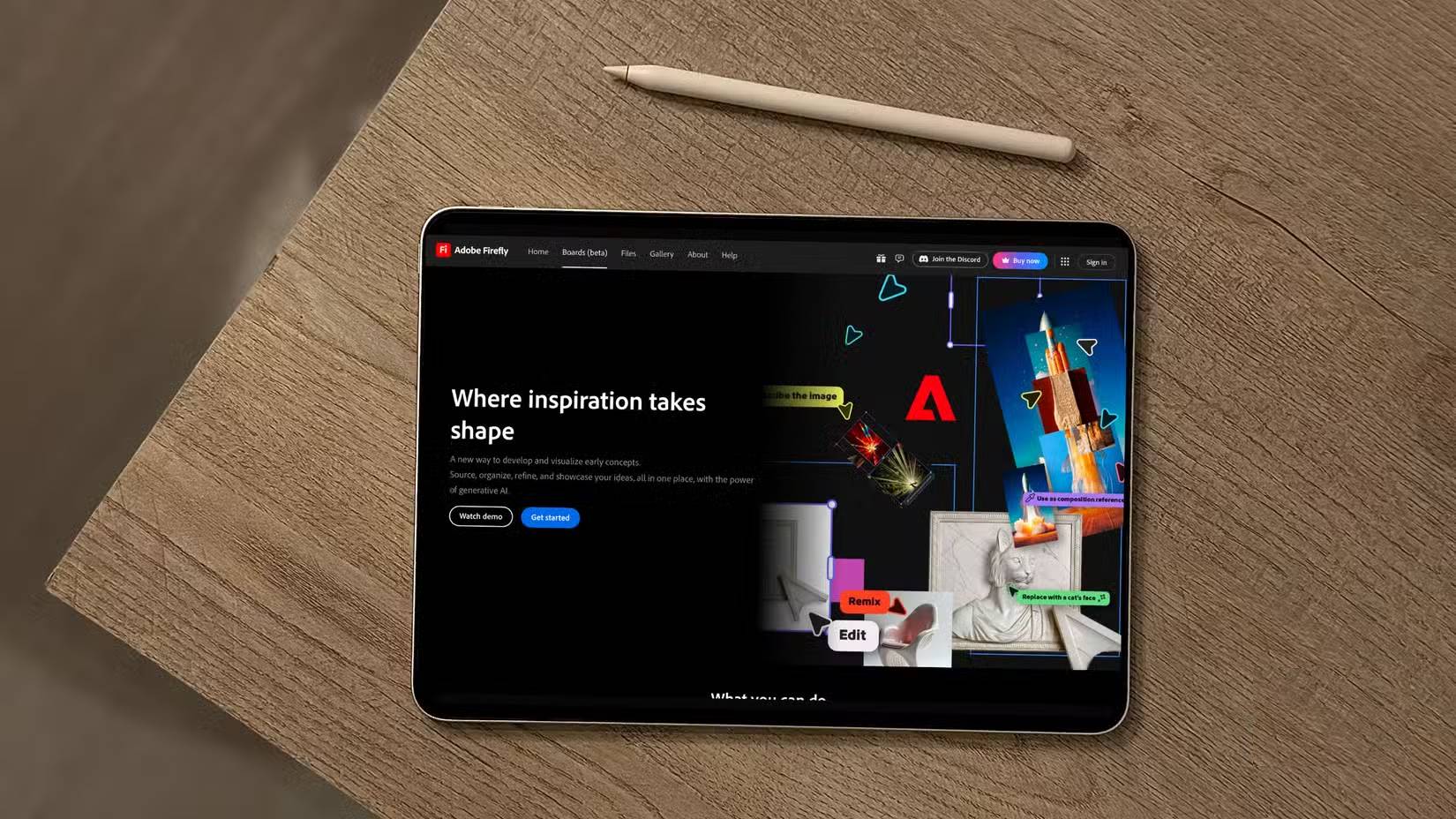
ChatGPT can generate and edit images too. For commercial work, review the terms for the specific Adobe feature or model, as well as the rights in your prompt, reference images, logos and final design. “Safe for commercial use” is not a substitute for that review; see Adobe's Firefly FAQ.
5. A presentation that needs hands-on layout: Canva
Canva suits a team that wants to adjust slide layouts, type, imagery and reusable brand elements in a visual editor. Use ChatGPT for an outline or a first draft if that helps, then check the message, hierarchy and readability of each slide in the design tool. TipsMake's Canva presentation guide covers the editing workflow.
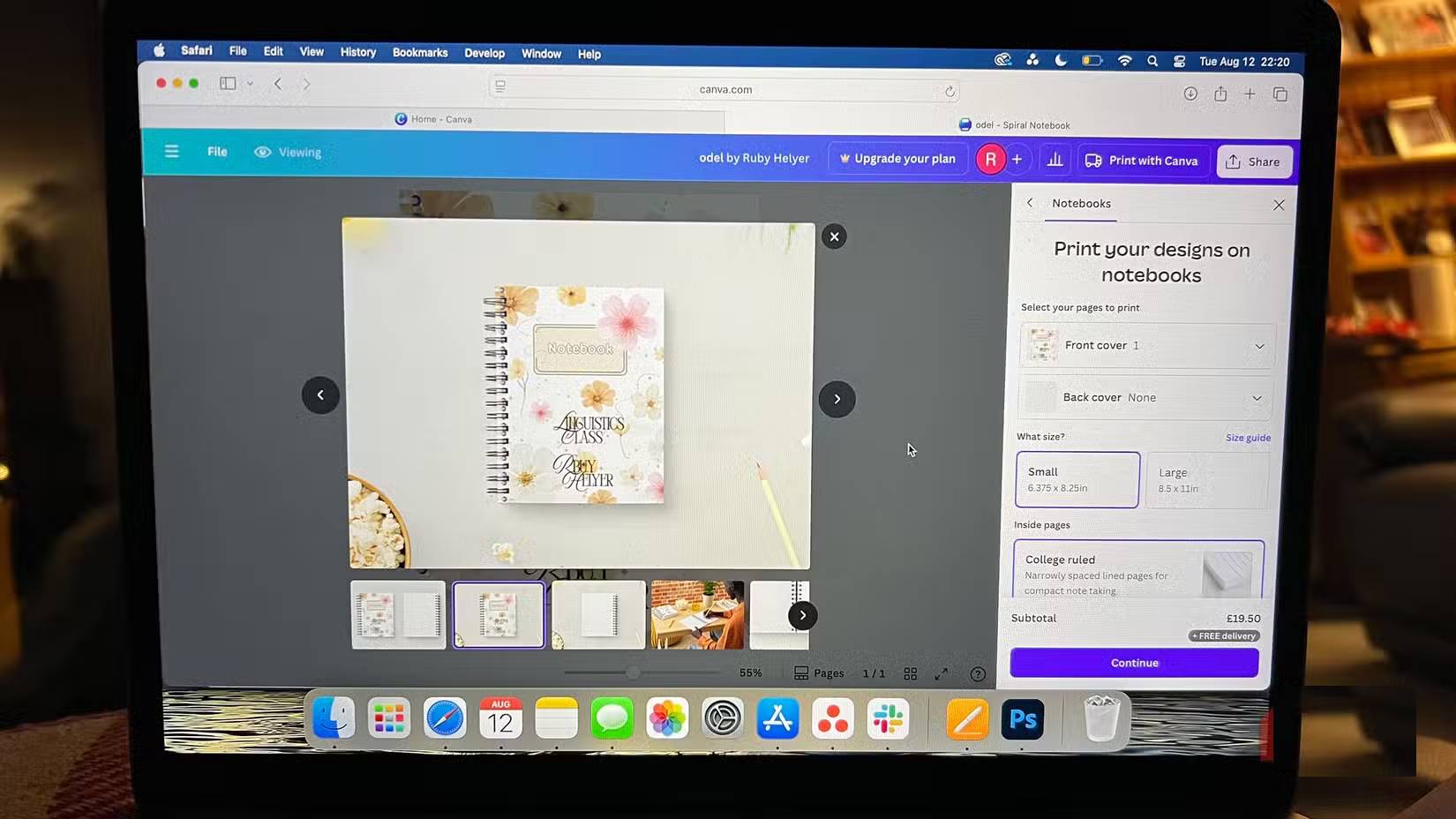
ChatGPT can also create presentation files in supported workflows. Choose based on the editable result you need, the team's collaboration process and the amount of manual visual control required. Test one representative slide before moving an entire deck.
For any of these tools, use a small real task, check the output against its sources, and compare the time it takes to reach a finished result. Feature access and limits can differ by plan and change over time.
Related Articles
 How to Schedule Tasks and Set Reminders in ChatGPT3 minutes read
 8 Little ChatGPT Automations That Make Every Day More Enjoyable9 minutes read
 9 Simple Tasks ChatGPT Can Handle in Seconds, Saving You Hours9 minutes read
 11 Super Simple ChatGPT Prompts That Help with Your Daily Work8 minutes read
 Why Were New ChatGPT Registrations Stopped? When Will It Reopen Explained5 minutes read
 Why Do Many People Stop Using ChatGPT Permanently?9 minutes read
Reader Comments 0
Sign in with email or Google to join the discussion.