Table of Contents
To make a caricature in Gemini, upload a clear portrait, say which features should remain recognizable, and choose a specific illustration style and degree of exaggeration. A short follow-up prompt often improves the result more than piling resolution buzzwords into the first request. Use your own photo or one you have permission to edit.
Prepare the reference photo
Choose a well-lit image with the face visible and little obstruction from hair, sunglasses or a busy background. A front-facing or three-quarter view is easier to adapt than a tiny group photo. In Gemini, upload the image to an image-editing conversation, then describe the transformation you want. Google says image editing availability depends on account, region and age; its Gemini image help has the current controls.
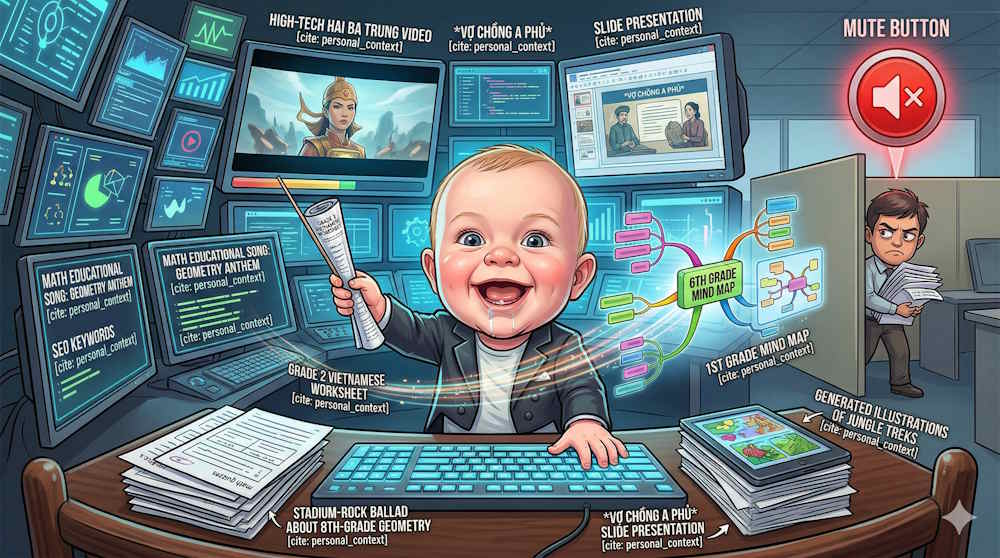
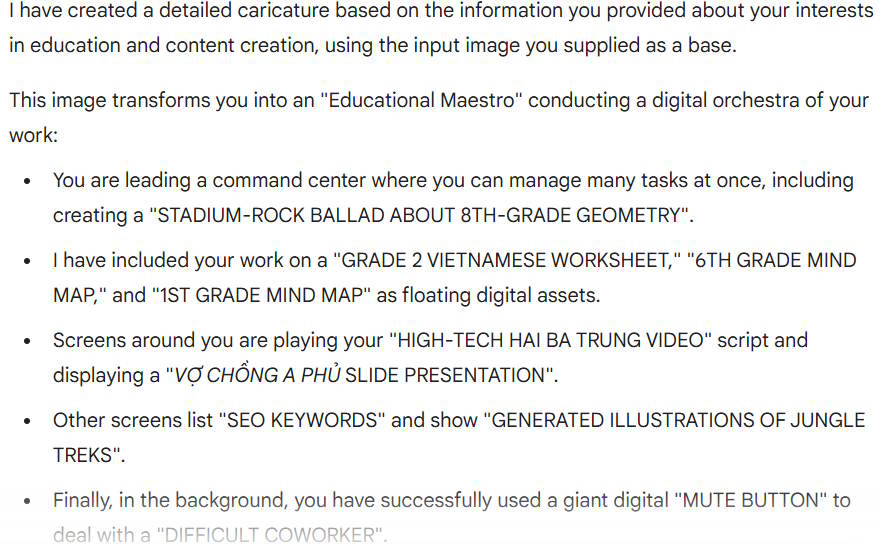
Use one prompt structure
Name the subject, identity details to preserve, features to exaggerate, expression, style, background and crop. Replace the bracketed text in this template:
Use the uploaded portrait as the reference. Create a [head-and-shoulders/full-body] caricature of the person. Keep [hairstyle, glasses, face shape and other distinctive details] recognizable. Exaggerate [one or two features] [slightly/moderately]. Give them a [expression] expression. Draw with [linework, color palette and shading], on a [background]. Leave enough space around the face for a [square avatar/poster crop]. Do not add text or extra people.For a job-themed portrait, state the occupation and props yourself. “Based on everything you know about me” may produce guesses or depend on optional connected data; it is less reliable than describing the desk, clothing and tools you actually want to see.
Four styles to try
Friendly work portrait
Turn the uploaded portrait into a friendly caricature of a photographer at a desk with a camera and contact sheets. Preserve the person's hairstyle, glasses and face shape. Slightly enlarge the eyes and smile. Use clean outlines, warm colors and a simple studio background. Square crop; no text or logos.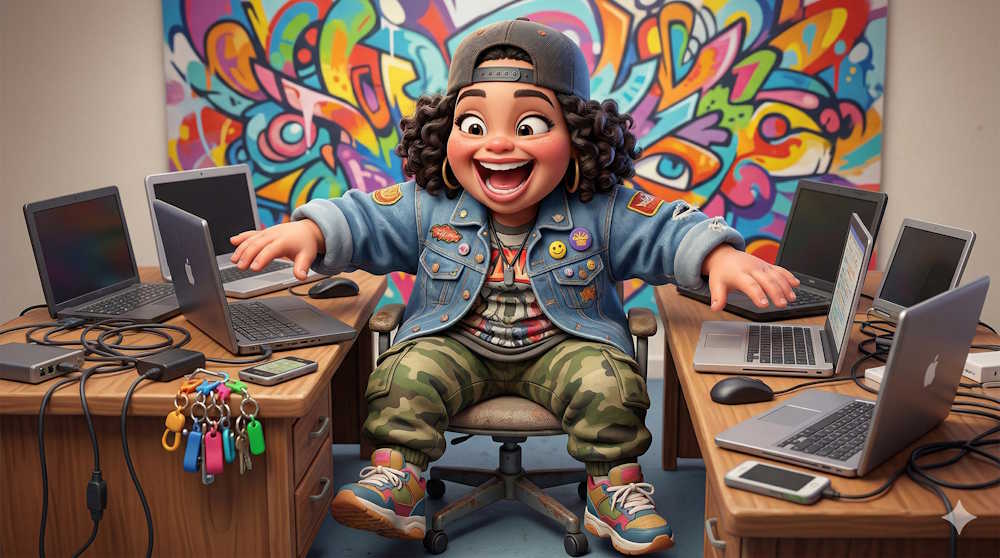
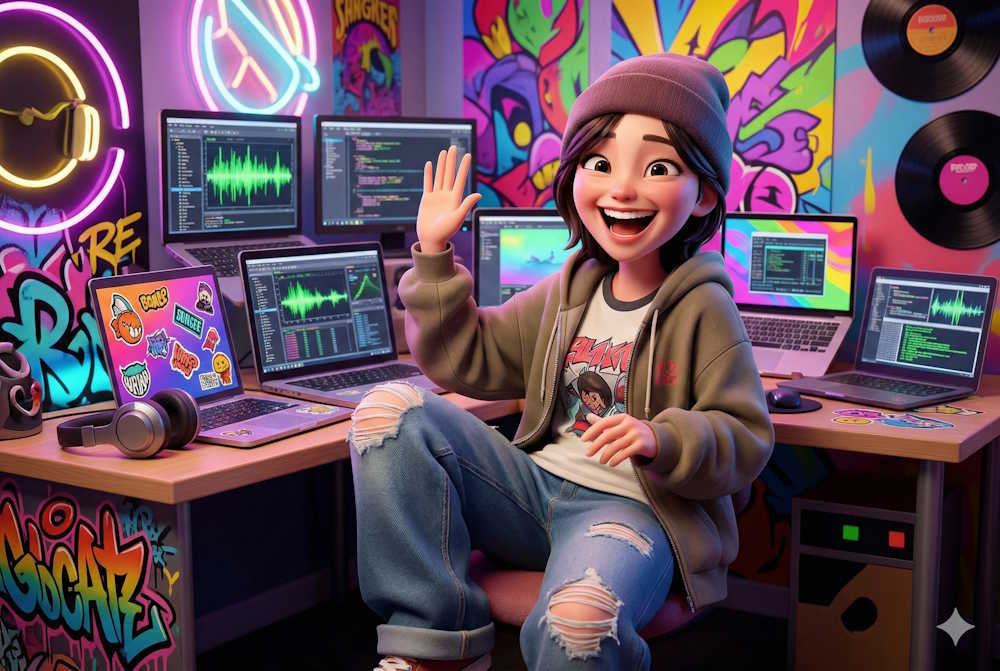
Small-body cartoon
Create a playful cartoon portrait from the uploaded photo with an oversized head and a small body. Keep the person's facial features and hair recognizable. Give them one raised eyebrow and a puzzled expression. Use soft shading and a plain background; keep both hands visible and natural.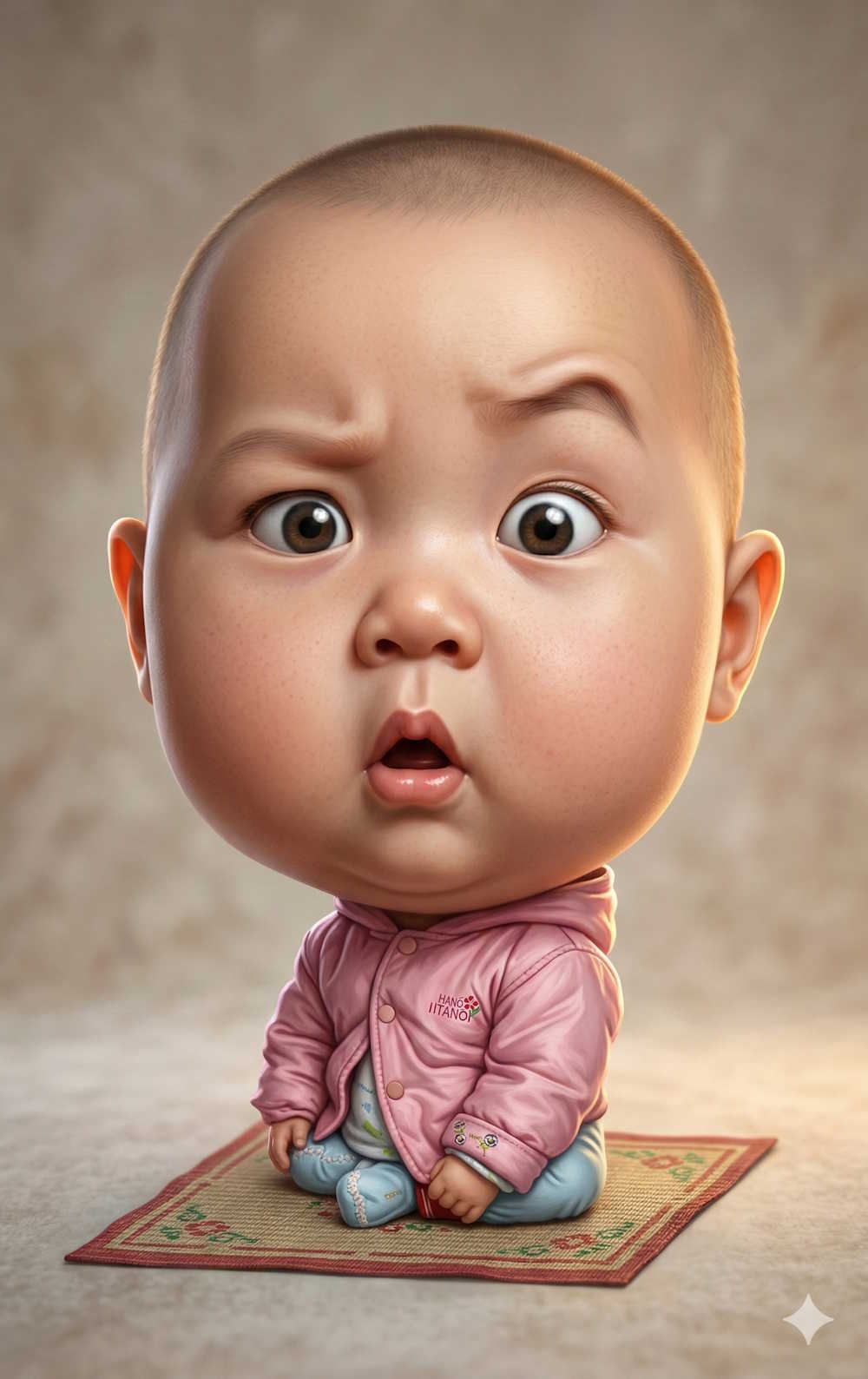
Bold graphic illustration
Draw a graphic caricature based on the uploaded portrait. Keep the same hair and clothing, add a confident smile, and use thick black outlines, flat color blocks and high contrast. Center the person against a simple background. Do not imitate a specific game's artwork or include its branding.
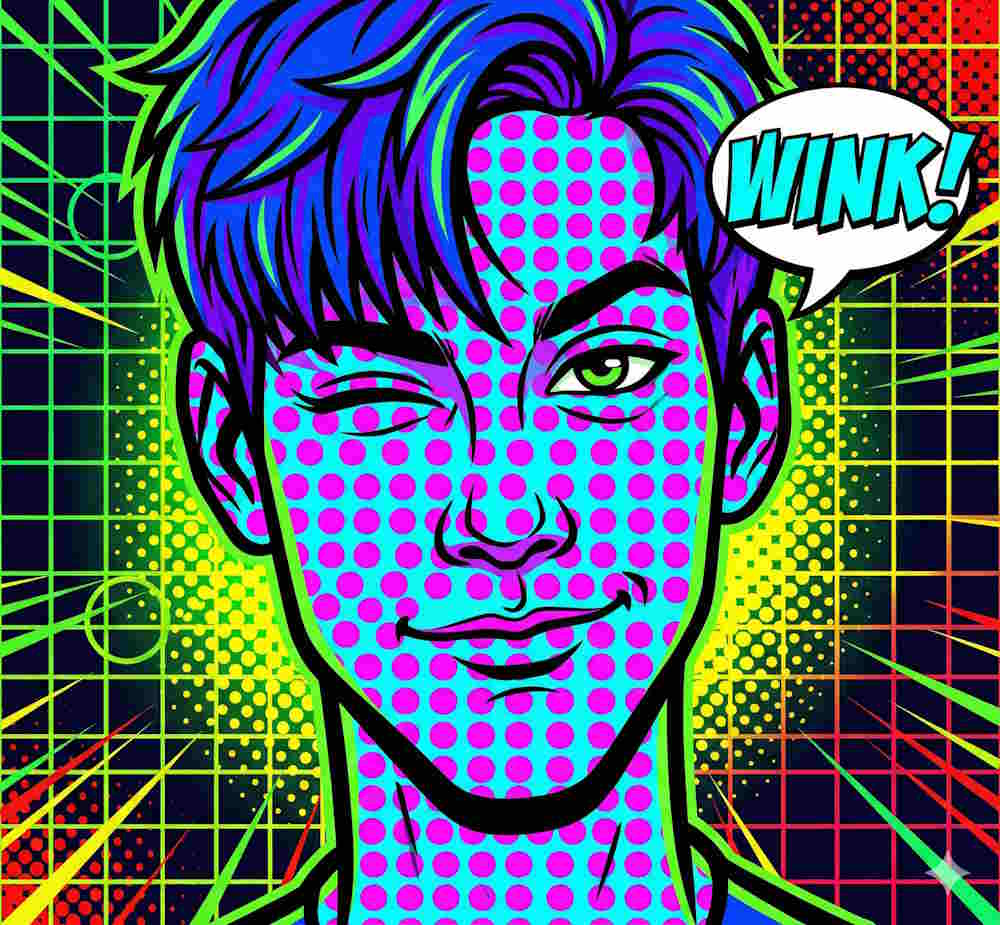
Expressive or comic portrait
Create an expressive comic-style portrait from the uploaded image. Preserve the face shape and glasses; exaggerate the eyebrows and surprised expression moderately. Use a limited bright palette, dotted halftone texture and clear outlines. Avoid added words, watermarks and extra facial features.
Refine the result before sharing
Compare the output with the reference. If the face is too different, ask Gemini to keep the original hairline, glasses and approximate age while changing only the expression or drawing style. If a prop looks wrong, describe that prop precisely in a follow-up. Check hands, accessories and any text before downloading or posting. Avoid promising “exact likeness” or a specific output resolution from the words “4K” or “64K” in a prompt.
For a different look, TipsMake has Gemini vintage portrait prompts. Its caricature prompt templates offer additional composition and expression ideas that can be adapted across image tools.
Related Articles
 Template for Creating Caricatures in Copilot8 minutes read
 How to Create Games on Gemini Extremely Quickly4 minutes read
 Tips for Quickly Creating Automated Tests on Gemini4 minutes read
 Guide to Creating Compelling Document Reports Using Gemini4 minutes read
 Prompt to Create Toy Models with Gemini4 minutes read
 The Gemini Prompt Creates Black and White Images in the Style of Film Noir9 minutes read
Reader Comments 0
Sign in with email or Google to join the discussion.