Table of Contents
The Internet Archive is a nonprofit digital library. Use the Wayback Machine to look up an old web address. For books, software, audio, and video, search the main Archive.org catalog by title, creator, or collection.
Look up an old website with the Wayback Machine
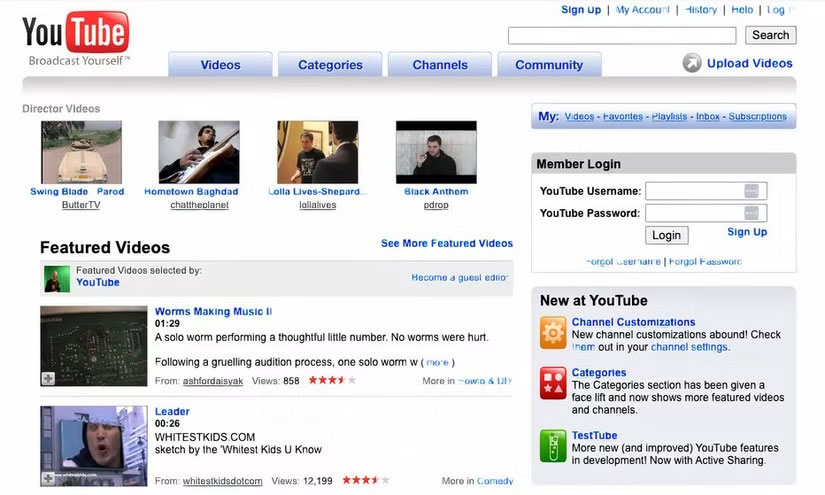
Paste the exact address into the Wayback Machine and choose a highlighted date from the calendar. If the homepage shows up but a particular article does not, search for the article’s own URL. Try a nearby date if a capture is missing images or links.
Find films and other video
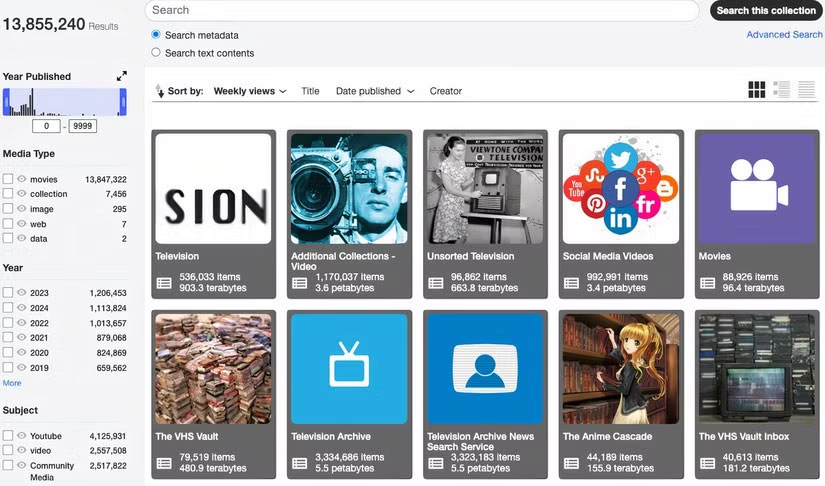
Search for a title or filmmaker on Archive.org, then filter the results to video. Open the item page to check which version you found and whether it offers streaming or downloads. Check the item’s rights information before reusing footage.
Search old television broadcasts
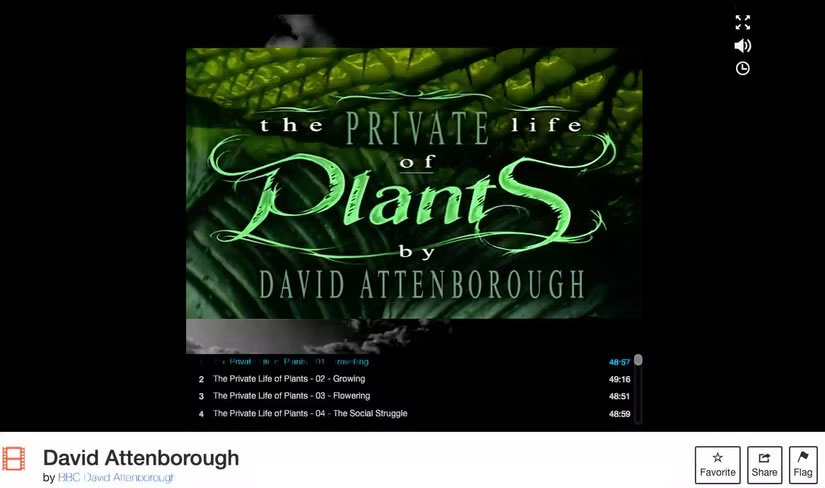
Use the TV News Archive to look for a name, phrase, or event in broadcast captions. Narrow the search by date to see how a story was covered as it unfolded. Access varies by item, so a search result may lead to a clip or a record rather than a full program.
Read or borrow books and manuals
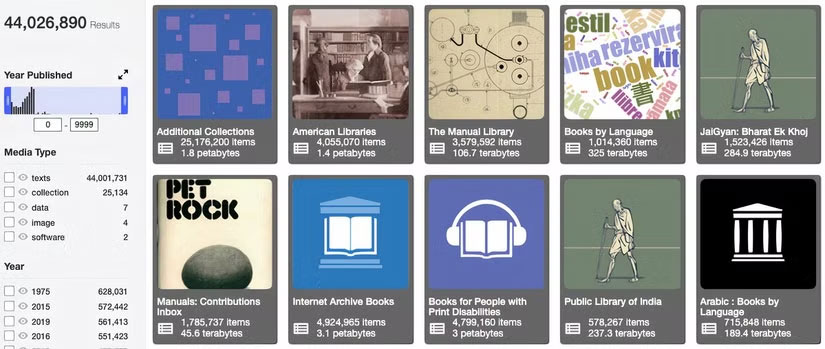
Search by title and author, or by model number for a product manual. Availability depends on the item. Some scans open immediately and offer downloads. Others show a borrowing option with its own sign-in and loan terms.
Run classic software in your browser
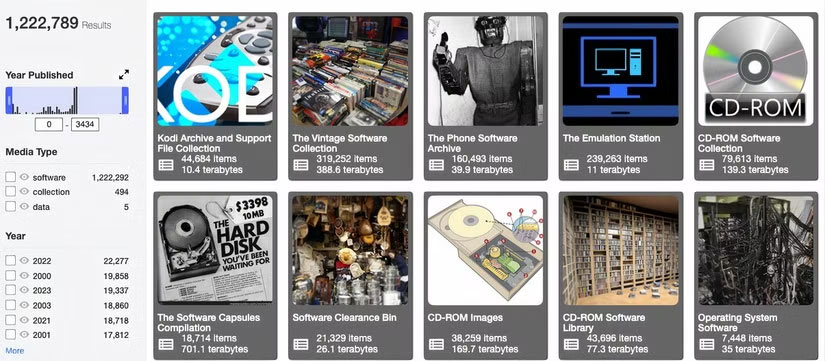
Search the software collection for an old game or application. Some items include a browser emulator. Look for a launch button on the item page and check its instructions for controls, which may assume a keyboard.
Listen to concerts and radio recordings
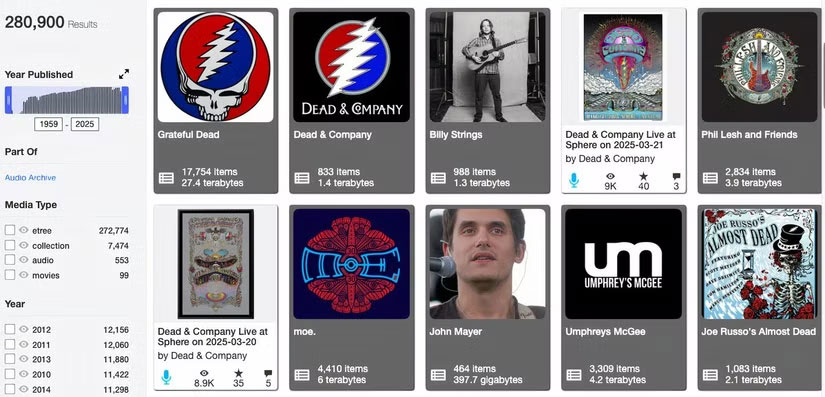
Search the Live Music Archive by artist or venue. Where several recordings cover the same show, check the recording notes for the source and track list. The broader audio collection also includes spoken word and old radio programs.
Related Articles
 30 great websites to learn new things every day
 The most dangerous treasure in the world, no matter who knows the location, no one dares to touch it
 Learn about 3D Internet
 What do rich people like to post on social media?
 If you keep these 10 habits, you will never get rich!
 Things Rich People Never Say
Reader Comments 0
Sign in with email or Google to join the discussion.