Table of Contents
This updated guide explores milanote note taking app with practical details, clear explanations, and useful takeaways. You can use this app to create visual to-do lists that let you think big and get things done. Milanote is like a cross between Figma and Todoist.
Create Milanote Project
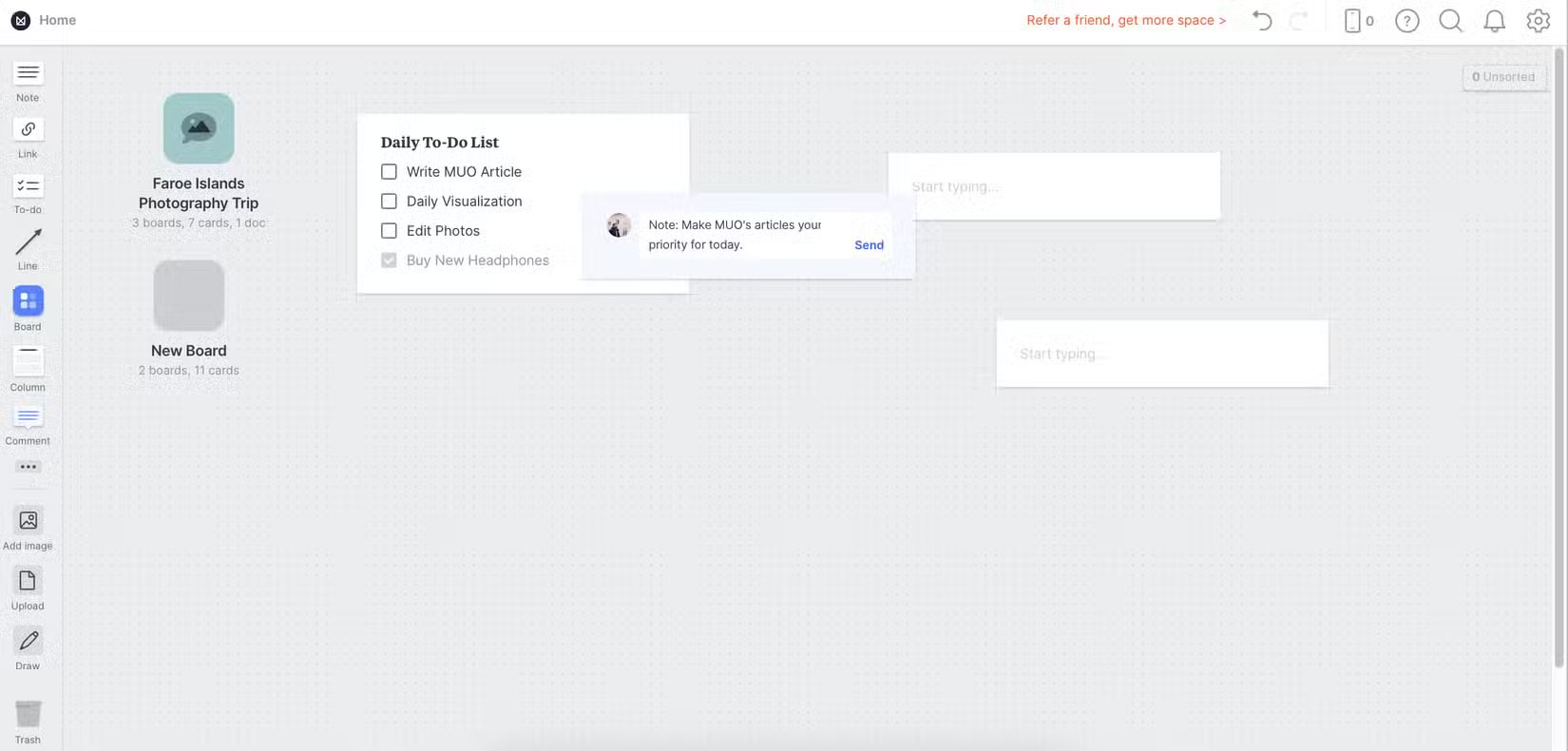
Drag and drop the necessary components into each Milanote project. for instance, you can use a simple to-do list. This works the same way you see with other task management and to-do list apps. Once you create a new to-do list, you can add items before dragging and dropping them into your preferred order.
With Milanote, you can create separate boards to organize your projects. Plus, it lets you upload images and files from your computer, Along with adding notes and links. You can drag and drop each element wherever you want, making it easy to organize your board exactly the way you like.
Other elements you can add to your Milanote project include sketches, audio, and video. To remove an element you do not like, simply select it and press the Backspace key.
Edit and Customize Projects in Milanote
Many people are skeptical about trying new productivity tools because they often find them clunky and difficult to use. Still, Milanote will pleasantly surprise you. Customizing every aspect of your project is simple.
1. Using Templates in Milanote
Milanote offers the option to start with a blank page in each project. Still, you can choose from dozens of templates. They are divided into categories such as design, photography, and mood boards.
The app lets you choose from a number of templates in each category. Navigating through these templates makes it easier to choose the right one. Each template is easily customizable, and it is helpful that Milanote gives you examples of what to include in each section before you choose.
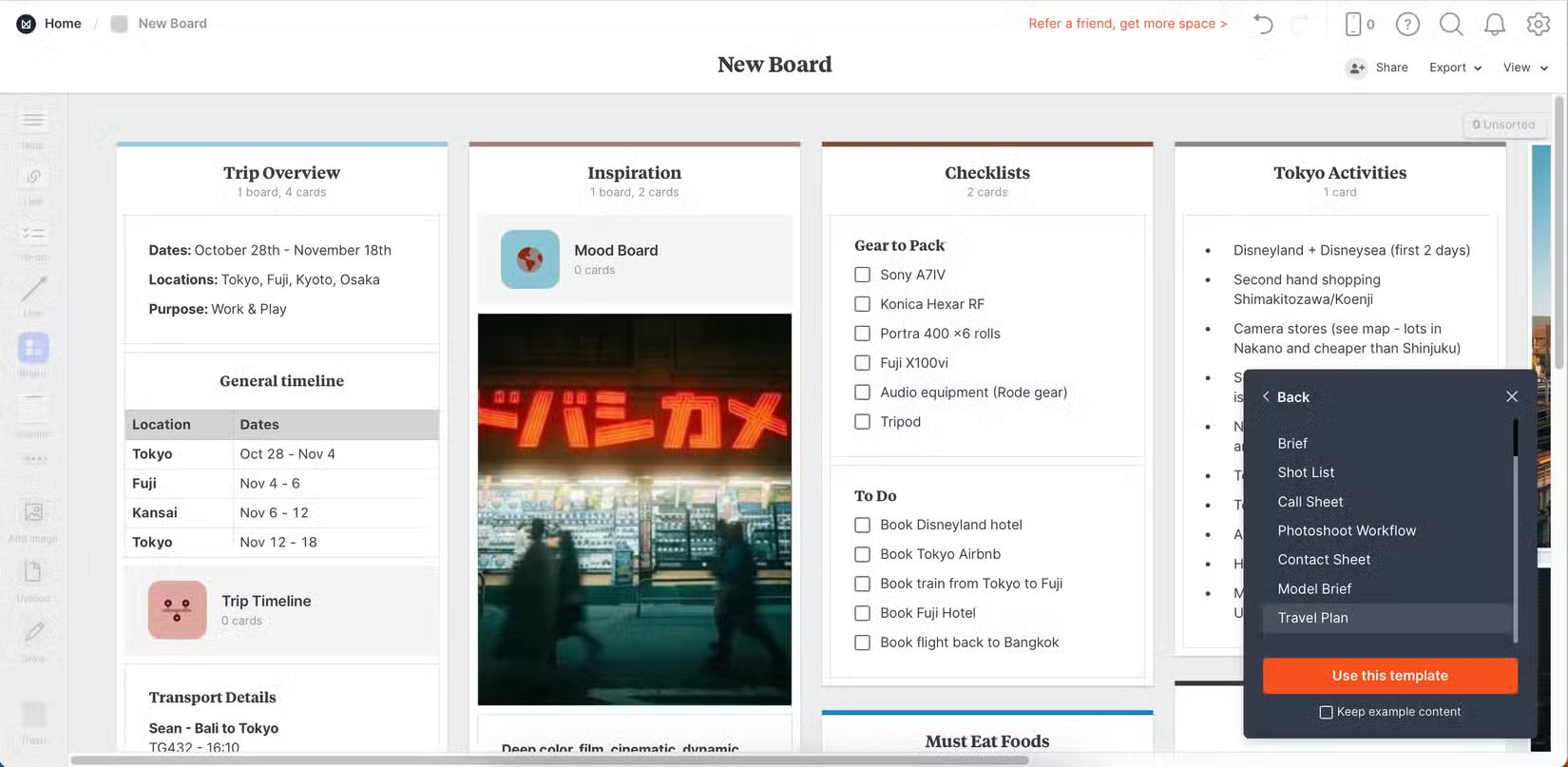
Once you've customized your templates, you can export them to PDF and other document formats. That way, you can easily access them whenever you need them.
2. Add More Context
For more complex projects, you can add additional context. Doing so helps you stay on track and avoids confusion or overwhelm later. Providing additional context for anything is simple in Milanote.
People do this primarily by adding comments where they need them. for instance, you might add comments to a to-do list when you need to prioritize tasks for a given day. Similarly, you would also add comments next to parts of documents and notes that might need clarification.
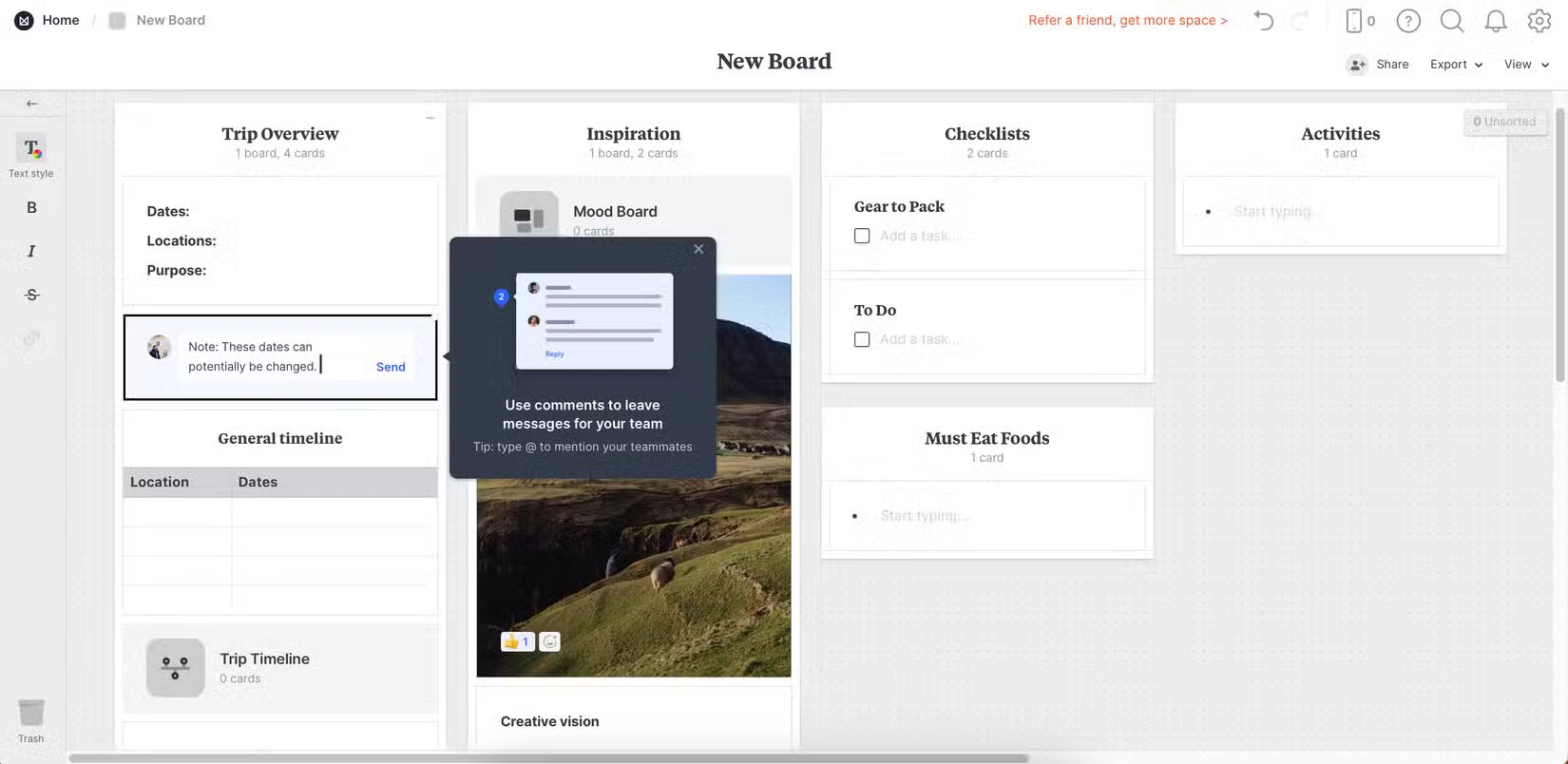
Along with using comments, you can sometimes use the Colors tab as a sticky note. Still, It is best to only use these notes when absolutely necessary.
Note : If you have a Windows computer, you can use the Sticky Notes application for maximum productivity.
3. Upload Content
Along with being super simple to use, uploading content to Milanote is super simple. This way, you can make your to-do lists and notes even more efficient. for instance, sometimes you'll need to add photos when you're planning and want some inspiration.
You can upload images up to 10 megabytes in size to your boards and projects. To do this, you can select what you want to upload from your computer or drag and drop. Many templates have places where you can do this without adding new blocks, but if you're using a template that does not, it is easy to create a new section.
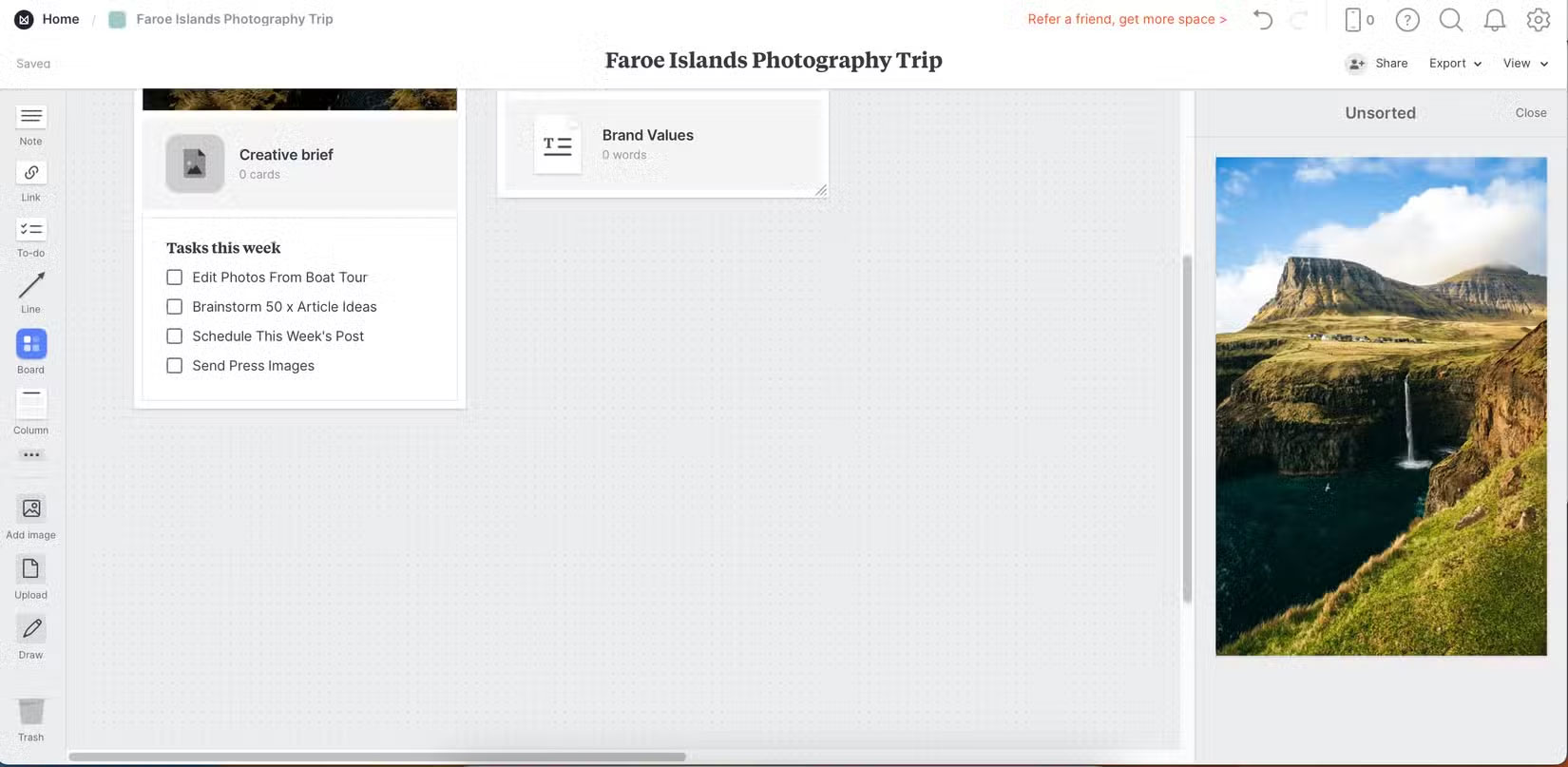
Along with images, Milanote allows uploading Word documents, PDFs, etc.
4. Update Documents
You do not always want to upload documents from your computer, and in some cases it is much easier to create what you need in the app. Milanote has a number of useful document editing tools, such as:
- Highlight text
- Add titles and subtitles
- Deploy code blocks
Alternatively, you can type as you normally would in a Word or Google Doc. If needed, you can export your document as a PDF or Word document later.
Who Should Use Milanote?
Milanote would be a great tool for students, especially when working on larger projects like a final year thesis. Plus, it would be really useful if you have a creative project you want to do for fun – like starting a YouTube channel.
Since Milanote is primarily designed for creative professionals, you will find this app useful if your work revolves around design, writing, photography, or any similar discipline. It is a viable alternative if you have tried Figma but did not like it.
When Is Milanote Not Suitable?
Many people will not use Milanote for regular day-to-day tasks. Most to-do list apps will do the same job without the extra features, in which case it is pointless.
Likewise, you wouldn't use Milanote for basic note-taking. Instead, an app like Notion or Google Keep will do the same job (if not better). This tool is much better for longer-term or more complex projects.
Milanote is a great app to visualize your to-do list. You can easily customize your projects with drag and drop features and the tool itself is very intuitive. it is also free to use, which is a huge plus.
FAQ
What is the main takeaway about Milanote Note Taking App?
The key is to understand the core idea, compare the available options, and apply the practical guidance that matches your situation.
What should beginners know about Milanote Note Taking App?
Start with the essential steps and terminology. Avoid changing advanced settings until you understand how they affect performance, privacy, cost, or compatibility.
How can I use this information in practice?
Follow the relevant section in order, test one change at a time, and confirm the result before moving to the next step or recommendation.
Related Articles
 A Feature Every Note Taking App Needs!: Complete Guide5 minutes read
 7 Top Note-taking Apps for Students: Best Options Compared9 minutes read
 How to Take Notes with AI and Save a Lot of Precious Time9 minutes read
 Best AI Note-Taking Apps for Studying and Working7 minutes read
 6 Best Open Source Note Taking Apps: Practical Guide5 minutes read
 7 Top Distraction-free Note-taking Apps for Windows: Best Options Compared7 minutes read
Reader Comments 0
Sign in with email or Google to join the discussion.