From images to programming and more, here's why Hamster AI is the best Generative AI tool around.
What Is Hamster AI?
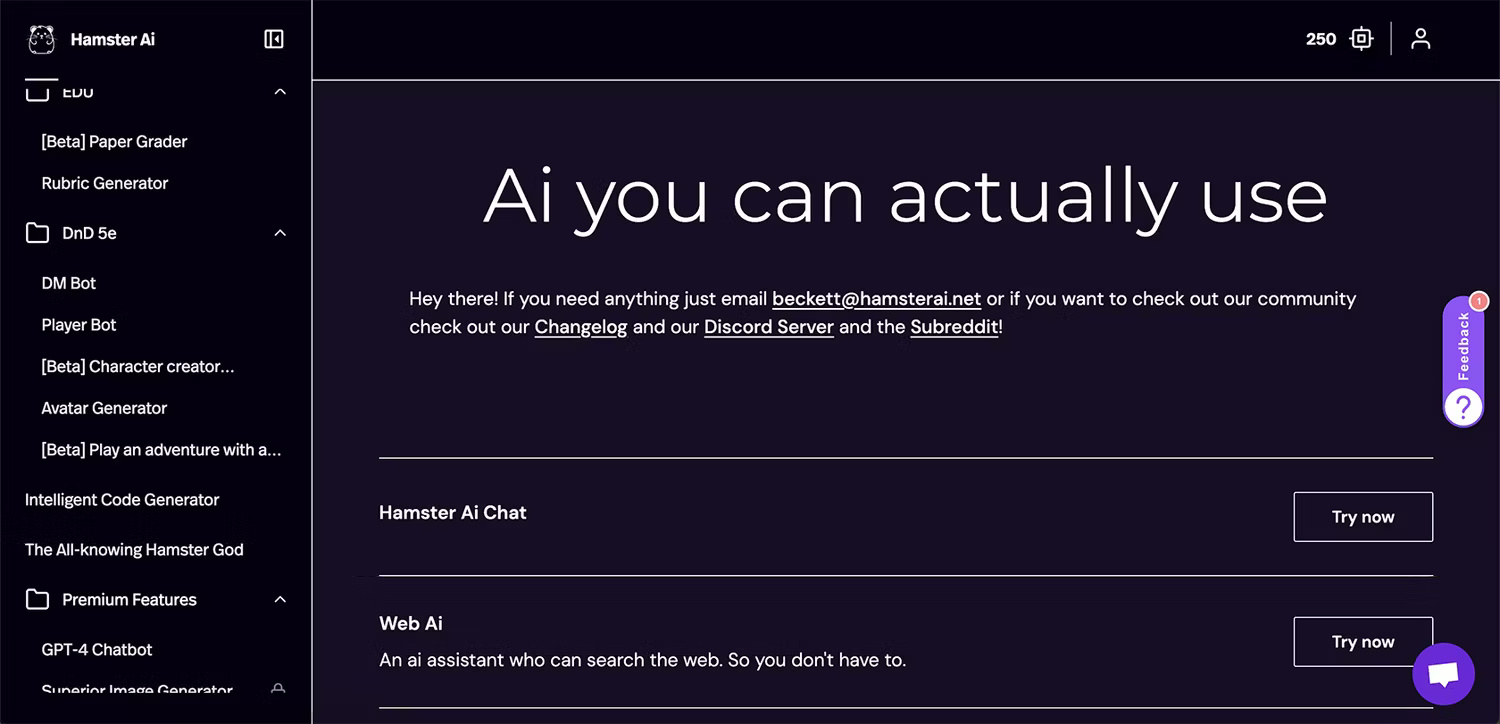
Hamster AI is an innovative browser-based AI tool. The tool offers more AI options, such as image generation, chatbots, and code generators, that are more publicly accessible than most similar AI tools. Hamster AI is an open source tool that allows users free access and source code to improve the tool for everyone.
There are many AI tools available online and integrated into creative software. Most of these tools are hidden behind subscription paywalls, and if they're free, they're often watermarked or the quality is too poor to use. Hamster AI combines AI technology with a free platform so you can create amazing things with AI, without registration, watermarks or low quality output.
Hamster AI is run through PickAxe, an AI store that allows users to get creative with their AI services.
What Tools Does Hamster AI Provide?
Hamster AI is an all-in-one AI tool that includes image generation, chatbot, text generation, and code. Each section of the tool has several features you can use.
AI Image Generation Tool
There are several different image generation tools, but the results from each are largely the same. The tools differ in how they provide information to the generator.
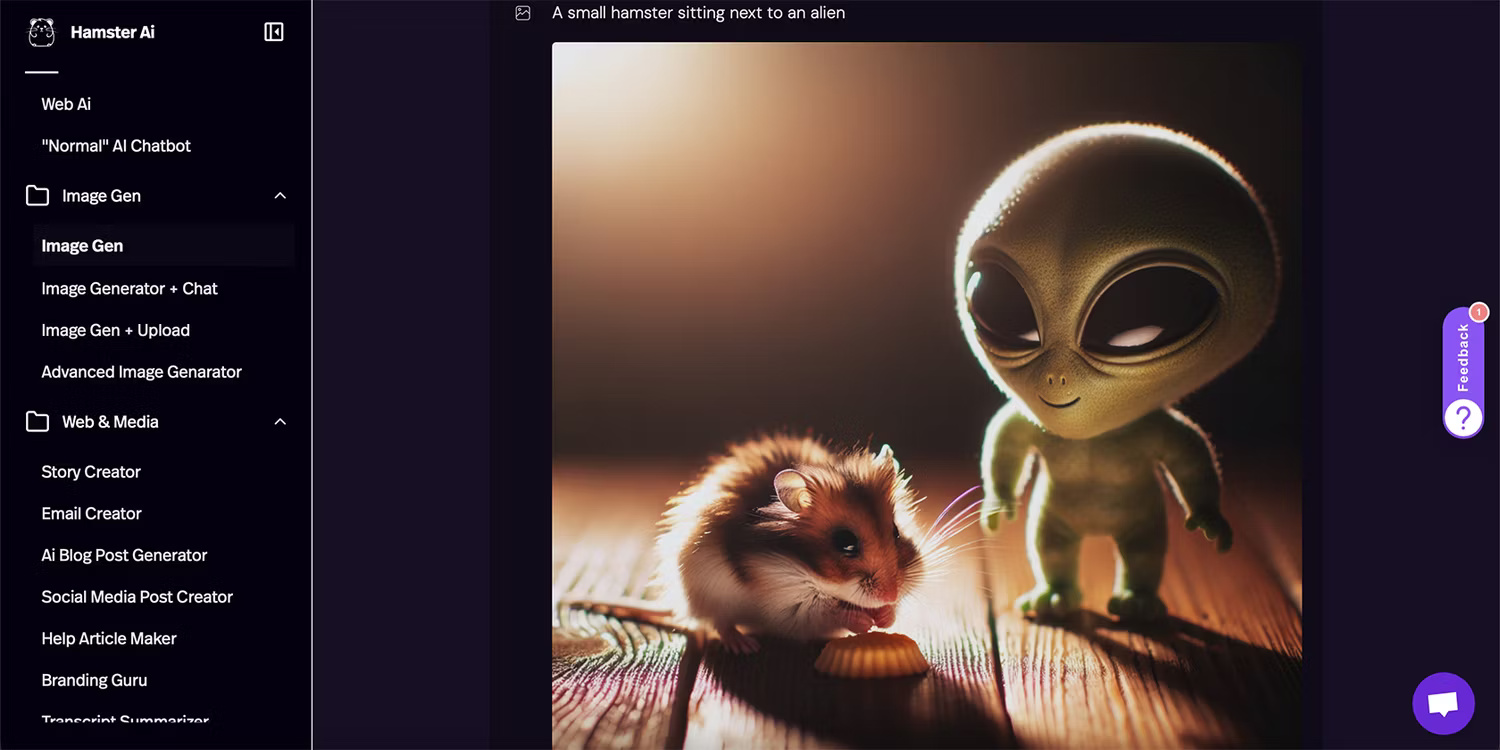
First, the Image Gen tool is simple with a text prompt box. You will receive an 8-bit 1024 x 1024 px PNG file that you can download without watermark. This AI image generator obeys the prompt well and provides pretty good quality output as long as you don't zoom in or out.
There's a built-in chatbot image generator that allows you to chat with AI to improve your images based on previous results. The final image has the same size and quality as the simple image generator.
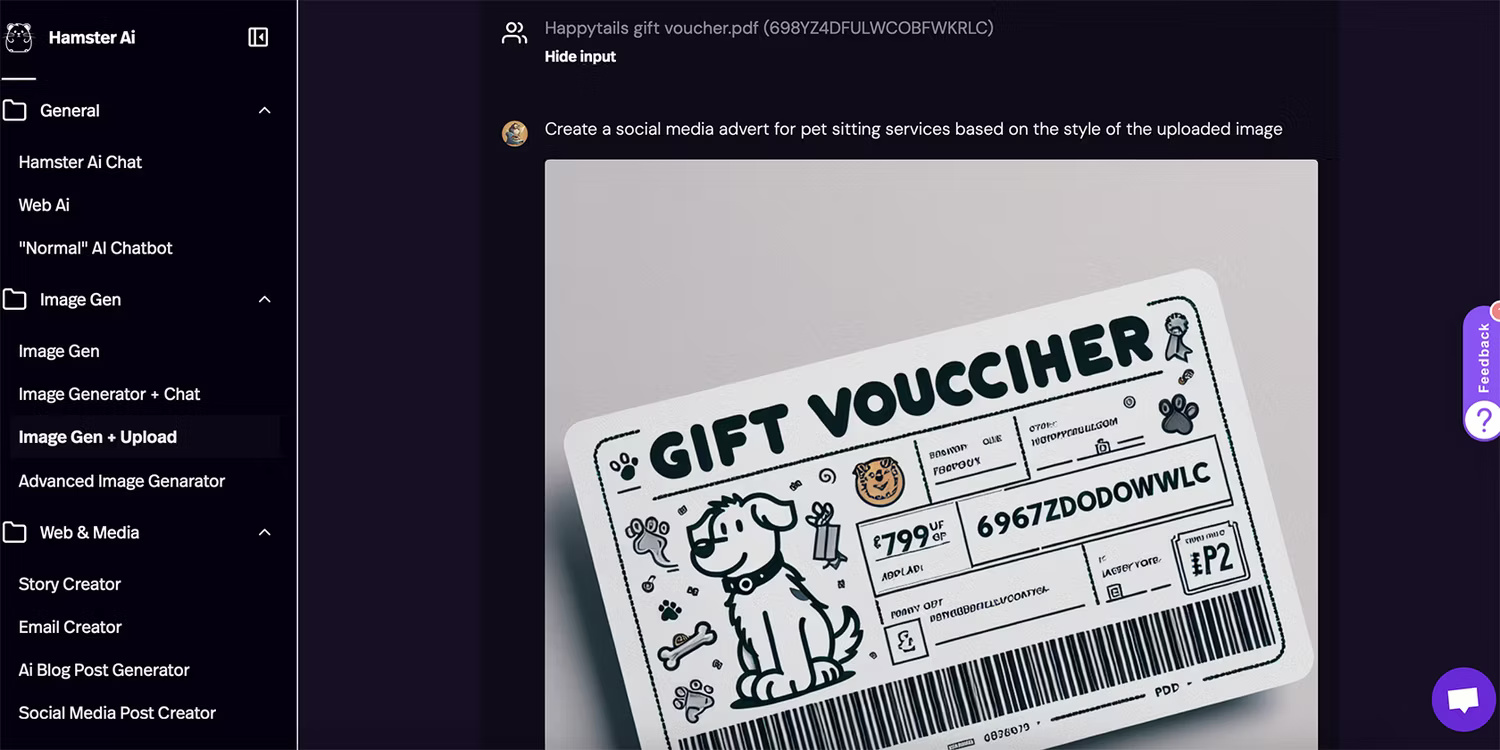
You can also upload images and use them in your prompt; However, upload formats are limited to PDF, TXT, DOCX, CSV, XLSX, JSON or PPTX and the prompt also does not take much from uploaded images. This is the weakest image generator on Hamster.
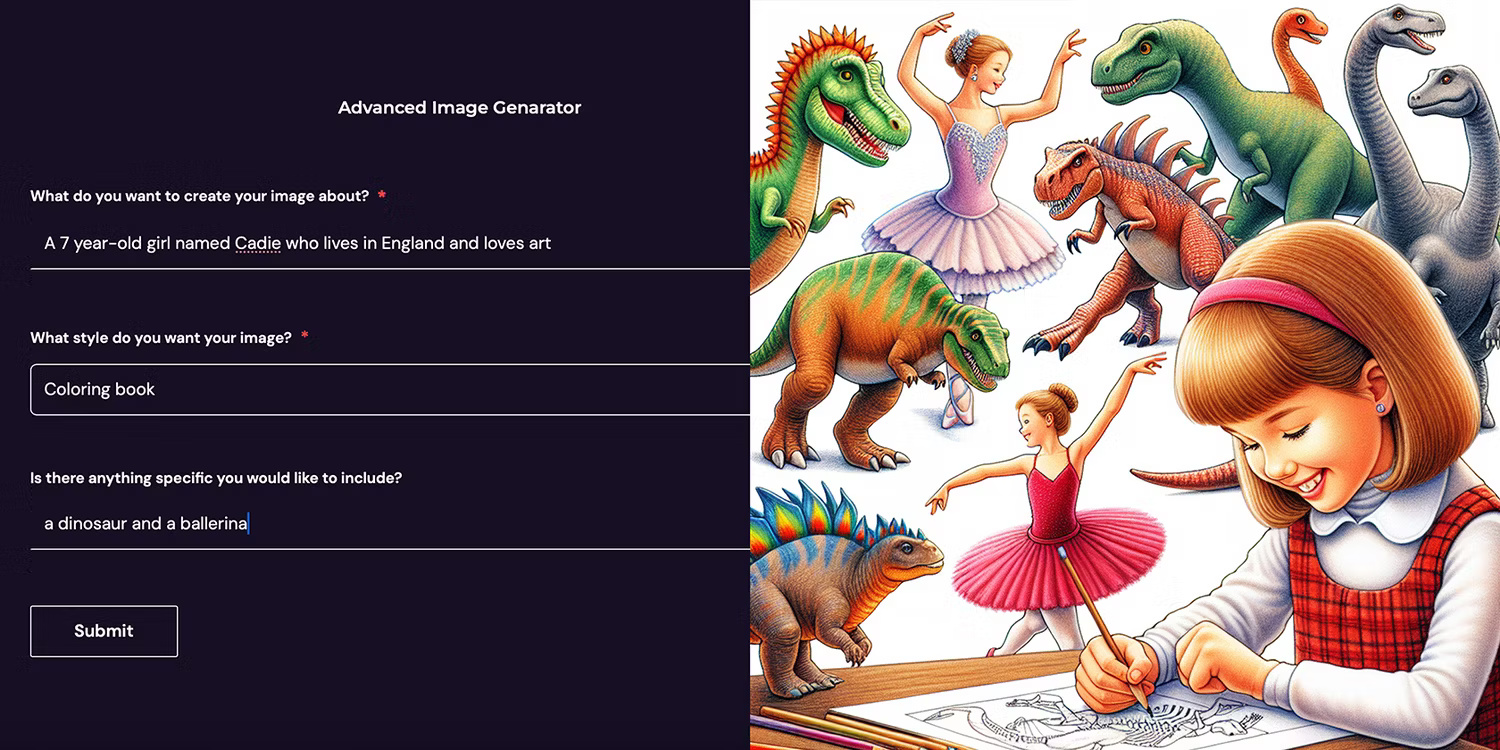
Finally, there's Advanced Image Generator . This generator provides a question form and small prompt box for the generated image, giving you better control over the results. You can choose styles from a drop-down list as well as include prompts and text elements.
AI Text and Chat Tool
Text-based AI tools are where Hamster really shines. While there are standard chatbots, like GPT-4 Chatbot and the fun Turtle Chatbot, Hamster's toolbox is so much more.
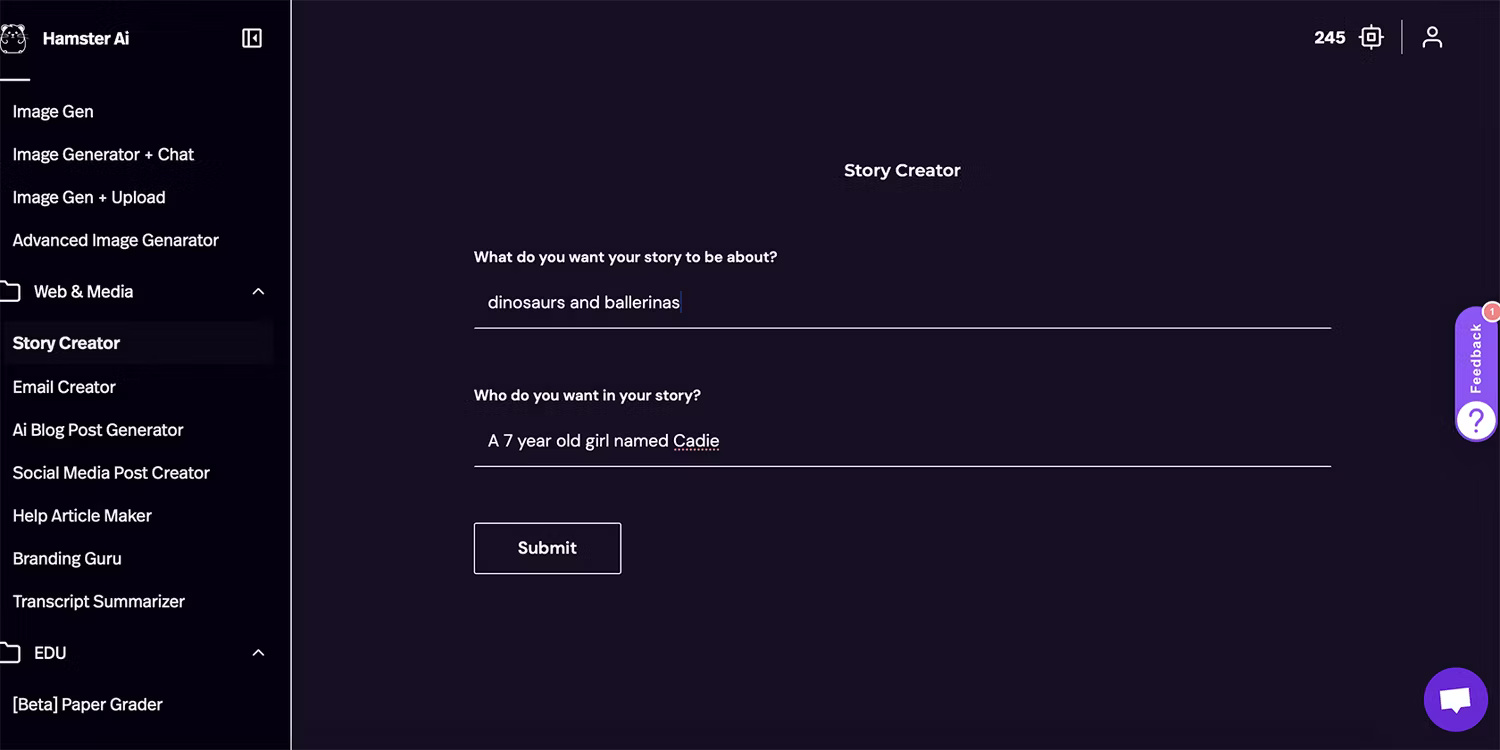
Getting started with Story Creator, you can request a main theme or character and general theme for the story to be created. Add an image created with the generator and you can easily write and self-publish a book.
For those working in online marketing or content creation, there are many useful text tools: AI Blog Post Generator, Email Creator, Social Media Post Creator and Help Article Maker.
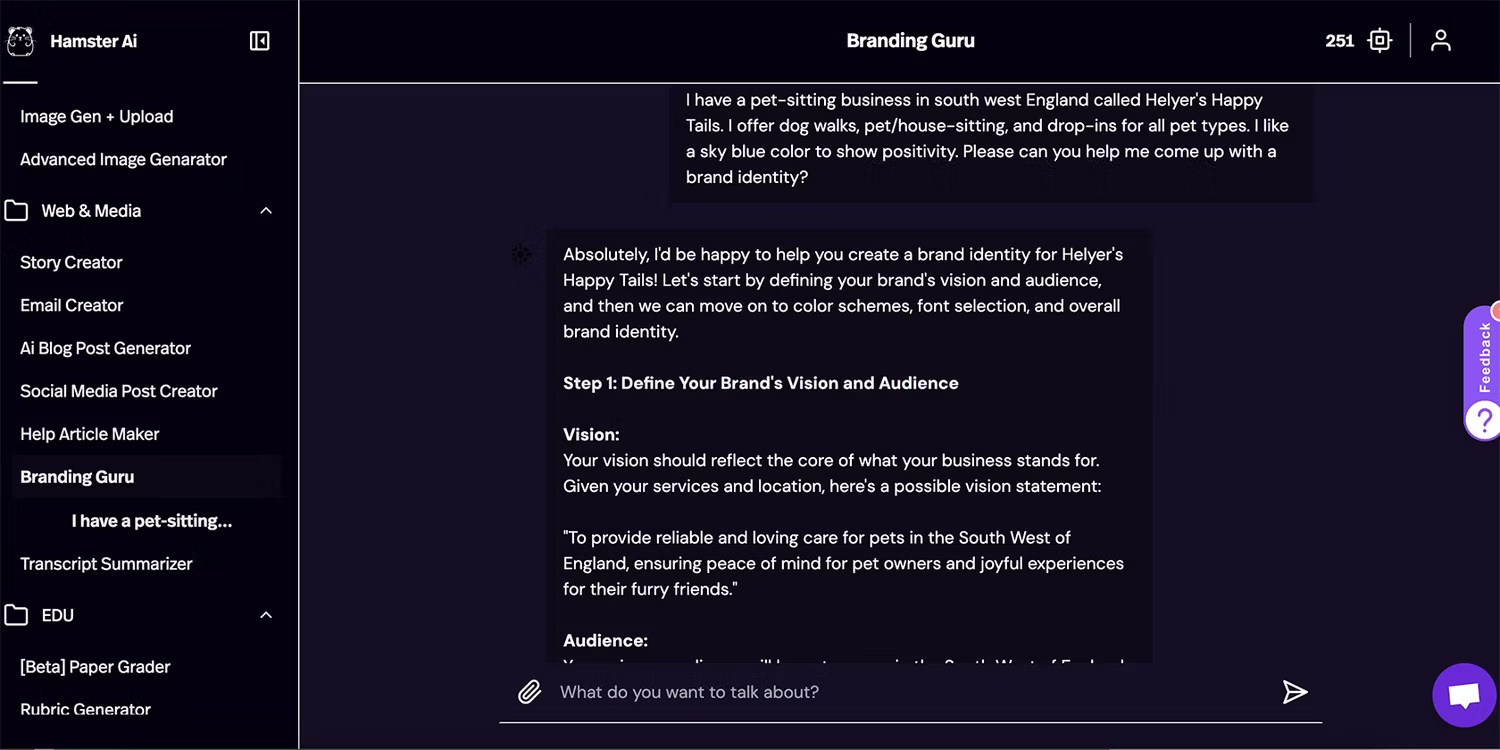
Hamster AI's Branding Guru tool can help you create your own brand identity. This tool includes branding guidance with expert support. This tool can compete with the branding capabilities of Microsoft Designer and Canva, but you'll get expert guidance on what to include, instead of visual images.
Another great AI text-based tool is the record summarizer. This tool is useful for long meeting notes or emails, or any long piece of text that you just need to quickly summarize.
The benefit is that there is a built-in summarizer, otherwise you would have to install other software like Dropbox Dash to summarize.
There are some Hamster specific chatbots that can access the web, but not all. Both Web AI and No Filter Chatbot can be used for online research or intelligence purposes.
AI Educational Tools
While these tools may be outside the scope of text tools, it is rare to see AI tools specifically for educational purposes.
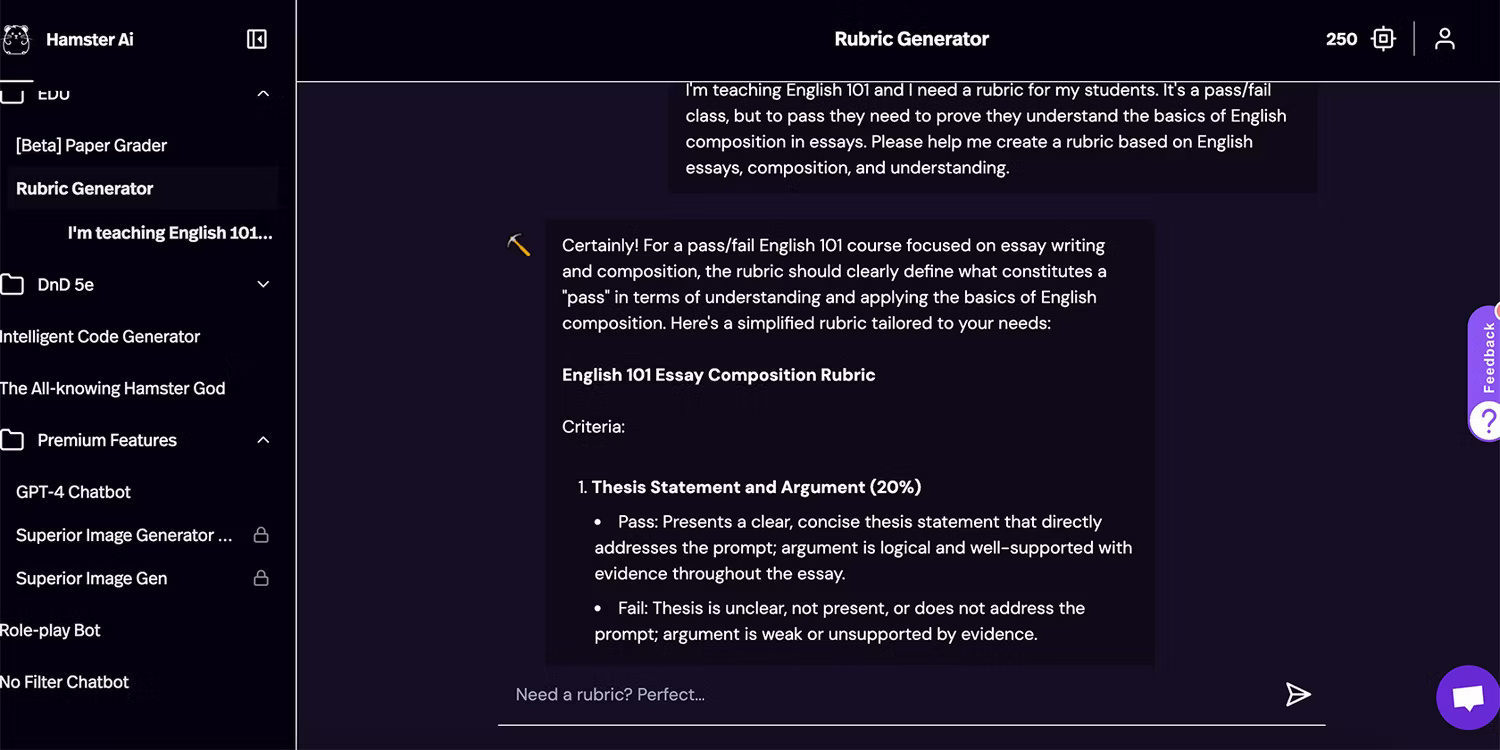
Hamster provides tools that help educators save time in the classroom such as the Paper Grader tool as well as the Rubric Generator . The first tool is in Beta At publication time, but both are tools that you will enjoy and benefit from using as a teacher.
AI DnD Tools
These specific AI tools make Hamster AI a unique choice compared to all other AI tools.
With an AI bot as Dungeon Master or DnD Player Bot , you can play Dungeons and Dragons with AI. Not only that, there are also AI character and avatar creation tools, and Play an Adventure with an AI DM Bot . Although DnD is a social game to play with friends, Hamster's AI technology is proving that that is not necessary.
AI Programming Tools
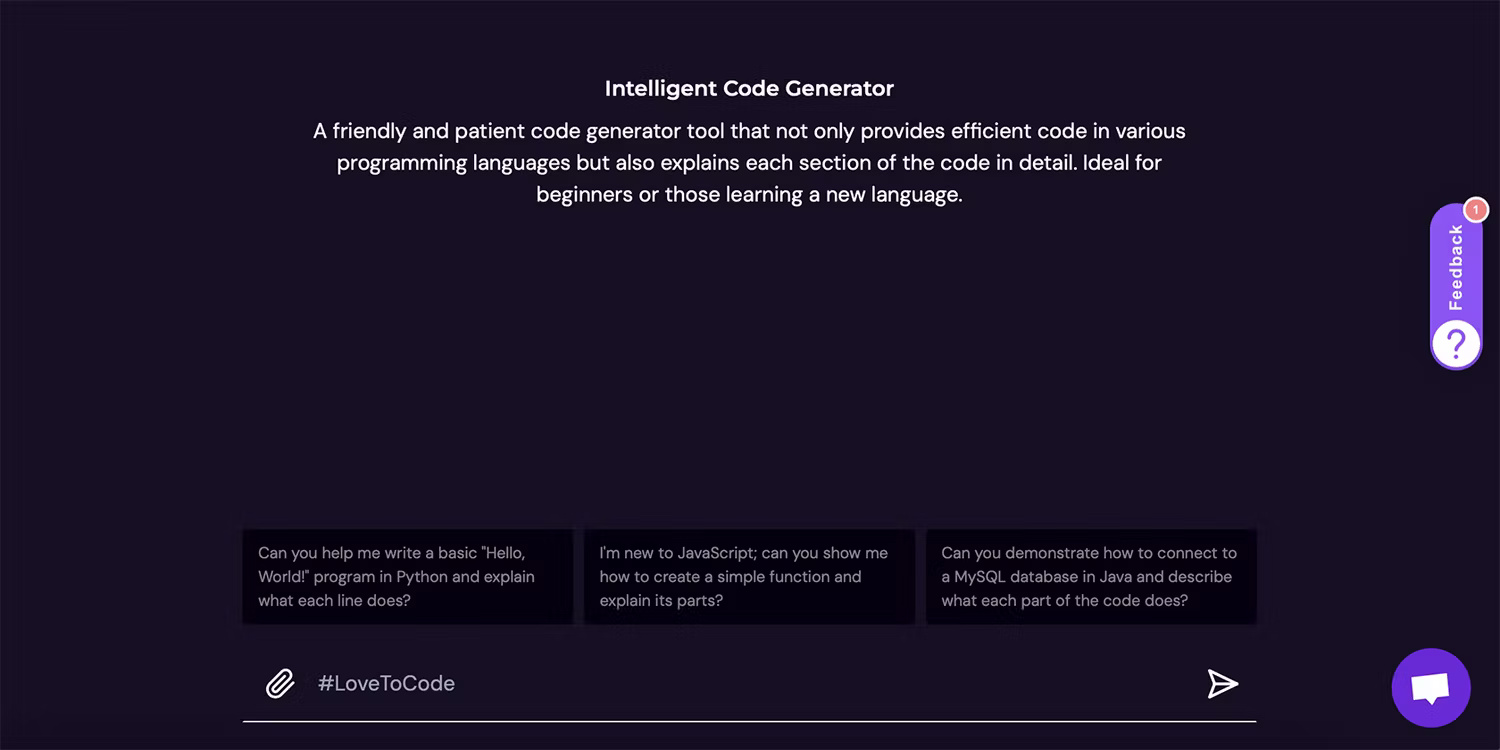
If images, chatbots, education, and Dungeons and Dragons aren't enough, Hamster AI also offers Intelligent Code Generator .
If coding makes you scared or confused, this code generator could be the perfect way to start coding with all the information at your fingertips. You can save time Googling lines of HTML or Java and ask Hamster instead.
There are AI tools that specialize in helping you code, and you can also learn how to code using ChatGPT or Gemini, but again, having all these useful tools in one place puts Hamster AI over the top. list of AI tools.




Reader Comments 0
Sign in with email or Google to join the discussion.