Table of Contents
Fisheye style avatar gives your profile picture a much fresher look. The fisheye effect creates a rounded space, magnifying the center and narrowing the edges, placing you as the subject of the profile picture but with a more unique effect.
Fisheye style avatar gives your profile picture a much fresher look. The fisheye effect creates a rounded space, magnifying the center and narrowing the edges, placing you as the subject of the profile picture but with a more unique effect. With the website In this guide, you just need to upload a photo to create a fisheye effect avatar and you're done. Below are instructions for creating a fisheye effect avatar.
How to create fisheye effect avatar
Step 1:
Users access the link below to enter the online avatar creation page
Https://taoanhdep.com/tao-avatar-phong-cach-hieu-ung-mat-ca-fisheye/Step 2:
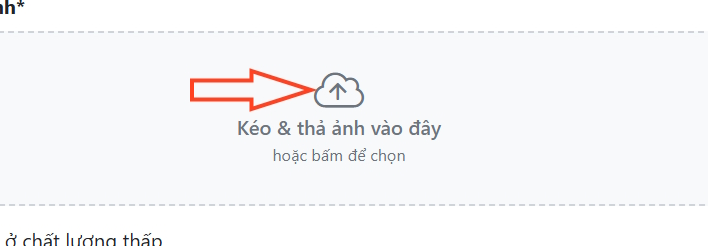
In the first website interface You should Upload your personal photo To create the effect.
Step 3:
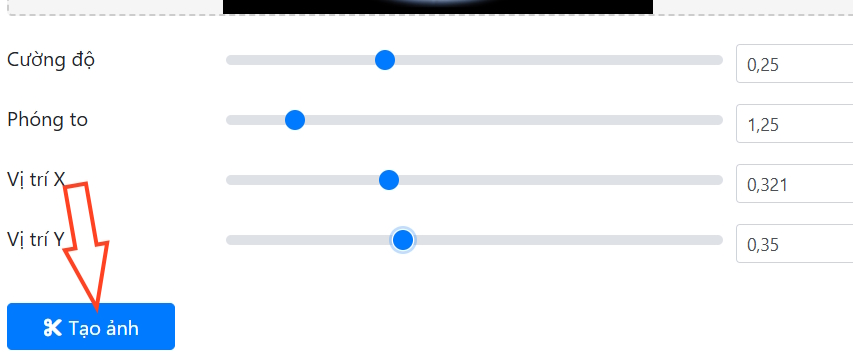
In the interface you will see the preview frame for the fisheye effect photo. You proceed To adjust the angles of the photo , zoom in and out of the photo area you want to get the photo you want.
All changes are displayed in the preview so you can easily change the settings for your avatar. Finally, Click the Create image button To proceed with creation.
Step 4:
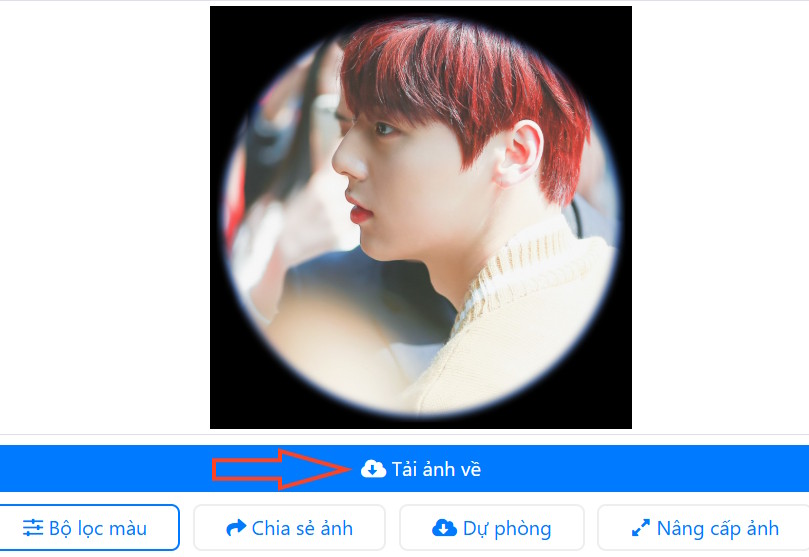
As a result, we have a fisheye effect avatar image as shown below. Click Download image If you like it.
FAQ
How do you create fisheye effect style avatar: step-by-step guide?
In practical terms, fisheye style avatar gives your profile picture a much fresher look. The fisheye effect creates a rounded space, magnifying the center and narrowing the edges, placing you as the subject of the profile picture but with a more.
What should you check before getting started?
Review the requirements, compatible device or software version, and any warnings described in the guide before making changes.
What should you do if the steps do not work?
Repeat the steps in order, confirm that your app or system is up to date, and review the troubleshooting details provided above.
Related Articles
 Tutorial to Create a Fancy Spiral Avatar3 minutes read
 Create the Avatar 'Run Now' in the Poster Style of Son Tung M-TP4 minutes read
 How to Create a Video with a Wavy Effect as a Facebook Avatar6 minutes read
 Create Style for Facebook Avatar with Two Attractive Features6 minutes read
 How to Create Transparent Tik Tok Avatar5 minutes read
 Instructions for Creating Avatars on Whatsapp4 minutes read
Reader Comments 0
Sign in with email or Google to join the discussion.