Table of Contents
The right content management system depends on what the website must do and who will maintain it. A blog, an online store, and a multilingual organization site have different requirements. The 15 options below include CMS software, hosted website services, and commerce platforms, so compare their operating models before comparing individual features.
Start with the site's main job
| Main requirement | Candidates to evaluate | Key check |
|---|---|---|
| Flexible content website | WordPress, Joomla, Drupal, Textpattern, TYPO3 | Editor workflow and maintenance resources |
| Managed visual site building | Wix Studio, WordPress.com | Design control and plan limitations |
| Online store | WooCommerce, Shopify, BigCommerce, Magento/Adobe Commerce | Checkout, catalog, payments, and integrations |
| Blog or paid publication | Ghost, Blogger, WordPress | Publishing, subscribers, and export |
| Website tied to business workflows | HubSpot Content Hub, Bitrix24 | CRM integration and total plan cost |
1. WordPress.org
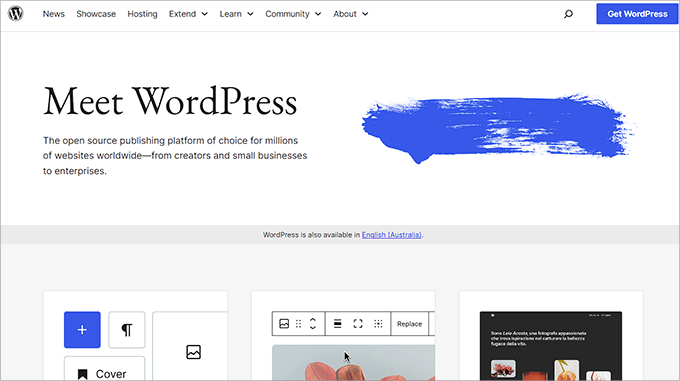
Self-hosted WordPress suits blogs, business sites, and projects that need a broad choice of themes and plugins. The software is open source, but hosting, domains, premium extensions, and maintenance can cost money. Choose it when you want control over the site and have someone responsible for updates, backups, and testing plugin compatibility.
Official WordPress.org information
2. HubSpot Content Hub
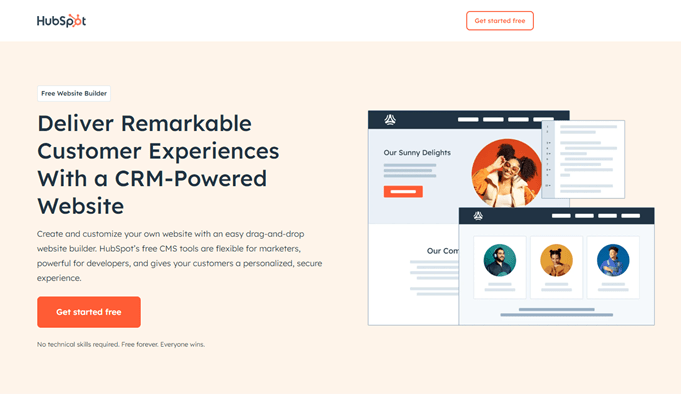
Content Hub fits a marketing website that needs to work closely with HubSpot customer data, forms, and lead-management workflows. It is worth evaluating when your team already uses HubSpot. Check which content and CRM features are included in the proposed plan; buying a CMS does not automatically include every marketing or sales capability.
Official HubSpot Content Hub information
3. Wix Studio

Wix Studio targets agencies and professional site builders who want visual design tools and CMS collections for dynamic pages. It can simplify client handover because content can be updated without redesigning the page. Test responsive layouts, client permissions, integrations, and export requirements before committing a large site to the platform.
Official Wix Studio information
4. Joomla
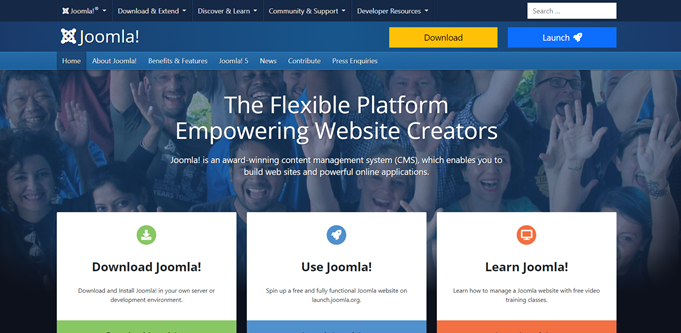
Joomla is an open-source CMS with multilingual features, extensions, and multiple user permission levels. Consider it for a site where those built-in controls fit the editorial workflow. You still need hosting and ongoing administration. Ask the people who will publish content to test the editor, rather than assuming the platform is unsuitable for every beginner.
5. WooCommerce
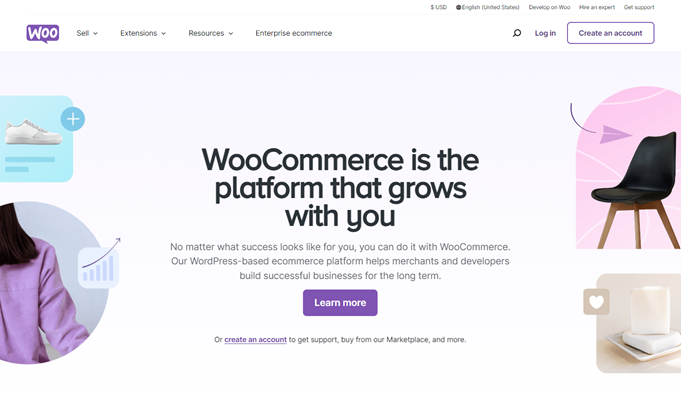
WooCommerce adds ecommerce to WordPress; it is a plugin rather than a standalone CMS. It is a useful option when content and store functions need to share a WordPress site. Budget for hosting, payment processing, extensions, and maintenance. Test checkout, shipping, tax configuration, and the specific payment methods your customers need.
Official WooCommerce information
6. Drupal
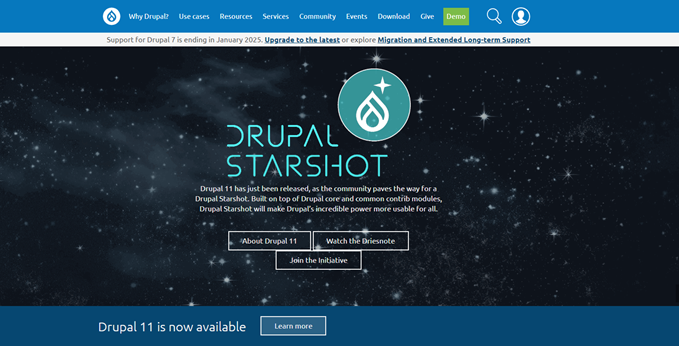
Drupal is an open-source platform suited to structured content and sites with custom publishing workflows or integrations. Distinguish the Drupal CMS experience from building directly on Drupal core, which targets more advanced requirements. Evaluate it with a team that can maintain the implementation and show editors how content types and permissions work.
7. BigCommerce
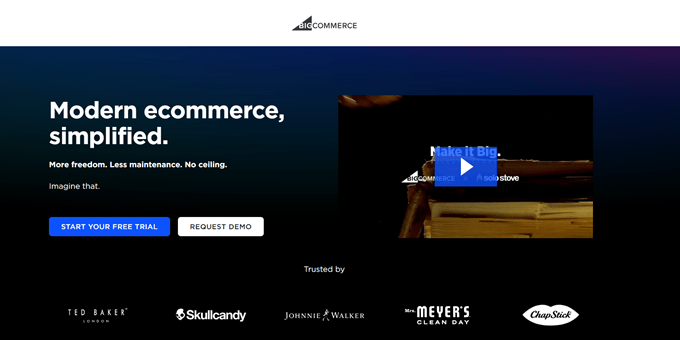
BigCommerce is a hosted commerce platform, so its strengths should be judged around selling rather than only publishing articles. Include it in a shortlist for stores with catalog, integration, or business-buyer requirements. Confirm which features your plan includes and test the complete order workflow, including the services that sit outside the storefront.
Official BigCommerce information
8. Shopify

Shopify is a hosted commerce platform for managing an online store. It is a practical candidate when products, checkout, orders, and selling tools are the main job of the website. Compare subscription costs, payment arrangements, apps, and theme requirements. Hosted infrastructure still leaves the merchant responsible for content, account access, and business operations.
9. WordPress.com

WordPress.com provides managed WordPress hosting and a guided setup. It can suit someone who wants WordPress publishing with less server administration. Features vary by plan, so verify the themes, plugins, customization, and support you require. It runs WordPress software like self-hosted WordPress; the central distinction is the hosting and service model.
Official WordPress.com information
10. Ghost
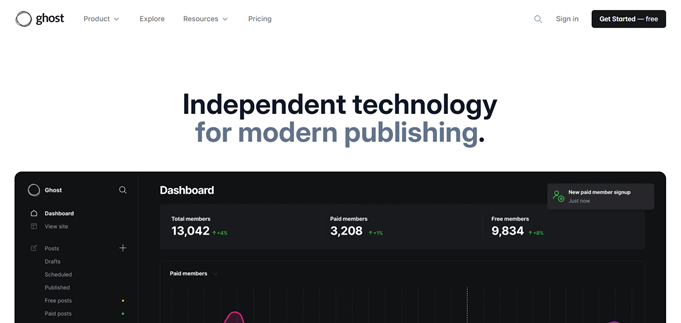
Ghost focuses on publishing, newsletters, memberships, and subscriptions. It is a strong candidate for a publication whose main product is its content. It can also serve content through APIs, but it does not require a headless implementation for a normal blog. Compare managed hosting with self-hosting and test your newsletter and member workflows.
11. Magento Open Source and Adobe Commerce
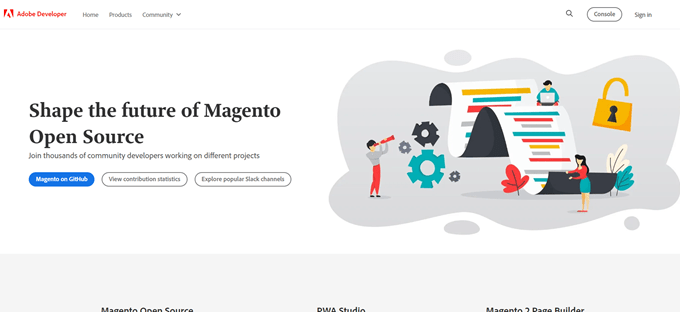
Magento Open Source and Adobe Commerce belong to the Magento commerce ecosystem but have different licensing, services, and feature sets. Evaluate them for a store with substantial customization and integration needs. Plan for specialist development and maintenance; an open-source download is not the same as a low-cost finished store. Confirm the deployment model in the proposed solution.
Official Magento Open Source and Adobe Commerce information
12. Textpattern
Textpattern is an open-source CMS with a lean core and a tag-based template language. It can suit a content-focused website whose developer wants direct control over templates. Try its publishing workflow and check that needed plugins are maintained. It is a narrower option than a large all-in-one builder, which can be useful when the requirements are also focused.
Official Textpattern information
13. Blogger

Blogger is a hosted blogging service from Google. It offers a straightforward route to a blog with a Blogspot address or a custom domain. It is better evaluated as a blogging service than as a full business application platform. Check design, export, and monetization requirements instead of assuming every free service has the same restrictions.
14. Bitrix24
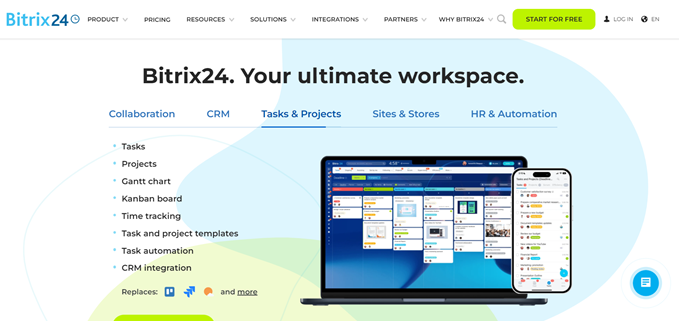
Bitrix24 combines business tools such as CRM and tasks with website, landing-page, and store functions. It is worth considering when the site supports a wider Bitrix24 workflow. Test the website builder alongside your lead-handling process. Check current plan limits directly; older storage and user allowances should not be treated as current specifications.
15. TYPO3
TYPO3 is an open-source CMS with an enterprise-oriented ecosystem. Consider it for an organization prepared to invest in implementation, editorial training, and long-term maintenance. Have a qualified team demonstrate the permissions, site structure, and integrations you need. Its suitability depends on those requirements and the team supporting them, rather than its age.
How to choose between the shortlist
Build a small trial using a real page, article, or product from your project. Have an editor publish and revise it, then test the navigation and mobile layout. For a store, complete a test order and refund using the supported test process.
- Total cost: include hosting, domain renewal, paid apps or extensions, developer work, and ongoing support.
- Maintenance: establish who handles updates, access control, backups, and recovery.
- Publishing: check content types, revision history, roles, media handling, and multilingual requirements.
- SEO controls: inspect titles, metadata, URLs, redirects, sitemaps, and the ability to keep pages fast.
- Migration: test what you can export and how URLs and media will move if you leave.
If WordPress is on your shortlist, our beginner's WordPress website guide explains the setup choices. For a simpler publication, see planning a personal blog.
Choose the platform whose trial meets the actual requirements and whose maintenance model your team can sustain. Market-share figures and a “best CMS” label cannot make that decision for you.





Reader Comments 0
Sign in with email or Google to join the discussion.