Table of Contents
Instagram camera now supports ultra-wide mode for taking photos and videos in the app. Here's how to use the ultra-wide camera on Instagram.
Instagram camera now supports ultra-wide mode for taking photos and videos on the app. While the phone's native camera app can also take great photos in ultra-wide mode, many users prefer to use Instagram's filters. This results in unique photos with a variety of filters. Here's a guide to using the ultra-wide camera on Instagram.
Instructions for using the ultra-wide angle camera on Instagram
Step 1:
On the Instagram interface, you post a Story, click on the avatar and select the Story section to record a video or take a photo.
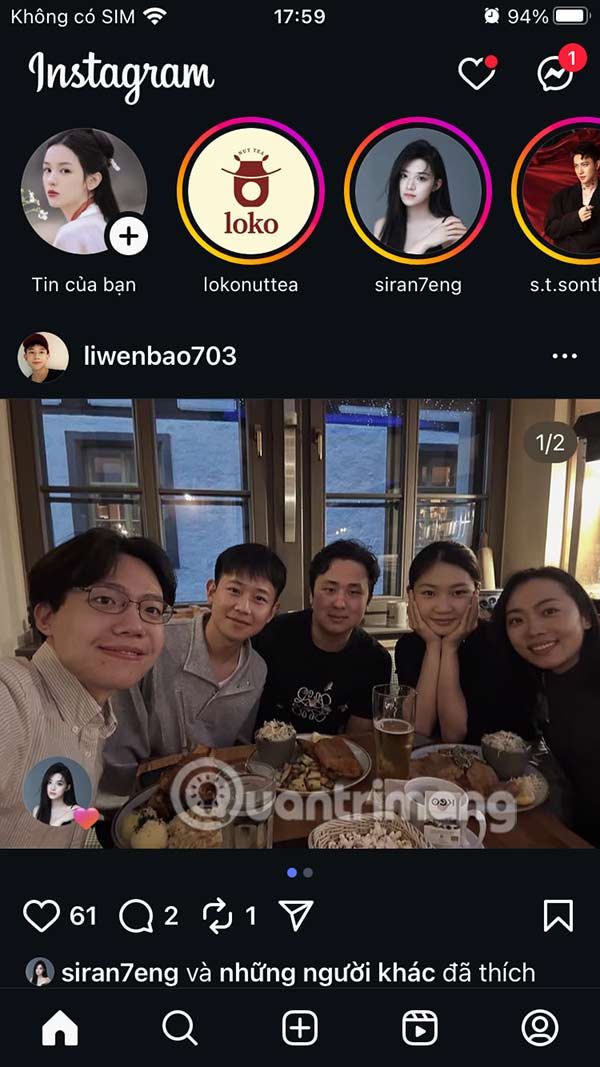
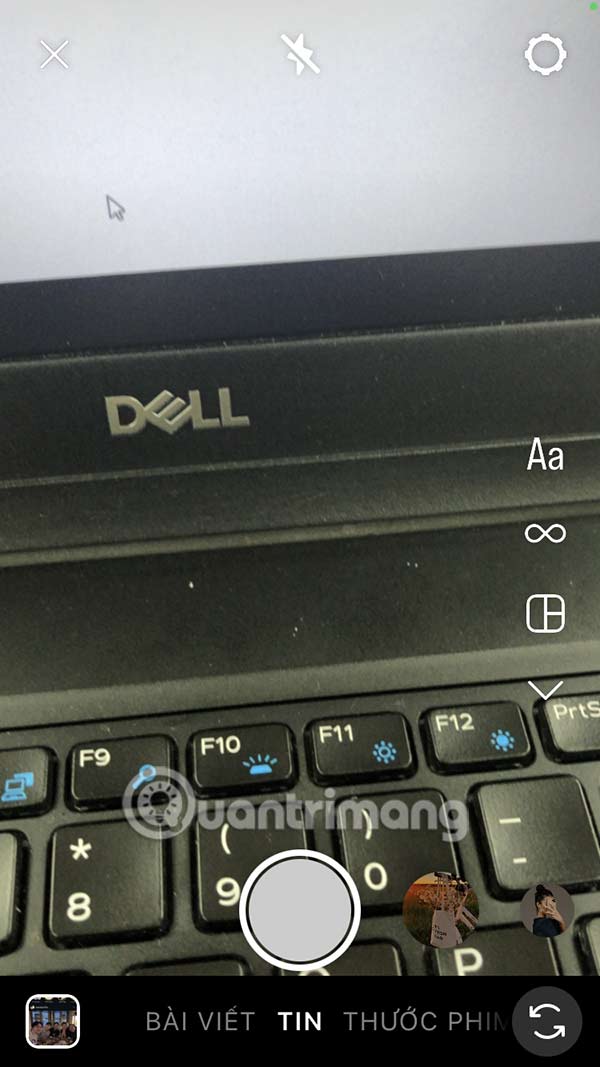
Step 2:
Now you will only use 2 fingers to zoom the screen, switch to ultra-wide mode to rotate the camera or take photos.
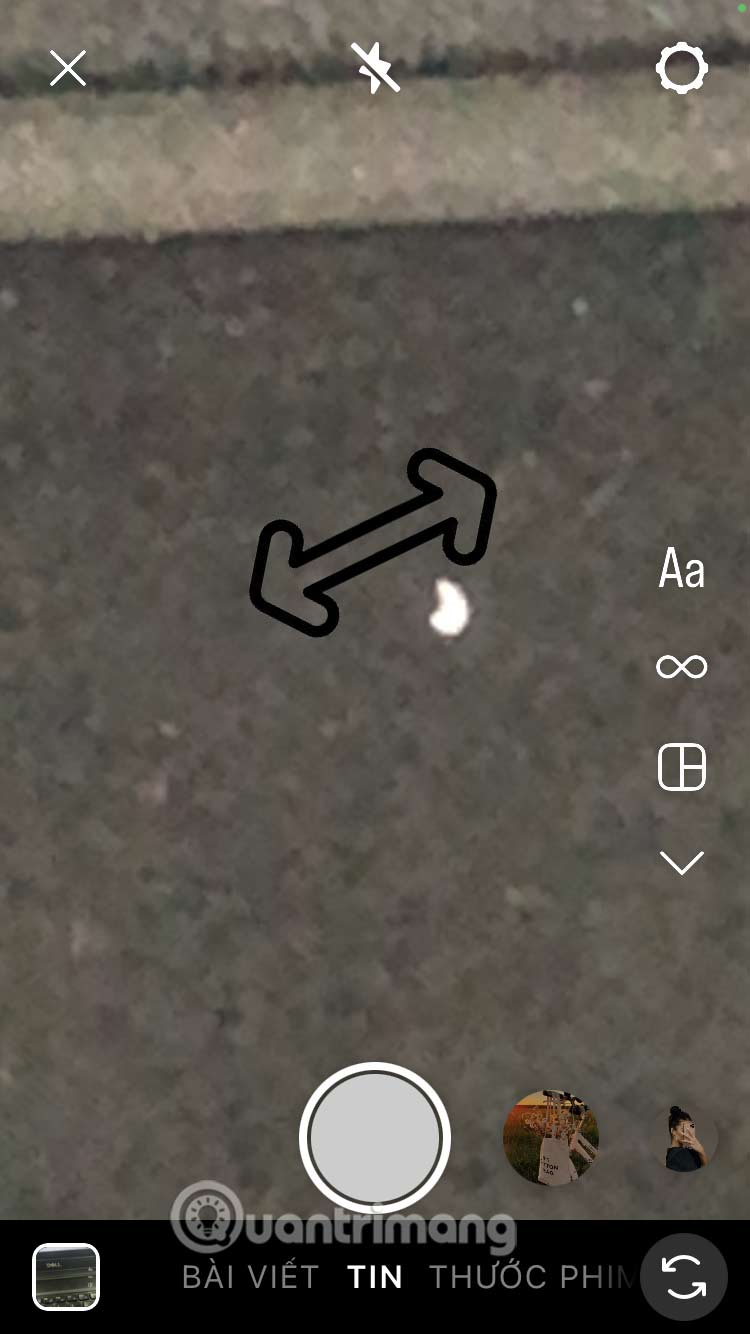
If you close and reopen the Instagram camera, the interface will reopen in normal mode instead of ultra-wide angle.
FAQ
How do you use the ultra-wide angle camera on instagram?
In practical terms, instagram camera now supports ultra-wide mode for taking photos and videos in the app. Here's how to use the ultra-wide camera on Instagram.
What should you check before getting started?
Review the requirements, compatible device or software version, and any warnings described in the guide before making changes.
What should you do if the steps do not work?
Repeat the steps in order, confirm that your app or system is up to date, and review the troubleshooting details provided above.
Related Articles
 How to Make Your Phone's Ultra Wide Angle Camera Weirdly Awesome7 minutes read
 Top Wide Angle Webcams Worth Buying in 20237 minutes read
 Wi-Fi Camera: Camera Wi-Fi -- New Trends in 20197 minutes read
 Sony Announces World's Smallest and Lightest Wide-Angle Zoom Lens3 minutes read
 'Abdominal Surgery' Camera Cluster 'Hegemony' on Galaxy S20 Ultra4 minutes read
 Should I Choose an Ultra-Wide Monitor or a Dual Monitor Setup?8 minutes read
Reader Comments 0
Sign in with email or Google to join the discussion.