Table of Contents
This updated guide explains how to make your phone's ultra wide angle camera weirdly awesome with clear steps, practical tips, and useful context. Many people never expected that the weakest camera on their phone would become a secret weapon for creative photography. All it takes is a change in perspective and a little imagination.
- What do the camera settings on your phone do?
6. Get Closer Instead of Zooming In
Ultra-wide lenses have a way of making things seem far away. Unlike telephoto lenses, which pull subjects closer, ultra-wide lenses push them away, making even close objects appear smaller and farther away. They're great for capturing wide scenes because they fit into the frame, but your main subject can easily get lost if it is too far away.
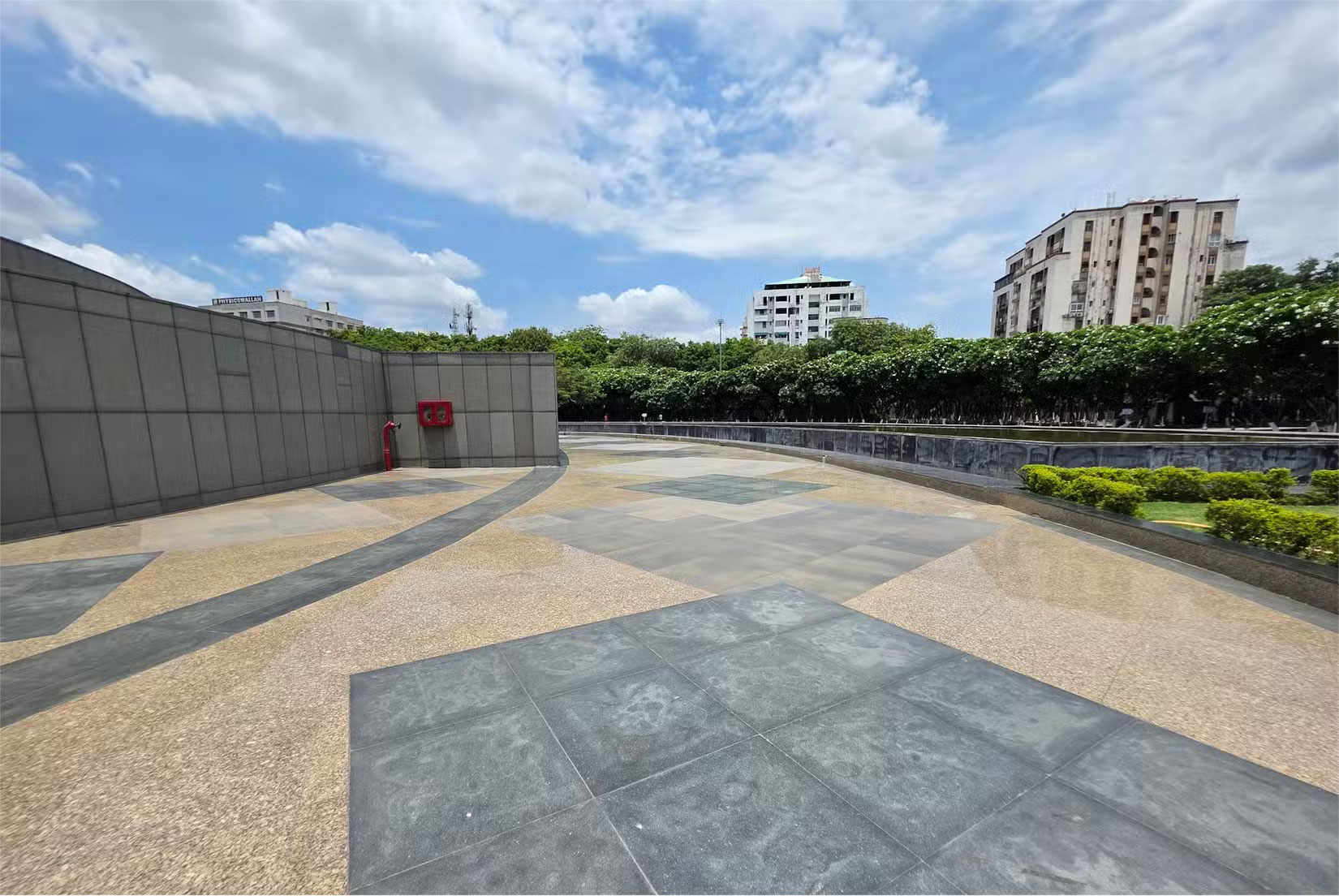
To counteract this effect, try physically moving closer to your subject instead of zooming in. This will make your subject appear larger and more prominent in the frame, while still capturing the wide, panoramic view around it. The foreground will stand out with sharp detail and the background will stretch out, adding depth and making the photo feel more alive. Sure, you may need to crop the photo later to remove any excess or unwanted elements, but it is worth it for a stronger, more dramatic photo.
5. Anchor the Photo with Foreground Details
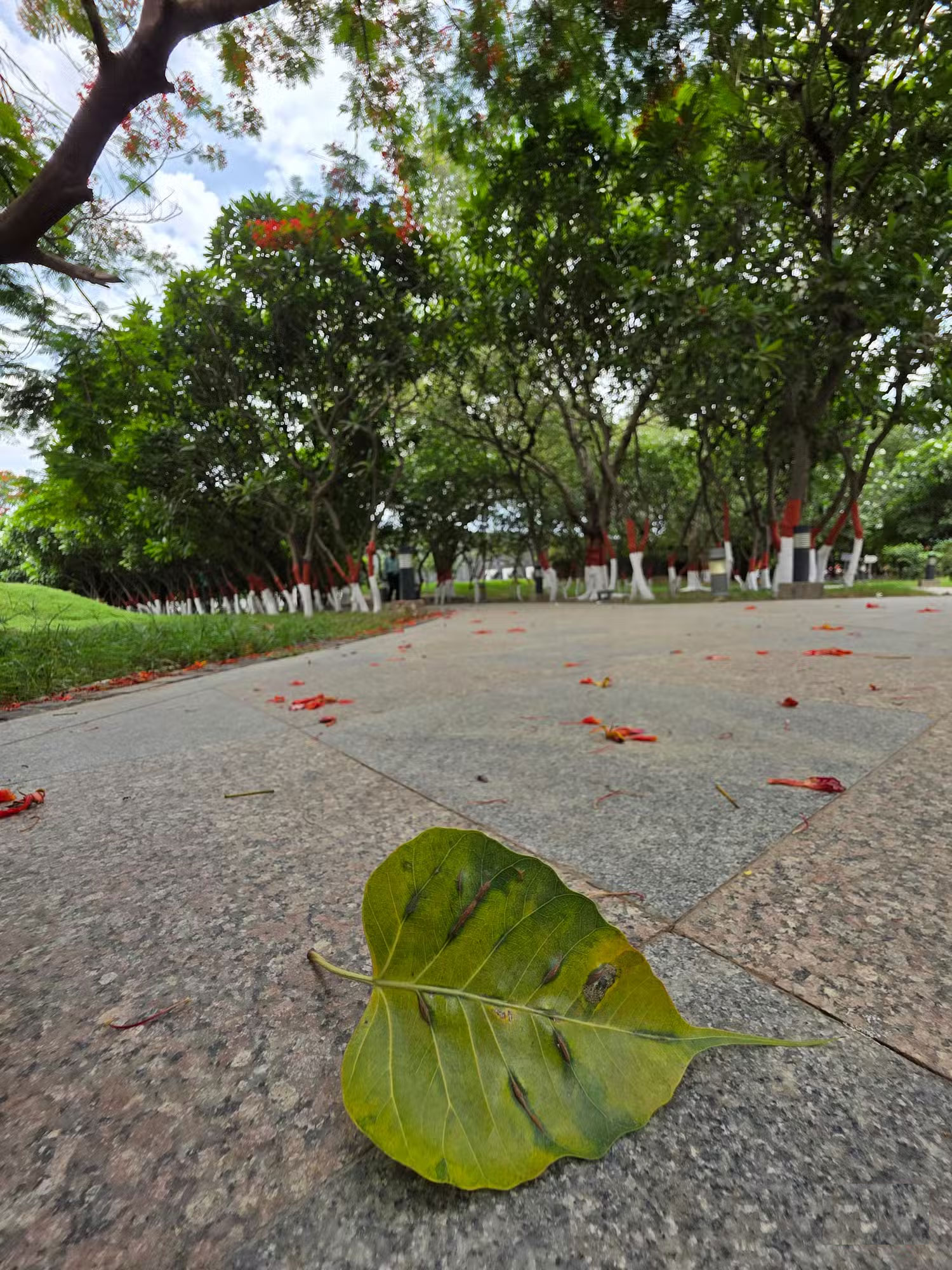
Getting close is only half the story. Try placing something interesting in the foreground to make your ultra-wide shot feel more grounded and dynamic. Look for objects that fit naturally into the environment, like a leaf, a bench arm, or even a crack in the sidewalk; they can act as visual anchors if positioned thoughtfully.
Ultra-wide lenses naturally exaggerate perspective, so whatever is closest to the lens will appear bold and detailed while the rest of the scene stretches significantly behind it.
4. Frame the Subject Vertically Tall
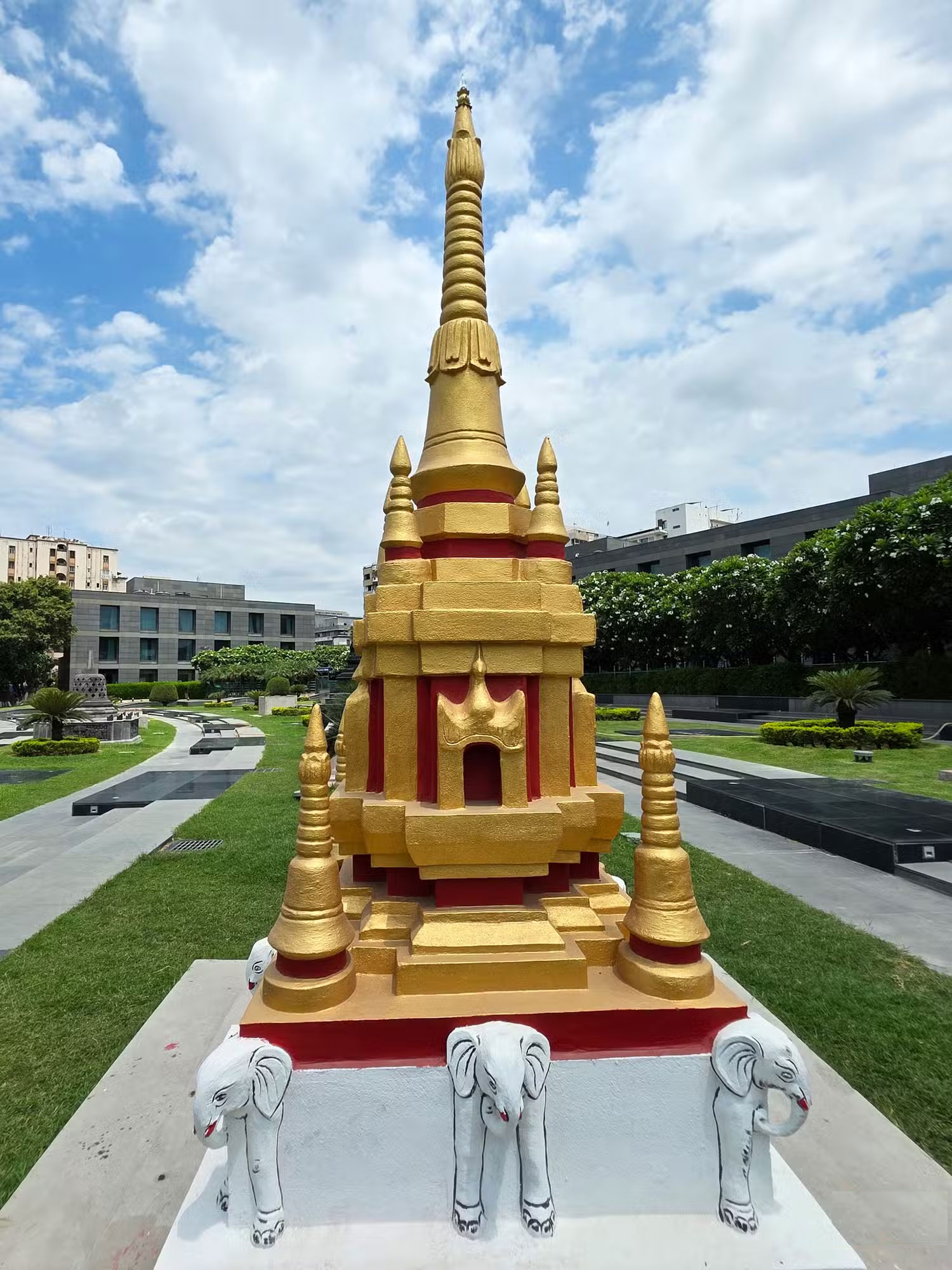
When you're standing near a tall object, like a building, waterfall, or tree, flipping your phone vertically can make a big difference. With an ultra-wide lens, portrait stretches the scene up rather than sideways, allowing you to capture the full height without cutting anything off.
Try holding your phone low and tilting it slightly upward. The ultra-wide angle will magnify vertical space, making your subject appear even taller. This perspective conveys a strong sense of scale, especially when you're close to the base. You can capture the entire ground, the entire height of your subject, and even some of the sky above, all in one frame.
3. Fit More into Small or Tight Spaces
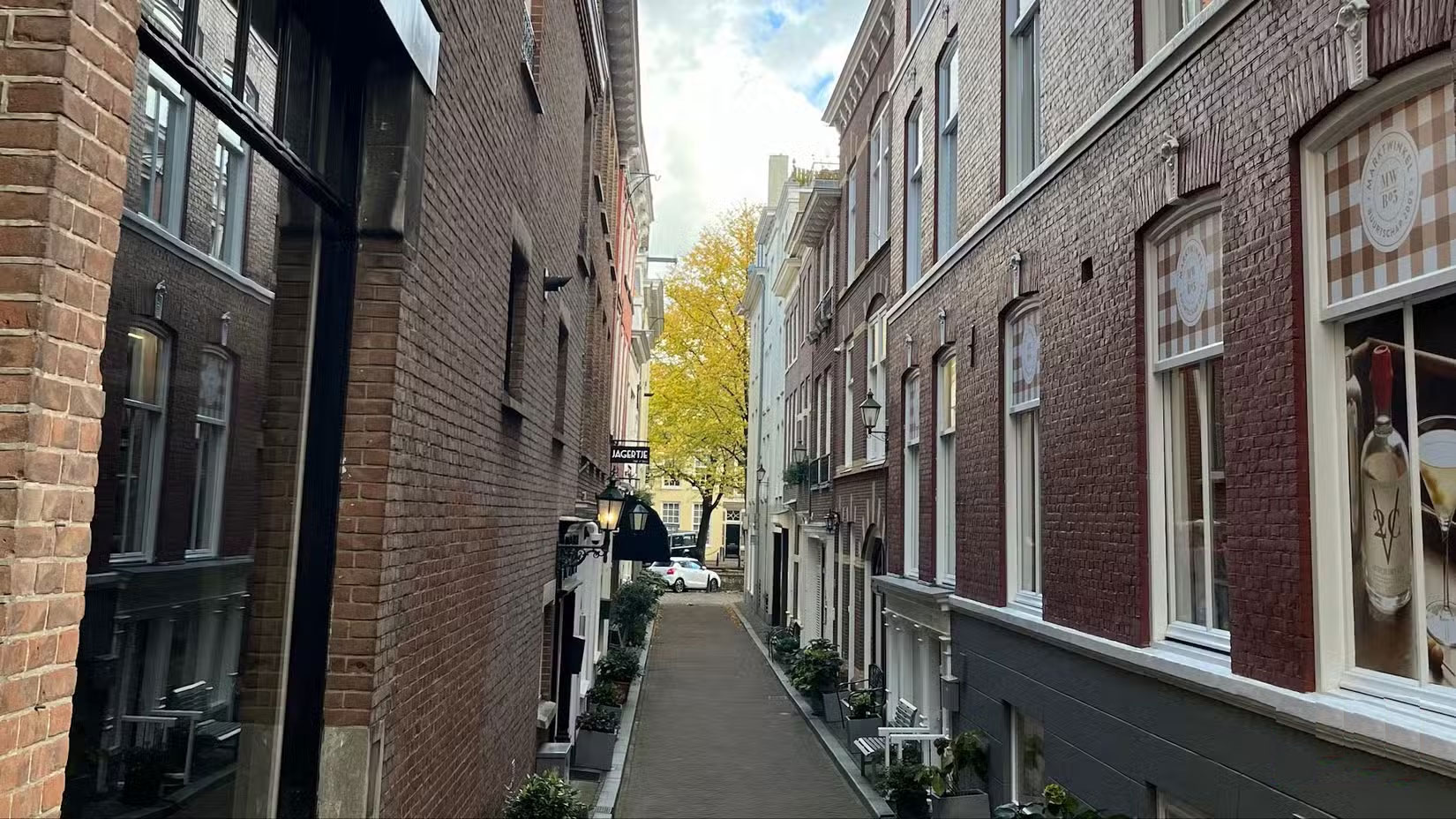
Wide-angle lenses aren't just for sweeping landscapes or towering skylines. They also work great in tight spots like crowded streets, small rooms, narrow hallways, or any space where you cannot step back. Whether you're indoors or crammed into the back seat of a car, this lens can help you capture the whole scene without cropping out any details.
Unlike a standard lens, which can cut out important details, an ultra-wide lens can capture the entire scene. You can show the layout of a room, fit more people into a group shot, or frame tall furniture without cutting out the ceiling. It makes shooting in tight spaces much easier.
Just pay attention to what's around the edges. With so much going on in the frame, it is easy for a photo to include distracting things that you didn't notice at first. Take a moment to scan the edges and clean things up before you press the shutter.
2. Reduce Edge Distortion
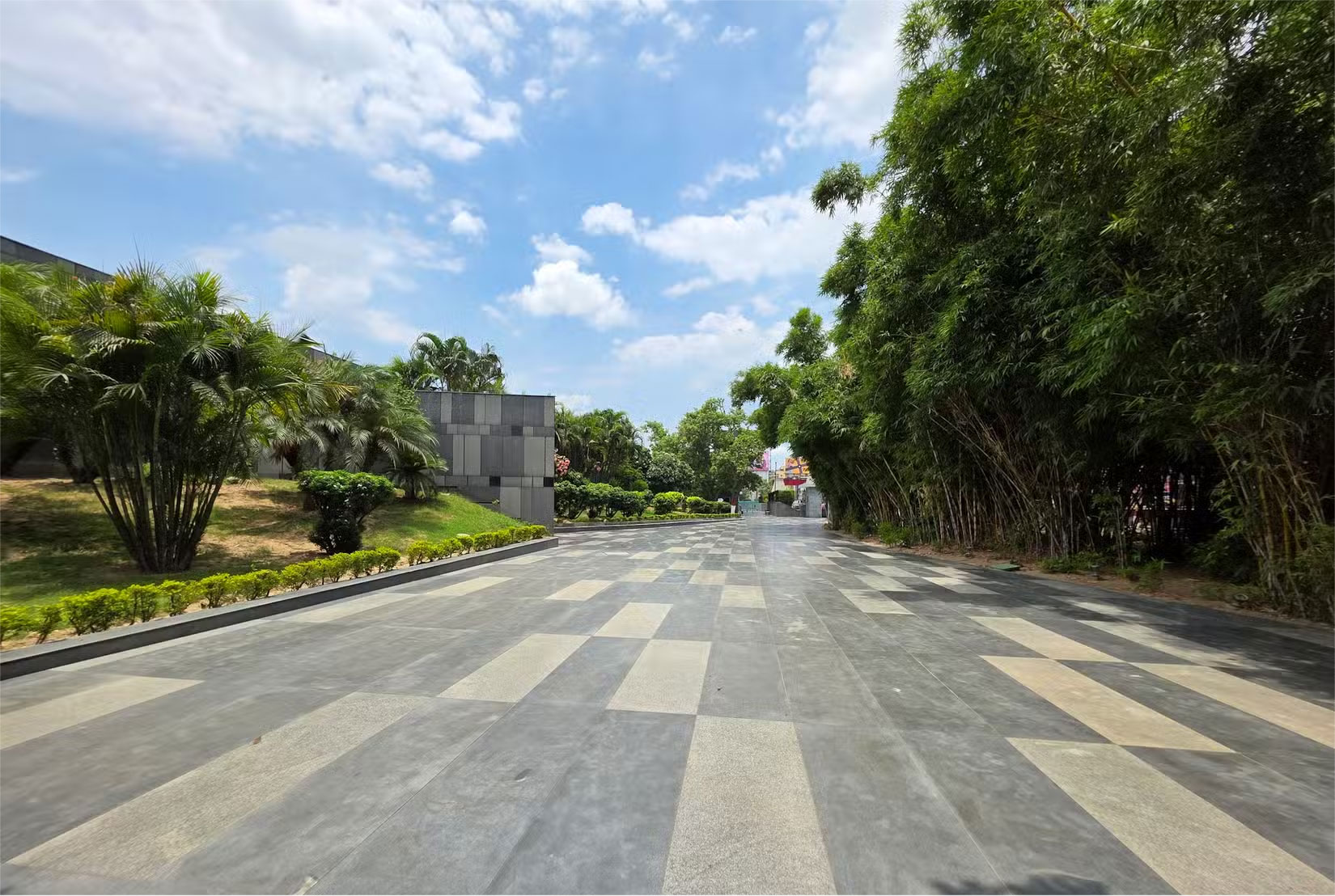
Ultra-wide angle shots can sometimes stretch or warp the edges of the frame. Straight lines can curve, and anything near the corners, like faces, arms, or tall objects, can appear distorted. that is how a wide angle lens handles space when capturing a wide scene.
To minimize this effect, keep your subject closer to the center of the frame, where the distortion is less noticeable. The further away from the center an object is, the more likely it is to appear unnaturally curved or elongated. Always check the corners carefully! If they look wrong, you can crop them or use the lens correction tools in your editing app to straighten things out.
1. Shoot in RAW for More Editing Control
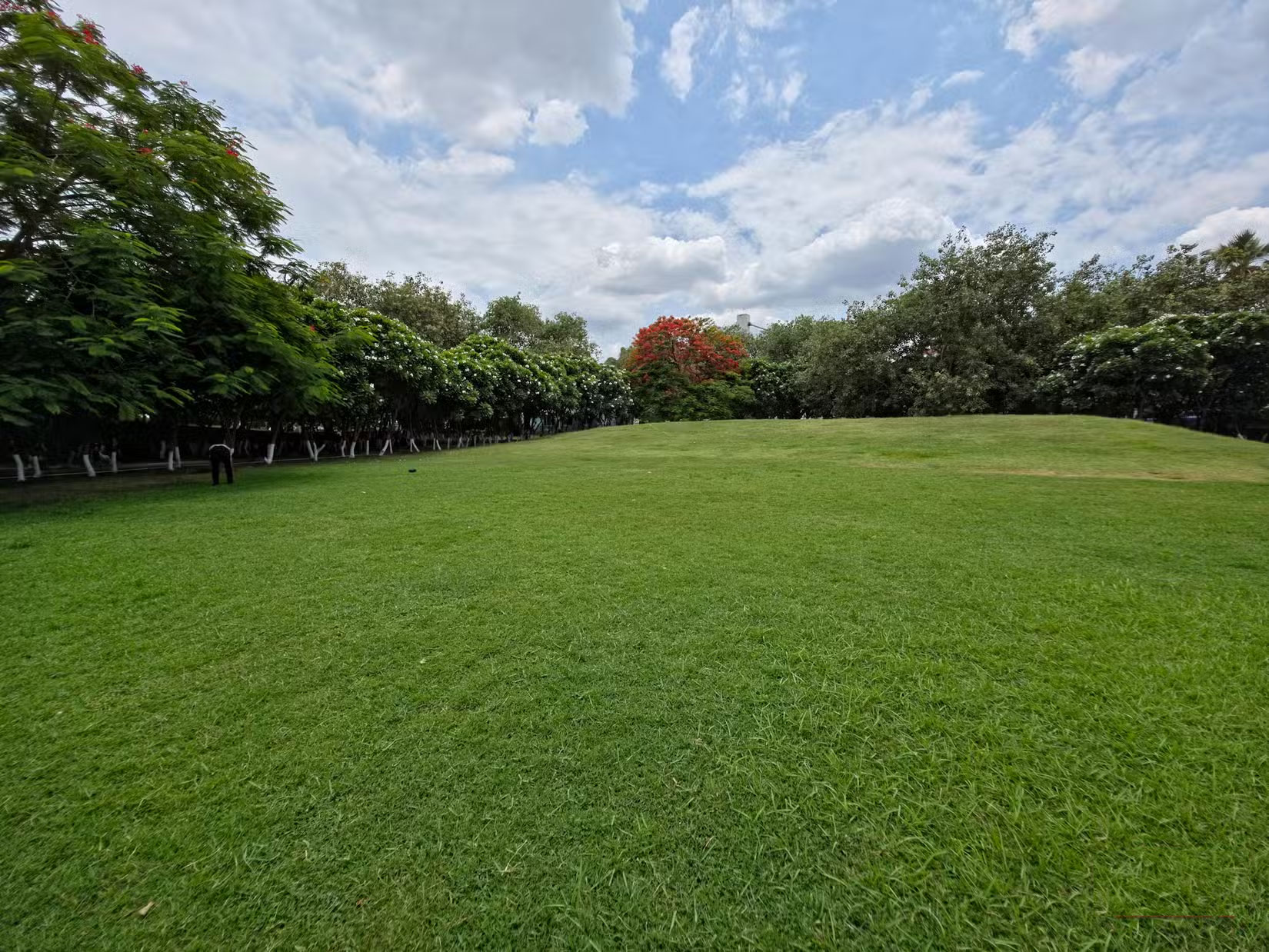
Once you have the right framing and lighting, shoot in RAW to maximize quality. it is not about how the images look on screen, but what you can adjust afterwards. Most phones default to JPEG or HEIC, which applies a quick processing mode to get edited results but limits your ability to recover highlights, adjust shadows, or tweak colors afterwards.
RAW files record everything your camera sensor sees. They're uncompressed and lightly processed, giving you complete control over exposure, white balance, sharpness, and detail. This is especially useful in high-contrast scenes like sunsets, where different parts of the image may need to be adjusted separately.
FAQ
What should I prepare before I make your phone's ultra wide angle camera weirdly awesome?
Review the requirements and options in the guide first. Having the correct device, app version, account access, or materials ready helps prevent avoidable errors.
How long does it take to make your phone's ultra wide angle camera weirdly awesome?
The time depends on the task and your setup. Most basic steps can be completed quickly, while downloads, updates, scans, or troubleshooting may take longer.
What should I do if the steps do not work?
Repeat the instructions in order, confirm that your software or device is supported, and check permissions, connectivity, and available updates before trying again.
Related Articles
 How to Use the Ultra-wide Angle Camera on Instagram2 minutes read
 Top Wide Angle Webcams Worth Buying in 20237 minutes read
 Wi-Fi Camera: Camera Wi-Fi -- New Trends in 20197 minutes read
 Sony Announces World's Smallest and Lightest Wide-Angle Zoom Lens3 minutes read
 'Abdominal Surgery' Camera Cluster 'Hegemony' on Galaxy S20 Ultra4 minutes read
 Should I Choose an Ultra-Wide Monitor or a Dual Monitor Setup?8 minutes read
Reader Comments 0
Sign in with email or Google to join the discussion.