Table of Contents
This practical guide explains how to view older street images on Google maps. Follow the steps in order, review the requirements first, and use the troubleshooting notes when a setting or option does not work as expected.
How to review old house on Google Maps phone
Step 1:
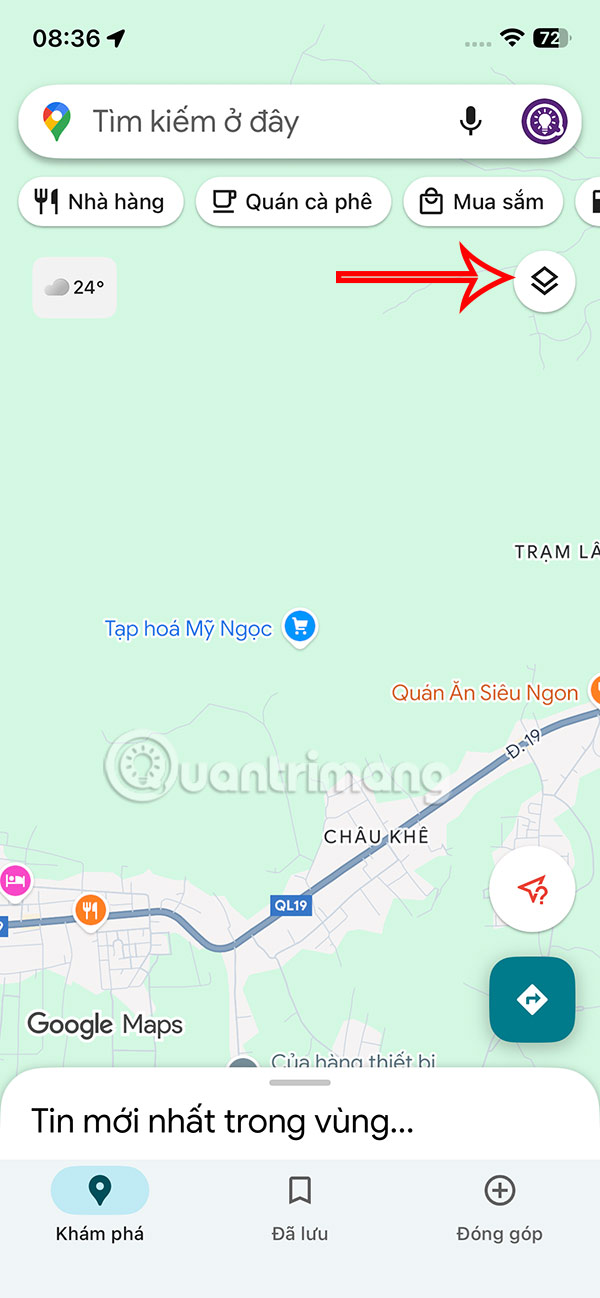
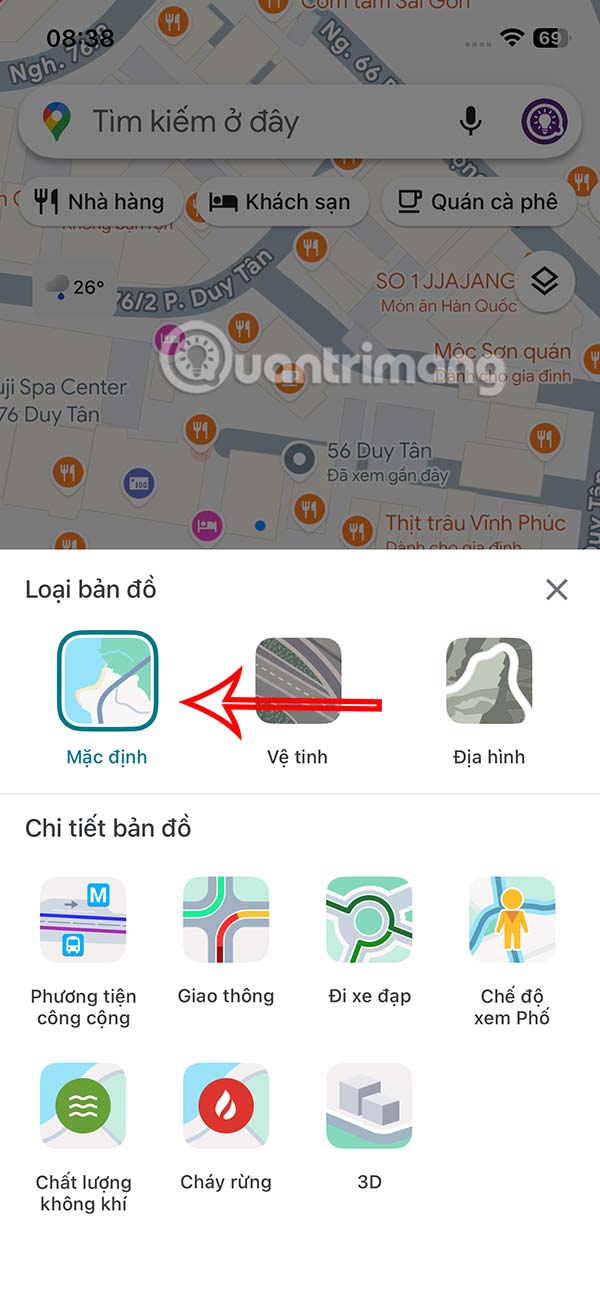
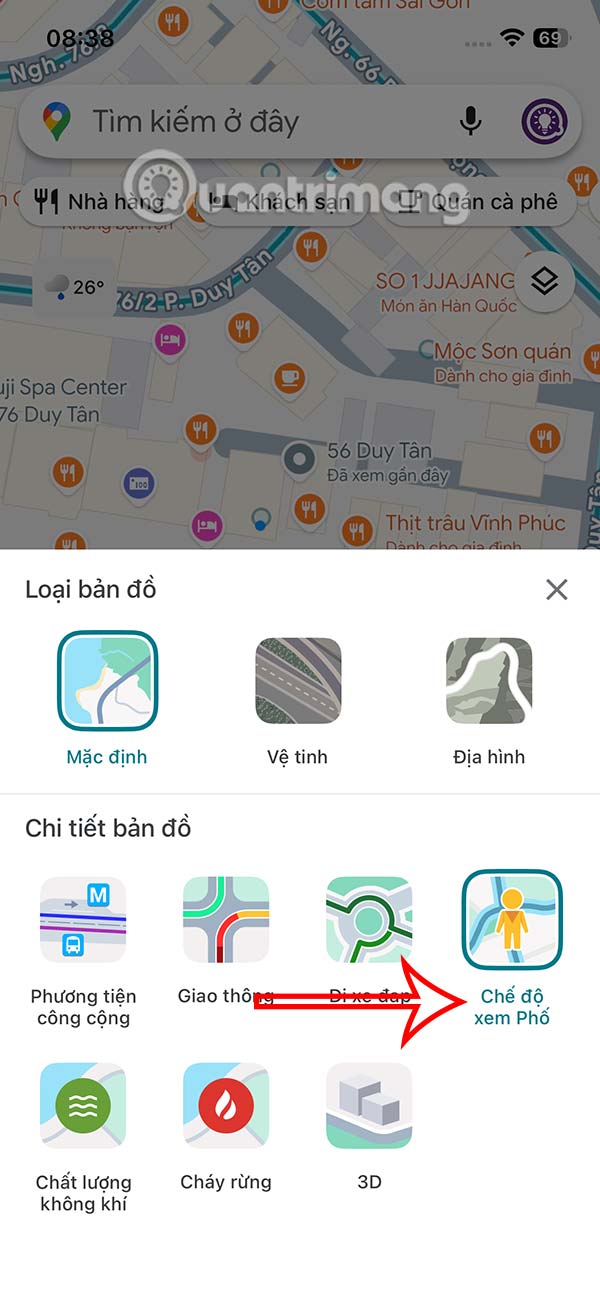
On the interface of the Google Maps application, select the diamond icon in the right corner of the interface, then leave it as Default or select Satellite to switch to detailed map display mode and then click Street View .
Step 2:
Now you enter the location you want to review from previous years on Google Maps in the search bar and then select the search result.

Step 3:
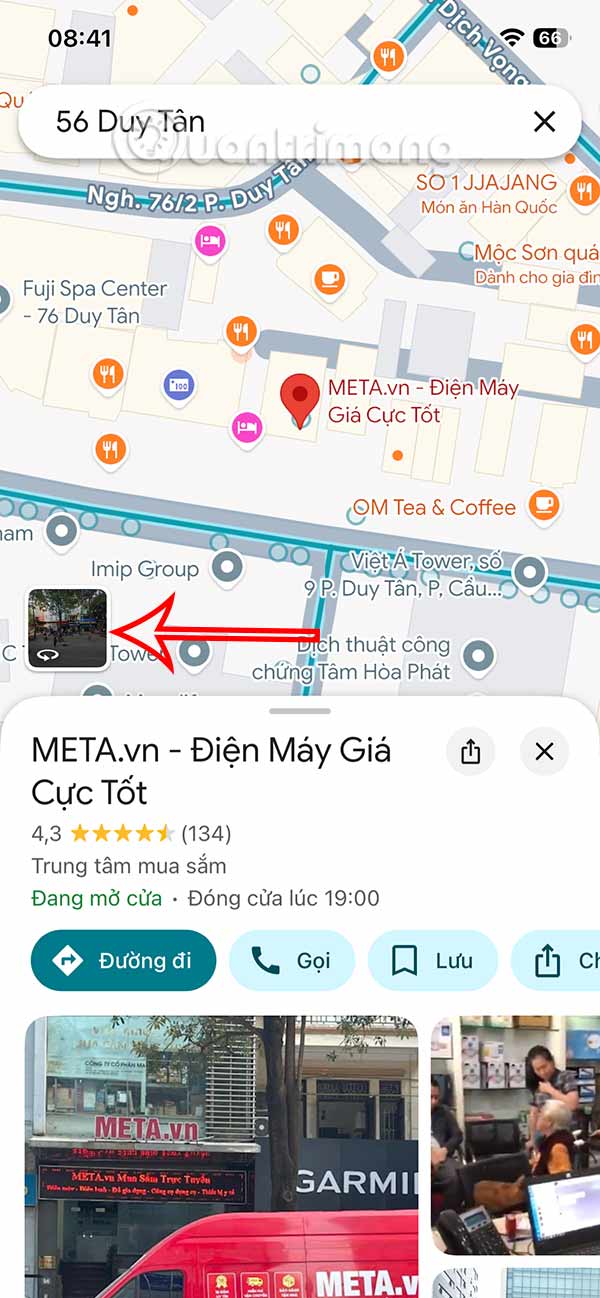
To display a location on Google Maps, select the image in the square frame. The location image will now appear in 360 degrees so we can rotate it to view the location in different Street modes on Google Maps.

Step 4:
Tap the map again and you'll see the option to adjust the time to revisit this location from previous years right on Google Maps. The map app suggests a few different times at this location for you to revisit.
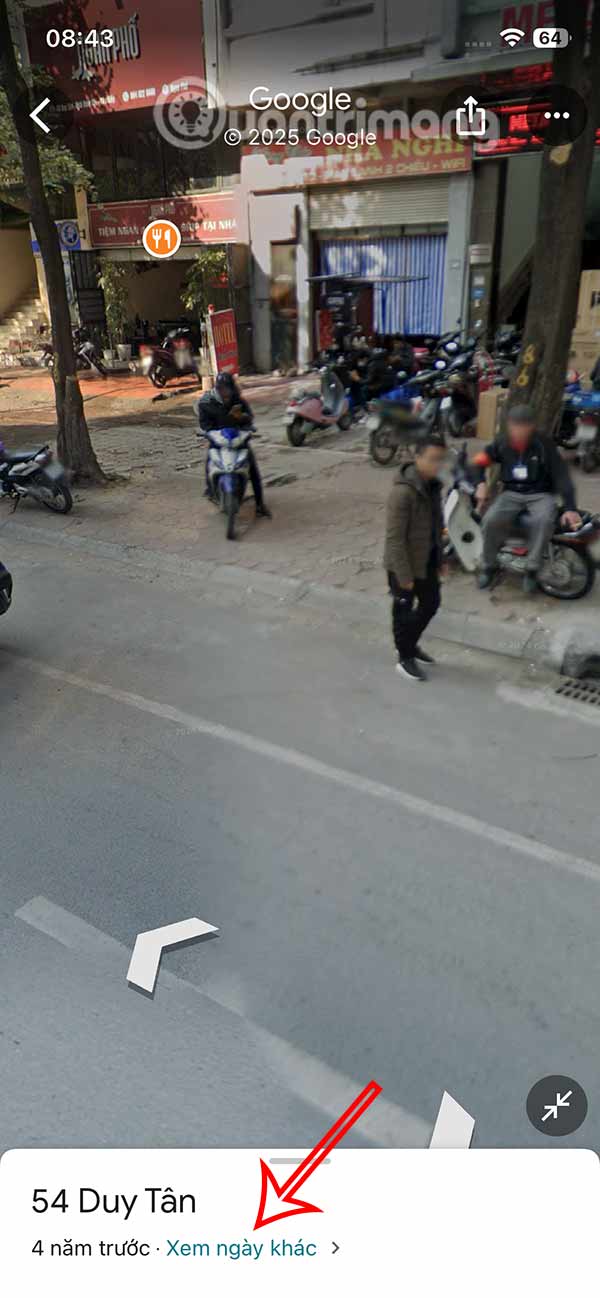
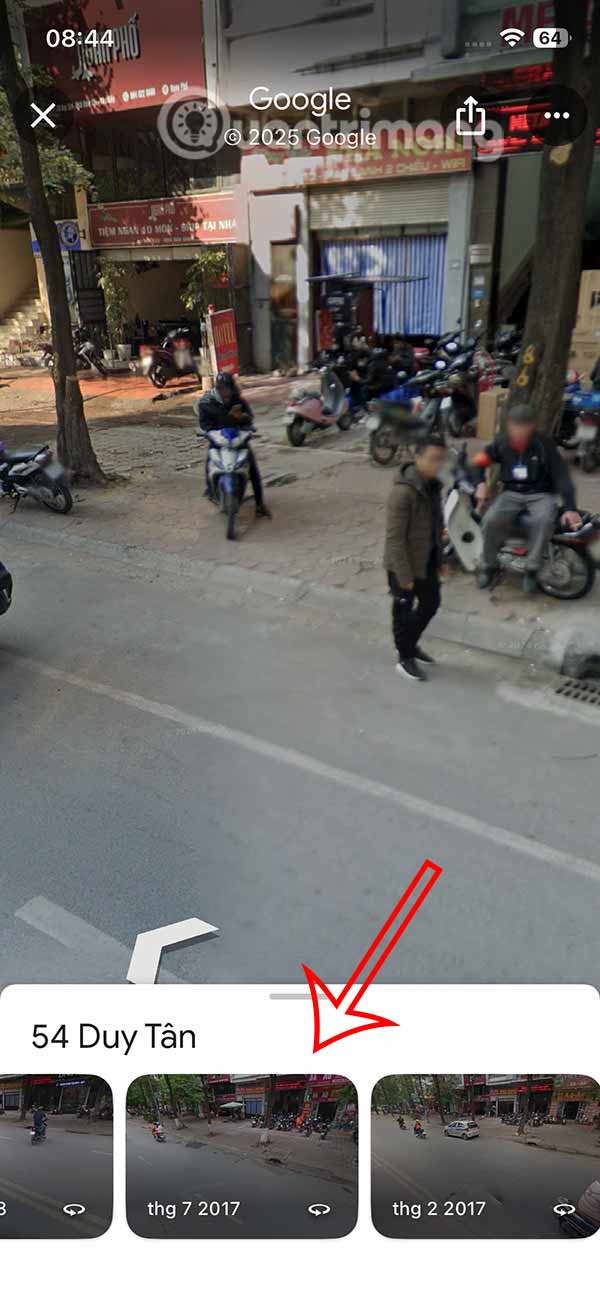
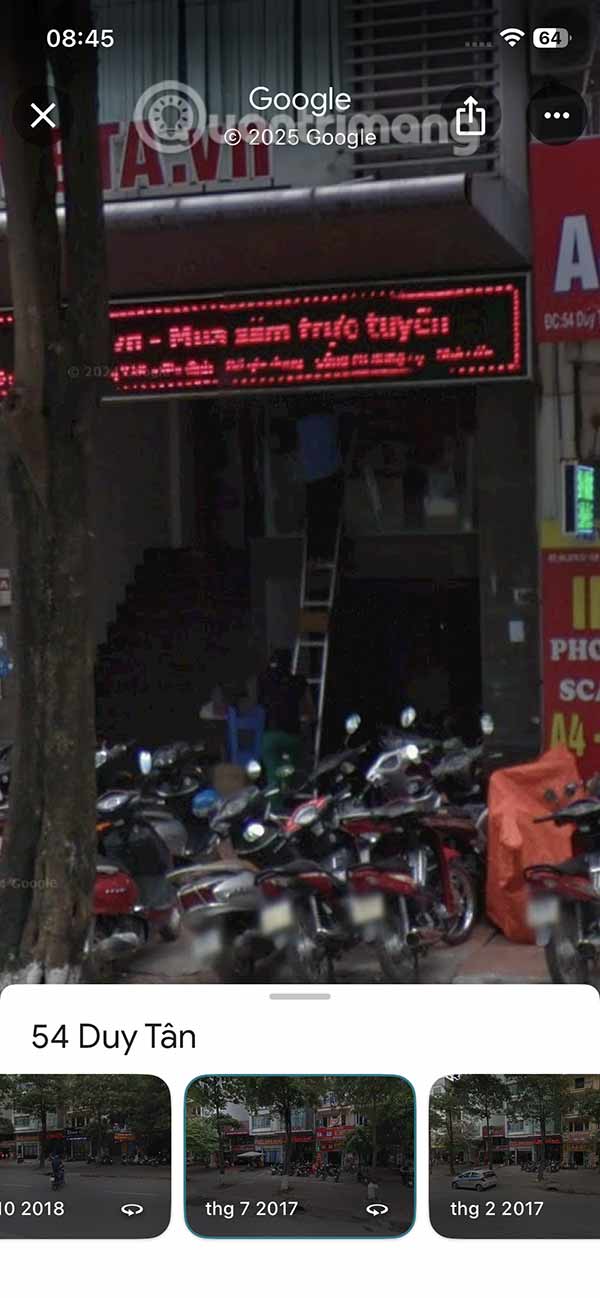
Just select another year to see the old location you want on Google Maps. Depending on the location, there will be different past time markers.
How to reviewing old houses on Google Maps PC
Step 1
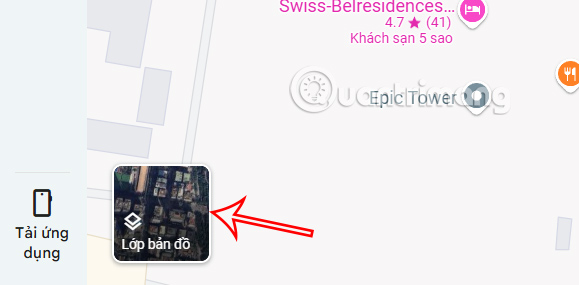
At the interface on Google Maps on the computer, we select the Map Layer item in the bottom left corner.
Step 2:
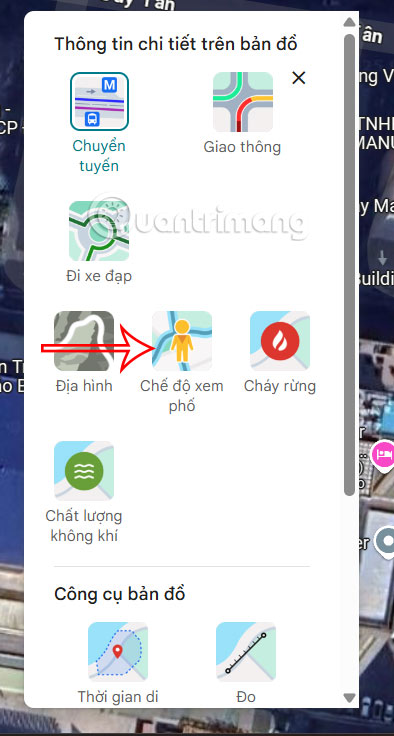
Click See More to expand the Map Layers option, then click Street View .
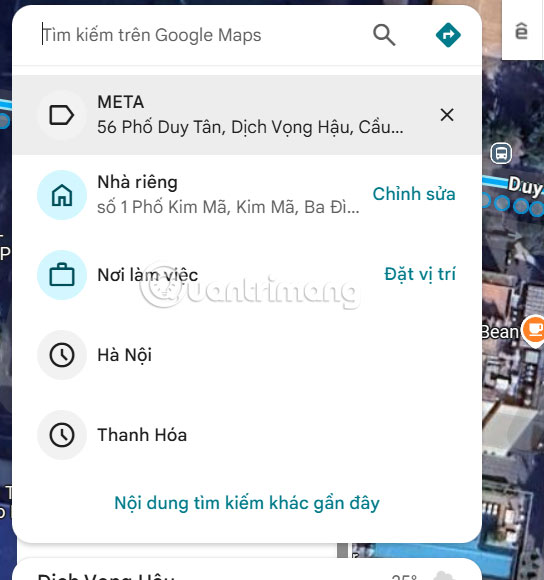
Now you also enter the location you want to see on Google Maps and then select the result to access as usual.
Step 3:
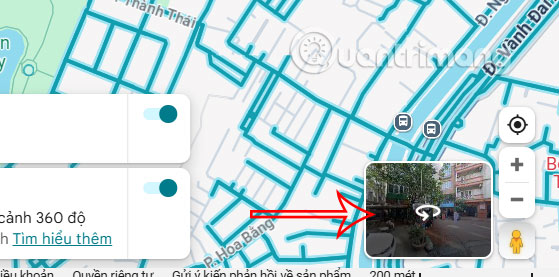
Then you also select the image of that location to view it in Street mode on Google Maps.
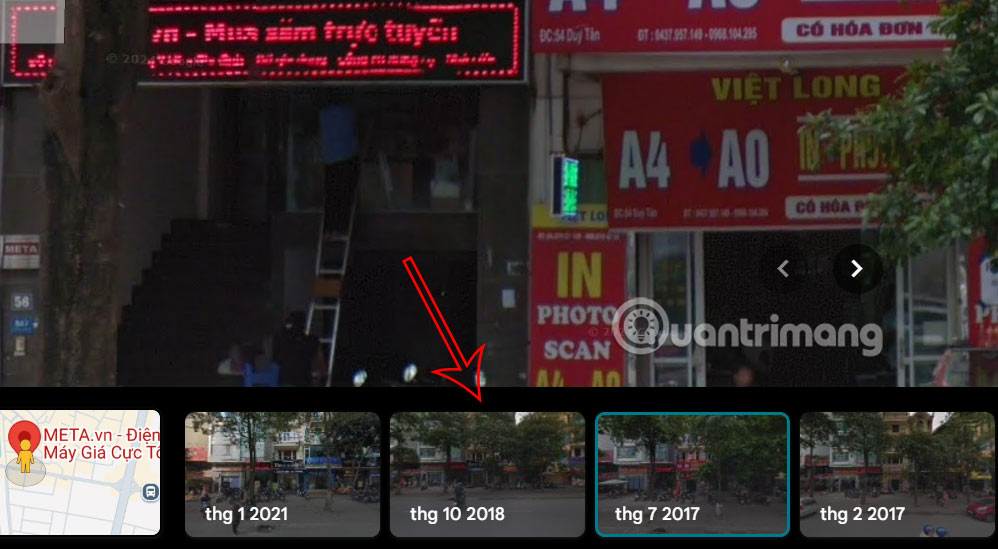
We will immediately see the location displayed in street view. Here you move the directions to see the location. Or select the date option to change the time .

Step 4:
We choose the time we want to see the location in previous years on Google Maps.
FAQ
How to review old house on Google Maps phone?
On the interface of the Google Maps application, select the diamond icon in the right corner of the interface, then leave it as Default or select Satellite to switch to detailed map display mode and then click Street View.
How to reviewing old houses on Google Maps PC?
At the interface on Google Maps on the computer, we select the Map Layer item in the bottom left corner.
What does this guide cover?
This guide explains view older street images on Google maps, including the main steps, important details, and practical considerations.
Related Articles
 How to Find the Way to Google Maps for Motorcycles5 minutes read
 How Does Google Maps Work?: Why Google Created Google Maps12 minutes read
 How to Using Ar Road Features on Google Maps3 minutes read
 How to Use Google Maps to Find Your Way: Step-by-Step Guide5 minutes read
 How to Add Places to Google Maps3 minutes read
 Tips for Using Google Maps on Android11 minutes read
Reader Comments 0
Sign in with email or Google to join the discussion.