Table of Contents
Small details like fonts and animations or effects you add to your Story can make a difference. Here's how to create animated text effects for your Instagram Story.
Instagram is where you share your story creatively. Videos and images are the main focus, but the right text and animations can make them stand out even more. Even small details like the font you use and the animations or effects you add to your Story can make a difference. Here's how to create animated text for your Instagram Story.
How to create animated text effects for Instagram Story
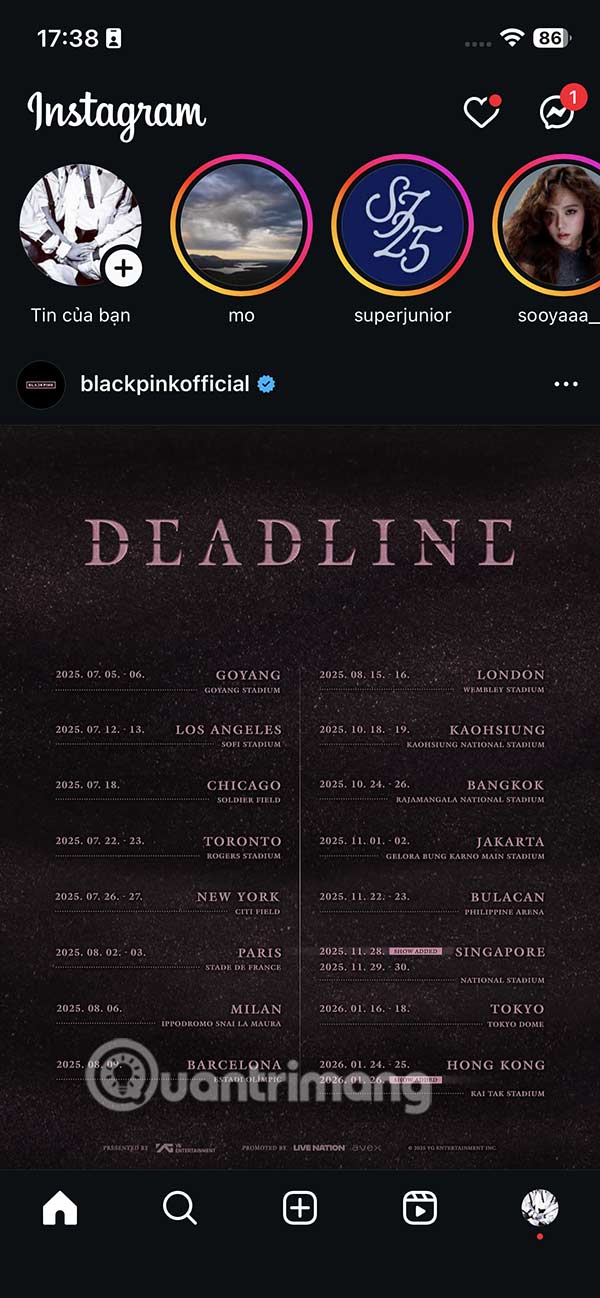
Step 1:
You post Instagram Story as usual and then click on The writing icon Above.
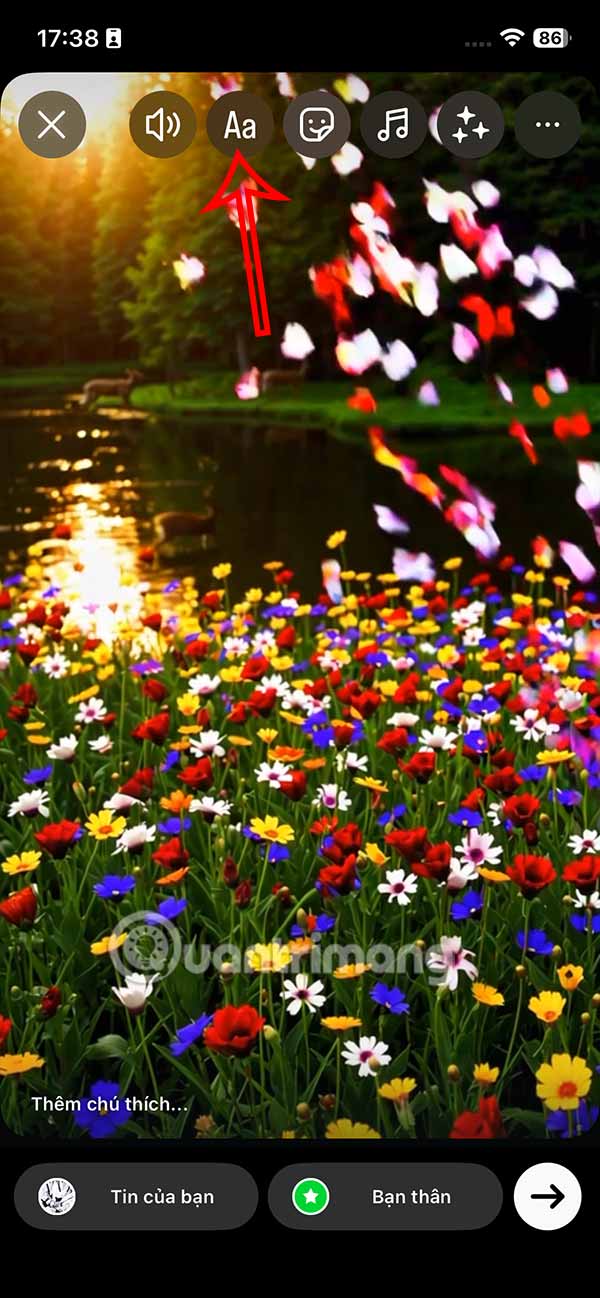
Step 2:
Now you write the text you want to display in Story and then adjust the size, choose the font and color as you like.
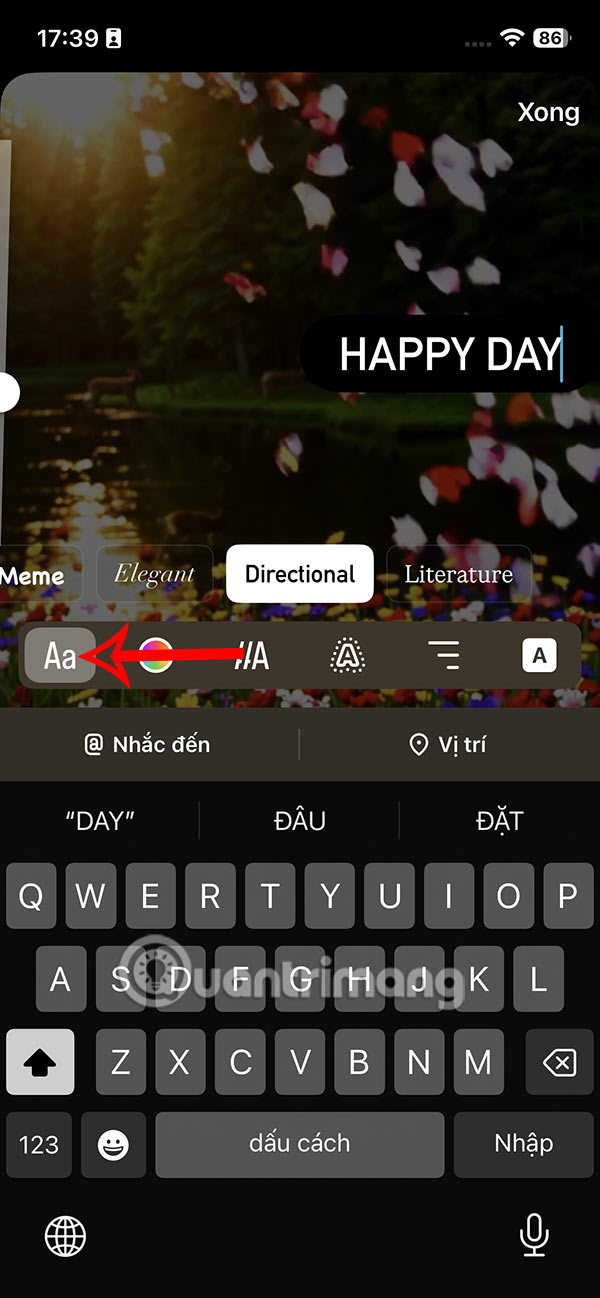
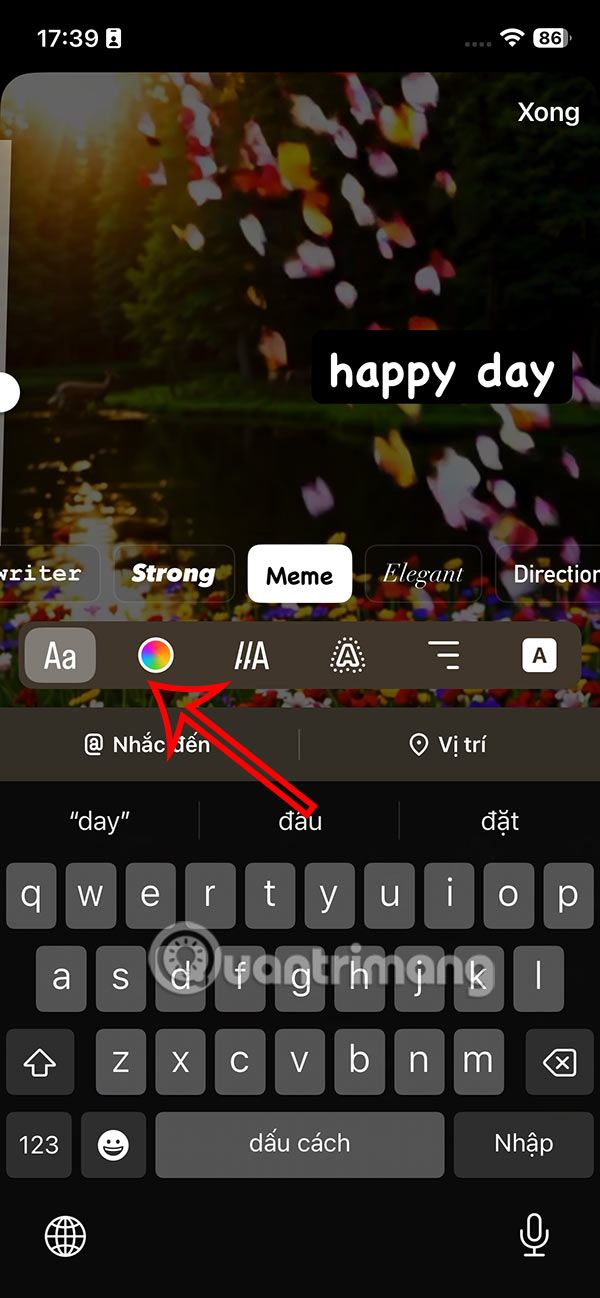
Step 3:
Next, you click on The dynamic effect icon As shown below. Now you Choose the dynamic effect You like or find suitable for the text.
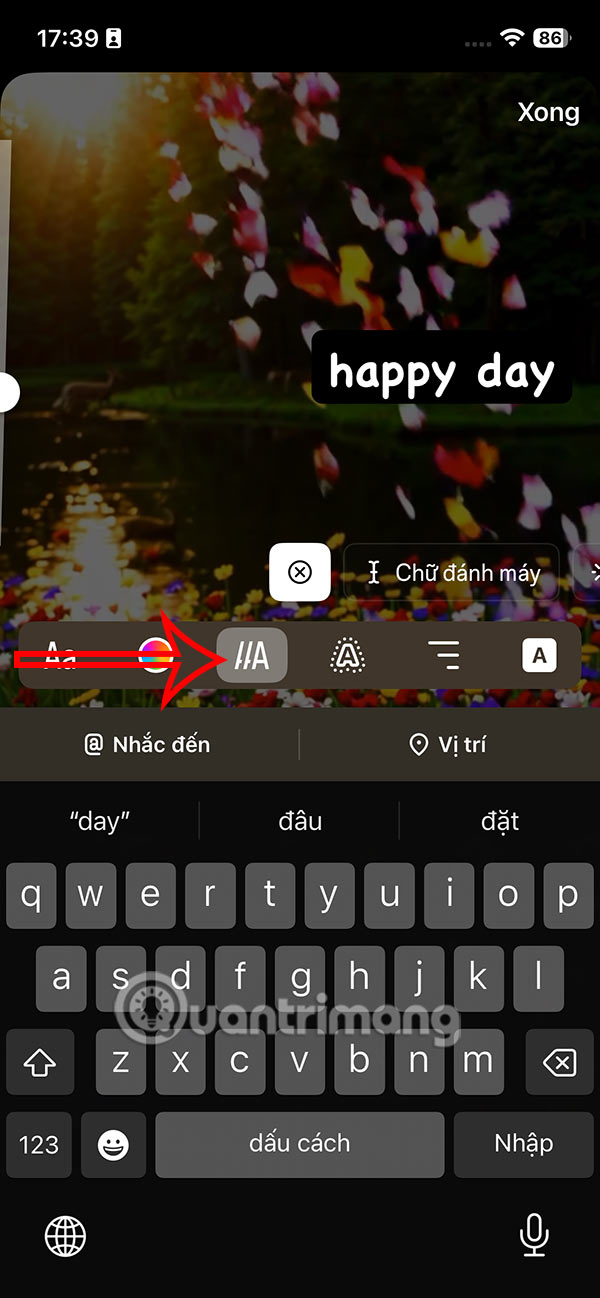
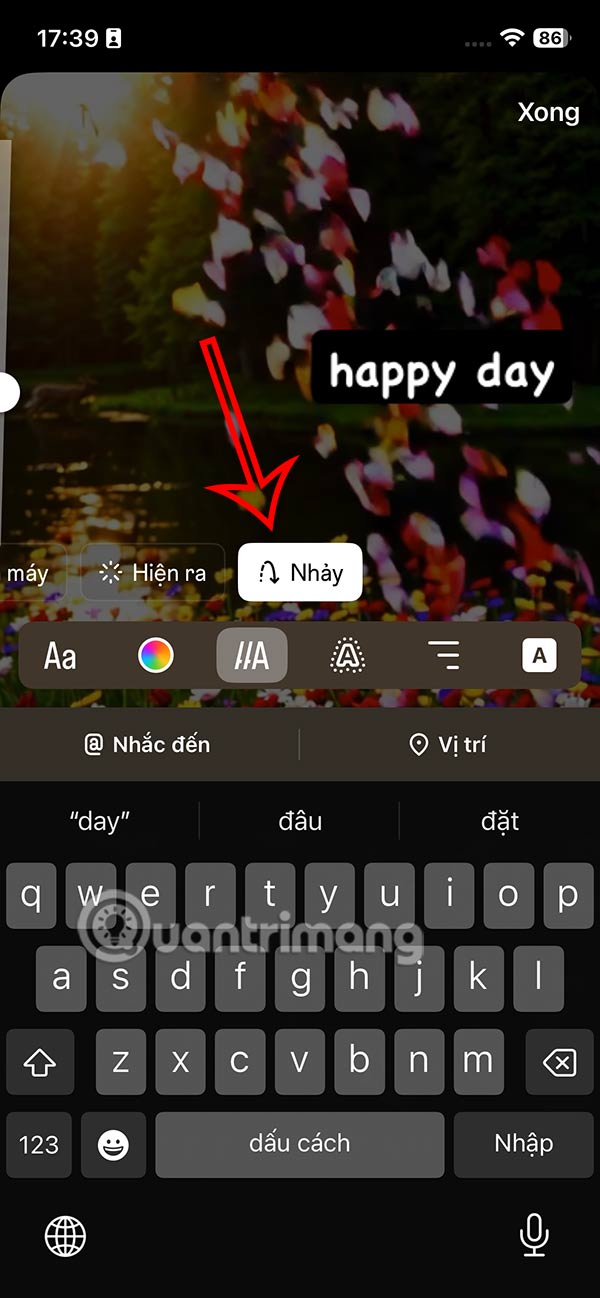
Step 4:
You can also apply A glow effect to the text . Once you are satisfied with the text animation effect, you can continue to adjust other details such as gif images, sounds, etc.
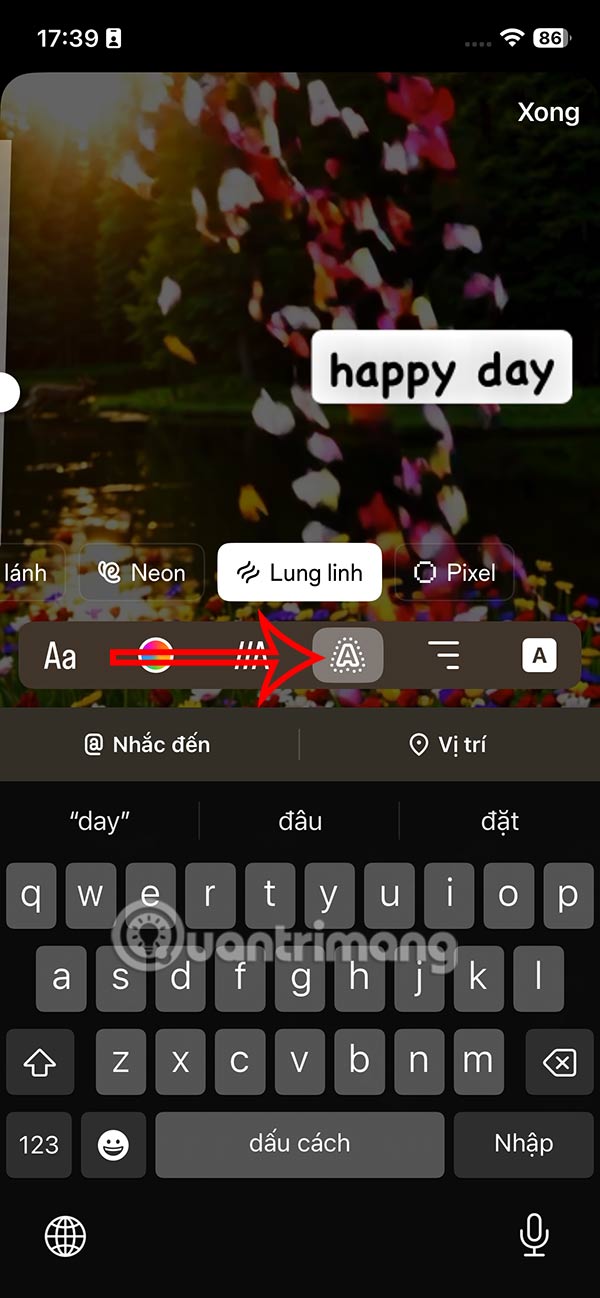

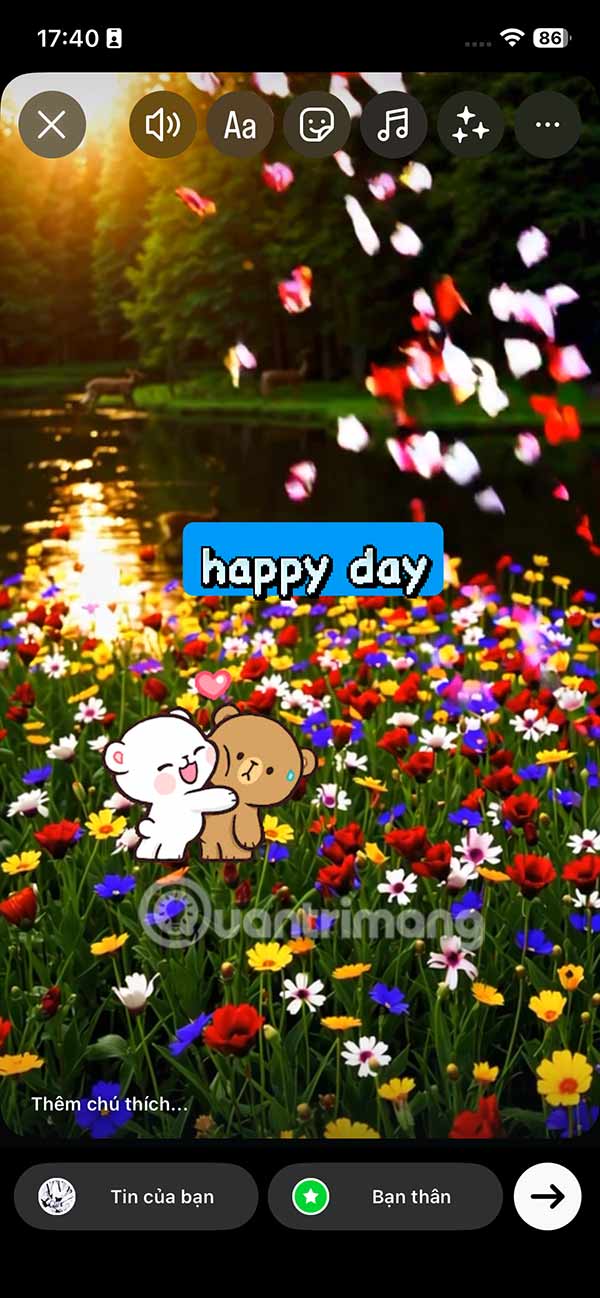
Finally you post Instagram Story with animated text effect as usual.
FAQ
How do you create animated text effects for instagram story?
In practical terms, small details like fonts and animations or effects you add to your Story can make a difference. Here's how to create animated text effects for your Instagram Story.
What should you check before getting started?
Review the requirements, compatible device or software version, and any warnings described in the guide before making changes.
What should you do if the steps do not work?
Repeat the steps in order, confirm that your app or system is up to date, and review the troubleshooting details provided above.
Related Articles
 Instagram Allows Sharing Posts to Stories3 minutes read
 How to Post a Quiz on Instagram Story4 minutes read
 How to Create AI Instagram Story Videos: Step-by-Step Guide3 minutes read
 How to Download Instagram Story Posts to PC9 minutes read
 How to View Story Memories on Instagram3 minutes read
 How to Post Questions on Story Instagram5 minutes read
Reader Comments 0
Sign in with email or Google to join the discussion.