Table of Contents
You can find many ways to make your personal photos more special and interesting, such as using AI technology to create a photo of you looking at yourself in a museum painting.
You can find many ways to make your personal photos more special and interesting, such as using AI technology to create a photo of you looking at yourself in a museum painting. You just need to upload your personal photo to the website and then we have an AI photo of you looking at yourself in a museum painting. Below are detailed instructions.
How to create an AI image of yourself looking at a museum painting
Step 1:
You access the link below to go to the website to create a free AI page.
Https://taoanhdep.com/tao-anh-ai-ngam-tranh-minh-trong-bao-tang/Step 2:
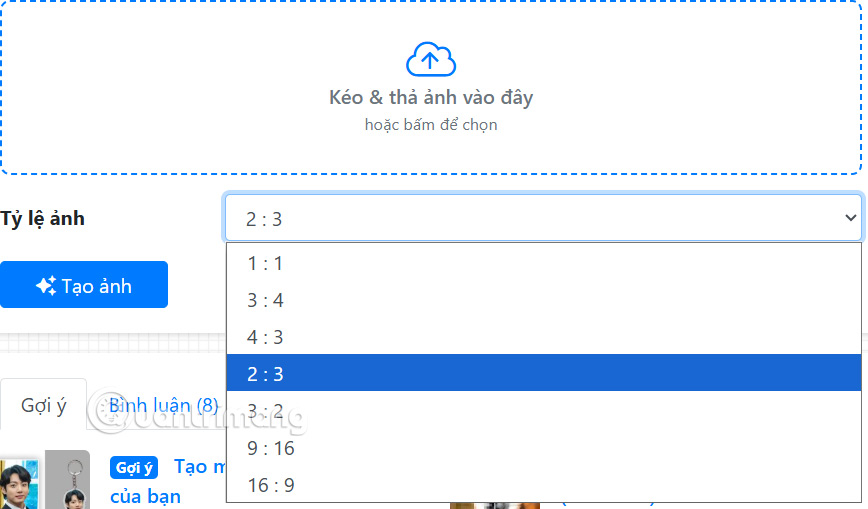
First you Upload your personal photo To the website then Choose the image size ratio . We should choose a full body photo to get a more artistic photo.
Step 3:
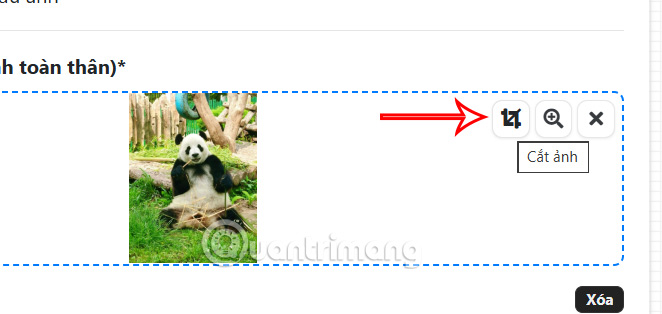
In case you want to adjust further, click on The crop icon To make the image smaller.
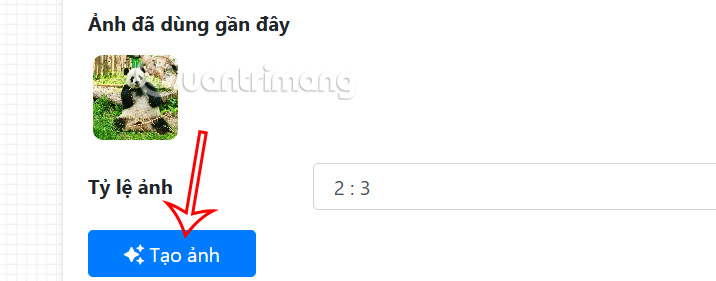
Finally Click Create photo To create a short AI photo of yourself in a museum painting.
Step 4:
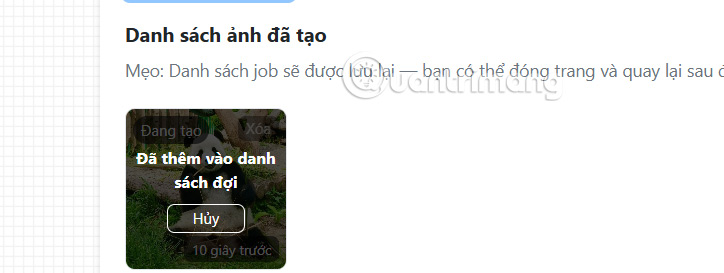
Your image will be queued for transformation and morphing. It will take a while for the image to be fully rendered.
FAQ
How do you create an AI image of yourself looking at a museum painting: how-to guide?
In practical terms, there are many ways to make your personal photos more special and interesting, such as using AI technology to create a photo of you looking at yourself in a museum painting.
What should you check before getting started?
Review the requirements, compatible device or software version, and any warnings described in the guide before making changes.
What should you do if the steps do not work?
Repeat the steps in order, confirm that your app or system is up to date, and review the troubleshooting details provided above.
Related Articles
 A Painting of Van Gogh Has Just Been Stolen in the Middle of3 minutes read
 How to Identify a Painting: Step-by-Step Guide14 minutes read
 Free Online Visit to the Louvre3 minutes read
 How to Turn Photos into Drawings on Wutacam4 minutes read
 The World's First NFT Museum3 minutes read
 A Guide on How to Paint Your House Yourself14 minutes read
Reader Comments 0
Sign in with email or Google to join the discussion.