Table of Contents
You do not normally need “Free Word to PDF” software. Microsoft Word, LibreOffice, and Windows can create PDFs directly, and built-in tools are easier to verify and maintain than an old converter from an unidentified publisher.
Do not install the legacy converter from a mirror
The original article did not identify a current official publisher or download page for the product shown below. Its claimed file size and installation time are obsolete details, not evidence of safety. Do not run a copy obtained from a third-party download site.
The archived screenshots show a conventional setup wizard:
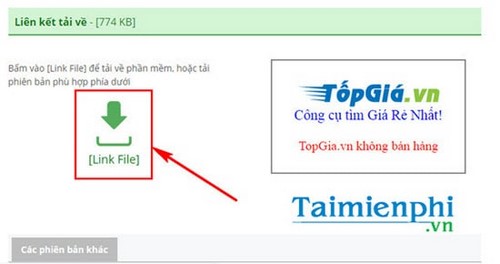
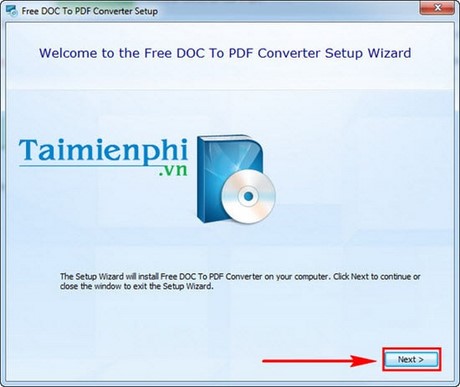
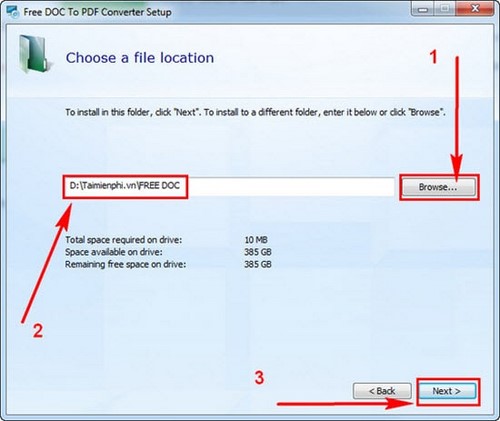
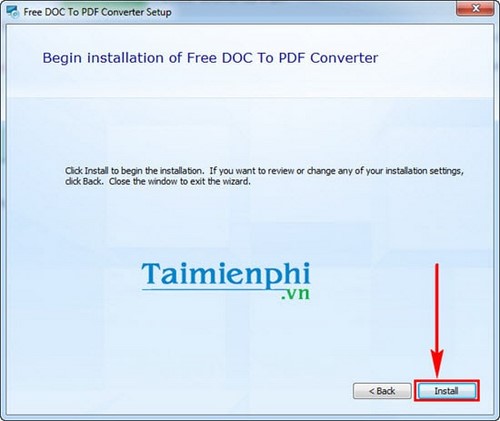

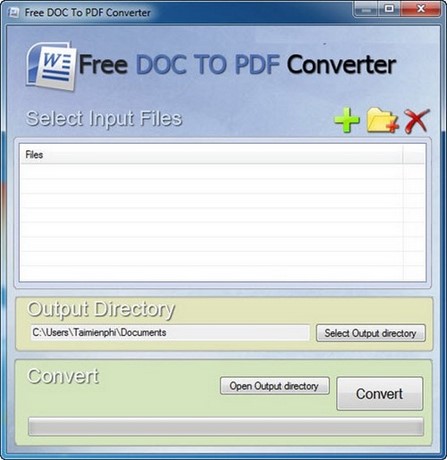
Clicking Next through an installer is not meaningful verification. An executable can be outdated, bundled with unrelated software, or incompatible even if the wizard looks familiar.
Best option: export directly from Microsoft Word
- Open the DOC or DOCX file.
- Select File > Save As and choose PDF, or use File > Export > Create PDF/XPS.
- Choose standard or minimum-size optimization.
- Open Options to set the page range, bookmarks, document properties, and accessibility controls.
- Save, then open the PDF and check every page.
Use the illustrated guide to convert DOC and DOCX files to PDF in Word. The command is available in multiple desktop Word versions, though labels may vary.
Use Microsoft Print to PDF for other applications
When an application can print but cannot export:
- Open File > Print.
- Select Microsoft Print to PDF.
- Review paper size, orientation, margins, and page range.
- Select Print, then choose a file name and location.
Printing can flatten interactive elements and may not preserve bookmarks, document tags, form controls, or hyperlinks as reliably as native PDF export.
Use LibreOffice for an offline alternative
LibreOffice Writer can open many DOC and DOCX files and export them to PDF. Download it only from the official project site, then review fonts and layout because a document can reflow when opened in a different word processor.
When dedicated conversion software makes sense
A maintained batch converter may help when you must process many documents automatically, monitor a folder, use a command line, comply with PDF/A, or integrate with a records system. Evaluate:
- identifiable publisher and digitally signed installer;
- current security and compatibility updates;
- clear licensing, telemetry, and privacy terms;
- support for DOCX, PDF/A, accessibility tags, bookmarks, and fonts;
- accurate batch logs and a way to prevent overwriting source files.
Test with representative documents before purchasing or automating a workflow.
Check the PDF output
- Compare page count, headings, tables, images, and line breaks with the source.
- Test hyperlinks and bookmarks.
- Confirm tracked changes and comments are not exposed unintentionally.
- Check the PDF's filename, folder, permissions, and metadata.
- Keep the editable Word document as the master copy.
If a PDF is later the only available copy, review ways to convert PDF back to Word. Also see why built-in Word-to-PDF options are usually safer than unverified single-purpose installers.
Related Articles
 Install Word to PDF Converter to Convert Word Files to High-Quality Pdfs3 minutes read
 How to Use PDF to Word Conversion Software on a Computer/PC4 minutes read
 Download the PDF Conversion Tool Windows 10 Application Is Free3 minutes read
 5 Simplest and Best Video Converter Software 20245 minutes read
 Free Copyright MP3 Toolkit Conversion Software4 minutes read
 Offer PDF Export Kit - a PDF Converter to Other Formats for $ 494 minutes read
Reader Comments 0
Sign in with email or Google to join the discussion.