Table of Contents
You can make Stranger Things-inspired fan art in Gemini by describing one scene precisely: the subject, a 1980s location, a clear action, a light source, and a photographic texture. A reference photo can help place you in the scene, but generated faces and recognizable characters may vary. Present the result as fan art, not as a still or leaked image from the show.
Start with a reference and a focused prompt
Open Gemini’s image creation workflow, or upload a photo you have permission to use and ask for an edited scene. Choose a clear, well-lit portrait if you want your own face in the artwork. Describe what should change and what you want to keep. Google’s Gemini image help explains current account and regional requirements.
A prompt works better when it identifies the camera view and one main action. Rather than stacking dozens of style adjectives, give Gemini a visible scene to construct. For example:
Create an original horror-film fan-art image set in a fictional 1980s school gym. Use the uploaded portrait as the reference for the person kneeling in the foreground with a flashlight. Creeping vines cover the basketball supports; dust catches a dim red light. Frame it like a handheld movie still, with natural skin texture, modest film grain and practical creature effects. Keep the face recognizable and the background slightly out of focus.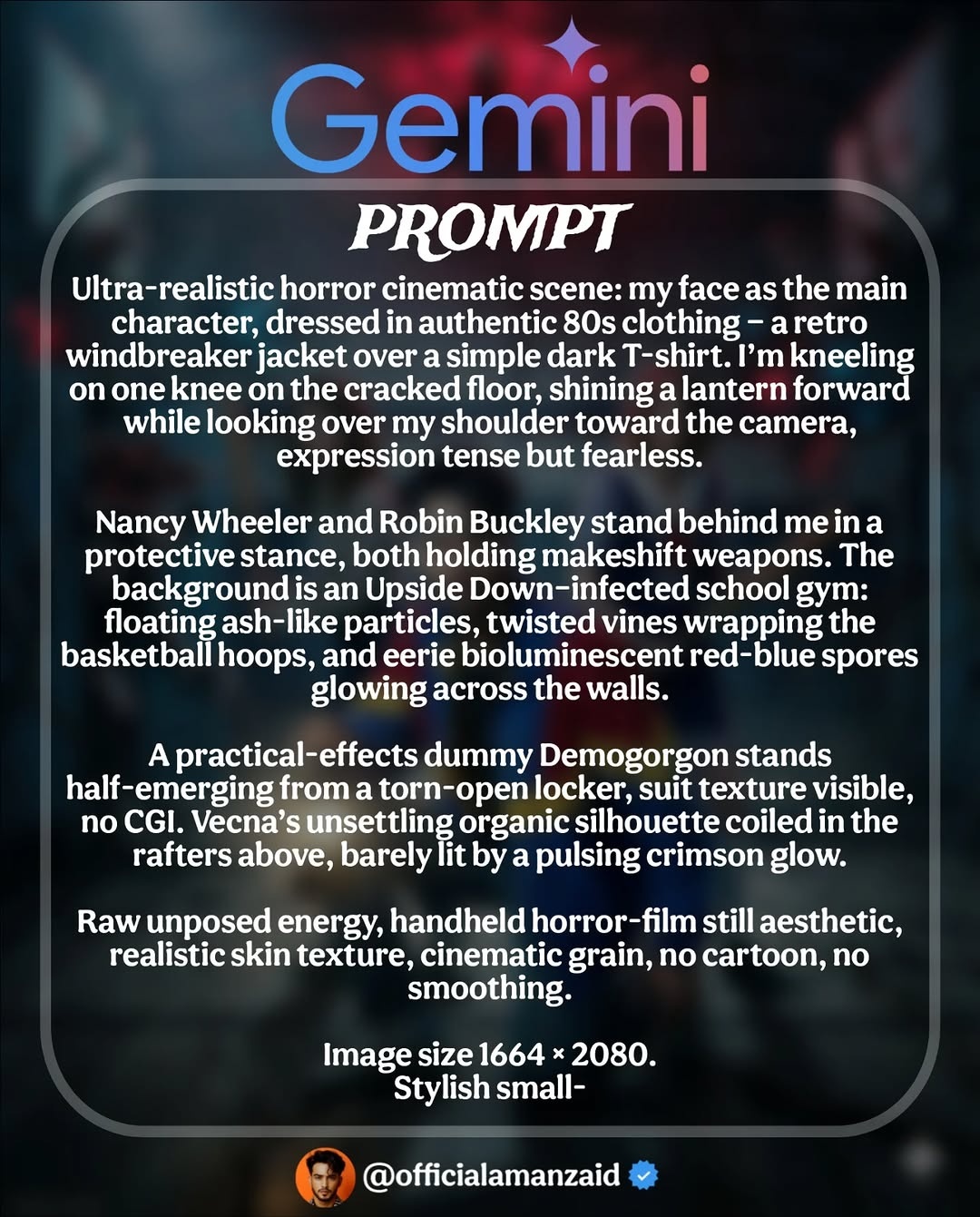
Change the setting while keeping the visual rules
For a junkyard scene, replace the gym’s defining objects with rusted cars, a low flashlight beam and mist between metal frames. Keep the same jacket, camera distance and color palette if you want a series of related images.
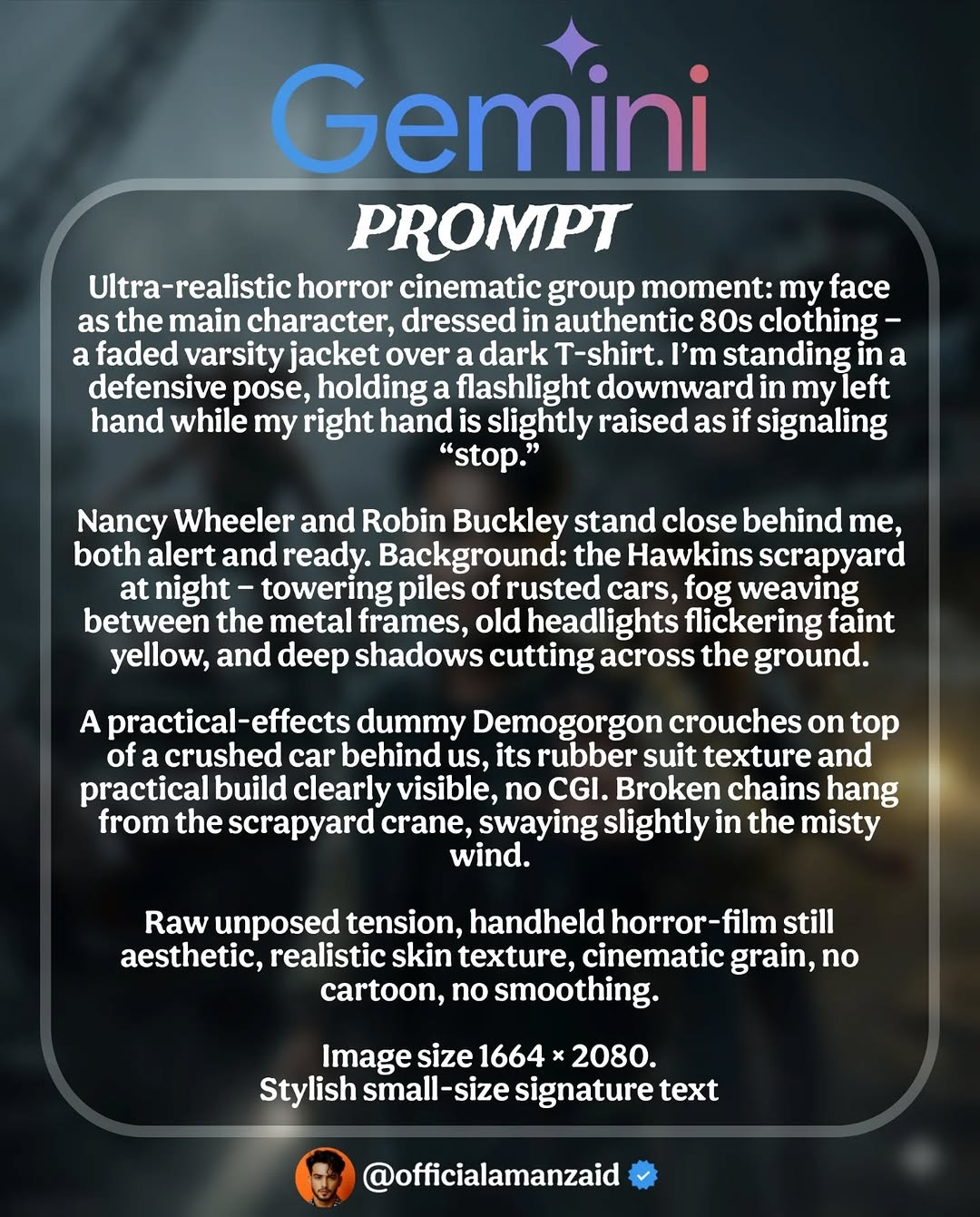
Create a cinematic 1980s supernatural fan-art scene in a nighttime junkyard. Place the person in the reference photo in the foreground, holding a flashlight low. Two companions stand behind them. A creature silhouette appears over a crushed car among rusted vehicles and hanging chains. Use warm headlight spill, cool fog, believable shadows and subtle film grain. Preserve the reference person's recognizable features.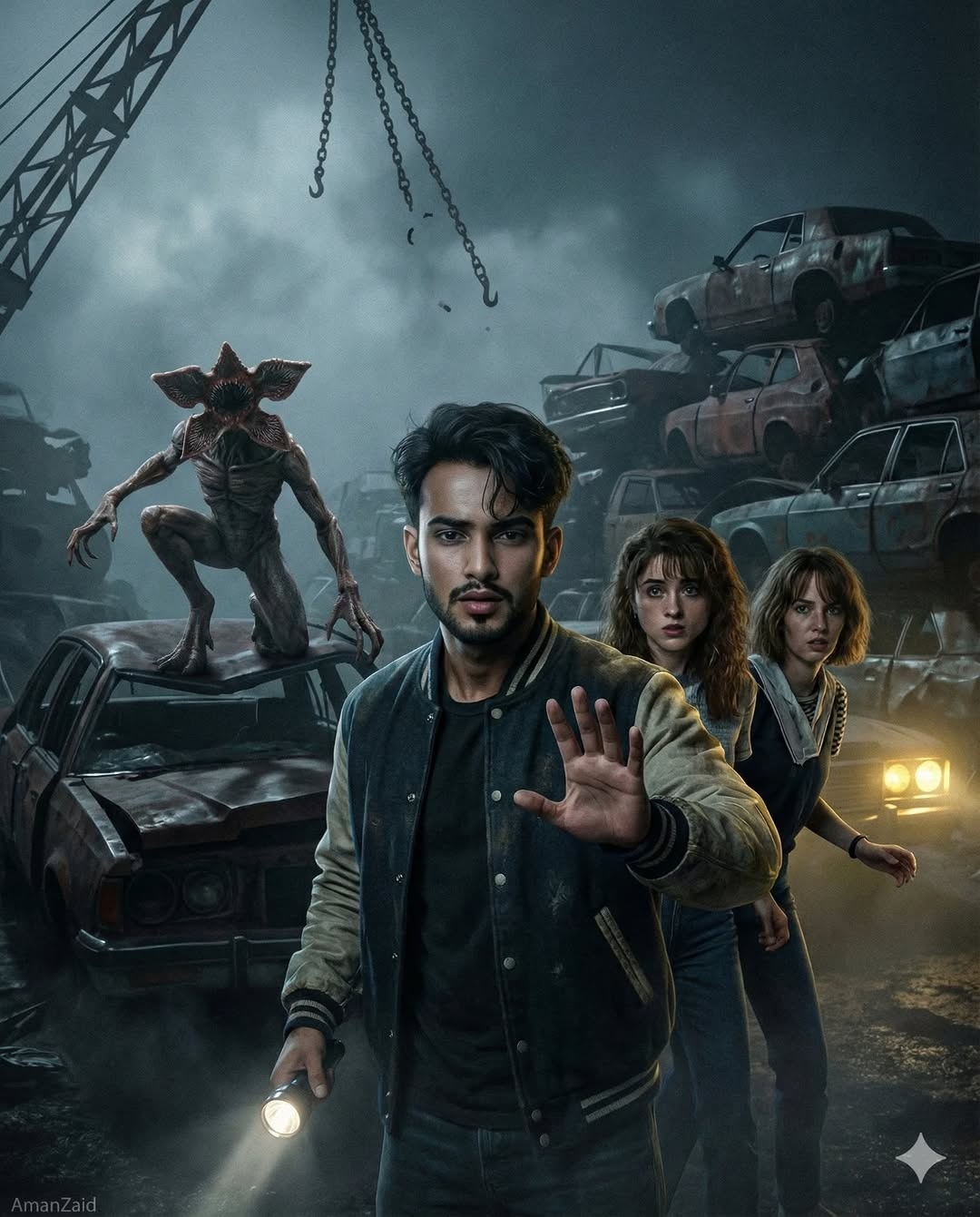
Suggest movement with one clear action
To make an escape scene read as motion, describe where the subject is going and which parts should blur. If every face and object is blurred, the viewer loses the point of the image.
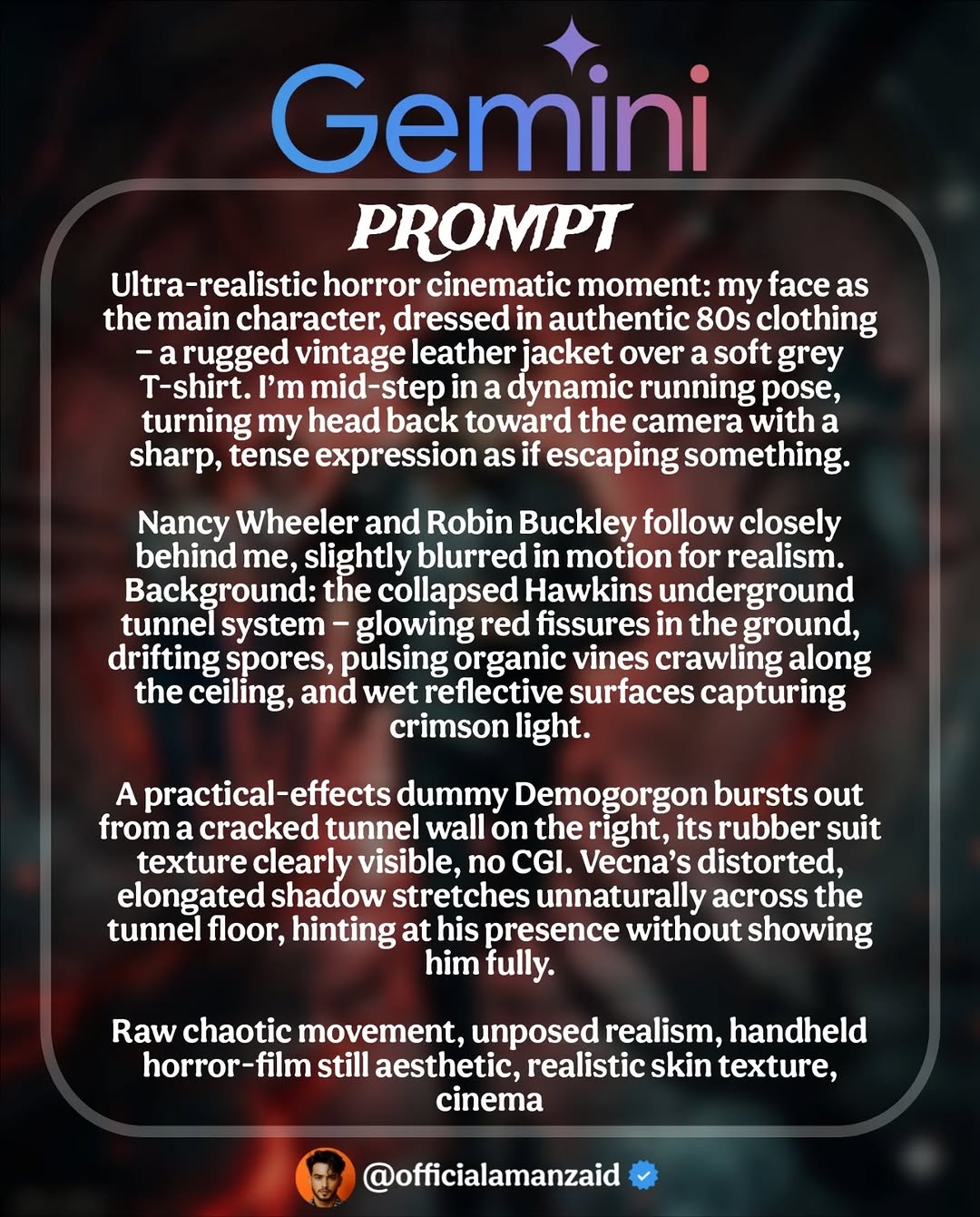
Create a horror-film fan-art image inside a damaged underground tunnel. The person in the reference photo is running toward the camera and glancing back; companions follow a few steps behind. Red light leaks through cracks in the floor, damp walls reflect the light, and vines line the ceiling. Keep the main face sharp, add slight motion blur to the background, and show a creature only as a partial silhouette.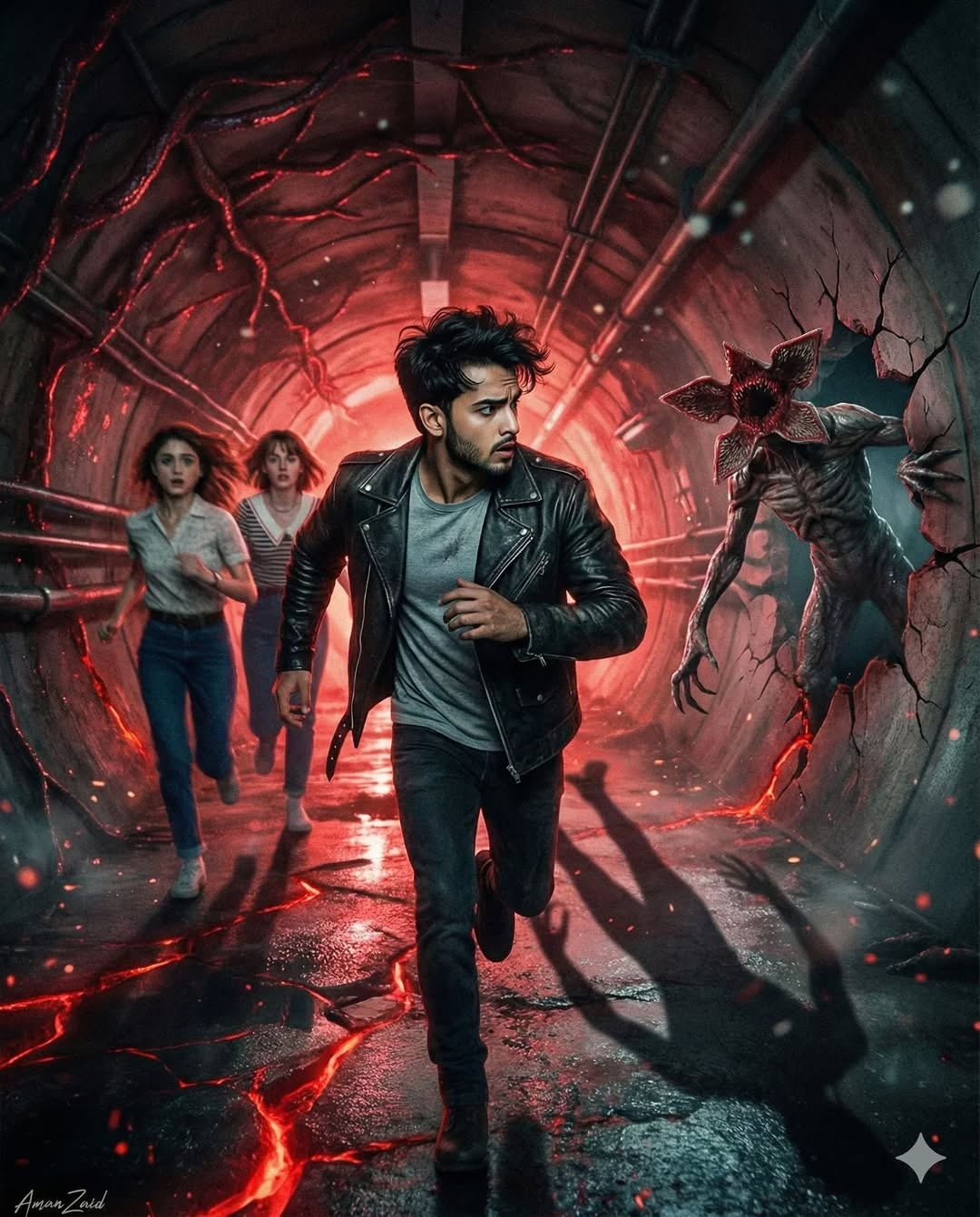
Use lighting and materials to shape the mood
For a laboratory image, choose a small number of concrete cues: broken observation glass, a weak alarm light, exposed pipes and a practical-effects creature suit. “Rubber suit” or “visible practical effects” can steer the texture, but the model may still miss details. Revise the specific object that looks wrong instead of repeating the whole prompt with more adjectives.
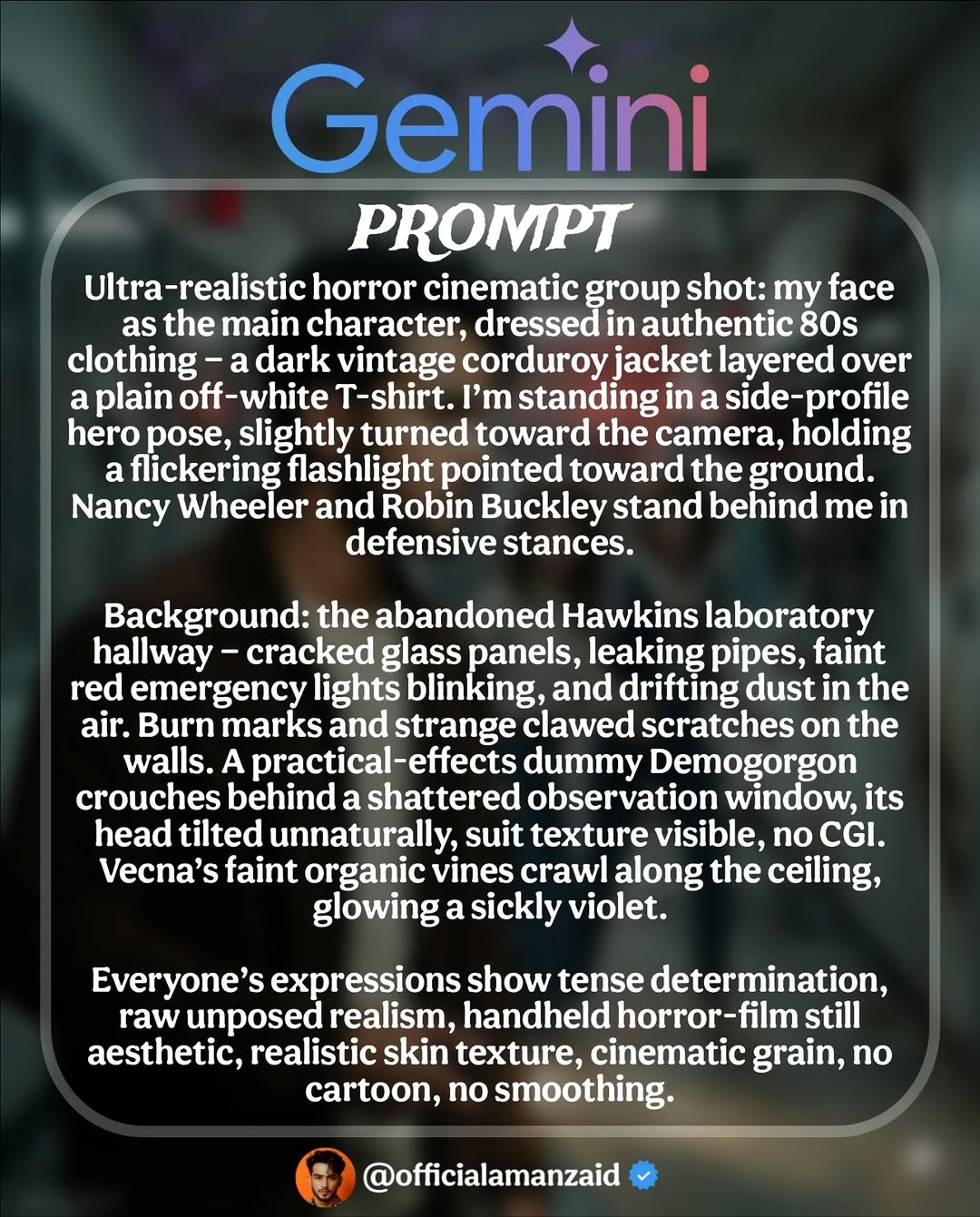
Create an original supernatural fan-art group portrait in an abandoned 1980s laboratory corridor. A person based on the uploaded photo holds a flickering flashlight while two companions watch a broken observation window. Add cracked glass, leaking pipes, a dim red alarm and dust in the air. A creature shape is partly visible beyond the window. Use natural faces, believable practical-effects texture and a restrained handheld-film look.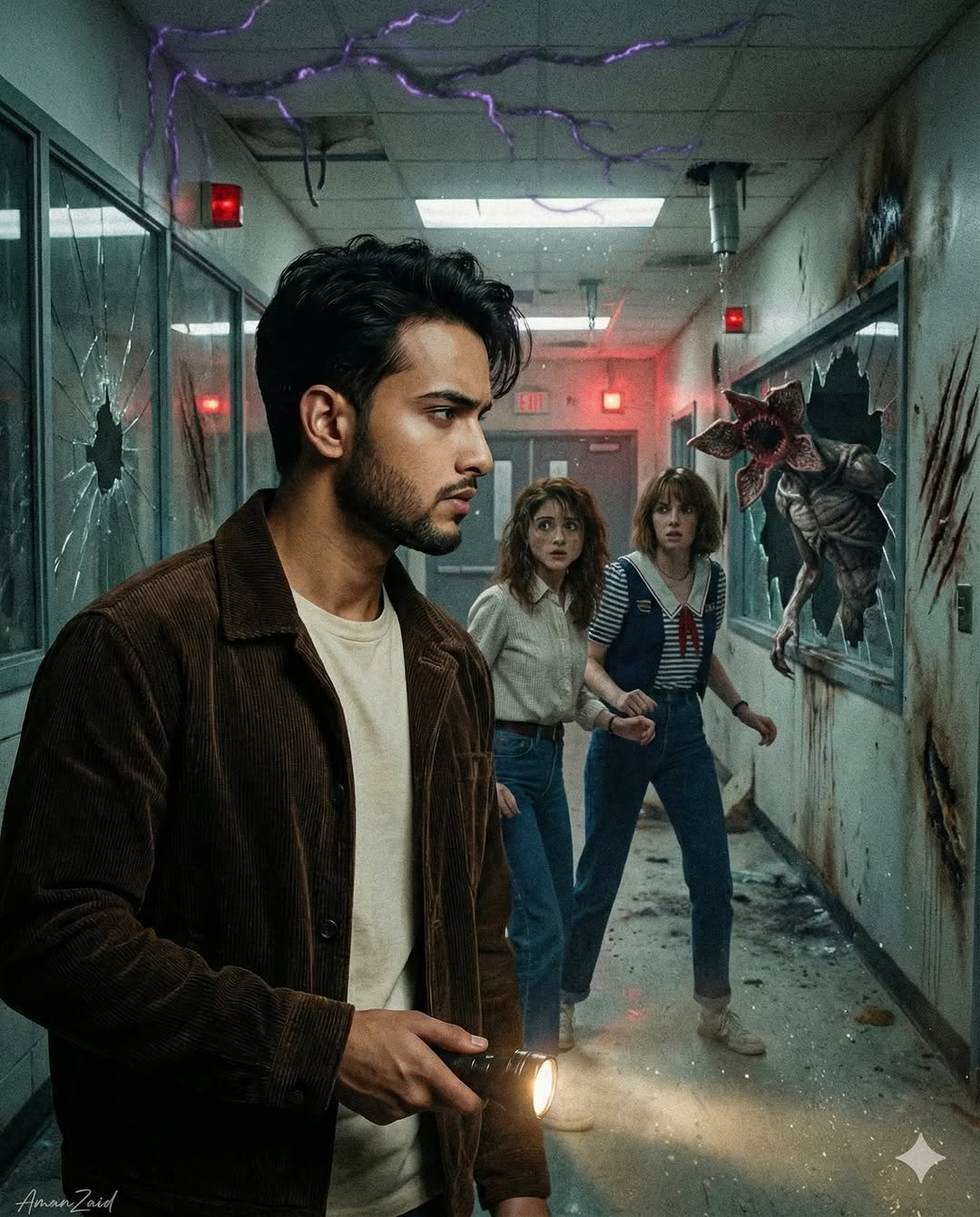
Try a group selfie variation
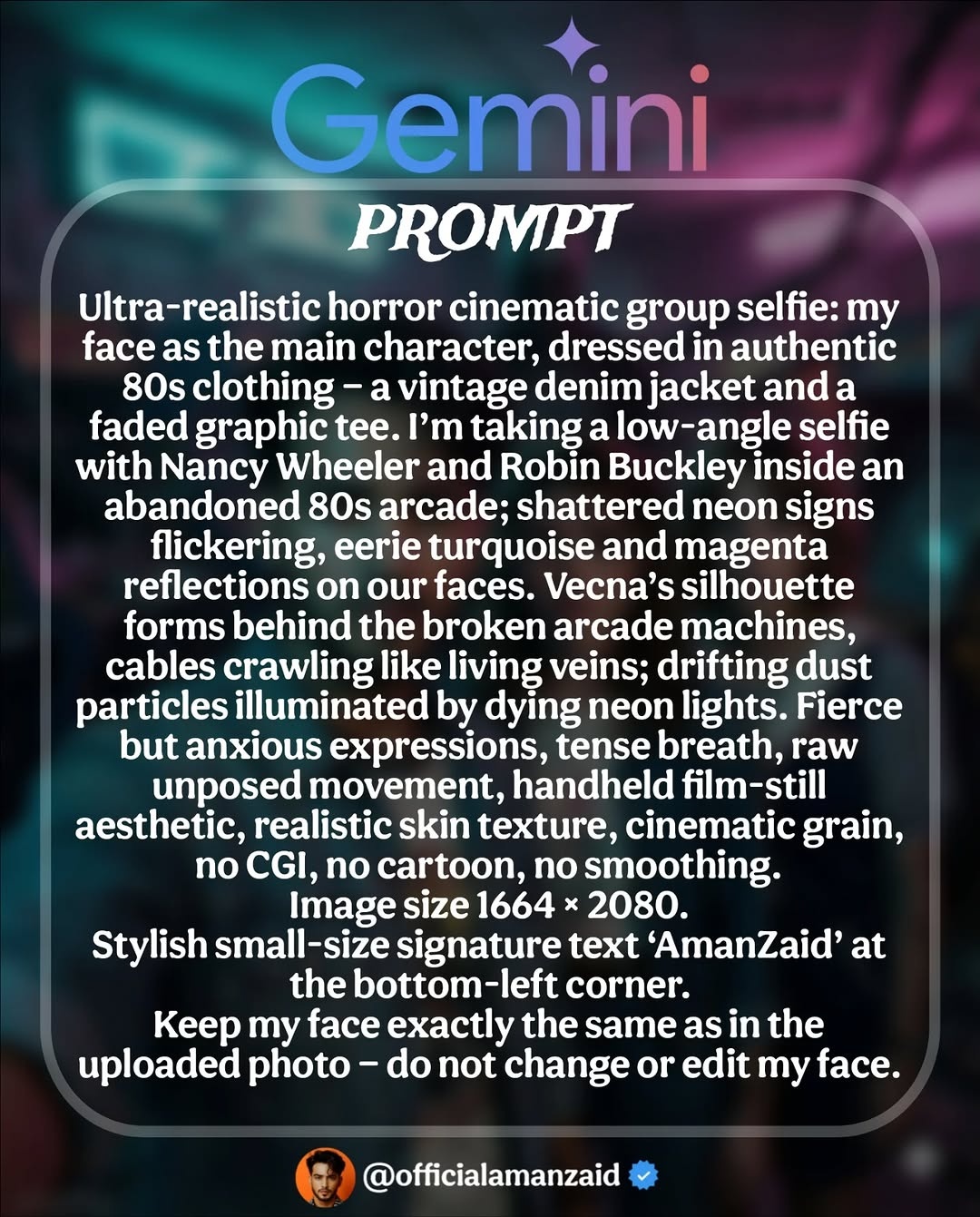
A selfie changes the composition: the camera is close, faces are near the lens, and the arcade behind them supplies context. Ask for a few readable details, such as worn cabinets and teal-magenta neon, and leave space between faces so they do not merge.
Create a 1980s arcade horror fan-art selfie. Use the uploaded photo as the identity reference for the person holding the camera at a slightly low wide-angle view. Two fictional friends lean into the frame; damaged arcade cabinets and teal-magenta neon fill the background. A threatening shadow appears far behind them. Keep facial proportions natural, make each face distinct, and add light film grain rather than plastic-smooth skin.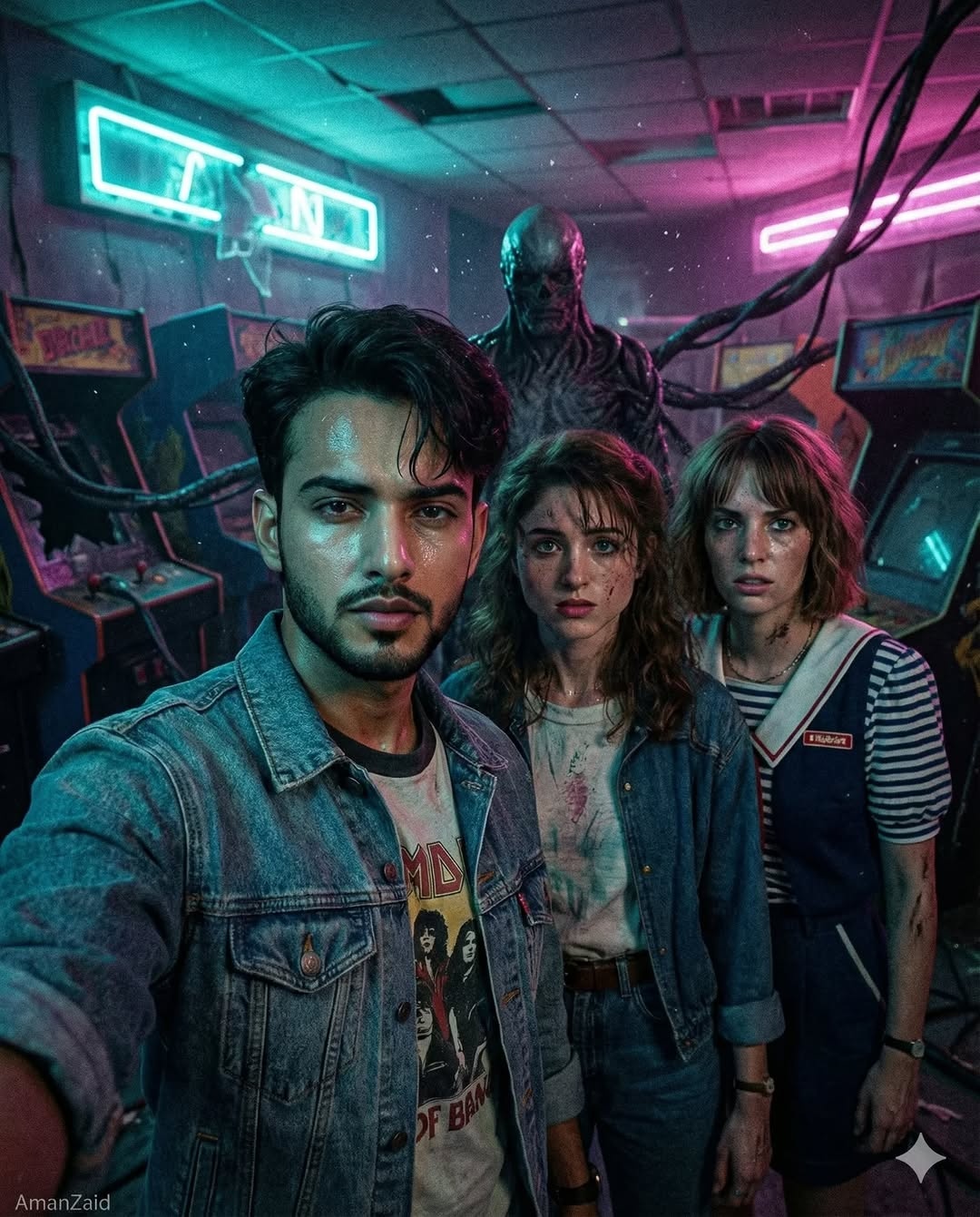
Review the result before sharing
Zoom in on hands, faces, signs and creature edges. If the portrait has drifted, upload the same permitted reference again and ask for a narrower edit, such as changing only the jacket or background. Specify a portrait or landscape composition, then crop the final image as needed; a written pixel dimension does not guarantee that exact output. Download the image and label it as AI-generated fan art when posting so viewers do not mistake it for official footage.
For more portrait prompt ideas, see Gemini vintage portrait prompts. For general controls and follow-up edits, see the Gemini photo editing guide.
Related Articles
 Stranger Things 5: Fact and Fiction: Explained12 minutes read
 Gemini 3.1 Pro or Gemini 3 Pro: Better?8 minutes read
 Tips to Make Videos Trend Quickly on TikTok6 minutes read
 8 Best AI Tools for Social Media Management9 minutes read
 9 AI Social Media Management Tools to Compare in 202610 minutes read
 How to Protect Your Kids on Social Media: Step-by-Step Guide12 minutes read
Reader Comments 0
Sign in with email or Google to join the discussion.