Table of Contents
AI social media tools can help draft posts, adapt content for different channels, and organize a publishing calendar. Choose one according to your main bottleneck: writing, visual production, scheduling, approvals, or reporting. Posting more frequently does not by itself guarantee reach or engagement.
The eight tools below offer different combinations of those capabilities. Check current channel support, plan limits, and approval controls before connecting accounts. The screenshots illustrate earlier interfaces and may differ from the version you use.
1. FeedHive: repurpose content and manage drafts
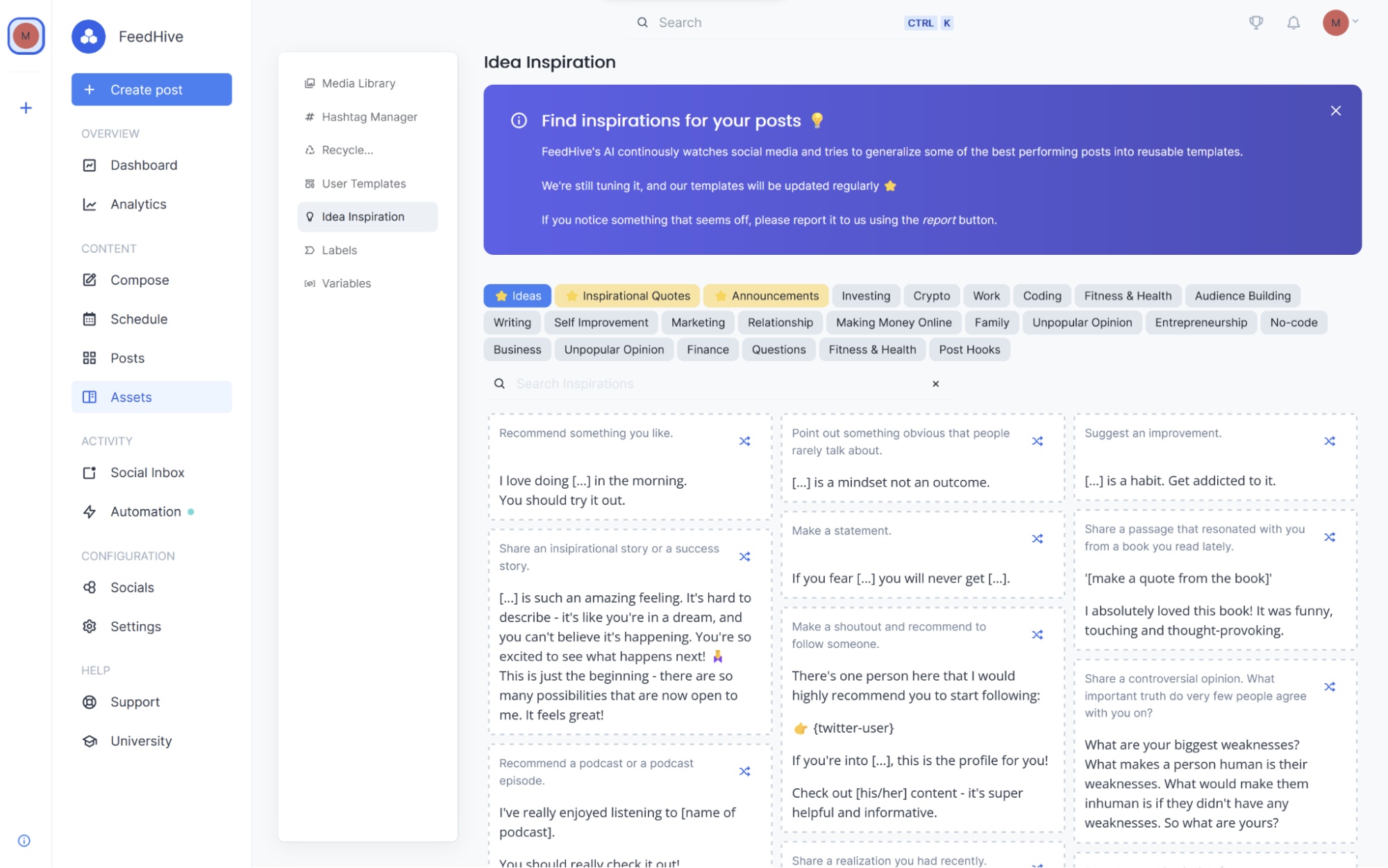
FeedHive combines AI-assisted content creation with publishing and team review workflows. It is worth evaluating when you already have useful material and need channel-specific versions without rebuilding each post from scratch.
For a trial, supply one approved article and ask for three distinct angles. Check whether the drafts retain the facts, avoid repetitive hooks, and work as separate posts. Review older material for stale claims before republishing it.
2. Buffer: adapt copy across channels
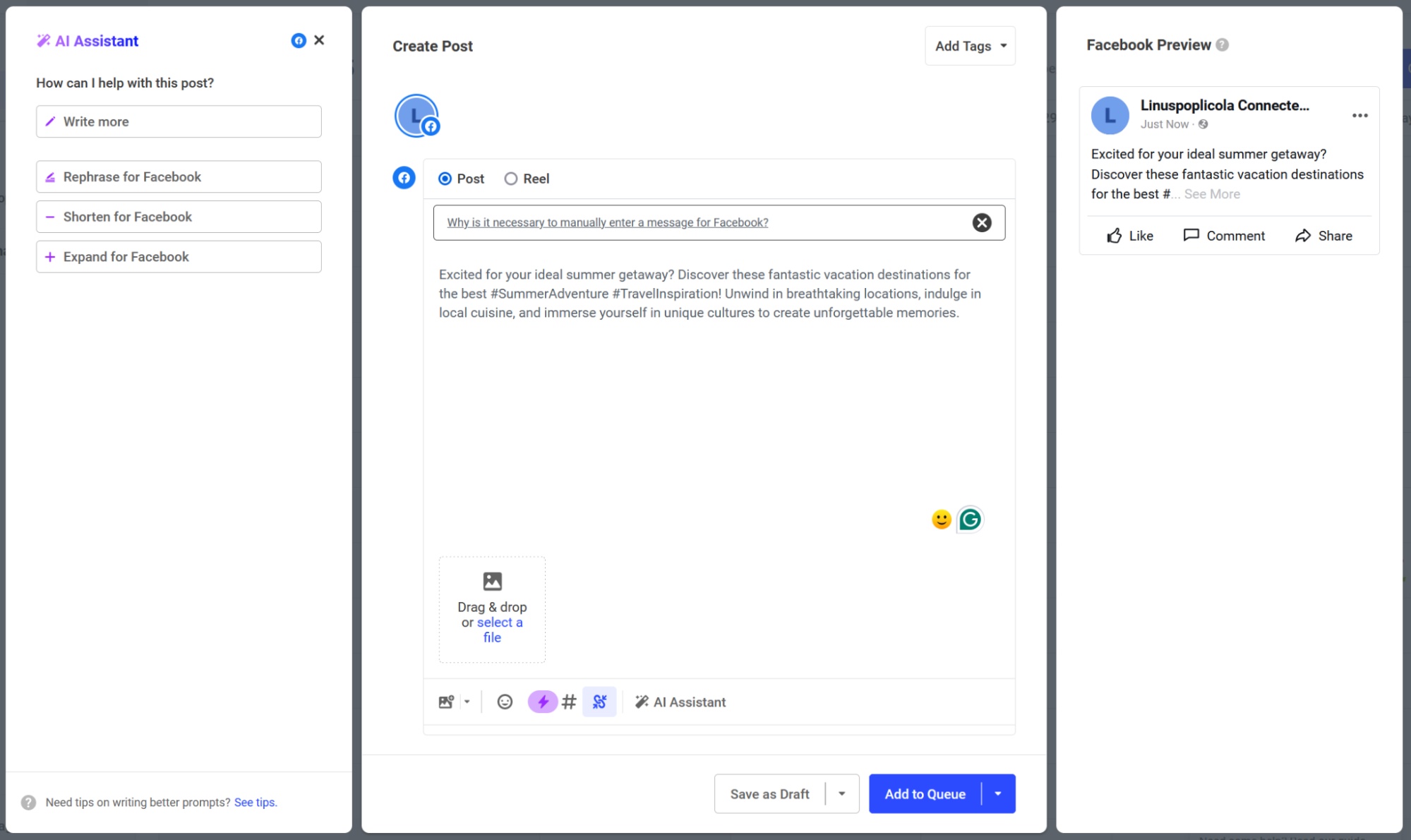
Buffer includes an AI assistant for brainstorming, rewriting, and preparing platform-specific posts within a broader publishing workflow.
Test the same announcement across your actual channels. Look for useful adaptation of length, formatting, links, and calls to action. A LinkedIn post should reflect your audience and purpose, not a stereotype of how everyone on that platform writes.
3. Flick: develop and organize ideas
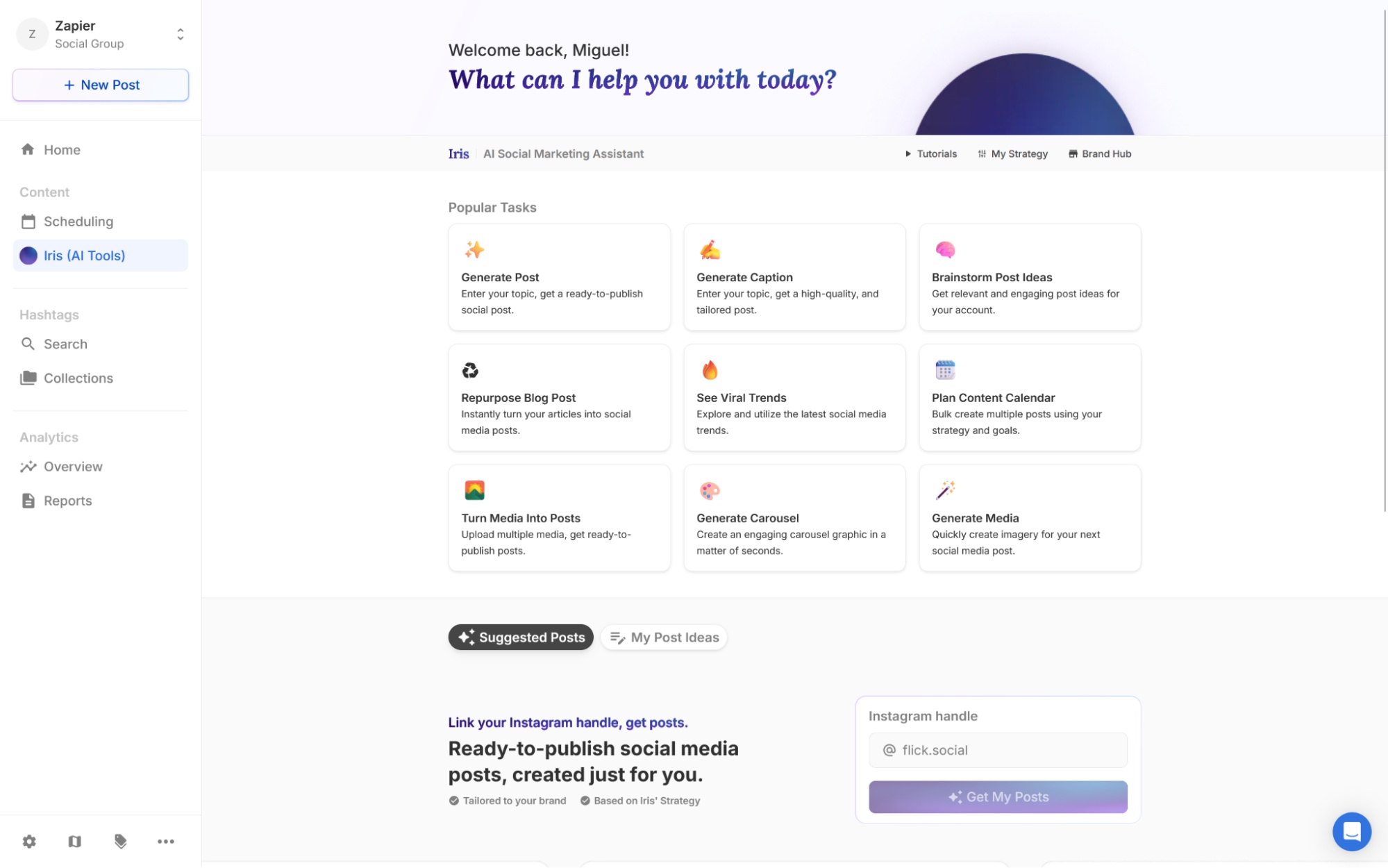
Flick offers its Iris assistant alongside scheduling, caption, hashtag, and analytics tools. Its planning workflow is relevant when you need to turn a topic into a manageable set of post ideas.
Give the assistant a defined audience and content goal, then reject ideas you cannot support with evidence or original experience. A suggested interview or case study is a production task, not something the tool can truthfully invent for you.
4. Predis.ai: create visual and video drafts
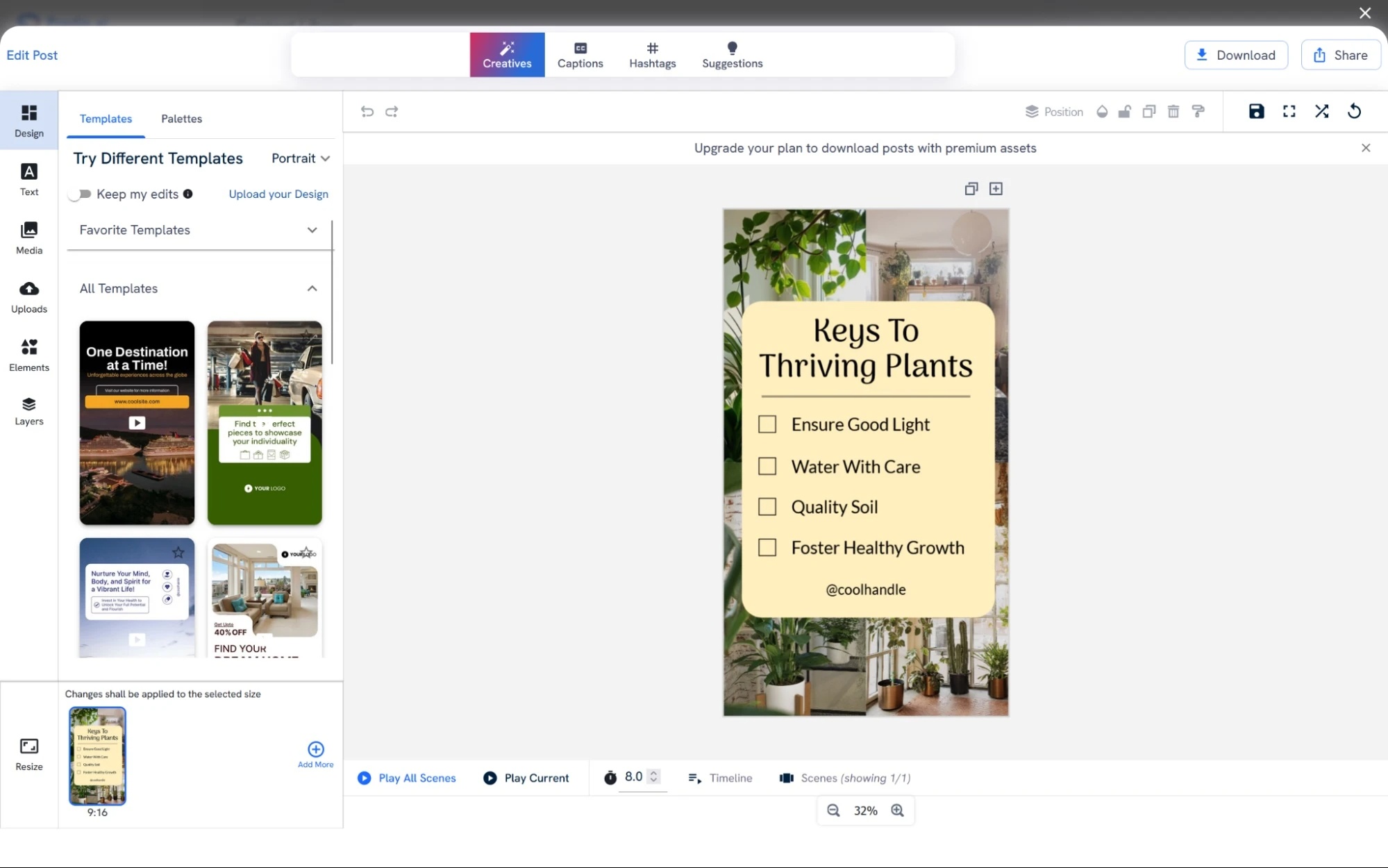
Predis.ai focuses on AI-generated visual and video content, including social and advertising formats. Consider it when producing the creative asset takes more time than writing the caption.
Provide product details, approved imagery, brand colors, and the destination format. Check generated text, product appearance, spelling, and any implied claims. Creating many drafts quickly is useful only if review and editing remain manageable.
5. Publer: organize scheduling and content production
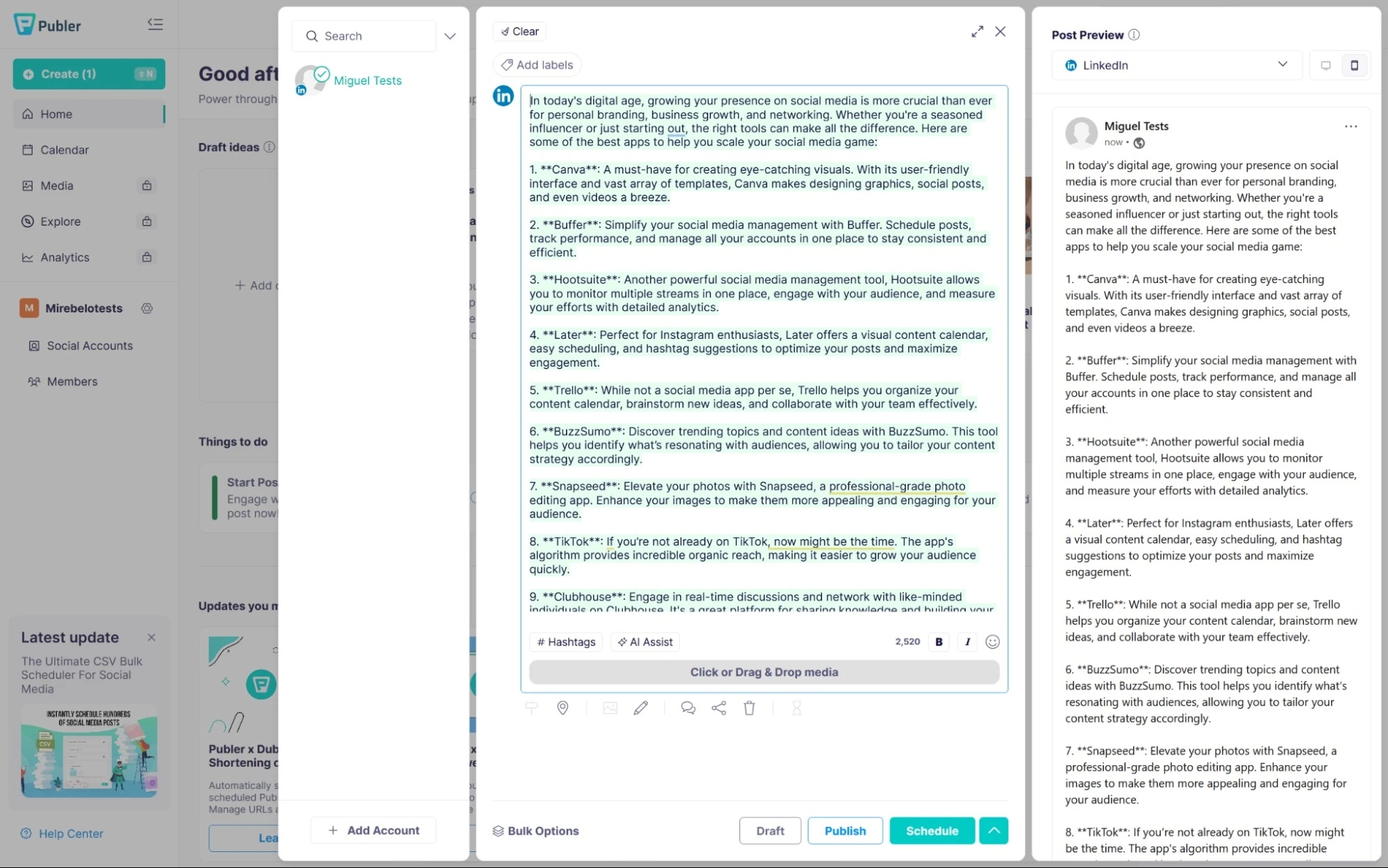
Publer combines social scheduling and management with content-creation assistance. Evaluate it when you need a practical calendar and a repeatable process for getting drafts ready to publish.
Test a week's actual workload: different media types, recurring posts, reviewer feedback, and changes to scheduled times. Confirm whether each required post type publishes directly or needs a manual step.
6. ContentStudio: combine discovery and publishing workflows
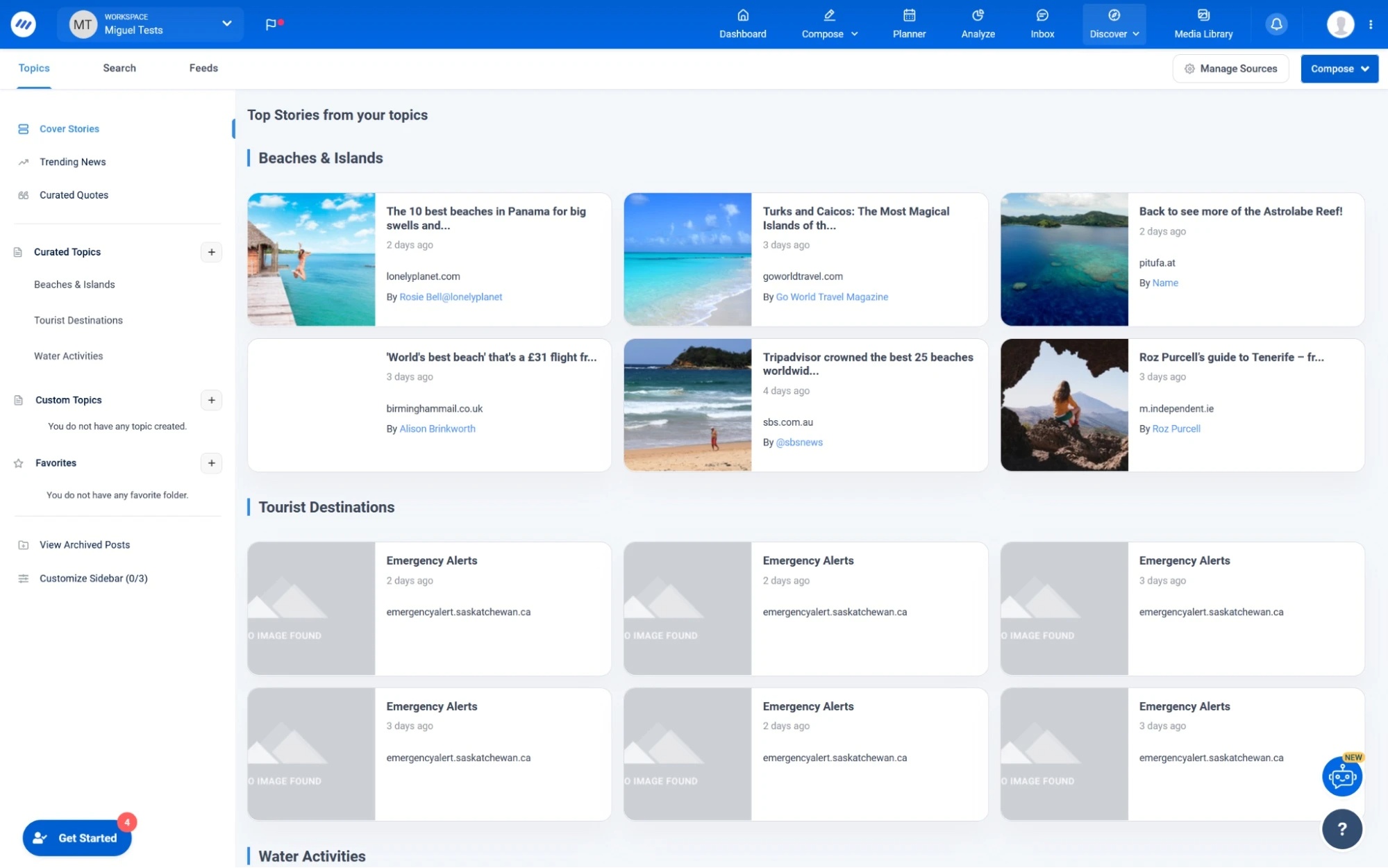
ContentStudio brings content planning, publishing, and social management into one platform. Its discovery-oriented workflow can help teams organize material around the topics they cover.
Check the original source behind a suggested story before writing about it. A trending item may be inaccurate, irrelevant to your audience, or already old. Test whether the platform helps you find useful material without adding a large review burden.
7. Hootsuite: coordinate broader team operations
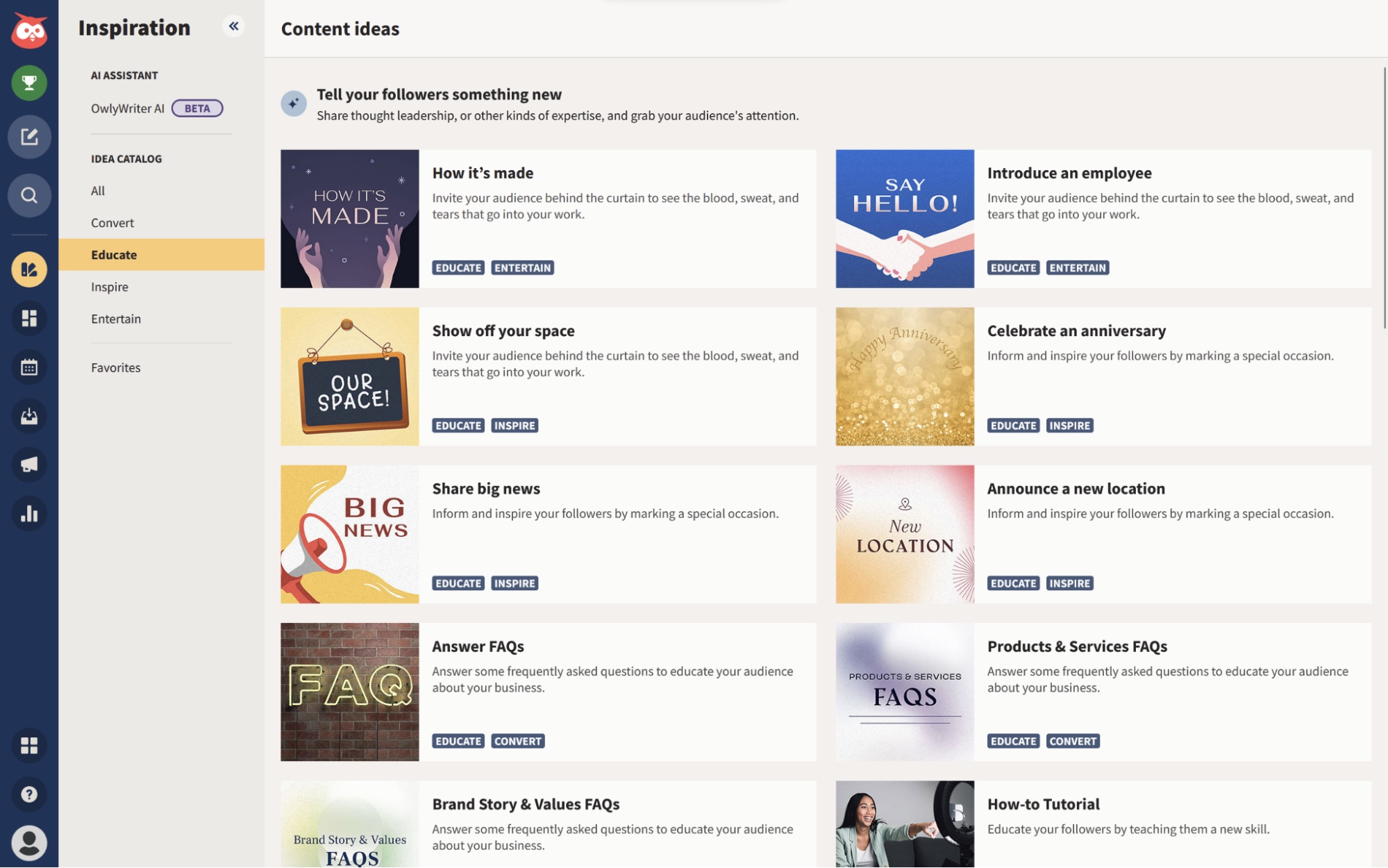
Hootsuite combines publishing, engagement, analytics, and AI assistance. The original workflow highlights OwlyWriter; AI branding and available features can change as the suite develops.
For a team, test assignments, approvals, inbox handling, and reporting as carefully as caption generation. Compare the whole workflow and required subscription tier rather than paying for a broad suite solely to get an AI writer.
8. StoryChief: coordinate content across channels
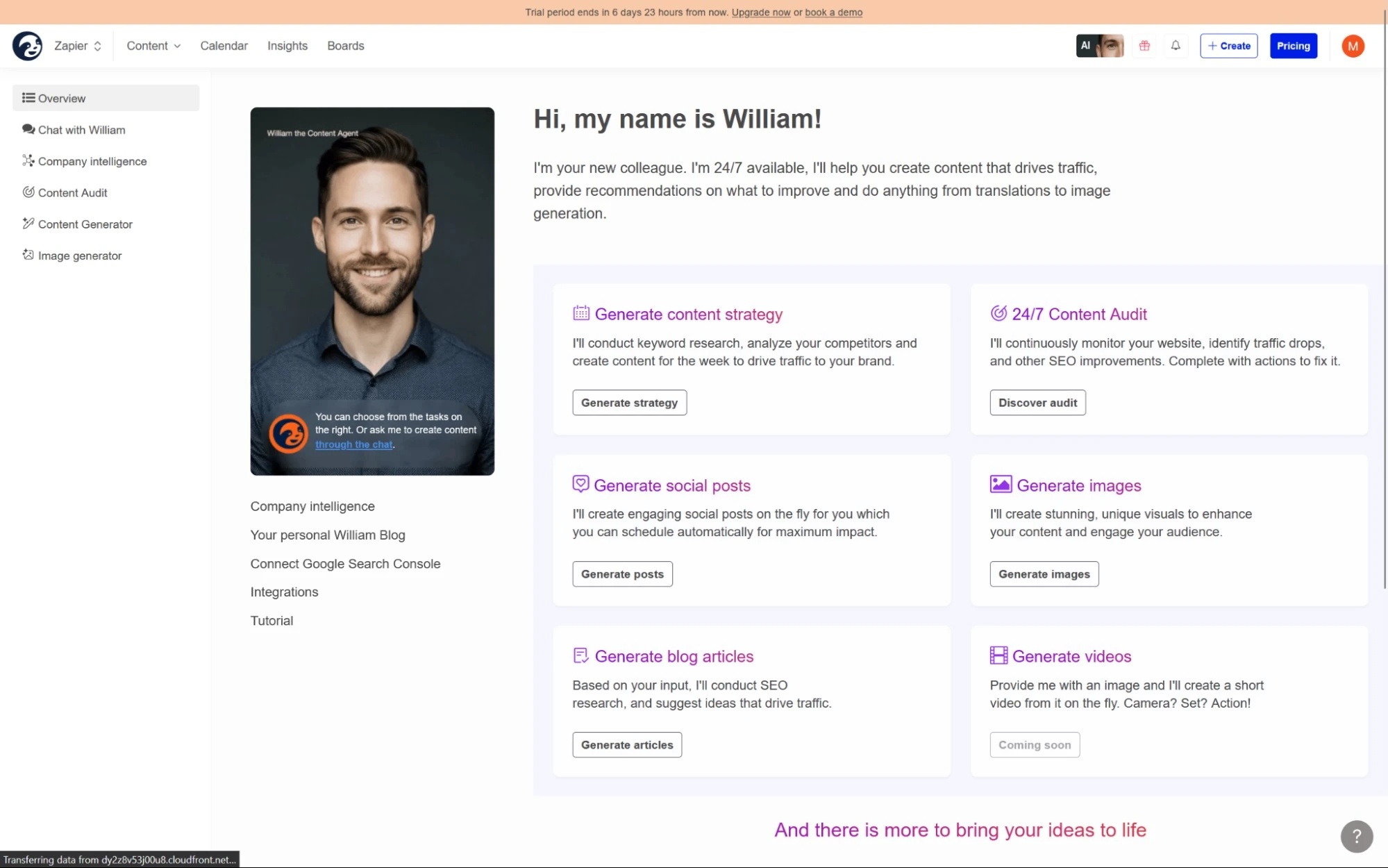
StoryChief is a content-marketing platform for teams coordinating material across channels. It is relevant when social posts are part of a wider editorial process rather than isolated updates.
Review any AI-generated description of your business, audience, or brand voice before using it. Test one real campaign from the main article through social drafts, feedback, and publication so you can see where handoffs work or require manual effort.
How to compare the tools fairly
| Check | What to verify |
|---|---|
| Channel support | Your account type and exact post formats are supported. |
| Editorial quality | Drafts preserve facts and need less correction than your current process. |
| Approvals | Reviewers can prevent unapproved content from going live. |
| Cost | Include required accounts, users, AI allowances, and reporting features. |
| Publishing reliability | Scheduled posts, time zones, failed-post alerts, and reconnections work for your setup. |
| Results | Measure relevant audience actions alongside production time. |
Use one approved content brief in two shortlisted tools and record the time spent correcting and scheduling the output. For another set of candidates, see the broader social media tool comparison. Keep a human review step for factual claims, customer replies, and brand-sensitive posts.
Related Articles
 9 AI Social Media Management Tools to Compare in 202610 minutes read
 How to Protect Your Kids on Social Media: Step-by-Step Guide12 minutes read
 5 Social Media Trends in 20146 minutes read
 7 Negative Impacts of Social Networks on Users9 minutes read
 Advertising Is Making People Use Social Media Less7 minutes read
 5 Ways to Cut Down on Social Media Usage7 minutes read
Reader Comments 0
Sign in with email or Google to join the discussion.