Table of Contents
Claude Code subagents are specialized agent definitions that the main session can delegate to. Each subagent has its own instructions, context, and allowed tools. Use them for independent research, review, tests, or implementation areas—not for tightly coupled steps that must continuously share state.
Parallel delegation can shorten wall-clock time and keep exploratory details out of the main conversation, but it increases model usage and can create conflicting edits. Start with read-only agents, assign clear file boundaries, and let the main session integrate the results.
When subagents help
- Good candidates: exploring separate parts of a repository, reviewing security and tests independently, researching alternatives, or implementing features in non-overlapping files.
- Poor candidates: several agents editing the same module, tasks where step two depends on unfinished output from step one, or a small change that one agent can complete more cheaply.
A subagent reports its result back to the parent. It does not remove the need for a final integration pass, tests, or human review.
Where Claude Code stores subagent definitions
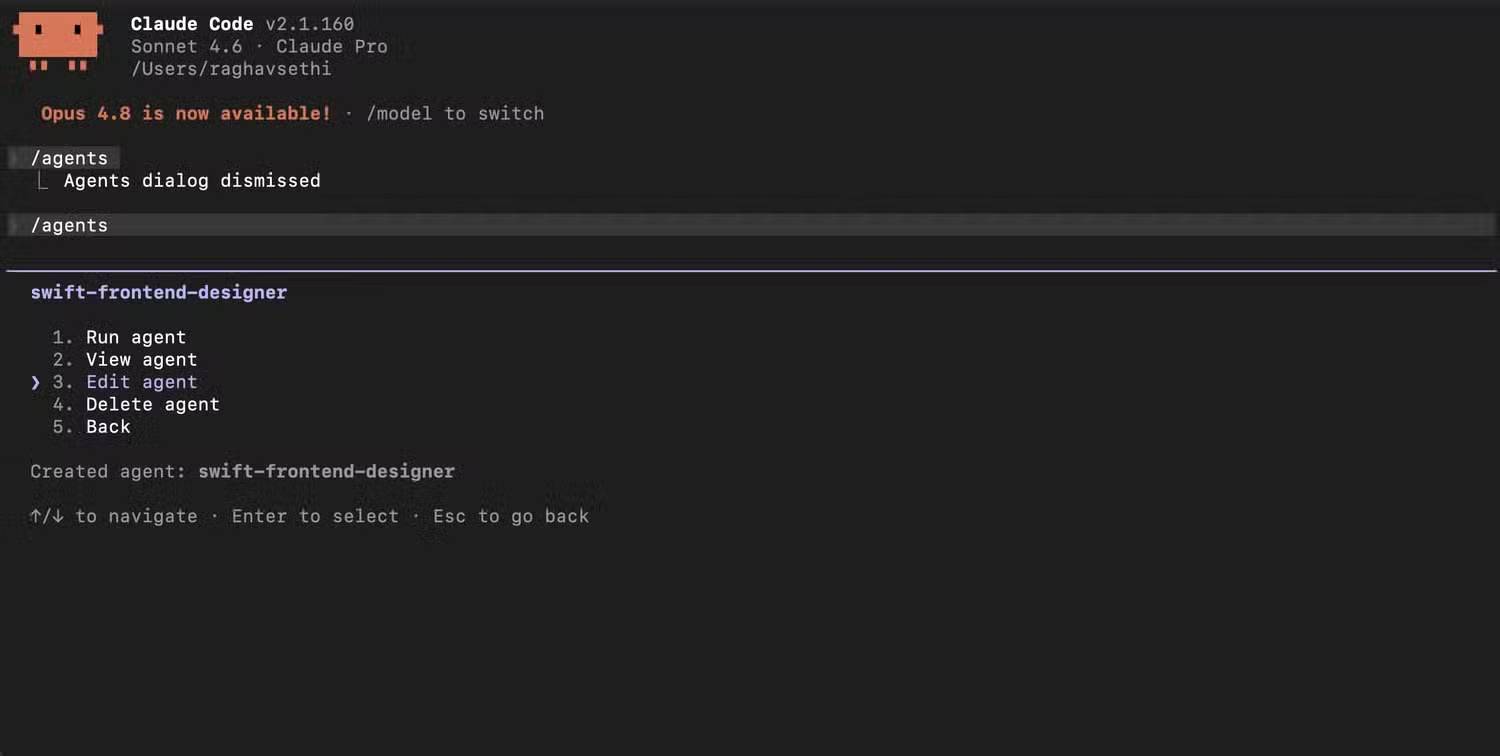
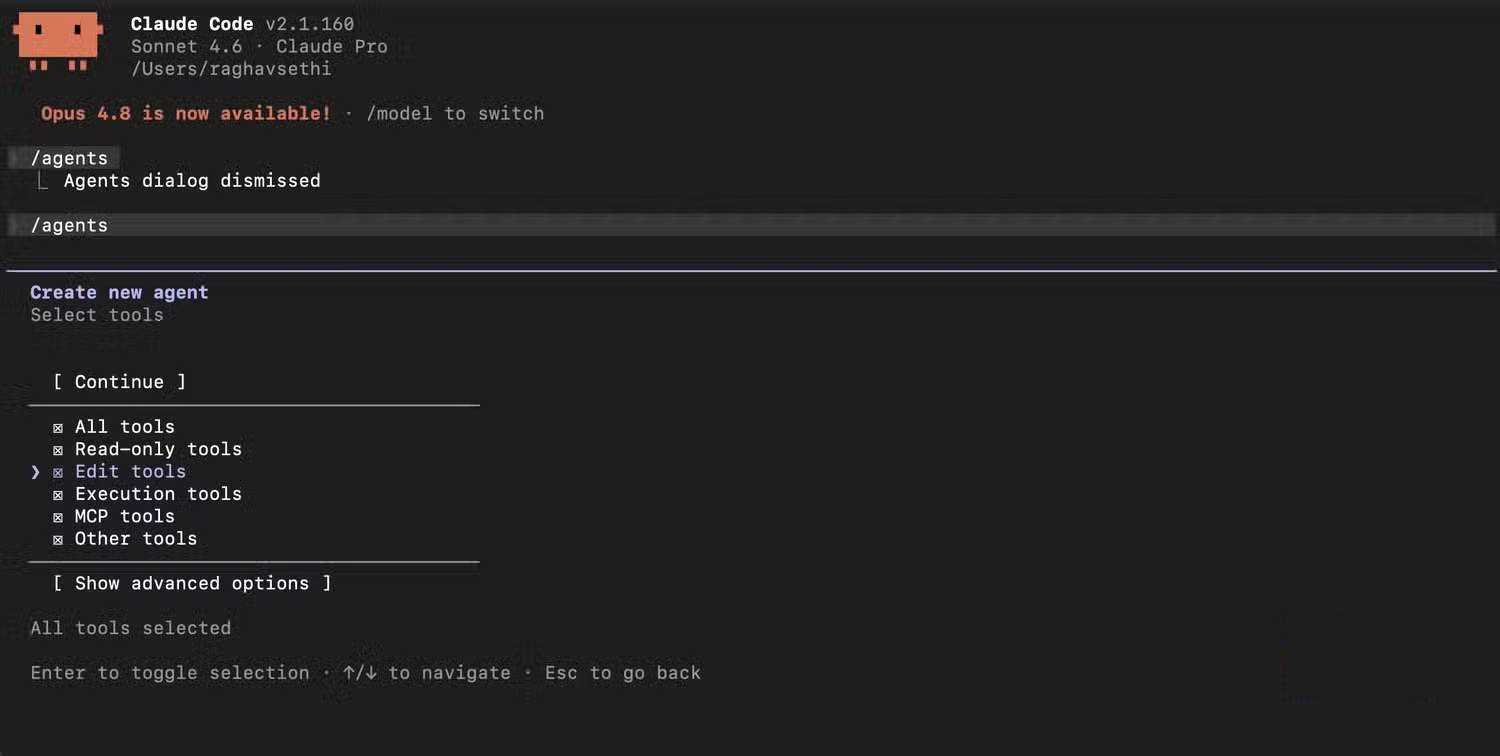
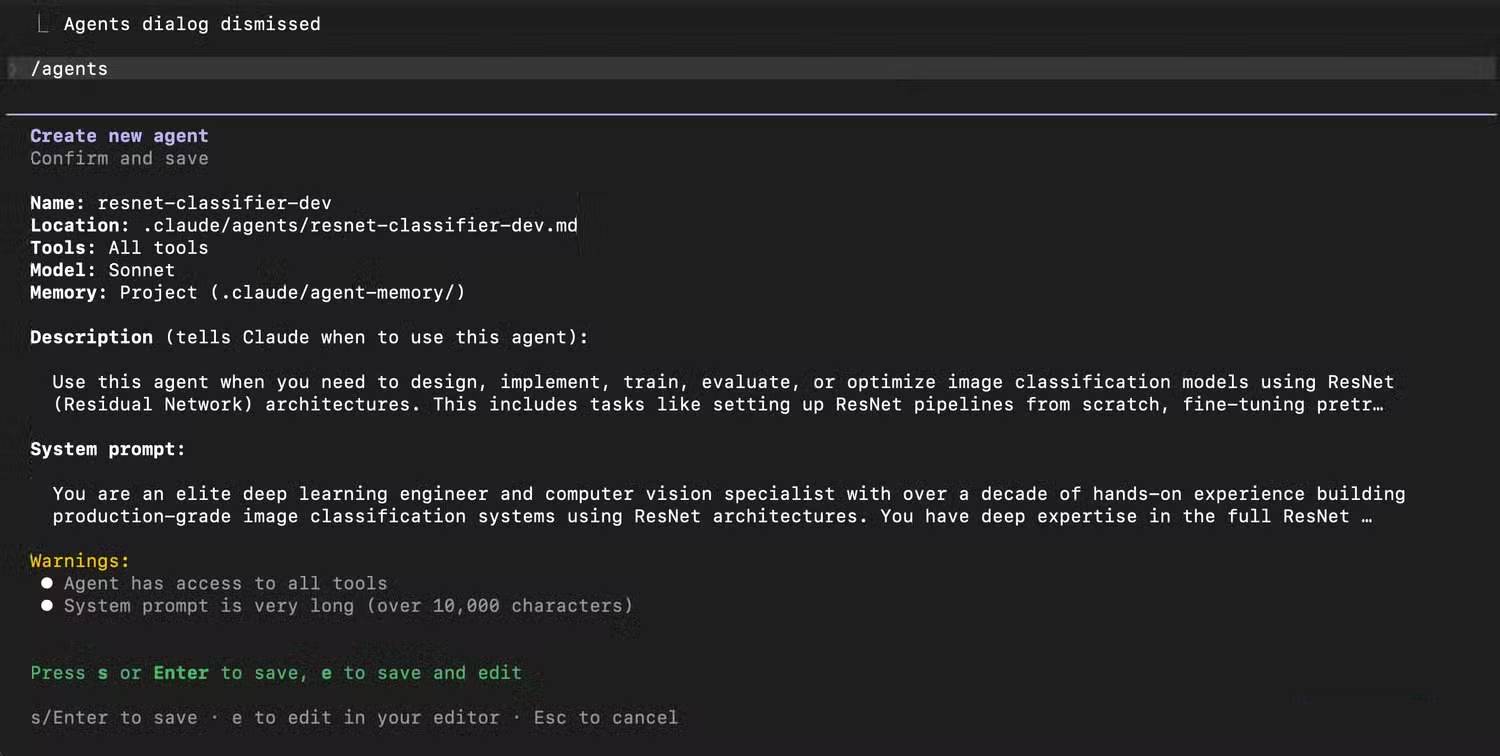
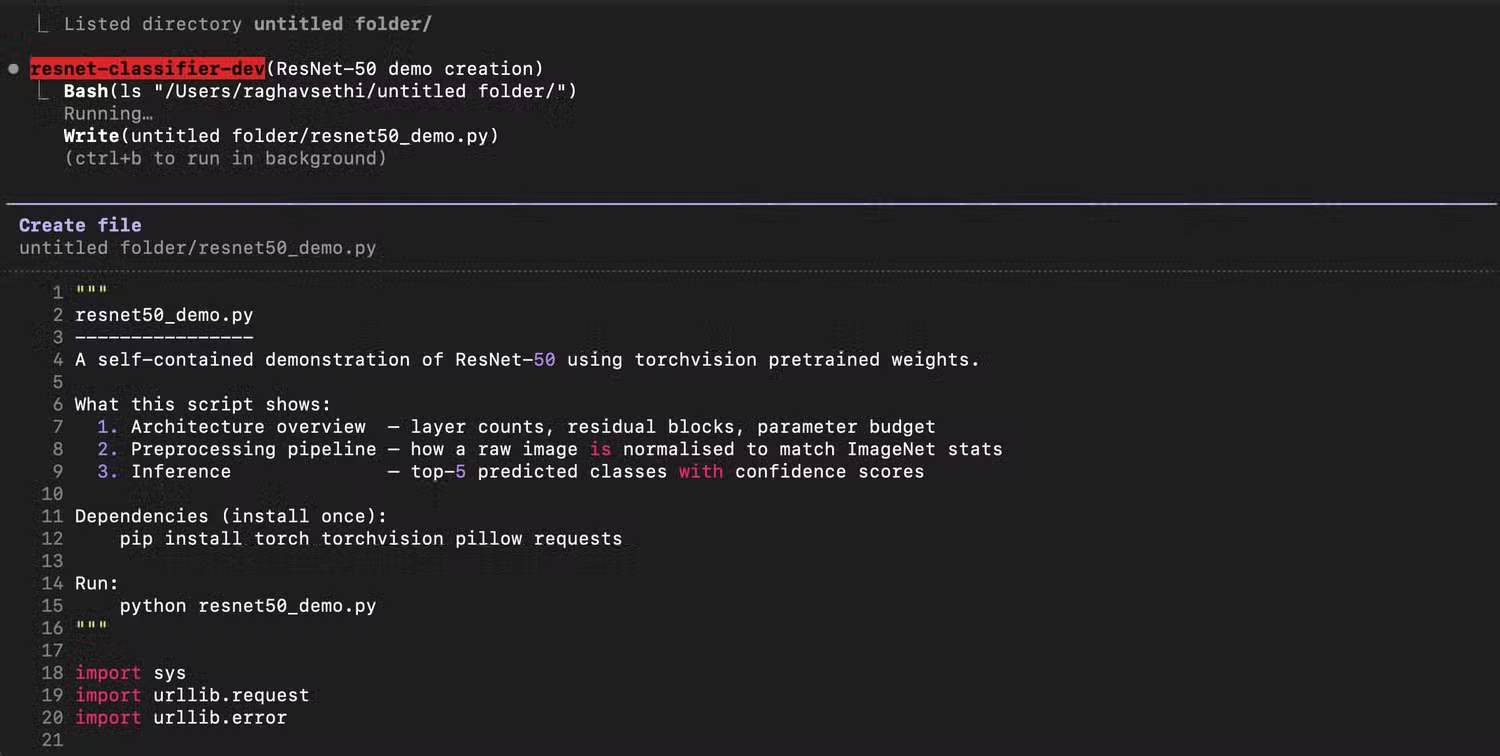
.claude/agents/inside a repository creates project-level agents that can be reviewed and shared with the project.~/.claude/agents/creates user-level agents available across projects on that computer.
Project agents are usually safer for repository-specific conventions. Before committing an agent file, check that it contains no secrets, personal paths, or organization-only instructions that should not enter version control.
Create a custom subagent
A subagent is a Markdown file with YAML frontmatter followed by its instructions. This example defines a read-only reviewer:
---
name: test-reviewer
description: Use this agent after implementation to review tests, identify missing cases, and return a prioritized report. Do not modify files.
tools: Read, Grep, Glob
---

You are a senior test reviewer.

Inspect the implementation and existing tests. Report:
1. behavior that is not covered;
2. flaky or overly coupled tests;
3. important error and boundary cases;
4. exact file paths for every finding.

Do not edit files. Distinguish confirmed defects from suggestions.
The description is a routing rule. State when the agent should be used, its scope, and what it must return. The body should define the job, constraints, evidence requirements, and completion format.
Use the least-privilege tool set
A reviewer usually needs read and search tools, not file writes or shell execution. An implementation agent may need editing and tests, but it should still be limited to the required repository and commands. Tool restrictions reduce accidental changes; they do not make untrusted code safe to execute.
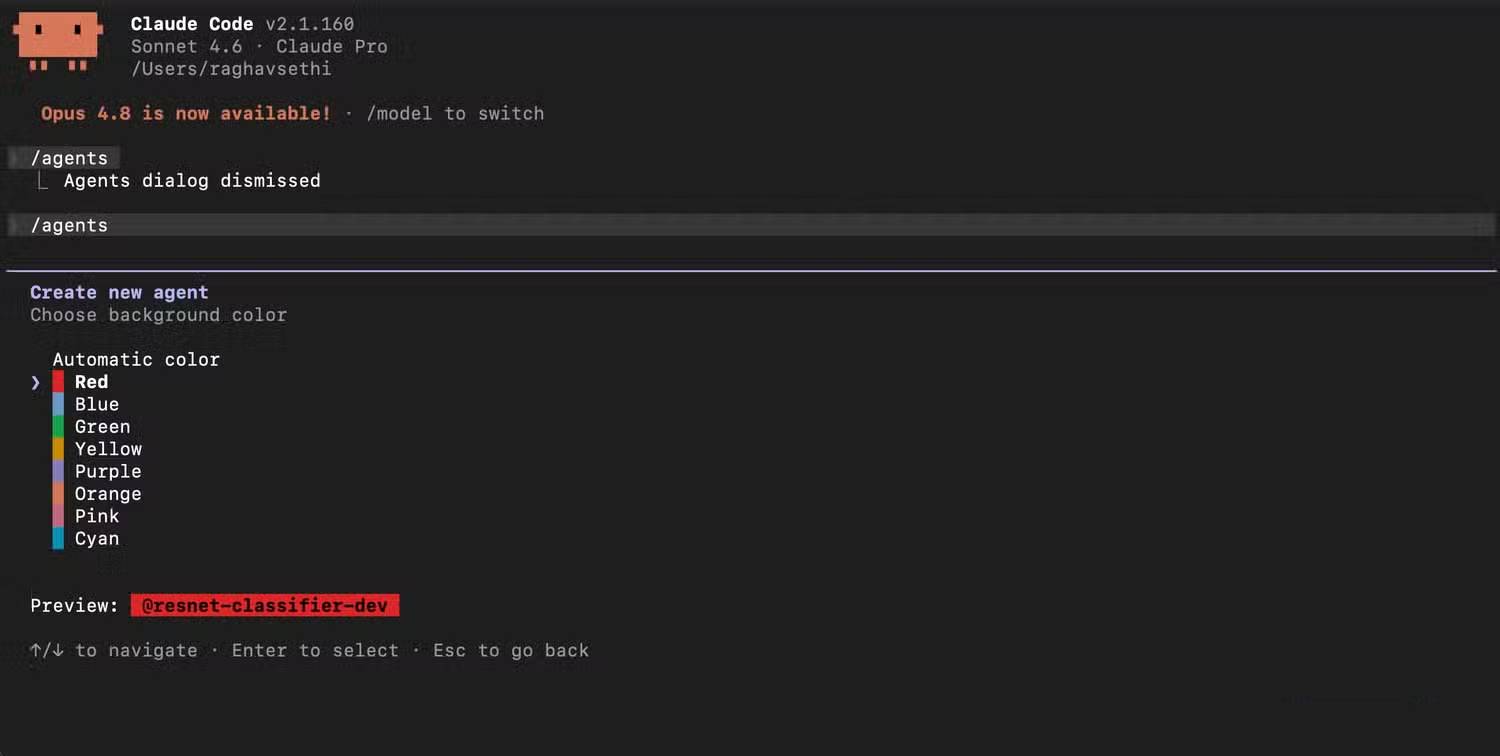
Consult Anthropic's current subagent documentation for supported frontmatter fields and tool names. As of current Claude Code releases, /agents no longer opens the old interactive creation wizard; ask Claude to create the definition or edit the Markdown file directly.
Delegate independent tasks in parallel
Be explicit about agent names, boundaries, and outputs. For example:
Run these three independent subagents in parallel:
- Use
frontend-reviewerto inspect the login and dashboard UI. Return accessibility and state-management findings only.- Use
api-reviewerto inspect the authentication endpoints. Return security and error-handling findings only.- Use
test-reviewerto identify missing tests for those areas. Do not edit files.After all three finish, merge duplicate findings into one prioritized report with file paths. Do not change code.
This read-only pattern is a good first test because agents cannot overwrite each other. If you later delegate implementation, give each agent exclusive files or worktrees and require the parent to inspect the diff before merging.
A safe implementation pattern
- Ask one planning pass to split the work into independent units.
- Assign one owner to each file or directory.
- Run subagents with the minimum necessary tools.
- Require each agent to list changed files, tests run, failures, and unresolved questions.
- Have the parent inspect all diffs and resolve conflicts.
- Run the complete test, lint, type-check, and build suite after integration.
- Review generated code for security, licensing, and product requirements.
Common problems
- Vague routing: “Help with code” gives the parent little reason to choose one agent over another.
- Overlapping edits: agents can produce incompatible changes even when each result looks reasonable alone.
- Hidden dependencies: two tasks that appear independent may rely on the same schema, generated file, or API contract.
- Excess usage: every subagent consumes tokens and tool calls; parallel work is not free.
- Unsafe commands: an agent with shell access can execute project scripts. Review unfamiliar repositories and commands first.
- No integration owner: parallel outputs still need one accountable final decision.
Use subagents when isolation creates a clear benefit, not as a default for every task. For related workflows, see TipsMake's guide to Claude Code in VS Code and its article on building reusable agent skills.
Related Articles
 What Are Plugins in Claude Code?7 minutes read
 What Are Subagents?8 minutes read
 What Is the Claude Code: Clear Explanation7 minutes read
 10 GitHub Repositories to Help You Master Claude Code and AI Agent Coding7 minutes read
 How to use the /goal command in Claude Code for fully11 minutes read
 3 Ways to Use Claude Code for Non-technical Tasks6 minutes read
Reader Comments 0
Sign in with email or Google to join the discussion.