Table of Contents
Microsoft Defender Windows helps protect your device by blocking unauthorized access and other risks. You can back up and restore Microsoft Defender settings on a new computer or troubleshoot any issues you have with the app. Here's how to back up and restore Microsoft Defender Windows 11.
Microsoft Defender Backup and Restore via Advanced Security
Step 1:
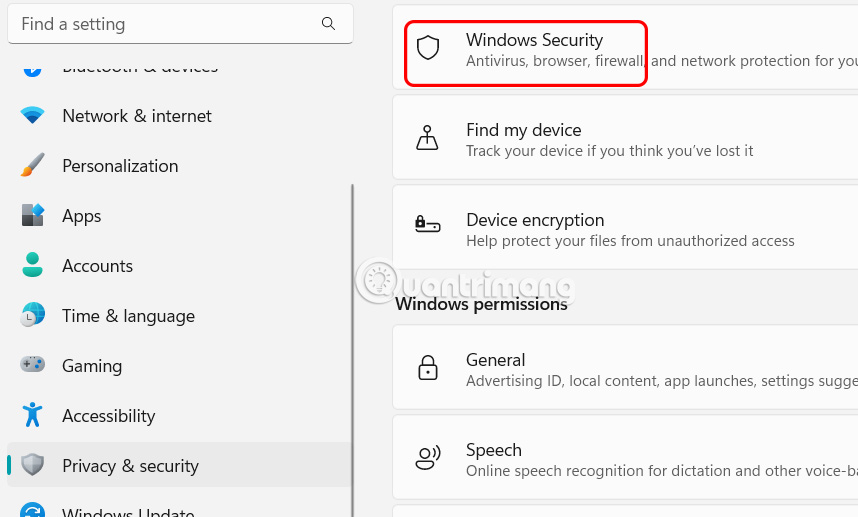
Open Settings on your computer, then select Privacy & security on the left, then select Windows Security on the right.
Step 2:
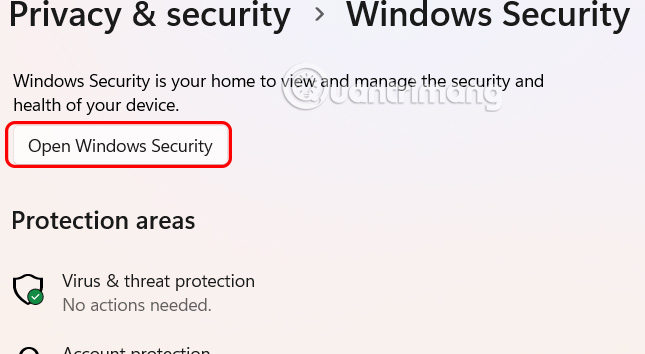
Continue to click Open Windows Security to open.
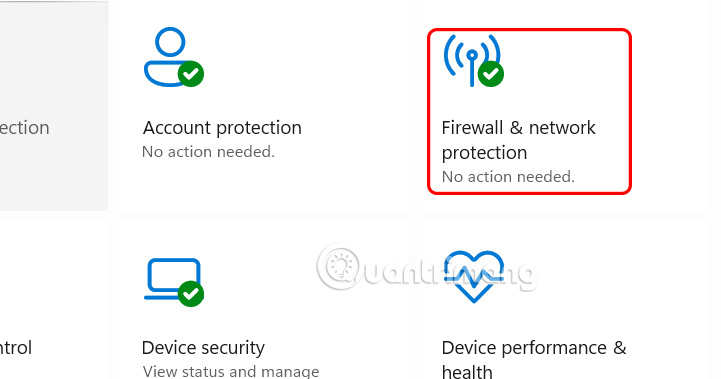
In the Windows Security application interface, select Firewall & network protection .
Step 3:
In the next interface, we select Advanced settings to open advanced settings for Microsoft Defender.
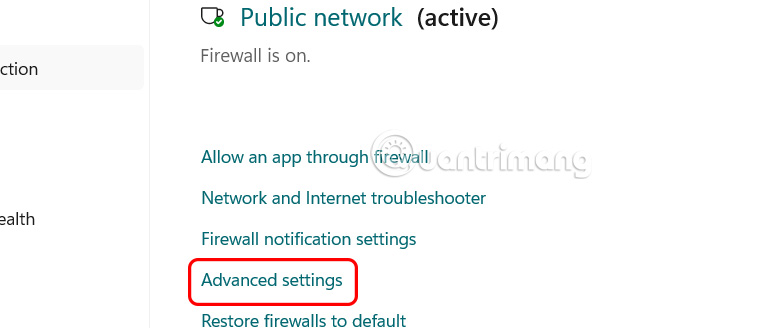
In this interface, if you want to export or backup Microsoft Defender settings, just click Export Policy . If you want to restore settings , click the Import Policy link .
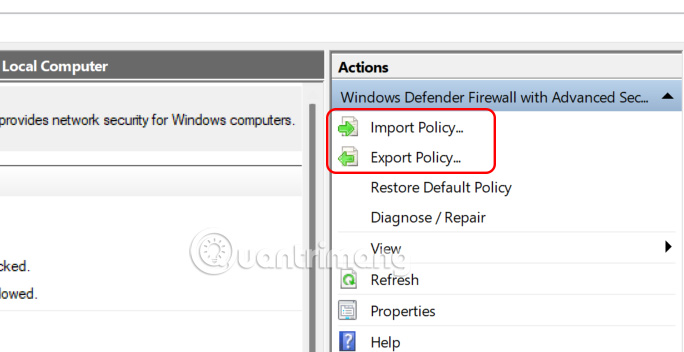
This guide will export the Microsoft Defender settings backup file as a.wfw file format.
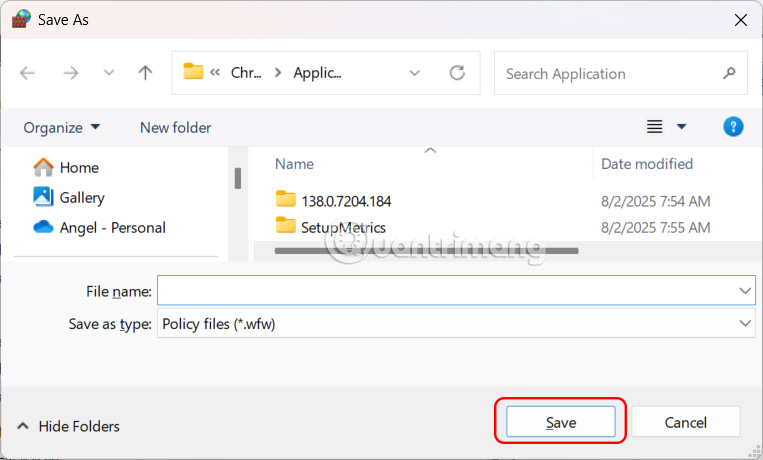
Backup and Restore Defender Firewall Using Command Prompt
We open Windows Terminal on the computer and then select and choose Command Prompt or PowerShell.
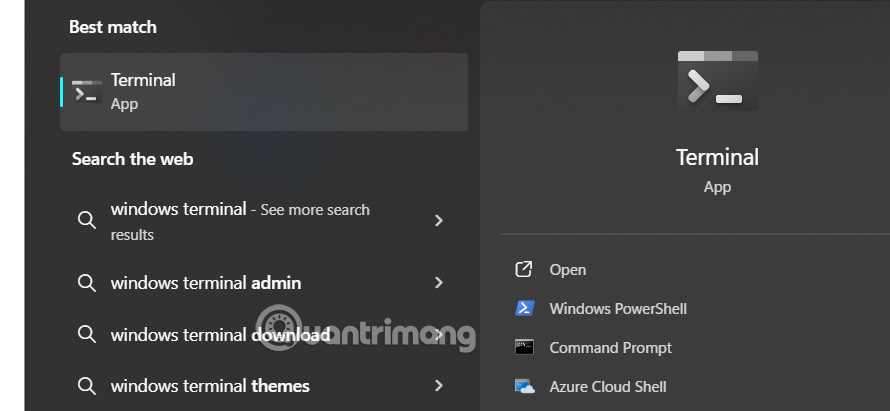
Then we enter the command below.
Command Prompt:
netsh advfirewall export "%userprofile%DesktopFirewallBackup.wfw"With PowerShell:
netsh advfirewall export "$Env:USERPROFILEDesktopFirewallBackup.wfw"To restore or import Firewall settings, run the command below using Command Prompt or PowerSehll
netsh advfirewall import "C:UsersRichardDesktopFirewallBackup.wfw"Final Thoughts
Following the steps in order and checking version-specific settings should make it easier to Backup and Restore Microsoft Defender Windows 11. If an option looks different, verify the device, app, or operating-system version before changing additional settings.
FAQ
What is the best way to Backup and Restore Microsoft Defender Windows 11?
Start with the requirements described in the article and follow the steps in order. Microsoft Defender Windows helps protect your device by blocking unauthorized access and other risks. You can back up and restore Microsoft Defender settings on a new computer or troubleshoot any issues you have with the app.
What should you know about Microsoft Defender Backup and Restore via Advanced Security?
Open Settings on your computer, then select Privacy & security on the left, then select Windows Security on the right.
What should you do if the instructions do not match your screen?
Check the device, software version, account permissions, and regional settings. Interfaces can change after updates, so use the closest matching option and consult the official support documentation when necessary.
Related Articles
 How to Use Backup and Restore on Windows 7?6 minutes read
 Complete How to Use All Backup and Restore Tools on Windows 1012 minutes read
 How to Restore Files Quarantined by Windows Defender: Step-by-Step Guide4 minutes read
 Microsoft Defender Atp Will Be Available on iOS and Android Later3 minutes read
 Instructions to Backup and Restore Windows 103 minutes read
 Windows Operating System: Backup and Restore Registry on Windows5 minutes read
Reader Comments 0
Sign in with email or Google to join the discussion.