Table of Contents
Microsoft Bing’s AI Costume Generator can transform a portrait into a themed costume image. You choose a preset style, upload a photo, and generate a new version that keeps the person recognizable while changing clothing and often the surrounding scene. Results vary, so treat it as a creative effect rather than a realistic virtual fitting tool.
Create an AI costume image
- Open the Bing AI Costume Generator and sign in with a Microsoft account if prompted.
- Select a costume or theme from the available styles.
- Upload a clear portrait that you have permission to use.
- Review the privacy notice, then select Generate.
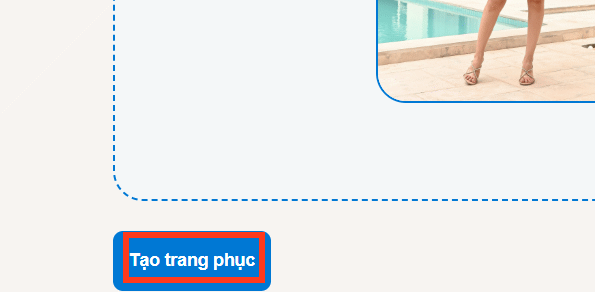
- When the image is ready, download it or try another style.
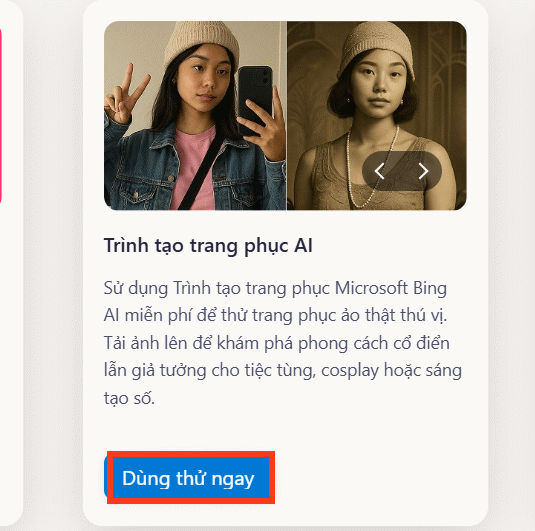
The AI tools page contains several generators. The labels and featured tools can change, so use the direct costume-generator page if the older “Outfit Maker” tile shown in the screenshots is no longer present.
Choose a style and upload the photo
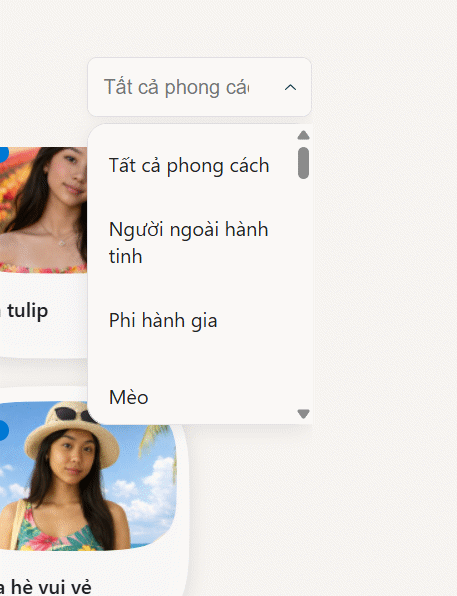
Select a style before or after uploading, depending on the current page layout. The available catalog can include classic, holiday, fantasy, retro, superhero, and seasonal themes.
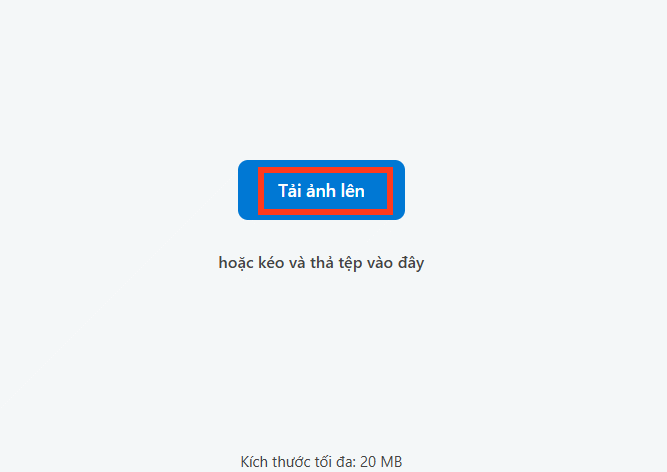
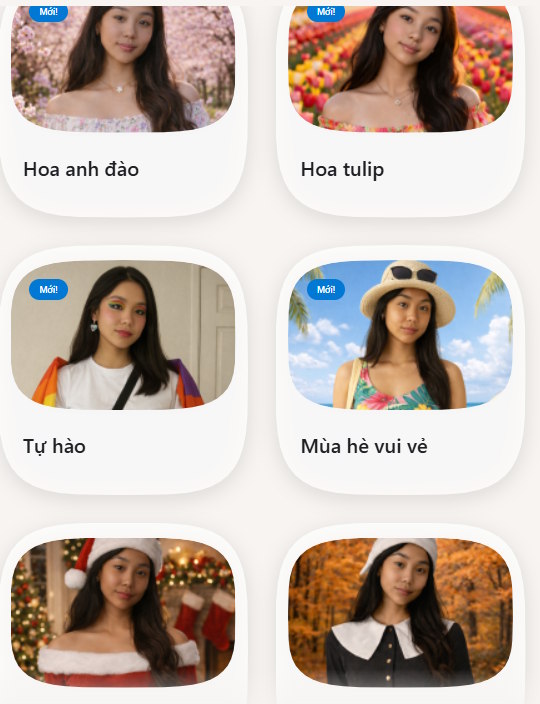
Use a front-facing image with one clearly visible person, even lighting, and minimal obstruction around the face and clothing. A crowded photo or extreme camera angle makes it harder for the generator to preserve identity and body proportions.
Generate and compare the result
After choosing a style, start the generation and wait for the preview. If the result distorts the face, hands, accessories, or background, try a simpler source photo or a different style rather than repeatedly using the identical inputs.
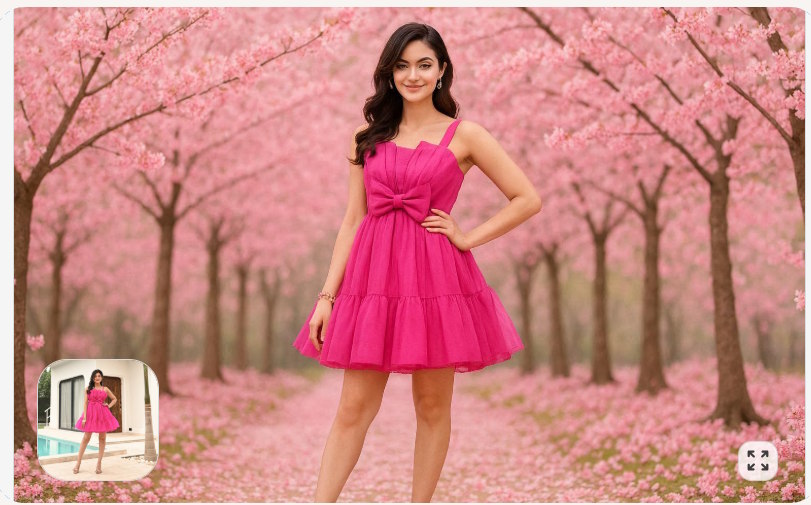
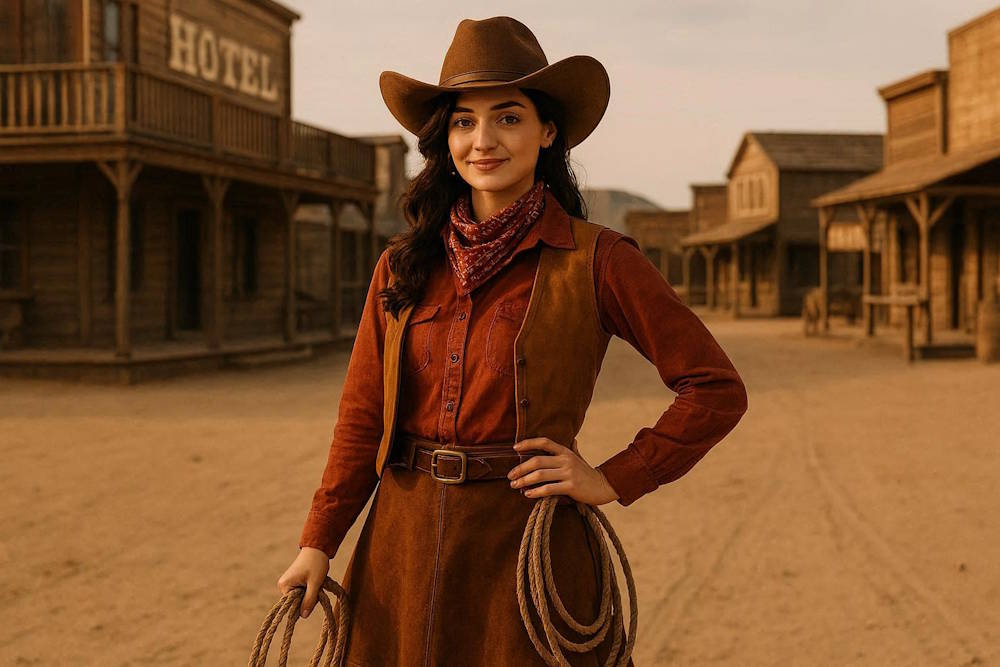
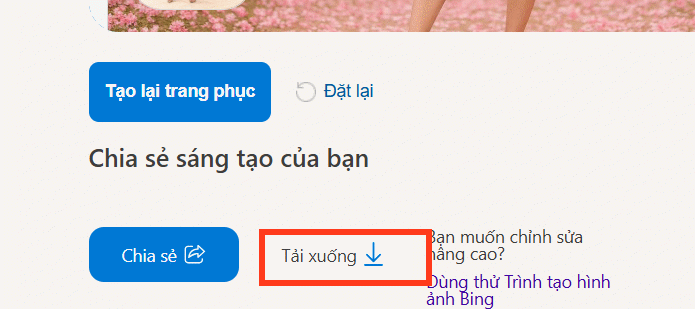
If you are satisfied, use the page’s download control to save the generated file.
Privacy and responsible use
- Upload only your own photo or an image whose subject has agreed to the edit.
- Do not upload confidential images or photos of children without appropriate consent.
- Microsoft warns that submitted photos may be used to improve image-processing services; review the current privacy notice before continuing.
- Do not present a generated costume image as evidence that a person wore or endorsed something.
- Check the service’s current content policy and usage terms before commercial use.
If the result is poor
Generation can take time and may occasionally fail. Refreshing the page should be a last resort because it may discard the current result. First try a smaller supported file, a clearer portrait, another preset, or a new session. For text-prompted artwork rather than a portrait transformation, compare the options in these AI image generators or review free text-to-image tools.
Related Articles
 Guide to Creating Videos from Images Using Meta AI6 minutes read
 Guide to Creating Infographics on Manus4 minutes read
 Guide to Creating AI Images Automatically with N8n and OpenAI10 minutes read
 Guide to creating better AI images: 4 steps to writing8 minutes read
 How to Create a YouTube Thumbnail with ChatGPT8 minutes read
 How to Create a Poster Using AI in Microsoft Designer4 minutes read
Reader Comments 0
Sign in with email or Google to join the discussion.