Table of Contents
In this article, we will guide teachers on how to use Iron AI to create exam questions that closely follow the matrix with very simple steps.
Iron AI is a website that supports chatbots in delivering various content for teachers and students in their teaching and learning activities. Iron AI uses commands and original documents uploaded by users to deliver the content we need. In this article, we will guide teachers on how to use Iron AI to create exam questions that closely follow the matrix with very simple steps.
Guide to creating exam questions that closely follow the matrix in Iron AI
Step 1:
First, access the Iron AI website using the link below and register an account using your Google account.
https://ironai.vn/
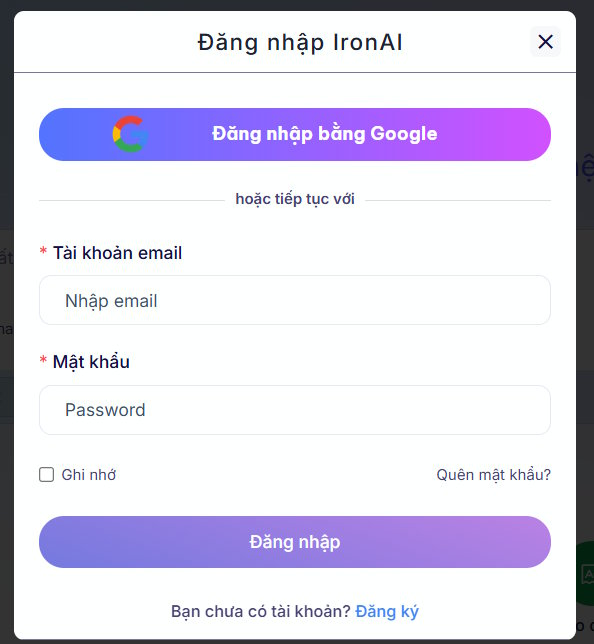
Step 2:
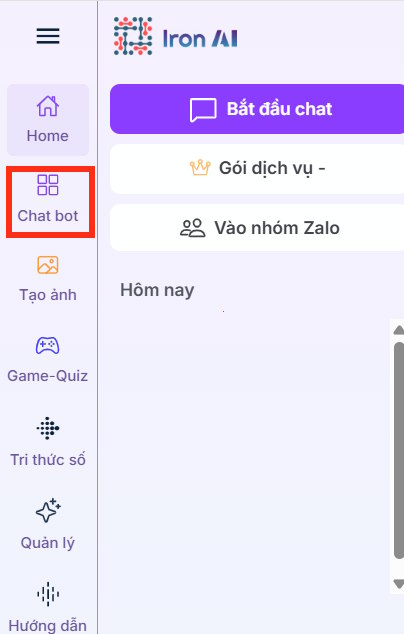
Once you have the tool, click on Chatbot on the left side of the interface to use it.
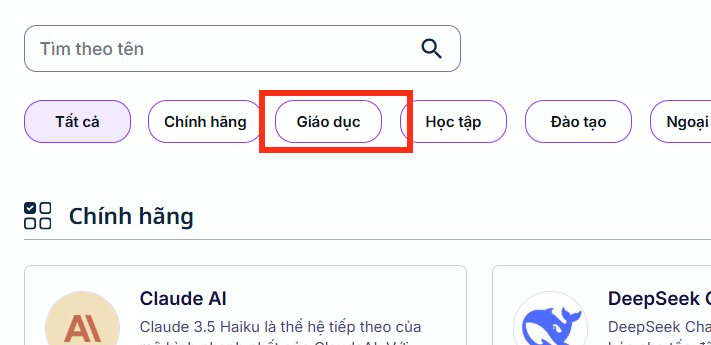
Then you will see an interface displaying many fields; we click on Education to use it.
Next, we select the Create Exam tool and then choose the subject and class below for which we want to create an exam that closely follows the matrix.

Step 3:
Then you need to upload the matrix document and enter the command below into the chat box as usual, then send the command to create the exam based on the uploaded matrix content.
tạo đề thi bám sát cấu trúc trong file tải lên có đáp án, dễ hiểu hoc các em học sinhStep 4:
The tool then analyzes the structure of the uploaded matrix and generates a test that closely follows the matrix for us.
As a result, we have the following exam matrix. The top section contains the test content, and the bottom section provides the answers.
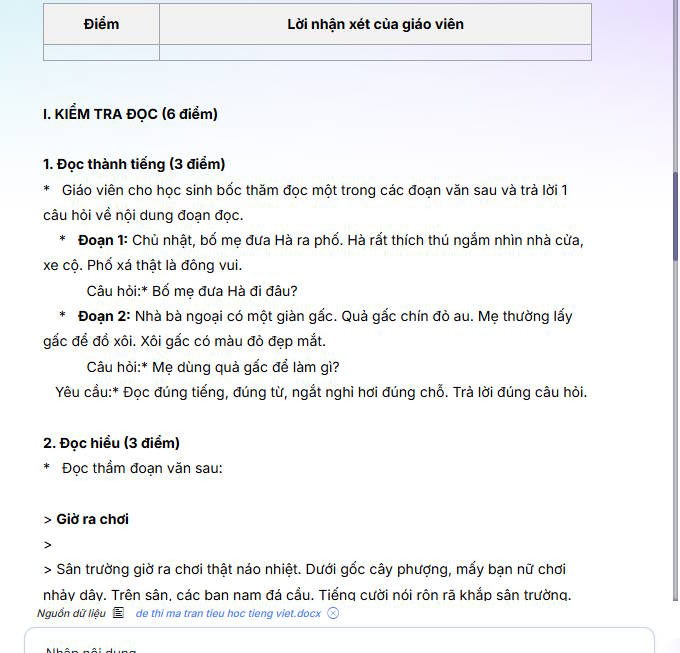
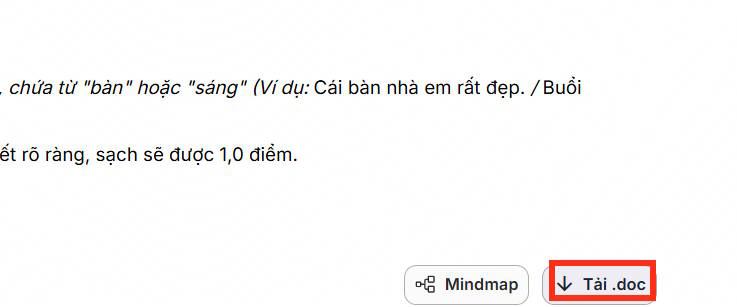
To download the exam from Iron AI, scroll down to the bottom of the document and then click on the.doc option. The exam will then be saved, and you can use Word to open the exam matrix downloaded from Iron AI.
Related Articles
 Guide to Creating Exam Matrices Using Gemini and ChatGPT4 minutes read
 Answer Common Questions About Dot Matrix Printers9 minutes read
 How to Create Multiple Choice Questions on Vnedu6 minutes read
 Guide to Quickly Creating AI Quiz Questions5 minutes read
 Guide to Creating Multiple Choice Questions on Vnedu4 minutes read
 The Best Online Exam Preparation Websites for Students6 minutes read
Reader Comments 0
Sign in with email or Google to join the discussion.