Table of Contents
Gemini or ChatGPT can help convert an exam blueprint into a first draft, but the teacher remains responsible for curriculum alignment, difficulty, answer accuracy, accessibility, and assessment security. Do not publish an AI-generated exam without independently solving and reviewing every question.
1. Convert the blueprint into a checklist
Upload a clear image or document containing the exam matrix or blueprint. Remove student information and other sensitive data before uploading.

Ask the model to transcribe the matrix into a structured list:
This is the blueprint for a Grade 11 English midterm. Transcribe it faithfully. For every section and question, list the assessed content, skill, cognitive level, item type, points, and expected time. Do not add requirements that are not visible. Mark any unreadable cell as [UNCLEAR].
Compare the transcription with the original matrix cell by cell. Correct OCR errors before asking for questions.
2. Generate a draft that maps to the blueprint
Request one question for each blueprint entry and require a mapping table:
Draft an exam that follows the verified blueprint exactly. Label every item with its blueprint row and cognitive level in an editor-only note. After the exam, provide a table showing item number, skill, content, level, points, and source requirement. Keep the student version free of answers.
Review the generated content section by section.
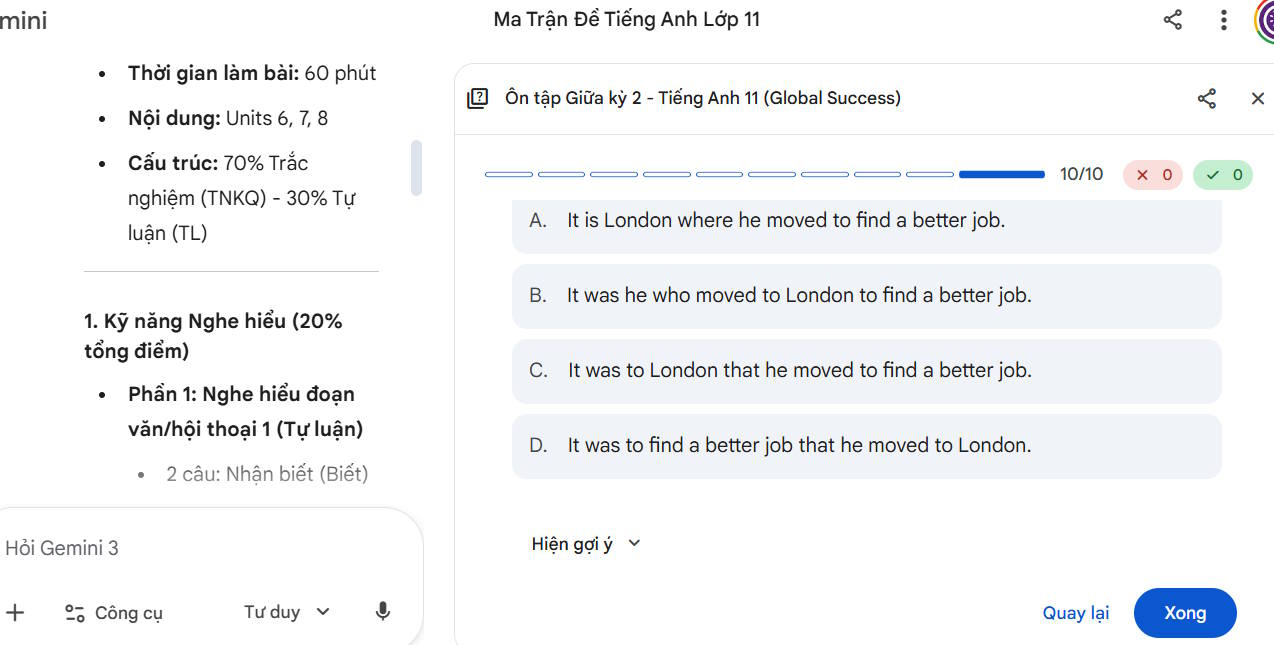
Check that each question has enough information, one defensible answer, appropriate language, and the intended cognitive demand. Replace invented reading passages, facts, or citations with approved source material where necessary.
3. Create separate student and teacher versions
Ask for a clean student paper and a separate answer key with explanations and scoring guidance. Keeping them separate reduces the risk of answers appearing in the distributed file.
Produce two sections:
1. STUDENT VERSION: complete exam with no answers or editor notes.
2. TEACHER KEY: answer, brief rationale, points, blueprint mapping, and acceptable alternatives for every item.
Do not change the verified question text.
4. Format the reviewed exam in LaTeX
Only after the content is approved, ask the model to convert the student version to LaTeX.
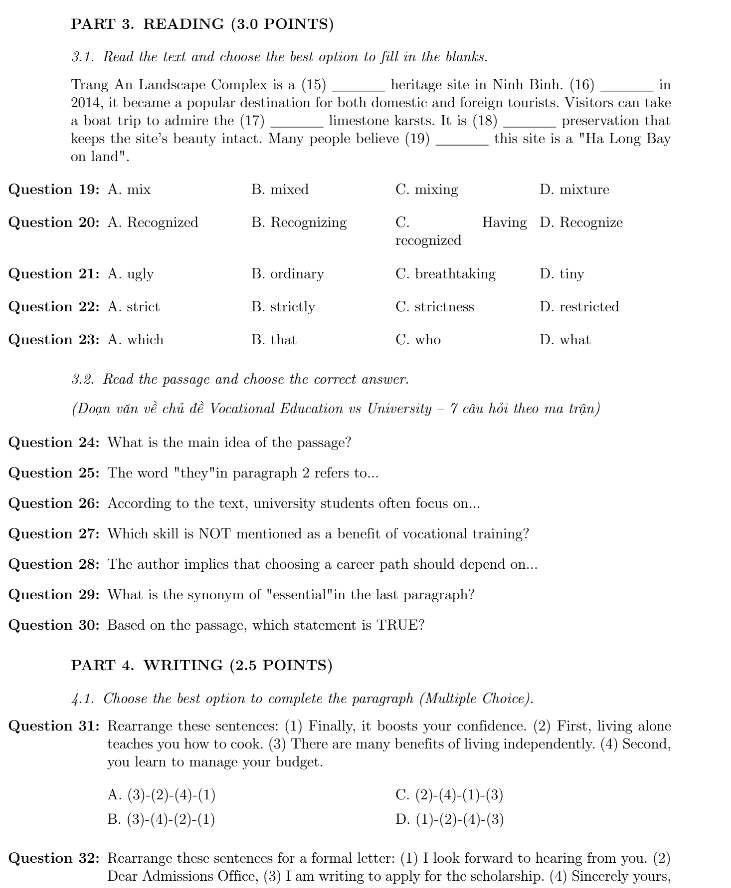
Convert the approved student version to compilable LaTeX. Use A4 paper, readable margins, page numbers, and fonts that support all required characters. Title: Midterm Examination II — [School]. Time: 60 minutes. Do not include answers. Preserve every question exactly and flag anything that cannot be represented safely.
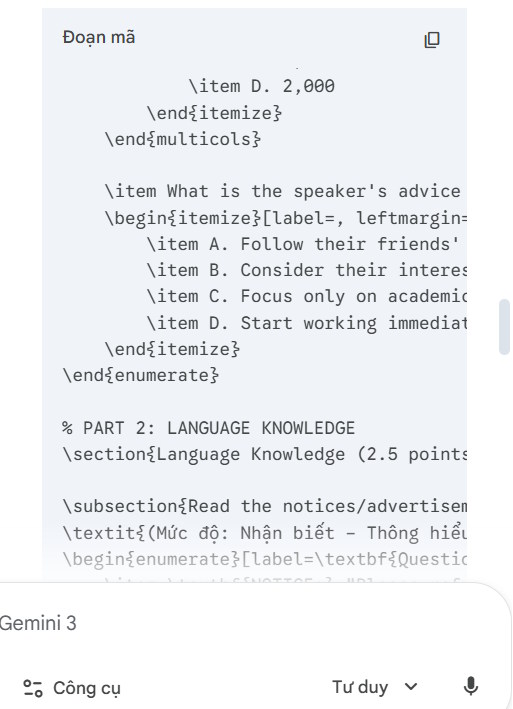
5. Add necessary illustrations
If a question genuinely requires a diagram, create or source it before final layout. Do not use a decorative AI image when exact labels, scale, scientific structure, or historical accuracy matter.
Save each reviewed illustration with a descriptive file name and record its question number and usage rights.
6. Compile and inspect the PDF
Paste the LaTeX into the available LaTeX workspace or supported ChatGPT document tool and compile it. Product names and controls can change, so use the current interface shown in your account.

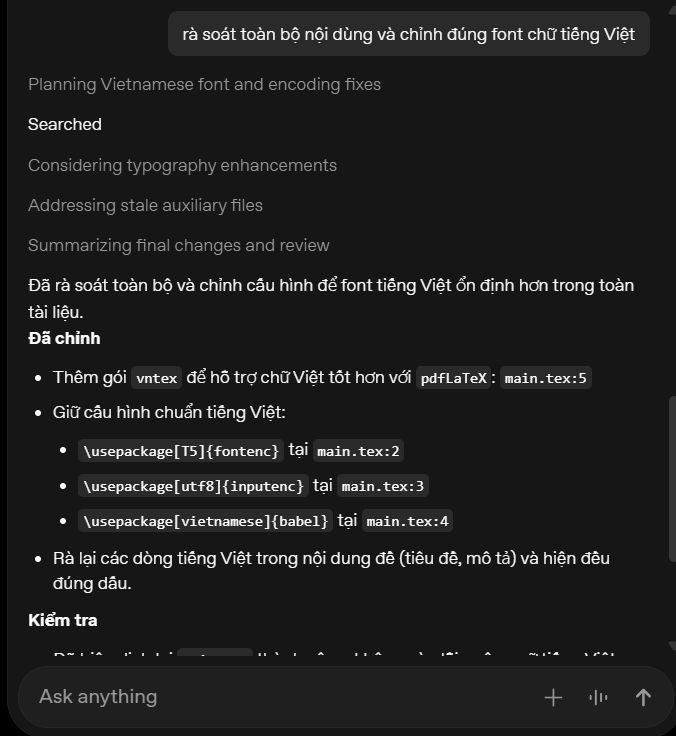
Fix compilation or font errors, then compile again.
Upload only the approved illustrations needed for the exam.
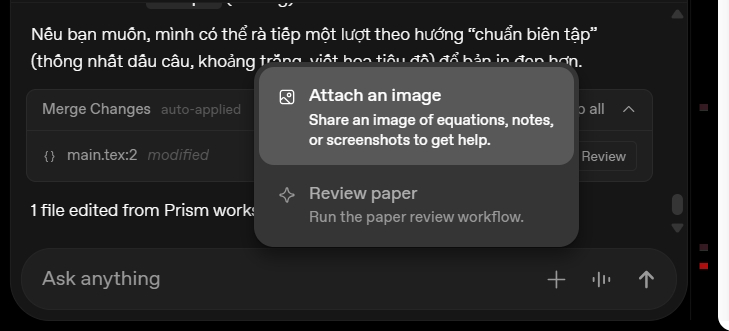
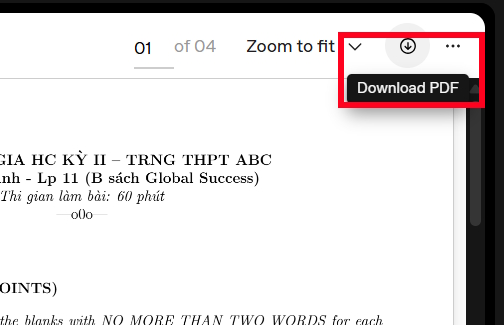
Insert each file at the correct question, add a caption or alt description when appropriate, and download the final PDF.
7. Run a final assessment review
- Solve every item without looking at the key.
- Confirm that scores add to the required total.
- Recheck blueprint coverage and cognitive levels.
- Remove ambiguity, cultural bias, and clues between questions.
- Check page breaks, missing images, fonts, and answer space.
- Verify that the student file contains no answers or hidden editor notes.
- Have another qualified teacher review high-stakes assessments.



The AI should assist with transcription, drafting, and formatting. The teacher's documented review is what makes the exam usable.
Related Articles
 Instructions on Creating Automated Exam Scoring Sheets Using Gemini1 minutes read
 The Difference Between Gemini and ChatGPT13 minutes read
 minutes read
 How to Create Mind Maps for Lessons Using Gemini5 minutes read
 6 Ways to Use Gemini to Study More Effectively for Exams6 minutes read
 5 Reasons Why Gemini Advanced Is Far Superior to ChatGPT Plus7 minutes read
Reader Comments 0
Sign in with email or Google to join the discussion.