Table of Contents
Understanding Tutorial requires more than a headline. The overview below breaks down the key facts, changes, and user impact.
Tutorial Overview
First, look for any *. Docx file on your computer:
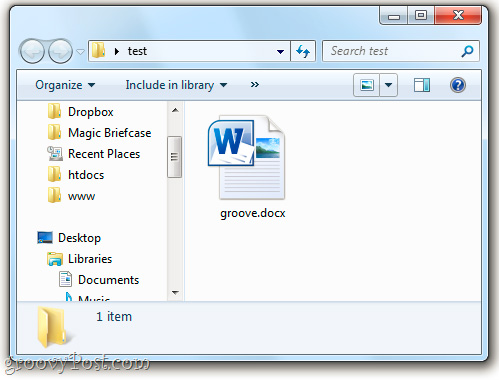
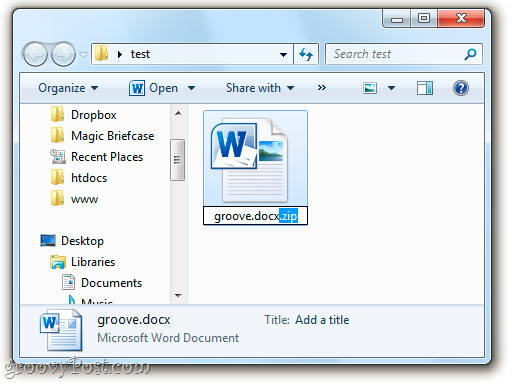
Right-click and select Rename:

Add. Zip to the back and press Enter:
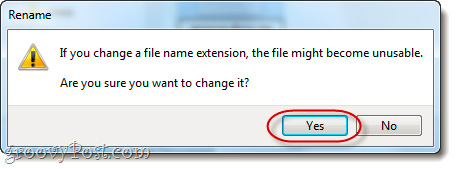
When Windows displays the bulletin board as shown below, you select Yes:
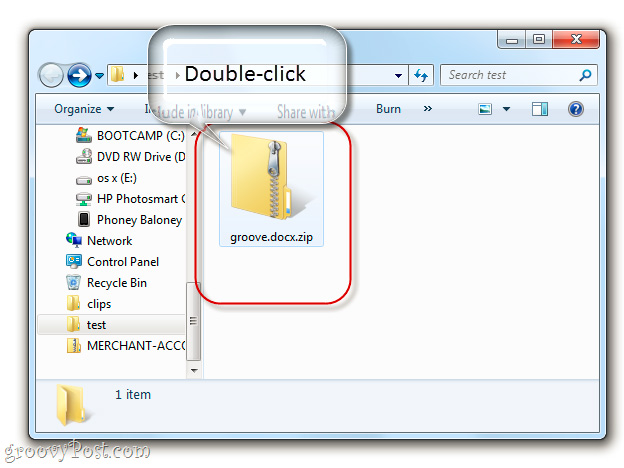
Meanwhile, the file's icon will change to a compressed file. Double click to open:
Inside, we will see the whole 'interior' of that *. Docx file, there are several folders like _rels, docProps and Word. If you want to correct any *. Xml file, you must extract a certain folder, such as Desktop:

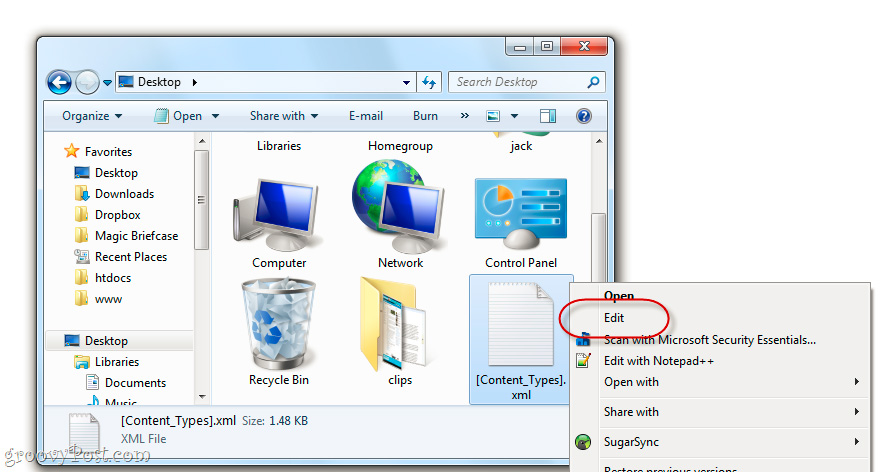
Then, use a certain text editing program like Notepad to start editing:
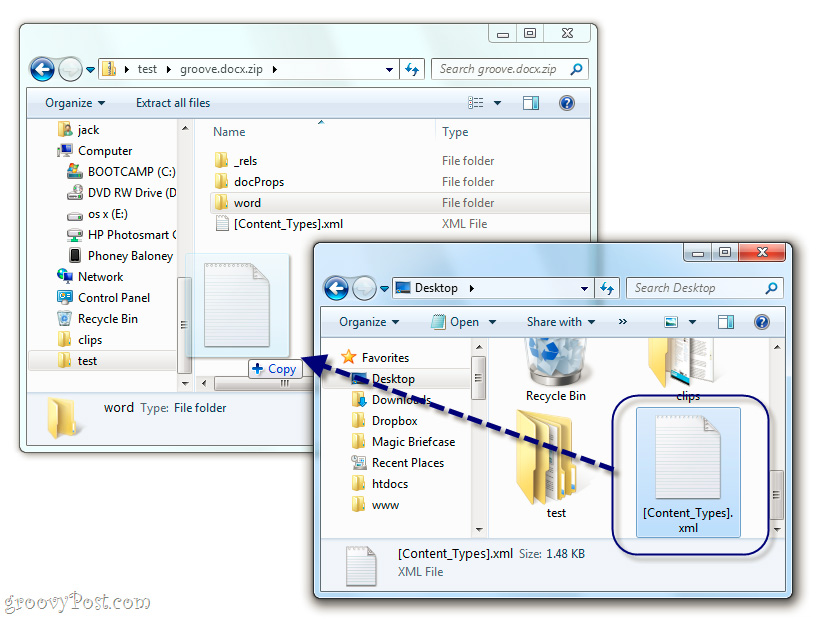
After finishing, drag and drop back to the original folder:
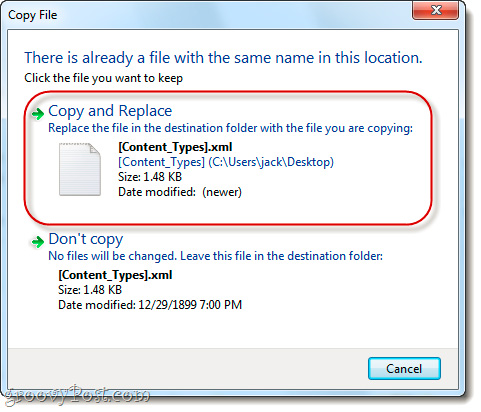
When Windows displays the following warning information, select Copy and Replace:
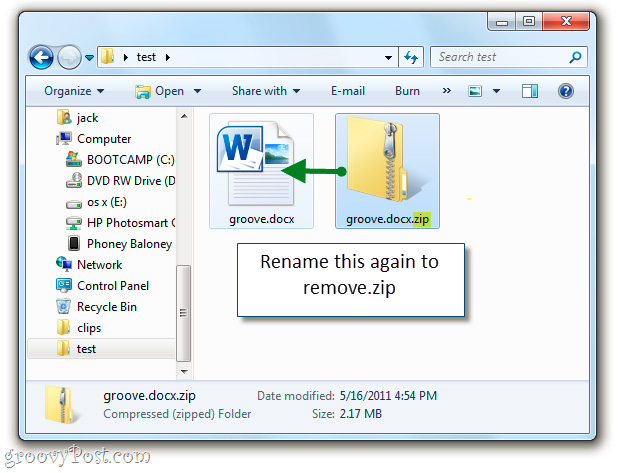
And change the name back to the original one (delete the. Zip section):
Good luck!
FAQ
What is the main topic of Explore *. Docx File in Windows 7: Tutorial?
Understanding Tutorial requires more than a headline.
Why is Tutorial important?
The overview below breaks down the key facts, changes, and user impact.
What should readers remember about Tutorial?
Tutorial Overview First, look for any *.
Related Articles
 What Is Docx File? How to Open Docx File?2 minutes read
 Difference Between Doc and Docx, Compare Doc Vs Docx5 minutes read
 How to Open a. Docx File6 minutes read
 How to Convert a Doc File to a Docx File: Step-by-Step Guide5 minutes read
 How to Convert Docx Files to Doc: Practical Guide6 minutes read
 Convert Openoffice ODT Text Format into Microsoft Word DOC3 minutes read
Reader Comments 0
Sign in with email or Google to join the discussion.