Table of Contents
DramaWave is a streaming app for short, scripted dramas presented vertically for phone screens. Episodes are designed for quick viewing. The app is free to install, but some episodes or viewing options can require in-app purchases.
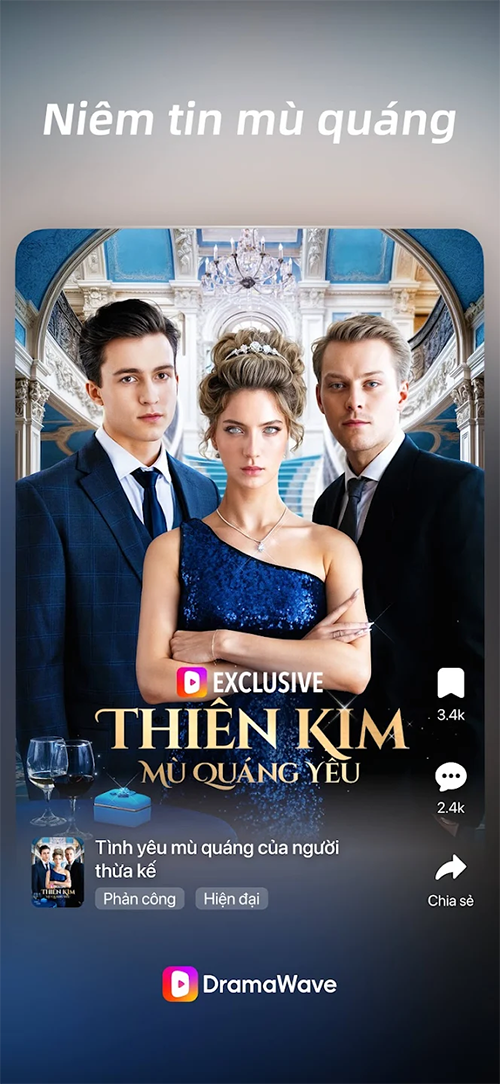
Find the official app
Look for DramaWave from SKYWORK AI PTE. LTD. on the App Store or Google Play. Check availability in your country and avoid modified installers from unverified sources.

What you can watch
Series are split into short episodes and commonly feature romance, family conflicts, revenge plots, or fantasy. Open a series and check the audio or subtitle choices on an episode before committing to watch the rest. Availability can vary by title.
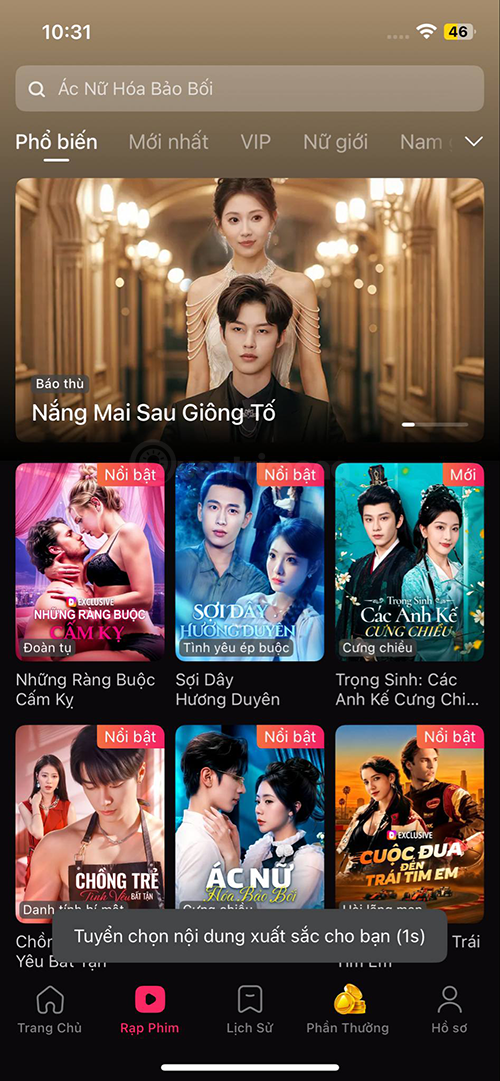
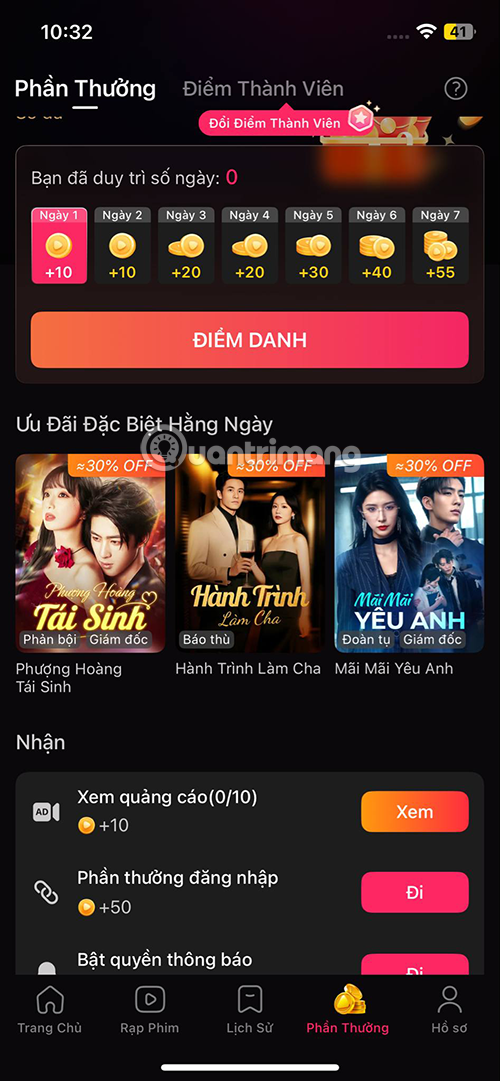
Check what it costs to finish the series
Start with any free episodes and look at the next locked episode. Depending on the offer shown in the app, you may see an ad unlock, a coin purchase, or a subscription. Check how many episodes are locked, how many coins they require, and whether a subscription covers that series. Review the renewal terms and total price in your app store before paying.
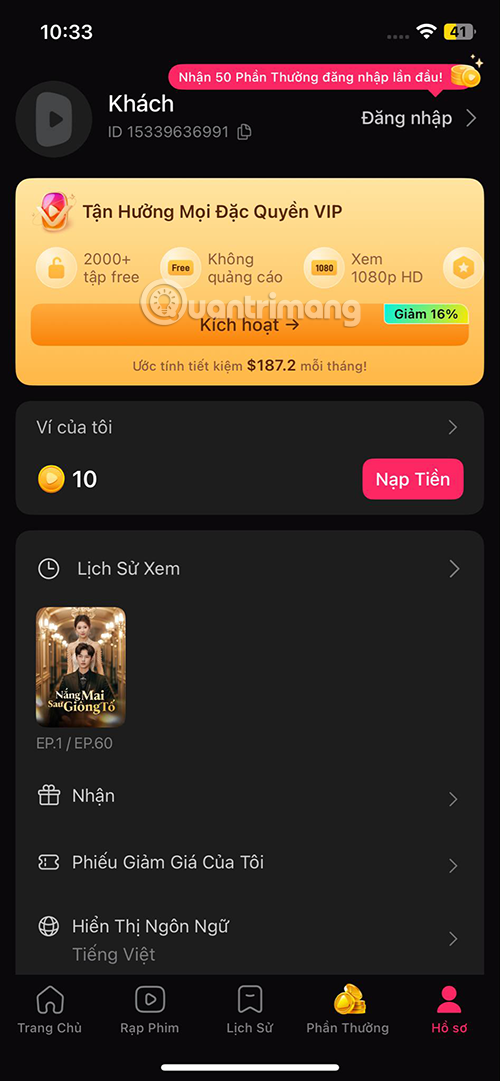
If you’re choosing between short-drama apps, compare the series and unlock options with ReelShort. A preview is enough to see whether you like the format before spending money.
Related Articles
 How to delete multiple Instagram Reels videos at once with a few simple steps
 5 AI Tools That Turn Long Videos into Shorts
 6 best tools for short-form video editing
 How to Use Instagram's New Trial Reels Feature
 Best time to post Instagram Reels
 Meta launched Facebook Reels simultaneously in 150 countries
Reader Comments 0
Sign in with email or Google to join the discussion.