Table of Contents
This updated guide explains how to Collection of Free Music Stores to Make YouTube Videos through clear steps, practical examples, and important checks that help prevent common errors.
Free Music on YouTube
With modern technology and algorithms that are constantly improving and upgrading, employees are getting more and more copyright errors because of using music owners. Buying music with the current owner is very confusing and difficult, so we actively use the free music, it will save a lot of money and time. This is also the best way to keep your YouTube channel clean and free from YouTube.
Free Music Stores to Make YouTube Videos
1. NoCopyrightSounds
Perhaps this is the most popular and most used EDM music store. 100% of the songs and music on the channel are not registered to the owner, so the user can freely use them without any problems. In addition, the music production community on NoCopyrightSounds is very crowded, almost every day new music is released. Because of that, resources on NoCopyrightSounds are plentiful and guaranteed to meet all the needs of users. Currently, most Vietnamese Youtubers use music from NoCopyrightSounds.

Link: https://www. YouTube. com/user/NoCopyrightSounds
2. FreeMusicWave - No Copyright Music
FreeMusicWave - No Copyright Music is a great YouTube channel and specializes in producing music at no charge to users and they do not register the owners of the works. FreeMusicWave - No Copyright Music has a large team and they produce free music at a fast pace. Every day there will usually be 1-2 new songs posted for users. In addition, FreeMusicWave - No Copyright Music also has many different genres of music for users.
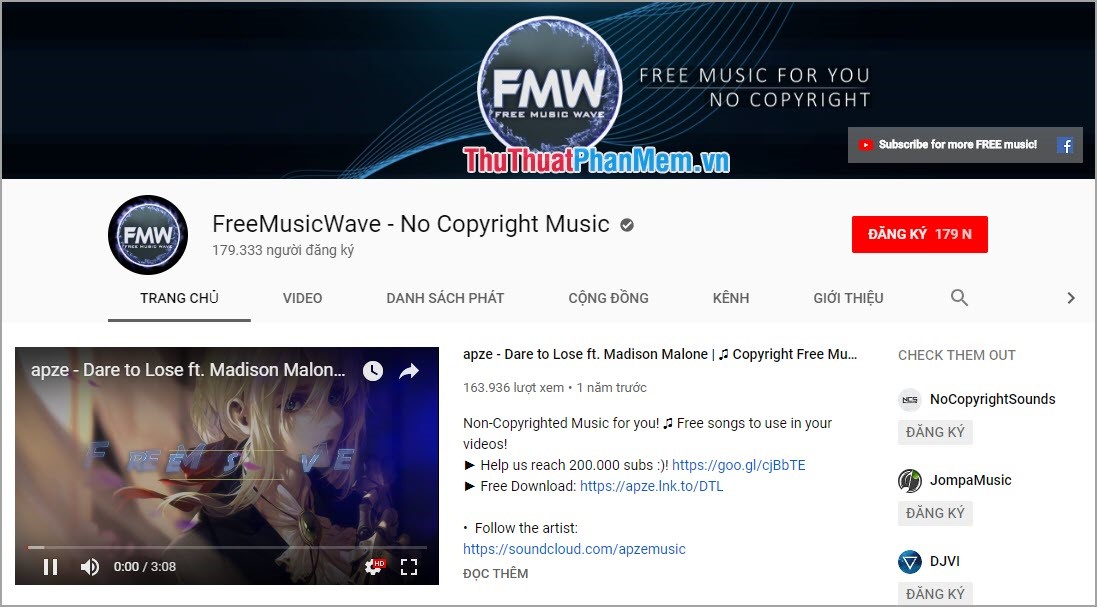
Link: https://www. YouTube. com/user/freemusicwave
3. Music Store from YouTube
YouTube is also very thoughtful when providing users with a free music store that helps users to be able to take advantage of and search a lot faster. With this free music store from YouTube, you will never have to worry about copyright sticks.

Link: https://www. YouTube. com/audiolibrary/music
4. Audio Library - Music for Content Creators
Audio Library - Music for content creators is an audio production channel for YouTube content makers who are not eligible to buy songs and music. Audio Library works by linking with many different channels to synthesize music on its site. Thanks to such intermediaries and connections, Audio Library's data resources and resources are very large and abundant.
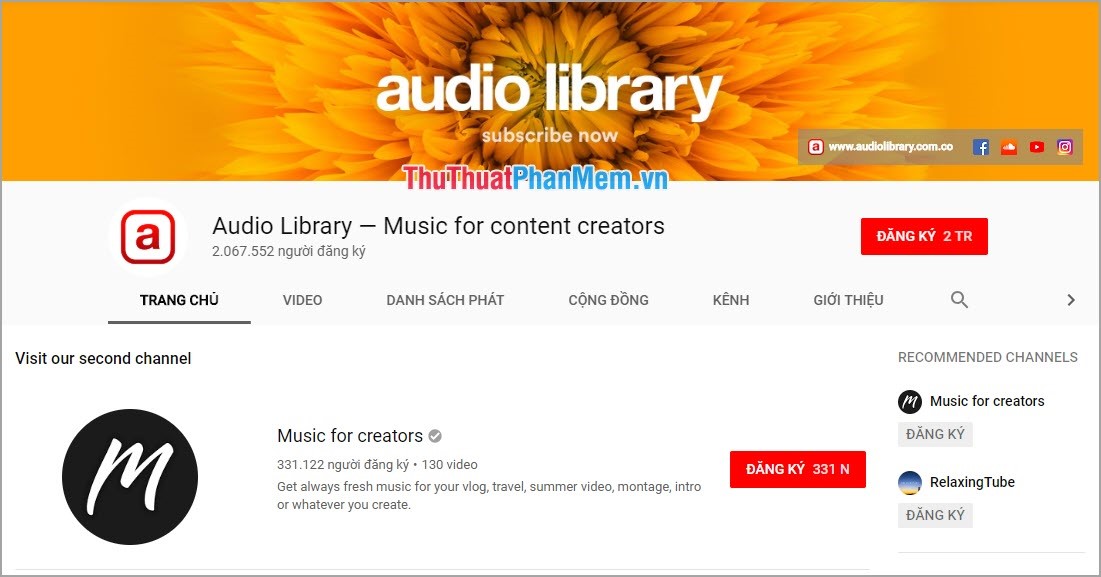
Link: https://www. YouTube. com/channel/UCht8qITGkBvXKsR1Byln-wA
5. RFM - Royalty Free Music
RFM - Royalty Free Music is currently developing very well thanks to the combination of many good audio providers and they produce high quality music. Currently RFM - Royalty Free Music is on the rise and their production speed is very fast. On average, RFM - Royalty Free Music usually produces 3-4 pieces of music. And especially all the music on RFM - Royalty Free Music are free for users.
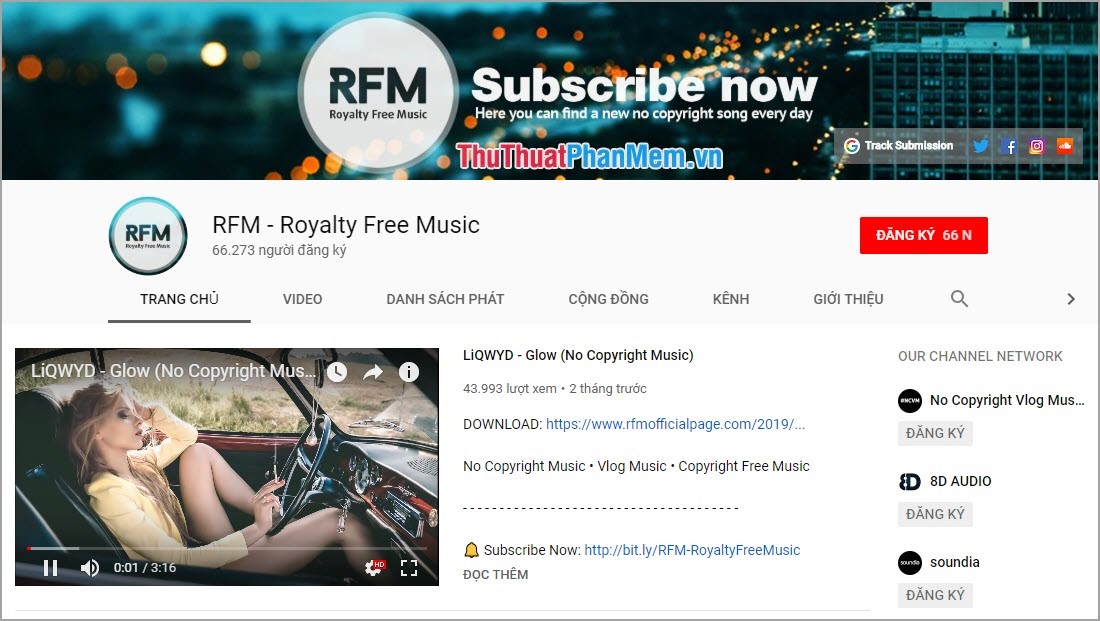
Link: https://www. YouTube. com/channel/UCyytiQuL-5S59OX1opqG-bQ
6. High Quality Music Store from BenSound
BenSound is a site that aggregates music from a variety of sources. On BenSound there are many different types of music to support the user. BenSound also has filtering and search related tools to help users save as much time as possible.
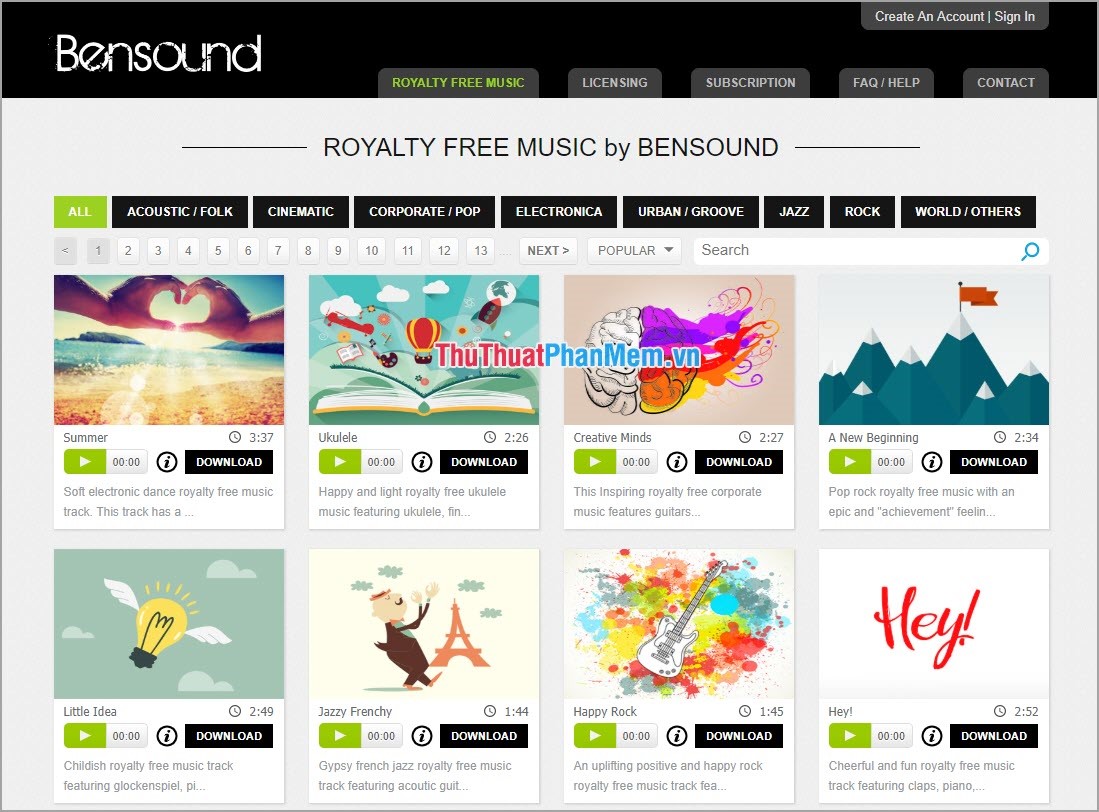
Link: www. bensound. com
7. Free Music Store from Jamendo
If you are a relatively proficient English, Jamendo will be a very good site. Jamendo has a relatively difficult interface and requires users to know a little bit of English to optimize the data on the site. If you can use Jamendo, you have a great source of sound and music.
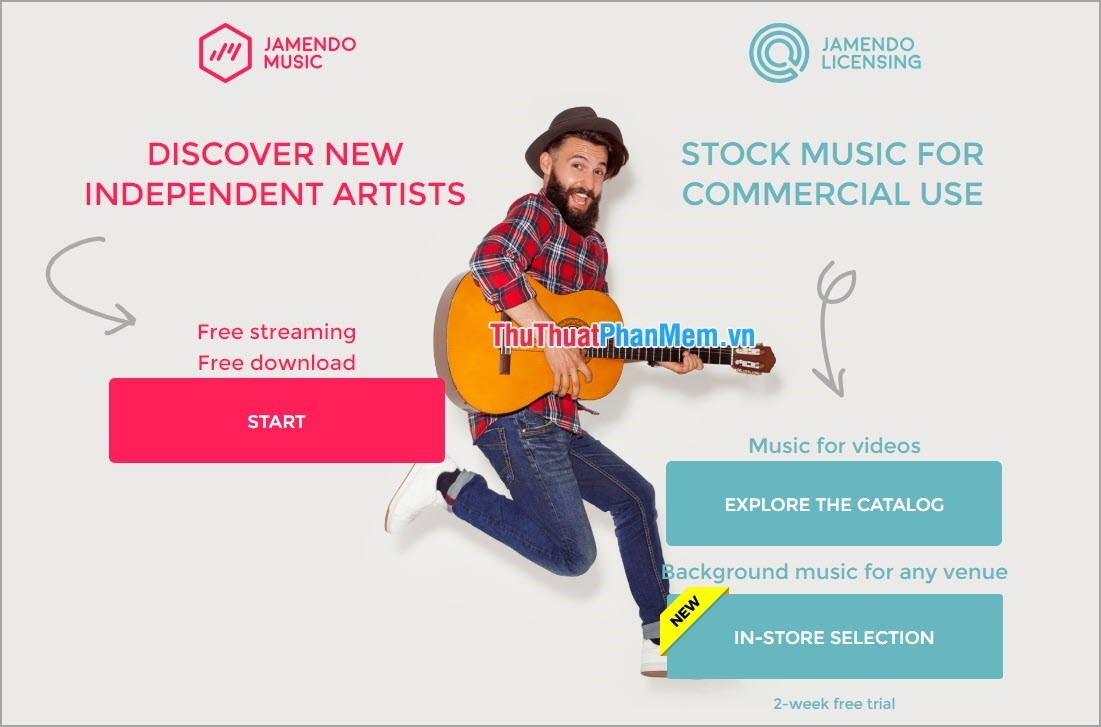
Link: www. jamendo. com
8. Audio Library - Free Music
This is also a music production channel with many different Producer names operating daily. Every day Audio Library - Free Music produces 1-2 songs for users.
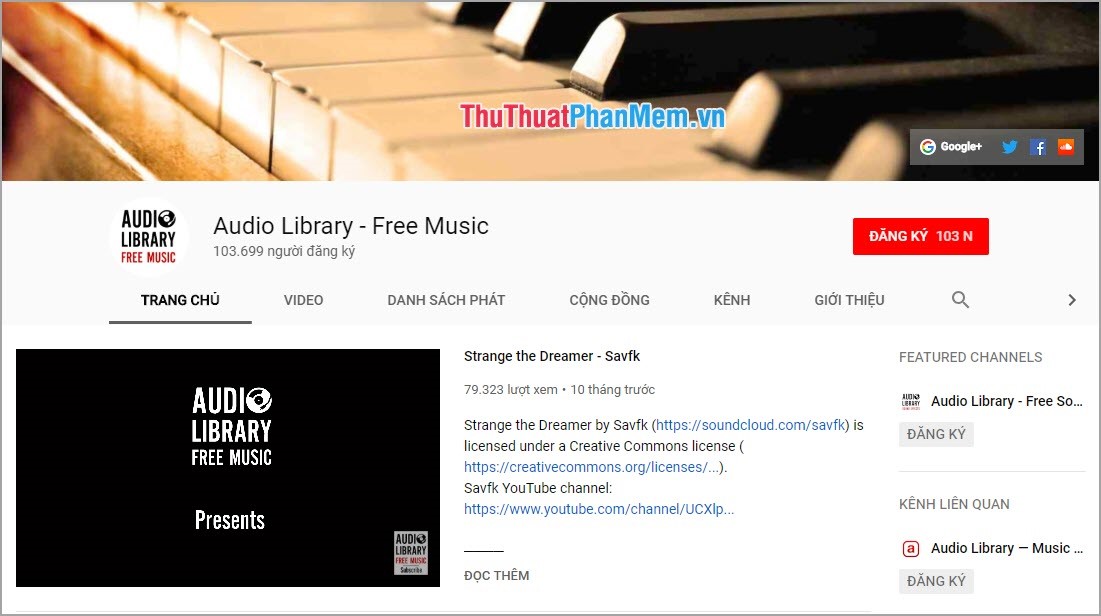
Link: https://www. YouTube. com/channel/UCHae4C99XJORB7Iog62wqvw
9. Music for Creators
This is a sub-channel producing audio and music from the Audio Library - Music for content creators.
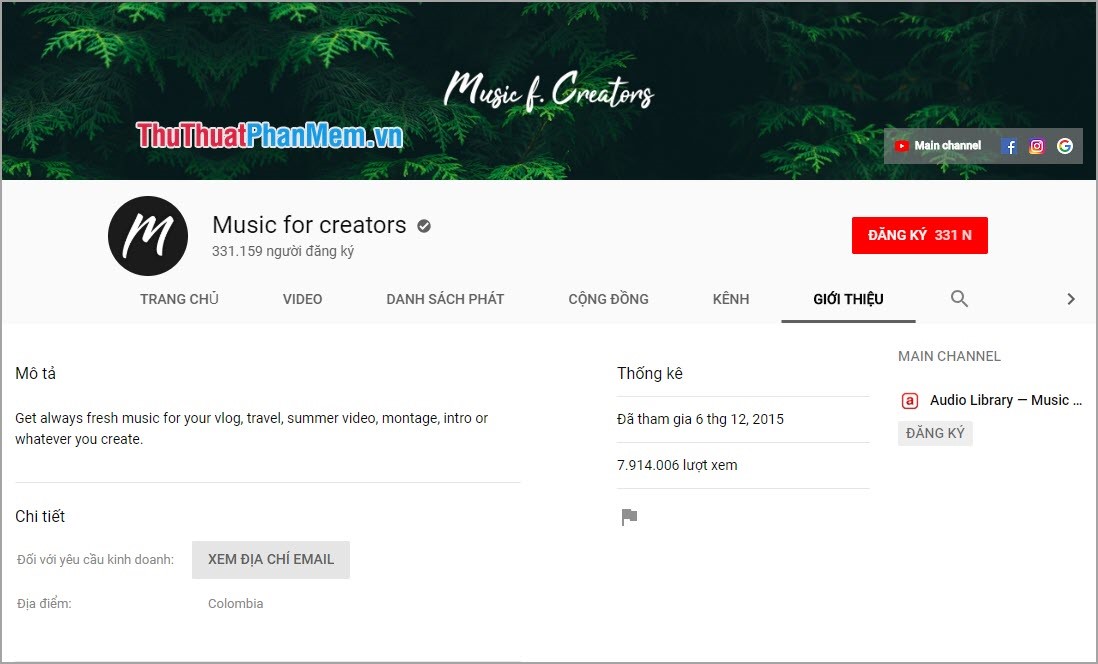
Link: https://www. YouTube. com/channel/UCfwXVYfPFiMlzadS4ow80GA
10. Vlog No Copyright Music
Vlog No Copyright Music has been present since 2014 and up to now more than 5 years of operation. They provide free music for YouTube and Facebook content makers.
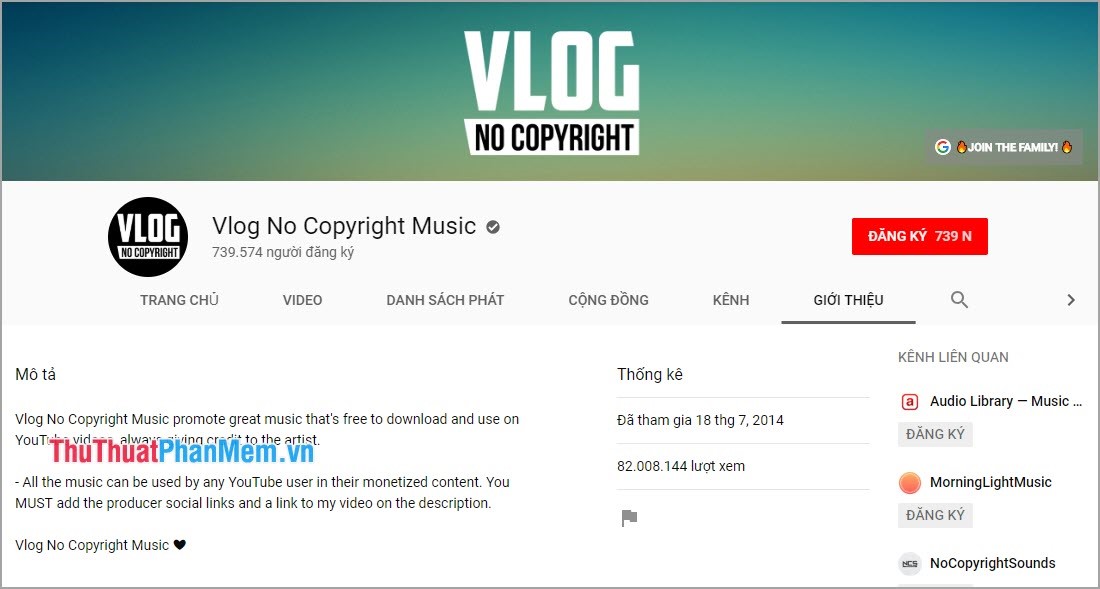
Link: https://www. YouTube. com/channel/UCEickjZj99-JJIU8_IJ7J-Q/about
In this article, Software Tips introduced to you the free music store to make YouTube the best and best today. Good luck!
FAQ
What is the easiest way to Collection of Free Music Stores to Make YouTube Videos?
Start with the requirements in this guide, then follow each step in order. Check the result after every major change so problems are easier to identify.
Can beginners follow these instructions?
Yes. The process is organized into practical steps, and you can repeat any step before moving forward.
What should I check if the method does not work?
Confirm your software or device version, permissions, settings, file format, and internet connection when the task depends on online services.
Related Articles
 Collection of Free Music Sources to Make YouTube Videos3 minutes read
 Rip Music from YouTube Videos, Download Mp3s, Download Music from5 minutes read
 Collection of Good Soundtracks or Free Clips5 minutes read
 Convert YouTube MP3 Files: What You Need to Know9 minutes read
 How to Convert YouTube Videos to MP3: Clear Instructions11 minutes read
 1000 Free Music Tracks to Create Facebook, Instagram Videos3 minutes read
Reader Comments 0
Sign in with email or Google to join the discussion.