Table of Contents
You can control a Windows, Mac, or Linux computer from an iPhone or Android phone by installing a compatible remote-access host on the computer and the provider's mobile client on the phone. The right app depends less on headline speed claims and more on your use case: occasional access to your own PC, one-time technical support, or centrally managed business devices.
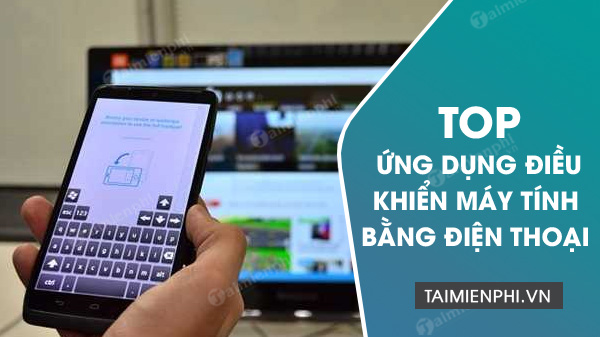
Quick recommendations
| App | Best suited to | Main consideration |
|---|---|---|
| Chrome Remote Desktop | Simple access to your own computer | Fewer administration and support tools |
| TeamViewer Remote | Personal access and cross-platform support | Business use requires appropriate licensing |
| AnyDesk | Portable attended support and mobile access | Unattended access needs careful permission setup |
| Splashtop | Individuals, teams, and managed business access | Choose the product tier that matches the workflow |
| RealVNC Connect | VNC-based access and managed fleets | Host and viewer configuration is more technical |
| GoToMyPC or LogMeIn Pro | Subscription-based access to work computers | Designed primarily as paid services |
| ScreenConnect | IT support teams and managed service providers | More administration than most personal users need |
1. Chrome Remote Desktop: easiest basic setup
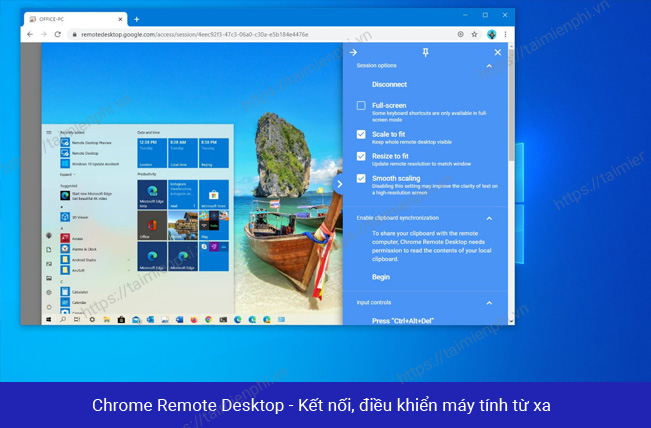
Chrome Remote Desktop is a practical choice when you mainly want to open files or apps on your own computer. Install the host component on the Windows, macOS, or Linux computer, enable remote access, and create a PIN. Then sign in to the mobile app with the same Google account and select the computer.
It also supports one-time remote support through a temporary code. Its interface is intentionally simple, but it lacks the deeper device inventory, role management, session queues, and technician tools found in business-focused products.
2. TeamViewer Remote: broad cross-platform support
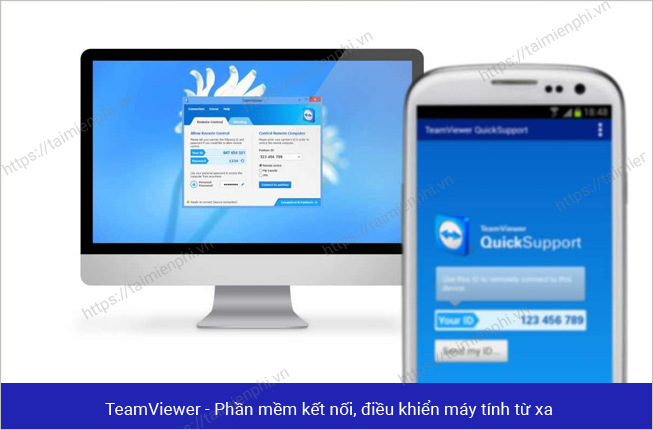
The TeamViewer Remote apps for iOS and Android can connect to Windows, macOS, and Linux computers that run TeamViewer. It is useful for accessing your own devices or helping another person, with options that may include file transfer, chat, multi-monitor navigation, and device management.
Use a verified account, enable two-factor authentication, and do not assume that account registration changes the license. TeamViewer offers personal-use access under its current terms, while commercial activity requires an appropriate plan. See the official remote-control overview for supported workflows.
3. AnyDesk: portable attended support
AnyDesk can run without a full installation on supported desktop systems, which is convenient for a one-time attended session. Enter the computer's AnyDesk ID or Alias in the phone app, then let the person at the computer review and accept the request. For a detailed walkthrough, read our guide to controlling a computer with AnyDesk.
For unattended access, install the desktop client, set a unique password, restrict its permission profile, and enable two-factor authentication if available. Never share an unattended-access password with an unexpected caller.
4. Splashtop: flexible personal and business options
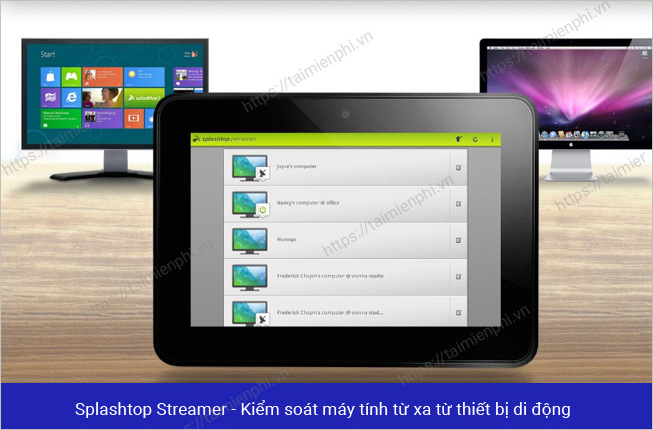
Splashtop provides mobile clients for reaching Windows, macOS, and Linux computers, with different products for personal access, business access, and on-demand support. That makes it flexible, but also means you should compare plans before installing so the host, mobile app, and account are part of the same product.
It is a strong candidate when smooth display performance, file access, multiple-monitor support, or centrally managed computers matter. Check the current mobile remote-desktop options and trial terms rather than relying on an old feature list.
5. RealVNC Connect: VNC-based access
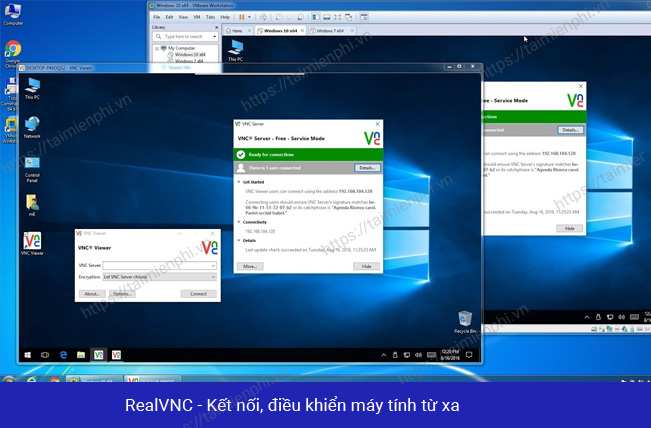
RealVNC Connect uses RealVNC Server on the computer and RealVNC Viewer on the phone. After signing in, the mobile viewer can show the computers associated with the account. It suits users who want VNC-based access, Raspberry Pi support, or policy-controlled deployments.
Make sure the server is configured for authenticated, encrypted access; do not expose an unauthenticated VNC server directly to the internet. RealVNC's mobile setup guide explains the current app flow.
6. GoToMyPC: straightforward subscription access
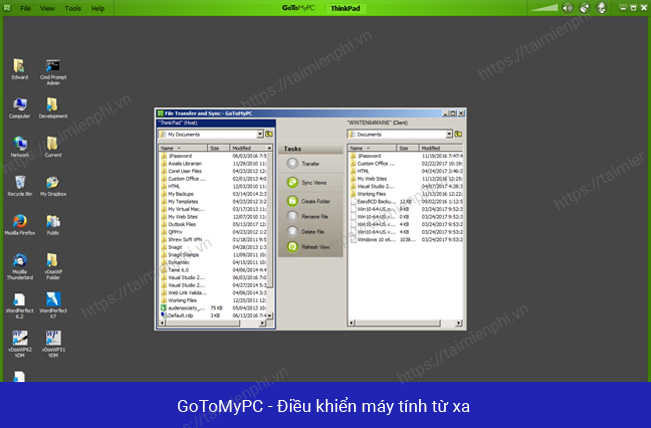
GoToMyPC focuses on reaching a configured Mac or PC from another computer, a browser, or its iPhone, iPad, and Android apps. Mobile features include screen zoom, keyboard input, and pointer controls. It is easy to understand, but it is primarily a paid remote-access service rather than a free utility.
It is most suitable when a user wants one consistent subscription for a home or office computer and does not need a full remote-support queue. Review the current GoToMyPC mobile apps and plan limits before subscribing.
7. LogMeIn Pro: access to work files and applications
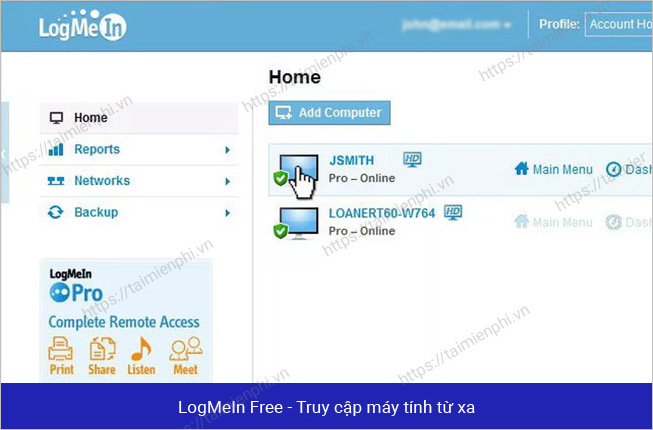
LogMeIn Pro provides remote access to a configured PC or Mac from a browser, desktop client, iPhone, or Android device. It is aimed at ongoing access to work applications and files. Organizations that need technician-led support should compare LogMeIn's separate support products rather than assuming every LogMeIn app serves the same purpose.
Because product names and bundles change, verify the current LogMeIn Pro offering, platform support, and renewal price before choosing it.
8. ScreenConnect: built for support teams
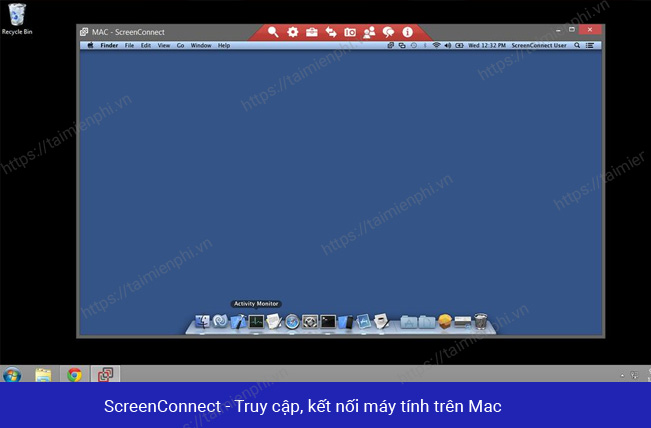
ScreenConnect is designed for help desks, IT departments, and managed service providers. Its mobile client can connect to supported Windows, Mac, or Linux endpoints, while the wider platform adds attended and unattended access, technician tools, role controls, and deployment options.
That flexibility is valuable for organizations but excessive for someone who only wants to reach one personal PC. Start with the vendor's ScreenConnect product overview and evaluate security policies, hosting model, and technician permissions.
How to choose safely
- For your own computer: use an account protected by two-factor authentication, a unique PIN or password, and automatic software updates.
- For one-time help: prefer attended access with an expiring code or manual acceptance. End the session when support is complete.
- For business devices: look for centralized account removal, role-based permissions, audit logs, and a way to revoke lost phones.
- On public Wi-Fi: rely on the product's documented encrypted connection and keep the phone itself locked; avoid unknown remote-access apps or unofficial downloads.
- Before paying: check the current device, user, and simultaneous-session limits. Plan names and included features can change.
A remote-desktop app shows and controls the computer's desktop. A “remote mouse” app is different: it usually turns the phone into a touchpad or media remote while both devices are nearby. If you need more alternatives, compare our broader list of remote computer control tools.
Related Articles
 Instructions for Controlling Android Devices via Computer5 minutes read
 Top Android Apps for Controlling Windows 10 Computers9 minutes read
 Top Application to Watch TV on the Phone9 minutes read
 How to Copy Photos from Computer to Phone: Step-by-Step Guide13 minutes read
 Is It True That Android Costs More RAM Than iOS?12 minutes read
 Top Application to Mix Music on the Phone8 minutes read
Reader Comments 0
Sign in with email or Google to join the discussion.