Table of Contents
Fortunately, AI tools have emerged. AI-powered video creators automate video creation and editing without compromising quality.
In today's article, TipsMake. com will discuss some of the best AI-powered text-to-video conversion tools that will make your life easier. Soon, you'll be able to create engaging videos for your business or personal use with just a few clicks.
1 . Predis.ai
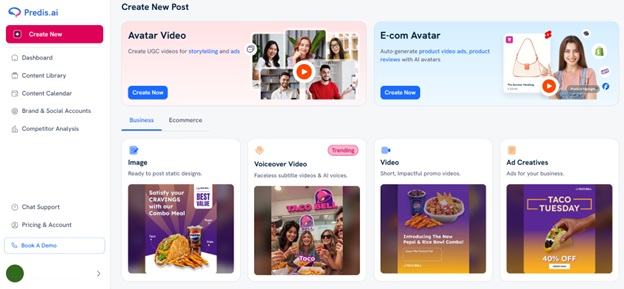
Predis.ai is an AI video generator that enables creators, marketers, and businesses to turn text prompts, product details, or product URLs into professional-quality videos in minutes. The platform automatically generates complete videos with AI-created visuals, captions, animations, transitions, and layouts, significantly reducing the time and effort required for video production.
The AI handles the entire video creation process, allowing users to generate videos without starting from scratch. Once a video is created, it can be easily customized by editing text, replacing visuals, adjusting animations, and applying brand elements such as logos, colours, and fonts to match a specific style or identity.
It supports AI-powered generation of product videos, promotional videos, marketing videos, explainer videos, social media videos, and other short-form content. The platform is designed to help users create engaging, high-quality videos quickly while minimizing the need for manual editing.
2. InVideo
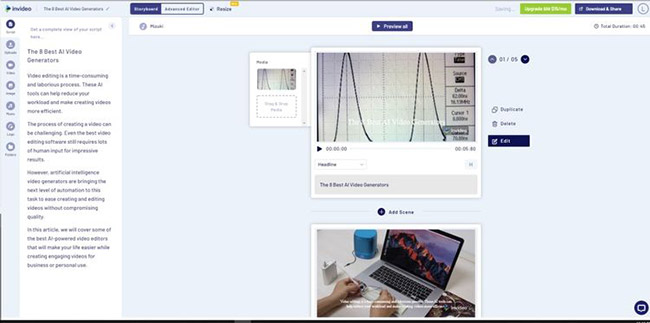
InVideo is an AI-powered video creator that makes videos from text input. This tool makes it easy to create high-quality videos in just minutes using professionally designed templates and animations.
InVideo is a DIY video creation platform that lets users turn their ideas into videos in real time. It comes with over 4000 custom-made templates and over 1 million royalty-free images and video clips. Professionals can use the app to customize these templates by changing colors, animations, transition effects, social media posts, shapes, emojis, and more.
All you need to do is add your text, choose a template that suits your needs or customize it yourself, download the finished product, or share it directly to social media sites like YouTube, Facebook, and Instagram.
You can use this tool to create all kinds of videos, including memes, promotional videos, presentations, testimonial videos, slideshows, etc.
InVideo lets users add voiceovers and includes an automatic text-to-speech function. The intuitive editor lets users add media files or select files from the built-in library. The platform lets users create, edit, preview, and share videos with team members. You can choose a monthly or annual subscription, and InVideo provides 24/7 live support.
3. VEED
Many video editing tools are too complex for those who aren't professional video editors. Even as an expert, you still have to spend hours learning how to use each tool before you can create something truly compelling.
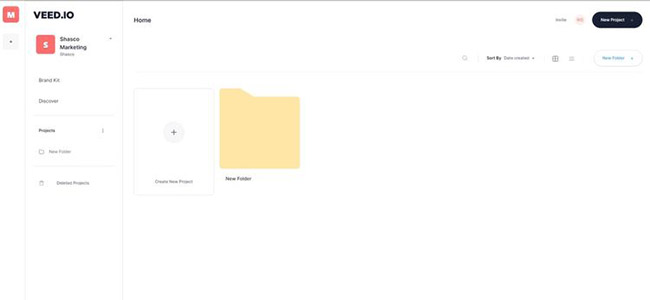
VEED. io is a versatile online video editing platform that lets users create, edit, and share high-quality videos directly from their web browser. Designed with ease of use and convenience in mind, VEED. io caters to a wide range of users, from amateur creators and educators to marketing professionals and businesses. Its intuitive drag-and-drop interface requires no prior editing experience, making it easy to trim, merge, add subtitles, and enhance video quality with just a few clicks.
What sets VEED apart is its powerful AI-powered features, such as background noise removal, automatic subtitle generation, noise reduction, voice transcription, translation, and AI voiceovers, simplifying the editing process and making content more engaging and accessible. The platform also offers a rich library of ready-made media content, custom templates, and collaboration tools for team projects. With cloud-based storage and flexible export options up to 4K resolution, VEED. io provides a seamless workflow for individuals and organizations wanting to produce professional-quality video quickly and efficiently.
VEED. IO makes it easy for anyone with basic computer skills to create amazing videos without any training or video editing experience. You can use it to create great videos by customizing text, colors, fonts, music, and more.
You can even choose from a variety of different themes depending on the type of message you want to convey through your video.
4. Pictory
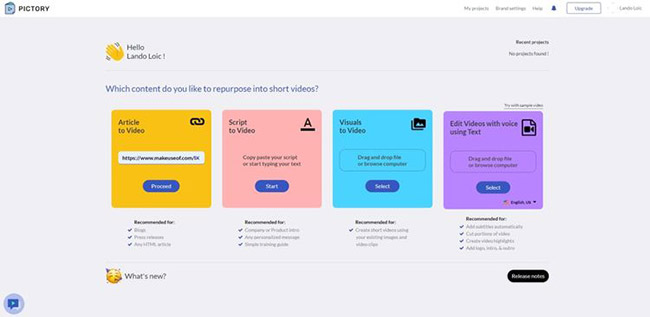
Have you ever wished you could easily convert long-form text or video content into short, shareable videos for social media? You can easily do that with Pictory.
Sign up, upload long-form text or video, and Pictory will transform it into a short, engaging visual story perfect for sharing on Facebook, Instagram, or Twitter.
This tool helps you save time creating videos, increase your company's visibility, and significantly reduce the burden of maintaining an active social media presence.
5. Designs
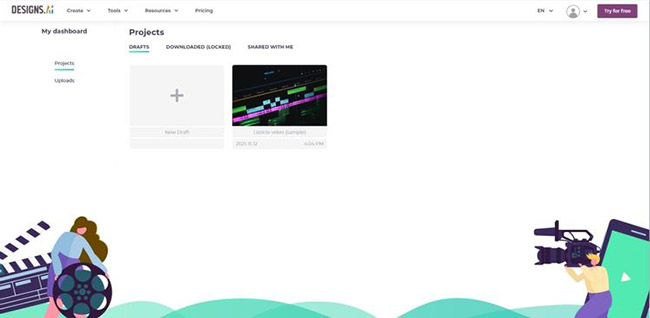
Designs. ai leverages artificial intelligence to create professional-looking videos automatically, quickly, and easily.
Simply register, paste your text, select your relevant field, language, and voice for the voiceover. The result will be a compelling message that grabs attention while telling your story with powerful sound and visuals. You can also achieve similar results in over 20 languages.
You can also use Designs. ai to resize your videos for Facebook, Instagram, Twitter, or TikTok to maximize your social media marketing strategies.
6. Wisecut
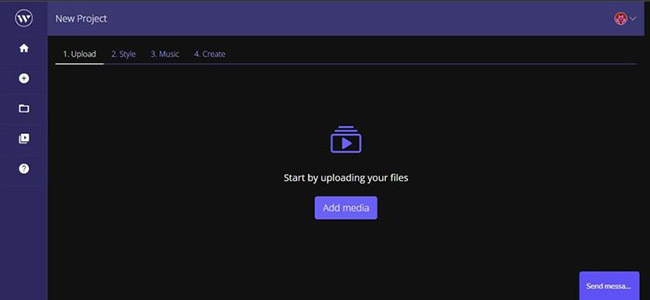
Wisecut is an AI video editing tool designed to make video creation easy. You can use it to remove long pauses, add background music and subtitles to create engaging videos. This tool also lets you reach a wider audience by leveraging its automatic translation feature.
Additionally, Wisecut creates a storyboard based on voice input, allowing you to easily edit videos by editing text. You can use this AI-powered video editor for your YouTube videos, vlogs, or online courses. Overall, Wisecut lets you edit videos like a pro.
7. DeepBrain AI
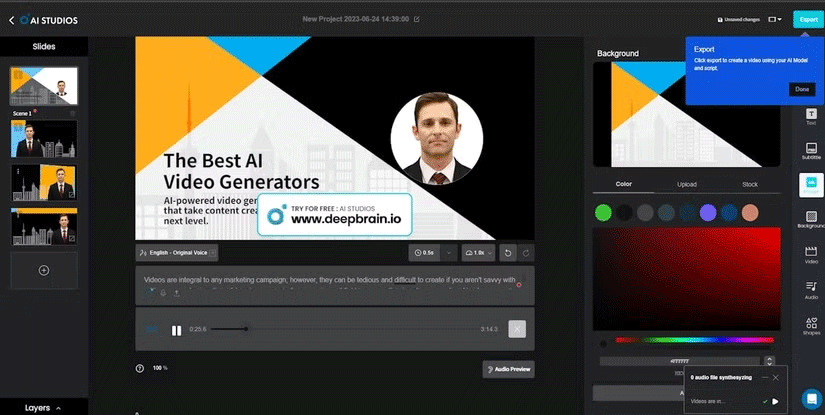
DeepBrain AI is another powerful and easy-to-use text-to-video tool that can save you time and money. Like other tools on this list, you don't need editing experience to create videos, making it a great online video editor for beginners.
All you have to do is enter your text, choose a template and avatar, and then watch DeepBrain AI create a stunning video for you in minutes.
You can also customize your videos by adding background music, choosing from a variety of available images, uploading photos, and even creating subtitles. Best of all, you don't need to write the script yourself, as DeepBrain AI can automatically generate it using ChatGPT.
8. Runwayml
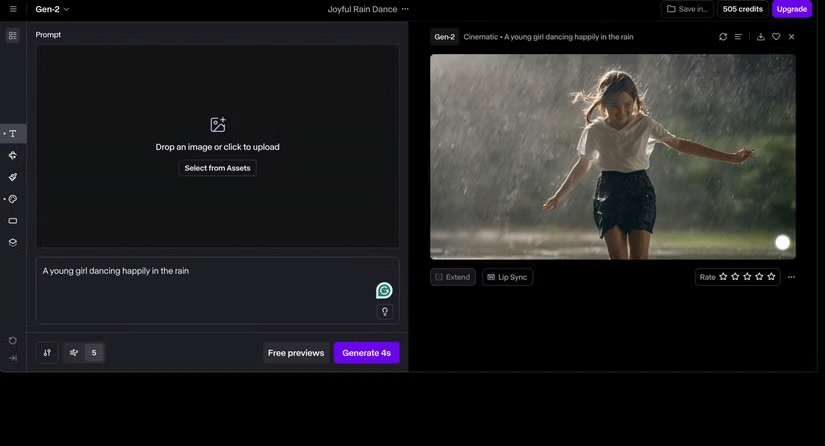
With increasingly powerful AI tools, you no longer need a camera to create videos. Runway is reshaping video creation with its powerful Generative AI tools by creating high-quality videos from text.
For example, you can use Runway's Gen-2 AI text-to-video conversion to create videos from scratch, meaning no reference images are needed. All you need to do is describe everything you want to see in the video. Your creative imagination and AI-powered skills can turn anything you want into reality.
So, whether you're an aspiring filmmaker or a marketing professional, you can use Runway to create stunning videos without needing advanced skills.
9. Colossyan
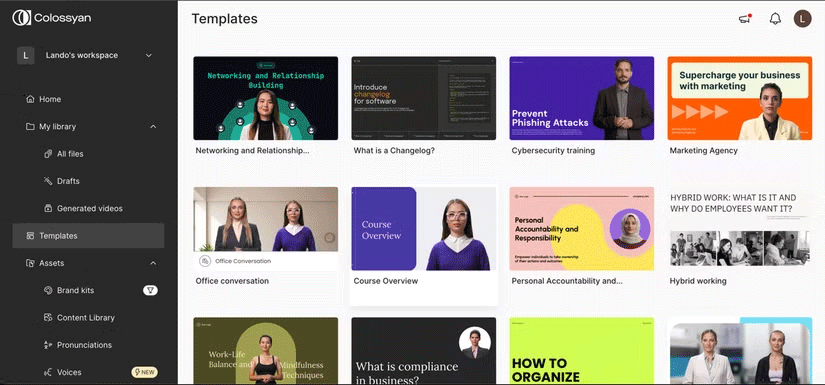
Colossyan is an AI video creator that helps you produce effective video content. You can use this AI-powered tool to create training or learning video content from text without any prior editing experience.
After signing up for a free trial, you can type or paste text, choose an AI avatar, and create videos in minutes. To speed up the process, you can also use one of Colossyan's curated templates to create videos even faster.
Additionally, you can personalize your video by changing or customizing the background, text, shapes, transitions, and adding music. Once your video is ready, simply download and share it.
Artificial intelligence lets you create high-quality video content from text without spending hours editing it yourself. This is a significant time saver, whether you're running a business or just trying to create a quick video for social media content. Try these AI text-to-video tools if you're looking to save time (and money).
FAQ
What should you know about ai video creation tools?
AI-powered video creators automate video creation and editing without compromising quality. Video editing is a time-consuming and labor-intensive process.
What should you know about Predis.ai?
Predis.ai is an AI-powered video creator that makes videos from text input. This tool makes it easy to create high-quality videos in just minutes using professionally designed templates and animations.
Related Articles
 Subtitles: Top 5 Best Video Subtitle Creation Software 20248 minutes read
 8 Best AI Video Creation Tools7 minutes read
 Consistent AI Character Creation App5 minutes read
 Top AI Video Creation Prompt Every Content Creator Should Try7 minutes read
 Best AI Tools for Creating Short Videos9 minutes read
 A Guide to Creating an Awesome AI Video Titled 'the Evolution of Car Models'12 minutes read
Reader Comments 0
Sign in with email or Google to join the discussion.