Table of Contents
VEED's AI tools can help assemble a draft video, but the examples in this article show that a prompt alone is not enough for a finished tutorial or advertisement. A prepared script, relevant visuals, and a full playback review remain central to the result.
The examples below come from the original article's trials. They illustrate workflow tradeoffs rather than establish that every current VEED model produces the same results.
1. Tutorials need specific explanations and matching visuals
The first example asked for a photography tutorial about depth of field. A broad request produced a thin explanation; supplying a more developed script improved it. This is a useful distinction: generating a sequence of narrated scenes is different from designing a lesson that teaches the concept well.
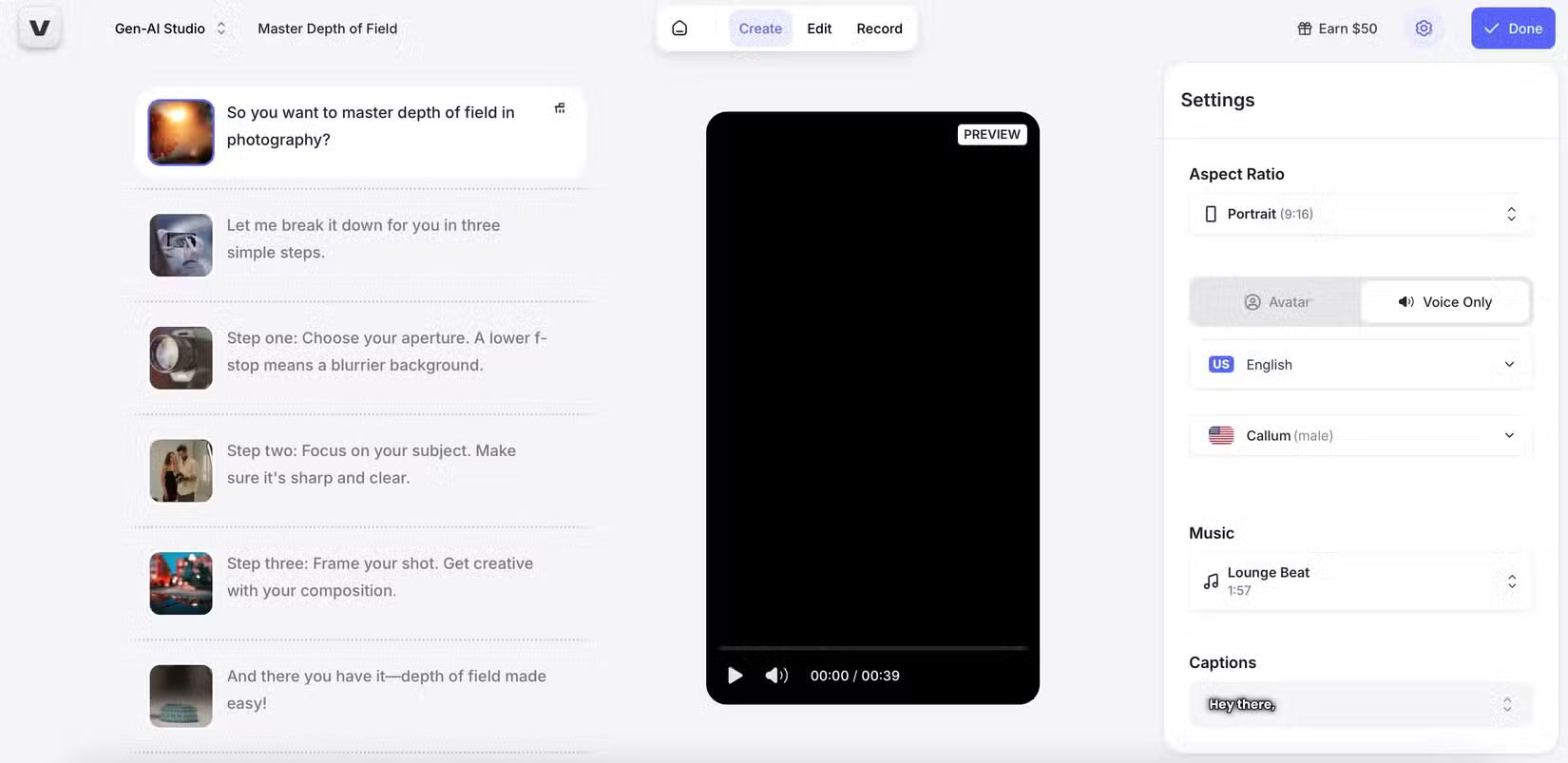
For a technical tutorial, plan what each scene must demonstrate. Check that the images actually illustrate the spoken point, that important terms are explained, and that viewers can follow the steps. Inspect avatar lip synchronization and pronunciation if you use a presenter.
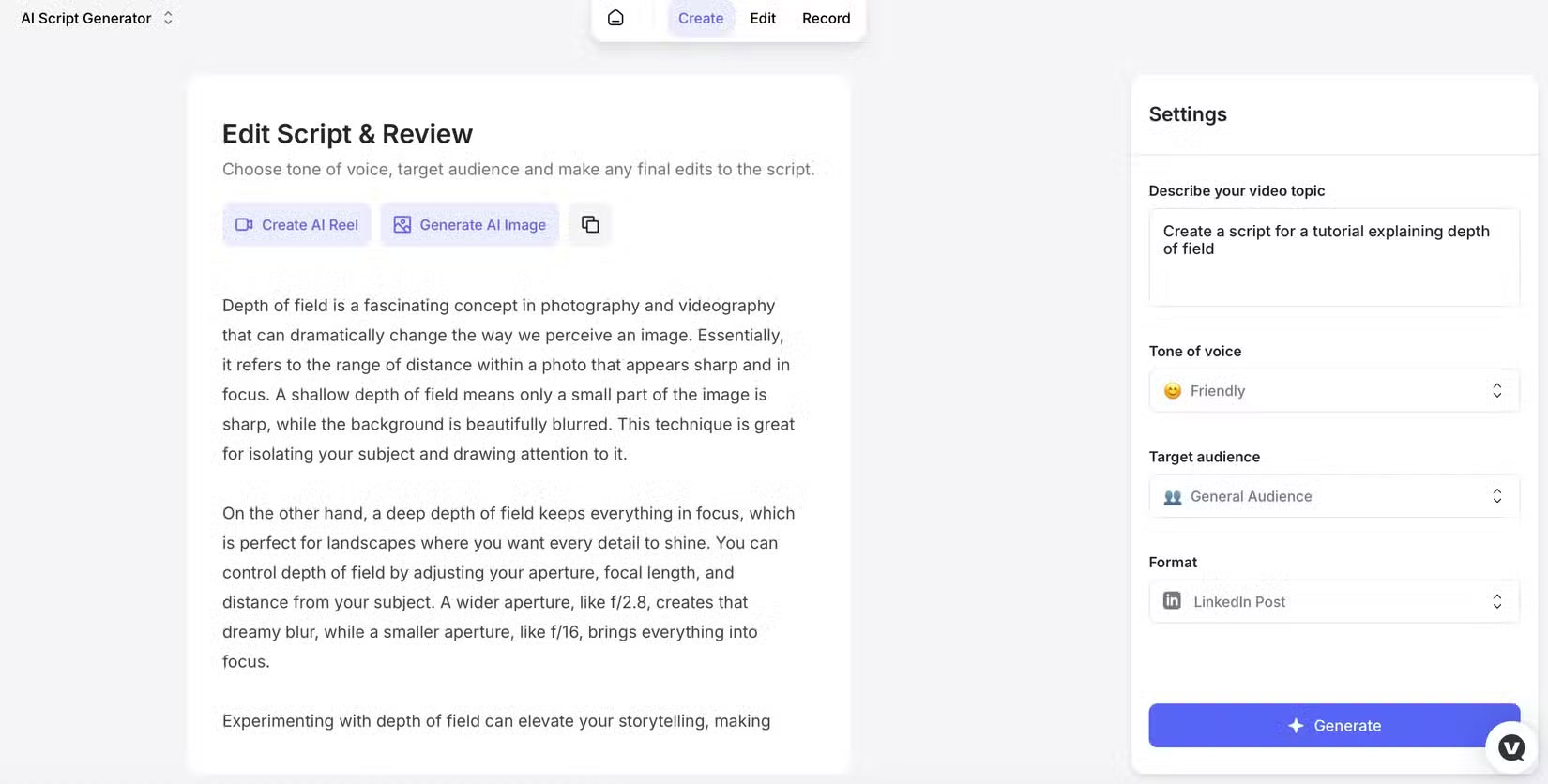
The example also used script-generation tools. A script draft still needs factual and editorial review, whether it comes from VEED or another AI assistant.
2. Slide-to-video works best with an edited deck
Converting existing teaching slides can save assembly time. It can also carry weak slides directly into the video. Remove duplicate material, shorten crowded text, and decide whether narration should summarize each slide or add explanation.
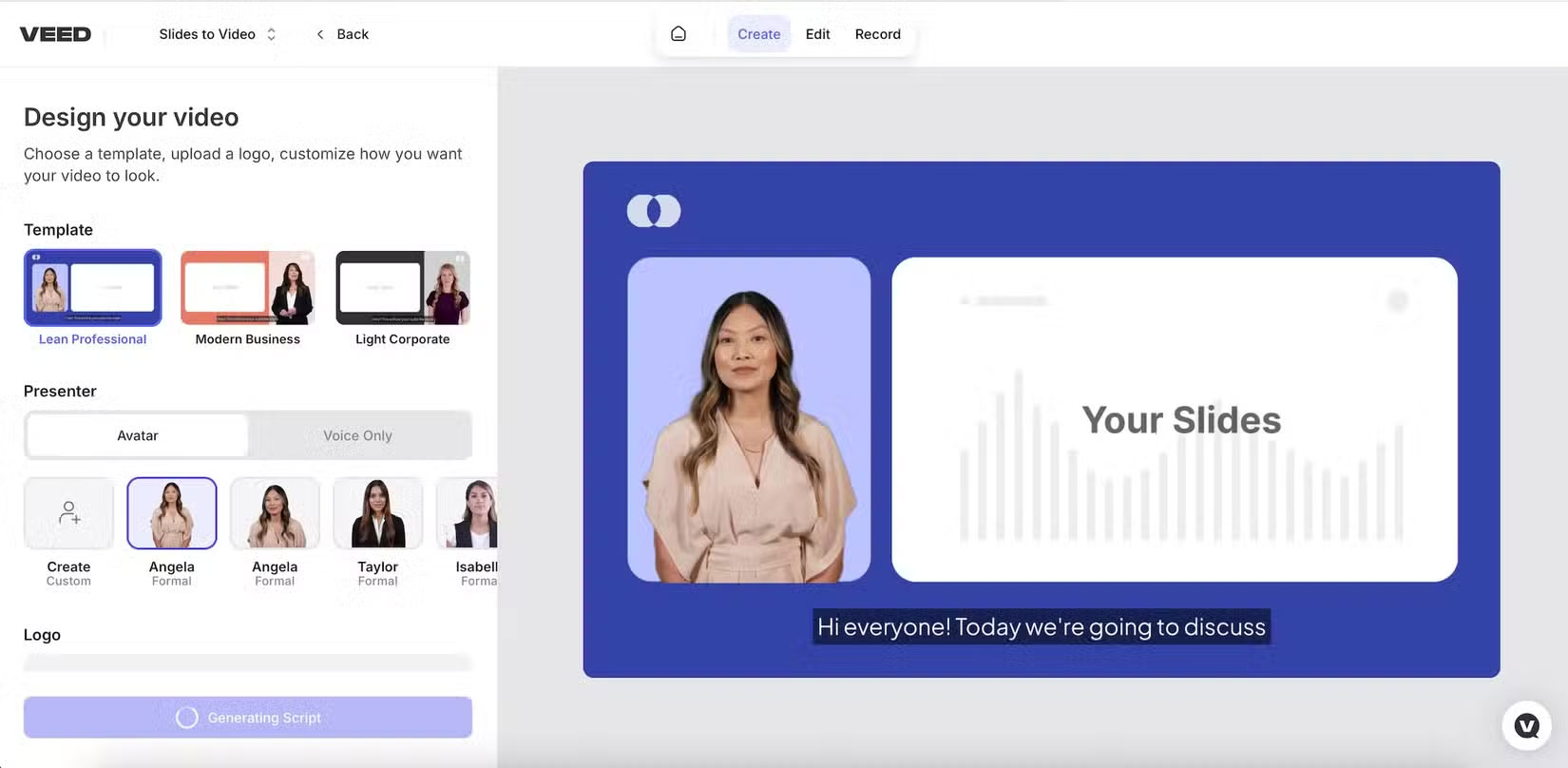
VEED's Slides to Video guide lists supported upload formats and a script-review stage. Check the live upload screen and your plan for current file and slide limits; do not assume a historical limit applies to every account.
Watch for cropped charts, unreadable text, lost animations, and narration that omits an essential qualification. If the source deck is in an unsupported format, export an appropriate supported copy and inspect the conversion before generation.
3. Promotional videos need a different script
The original course-promotion example sounded more like a photography lesson than an advertisement. A product example improved after the script was rewritten. Neither result means AI cannot assist with promotion; it shows that the brief must state the audience, offer, supported claims, and desired next step.
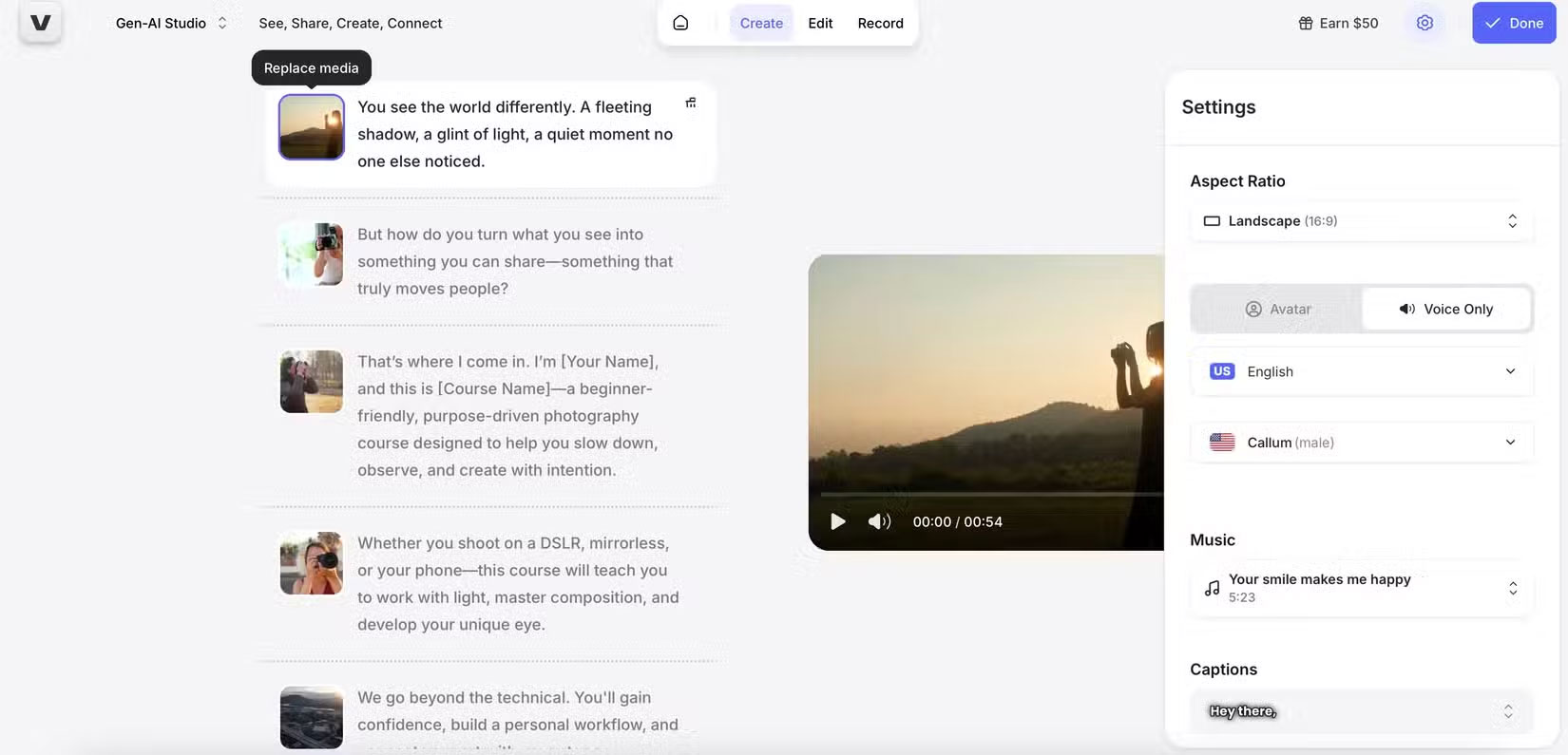
Write the intended message before choosing footage. Remove generic scenes that do not support it, and check that voice, pacing, and captions fit the audience. Do not let an AI script invent testimonials, product benefits, or performance claims.
Check the real editing cost before subscribing
VEED's current AI video page describes credit-based generation. Inspect the model, estimated credit use, export limits, and plan terms before paying. Include retries and manual correction in your estimate of the time and money required.
- Test one representative short video with your own script.
- Check narration, captions, aspect ratio, visual accuracy, and export quality.
- Confirm you have rights to uploaded footage, voices, music, and generated assets under the applicable terms.
- Compare the correction work with editing existing footage directly.
Use the AI writing review checklist for the script and the copyright and attribution guide when assembling media. VEED is most useful when the draft it produces is close enough to your needs that editing it is more efficient than starting from scratch.
Related Articles
 Kill viruses effectively with Malwarebytes Premium software
 How to Create an Animated Video with Anijam AI
 How to Try Bumble Premium for Free
 The difference between Spotify Free and Premium is not the true experience
 How to create GIF images from screen recording videos on Snipping Tool
 Spotify Premium Student Sign Up Guide for Students
Reader Comments 0
Sign in with email or Google to join the discussion.