Table of Contents
This updated guide compares free Windows tools you can't live without and highlights the details that matter most. Third-party apps are great because they can enhance your workflow and improve your productivity. But some apps are more special than others simply because they're so useful in your daily routine—so much so that you cannot imagine working without them.
9. Monitor
If you work with a multi-monitor setup, you know that Windows 11 and older versions do not have a built-in option to adjust the brightness of an external display. Unfortunately for Microsoft, you need to adjust your brightness throughout the day and do not want to rely on clunky physical buttons on your monitor.

Monitorian is a simple and free desktop tool to adjust the brightness of your monitors individually or simultaneously. You can change the brightness range and adjustable contrast for up to 4 monitors at once.
Twinkle Tray is another popular brightness adjustment app, but many people prefer Monitorian because of its familiarity.
8. LocalSend
You will find many ways to share files between your Windows PC and your phone, but none of them beats LocalSend. it is a free, open-source file-sharing utility that uses your local network to transfer files between nearby devices.
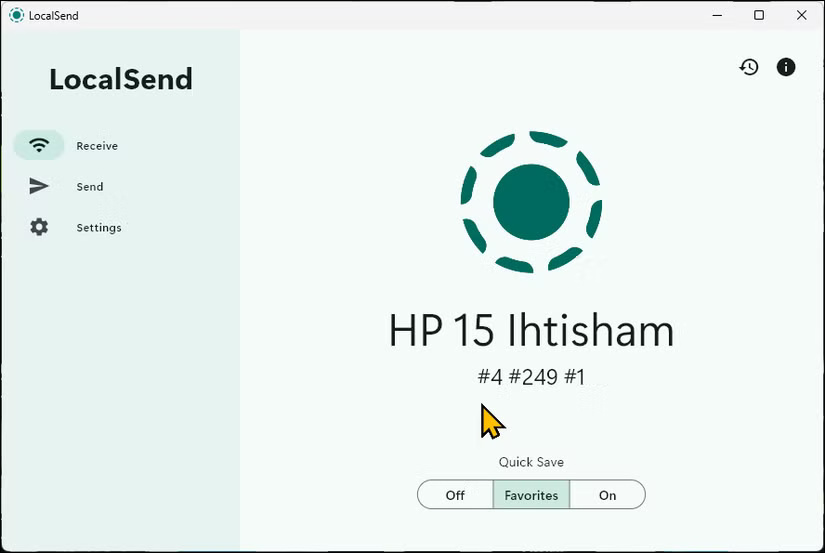
You can send files directly, create a share link, or use an IP address to transfer them. It even lets you share APKs from your Android phone to other devices, which is a handy feature. More importantly, cross-platform support means you can share files between your Android, Windows, and iOS devices without any hassle.
7. Power Toys + Plugins
Microsoft PowerToys has fixed some of the complaints about Windows 11. The app includes many useful utilities, such as a faster and better launcher, a handy Sleep mode management feature, and a quick preview option. Some of the most used and essential PowerToys for your workflow include:
- Awake - Keeps the computer awake indefinitely without disabling Sleep mode.
- Run - An easy way to fix the annoyance of Windows Search. This quick launcher can quickly find files, launch apps, perform basic calculations, etc. directly from the keyboard.
- Peek - Instantly preview files in File Explorer. Just select a file and press Ctrl + Space to preview without opening the file.
- Keyboard Manager - Allows remapping or disabling shortcuts for a more customized workflow.
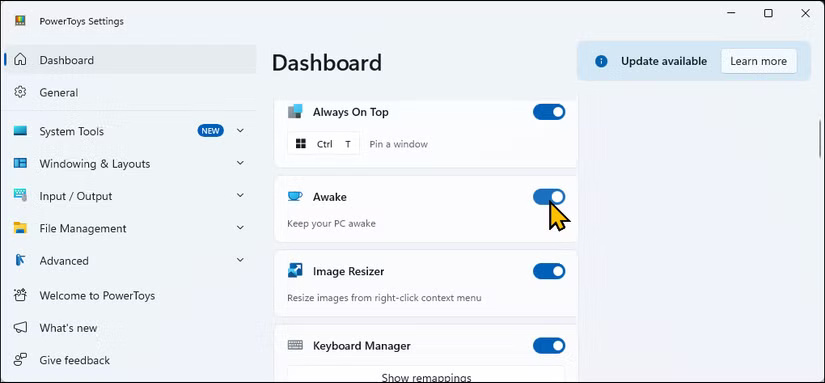
To further extend PowerToys Run's functionality, using plugins like EverythingPowerToys, which lets you search your computer for files and folders using Everything, and WinGet to search for and install packages using the Winget package manager.
6. Windhawk
WindHawk offers a great set of mods to enhance the functionality of Windows 11. Unlike other customization tools, WindHawk makes installing and uninstalling mods a one-choose task, making it easy for even non-technical users to use.
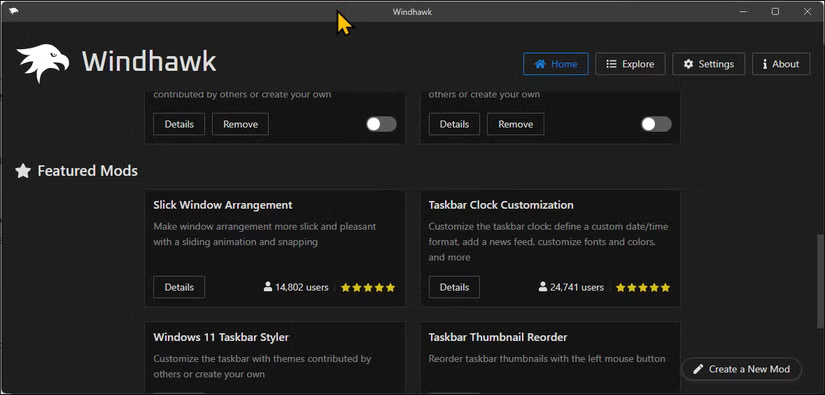
One of our favorite WindHawk mods is Vertical Taskbar, which adds a vertical taskbar to Windows 11 and is especially useful on ultrawide monitors. WindHawk also includes other handy mods, like scrolling through browser tabs with the mouse wheel, adjusting volume from the taskbar with the mouse wheel, and adding labels for grouped and ungrouped apps.
5. ShareX
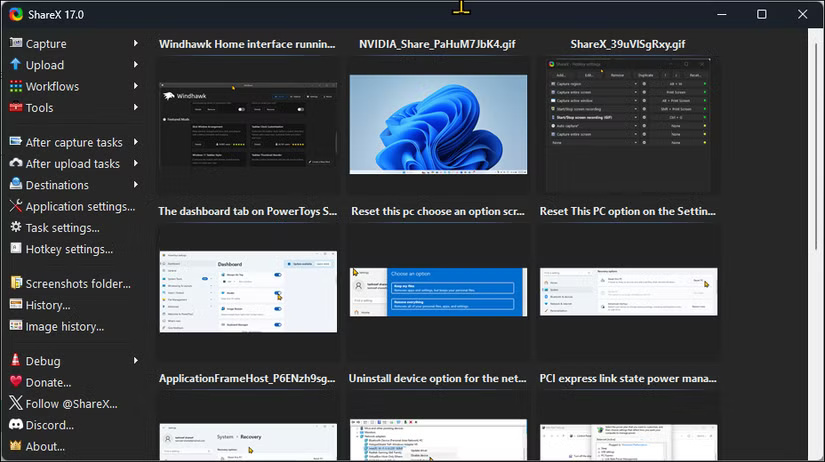
ShareX is the ultimate screenshot tool. It is free and open source, but more importantly, it offers many essential features. You can configure hotkeys to take screenshots, record screen and GIFs, set up automated workflows, and apply post-capture enhancements with ease.
4. Phone Link
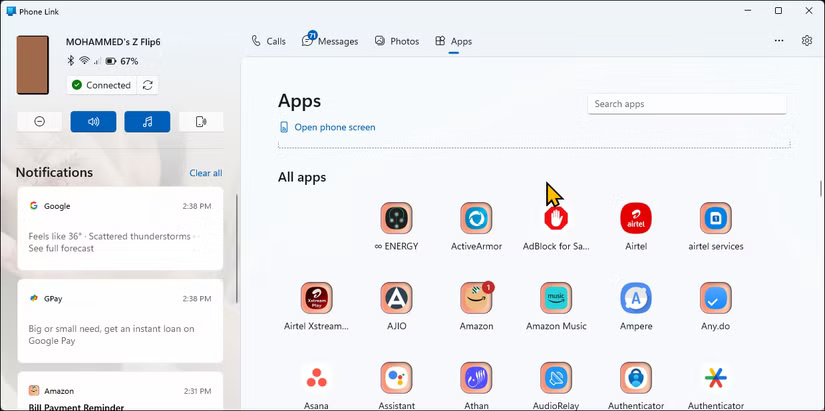
The Phone Link app lets you sync your Android or iOS device with your Windows PC, making it easy to stay connected without having to constantly pick up your phone. You can make and receive calls, manage notifications, reply to messages, view your photo gallery, and even mirror your Android screen to your PC.
3. File Pilot
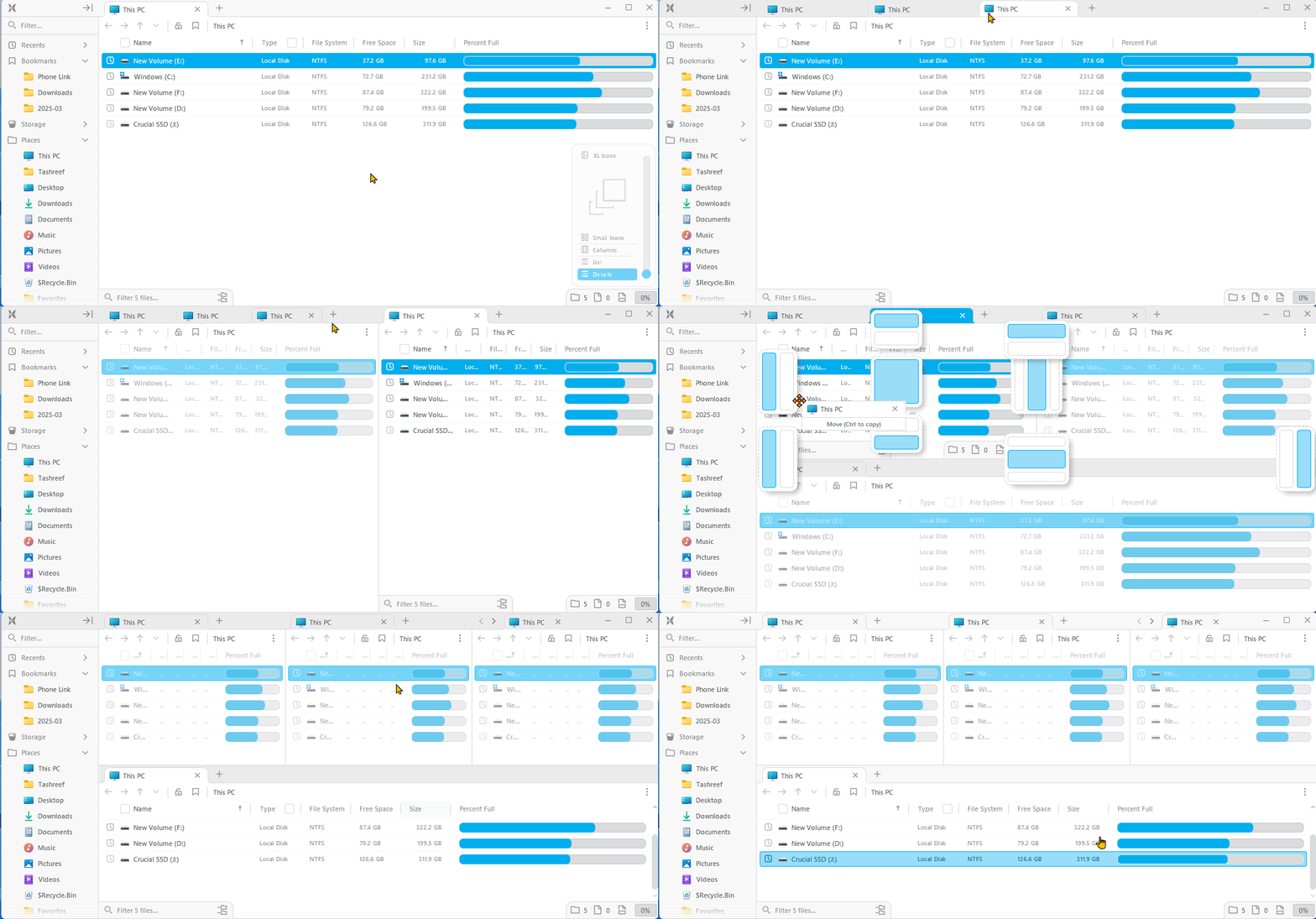
Many people have not used Windows File Explorer for a while, thanks to File Pilot. This lightweight and super fast File Explorer alternative offers a clean user interface and many useful features that we have long expected from File Explorer.
Like Windows' built-in file manager, File Pilot supports tabs but also has a multi-pane view. You can open multiple tabs in split-screen view, and there's no limit to the number of tabs you can open as long as you have a large enough screen to view them comfortably.
2. aText
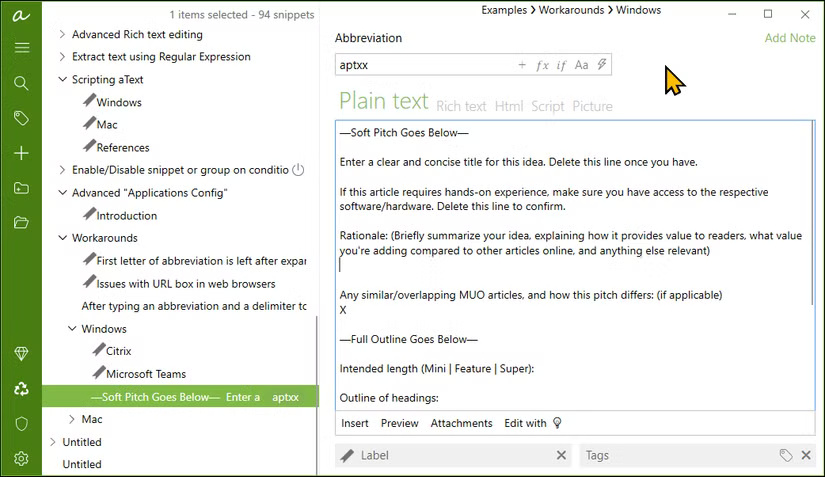
No matter what repetitive typing tasks you have, aText can handle most of them. it is a text expander that lets you create shortcuts for commonly used phrases. You can set it up to autocomplete job templates, home and work addresses, emails, website URLs, and even custom email templates with dynamic fields.
1. AutoHotkey (AHK)
AutoHotKey is a programming language that lets you automate repetitive tasks on your Windows PC using scripts assigned to a hotkey.
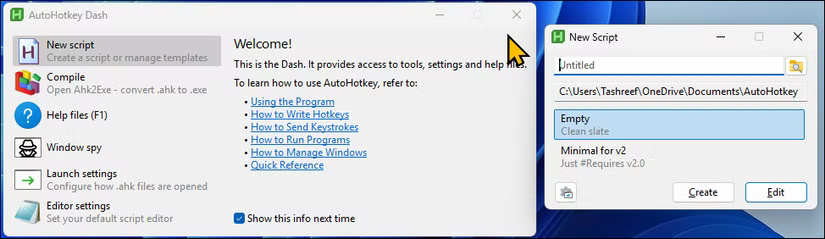
While you can use it as a text expander, it can do so much more. It can automate Google meetings with a shareable link, correct common typos, interact with apps, and perform certain actions. it is a great program that can be customized to your needs, no matter what they are.
These free Windows apps are essential to your workflow. Each one fills in the gaps that Windows lacks, making everyday tasks smoother, more efficient, and less frustrating. They help you stay productive while making the most of an already versatile operating system.
FAQ
How were the free windows tools you can't live without options evaluated?
The comparison focuses on practical features, ease of use, limitations, compatibility, and the type of user each option is most likely to help.
Which option is best for beginners?
Beginners should prioritize a clear interface, useful documentation, reliable support, and the core features needed for their first project.
Should I choose a free or paid option?
Start with a free option when it covers your needs. A paid plan may be worthwhile when you need advanced tools, commercial rights, collaboration, or professional support.
Related Articles
 Overview of Windows Live Mail5 minutes read
 4 Reasons to Keep a Linux Live USB Handy5 minutes read
 Add Free Windows Live Apps to Your Blog: Integration8 minutes read
 10 Quality Free AI Tools You Might Not Know About8 minutes read
 Enjoy Windows Live Messenger 9.0: Explained7 minutes read
 Disable All Live Tile at the Same Time on Windows 10 Start Menu4 minutes read
Reader Comments 0
Sign in with email or Google to join the discussion.