Table of Contents
The iPad serves as a versatile device. With each iPadOS update, Apple adds useful features that blur the line between tablet and laptop.
The iPad is a versatile device. With each iPadOS update, Apple adds useful features that blur the line between tablet and laptop.
While the iPad is unlikely to completely replace a MacBook—especially for power users, programmers, or anyone who needs a large screen—for students, writers, or those who do light work, the following tips can turn the iPad into an effective daily work device.
1. Keyboard and mouse combination
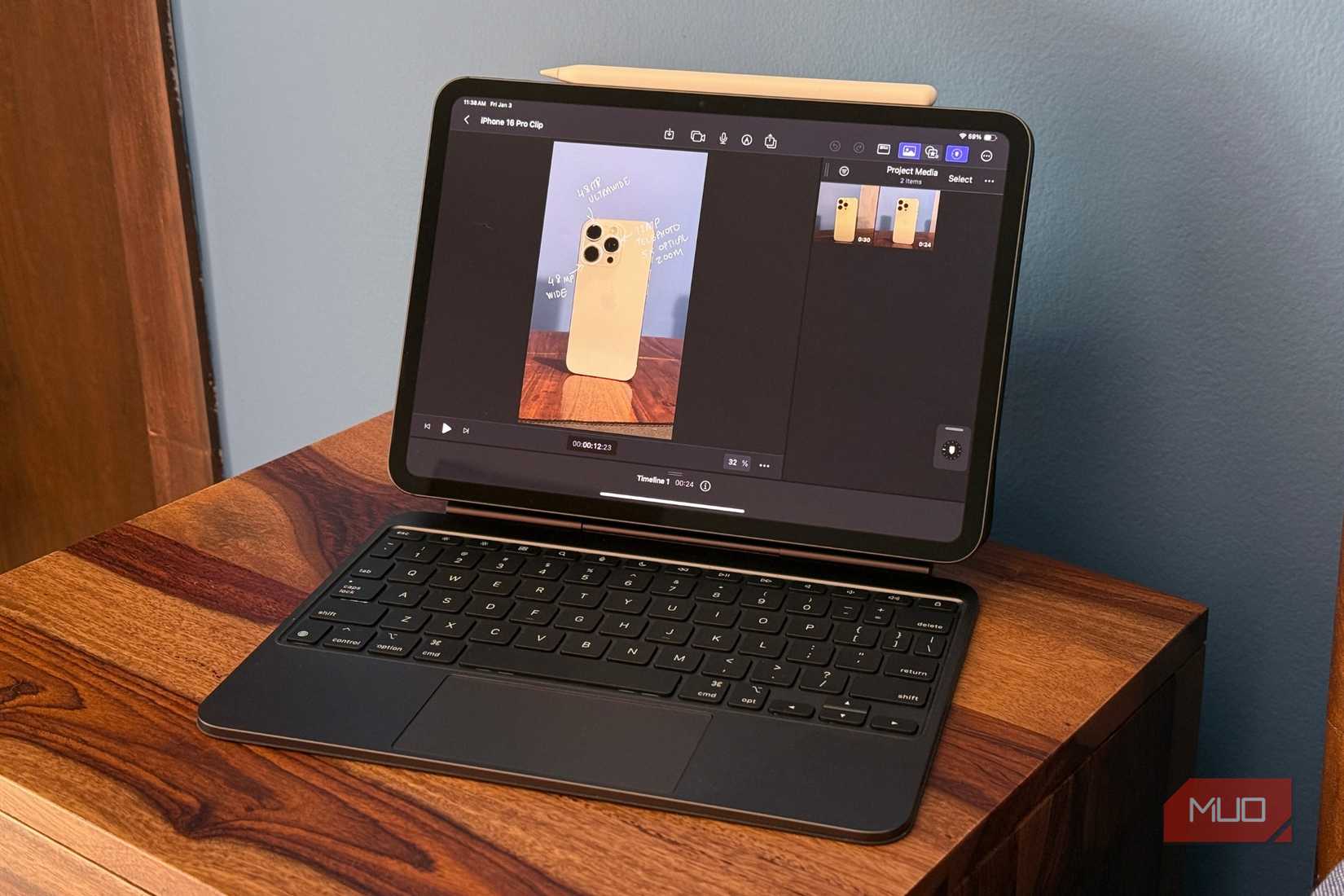
The first step to using your iPad as a laptop is to get a physical keyboard. The built-in touch keyboard is fine for typing short messages or notes, and isn't comfortable for long writing sessions. For tasks like data entry, homework, and writing documents in Google Docs, a physical keyboard will greatly improve your speed and comfort.
A mouse is also essential if your work involves multitasking, spreadsheet editing, or design. It allows for more precise movements, faster app switching, and smoother drag-and-drop. There are many budget-friendly options besides the Magic Keyboard that provide a good typing experience.
2. Invest in external memory
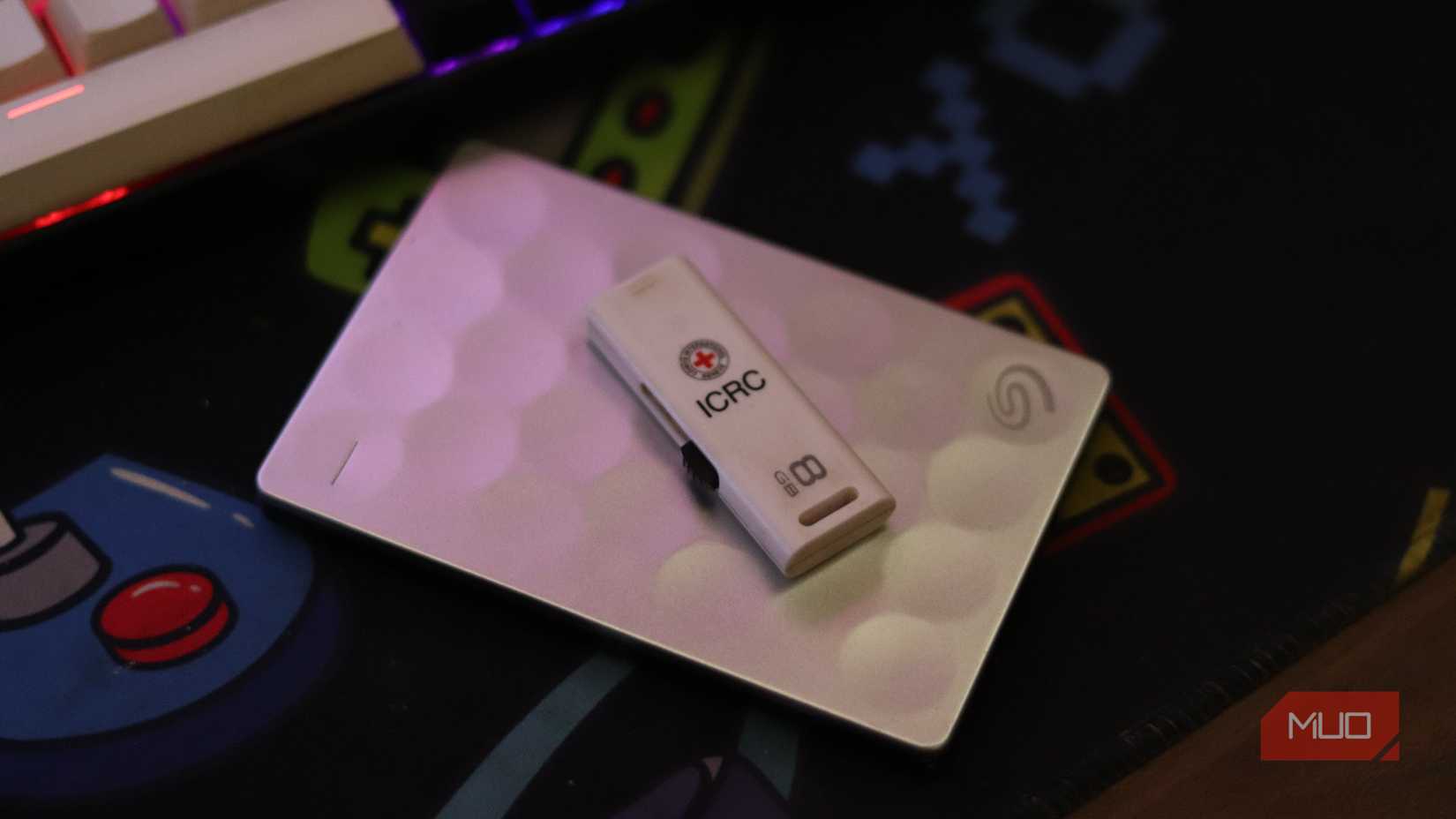
Unlike traditional laptops, iPads cannot have their storage upgraded after purchase, and Apple charges a premium for larger capacity options. A high-speed external SSD is a reasonable solution, both cost-effective and providing more storage for study and work.
For example, study materials, scanned PDFs, notes, or images can be stored on an external hard drive to free up internal storage. For digital artists using Procreate or those working with multiple monitors, external storage provides a desktop-like feel without the high cost.
3. Use Stage Manager to multitask
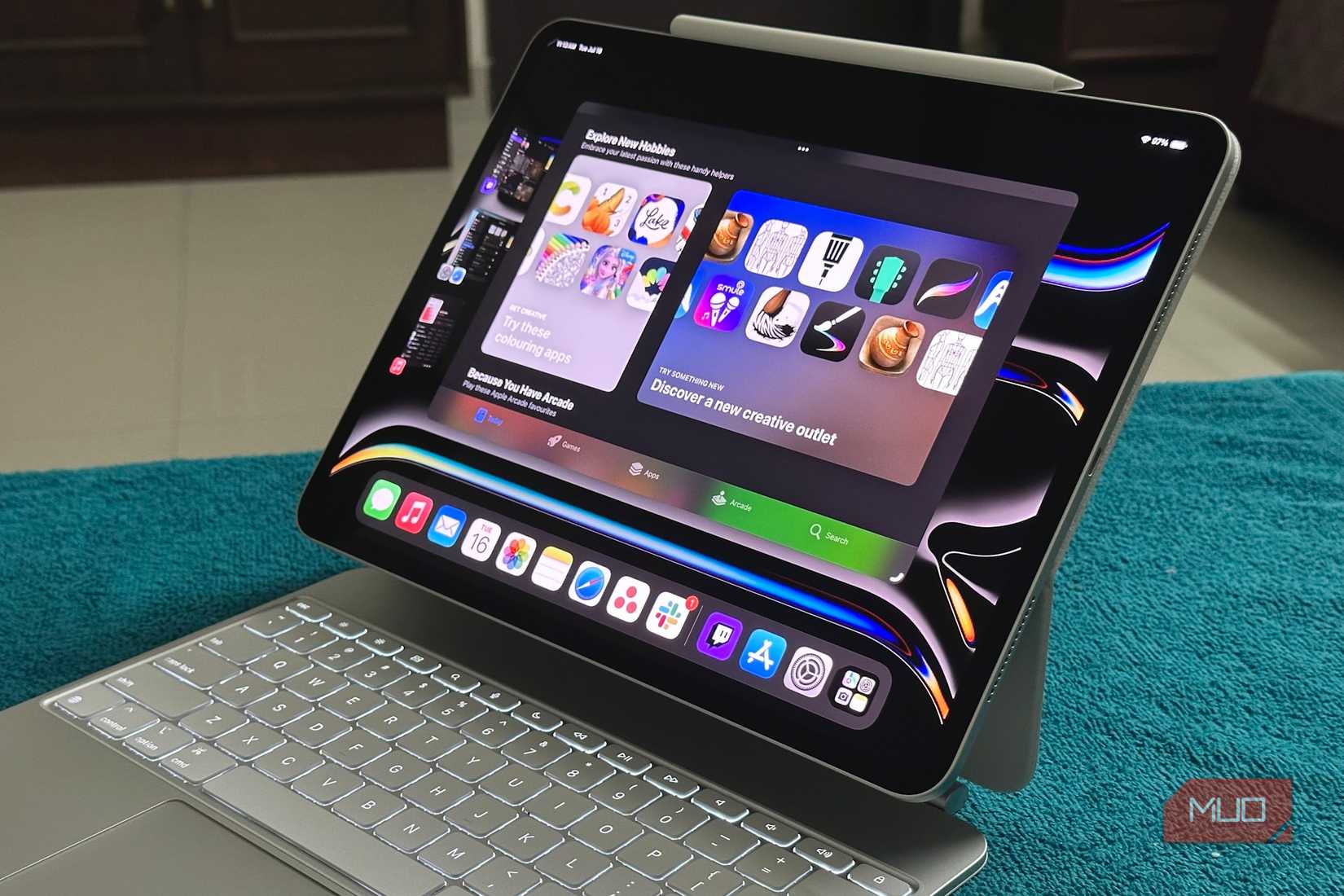
Introduced in iPadOS 16, Stage Manager brings true multitasking to iPad Air (M1 and later) and iPad Pro. It allows multiple windows to open at once, resizable, and overlap each other. When an external display is connected, windows can be dragged back and forth between the iPad and the external display.
IPadOS 26 is even more powerful with intuitive window management, fast app switching, and a new menu bar, bringing iPad closer to a Mac-like experience.
4. Customize your workflow with the iPad app
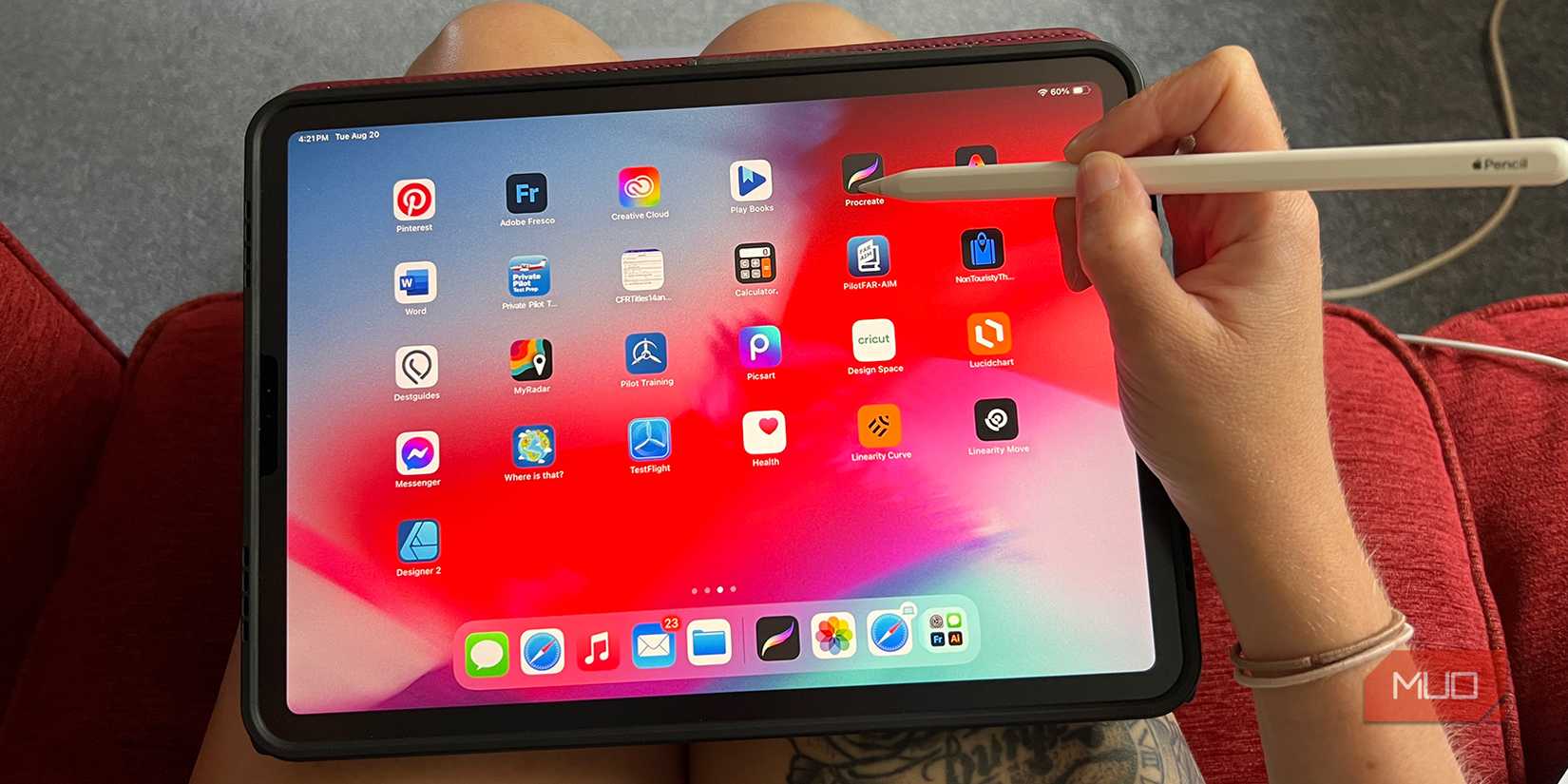
Thanks to the powerful Apple Silicon chip and optimized apps, iPad is now more than just for browsing the web and entertainment. Professional apps like Final Cut Pro, Logic Pro, which were previously only available on Mac or PC, are now available on iPad.
Students can use GoodNotes and NotebookLM for effective note-taking; Nebo and Muse are lesser-known but useful apps. The new iPads also run AAA games like Resident Evil: Village and Death Stranding smoothly.
5. Use Safari for a desktop-like experience
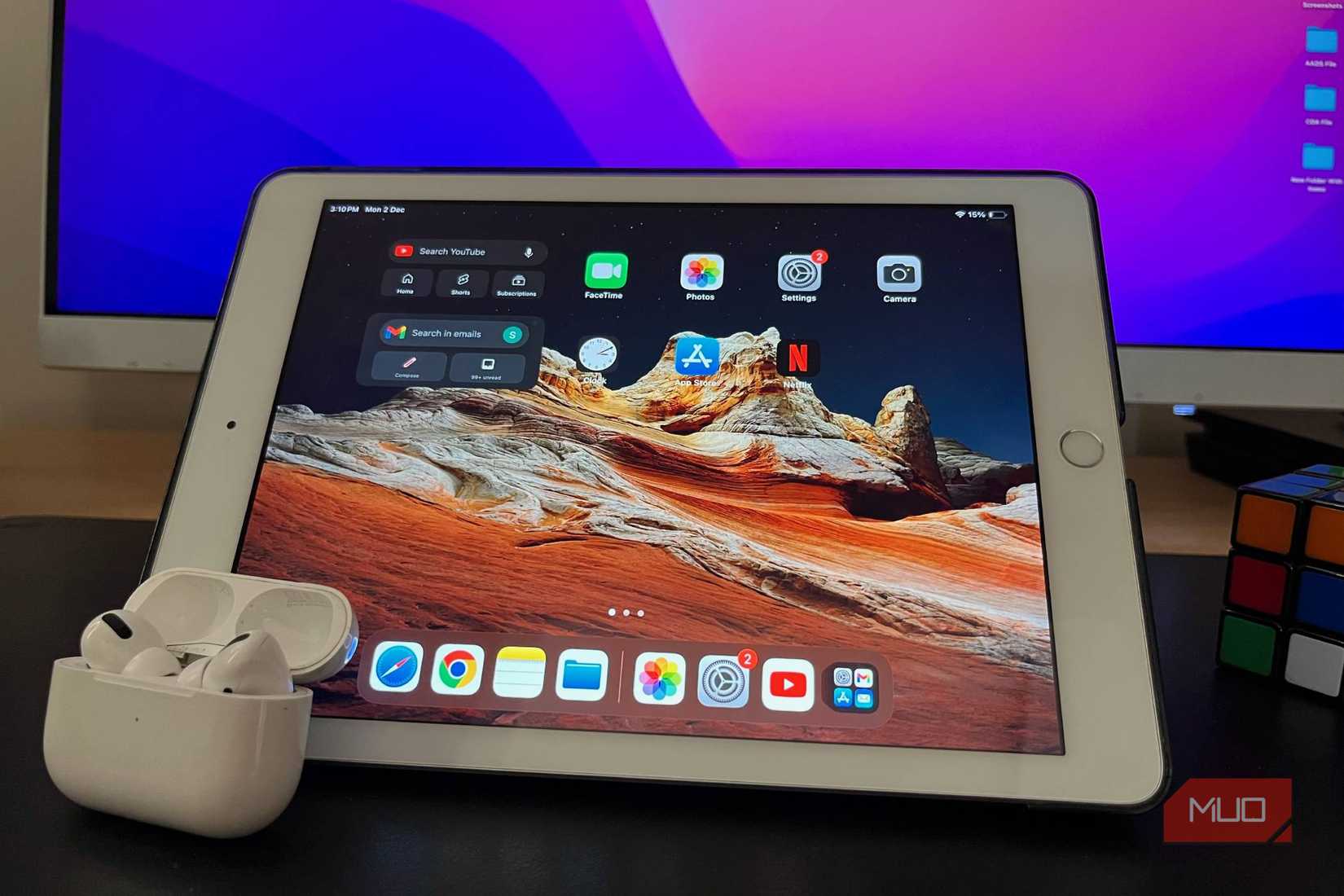
Safari on iPadOS is optimized to display the desktop versions of many sites, like Canva or WordPress. Chrome, on the other hand, often requires manual requests. Safari also lets you split windows to work side-by-side, just like on Mac, creating a more professional browsing experience.
6. Take advantage of keyboard shortcuts
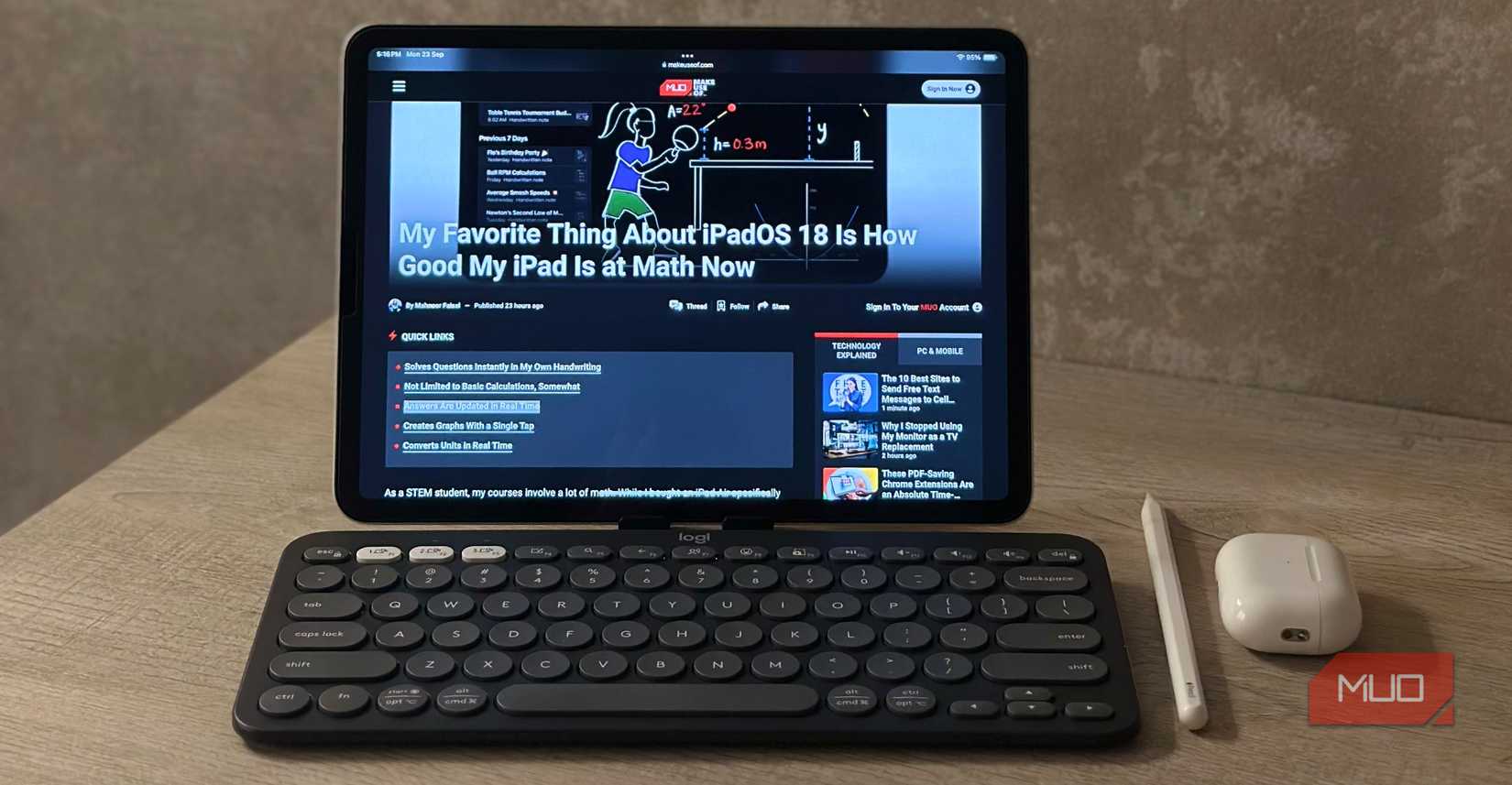
When you connect an external keyboard, iPad supports many shortcuts for quick and smooth operations. For example, Command + Space To open Spotlight, Command + Tab To switch apps. Holding down the Command key in an app will display the corresponding quick commands.
Additionally, Full Keyboard Access Can be enabled in Settings > Accessibility > Keyboard To further expand the full control shortcuts.
7. Equipped with multi-purpose protective case
The iPad's unibody aluminum design is beautiful, but it's vulnerable to drops, bumps, or liquids. A good case can not only protect it, but also incorporate a kickstand or stylus slot, making the iPad a more durable mobile workstation.
IPadOS 26 unlocks many new features
The new iPadOS 26 brings a host of advanced features, intelligent multitasking support, and professional workflows. While the iPad is not yet a full-fledged laptop, these improvements bring the device closer to a desktop experience in many situations.
FAQ
What should you know about the options in this guide?
In practical terms, the iPad is a versatile device. With each iPadOS update, Apple adds useful features that blur the line between tablet and laptop.
Which option is the best choice?
The best choice depends on your priorities, compatibility, budget, and the specific features discussed in the comparison.
What should you compare before deciding?
Compare core features, limitations, ease of use, compatibility, and long-term value before making a decision.
Related Articles
 Summary of Ways to Turn Off iPad Power4 minutes read
 See the iPad Pro After Being Overhauled by Apple7 minutes read
 4 Simple and Quick Ways to Turn Off the Laptop Keyboard: Best Options Compared8 minutes read
 How to Turn Your Laptop Screen into a Simple TV at Home10 minutes read
 Instructions on 3 Simple Ways to Turn on the Lenovo Laptop Keyboard Light9 minutes read
 Summary of Some Ways to Turn Off Touchpad on Laptop9 minutes read
Reader Comments 0
Sign in with email or Google to join the discussion.