Table of Contents
Even though I am a fan of Windows, there are still certain disadvantages that cannot be ignored. Although Windows 11 has become much better, it still has certain limitations.
Even if you're a Windows fan, there are some quirks that can't be ignored. While Windows 11 has gotten a lot better, it still has some limitations. The Start menu can be a little slow, the Taskbar offers too few customization options, and default apps like File Explorer, Task Manager, and Phone Link are often annoying. Over time, these little quirks really add up.
The good news is that most of these drawbacks can be solved with the right apps.
7. PowerToys Run
A faster, smarter alternative to the Start menu
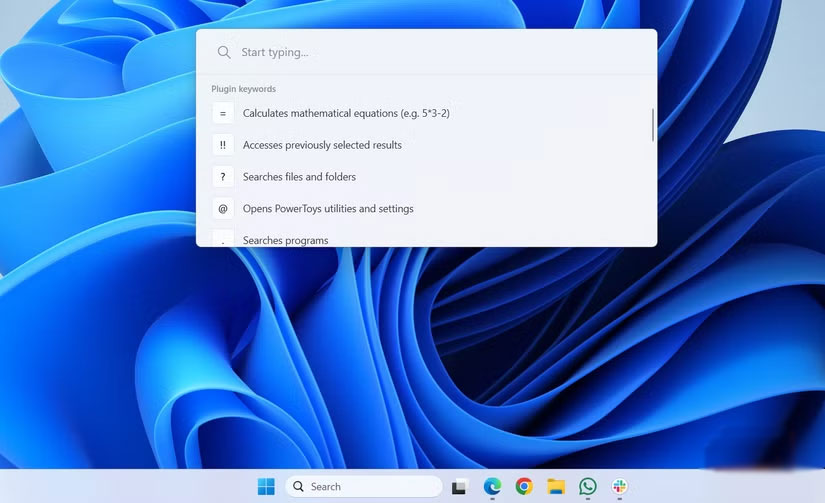
PowerToys Run, part of Microsoft's PowerToys suite, is easily the best Windows Start menu replacement. Just press Alt + Space To bring up a clean, minimalist search bar that feels a lot like macOS Spotlight. From there, you can launch apps, open folders, or even execute shell commands instantly.
Even better, if you want to navigate to a website, type // Followed by the URL. Similarly, if you want to do a quick search, type ?? Followed by the query, and PowerToys Run will open the results in your default browser.
6. Files
File Explorer, but finally finished
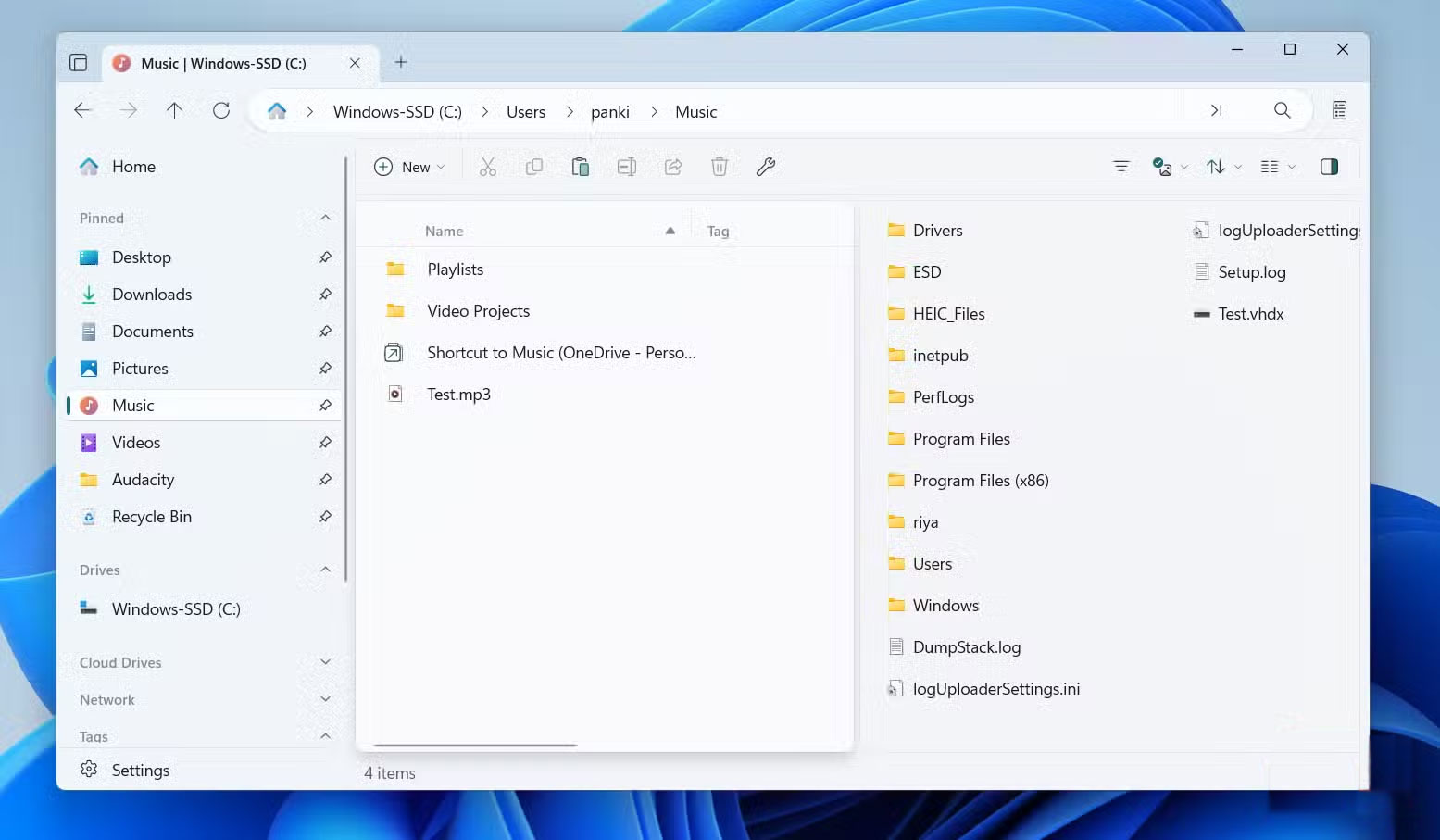
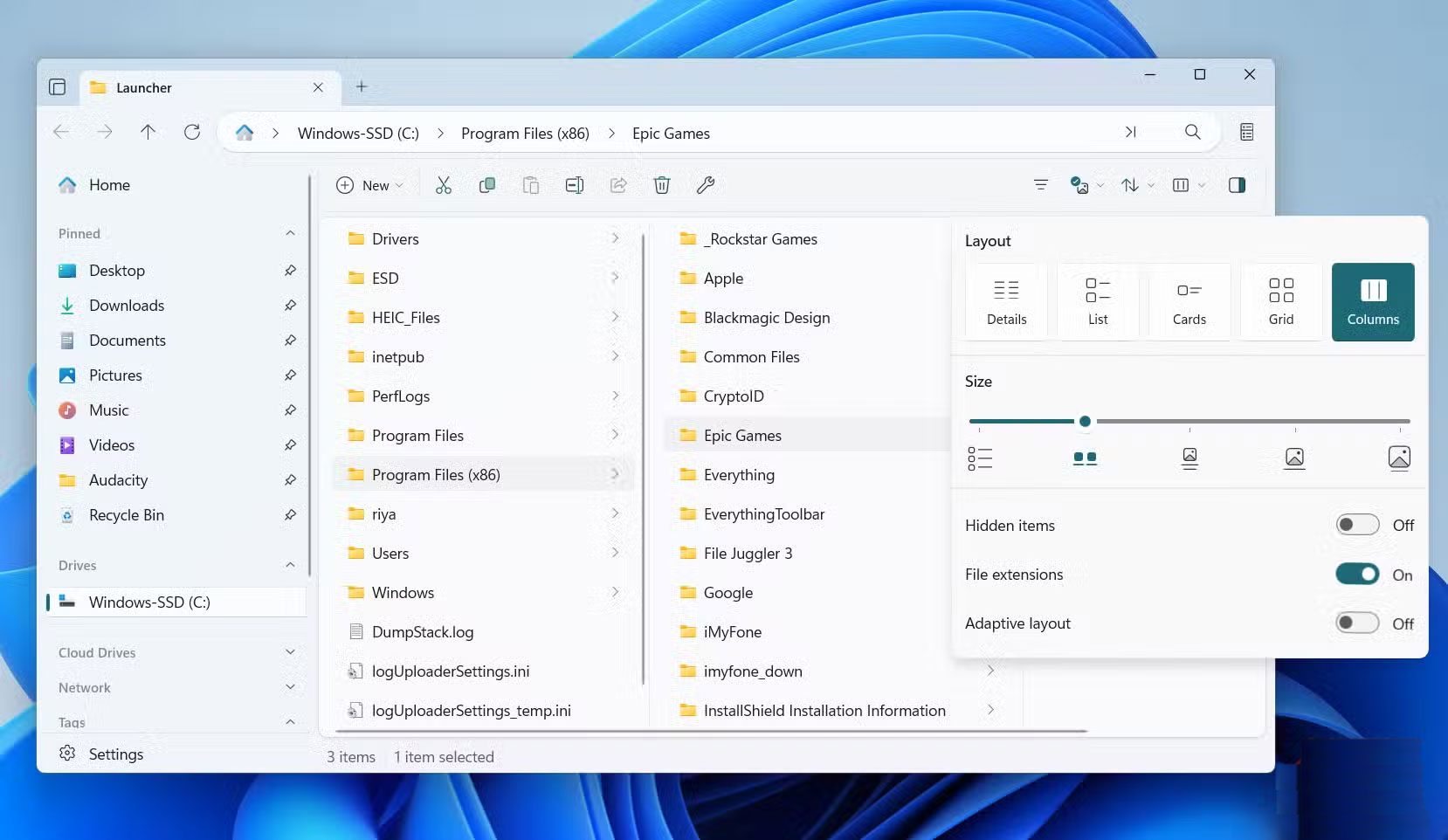
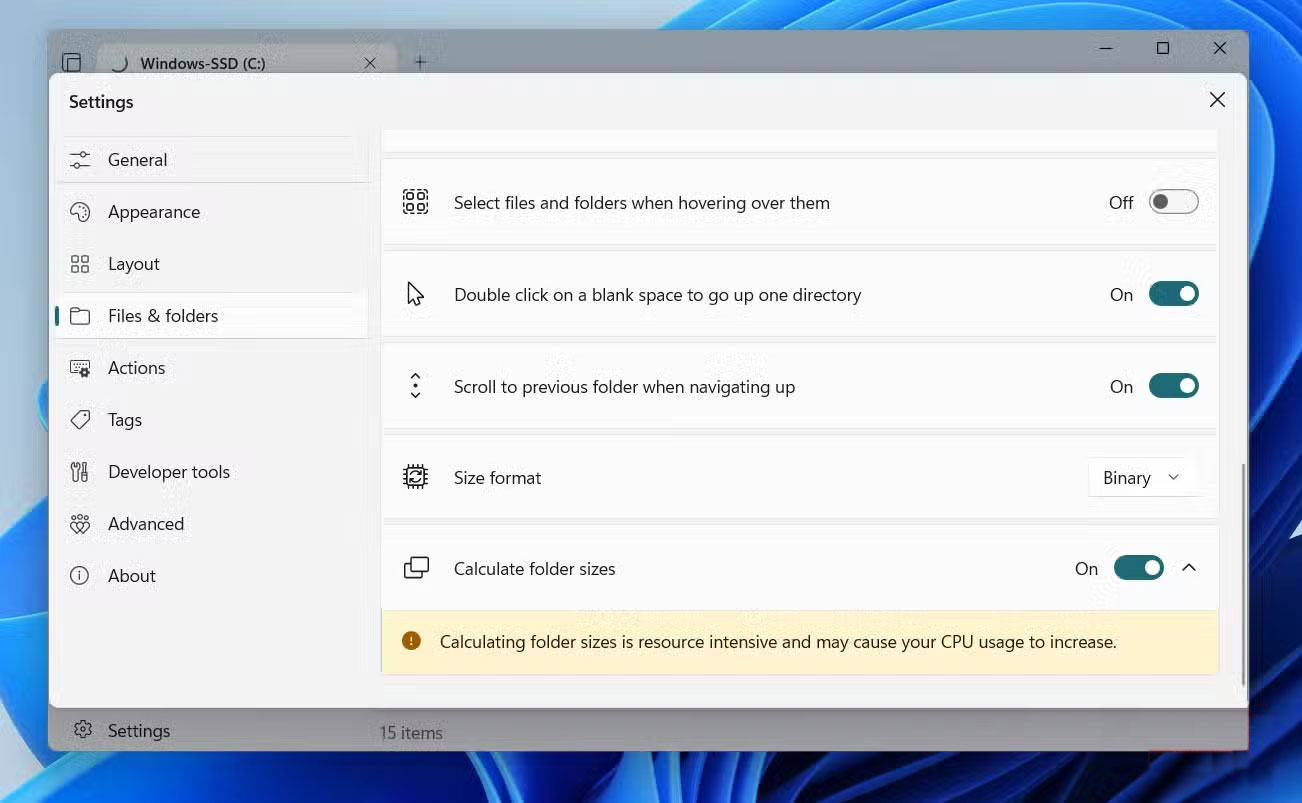
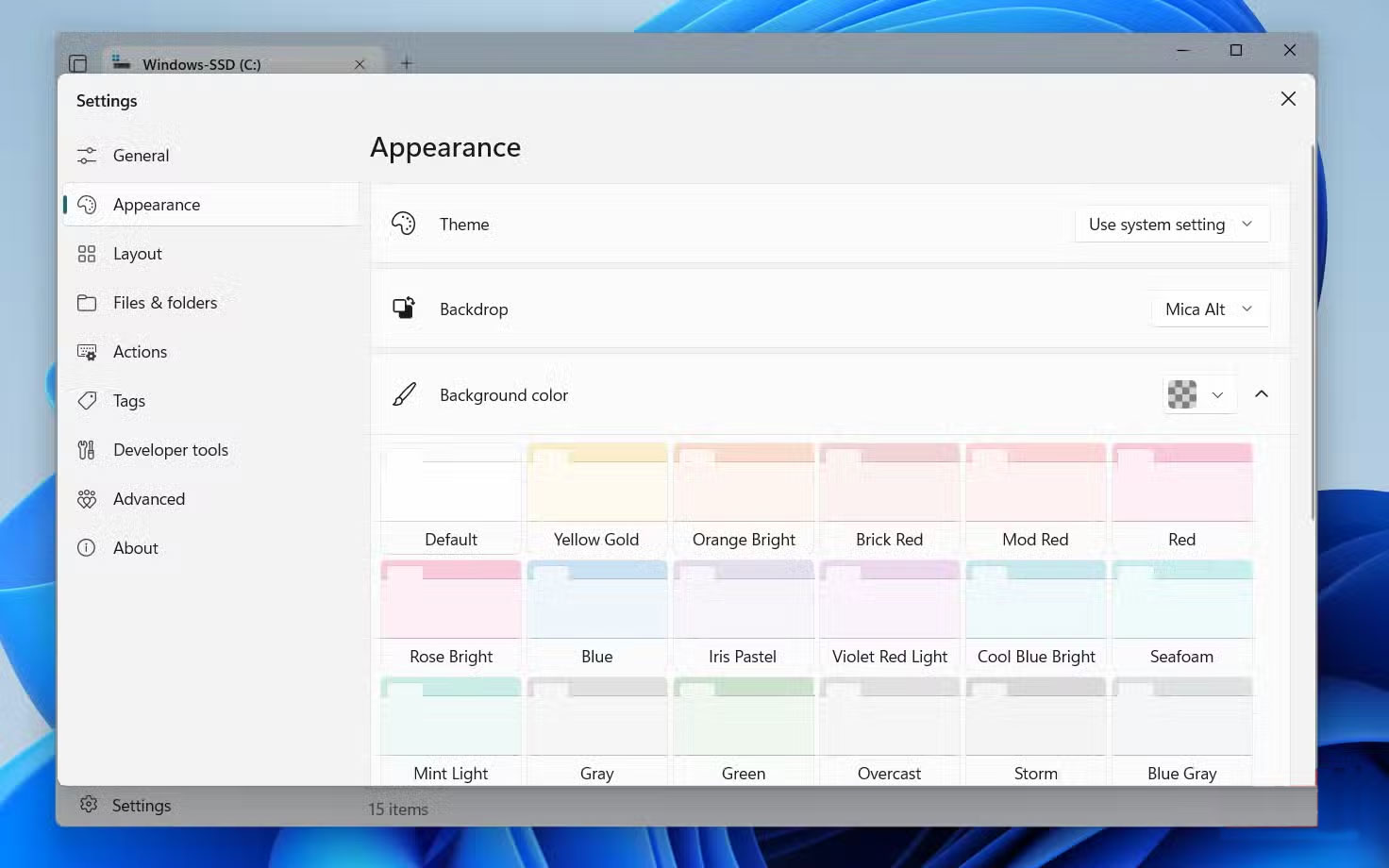
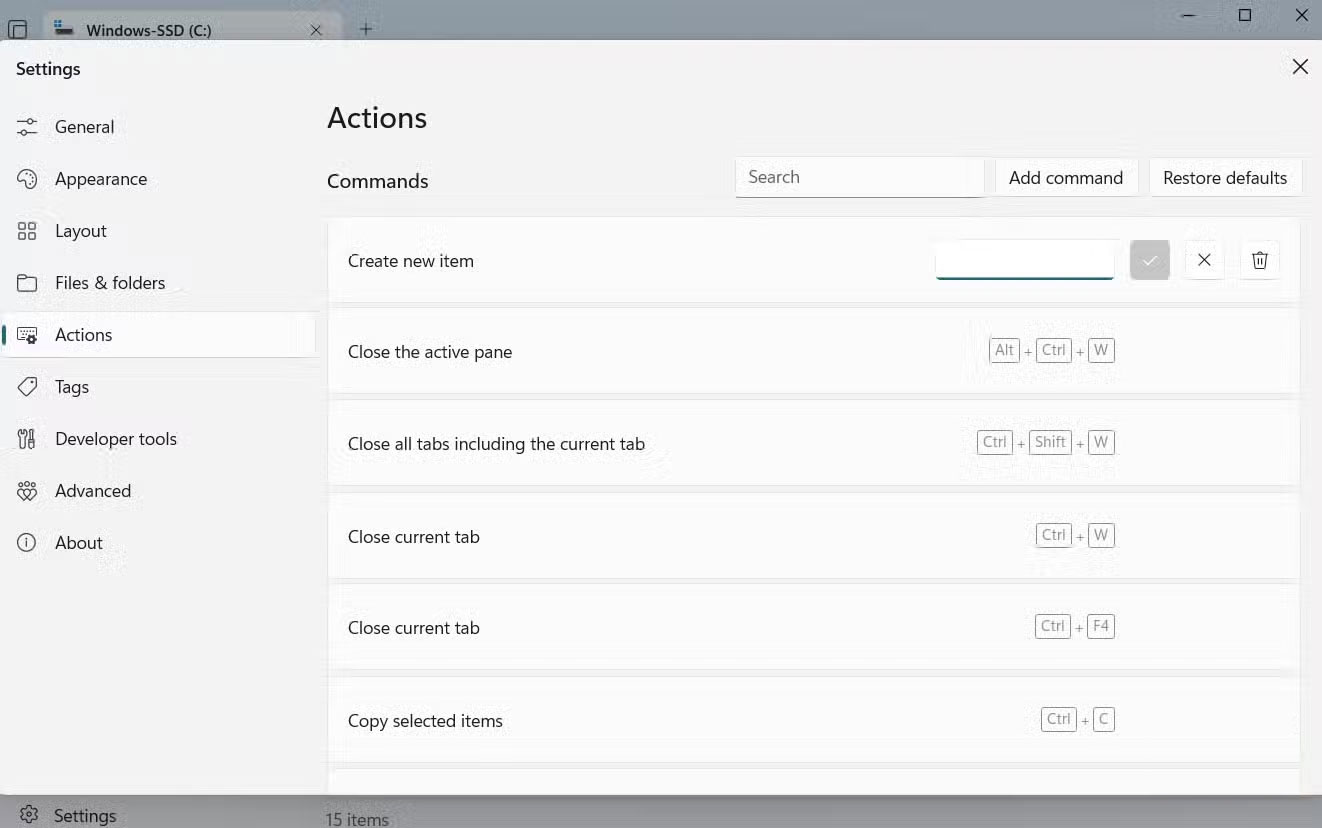
Windows File Explorer gets the job done, but 'feature-rich' doesn't mean 'fun.' The Files app, on the other hand, does everything File Explorer can do, and it also incorporates thoughtful features that Microsoft never bothered to add. You get a dual-pane interface for easy drag-and-drop between folders, tags to organize your files, and built-in support for cloud services like Google Drive and iCloud.
With column view, when you open a folder, its contents will be neatly displayed in a new column next to the previous one. If you love keyboard shortcuts, the Files app has a ton of built-in shortcuts, and you can even customize them to fit your workflow.
5. Windhawk
Customize the Taskbar your way
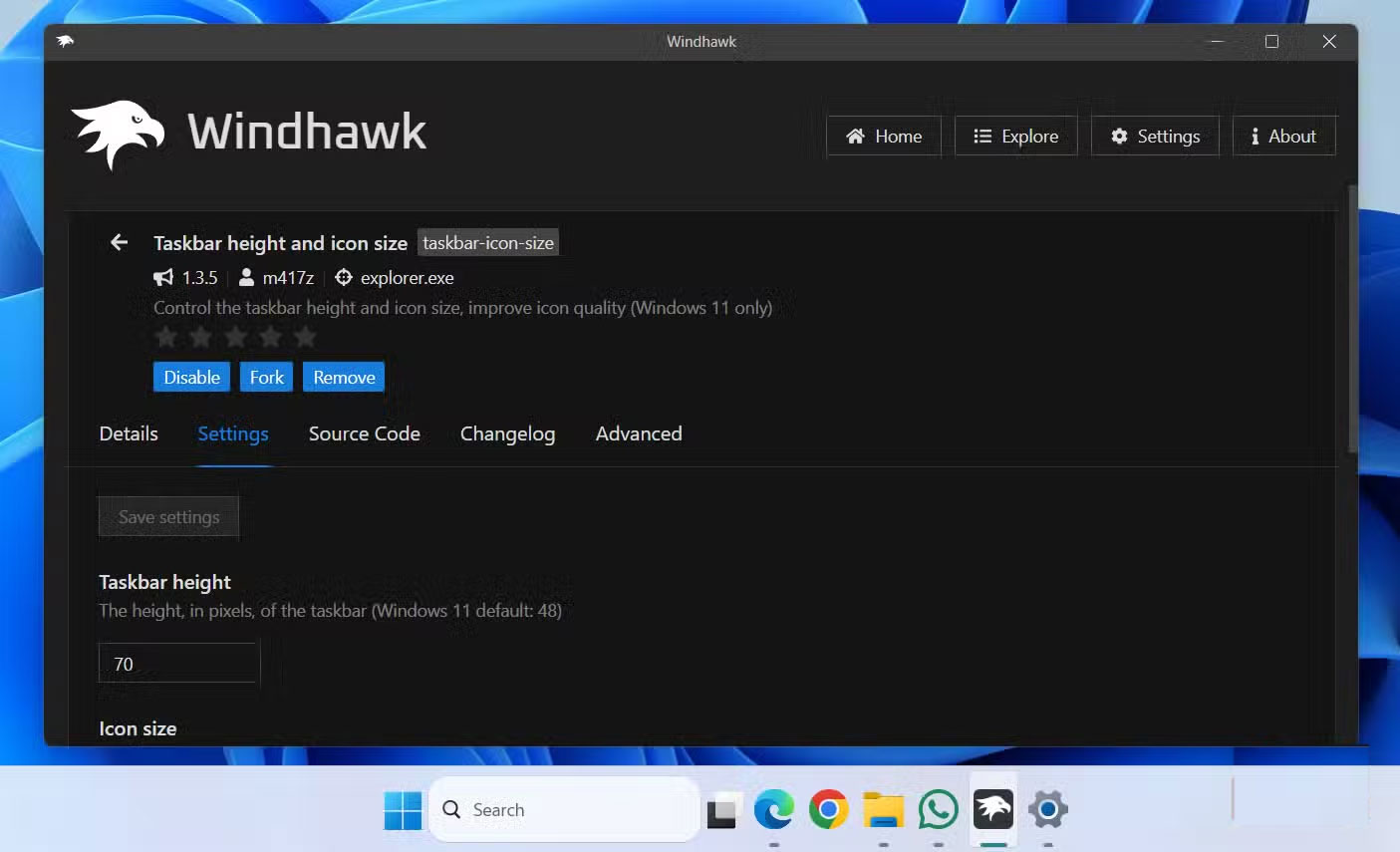
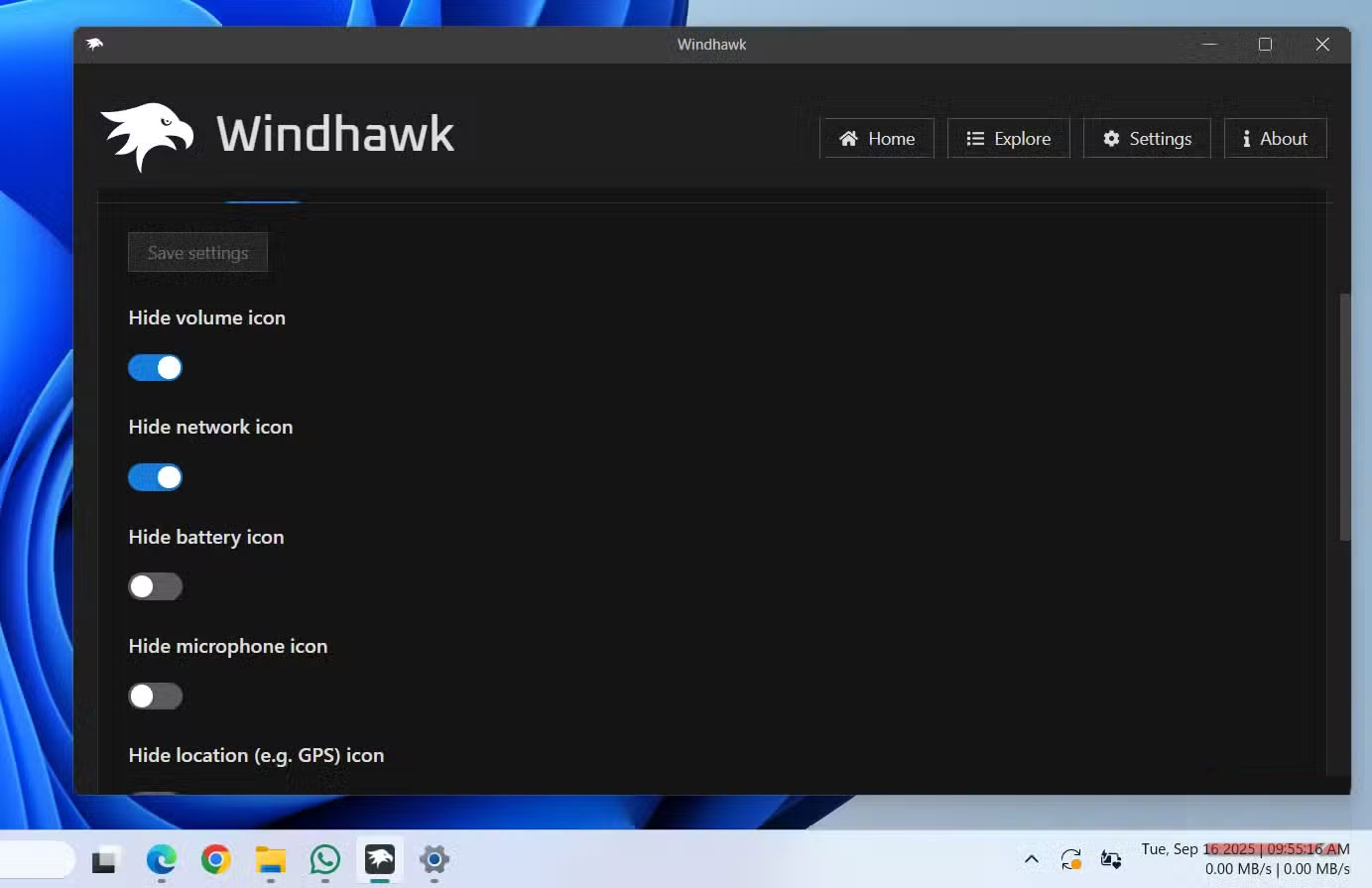
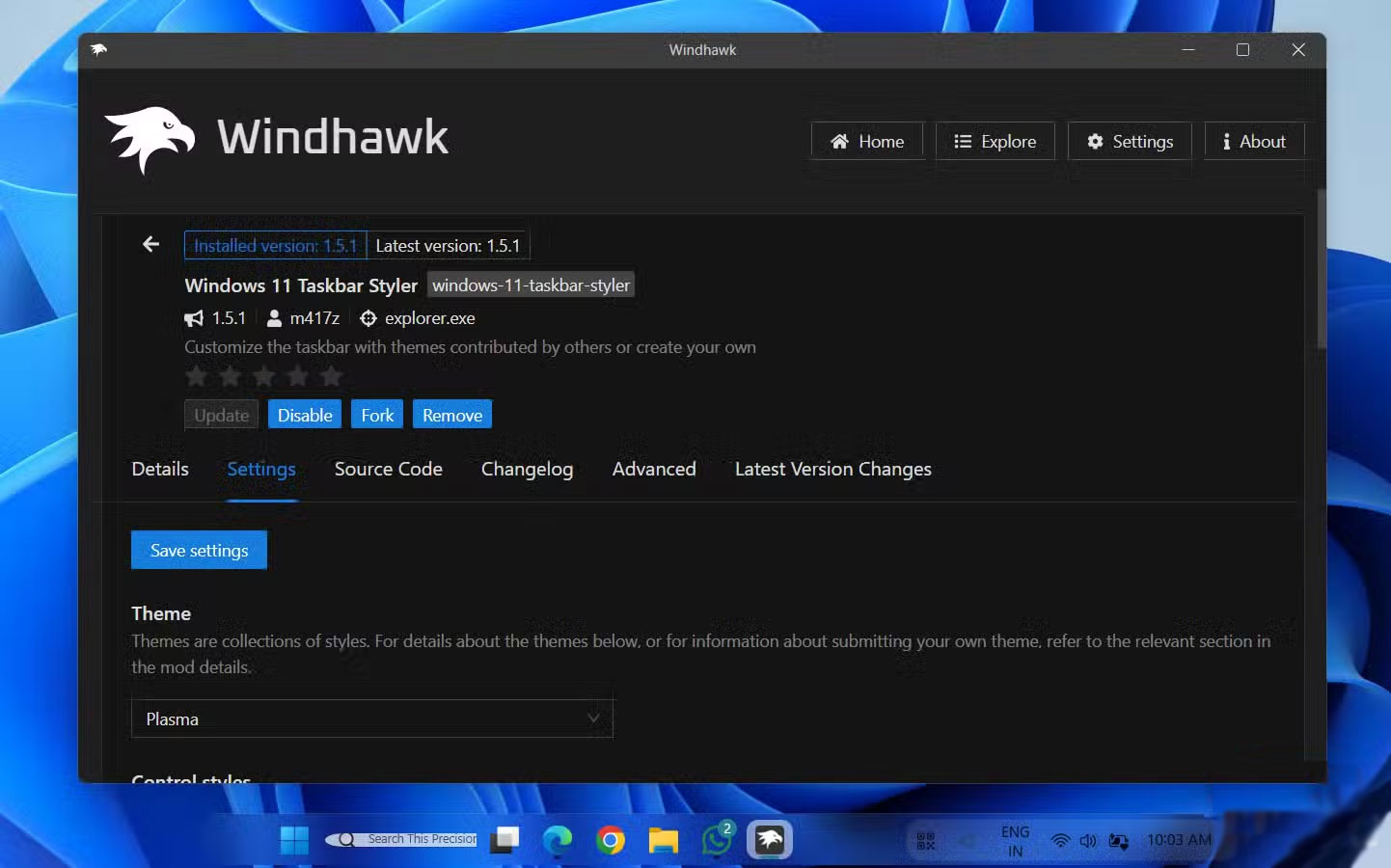
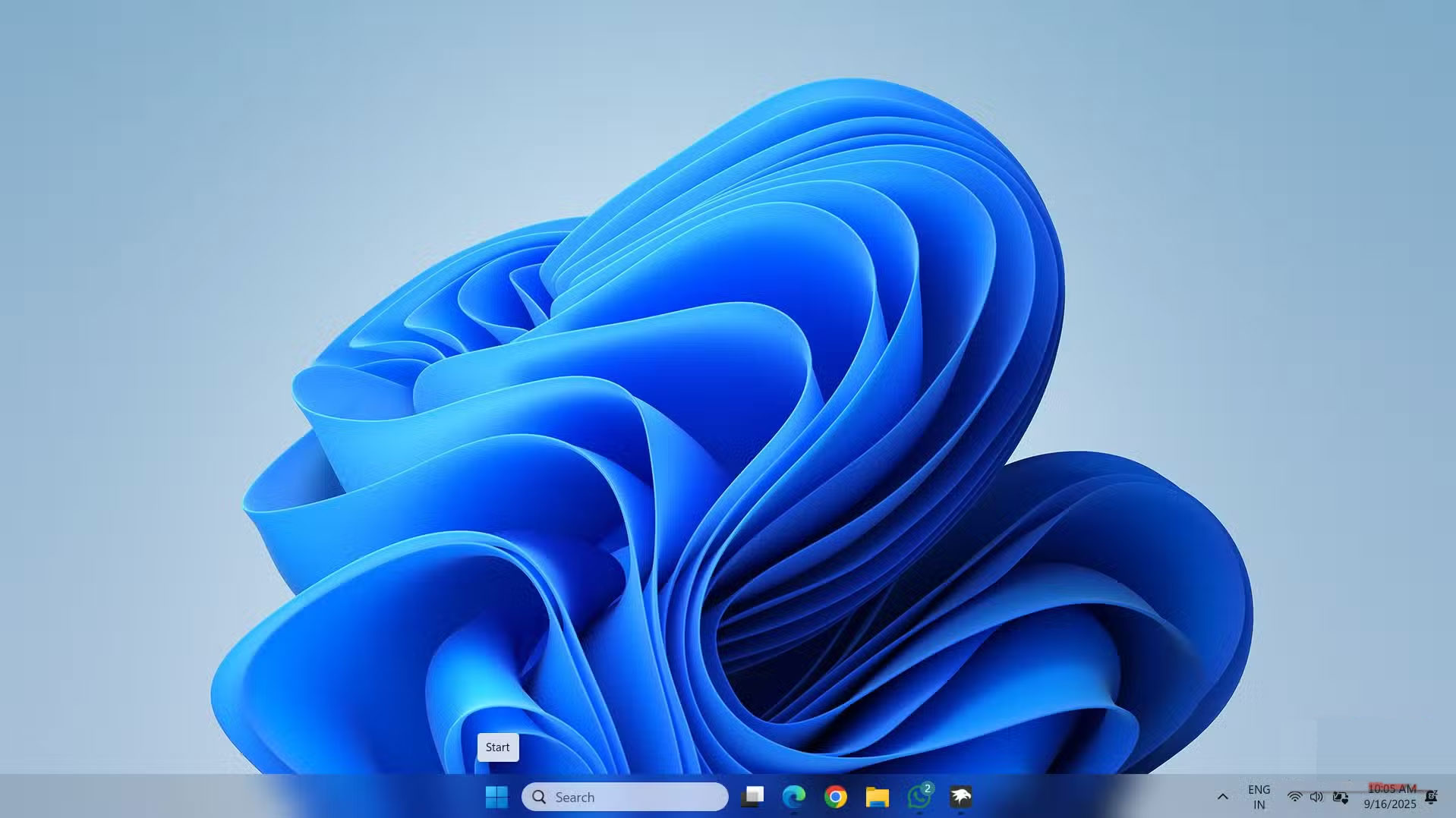
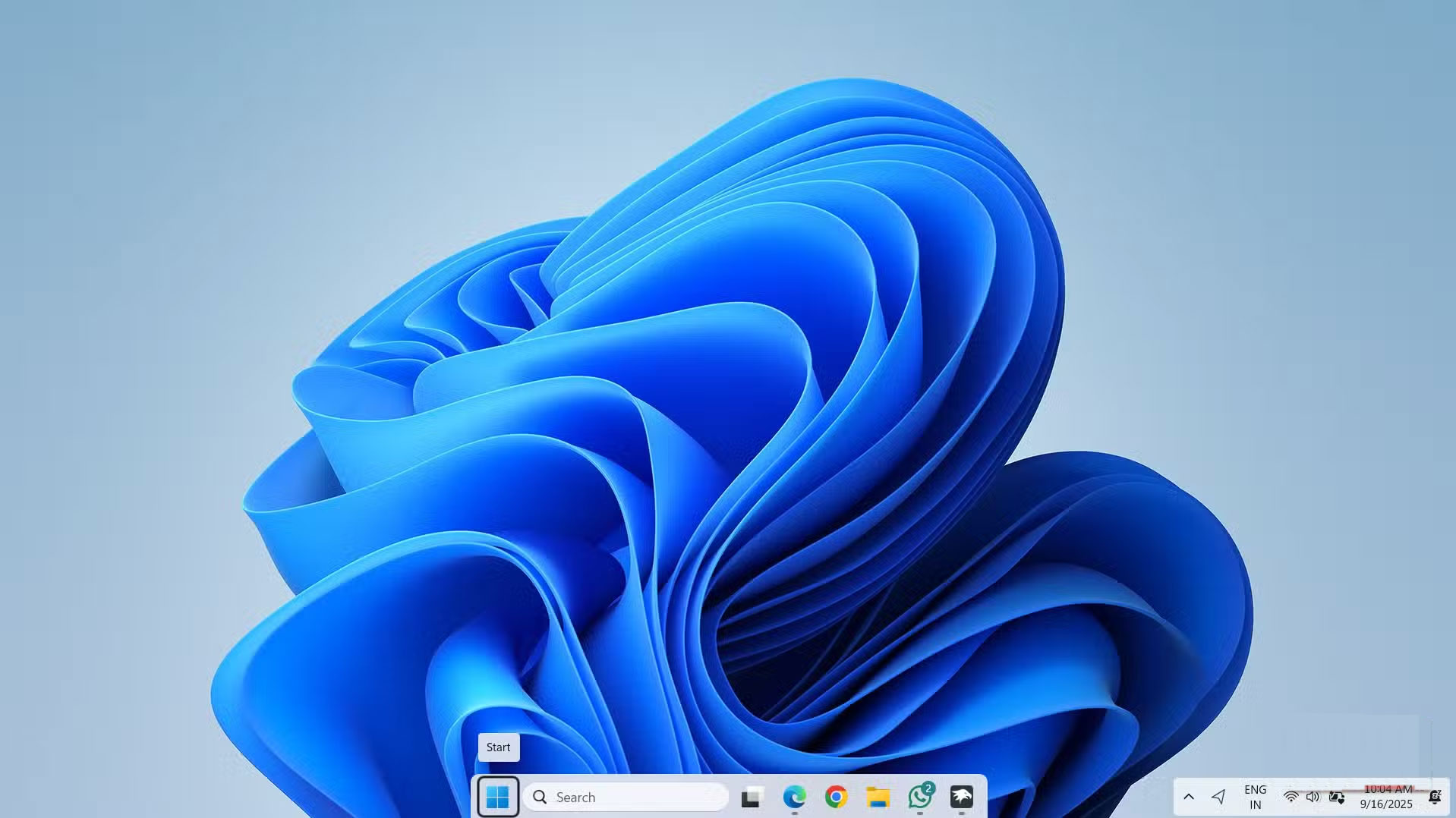
The Windows 11 Taskbar looks great, but it can feel frustratingly limited. You can't resize it, adjust icon sizes, or move it sideways like you can in Windows 10. Windhawk is a Windows customization mod that fixes these Taskbar limitations.
Windhawk offers a number of mods to fix just about anything on Windows 11, especially for the Taskbar. With the Windows 11 Taskbar Styler, you can completely change the look of the Taskbar – make it transparent, create a macOS-style dock interface, or even bring back the nostalgic Windows 7 design.
4. Task Manager Deluxe
Control running applications and processes
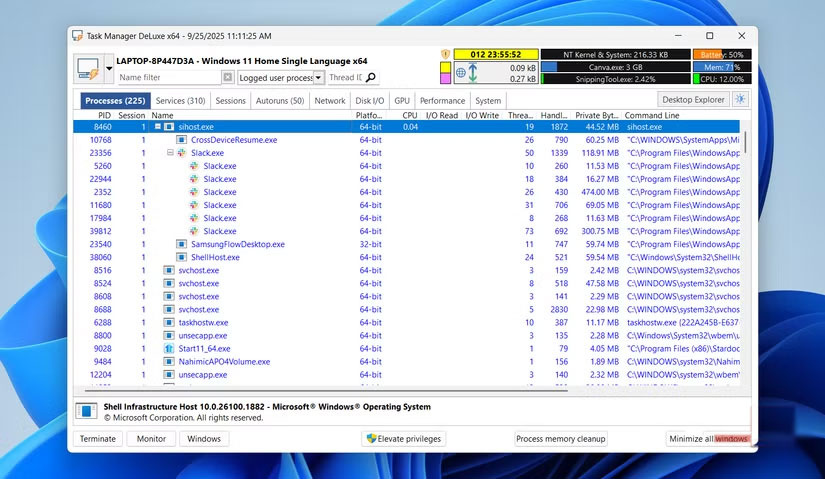
Windows' built-in Task Manager is powerful, but it hasn't gone far beyond the basics. Task Manager Deluxe (TMX) continues that familiar concept and upgrades it with features that power users will really appreciate.
Despite its many advanced features, Task Manager Deluxe remains lightweight and responsive. No installation is required, and you can even run it directly from a USB drive as a portable application.
3. LocalSend
Much better than Nearby Sharing
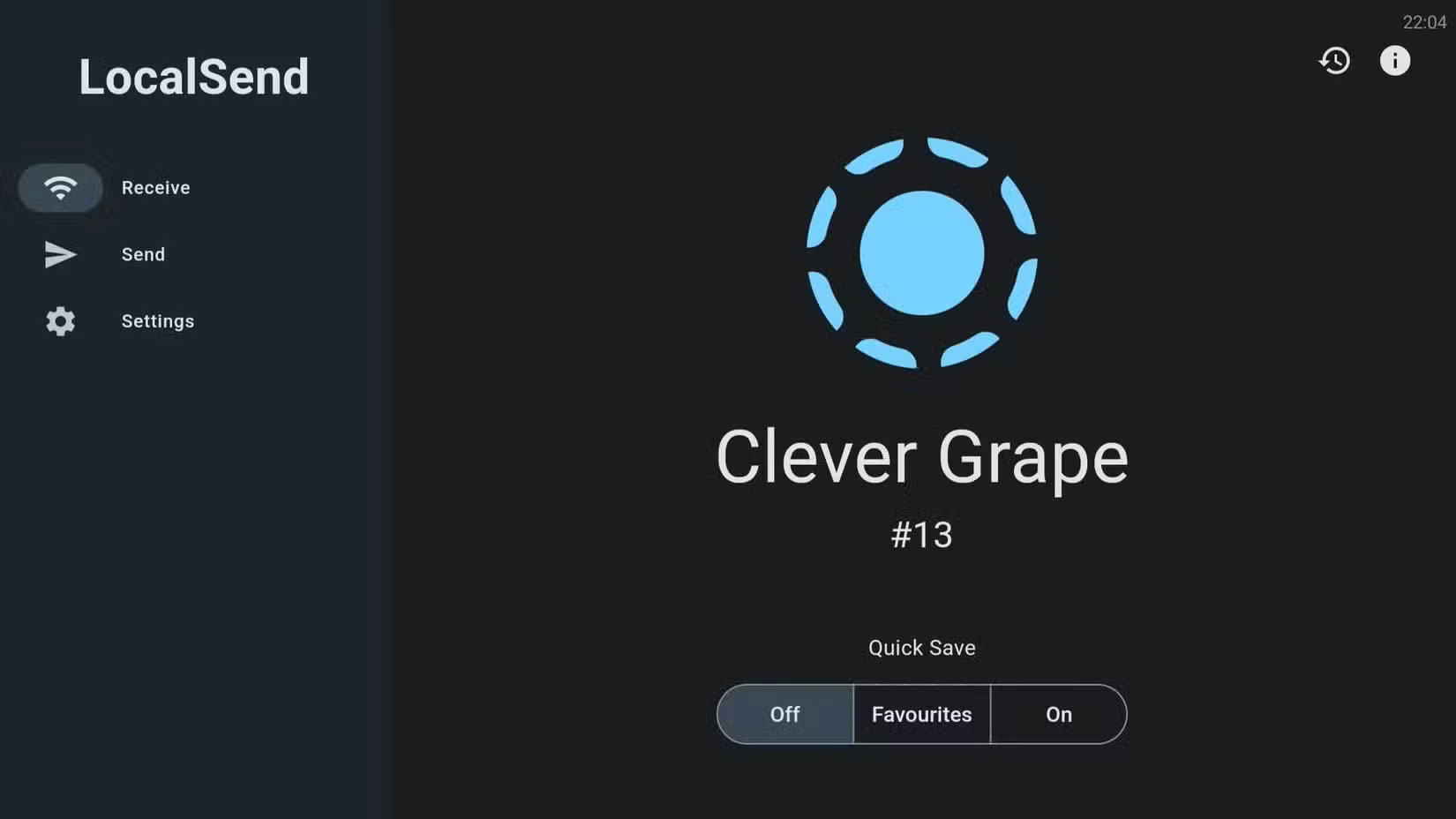
LocalSend makes file transfers easy across all your devices. You can install it anywhere you need it, including your Windows PC, so sharing documents, photos, or videos is just a few clicks away. The app automatically detects other devices running LocalSend, making file sharing quick and easy.
The app is fast, private, and completely offline, so any data never leaves your local network. The best thing about LocalSend is that it's not limited to Windows - it works on Mac, Linux, Android, iOS, and even Google TV.
- Learn About LocalSend: An AirDrop-Like App for Wirelessly Transferring Files Between Devices
2. KDE Connect
Not as limited as Phone Link
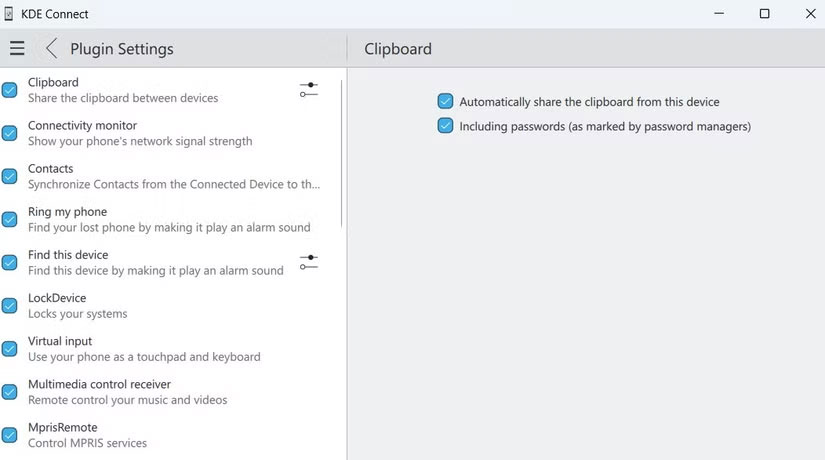
Microsoft's Phone Link app has improved over the years, but people prefer KDE Connect for a few key reasons. Like Phone Link, it offers notification syncing, the ability to make calls, send messages, and view photos. The difference is that KDE Connect doesn't lock features to a specific brand. With Phone Link, copying and pasting between devices only works on Samsung Galaxy phones. But with KDE Connect, you can use any Android phone to sync your clipboard.
1. QuickLook
Preview files without waiting for the application to load
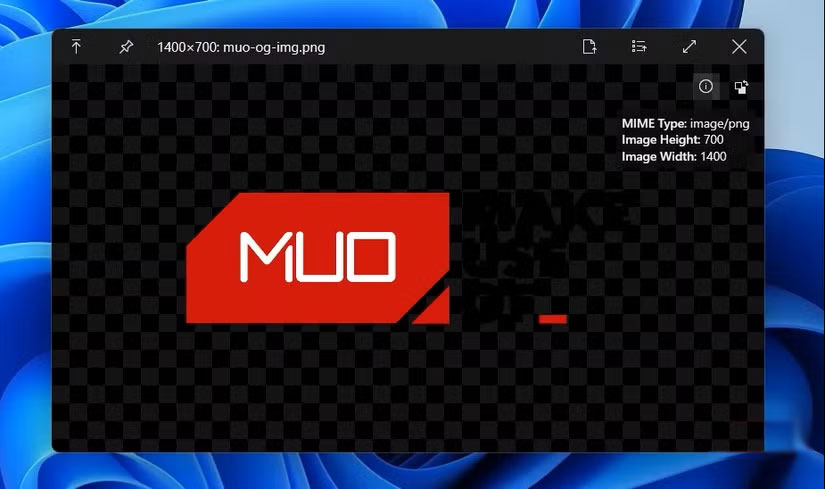
Sometimes it's the little things that make Windows run smoothly. QuickLook is one of them. Inspired by the macOS feature of the same name, QuickLook lets you preview files instantly without opening them in the default apps. All you have to do is select a file in File Explorer and press the spacebar to preview it.
This works with almost anything you open. You can preview PDFs, flip through Office documents, view images, listen to audio, or even play videos without waiting for Word, Excel, Photos, or Media Player to load.
FAQ
What should you know about the options in this guide?
In practical terms, even though I am a fan of Windows, there are still certain disadvantages that cannot be ignored. Although Windows 11 has become much better, it still has certain limitations.
Which option is the best choice?
The best choice depends on your priorities, compatibility, budget, and the specific features discussed in the comparison.
What should you compare before deciding?
Compare core features, limitations, ease of use, compatibility, and long-term value before making a decision.
Related Articles
 9 Apps That Instantly Fix Everything You Hate About Windows 116 minutes read
 8 Free Microsoft Store Apps That Make Windows Better: Practical Guide6 minutes read
 7 Ideal Alternatives to Default Mac Apps7 minutes read
 7 Free Apps That Make Your Kindle Much More Useful: Explained8 minutes read
 Fas Are Often Smart People: Love in Love4 minutes read
 5 Reasons Why the More Intelligent, the Harder It Is for a Lover6 minutes read
Reader Comments 0
Sign in with email or Google to join the discussion.