Table of Contents
The best utility apps solve a specific problem without adding more work. These seven Android options cover printing, device-to-device transfers, notes, passwords, automation, advanced app access, and screen-time controls. Free features and ads can change, so review the current store listing and permissions before installing.
1. NokoPrint: print over Wi-Fi, Bluetooth, or USB
NokoPrint can print photos, PDFs, office documents, and web pages from Android. It is particularly useful when a printer lacks a reliable manufacturer app or needs a USB-OTG connection.
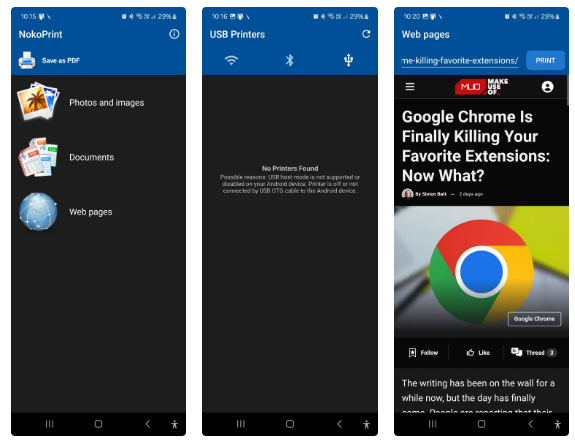
Best for: occasional mobile printing. Check printer compatibility before buying an OTG adapter, and preview page size, orientation, margins, and copy count to avoid wasting paper.
2. LocalSend: transfer files without a cloud account
LocalSend sends files between Android, iOS, Windows, macOS, and Linux devices over the local network. Both devices need the app and should be on the same Wi-Fi or LAN.
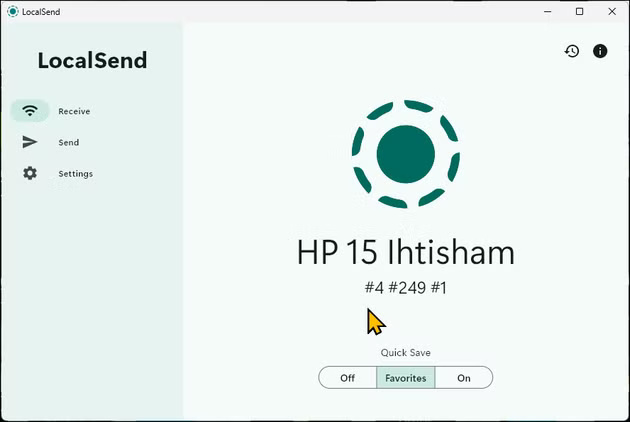
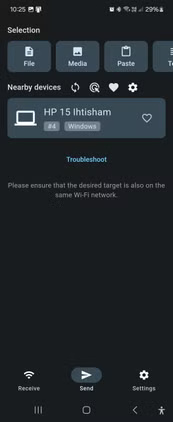
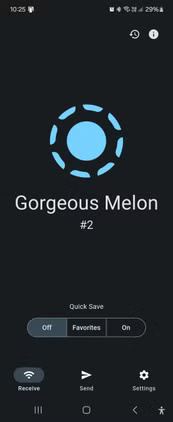
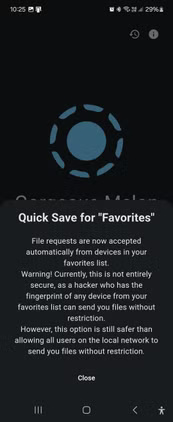
Best for: fast cross-platform transfers at home or work. Confirm the receiving device name before accepting a transfer, and avoid automatic acceptance on untrusted shared networks.
3. Google Keep: quick notes and lightweight lists
Google Keep supports text notes, checklists, images, labels, colors, sharing, and voice notes. It works well when capture speed matters more than complex folders or document formatting.
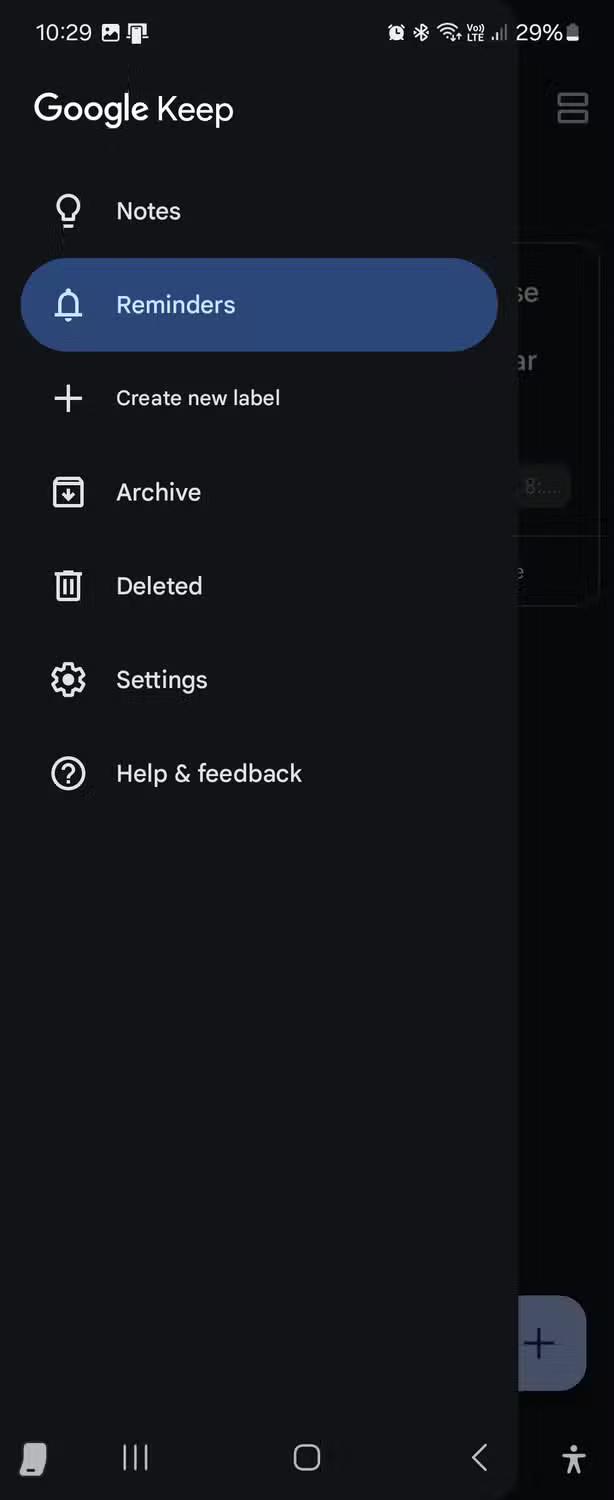
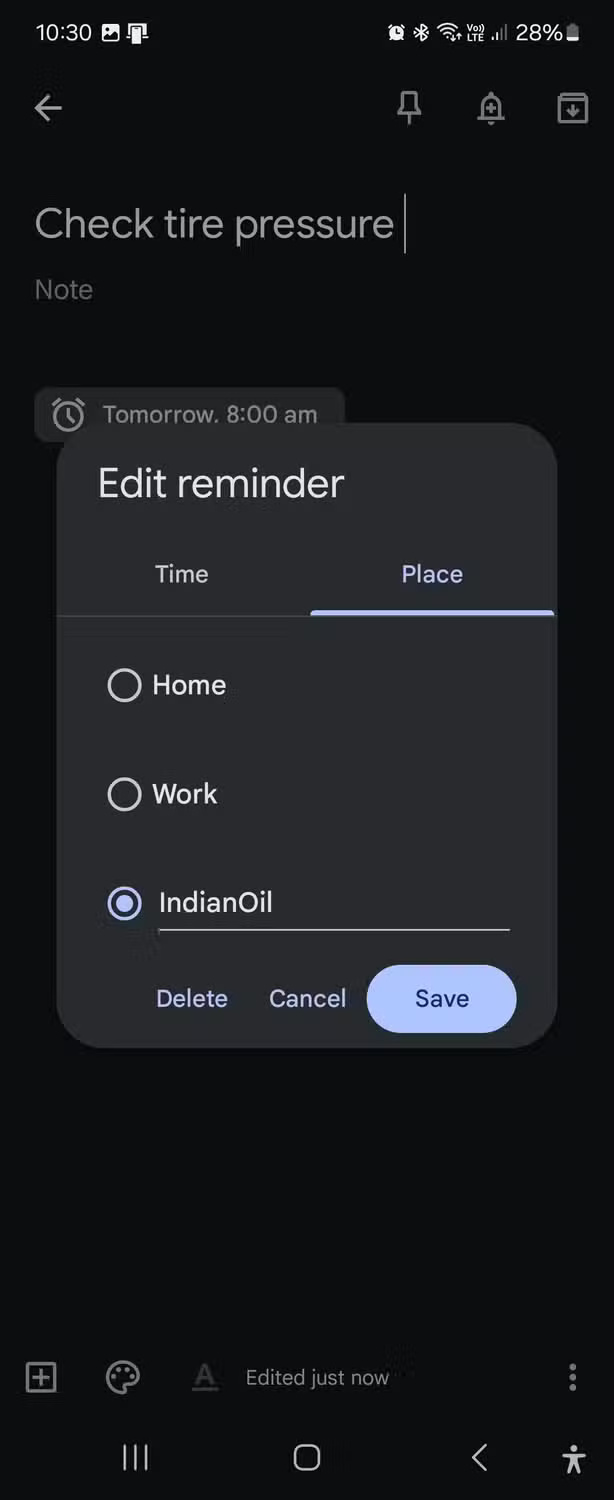
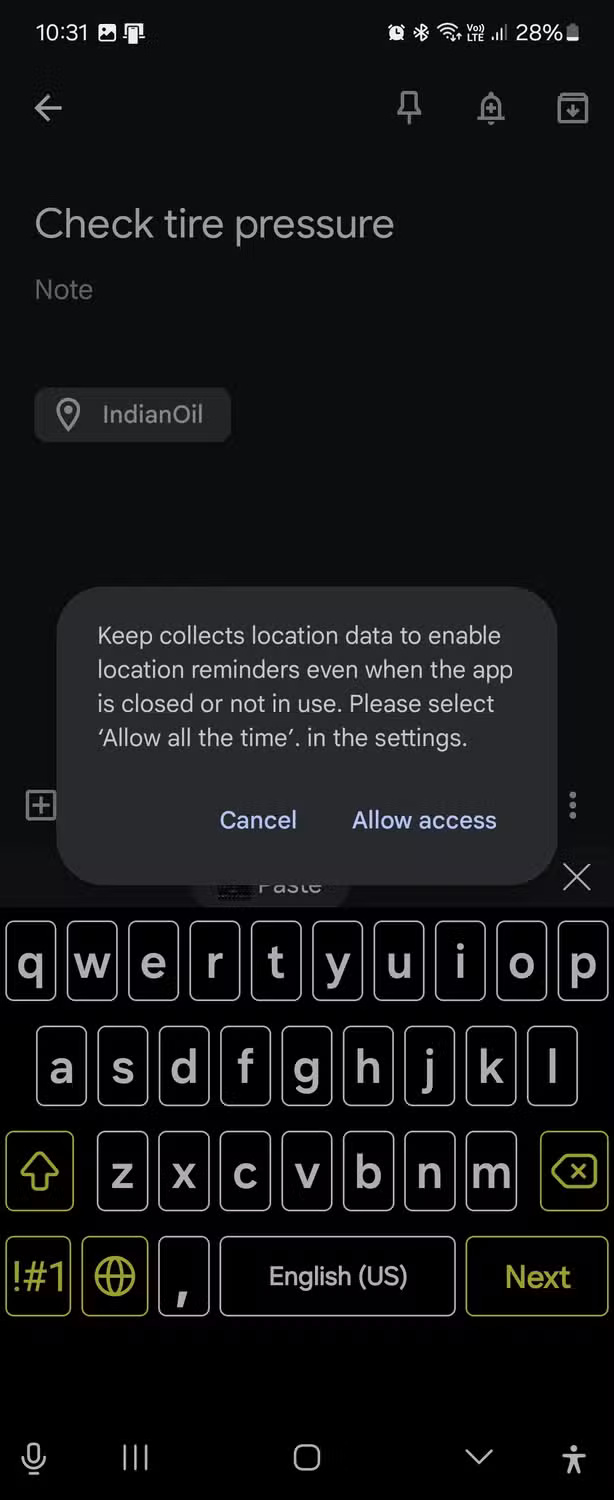
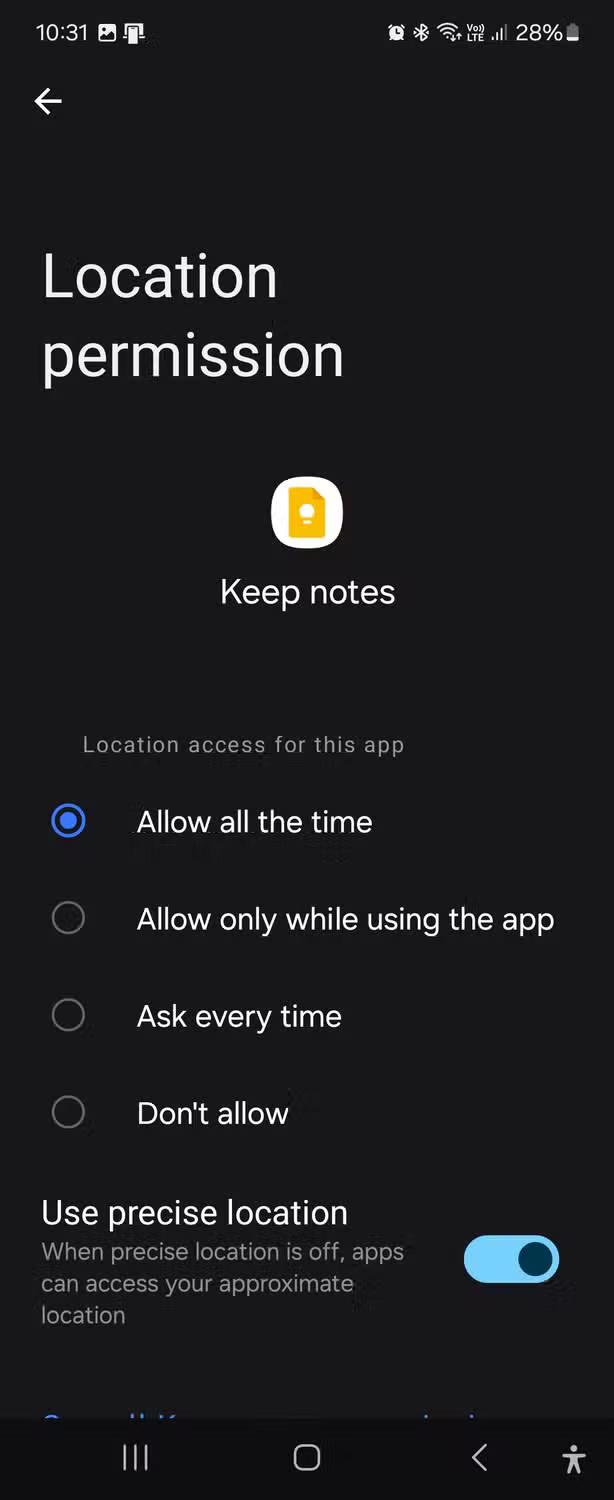
Important change: Google no longer supports creating or receiving location-based Keep reminders. Keep reminders are handled through Google Tasks, so older instructions that use “Choose a place” are obsolete.
4. Proton Pass: passwords, passkeys, and email aliases
Proton Pass is an open-source password manager with encrypted vaults, autofill, passkey support, and hide-my-email aliases. The free plan supports core password storage across devices, while some alias, vault, and sharing features have plan limits.
Best for: replacing reused passwords with unique credentials. Protect the account with a strong master password and multi-factor authentication, then test recovery options before relying on it as your only credential store.
5. MacroDroid: automate recurring phone actions
MacroDroid builds automations from a trigger, one or more actions, and optional constraints. Examples include changing audio settings when headphones connect or running an action only during a selected time window.
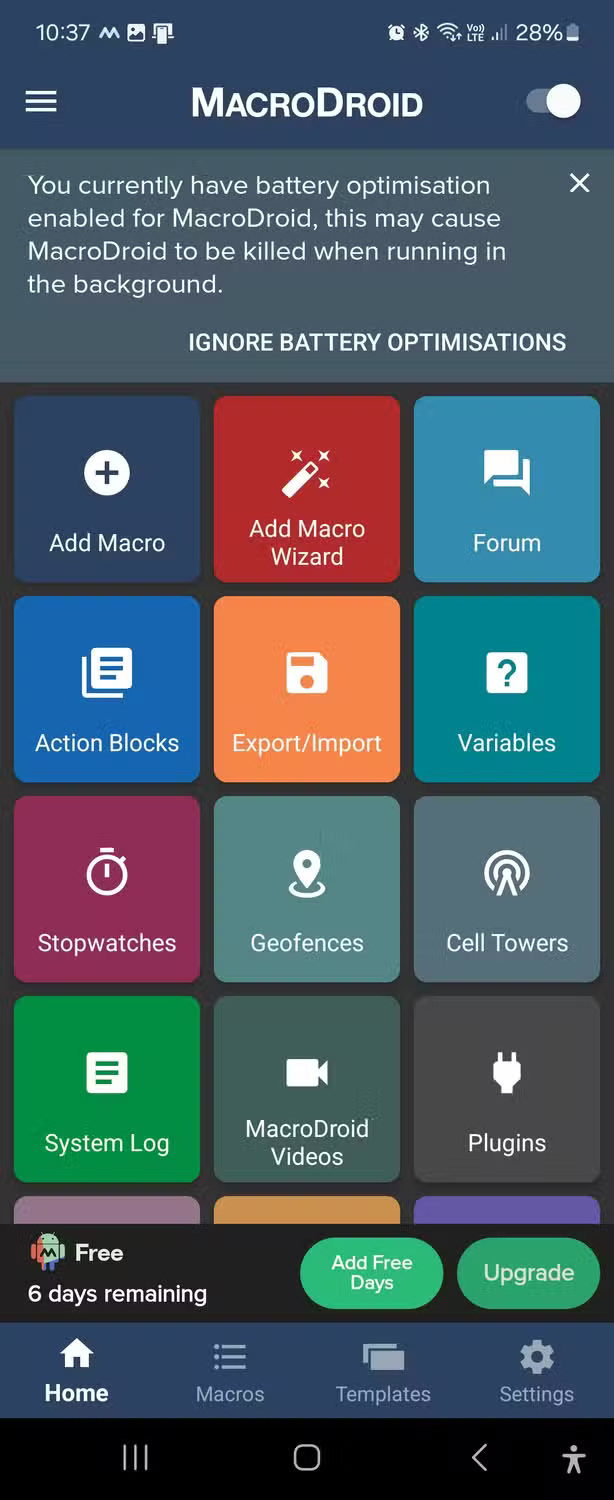
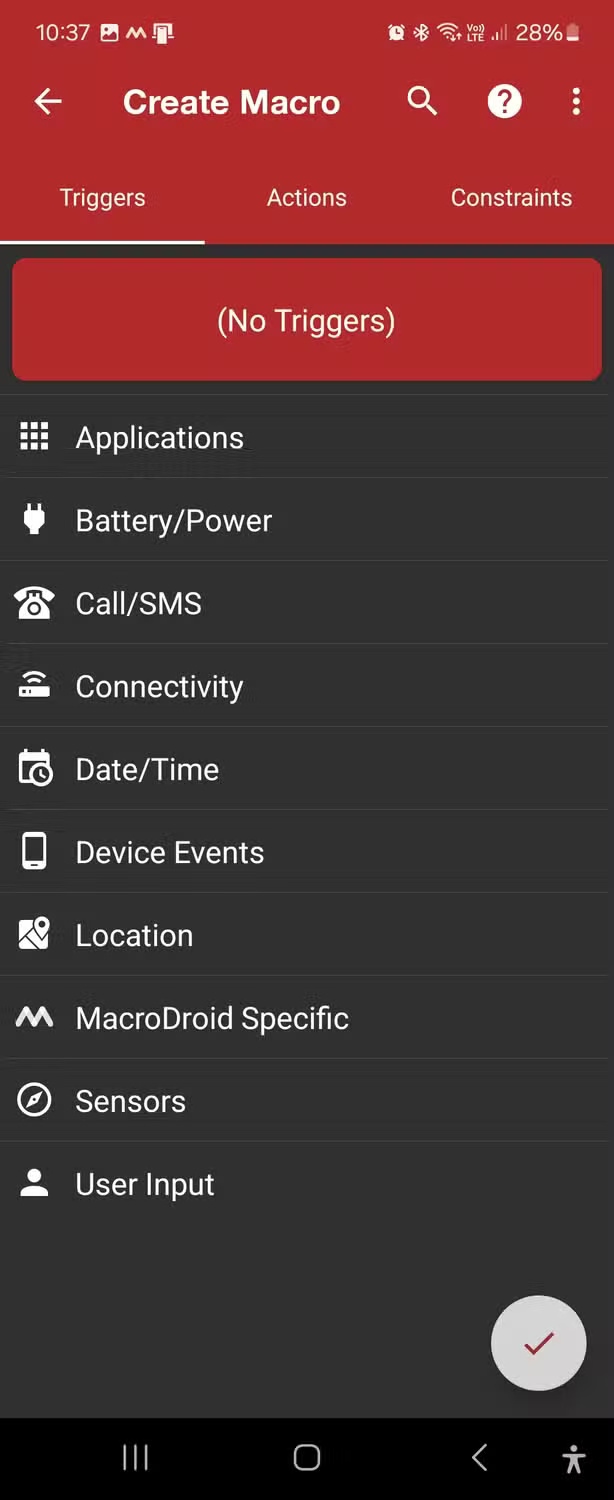
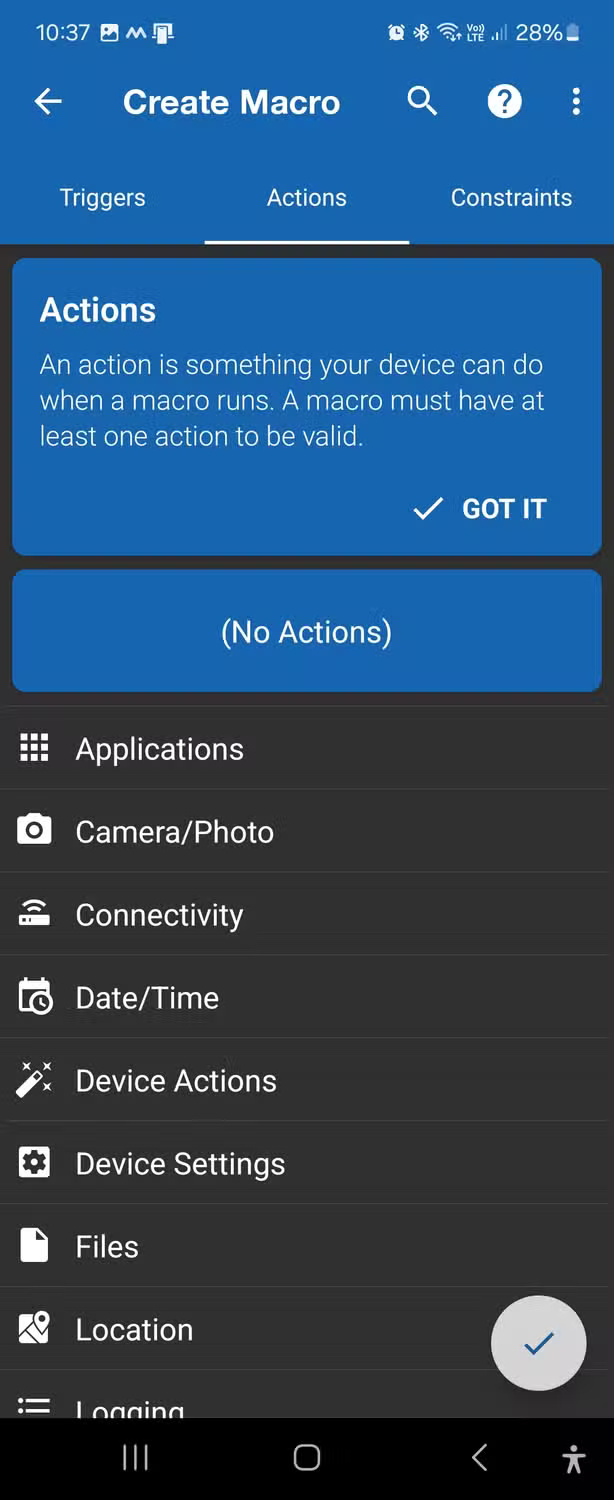
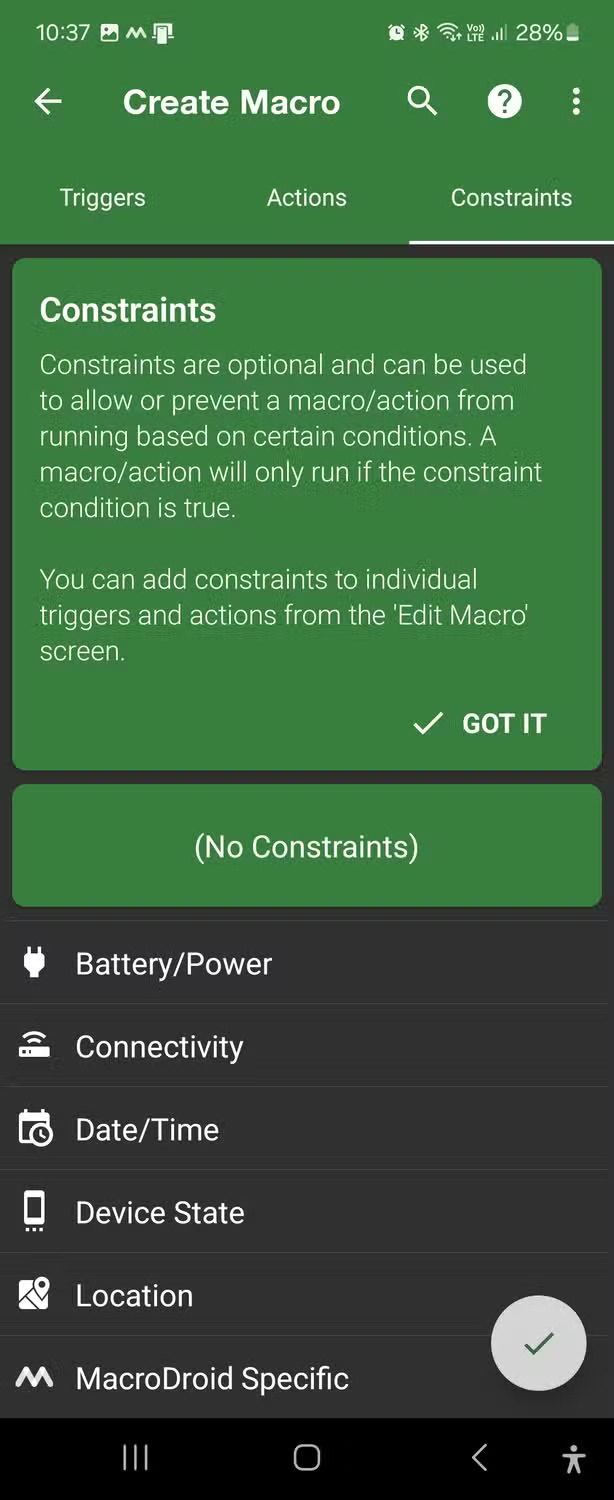
Start with a reversible macro and test it while the screen is unlocked. Community templates can be useful, but inspect every action and permission before enabling one.
6. Shizuku: advanced permissions without traditional root
Shizuku lets compatible apps call certain system APIs through ADB or root privileges. On Android 11 and later, it can start through Wireless Debugging; on an unrooted device, it generally needs to be started again after a reboot.
Best for: experienced users who understand ADB and trust the client app. Shizuku does not make every privileged action safe. Review what each connected app can do, disable Wireless Debugging when it is no longer required, and do not approve unknown clients.
7. ScreenZen: add friction before distracting apps
ScreenZen can delay app opening, limit usage sessions, schedule blocks, and show a prompt before a distracting app launches.
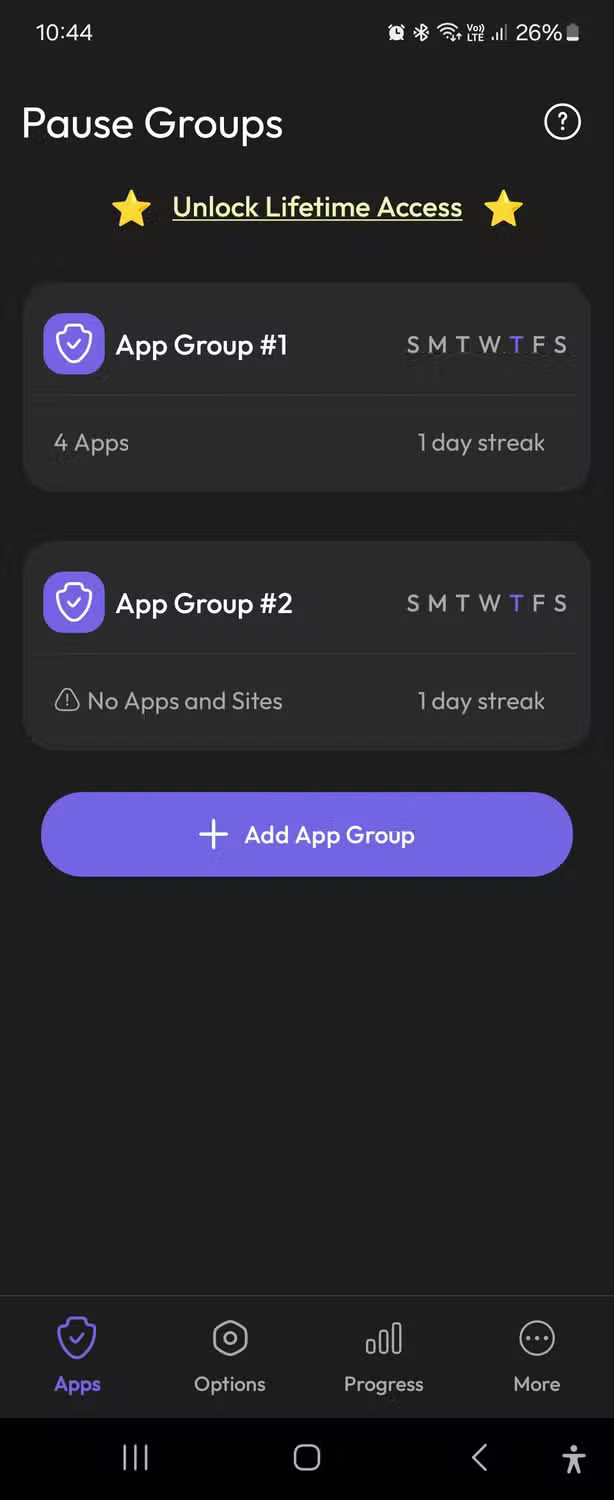
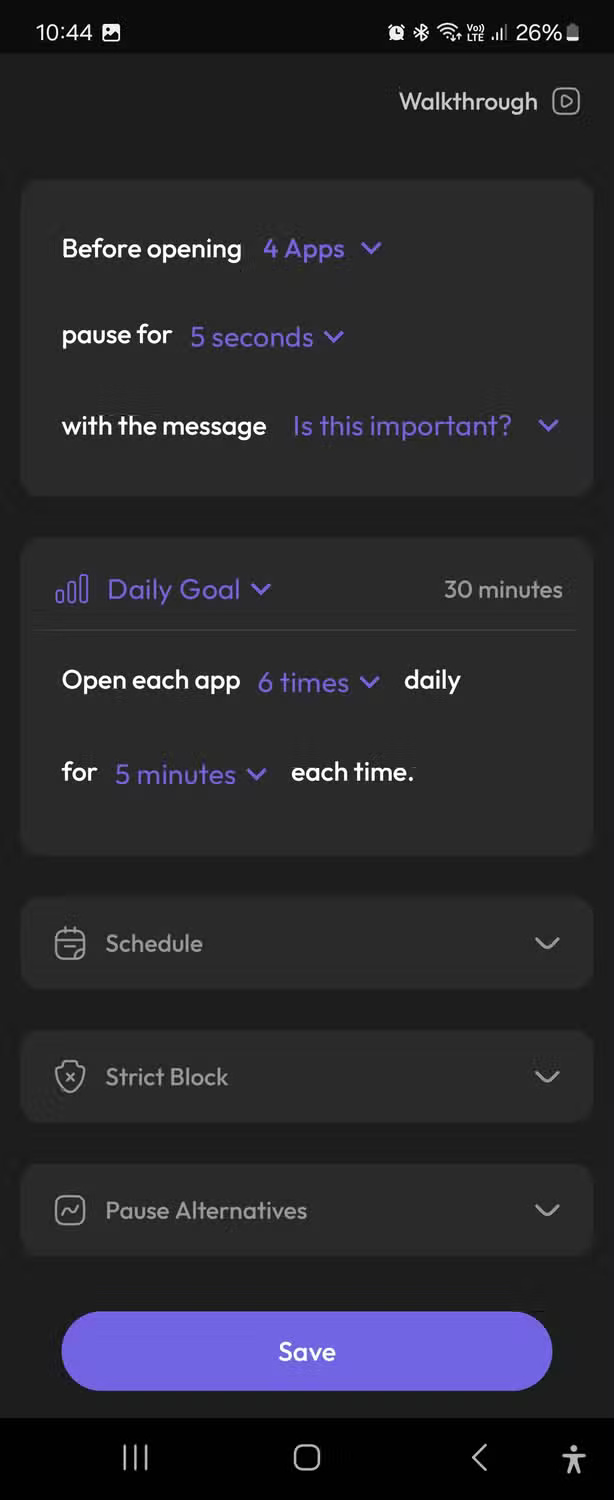
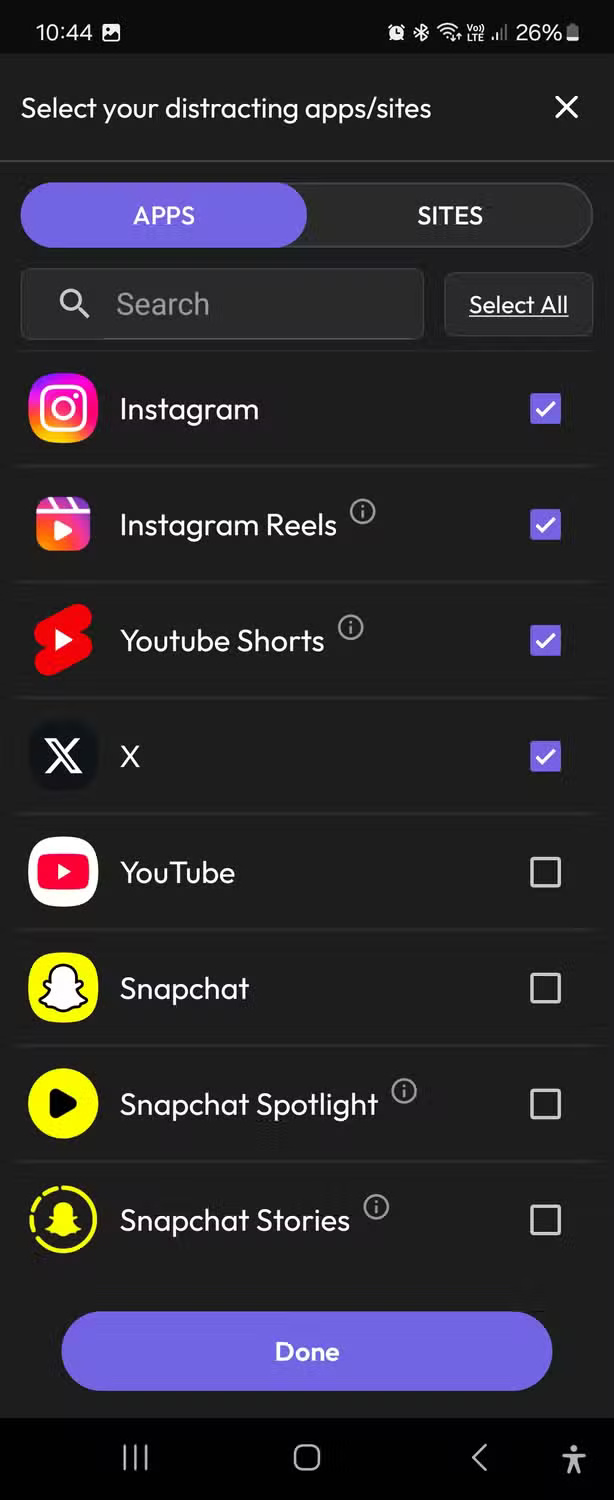
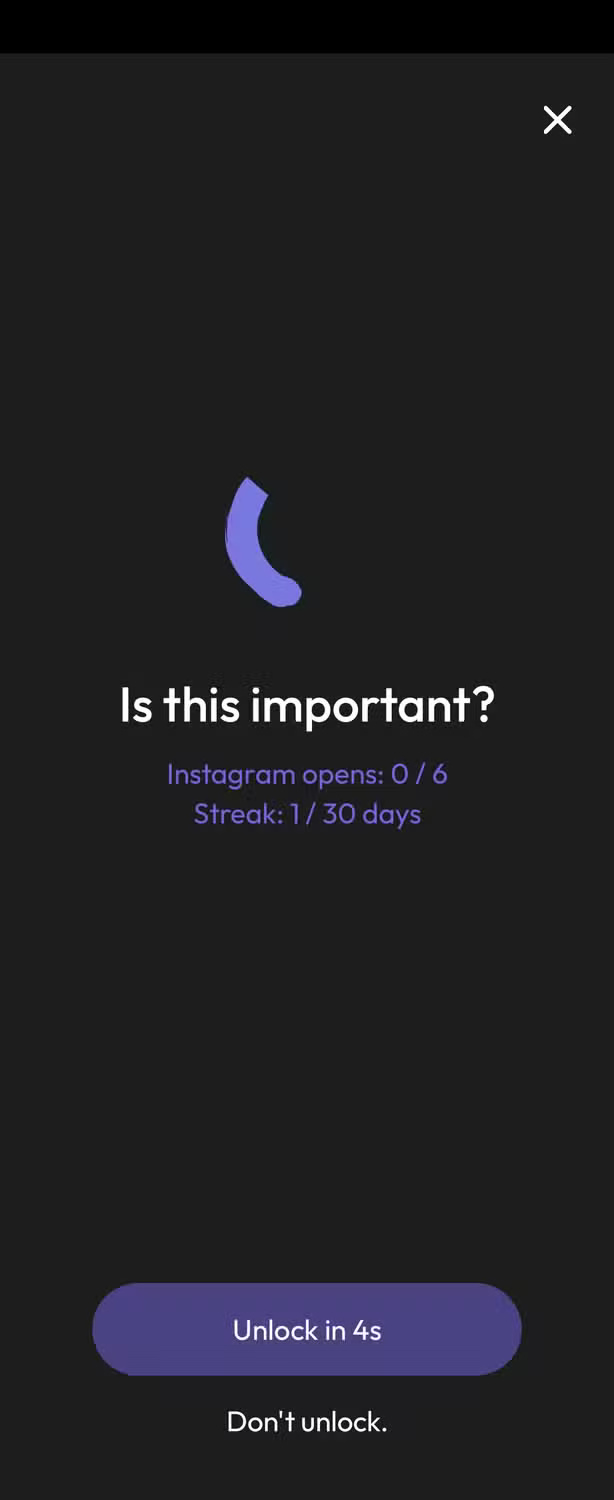
On Android, blocking websites or apps may require Accessibility access. Read the store's data-safety disclosure and grant only the permissions needed for the controls you use.
Which app should you install?
- Choose NokoPrint for printer compatibility, LocalSend for local transfers, and Keep for simple notes.
- Choose Proton Pass when credential security is the priority.
- Choose MacroDroid for approachable automation and Shizuku only for a compatible advanced tool you already understand.
- Choose ScreenZen when a pause or usage limit is more useful than deleting a distracting app.
Install only the tool that solves a current problem. Fewer high-permission utilities are easier to audit, update, and remove when no longer needed.
Related Articles
 7 Free Tools You Should Use Every Week to Make Your Online Life Easier8 minutes read
 Top Android Apps Are Free and Discounted (May 24, 2019)6 minutes read
 Ways to Apply Generative AI in Your Life Completely Free of Charge8 minutes read
 13 Extremely Useful Mobile Apps That Make Life Easier9 minutes read
 Top Free and Discounted Android Apps (October 8, 2019)4 minutes read
 10 Ways Google Lens Makes Life Easier on Android10 minutes read
Reader Comments 0
Sign in with email or Google to join the discussion.