Table of Contents
Here are some apps that can enhance your Fire TV Stick experience.
Overall, the Amazon Fire TV Stick is a handy and beautiful device that can enhance your everyday experience. However, there are times when you feel like your Fire TV Stick could use some improvement. At first, you might think you have to live with these shortcomings, but after trying a few apps, most of your complaints will be resolved. Here are some apps that can enhance your Fire TV Stick experience.
Downloader
Download anything from the Internet
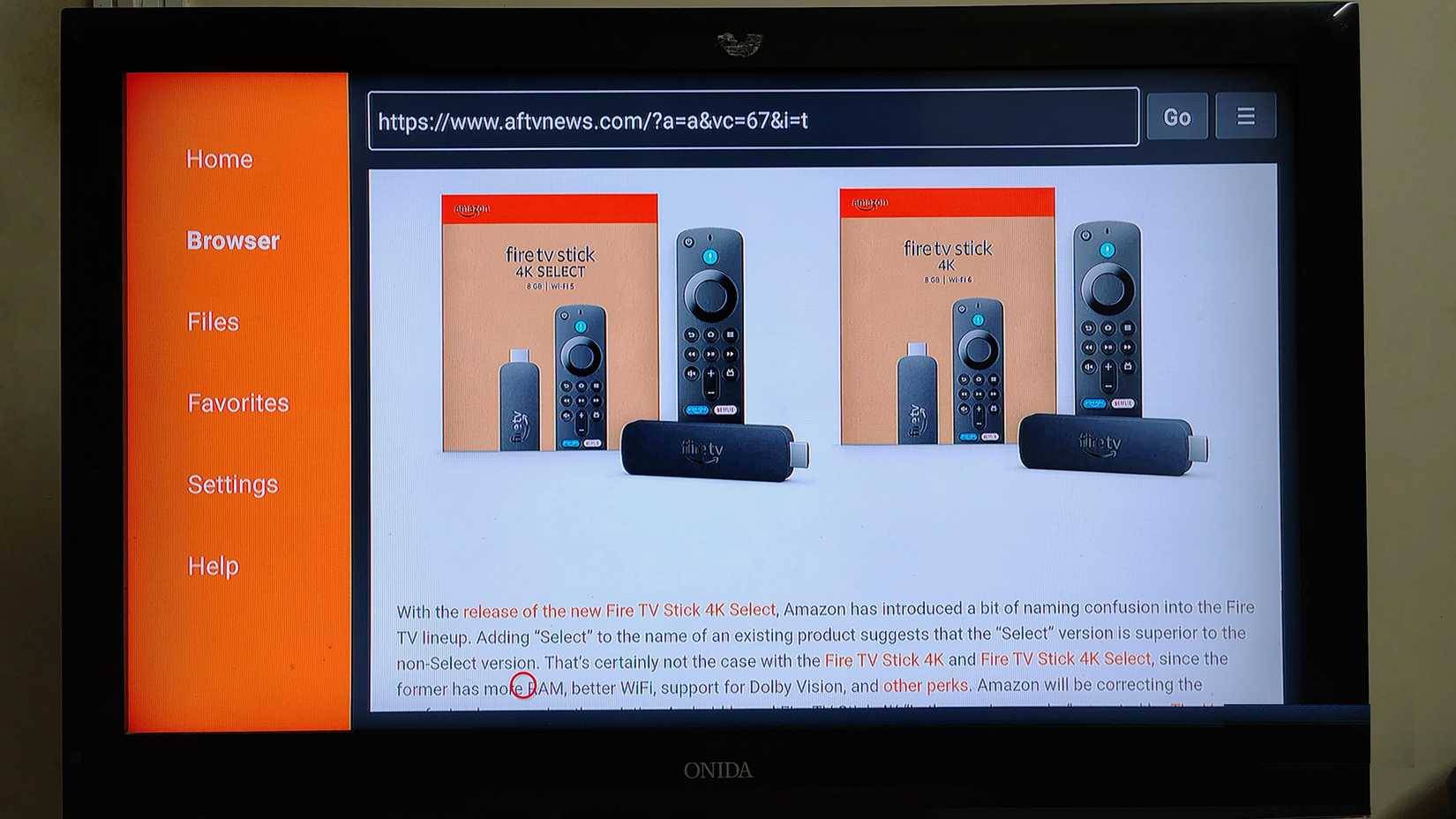
Downloader is a browser app that lets you download third-party apps and media directly from the internet to your Fire TV Stick. It makes sideloading apps from outside the web much easier, especially apps that are region-restricted or unavailable for other reasons. This tool lets you access apps that are not available in your region.
Taotlus
Change how you navigate on your Fire TV Stick
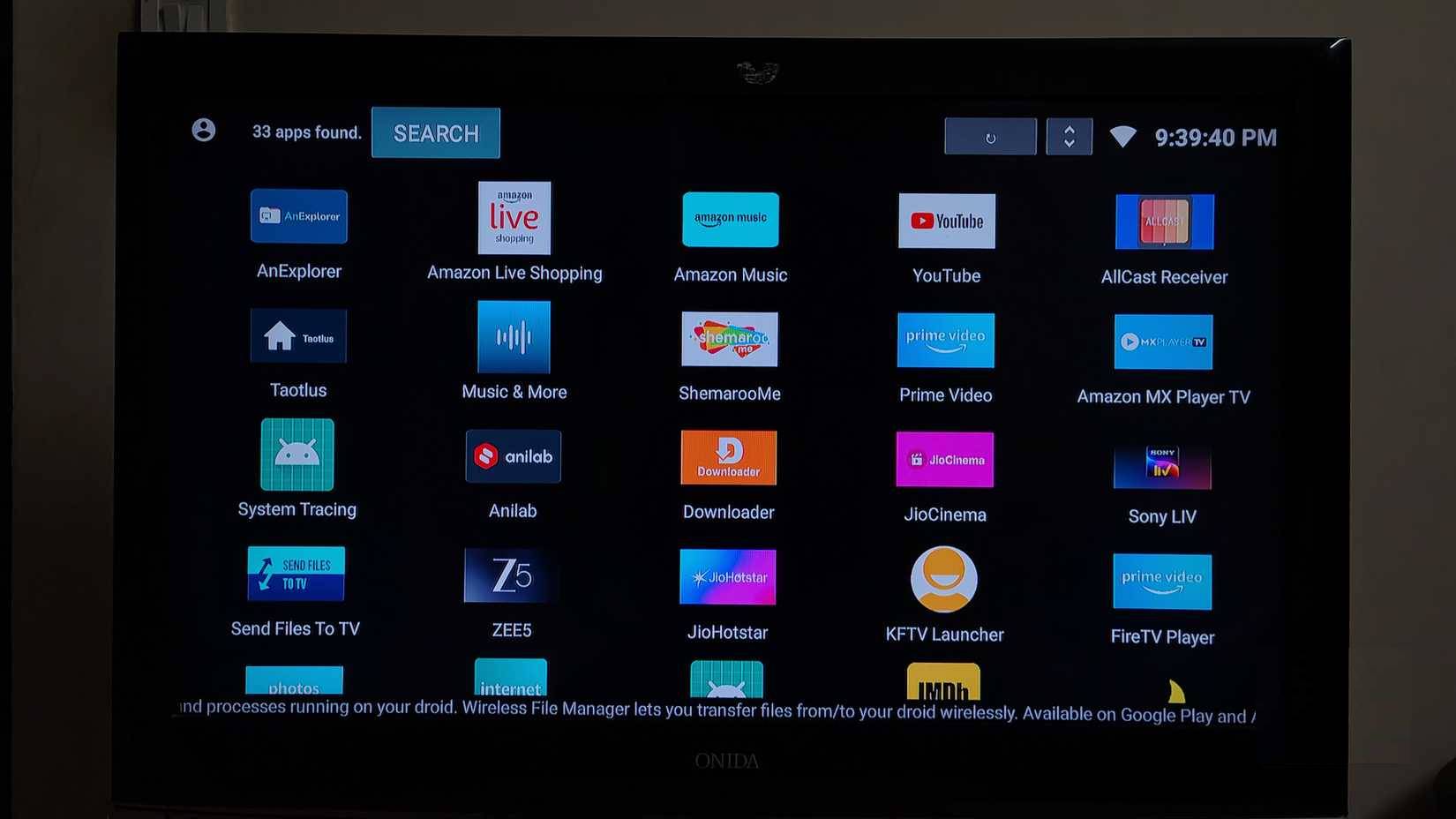
The Fire TV Stick has a great and user-friendly interface; however, it is often plagued by ads. Amazon recently started showing full-screen ads every time you turn on the Fire TV Stick, which is annoying. Additionally, the scrolling ads at the top of the screen slow down the device when you first turn on the TV. These ads also use up more data when loaded.
To solve this problem, turn to Taotlus.
AnExplorer
Access everything on Fire TV Stick
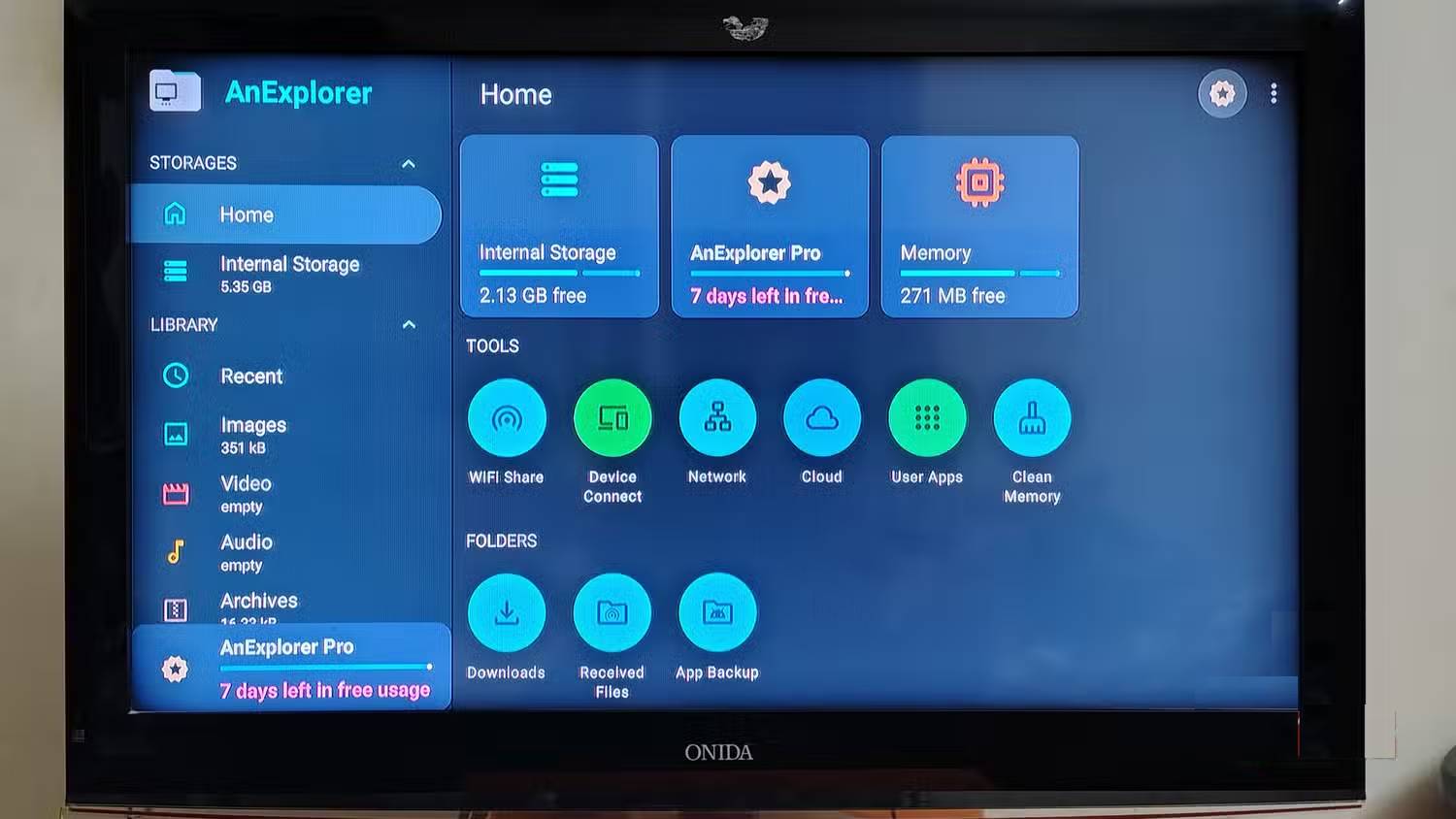
While you can download any app and media from the Downloader browser, AnExplorer is the only app that helps you navigate through files. You can play downloaded or received media, or install downloaded apps from AnExplorer. Just like Downloader, you will need to make some adjustments here and there to install apps using AnExplorer.
Send Files to TV (SFTTV)
Send files to Fire TV Stick
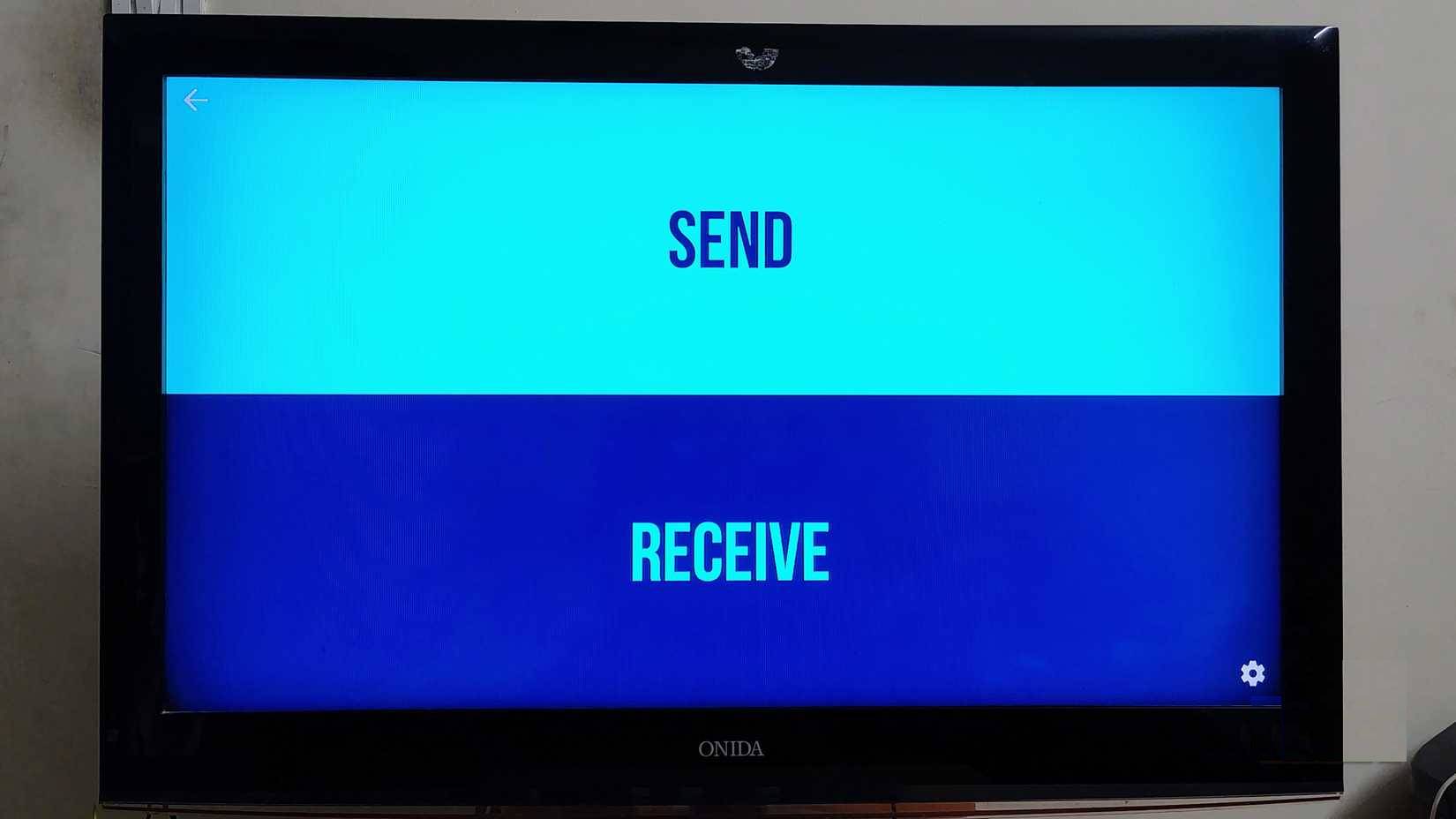
Send Files to TV (SFTTV) is one of the most essential apps for many people, whether it is Fire TV Stick or Android TV. It helps you share files, apps and media content to Fire TV Stick and Android TV easily.
Kodi
All your content in one place

Kodi is a great add-on application that acts as a media center, allowing you to play, view, and organize all of your content in one place. Kodi lets you access files from your hard drive, NAS device, or even the internet. While Kodi requires a one-time initial setup, it works smoothly once configured.
AllCast for Fire TV
Cast your phone to Fire TV Stick

While the Amazon Fire TV Stick supports casting from the Amazon Fire TV app, setting up the connection can be a bit complicated and time-consuming. On the other hand, AllCast for Fire TV makes it easy to connect and stream media from your phone to the Fire TV Stick.
Amazon Fire TV (Remote)
Control Fire TV Stick from your phone
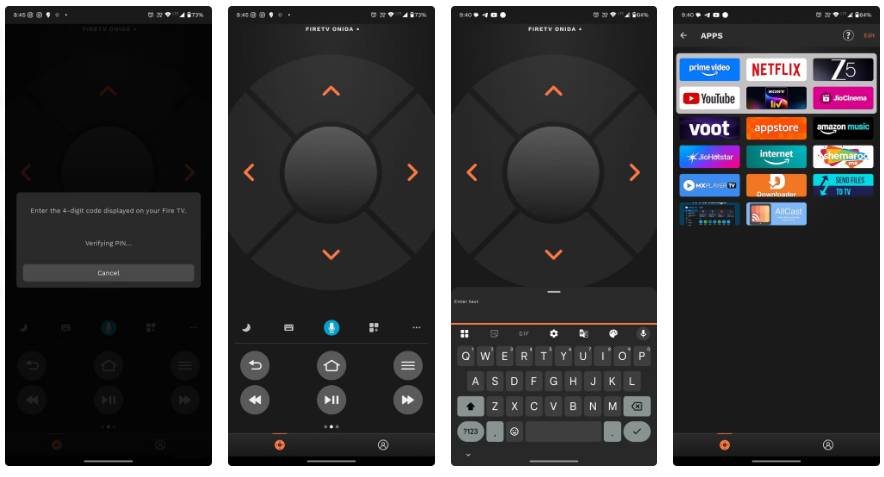
Since the discovery of the Amazon Fire TV app that lets you use the remote directly from your phone, many people have almost stopped using their Fire TV Stick remote. Using it on your phone via the app is much more convenient, as it even lets you use your phone's keyboard to enter text on the Fire TV Stick.
FAQ
What should you know about the options in this guide?
In practical terms, here are some apps that can enhance your Fire TV Stick experience.
Which option is the best choice?
The best choice depends on your priorities, compatibility, budget, and the specific features discussed in the comparison.
What should you compare before deciding?
Compare core features, limitations, ease of use, compatibility, and long-term value before making a decision.
Related Articles
 7 Fire TV Stick Apps You Shouldn't Miss6 minutes read
 How to Download Apps on Amazon Fire Tablets3 minutes read
 5 Things You Can Do with Fire TV Without Ads: Explained7 minutes read
 Is Fire a Solid, Liquid, Gas or Plasma?4 minutes read
 How to Playing Martyrs VNG for Newbies7 minutes read
 Get Any App You Want on Fire TV Without the Play Store: How-To Guide8 minutes read
Reader Comments 0
Sign in with email or Google to join the discussion.