Table of Contents
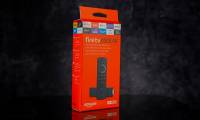
The Fire TV Stick 4K is a practical Chromecast replacement if you want to launch apps with a remote and use Alexa. If you regularly send video from the Cast button on your phone, the Google TV Streamer is the closer replacement. Google ended Chromecast production in 2024. An existing unit that still works with your apps does not need to be replaced solely because production ended.
Decide whether you want to cast or use TV apps
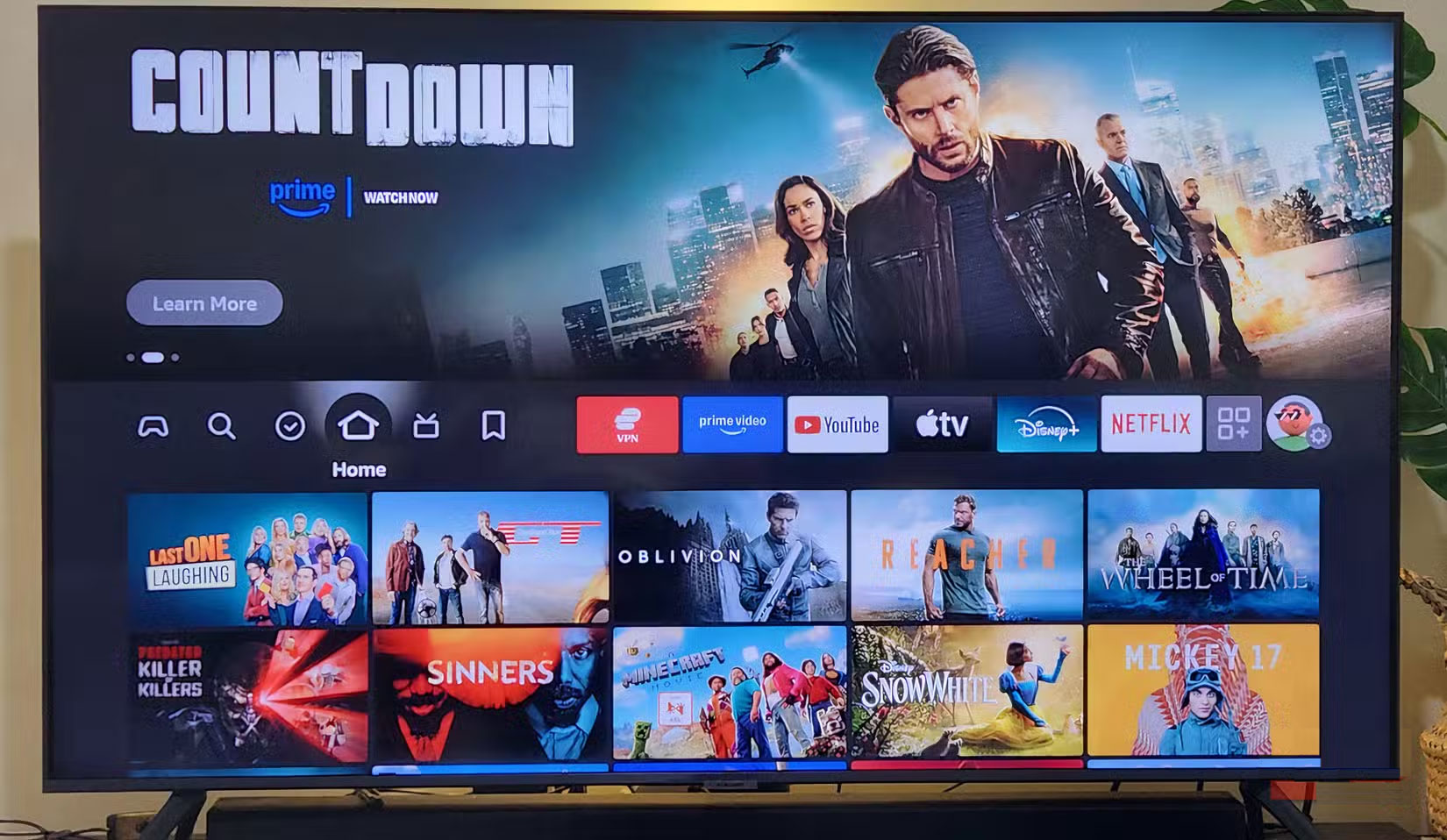
Older Chromecasts were designed around sending content from a phone or computer. Chromecast with Google TV also introduced a remote and an app interface. The Google TV Streamer continues that approach with Google Cast support. Fire TV has its own app platform. Test any phone-to-TV feature you depend on, since mirroring and app-specific playback are different from Google Cast.
Check the remote and apps
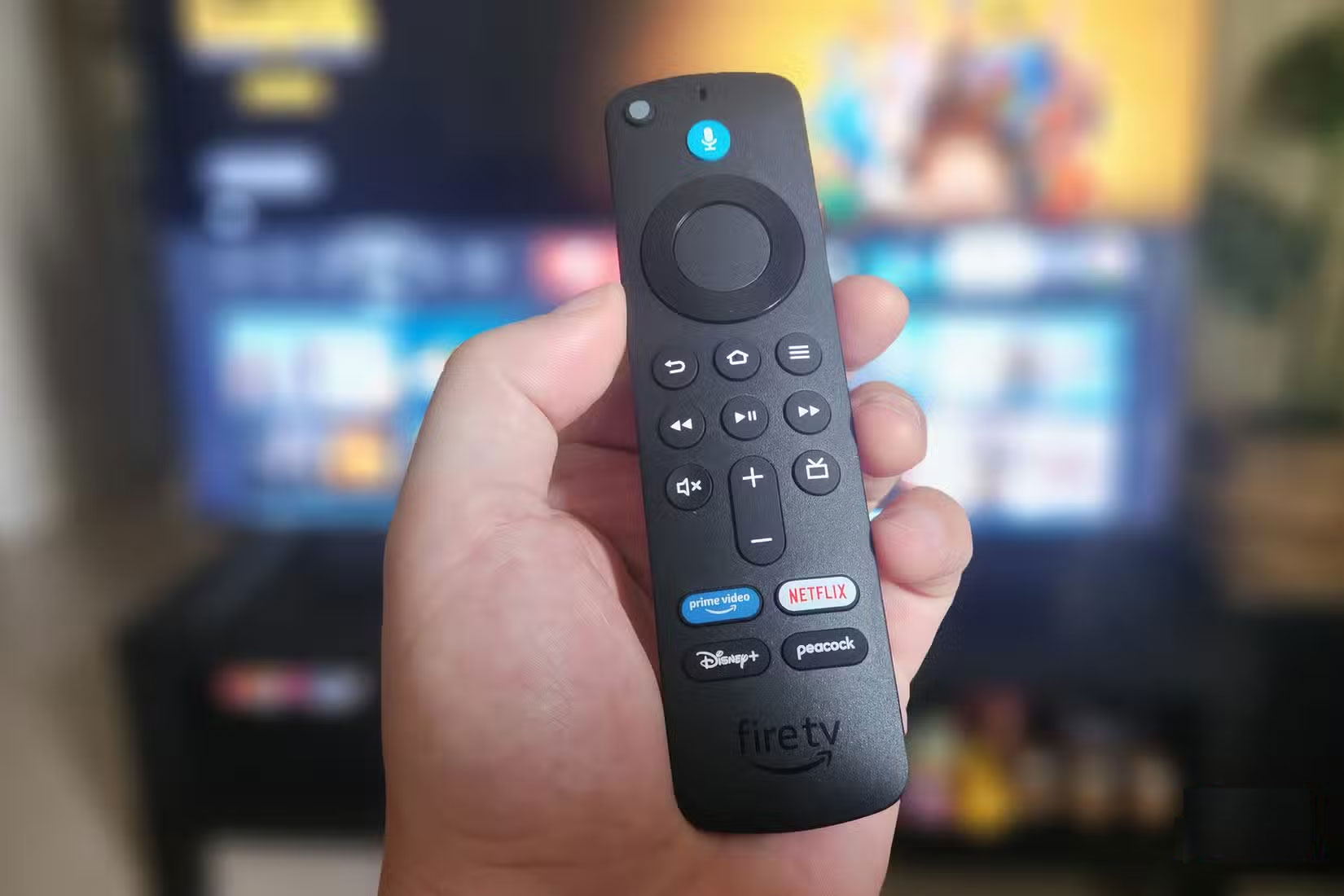
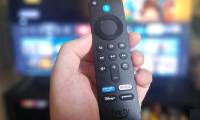
The Fire TV Stick 4K ships with an Alexa Voice Remote. Depending on the model and setup, it can search for shows and control power and volume on compatible equipment. Compare the exact remote included with the package, particularly if you need specific app shortcuts.
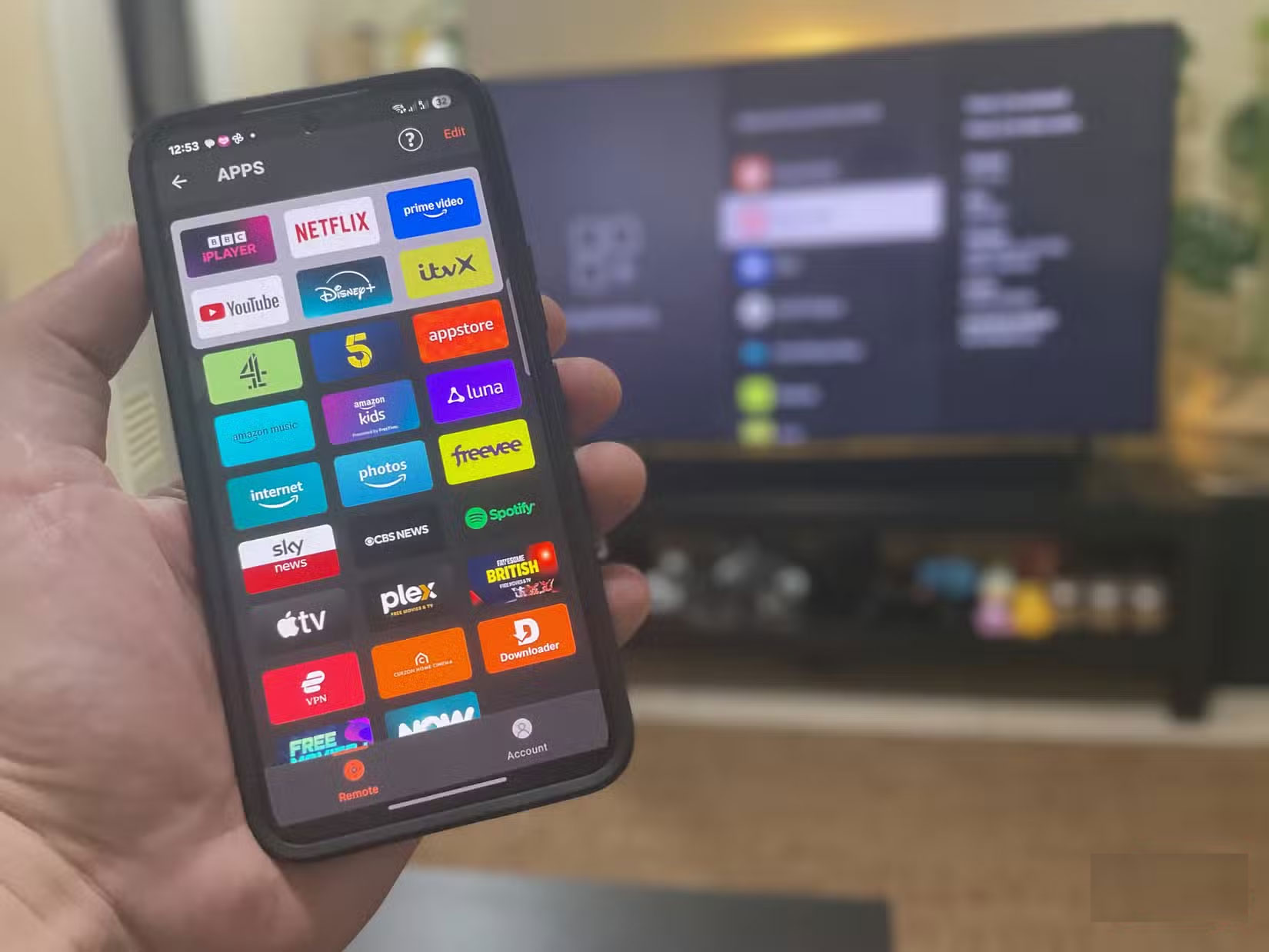
Check the app store on each platform for your regional services, subscriptions or live TV provider. Availability can vary by country and device. See these Fire TV Stick app examples if you want to use it for more than the major streaming services.
Match your smart-home equipment
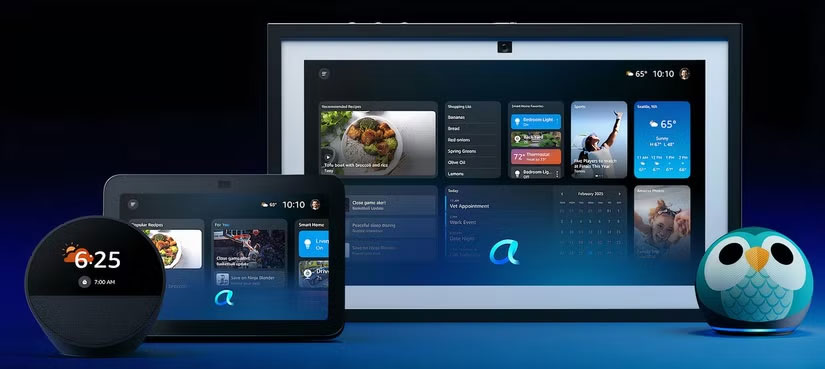
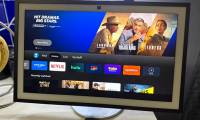
Fire TV may be more convenient if you already use Alexa and want to view a supported camera or control a compatible device. Confirm the specific camera and feature. See other ways to use Fire TV beyond streaming.
Compare the exact 4K models on sale
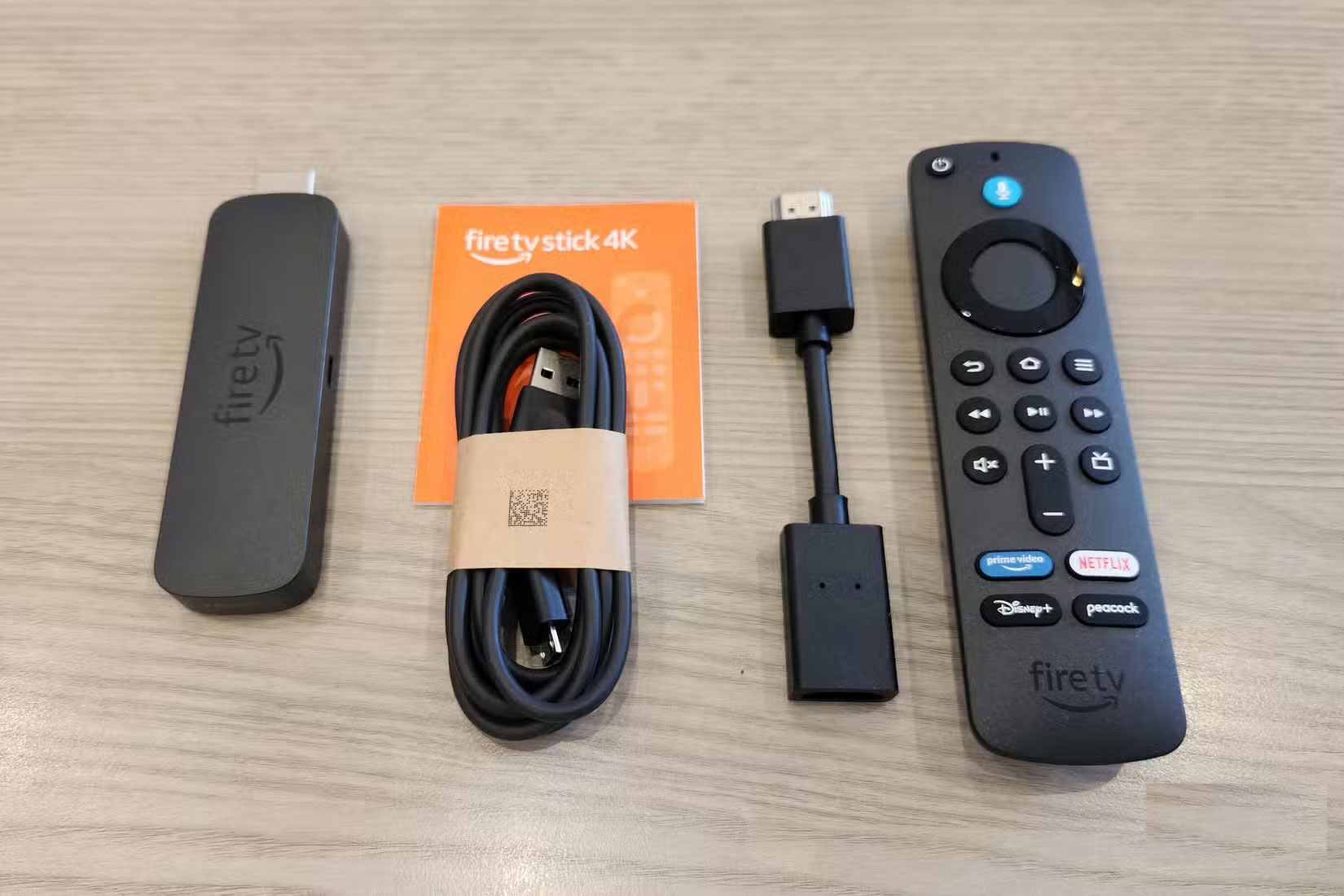
Look up the Fire TV model’s specifications if Dolby Vision, HDR10+ or Dolby Atmos matters to you. These features depend on the model, content and connected equipment. Compare the total price and any extras you need, such as an Ethernet adapter or HDMI cable, before choosing a replacement.

Reader Comments 0
Sign in with email or Google to join the discussion.