Table of Contents
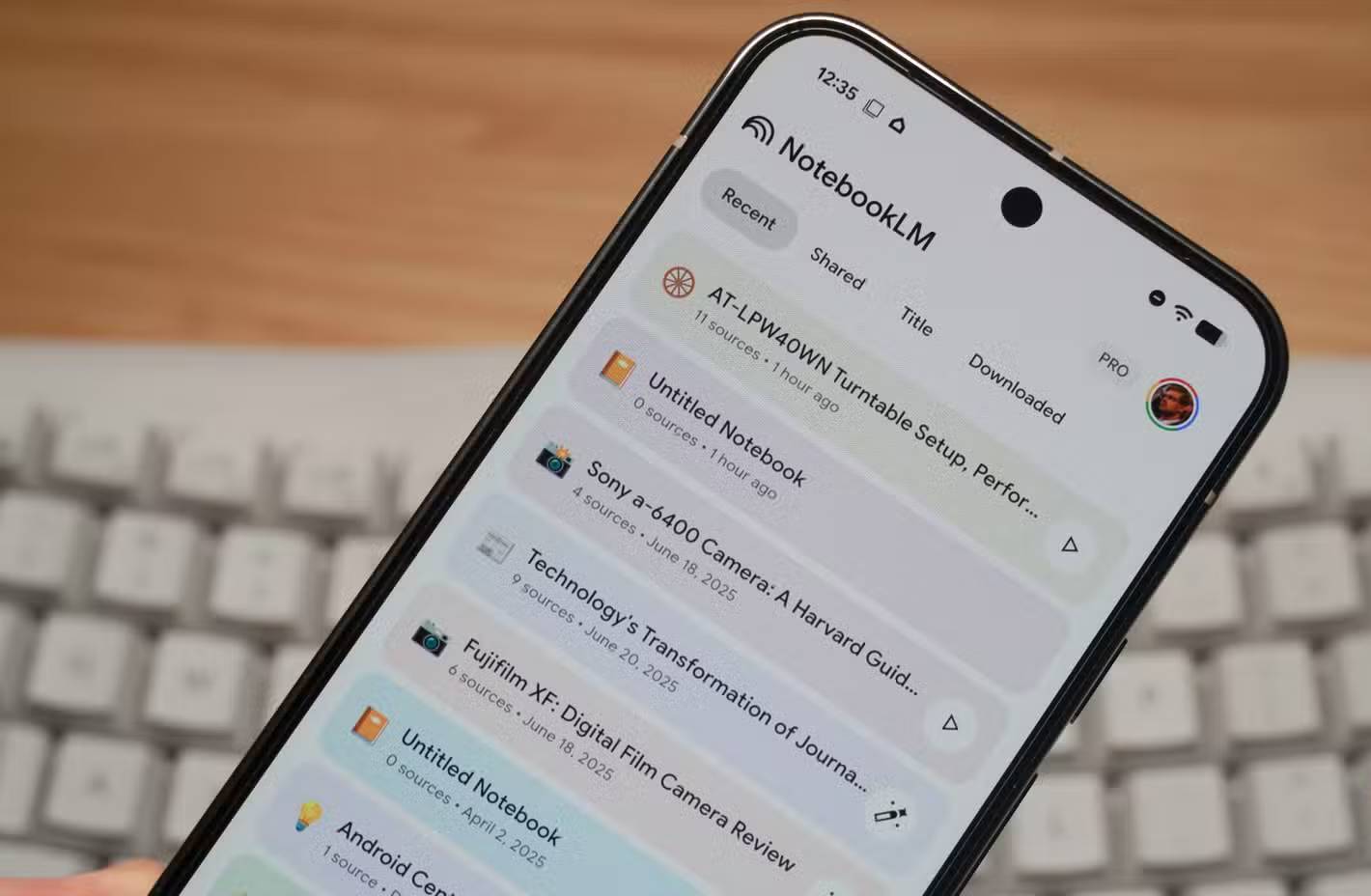
NotebookLM can turn a selected set of sources into two useful study formats: Audio Overviews for listening and Video Overviews for narrated visual explanations. They are most effective as previews and review aids—not as substitutes for reading the source, solving problems, or checking citations.
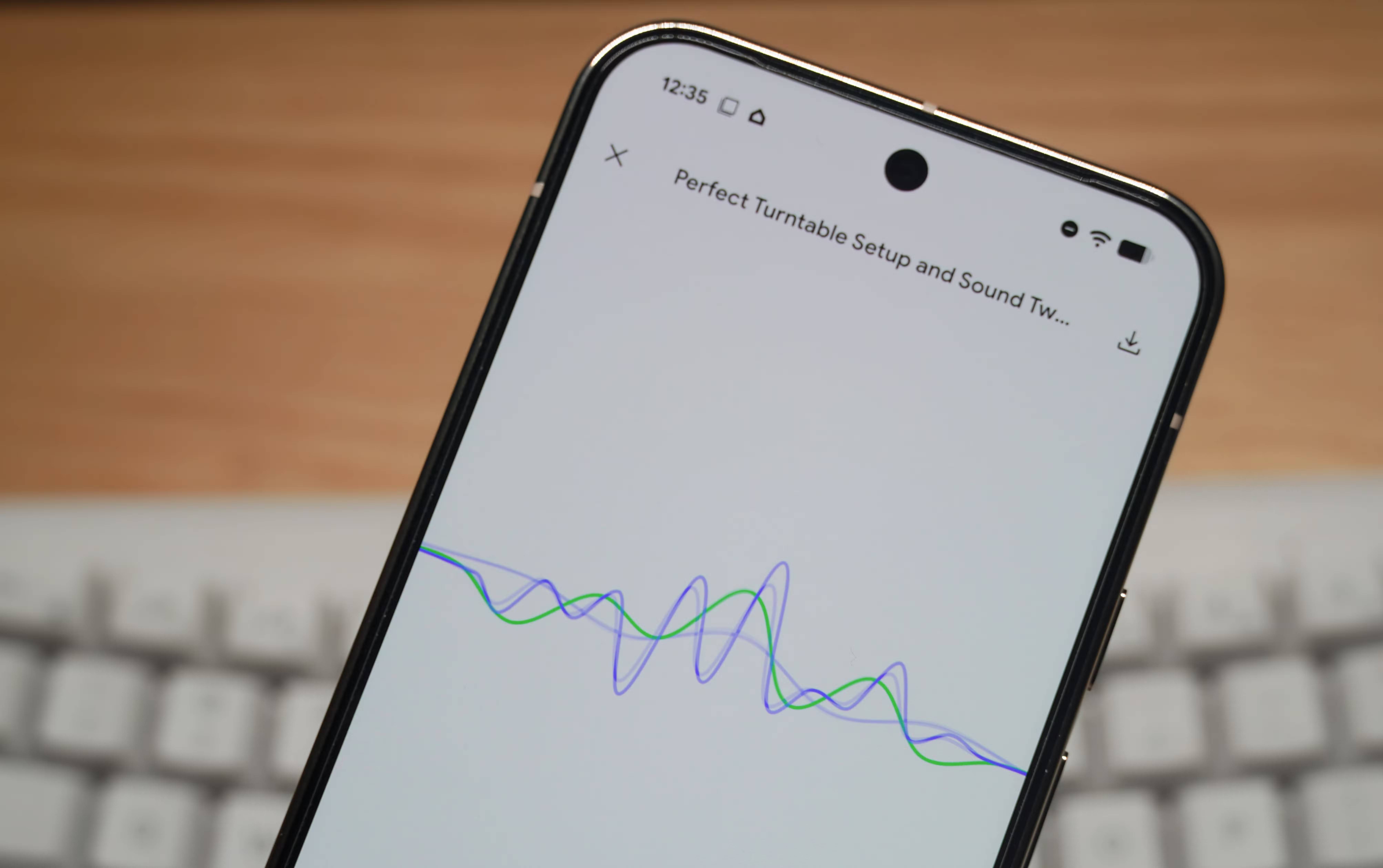
Start with a focused source set
The quality of either overview depends on the notebook. Add the material for one course unit or question: lecture notes, assigned PDFs, approved websites, Google Docs or Slides, relevant audio, and YouTube videos with usable transcripts. Remove outdated or unrelated sources.
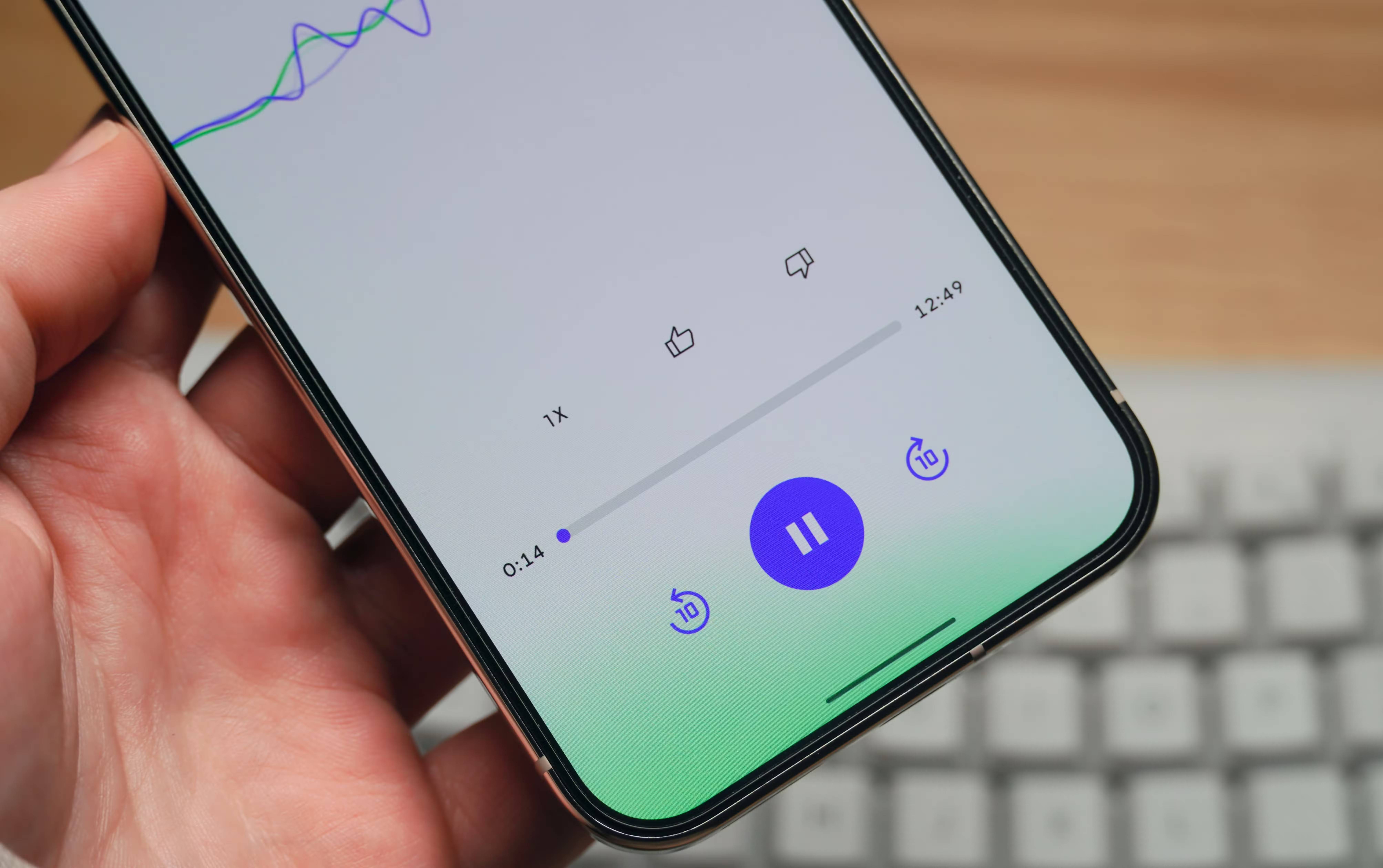
Before generating anything, ask NotebookLM a few source-grounded questions and open the citations. If a scan has poor OCR, a video lacks a transcript, or two documents conflict, fix or label that issue first.
1. Audio Overviews
An Audio Overview is an AI-generated spoken explanation based on notebook sources. Depending on the selected format, it may use one speaker or a discussion between two hosts. It is useful for previewing a unit, reviewing while walking or commuting, and hearing relationships between sources.
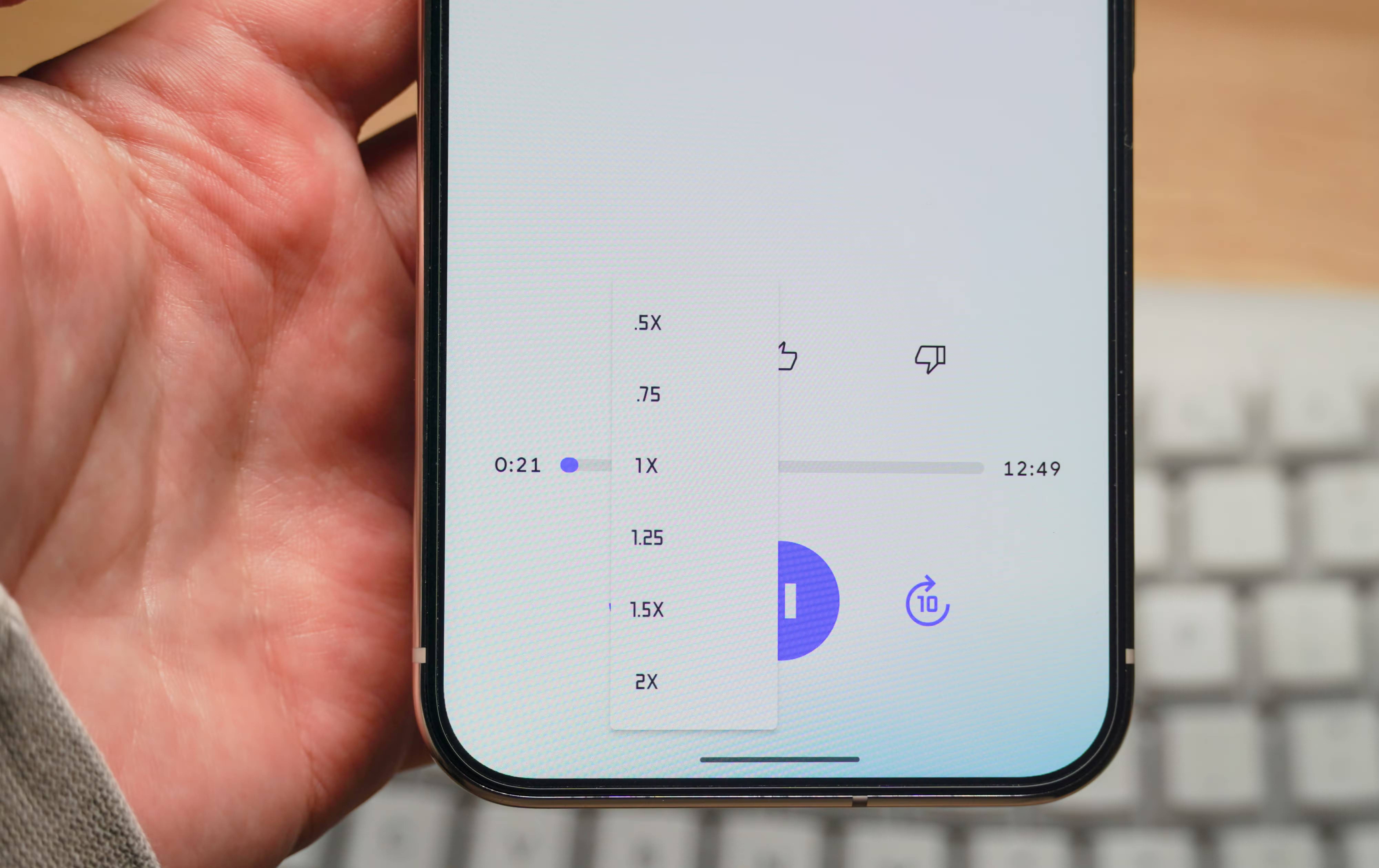
Choose the right audio format
| Format | Best use |
|---|---|
| Deep Dive | A longer two-host discussion that connects ideas across sources |
| Brief | A single-speaker summary of key takeaways in under two minutes |
| Critique | Constructive evaluation of an essay, proposal, or design document |
| Debate | A structured exploration of competing perspectives |
The current Audio Overview help page also lists language selection, a steering prompt, and—when supported for the selected language—shorter, default, or longer length.
Generate an Audio Overview
- Open a notebook that you can edit.
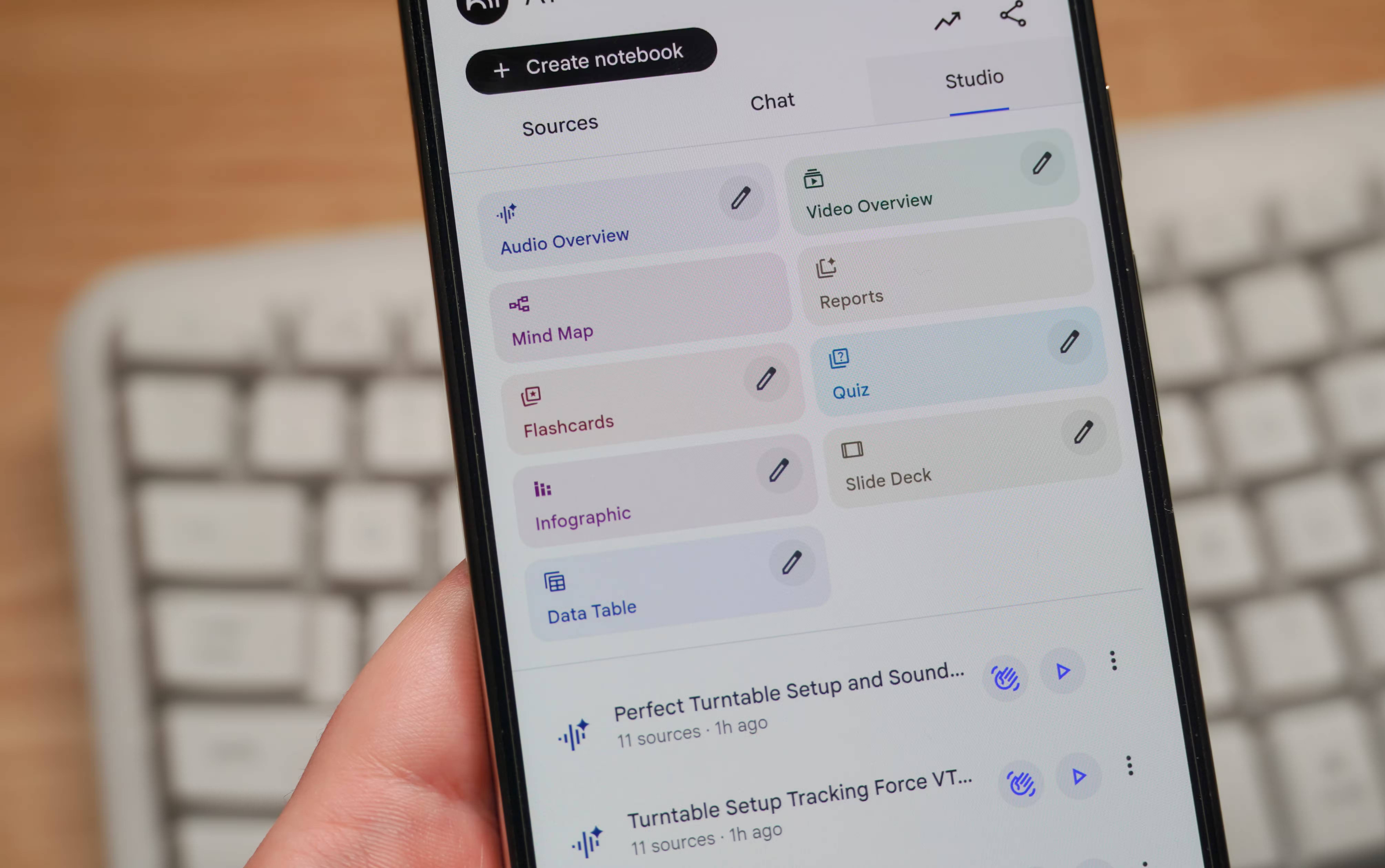
- In Studio, select Audio Overview.
- Choose Deep Dive, Brief, Critique, or Debate.
- Select a language and available length.
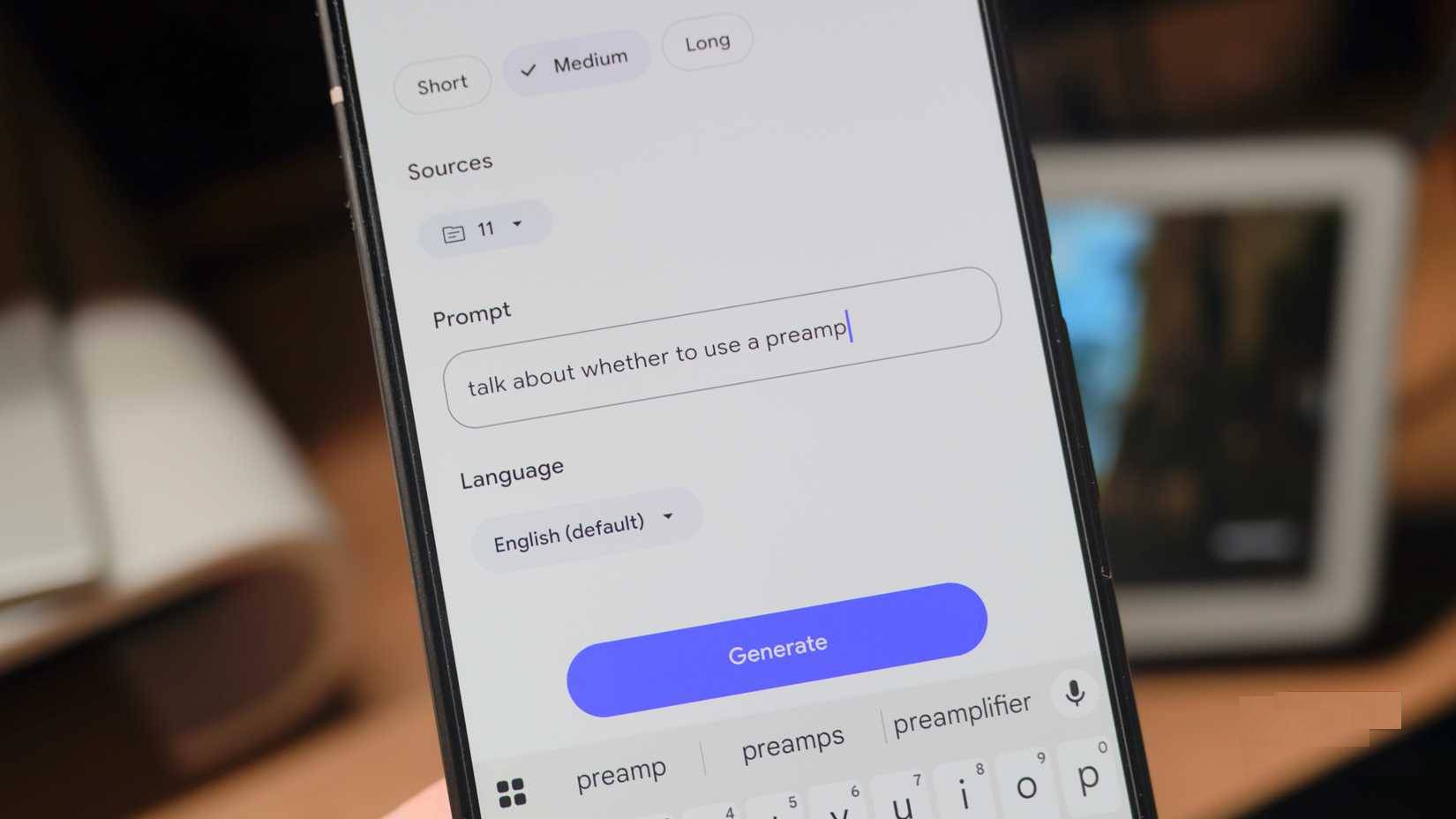
- Add a steering prompt that names the exam objective, source range, and level of prior knowledge.
- Select Generate. The overview is created in the background.
- Listen with the sources available so you can inspect a claim or citation that sounds uncertain.
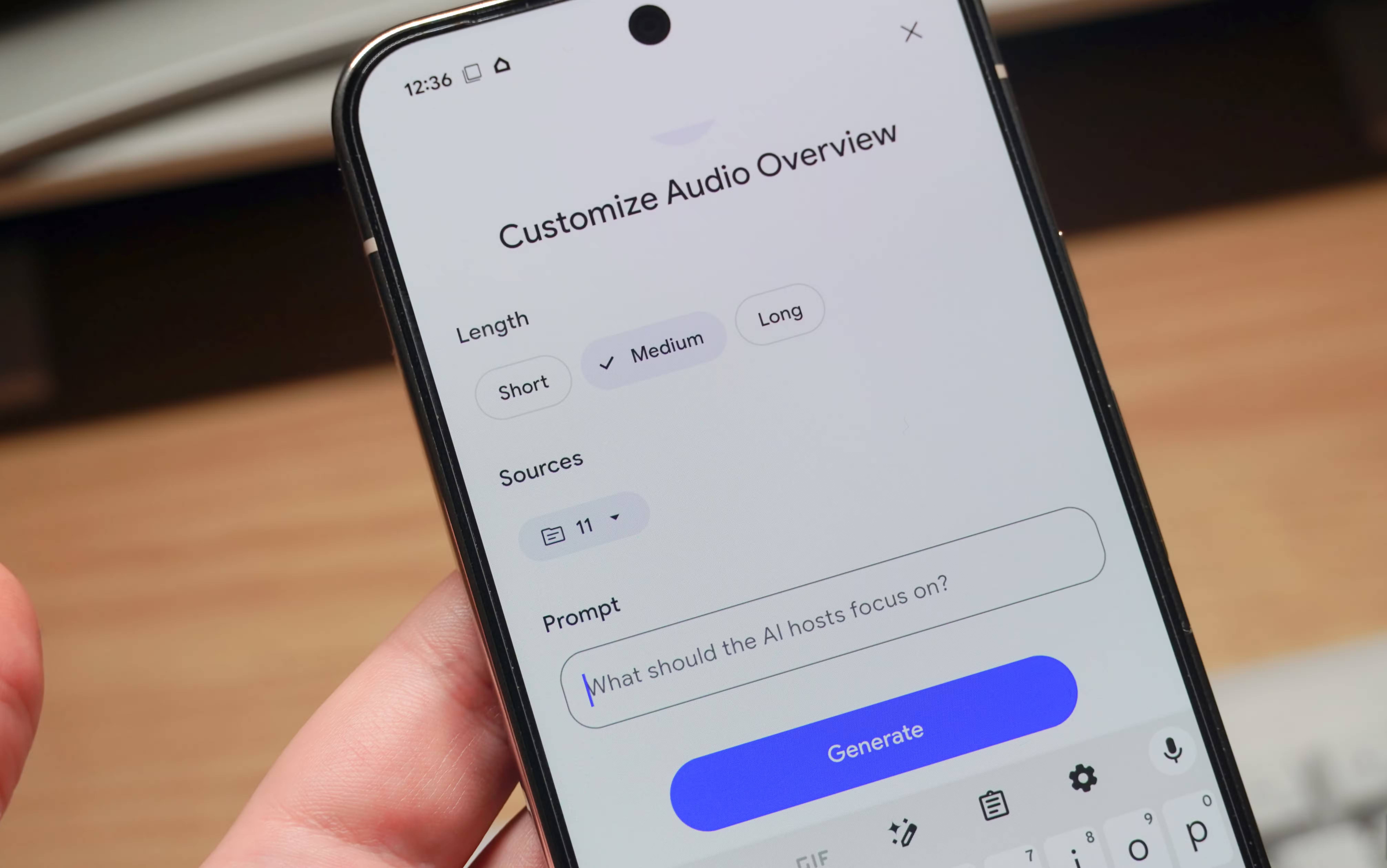
Example steering prompt:
Prepare a review for a student who understands the basic vocabulary but confuses mitosis with meiosis. Focus on the diagrams and comparison table in sources 2–4. Define each phase, call out the three most common confusions, and end with five questions for active recall. Do not introduce facts that are absent from the sources.
Study actively while listening
- Pause before an explanation and predict the answer.
- Write down three claims to verify in the source.
- After listening, explain the topic without replaying the audio.
- Create questions from anything you could not recall.
- Generate a second format only for a different purpose—for example, a Brief after a Deep Dive.
Listening is convenient during a walk or commute, but passive repetition can create a false sense of familiarity. Do not operate playback controls while driving.
2. Video Overviews
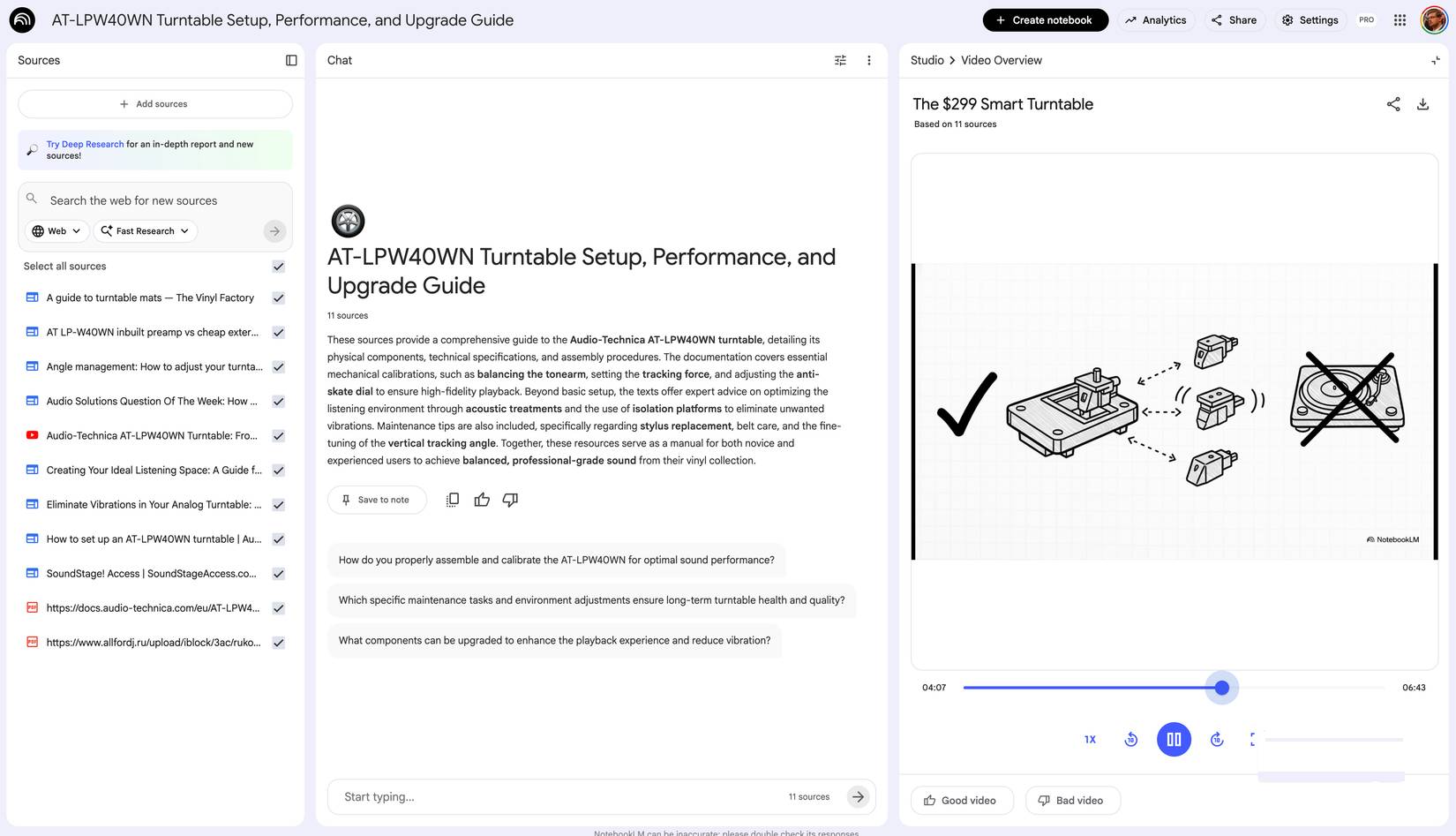
A Video Overview turns notebook sources into an AI-generated narrated presentation. It may draw on source images, diagrams, quotations, and numbers while also creating supporting visuals. This is helpful for processes, spatial relationships, charts, and concepts that are hard to explain through audio alone.
Current video formats
| Format | Purpose | Important availability note |
|---|---|---|
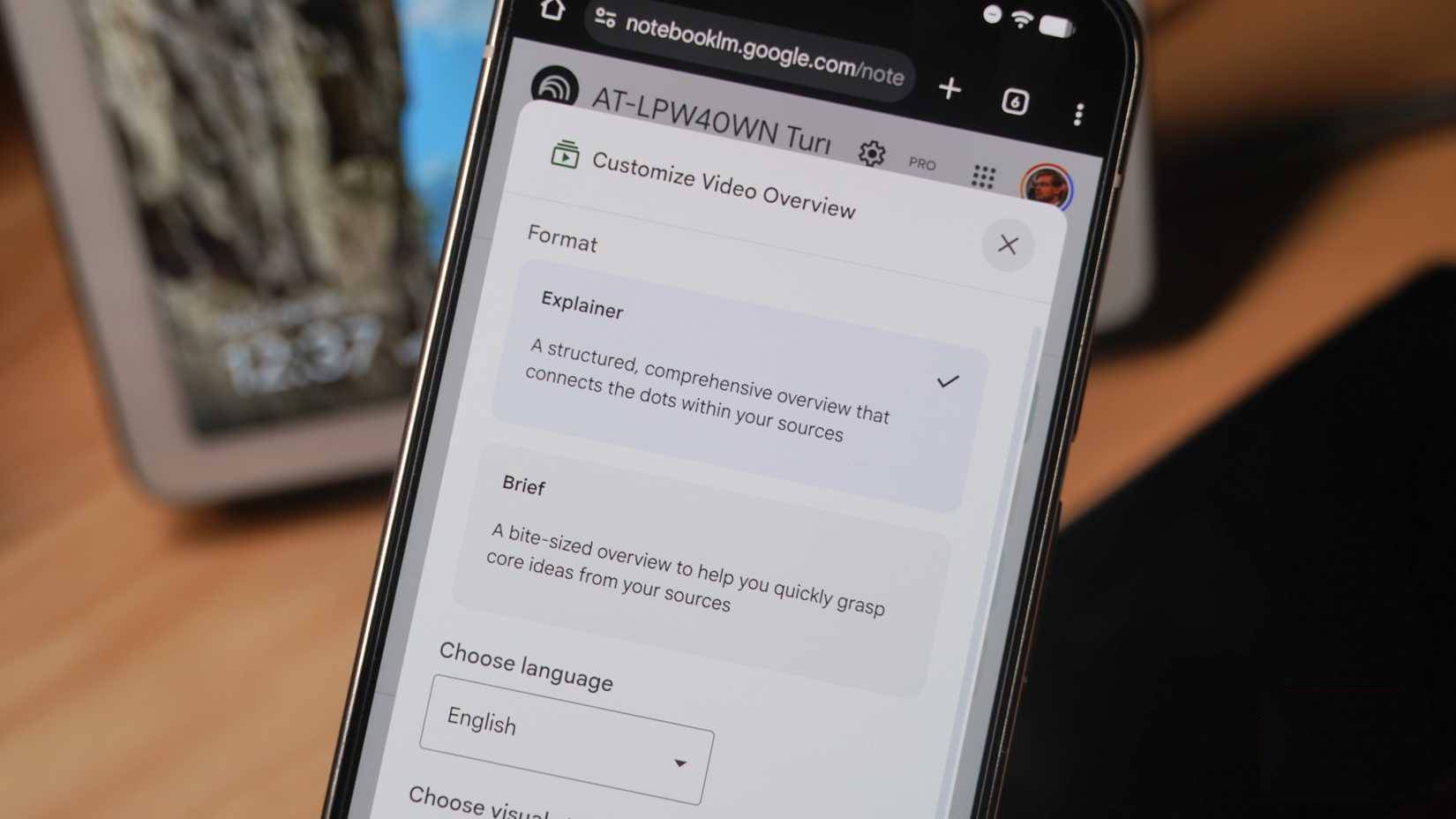
| Cinematic | Immersive storytelling and visual explanation | Currently English-only and restricted to users 18 or older |
| Explainer | Structured, comprehensive explanation connecting ideas | Supports the available narration languages and style options |
| Short | A quick overview of key concepts, roughly one minute | Currently English-only and restricted to users 18 or older |
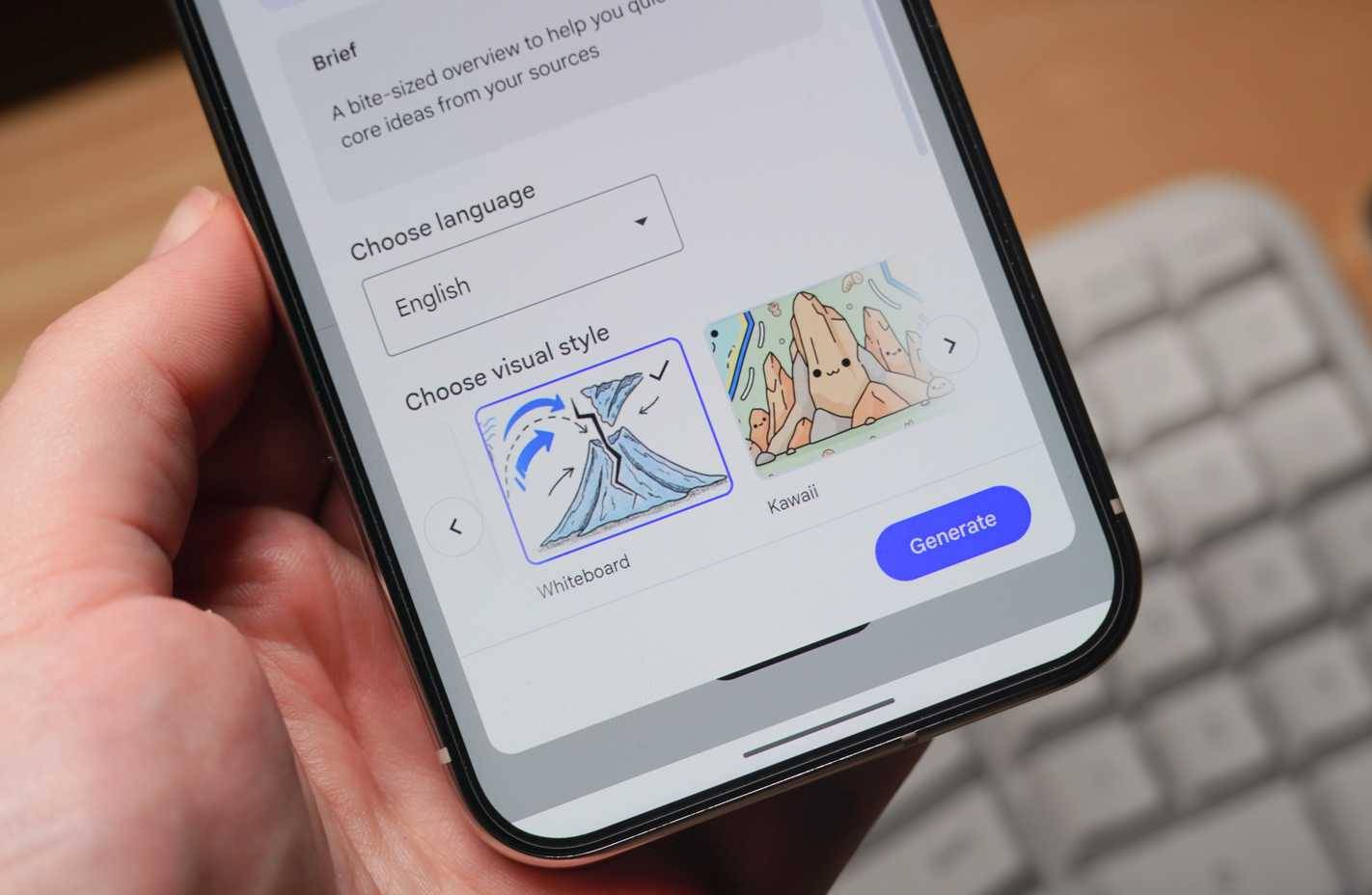
The current Video Overview help page lists visual styles such as Classic, Whiteboard, Watercolor, Retro Print, Heritage, Paper-craft, Kawaii, and Anime, plus a custom style option where eligible.
Generate a Video Overview
- Open an editable notebook and select Video Overview in Studio.
- Choose Cinematic, Explainer, or Short according to the available options.
- Select narration language and visual style.
- Add a steering prompt describing the audience, topic, diagrams to emphasize, and concepts to omit.
- Select Generate. Generation can take time and continues in the background.
- Play the finished video and compare important claims and visuals with the original source.
Audio or video: which should you use?
| Learning need | Better starting point |
|---|---|
| Preview a chapter quickly | Audio Brief or Video Short |
| Connect ideas across several readings | Audio Deep Dive |
| Understand a diagram or process | Video Explainer |
| Evaluate your own essay or plan | Audio Critique, followed by manual review |
| Compare opposing interpretations | Audio Debate, with each claim checked against sources |
| Review without looking at a screen | Audio Overview |
A complete study workflow
- Preview: generate a Brief or Short to identify the unit’s major ideas.
- Read: study the assigned sources and open the sections the overview referenced.
- Retrieve: close the notebook and write what you remember.
- Correct: compare your recall with citations and source text.
- Apply: solve practice problems, label a diagram, or explain the concept to another person.
- Review: use a Deep Dive or Explainer focused on remaining gaps.
This sequence uses the engaging format to direct attention while preserving the hard work—retrieval and application—that shows whether you learned the material.
Accuracy, copyright, and privacy
- AI errors: Google warns that voices, visuals, and explanations may contain inaccuracies or glitches.
- Source limits: an overview reflects the selected sources; a biased or incomplete notebook produces a biased or incomplete explanation.
- Generated visuals: diagrams may be simplified or wrong. Use the original figure for measurements, labels, and technical details.
- Copyright: upload and share only material you are allowed to use. A generated overview does not grant permission to redistribute the original content.
- Privacy: follow school or workplace policy before uploading student records, unpublished research, interviews, medical information, or confidential documents.
- Sharing: a direct overview link can require the notebook to be shared with the recipient. Review the notebook’s access before copying a link.
Audio and Video Overviews make dense source material easier to approach. Their real value appears when you customize them around a learning objective, verify them against citations, and use them to trigger active recall rather than passive consumption.
Related Articles
 NotebookLM's New Features Will Amaze You8 minutes read
 Guide to Self-studying Knowledge on NotebookLM4 minutes read
 The 3 Biggest Updates for NotebookLM7 minutes read
 4 Features Gemini Notebook Still Needs in 20268 minutes read
 Instructions on Converting Lessons into Videos on NotebookLM4 minutes read
 NotebookLM's Latest Feature Allows Creating Videos from Notes5 minutes read
Reader Comments 0
Sign in with email or Google to join the discussion.