Table of Contents
NotebookLM can summarize and answer questions only from the material it can interpret in your sources. Clear notes do not make the model “smarter,” but they reduce ambiguity and make it easier to find the relevant passage, follow relationships between ideas, and cite the right source.
Use these five practices before turning your own notes into NotebookLM sources.
1. Organize notes with descriptive headings
A heading should tell both you and NotebookLM what the following section covers. Replace labels such as “Ideas” or “More information” with specific wording such as “Causes of battery degradation” or “Decisions from the April planning meeting.”
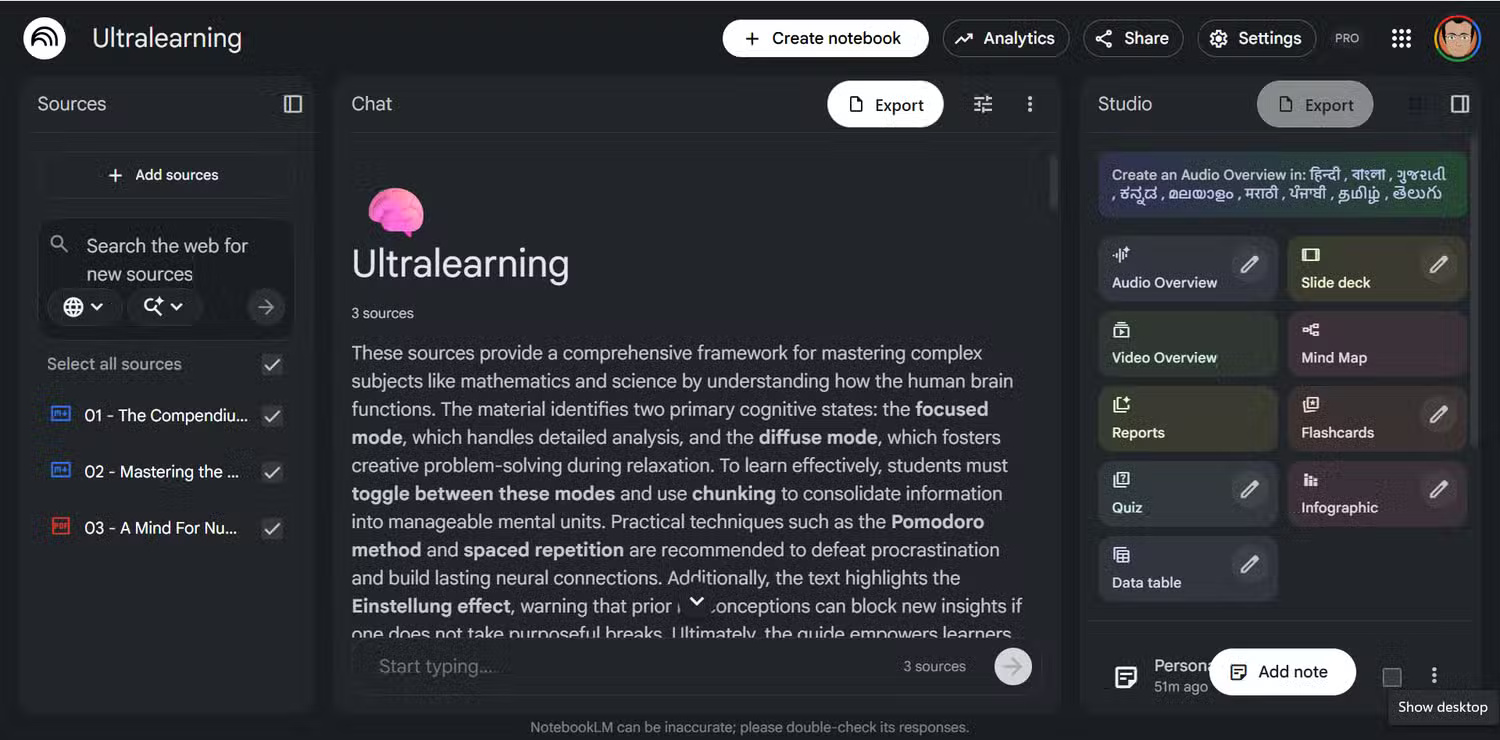
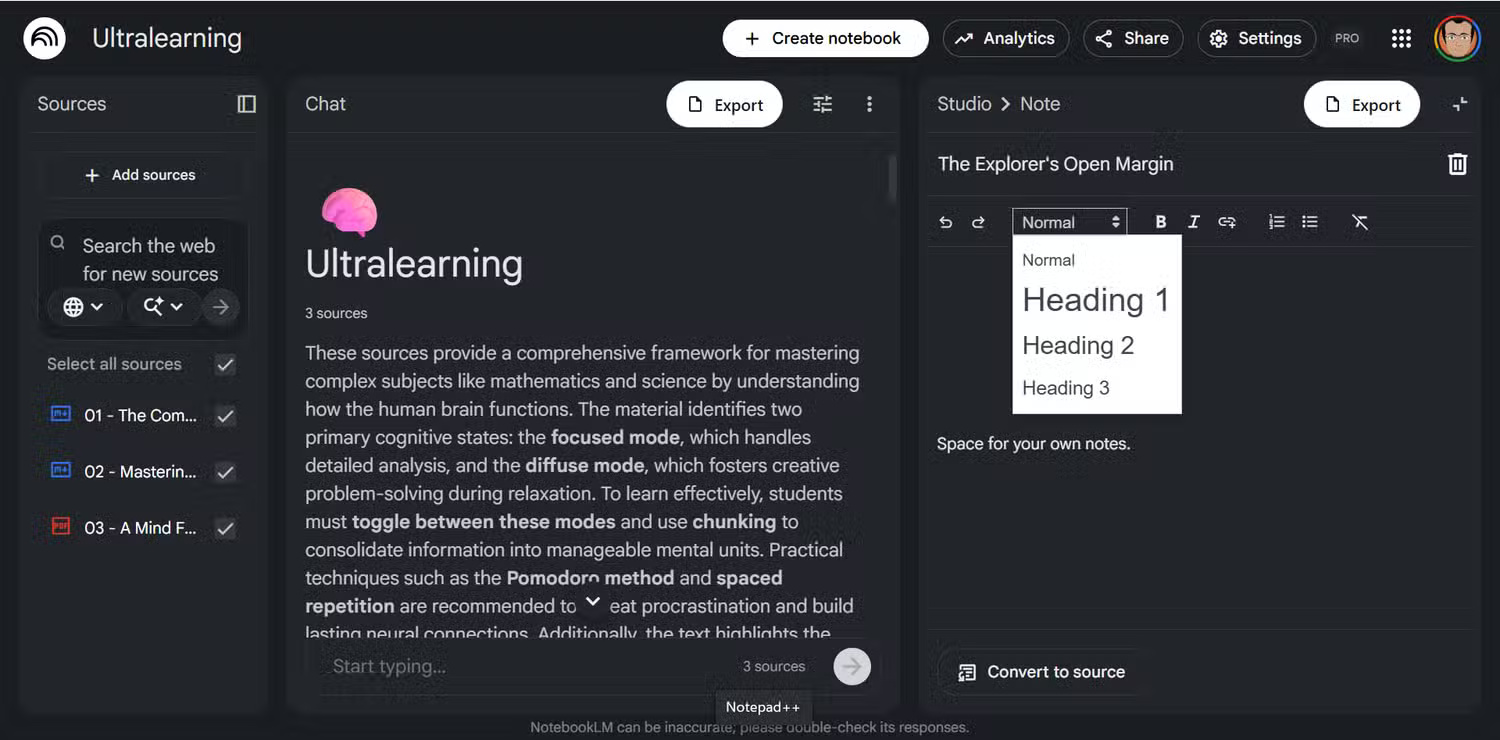
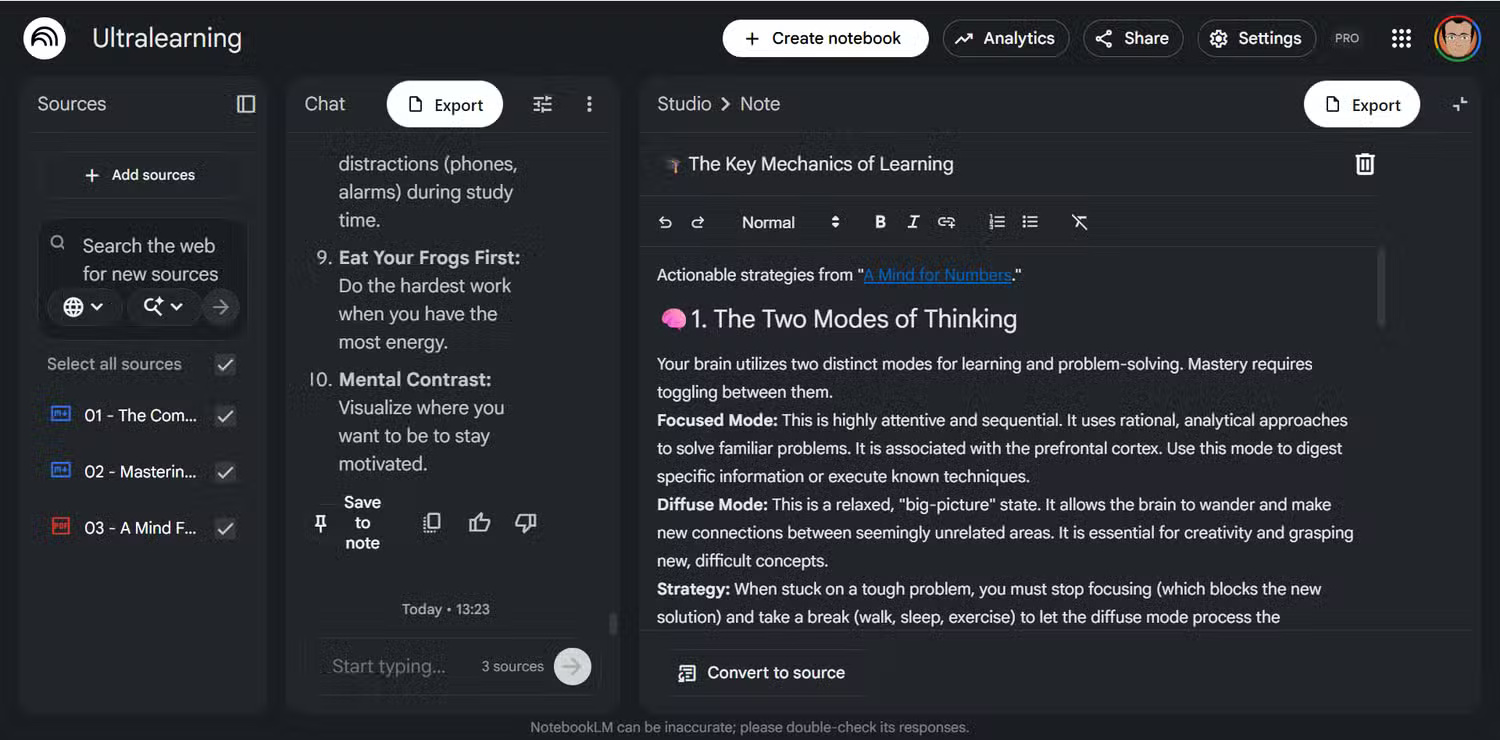
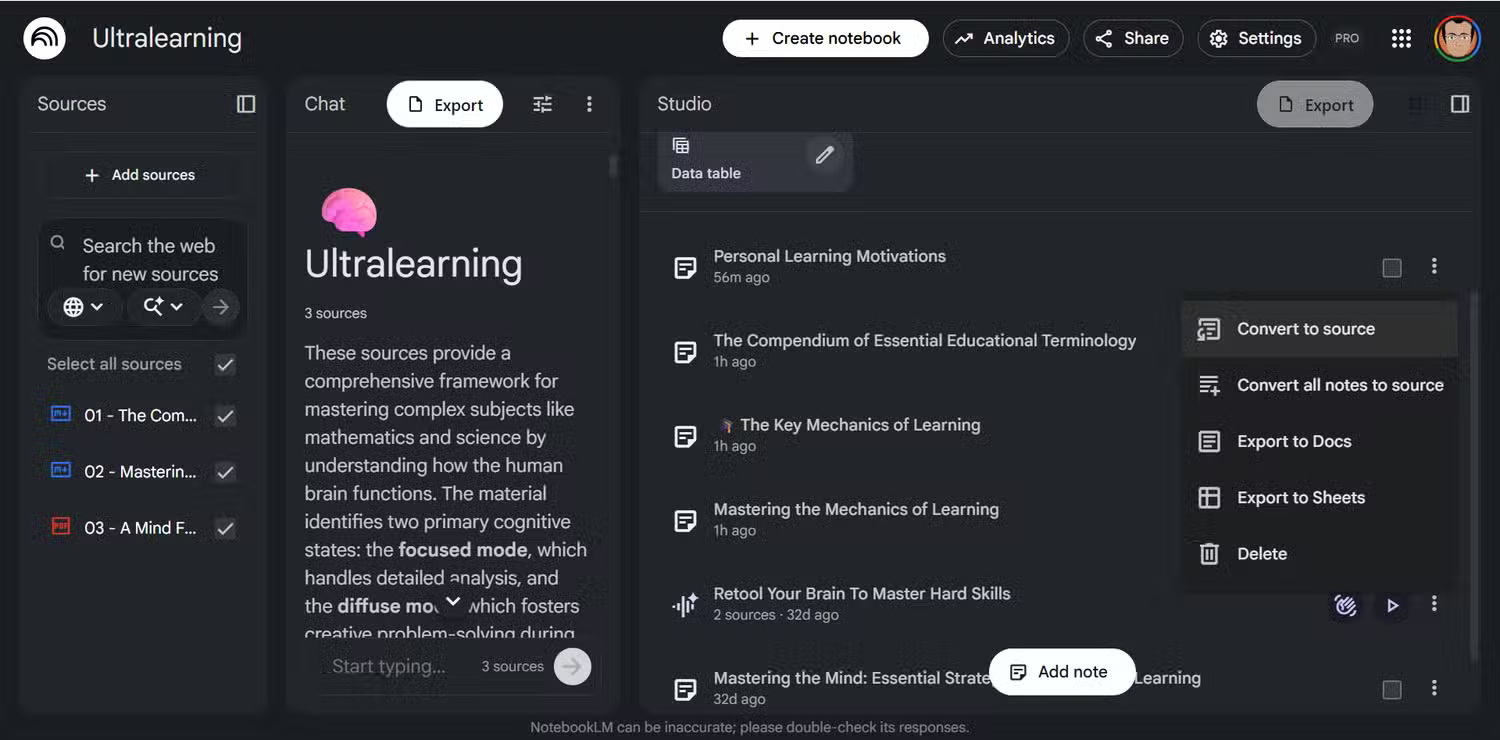
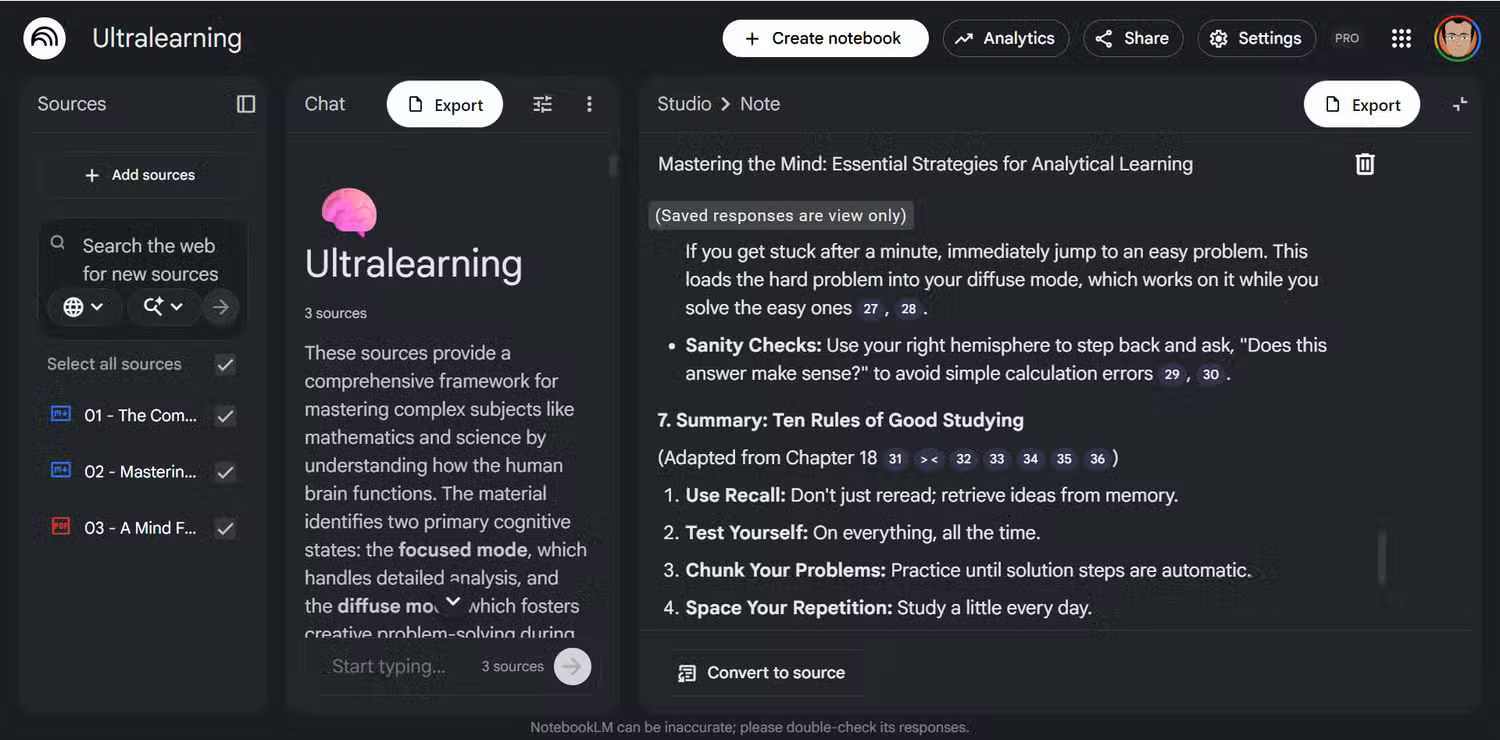
A reusable outline might include:
- Topic and purpose: what the note covers and why it matters;
- Context: project, event, source, or date needed to interpret it;
- Main points: the claims, observations, or decisions;
- Evidence: supporting facts, quotations, or citations; and
- Next steps: unresolved questions or assigned actions.
Use heading levels consistently. A main section should not suddenly appear below several unrelated subheadings.
2. Include enough context in each point
Short fragments are easy to misread when separated from the conversation in which they were written. Turn an ambiguous note such as “Increase to 12 in Q3” into a complete statement that identifies what will increase, who decided it, and which year the quarter belongs to.
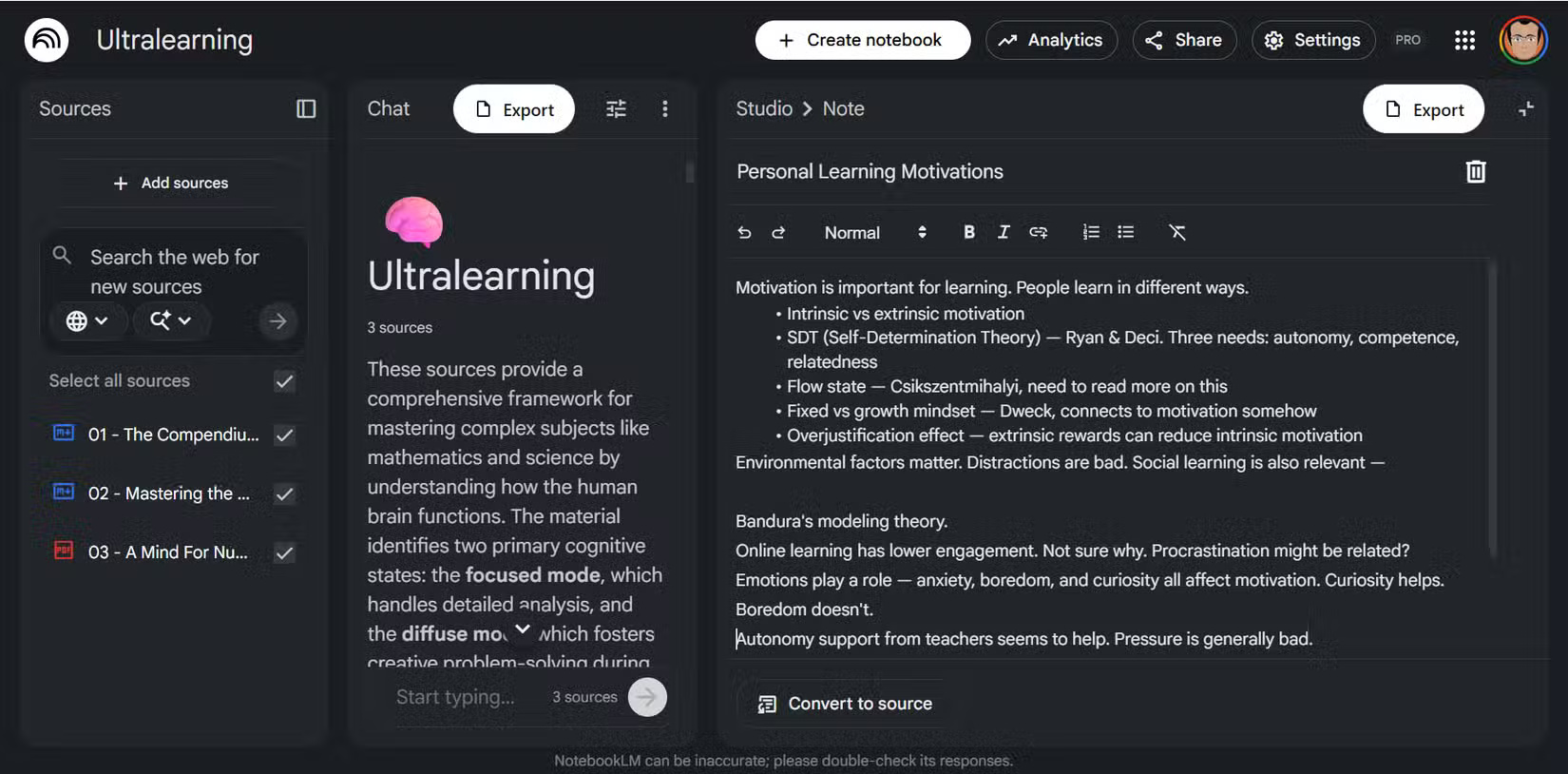
Bullet points are useful; the problem is not the bullet format but missing context. A concise, complete sentence is usually better source material than an unexplained abbreviation or number.
3. Convert finished notes into sources
NotebookLM can convert material from the Notes panel into a source. This is useful for meeting summaries, research observations, and ideas you created yourself rather than imported from another document.
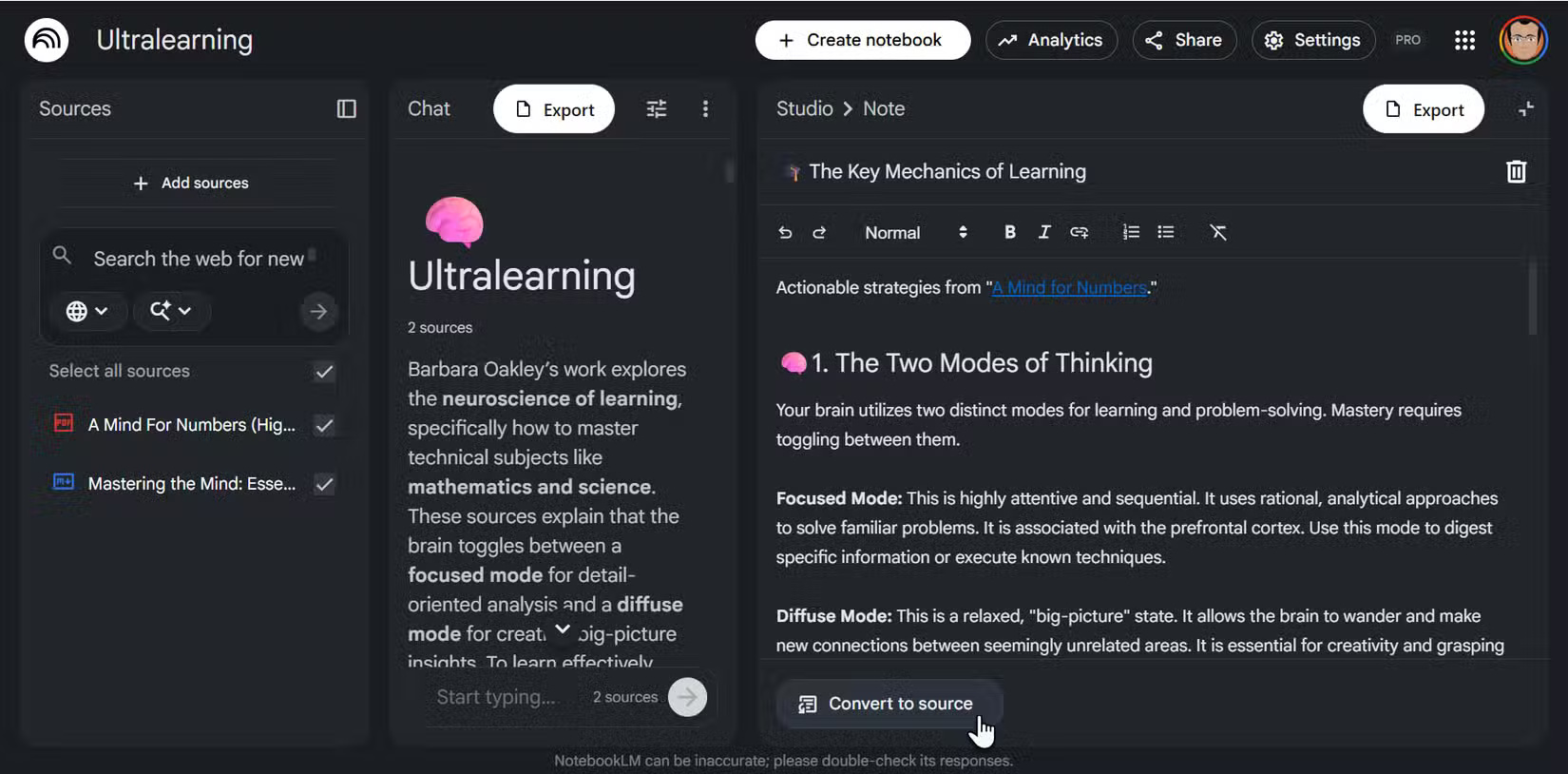
Edit the note first. Add a descriptive title, expand unclear shorthand, separate facts from your interpretation, and include the origin of important information. After conversion, check that the new source appears correctly and retains the necessary structure.
4. Use simple, consistent formatting
Headings, lists, bold labels, and short paragraphs help divide a document into meaningful sections. Markdown-style formatting is also convenient when the same notes move between tools such as Obsidian or GitHub.
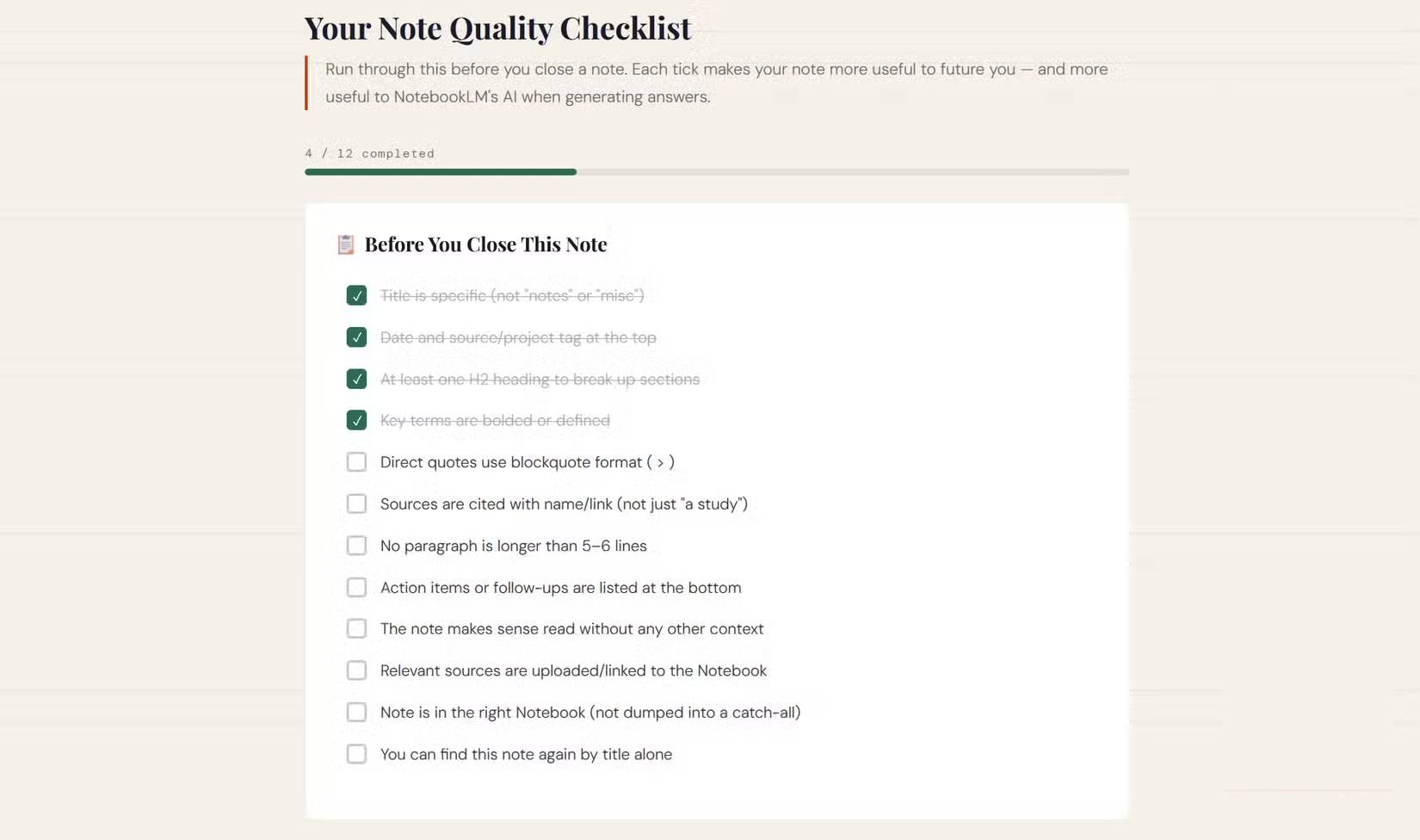
Formatting cannot fix weak information. Do not use bold text or extra headings merely for decoration. Use them to communicate hierarchy. A consistent file name such as Project_Topic_YYYY-MM-DD can also make sources easier to scan.
5. Keep each notebook focused
A notebook that mixes unrelated projects makes it harder to ask precise questions and assess the citations in an answer. Group sources around one subject, course, client, investigation, or defined project whenever possible.
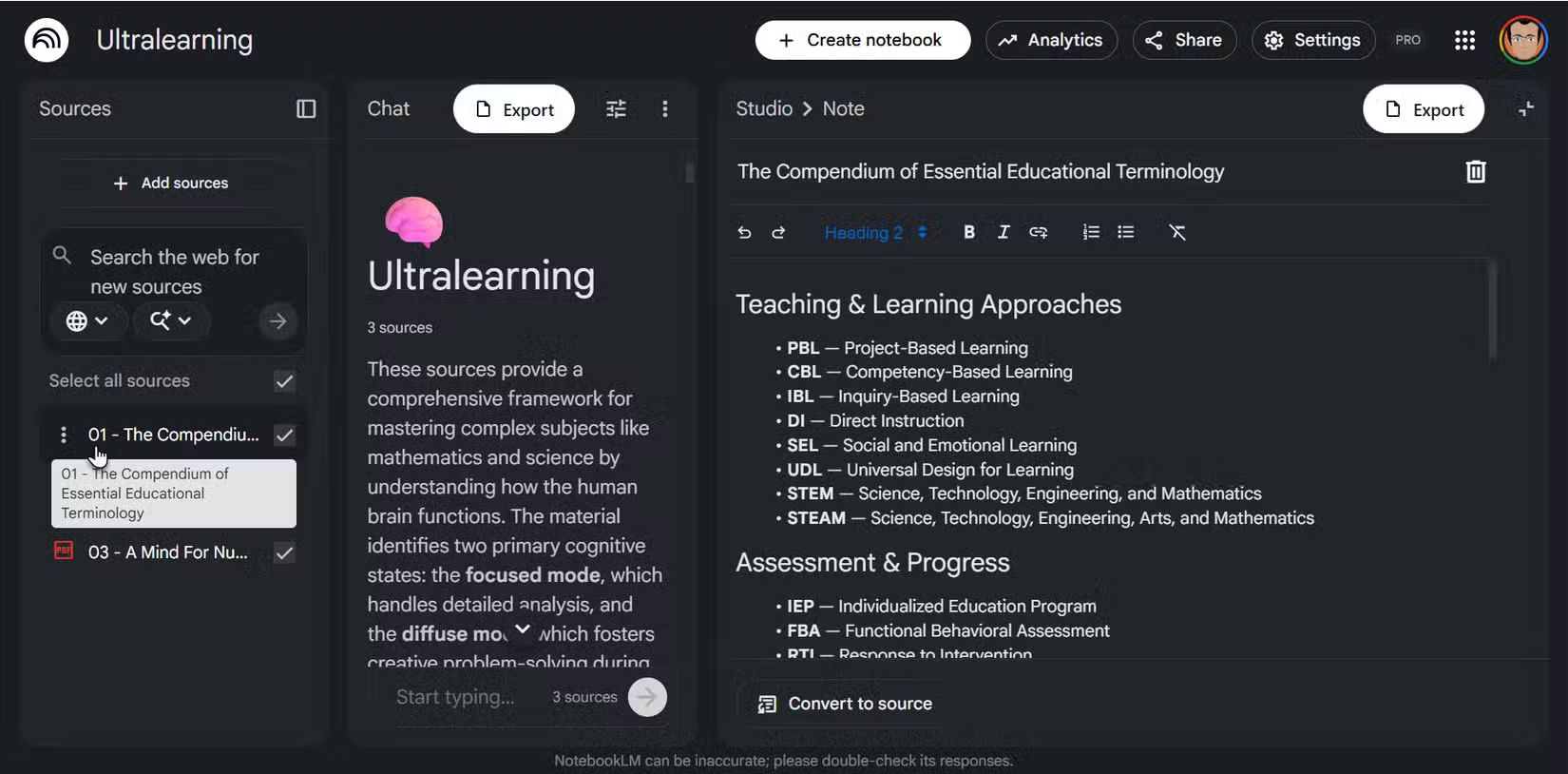
Split a very long note into thematic documents when the sections will be searched or reused independently. Aim for one main idea per paragraph. If a project uses many abbreviations, add a short glossary source with each term and its meaning.
Review the source, not only the answer
Good organization improves retrieval, but NotebookLM can still misunderstand or omit information. Open the cited passage and verify important names, dates, numbers, and conclusions against the original source. The quality of the note and the quality of the model's answer are separate checks.
Related Articles
 NotebookLM's Latest Feature Allows Creating Videos from Notes5 minutes read
 Temporary Solutions When NotebookLM Fails to Export Files Correctly8 minutes read
 How to Create a Planning Report from Notes in NotebookLM3 minutes read
 Sticky Notes Studio: Complete Guide3 minutes read
 Instructions on Converting Lessons into Videos on NotebookLM4 minutes read
 5 Tips to Unlock the Full Potential of NotebookLM8 minutes read
Reader Comments 0
Sign in with email or Google to join the discussion.