Table of Contents
NotebookLM has held the top position in the field of research-oriented artificial intelligence for three consecutive years, with no worthy competitors, and it continues to improve. People have spent considerable time creating notebooks on this platform, each notebook dedicated to a topic they need to better understand, archiving information or creating search tools and podcasts without encountering inaccurate results.
However, professional users are no longer focused on creating custom podcasts and interrupting to ask questions like live listeners. Recently, Google announced and added three key features that make NotebookLM more customizable than ever, a great gift for visual learners, and a truly versatile tool you might need for that next college assignment. Cinematic Video Overviews, the ability to customize mind maps, and the ability to create desired file formats from multiple multimedia sources will change the way we use NotebookLM.
Visual learning has been upgraded significantly
A documentary-style approach to personal note-taking
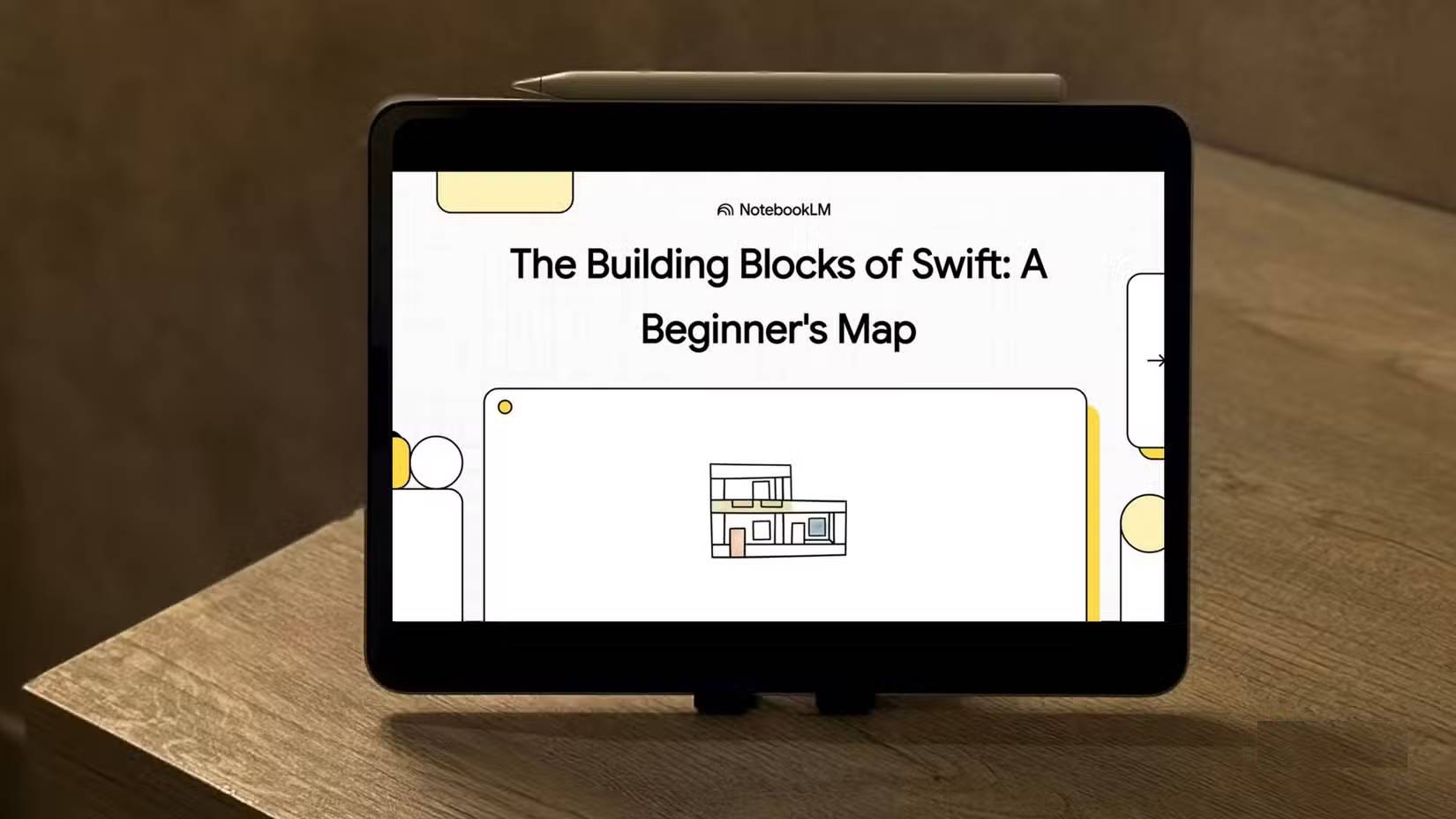
When Google first introduced Video Overviews, many expected a revolution in visual learning, but we mostly just got an upgraded version of the Slides feature in the Studio sidebar, narrated in a monotonous, robotic voice.
However, the new Cinematic Video mode is on another level. It transforms the research you upload into documentary-style, fully animated explanatory videos. Powered by a powerful suite of technologies including Gemini 3, Nano Banana Pro image processing, and Veo 3 video engine control, it makes better decisions about the pacing, visual style, and narrative of the resulting video. Using this feature to decode custom camera button settings is perfect for visual learners. Plus, there's a text box where you can specify topics of interest, preferred art styles, and any other details you want to mention.
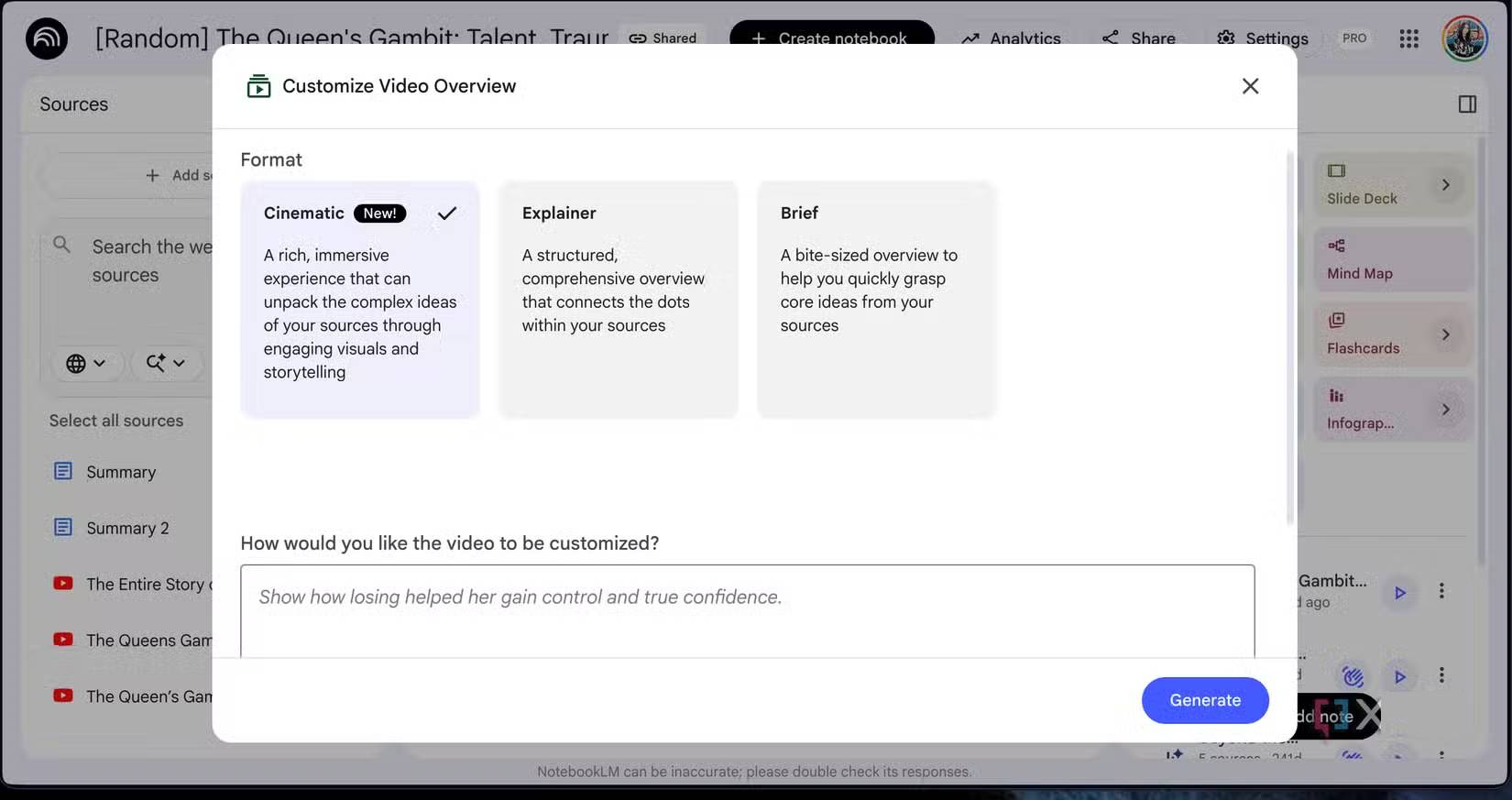
However, this sleek new gadget comes with a very strict limit on daily usage. You can only create two such videos, even with the Google AI Pro plan. Unlimited access will cost you $250/month on the Google AI Ultra plan. Furthermore, if an AI illusion causes the video creation process to fail midway, you lose that creation attempt, making it difficult to repeat prompts without using up your precious daily video creation attempts.
Control visual chaos
Build a custom map of your ideas
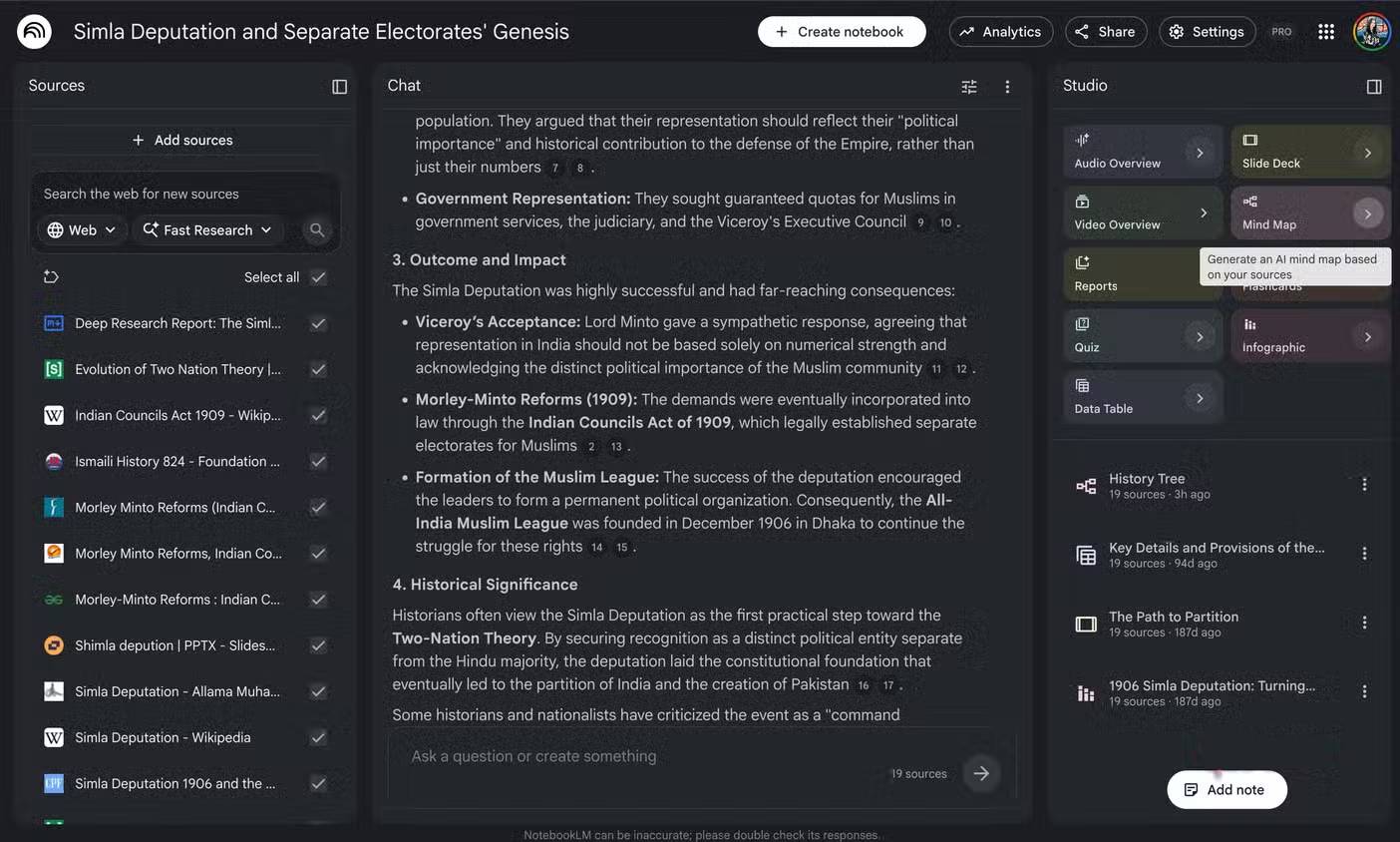
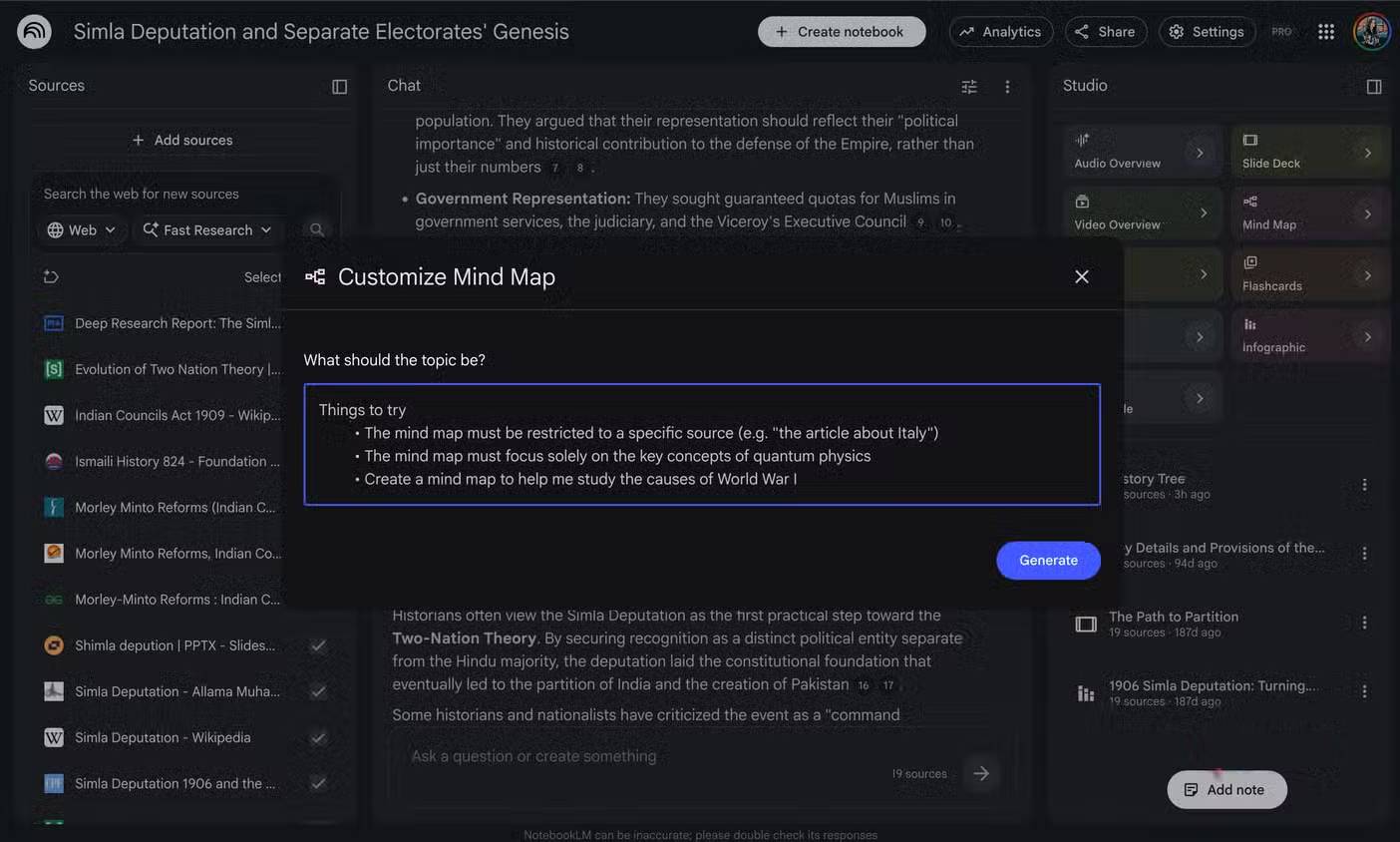
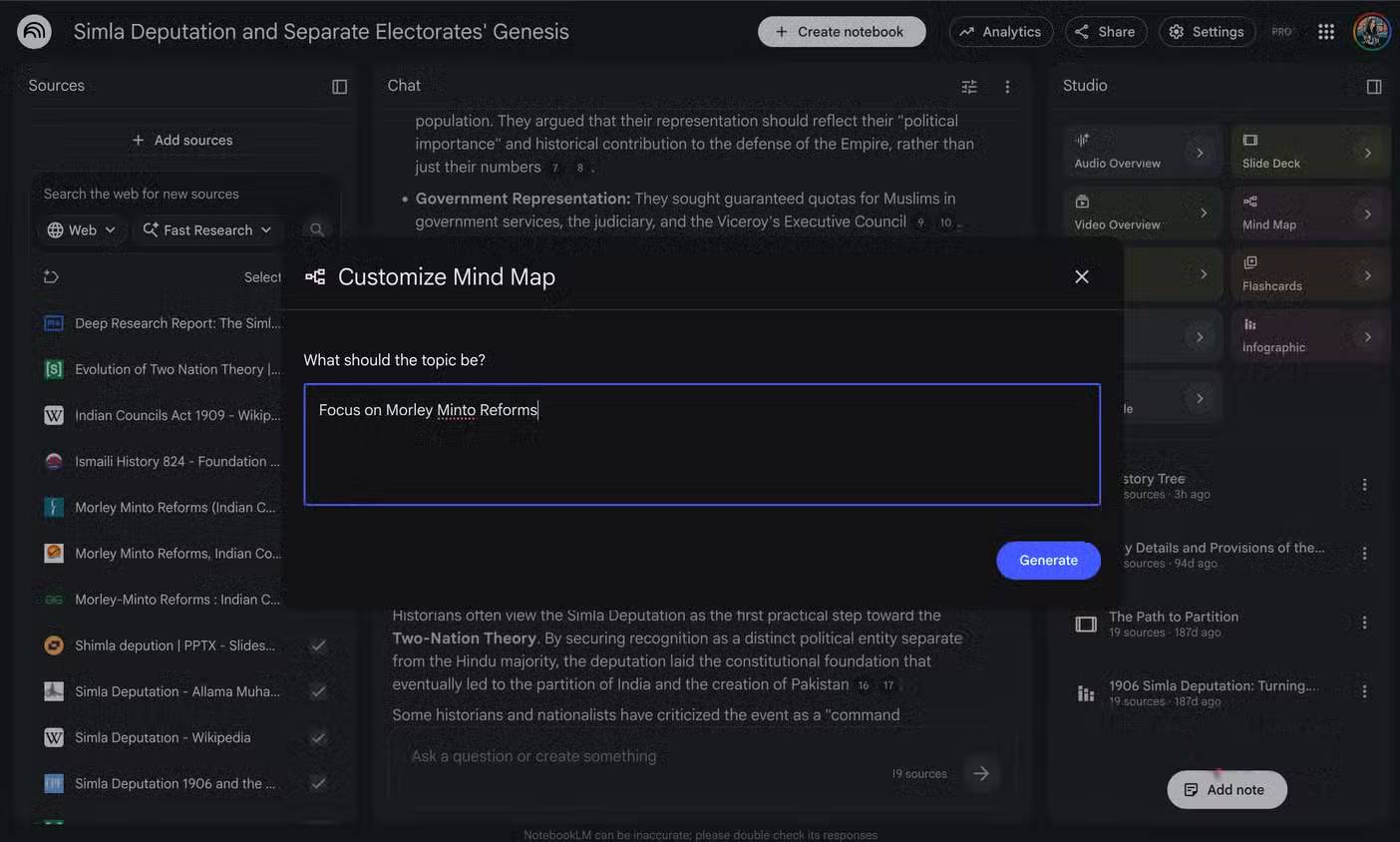
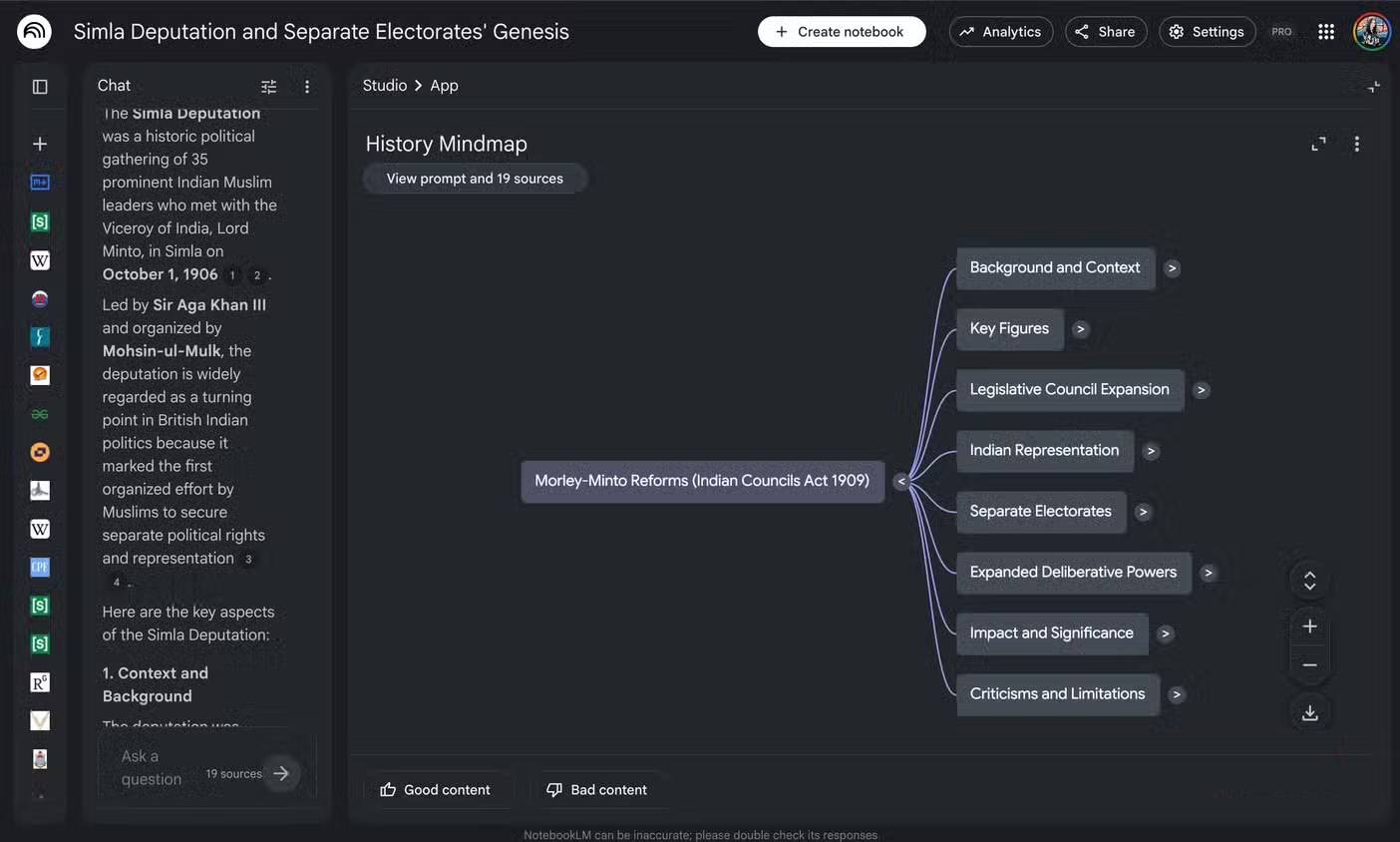
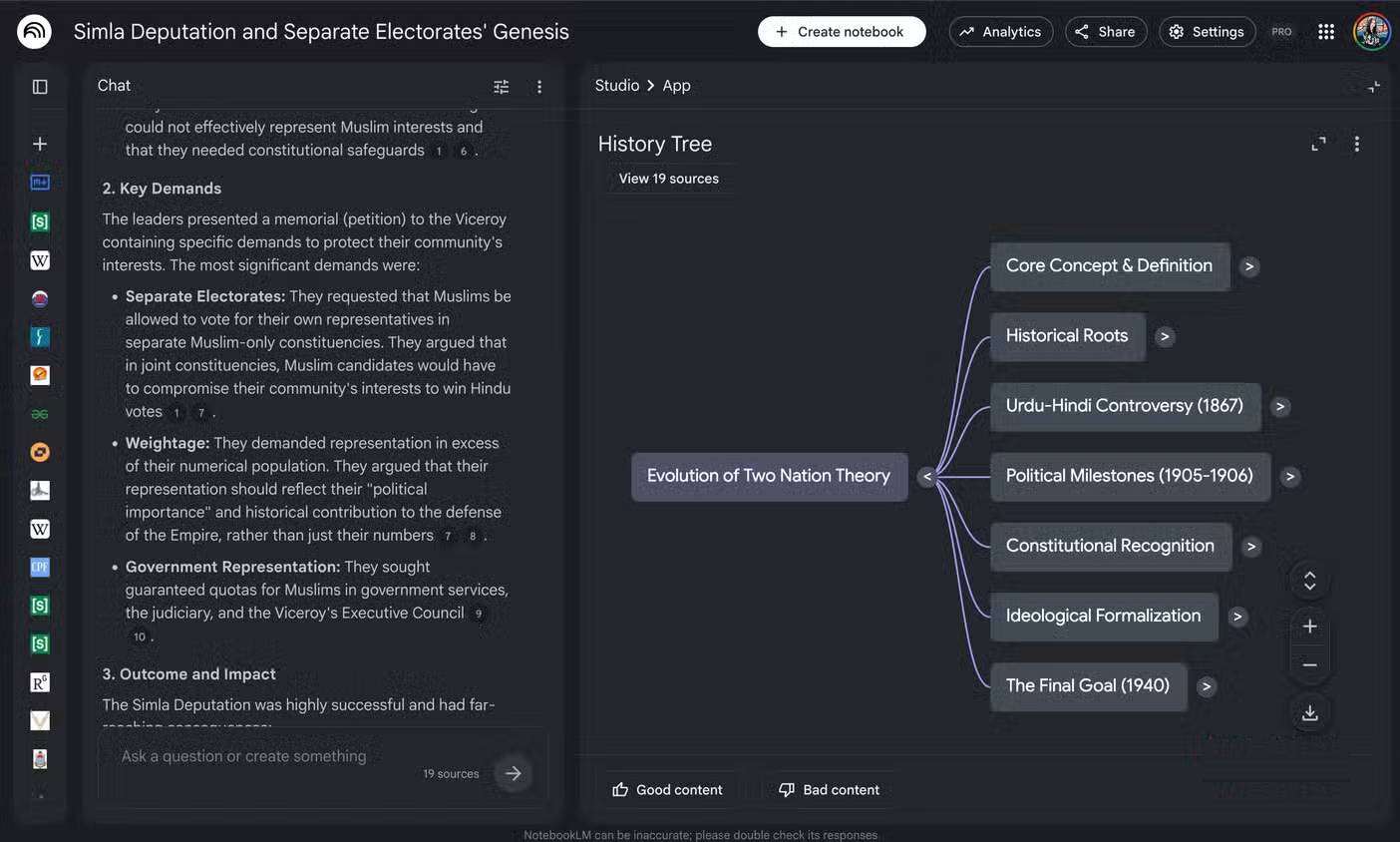
Mind Maps in NotebookLM previously felt like a strictly "accept or ignore" feature, lacking real user control. You uploaded a large number of sources, selected the necessary ones for Mind Maps, and pressed Generate. The AI would often automatically find the network connections between the key points and topics mentioned in the sources, but rarely saw the exact sequence of nodes.
Yes, Google AI handles the integration of related concepts accurately, grouping them under a suitable parent node, but these parent nodes aren't always in the right order. This often results in broad, generic overviews that are completely useless when you need to delve into a specific technical issue in the source document. Now, you can control the system with precise text prompts, forcing the mind map to focus on the specific angle or problem you need to solve. Instead of getting a top-down overview of the entire camera user manual, you can request a diagram that only shows the most likely features to be used.
One person immediately tested this by asking NotebookLM to map out only the low-light shooting limitations of Tamron lenses across various uploaded reference materials. The system categorized the nodes into a clear decision tree, highlighting high ISO noise thresholds on one branch and autofocus failure points on another, saving hours of manual document reading. However, with all this added intelligence, the implementation is still not perfect. If the AI misorders the nodes, you can't click and drag to manually reposition them. You're permanently stuck with the rigid layout created by the AI.
Optimized file processing tool
Transform your notes into a finished product instantly
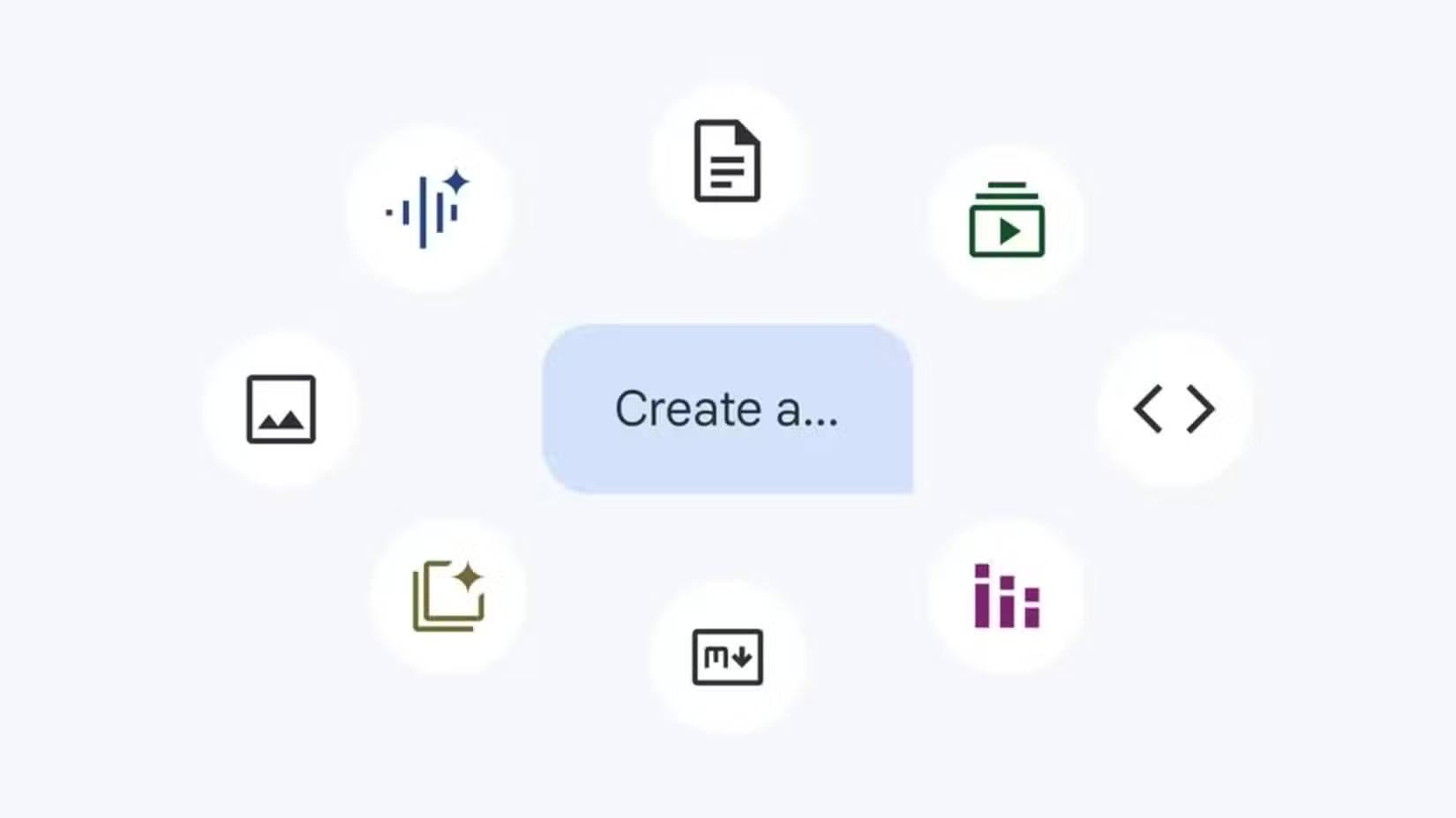
Perhaps the most groundbreaking feature quietly being integrated into NotebookLM is its upcoming ability to create desired file formats directly from provided multimodal sources. Google previews suggest we are moving closer to the tedious era of querying chatbots, copying results, opening a new document, and wasting another 20 minutes formatting it to fit the desired layout.
With the processing power of Gemini 3.5 Flash, you can ask Gemini to transform a cluttered source folder into a clean spreadsheet, a polished summary document, or a presentation. This conversion will be a native feature and runs up to four times faster than previous versions. You can also ask the AI which file format is best suited to display information from your selected sources if you're unsure which to choose.
This capability can help simplify complex workflows, especially when you consider how adding Studio console outputs can be used as a source. Combined with the customization options already available in Mind Maps, you can envision how flowcharts can easily enhance the quality of formal presentations and reports. Because it only uses the actual data you provide, the risk of creating false data or a flawed argument is virtually zero.
Overall, the combination of all these powerful tools reveals a platform that has finally matured far beyond its initial experimental, viral phase. Cinematic Video Overviews provide rich, vivid visual context that dense technical documentation has sorely lacked for decades. You might still be skeptical when tech giants promise too much in their development roadmap, but the current version of NotebookLM has truly improved functionally.
Related Articles
 The 7 Biggest iOS Updates of All Time8 minutes read
 3 Best Chrome Extensions for Gemini Notebook (NotebookLM)12 minutes read
 NotebookLM's New Features Will Amaze You8 minutes read
 NotebookLM Alternatives Worth Trying5 minutes read
 NotebookLM App Adds Built-in Camera: Explained3 minutes read
 NotebookLM vs ChatGPT: Which AI tool is better?18 minutes read
Reader Comments 0
Sign in with email or Google to join the discussion.