Table of Contents
On a Samsung Galaxy, open Settings > Apps and select the app you want to remove. If the phone offers Uninstall, you can remove that copy of the app. If it offers Disable, you can turn it off and re-enable it later. Available choices depend on the Galaxy model, region, carrier, and One UI version.
Choose between uninstalling, disabling, and hiding
- Uninstall: Removes the app and can remove data stored only in it. Check recordings, drafts, or other local data before confirming.
- Disable: Turns off an app that remains on the device. If another feature stops working, return to the app’s settings and choose Enable.
- Hide: Removes the icon from the Home and Apps screens. Choose this when your goal is a cleaner app drawer.
See Samsung’s Galaxy app management guide for menu details.
Apps you can consider removing if you don’t use them
Start with optional apps such as Samsung Music, Samsung Shop, Samsung Kids, or Google News. Confirm the action appears on your device. Before changing Bixby, calendar, voice, AR, or cloud apps, check whether you use a feature that relies on them. Avoid force-removing system components or Google Play services to free space.
Check these features before removing the app
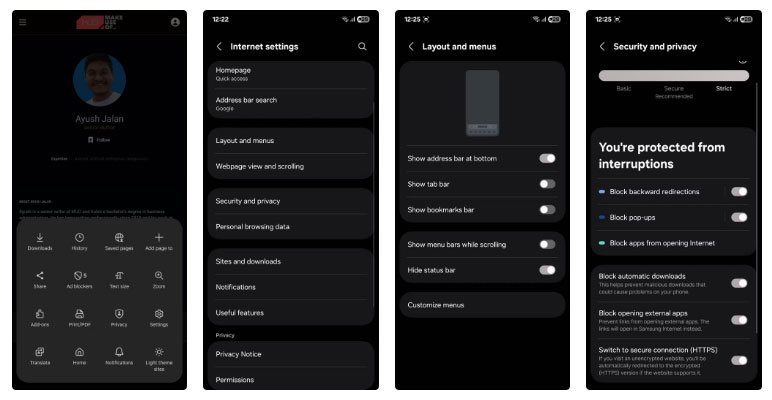
Samsung Internet
Choose another default browser first if you use Samsung Internet for links. Check your bookmarks and saved sign-ins before uninstalling.
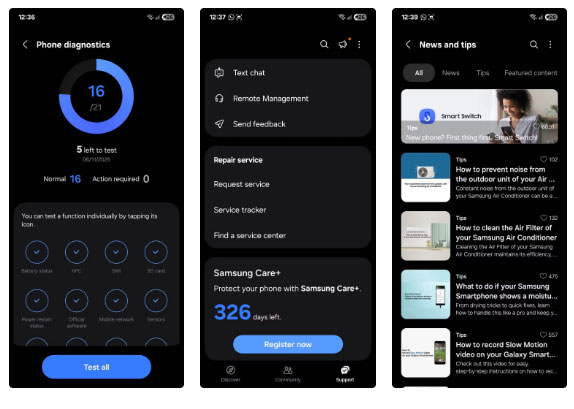
Samsung Members
Keep it if you use Samsung’s device diagnostics or support. You can reconsider it after testing the phone issue you’re investigating.
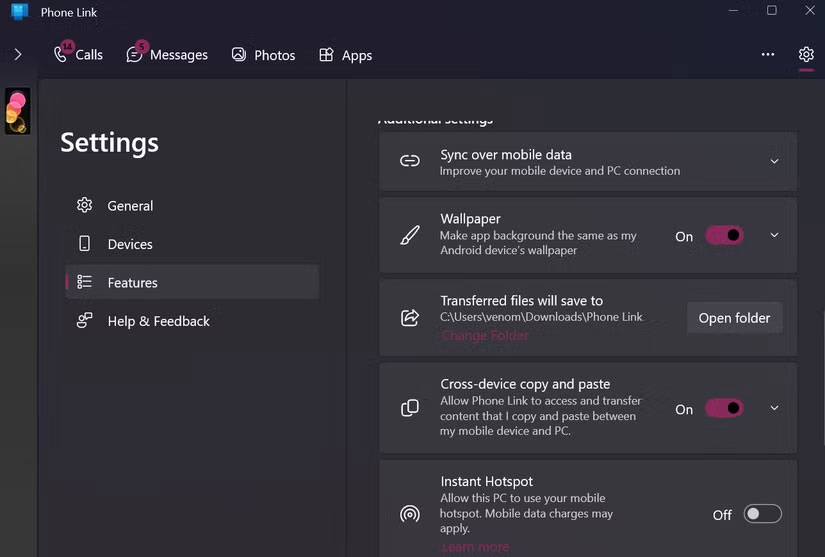
Link to Windows
Check whether you use Phone Link features on your Galaxy, such as viewing messages or photos on a PC. Disabling the phone-side app can interrupt that connection.
Check for items in Samsung Wallet, Samsung Notes, or Voice Recorder before removing related apps. If you still need an app but want to limit what it can access, review its permissions instead.
Related Articles
 8 Useful Samsung Apps That Don't Come Pre-Installed on Galaxy Phones
 9 Preloaded Apps That May Be Running in the Hidden Background on Your Samsung Phone
 5 great apps to install on Samsung Galaxy phones
 6 Samsung-exclusive apps that make you think you made the right decision not to buy a Pixel or iPhone
 8 useful apps on Samsung Galaxy S21
 Hackers can spy on Samsung users with pre-installed apps
Reader Comments 0
Sign in with email or Google to join the discussion.