Table of Contents
This guide provides a clear, practical overview of "Why Do So Many People Decide to Switch to Samsung After Years of". It organizes the most useful details, explains important considerations, and highlights the steps or choices that matter most.
5. Multitasking is actually possible on Android
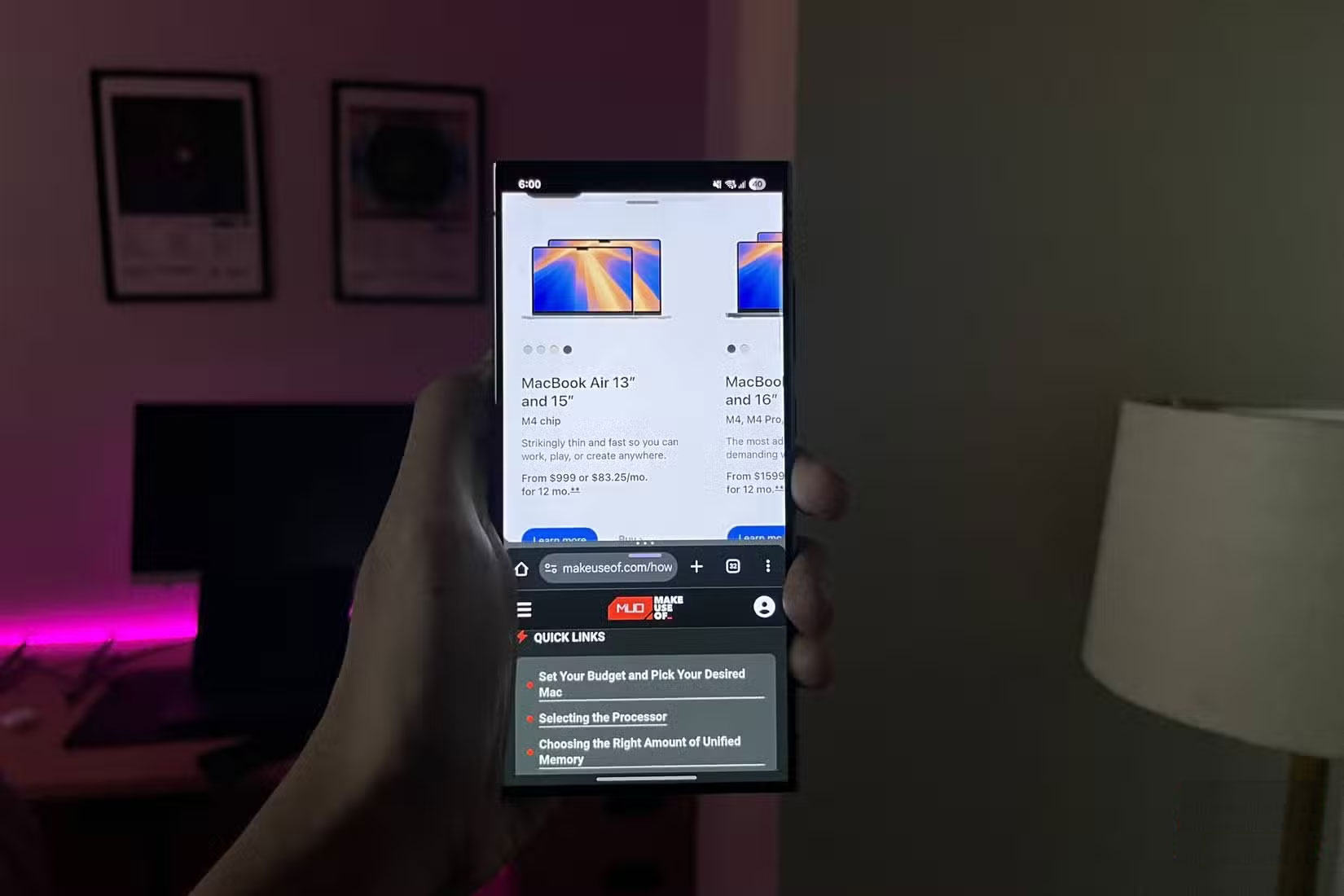
You can multitask well on Samsung phones, which is one of the first improvements that you'll notice after switching. Samsung's Multi Window feature lets you use two apps in split-screen mode or open certain apps in floating pop-up windows.
It might sound like a small detail, but it's really useful. For example, you can keep the floating calculator open while browsing your banking app, or reply to a message in a small WhatsApp window while watching a video in another app. This makes a huge difference when you're trying to juggle a few tasks at once without having to constantly switch back and forth.
iOS doesn't have anything close to this feature.
4. Can customize the phone as you like
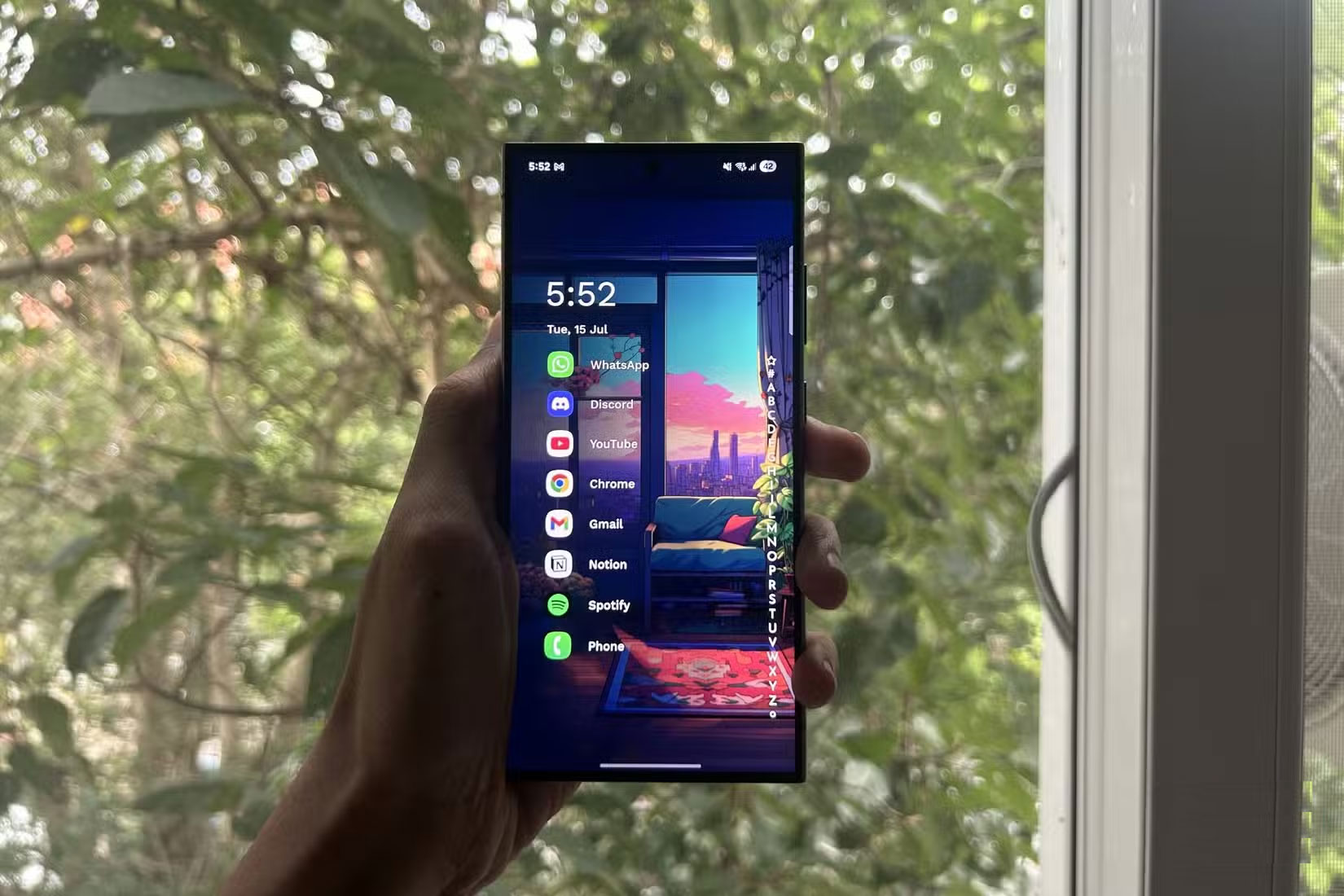
Many people don't think they care much about customization. But after switching to Samsung, setting up your phone exactly the way you want it is a lot more fun. You can do a lot of things right out of the box, and Good Lock opens up even more customization options.
You can change app icons, fonts, and lock screen layouts, and make widgets more useful. Since Android doesn't restrict how widgets look or work, they tend to be much more useful than iOS.
But the best part is using a custom launcher, which completely changes the user interface. You can install Niagara Launcher from the Play Store and it completely changes the look of your phone. Everything is arranged in a neat vertical list, which is much faster to use. It looks simpler and more focused.
3. You use Samsung DeX more than you think
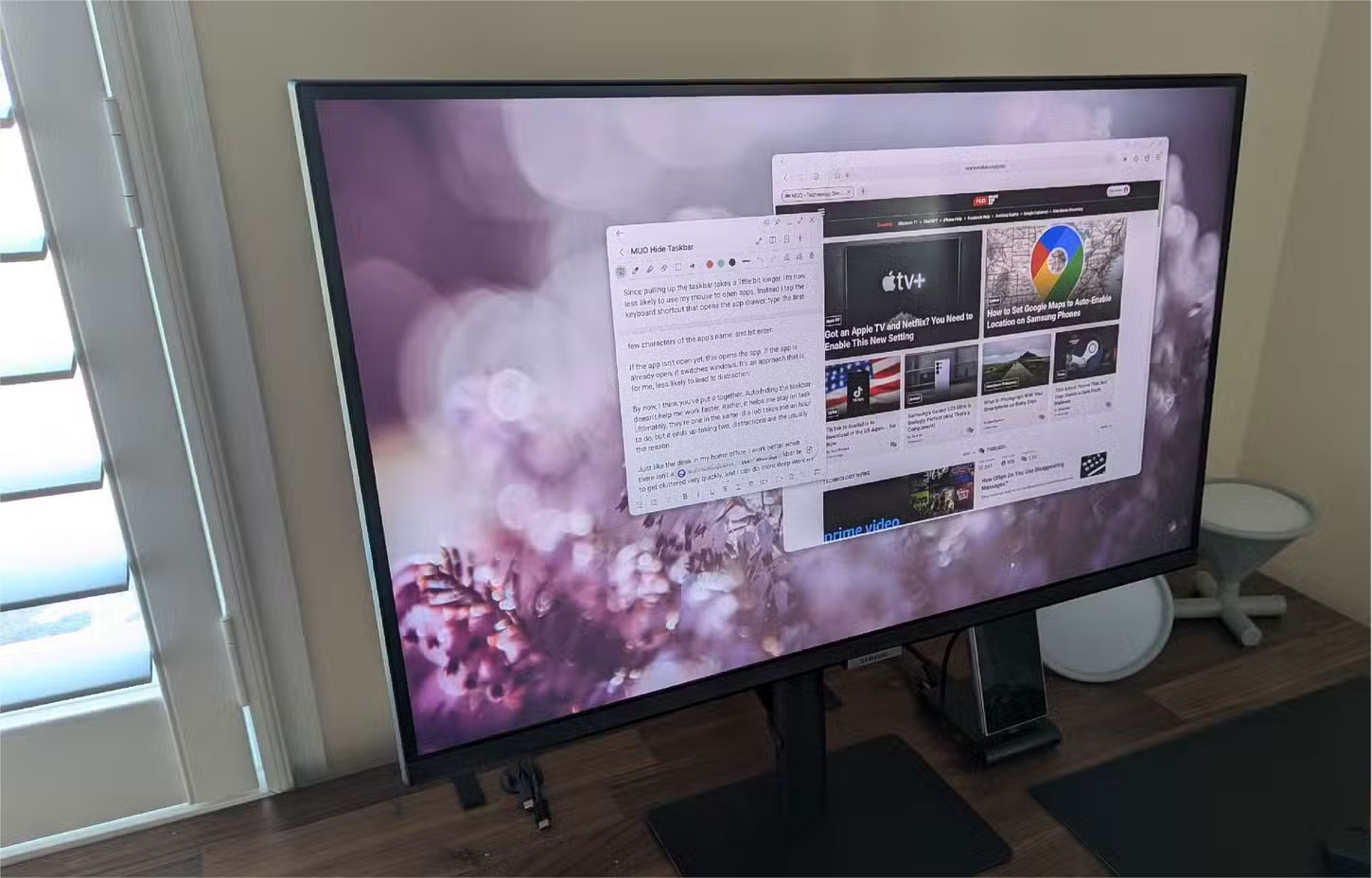
In case you're not familiar with Samsung DeX, it lets you plug your Samsung phone into a monitor and give you a full desktop-like interface. It's built into most flagship Galaxy phones and works with USB-C monitors or even wirelessly on some Smart TVs.
There's a lot of potential here, and Samsung has nailed it. You probably won't use DeX every day, but when you do, it's a solid backup.
2. Fingerprint reader is much more convenient than Face ID
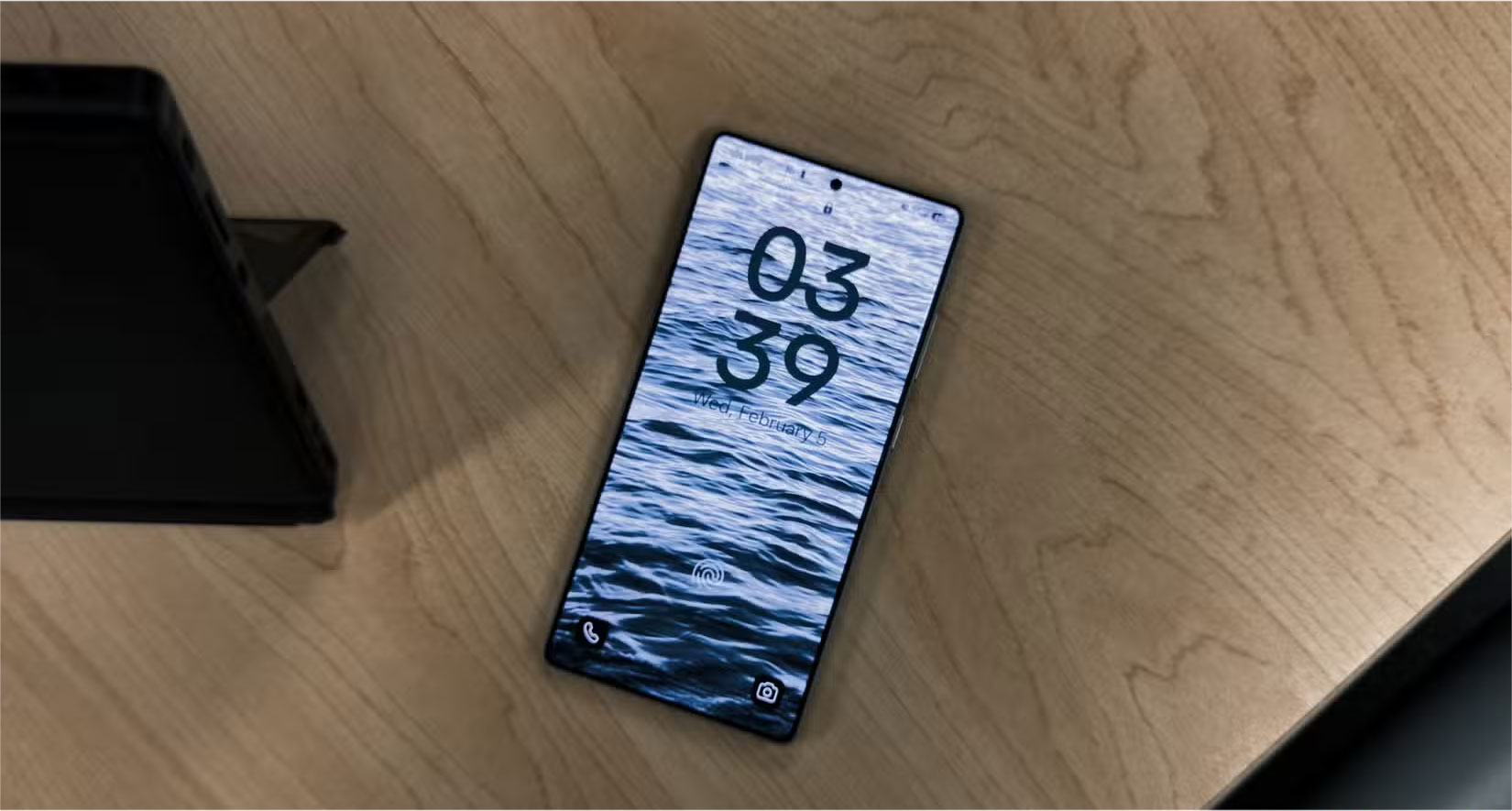
Samsung's ultrasonic fingerprint sensor is much faster and more reliable than expected, and people prefer it to Face ID. You can unlock your phone instantly, even when it's face down on a table. There's no need to pick it up or fumble with your mouse to get Face ID to work.
If you're a fan of face unlock, most Samsung phones support it. But it's worth noting that it's not as secure or reliable as Face ID, since it only uses the selfie camera and not a dedicated sensor system. Still, having both options is nice, and it gives you more flexibility in how you use your phone.
1. Notifications on iOS are chaotic
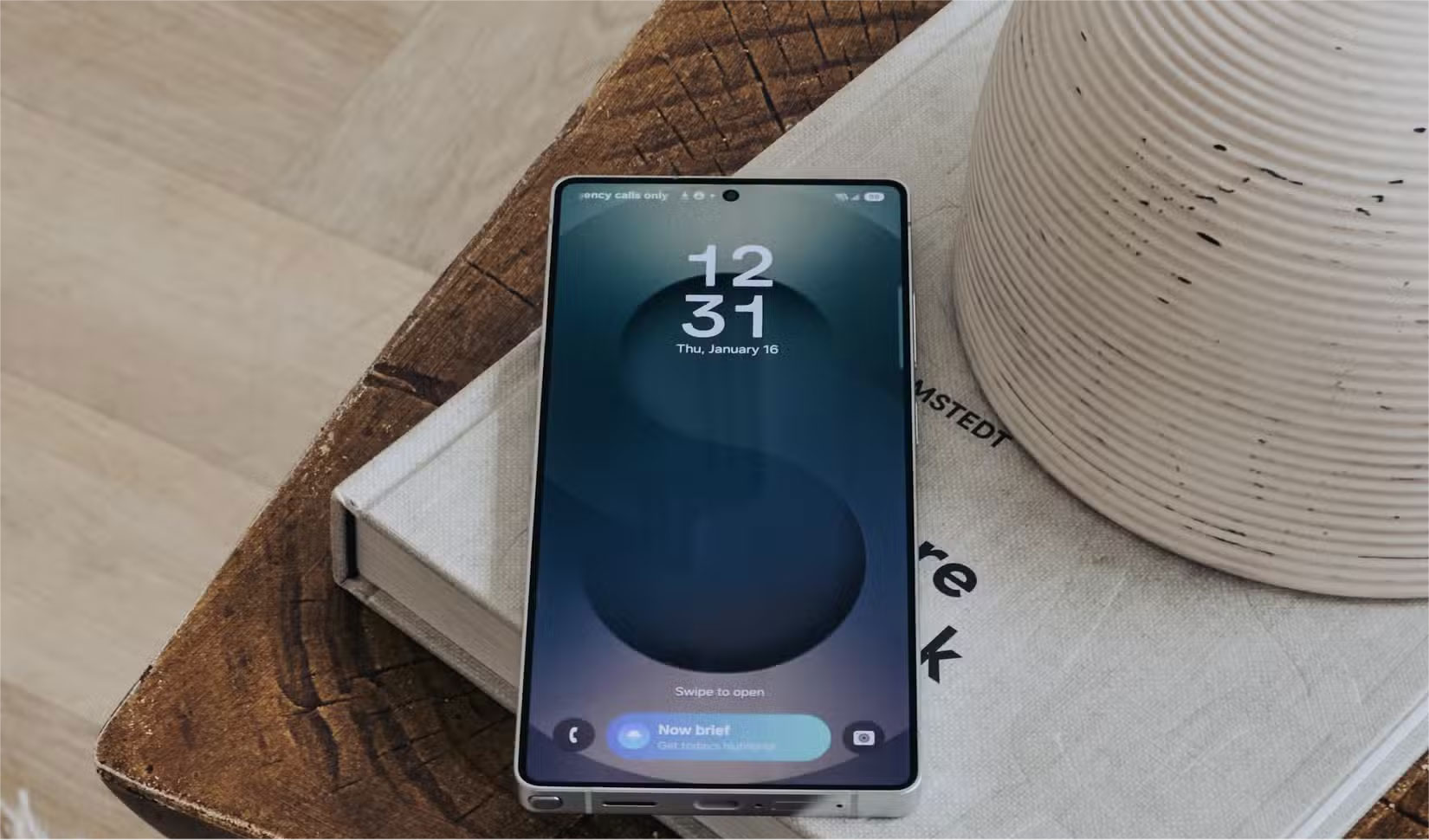
Notifications have always been one of the biggest complaints about iOS. Even though Apple has improved them with every major update, they're still a mess. For example, the iPhone still doesn't let you see your entire notification history. So if you accidentally dismiss a notification, it's gone. There's also no granular control over each type of notification like Android does.
One UI also gives you a lot more flexibility. You have different styles and options for how notifications appear, as well as more control over what content is displayed. A small but useful addition is that app icons stay on the status bar when you have new notifications, so even if you miss a notification, you know it's still there.
FAQ
What should you know about 5. Multitasking is actually possible on Android?
You can multitask well on Samsung phones, which is one of the first improvements that you'll notice after switching. Samsung's Multi Window feature lets you use two apps in split-screen mode or open certain apps in floating pop-up windows.
What should you know about 4. Can customize the phone as you like?
Many people don't think they care much about customization. But after switching to Samsung, setting up your phone exactly the way you want it is a lot more fun. You can do a lot of things right out of the box, and Good Lock opens up even more customization options.
What should you know about 3. You use Samsung DeX more than you think?
In case you're not familiar with Samsung DeX, it lets you plug your Samsung phone into a monitor and give you a full desktop-like interface. It's built into most flagship Galaxy phones and works with USB-C monitors or even wirelessly on some Smart TVs.
What should you know about 2. Fingerprint reader is much more convenient than Face ID?
Samsung's ultrasonic fingerprint sensor is much faster and more reliable than expected, and people prefer it to Face ID. You can unlock your phone instantly, even when it's face down on a table. There's no need to pick it up or fumble with your mouse to get Face ID to work.
Related Articles
 4 Reasons You'll Miss Your iPhone After Switching to Samsung6 minutes read
 Reasons to Ditch Google Keep for Samsung Notes6 minutes read
 Samsung's New Ad Scoffs at Apple's Slowing iPhone3 minutes read
 Why You Shouldn't Ditch Samsung Internet for Google Chrome?8 minutes read
 Iphone Users Tend to Switch to Samsung Smartphones2 minutes read
 After 20 Years, Microsoft 'Enticed' Samsung to Use Word3 minutes read
Reader Comments 0
Sign in with email or Google to join the discussion.