Table of Contents
Explore 4 Google pixel tricks that changed the way people use their phones.
Flip to Shhh
Available on most Pixel phones, this trick helps reduce distractions
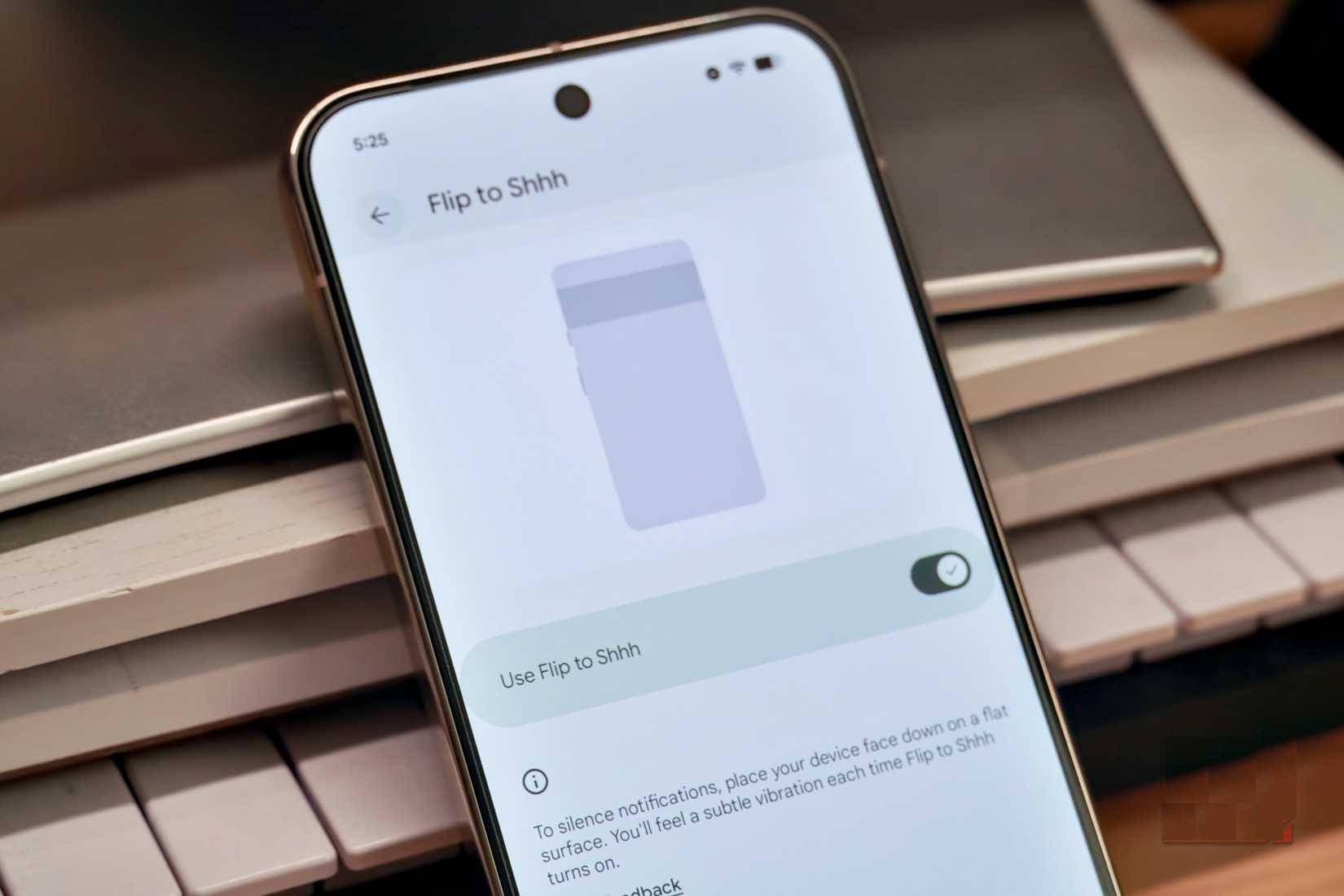
Google Pixel phones have so many gestures that there's even a dedicated Settings page for them. On the Pixel 4a and later, you can use Quick Tap to launch a shortcut by double-tapping the back of the phone. However, my favorite Pixel feature is much simpler – Flip to Shhh. When you flip the phone face down, Do Not Disturb mode is instantly activated.
Many people enjoy using the Flip to Shhh feature when working at their desks to stay focused and minimize distractions.
Pixel Screenshots
The Pixel Screenshots app can prompt you to review the photos you've taken later
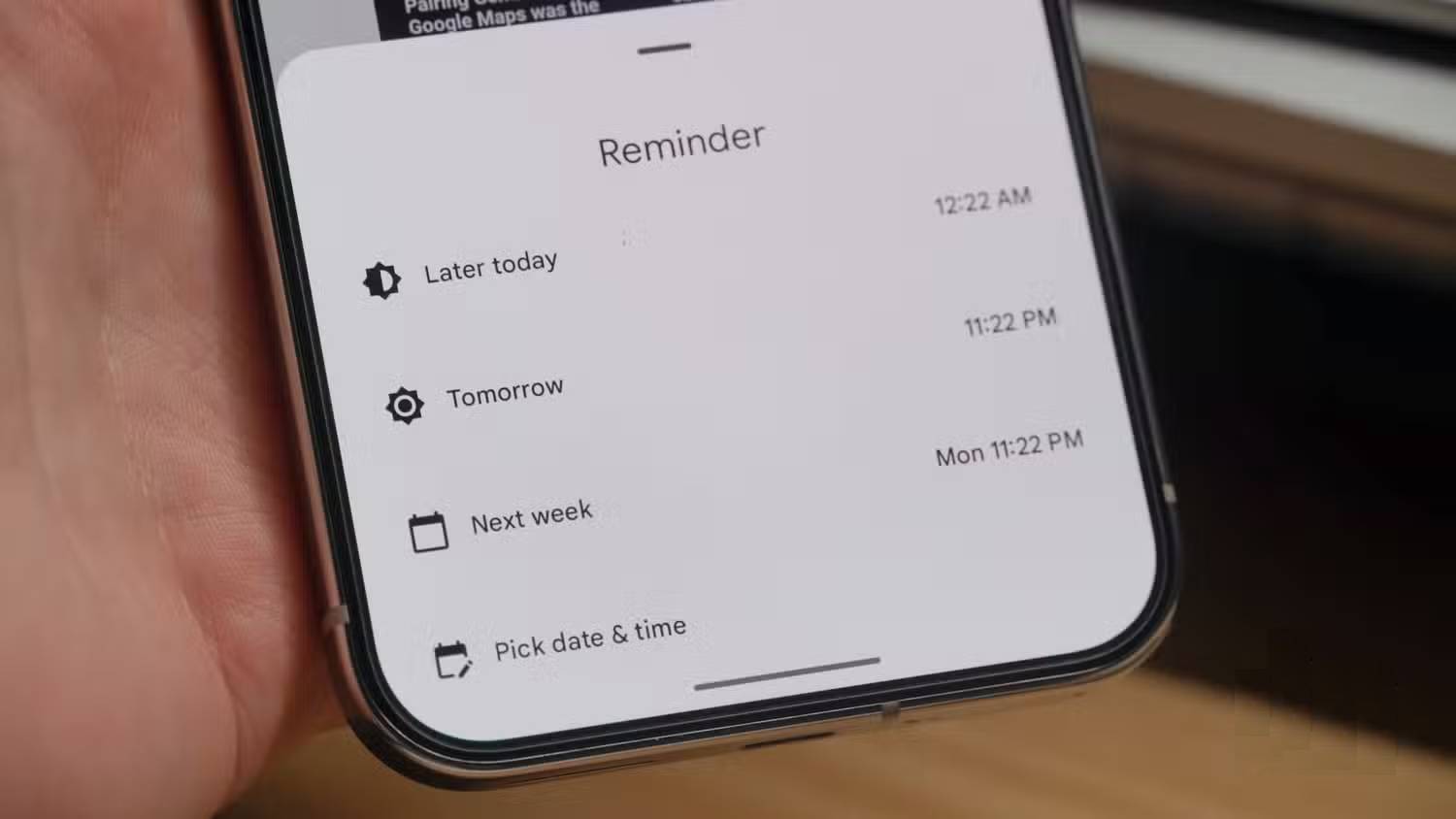
Many people are selective when taking screenshots on their phones. The more screenshots you take, the more things you'll need to edit later. People often take unnecessary screenshots and then forget to look at them later. Pixel Screenshots – an exclusive app available on the Pixel 9 and Pixel 10 series (except for the Pixel 9a) – is designed to solve this problem once and for all. After taking a screenshot, you can go into the Pixel Screenshots app and set a reminder to review it.
It works like a regular reminder, appearing as a push notification on the day and time you choose. The app suggests reminder timeframes for Later today , Tomorrow , and Next week, along with a custom Pick date & time option. The best part is using the Pixel Screenshot app's notes feature to accurately describe why you want to return to the saved screenshot.
Call Screen
Carefully check calls from unknown numbers before answering
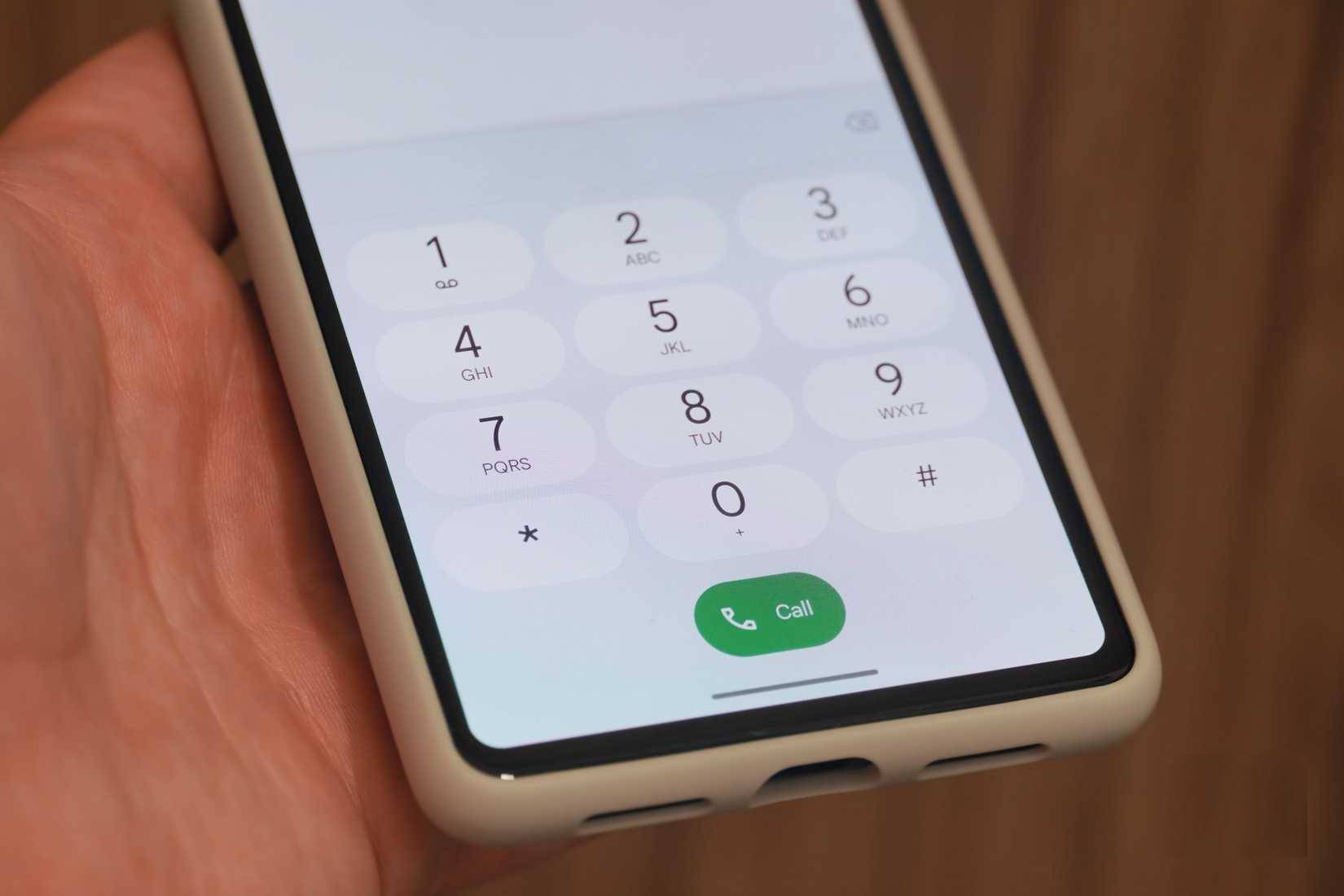
Many people never answer a call from an unknown caller without knowing exactly what to expect. This not only helps avoid scam calls and reduces wasted time on spam messages, but it also helps you prepare for the call you're about to receive, which is especially useful for business calls or working with customer service representatives. You can thank Pixel phones in part for that – while not the only brand offering Call Screen functionality these days, it started with Google's proprietary Call Screen feature on Pixel phones.
The Call Screen feature includes both manual and automatic versions. The automatic filtering mode will answer suspicious calls and calls from unknown numbers as soon as they come in. Google's AI assistant will answer the call and ask for more information, such as who the caller is and why. Spam calls will be automatically disconnected, while others will ring back for the Pixel user. Before answering, you can view a call recording.
Google Recorder
Easily capture audio recordings and export them to Google apps
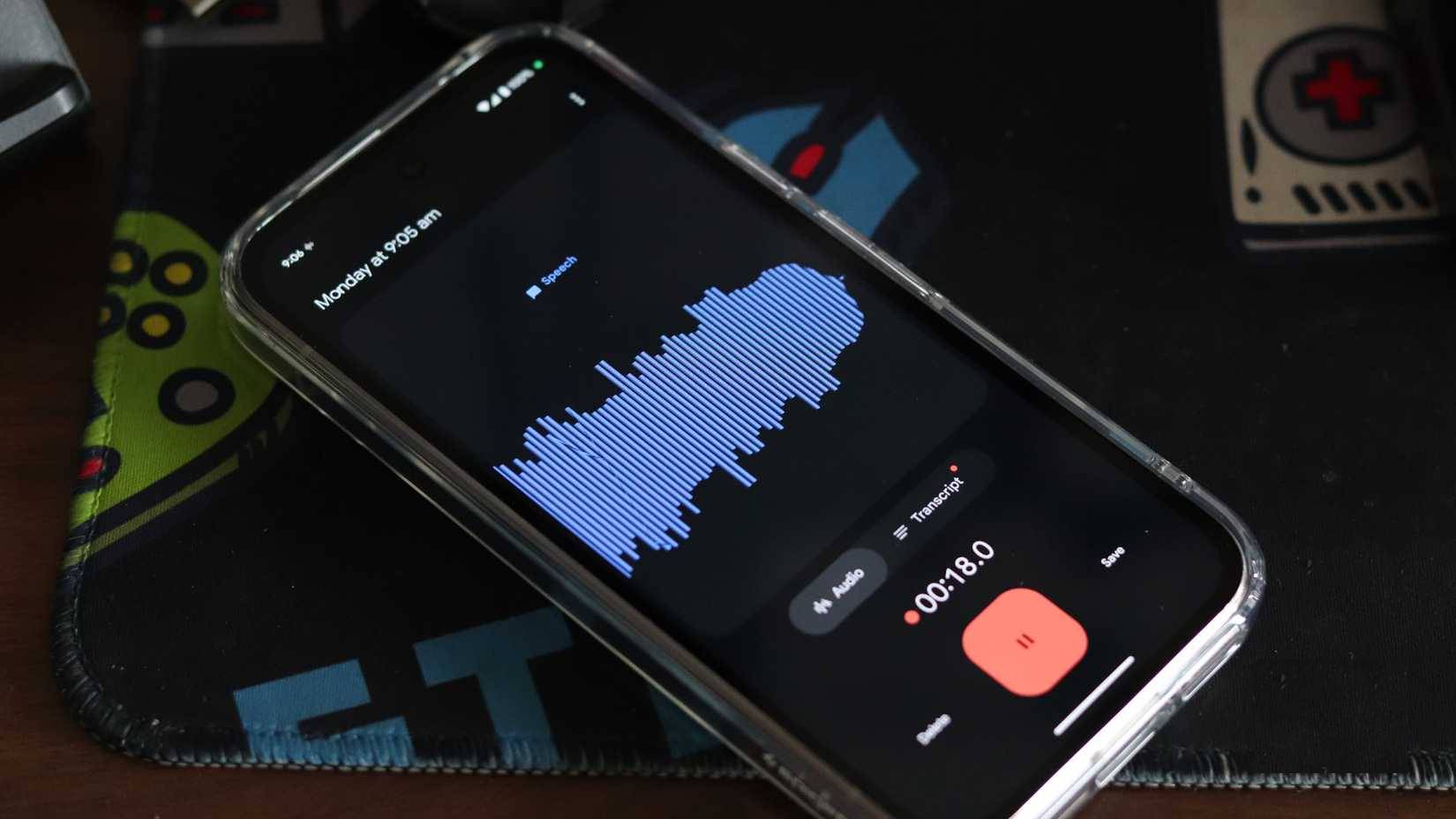
Google Recorder is the best exclusive app on Pixel to date. Despite its age, its utility is unparalleled, making it an instant classic. The app can record voice memos and convert them into text in real time, all entirely on the device. The processing identifies each speaker, and these are included in the recording. Text summaries are then generated and are searchable. You can even better sort the recordings by keyword.
The Recorder app has added some truly impressive features, such as the ability to create video versions of audio recordings and transcripts. Additionally, you can export recordings to Google Docs – which can then be shared throughout the Google ecosystem, including platforms like Gemini and NotebookLM. Even if the primary SIM isn't in the Pixel, many people still keep a separate SIM just for managing recordings and summaries.
Final Thoughts
Use this guide as a practical checklist for 4 google pixel tricks that changed the way people use their phones. Work through the steps in order, verify each result, and adjust the options to match your needs.
FAQ
What do you need before following this 4 Google Pixel Tricks That Changed the Way People Use Their Phones guide?
Review the required tools, accounts, settings, or materials mentioned in the article. Explore 4 Google pixel tricks that changed the way people use their phones.
What are the main steps for 4 google pixel tricks that changed the way people use their phones?
Follow the sections in order, especially Flip to Shhh, Available on most Pixel phones, this trick helps reduce distractions, Pixel Screenshots. Complete each step before continuing and verify the result as you go.
What should you do if the process does not work as expected?
Recheck the prerequisites, update the relevant app or service, review the settings, and repeat the step that caused the issue. Use any troubleshooting notes included in the guide.
Related Articles
 4 Reasons Not to Buy Google Pixel5 minutes read
 The Prototype Image Shows the Back of Google Pixel 3 XL Completely with Glass, Huge Rabbit Ears4 minutes read
 These Special Features Are Only Available on Google Pixel Phones5 minutes read
 How to Activate Google Pixel and Pixel XL6 minutes read
 Google Officially Launched 2 Mid-range Smartphones Pixel 3a and Pixel 3a XL20 minutes read
 Pixel and Pixel XL Duo Were Killed by Google3 minutes read
Reader Comments 0
Sign in with email or Google to join the discussion.