Table of Contents
Switching to Linux changes more than the desktop's appearance. Software installation, troubleshooting, device utilities and gaming can work differently from Windows. A short trial with your actual hardware and files is more useful than assuming Linux is either a seamless replacement or too difficult to use.
1. Troubleshooting often starts with different evidence
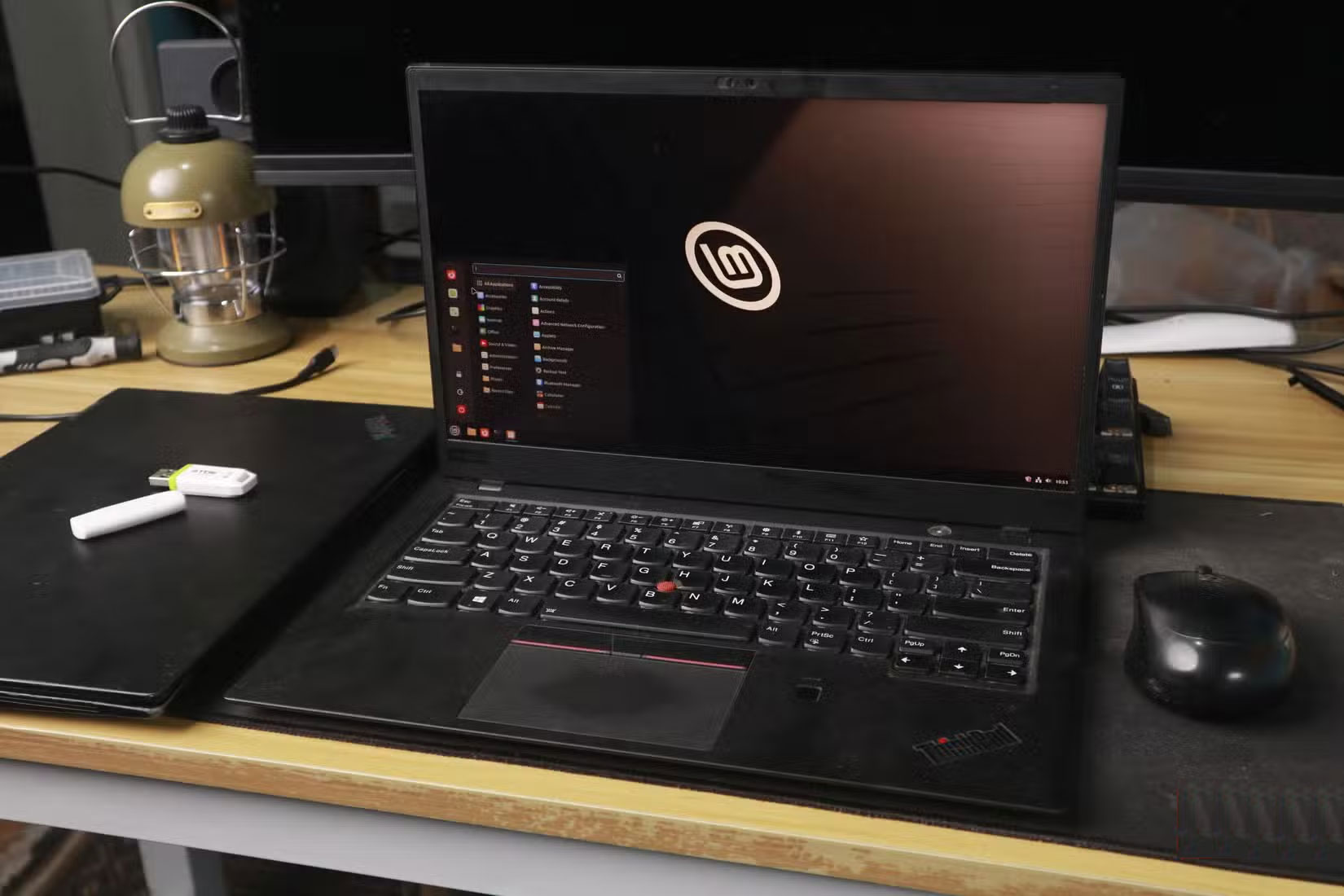
Desktop Linux offers graphical tools, but support instructions frequently ask for logs or terminal output. On a system using systemd, journalctl can show system-journal entries; other distributions may organize logs differently. Files in /var/log/ can also help, but not every error appears there or explains its own cause.
When asking for help, record the distribution and version, hardware, exact error and recent changes. Review logs for usernames, network details or other private information before posting them. Do not run an unrelated repair command simply because a search result mentions a similar symptom.
2. Peripheral utilities may be missing
A mouse or keyboard may perform its basic function while advanced lighting, macros or firmware updates depend on software unavailable for Linux. Check the exact device and feature rather than just the brand.
Community tools can help. OpenRGB, for example, publishes release-specific compatibility information, with support varying by device. Partial support is not the same as a full replacement for the manufacturer's application. Follow documented permissions and device guidance instead of running every utility as administrator.
3. An alternative application may change your workflow
Some commercial desktop programs have no Linux version. Others offer a web application, a native Linux edition or a supported remote workflow. A replacement editor can be capable without reproducing every feature of the original.
Test real files, fonts, macros, plug-ins and exports. Opening a document successfully does not prove that its layout or calculations remain correct. For work or school, compatibility with collaborators and required software matters more than a claim that one program is universally better.
4. Game compatibility is title-specific
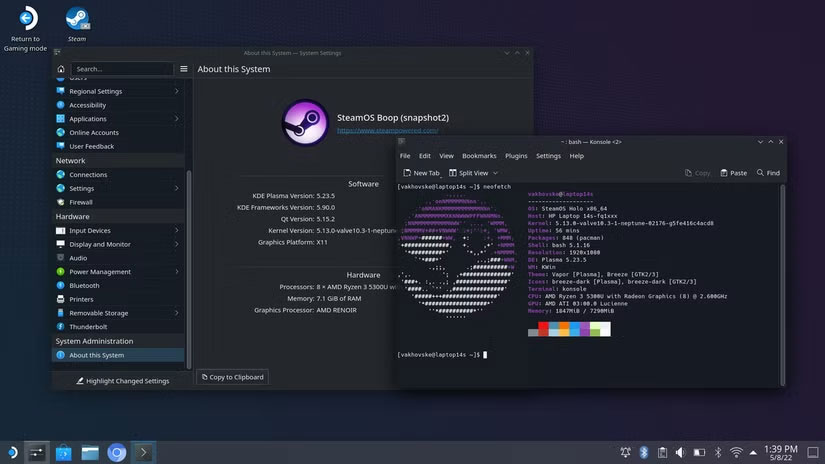
Steam's Proton lets many Windows games run on Linux, but support is not universal. Launchers, video components, drivers and anti-cheat can affect a particular title, and an update can change behavior.
Valve's Proton developer documentation explains that some anti-cheat middleware can work with developer enablement. It is inaccurate to say every game using Easy Anti-Cheat or BattlEye is blocked. Check the exact game's current support, especially for online play, rather than assuming a brand of anti-cheat gives the answer.
5. The terminal becomes useful without replacing every GUI
You can do many daily tasks in graphical applications. Learning a few commands still makes documentation easier to follow: pwd shows the current directory, ls lists entries, and cd changes directory. File-copy and move commands need more care because they change data.
Read a command before running it, check its paths and options, and understand why elevated privileges are requested. Package-management commands differ among distributions; instructions for one family should not be pasted blindly into another.
Try before replacing your working system
Use a live session to check Wi-Fi, sound, display output and input devices, or a virtual machine to explore the interface. A live session does not fully reproduce installed performance, but it can reveal obvious hardware gaps. Back up important data before installation or partition changes.
Start with Linux distributions and practical limitations, then review running Linux from USB alongside the chosen distribution's current instructions. Keep a supported fallback until your essential tasks work reliably.
Related Articles
 Switching from Mac to Linux is easier with the following 5 tips
 10 things to keep in mind when switching to Linux mobile operating system
 5 Ways to Make Your Switch from Windows to Linux Easier
 Don't Switch to These 5 Linux Distros When Leaving Windows 10!
 Why You Won't Regret Leaving Windows for Linux
 Why does Windows warn that Linux ISO is a virus? Causes and how to handle it
Reader Comments 0
Sign in with email or Google to join the discussion.