Table of Contents
Start with Terminus if you have never used a terminal. Once cd and ls feel familiar, try Bashcrawl or a shell mystery. Save the one-line challenges for when you can already read a pipeline.
1. CMD Challenge for short shell puzzles
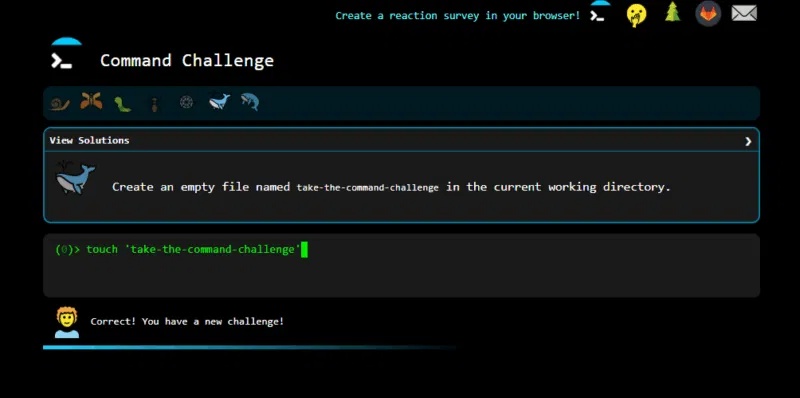
CMD Challenge gives you a target output and checks your shell command. Start with simple file and text tasks. Improve your solution once it works by seeing what each part prints on its own.
2. Terminus for navigating directories
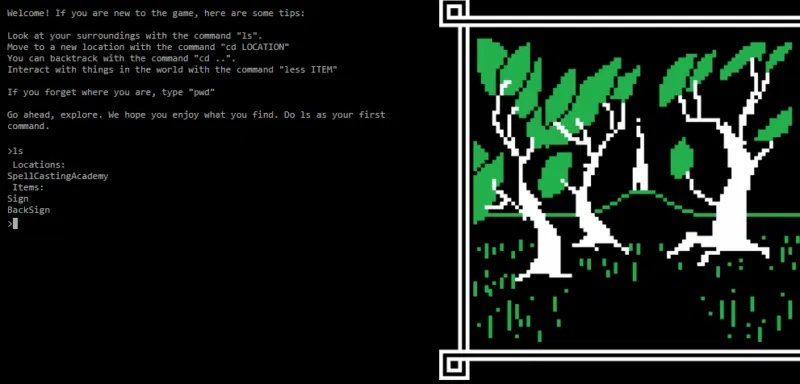
Terminus turns directories into rooms and files into objects. Practice looking around with ls, entering a room with cd, and reading an object with less.
3. Bashcrawl for practicing in your terminal
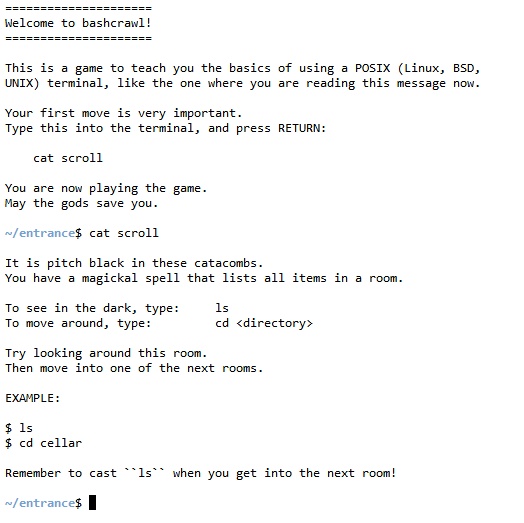
Bashcrawl is a text adventure you run in a local shell. The rooms and items are real folders and files. Keep the game in a dedicated practice directory so the files you manipulate belong to the exercise.
4. A guided shell lab for pipelines
The input, output, and pipelines lab walks through connecting commands. Its guided exercises make a good bridge between navigating folders and solving an open-ended challenge.
5. Vim Adventures for keyboard movement
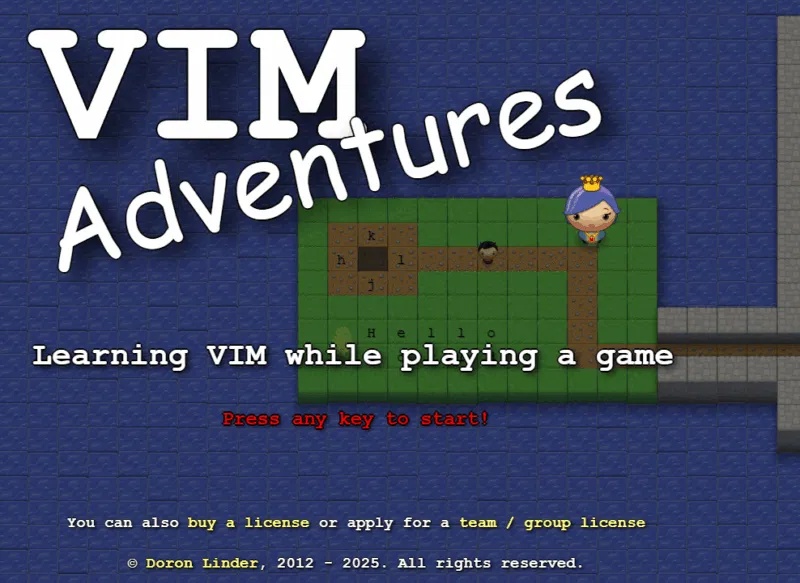
Vim Adventures teaches movement through levels. Practice h, j, k, and l first, then try the same motions in a disposable text file.
6. A file-permissions challenge you can set yourself
Create a folder with a few dummy files and inspect them with ls -l. Predict which files your account can read, write, or execute from the first column, then check those predictions. The Command Line and Shell Essentials course provides more structured practice.
7. Linux Journey for quick quizzes
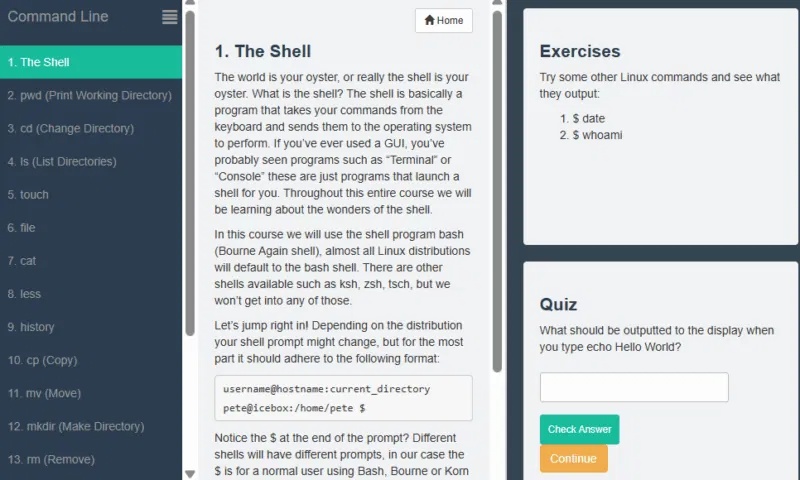
Linux Journey pairs short lessons with quizzes and exercises. Use it to review the ideas behind commands you met in a game, such as what file paths and permissions represent.
8. The Command Line Murders for text search
The Command Line Murders gives you fictional case files to search with tools such as grep, sort, and head. Read the scenario, identify one clue to look for, and build your search in steps so you can see where each result came from.
Related Articles
 The most attractive free games on Linux
 5 free websites and online games to learn about the Linux command line
 5 interesting entertainment games in Linux Terminal
 Check out Neal.fun: Fun site with a collection of interactive mini experiments, simple engaging games, etc.
 How to play PSP games in Linux with PPSSPP
 How to install Windows Game on Linux with Winepak
Reader Comments 0
Sign in with email or Google to join the discussion.