Table of Contents
A local large language model can draft, classify, extract, and generate code on your own computer. It is most useful when you need offline access, want more control over where data is processed, or repeat a narrow task often enough to justify setup and hardware costs.
“Local” does not automatically mean private, fast, or accurate. The model runner, extensions, telemetry, and connected tools may still use the network; performance depends on RAM, GPU memory, model size, and quantization; and outputs still require review. Verify the exact configuration before using confidential data.
Before you start
- Choose a runner: tools such as Ollama or LM Studio can download and run supported models locally.
- Match the model to the task: a coding model, instruction model, or vision-language model may perform better than one general model.
- Check the license: confirm that the model permits the intended personal or commercial use.
- Disable unneeded network access: inspect telemetry, update, plugin, and remote-model settings.
- Test with non-sensitive data: measure accuracy and speed before processing real documents.
1. Plan and prioritize tasks
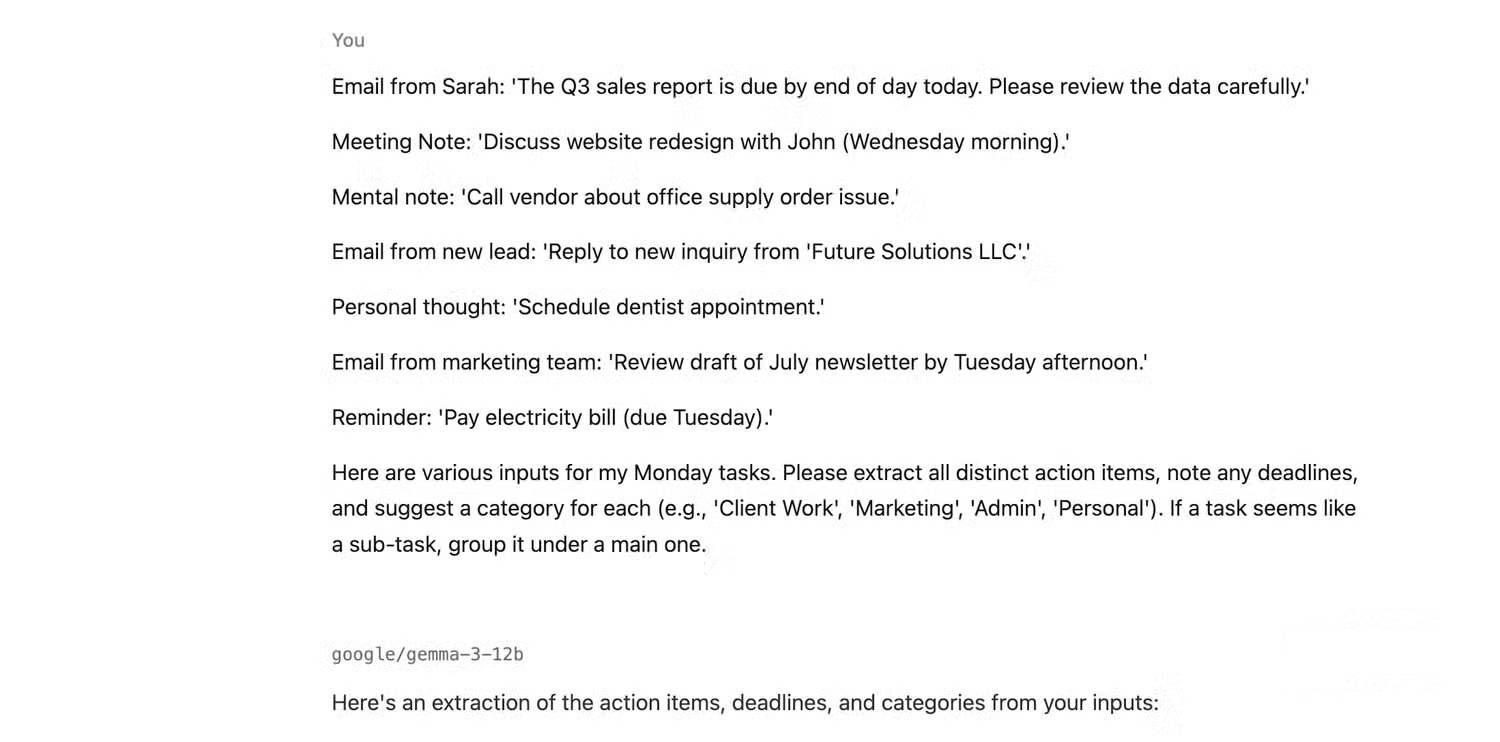
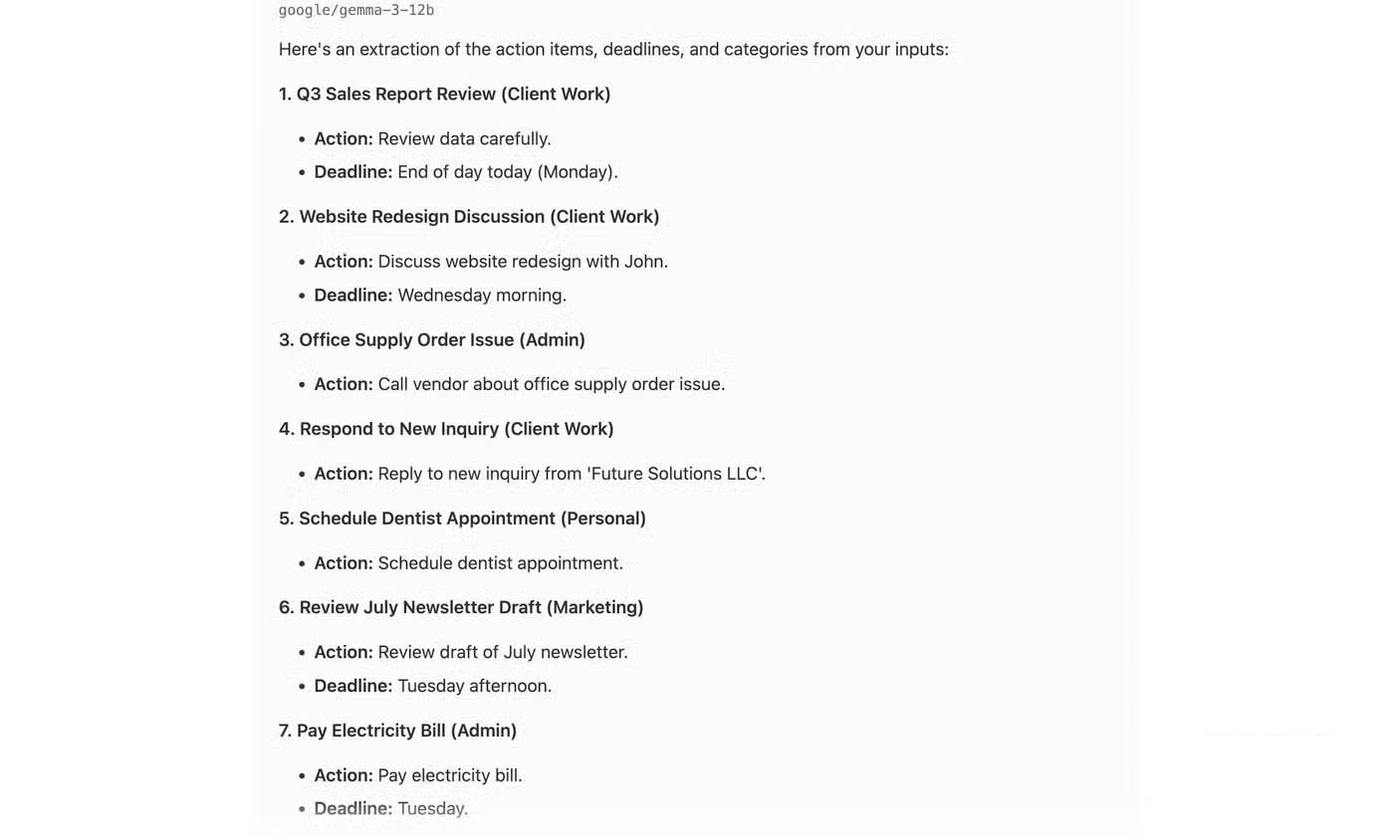
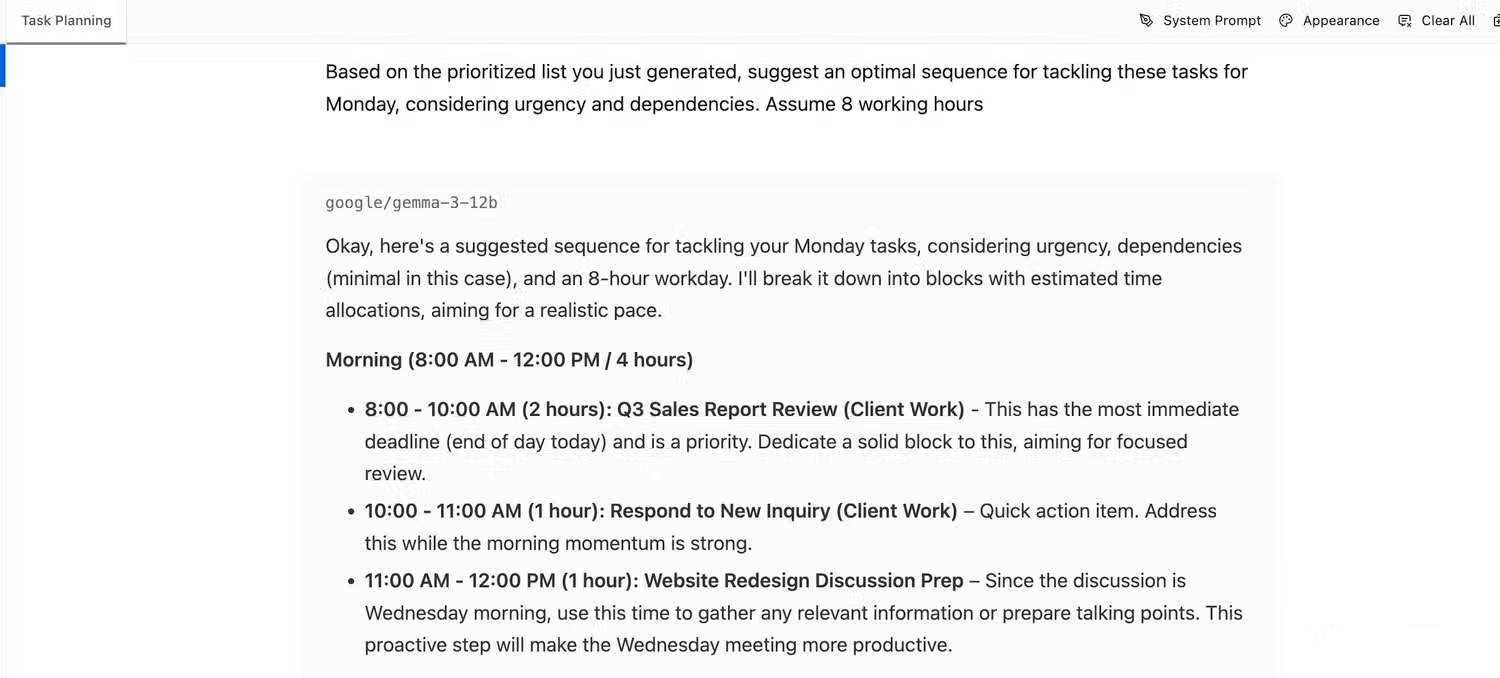
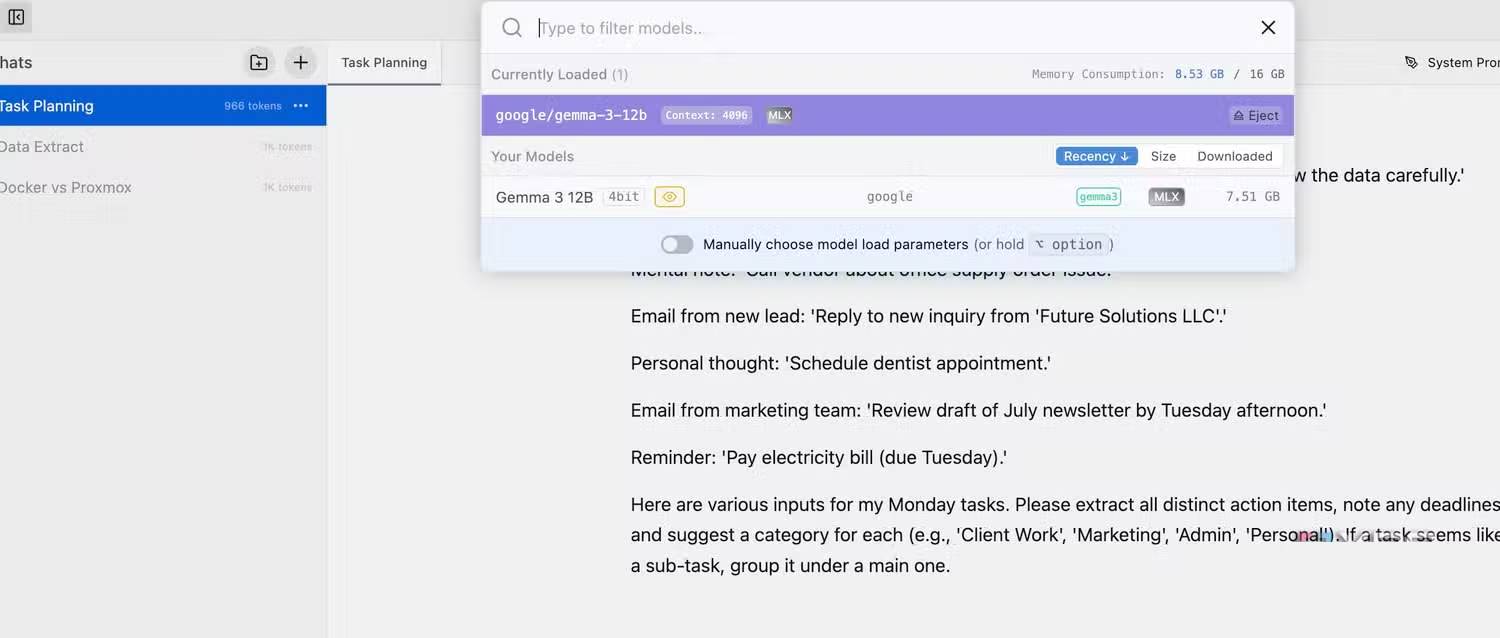
A local model can turn messy notes into a structured task list without sending a meeting transcript or personal reminders to a cloud chatbot. Give it the available time, fixed deadlines, dependencies, and categories rather than asking it to “organize my day” without constraints.
Example prompt:
Extract every action item from the notes below. Return a table with Task, Owner, Deadline, Dependency, Estimated effort, and Category. Write “not specified” instead of guessing. Then suggest an order for Monday, keeping the 10:00–11:00 meeting and 15:30 deadline fixed. Do not invent tasks.
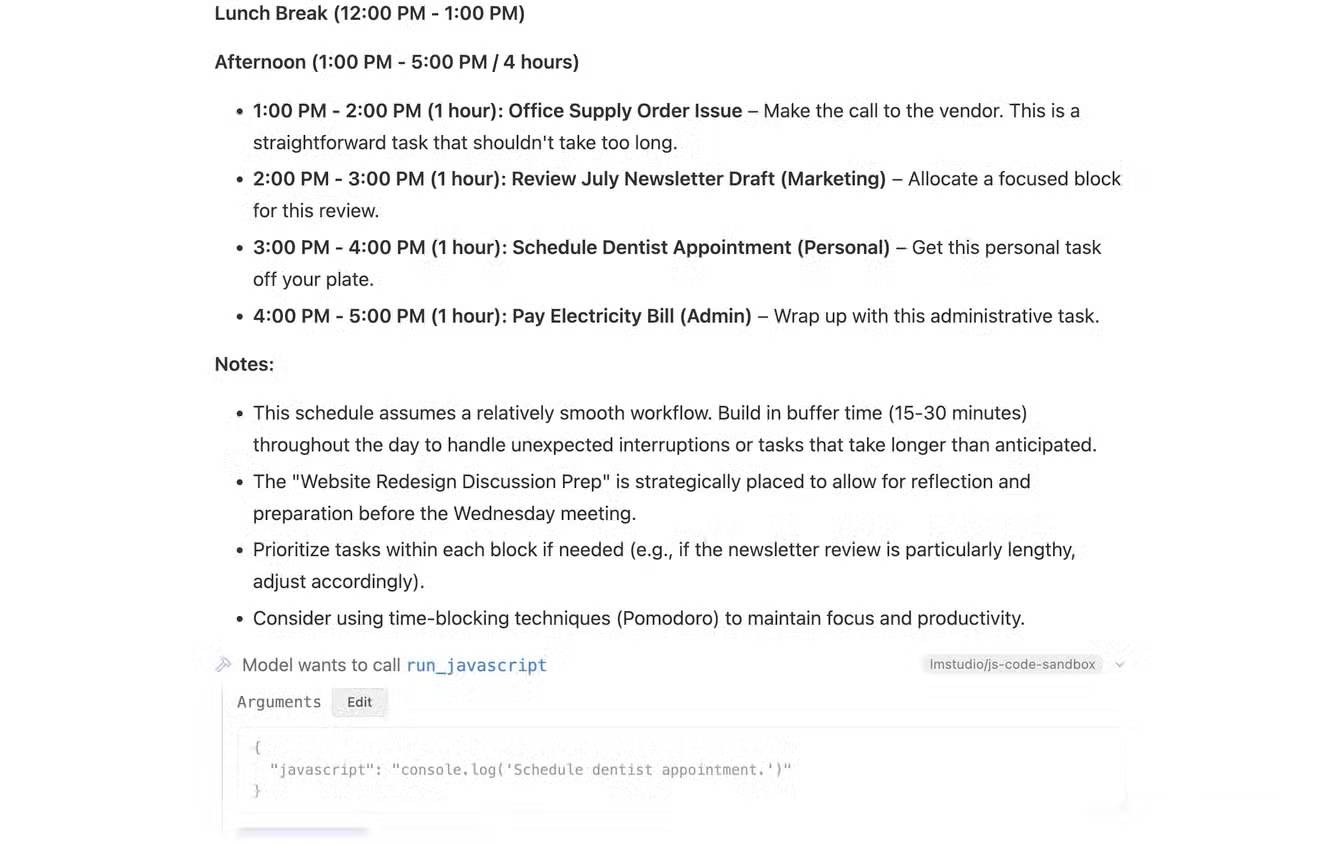
Review the output for omitted tasks and invented deadlines. The model cannot know the true importance of a client, project, or personal obligation unless you provide that context.
2. Extract data from invoices and receipts
A vision-capable local model can read an invoice image directly. A text-only model needs OCR output first. The model can normalize fields into JSON or CSV, but it should not be trusted to post amounts directly to accounting software without validation.
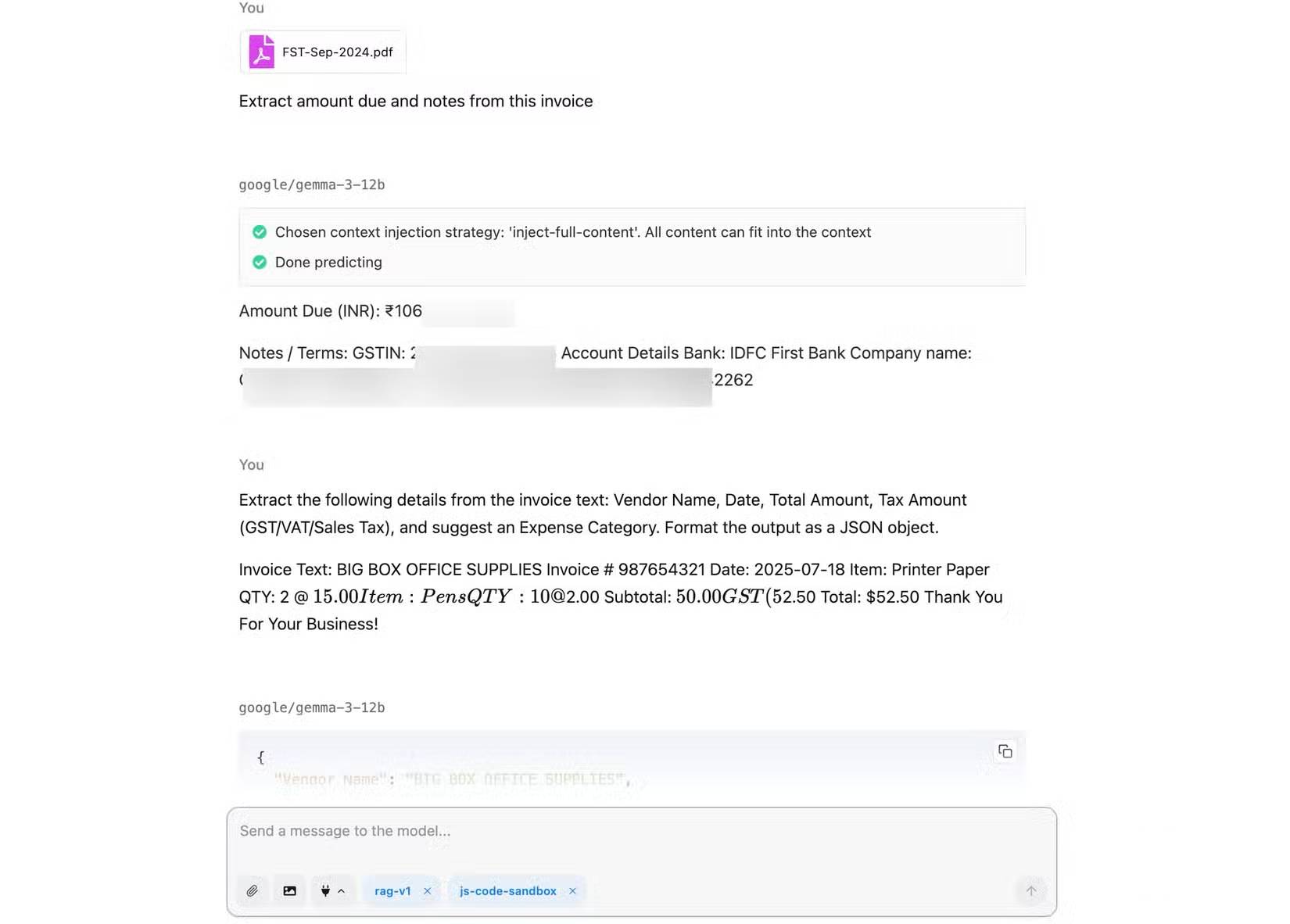
Example prompt:
Extract Supplier, Invoice number, Invoice date, Currency, Subtotal, Tax, Total, Due date, and Purchase order number. Return valid JSON using null for missing fields. Include an evidence object containing the exact source text for each value. Do not infer a value that is not visible.
Use a validation script to check that numbers parse correctly and that subtotal plus tax agrees with the total when the document provides those fields. A human should confirm vendor, bank, tax, and payment information. Do not ask a general model to decide the bookkeeping category without an approved chart of accounts and review rules.
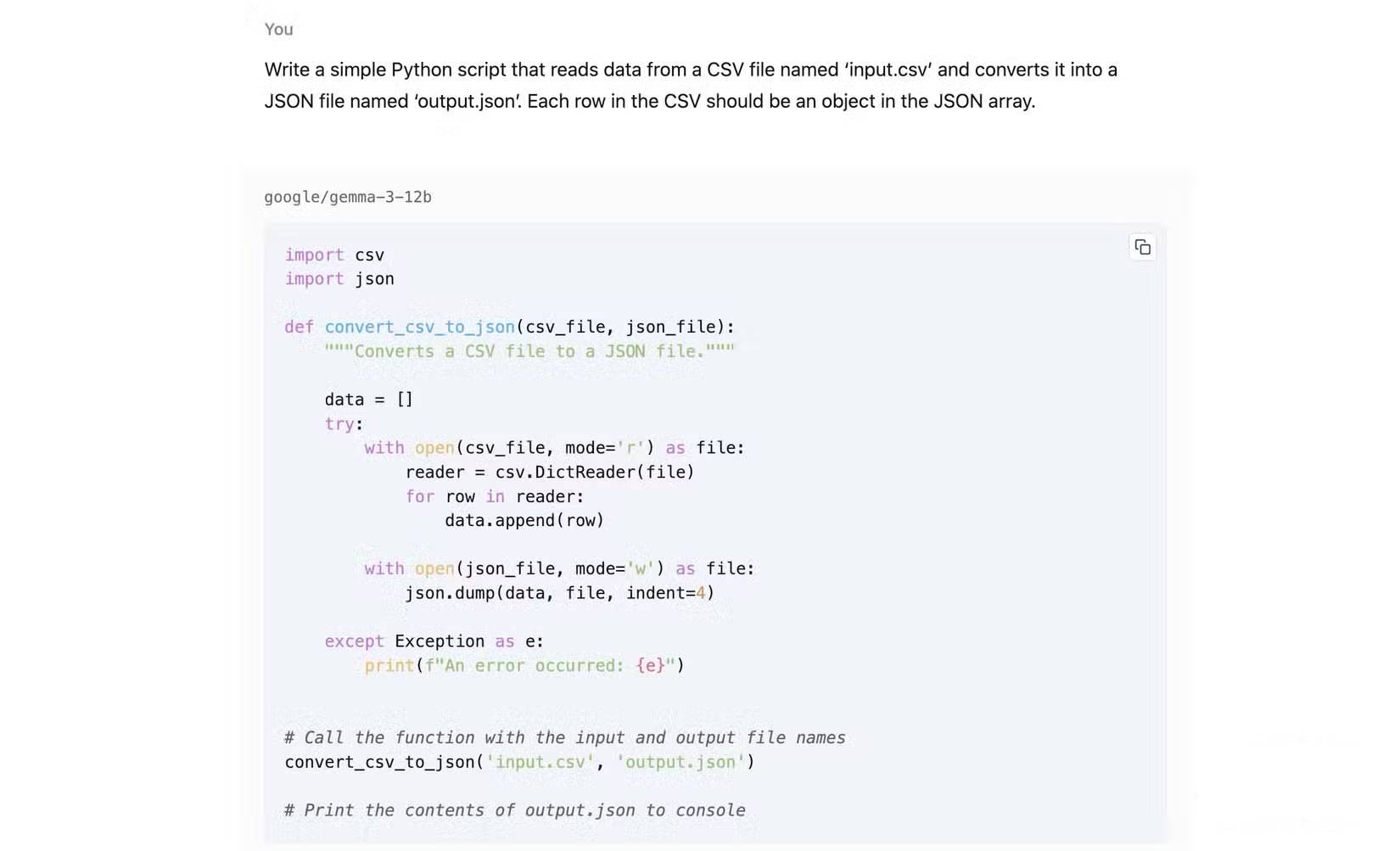
3. Generate and review small scripts
Local coding models are useful for private repositories, repetitive data conversions, test generation, and explanations. They do not eliminate debugging. A plausible script may mishandle encodings, duplicate column names, malformed rows, large files, or sensitive output.
For a CSV-to-JSON utility, request requirements and tests together:
Write a Python 3 script that reads input.csv as UTF-8 with a header row and writes output.json as an array of objects. Preserve all values as strings, report duplicate headers, fail with a clear message for malformed CSV, and write to a temporary file before replacing output.json. Use only the Python standard library. Include three unit tests and example commands.
Execute generated code in a controlled environment, review file paths and dependencies, and keep backups. Never let a model run an unknown command with broad filesystem or network permissions simply because it was generated locally.
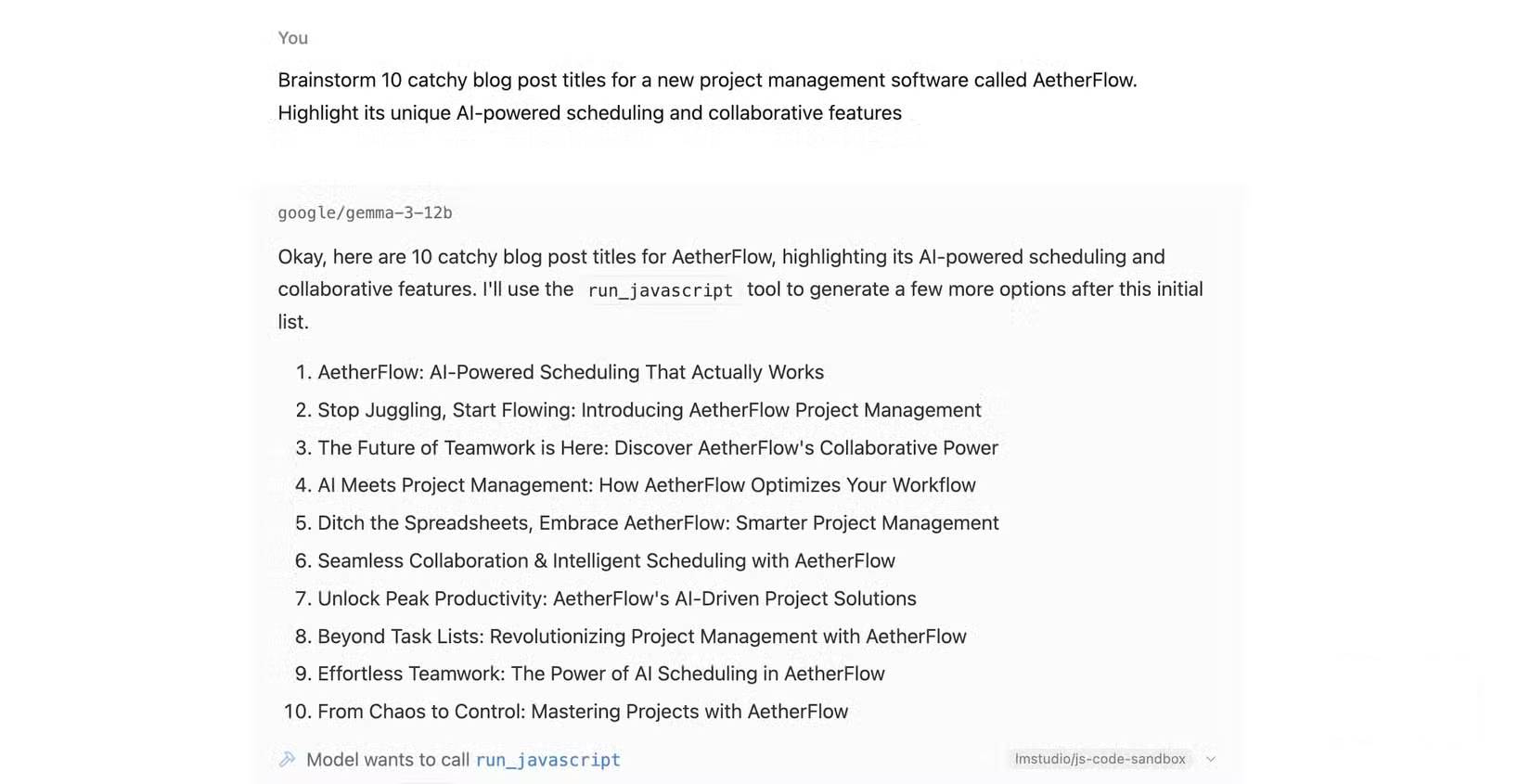
4. Draft and refine content
A local model can brainstorm titles, create an outline, transform notes into a first draft, or apply a house style. The practical advantage is control over unreleased product notes and the ability to work without a continuous internet connection—provided the selected runner and model are actually operating offline.
Example outline prompt:
Create three outlines for a product-launch article using only the source notes below. Audience: operations managers at small companies. Each outline must include the problem, three verified product capabilities, limitations, rollout steps, and a specific call to action. Mark any missing evidence. Do not invent customer results, prices, quotes, or competitor claims.
After choosing an outline, draft one section at a time. Finish with a claim check that lists every name, number, date, quotation, specification, and comparative statement for verification.
Local LLM advantages and trade-offs
| Factor | Potential advantage | Trade-off |
|---|---|---|
| Data control | Prompts and files can remain on the device | Only if the runner, extensions, and tools do not transmit them |
| Offline use | Core inference can work without internet | Model downloads, updates, and web research still require a connection |
| Cost | No per-message cloud fee after setup | Hardware, electricity, maintenance, and staff time are real costs |
| Latency | No network round trip | A model too large for the hardware may be very slow |
| Customization | Control model, quantization, prompts, and retrieval | More configuration and evaluation responsibility |
| Availability | Not dependent on a remote service outage | Limited to the models and tools the device can run |
How to choose a model size
Start with the smallest model that meets the quality requirement. Smaller quantized models use less memory and respond faster, but they may miss instructions or produce weaker reasoning. Larger models can improve quality but may exceed available RAM or GPU memory and fall back to slow processing.
Run a representative evaluation set rather than relying on parameter count. For each task, record accuracy, unsupported claims, JSON validity, response time, memory use, and the amount of human correction required.
Privacy checklist
- Confirm where model files came from and verify checksums when provided.
- Review the runner’s privacy, telemetry, crash-reporting, and update settings.
- Do not install unknown plugins with access to files, clipboard, browser, or shell.
- Bind local servers to
127.0.0.1unless network access is intentionally secured. - Protect chat logs, vector databases, cached documents, and generated files.
- Remove or mask sensitive fields when full fidelity is unnecessary.
- Follow employer policy and legal retention requirements.
A reliable local workflow
- Define one narrow task and an acceptance test.
- Choose a runner and model with a suitable license.
- Test on synthetic or public data.
- Constrain the output format and require “not specified” instead of guesses.
- Validate the output with deterministic rules where possible.
- Measure human correction time, not just generation speed.
- Only then move to sensitive or higher-volume data under an approved policy.
Local LLMs are most valuable when control, offline access, or repeatability matters more than access to the largest cloud model. Start small, verify privacy at the system level, and keep a human or deterministic validation step between generated output and consequential action.
Related Articles
 Stop Using Perplexity! Your Local LLM Does Everything Better7 minutes read
 10 Tips to Increase Productivity on Windows 1012 minutes read
 5 Practical Ways to Use AI for Better Productivity8 minutes read
 6 Must-Have Productivity Tools for Windows7 minutes read
 How to Increase Your Employees’ Productivity7 minutes read
 Effective Ways You Can Use to Improve Efficiency and7 minutes read
Reader Comments 0
Sign in with email or Google to join the discussion.