Table of Contents
Red USB ports are not as common as the blue or black ports you see on most computers. They are mostly USB-A ports, although you will occasionally see USB-C ports.
At first glance, USB ports seem boring. After all, they all look the same, and everything from TVs and computers to game consoles and cars has one. They're so ubiquitous that most of us plug our cables in without even thinking about it.
Some ports you may be familiar with, such as the old, slow white (USB 1.1) port, while the more common black (USB 2.0) and blue (USB 3.0) ports are faster and more versatile. There are also newer, flashy ports, such as the less common red USB port, which often piques curiosity.
The True Meaning of Red USB Ports
They can increase charging speed and capacity.
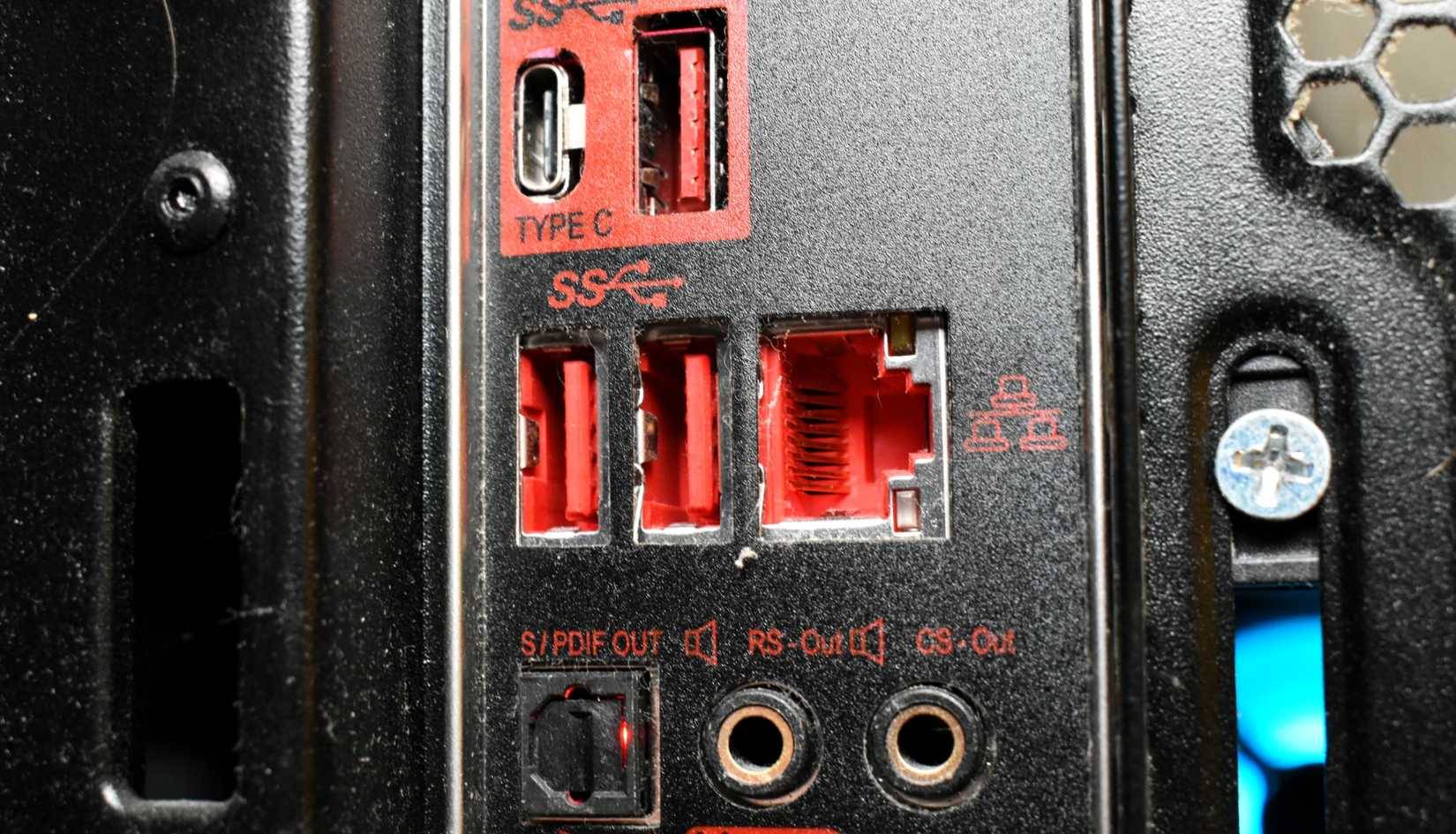
Red USB ports are not as common as the blue or black ports you see on most computers. They are mostly USB-A ports, although you will occasionally see USB-C ports. Red usually indicates that the port can provide more power than a standard USB port.
A red USB port indicates USB 3.1 Gen 2 or USB 3.2 technology. In practice, fast data transfer speeds of up to 10Gbps and even 20Gbps. To put that in perspective, that's almost double, or more, than a standard blue USB 3.0 port. This speed makes a real difference when you're transferring large video files, running an external SSD, or plugging in a high-performance gaming rig. If possible, the red port is for speed-sensitive tasks.
On some gaming motherboards, these red ports are even optimized for low-latency peripherals, giving your mouse or keyboard a small but noticeable advantage during gameplay. This is one of the main reasons why they are commonly found on gaming PCs and laptops.
In addition to pure performance, red USB ports often offer improved power delivery. Most of them are 'always-on' or 'charging' ports, which essentially means they can continue to provide power even when the computer is off, in sleep mode, or hibernating. This makes them perfect for charging devices overnight without having to turn on the computer.
Color isn't everything when it comes to USB ports
Looks can be deceiving
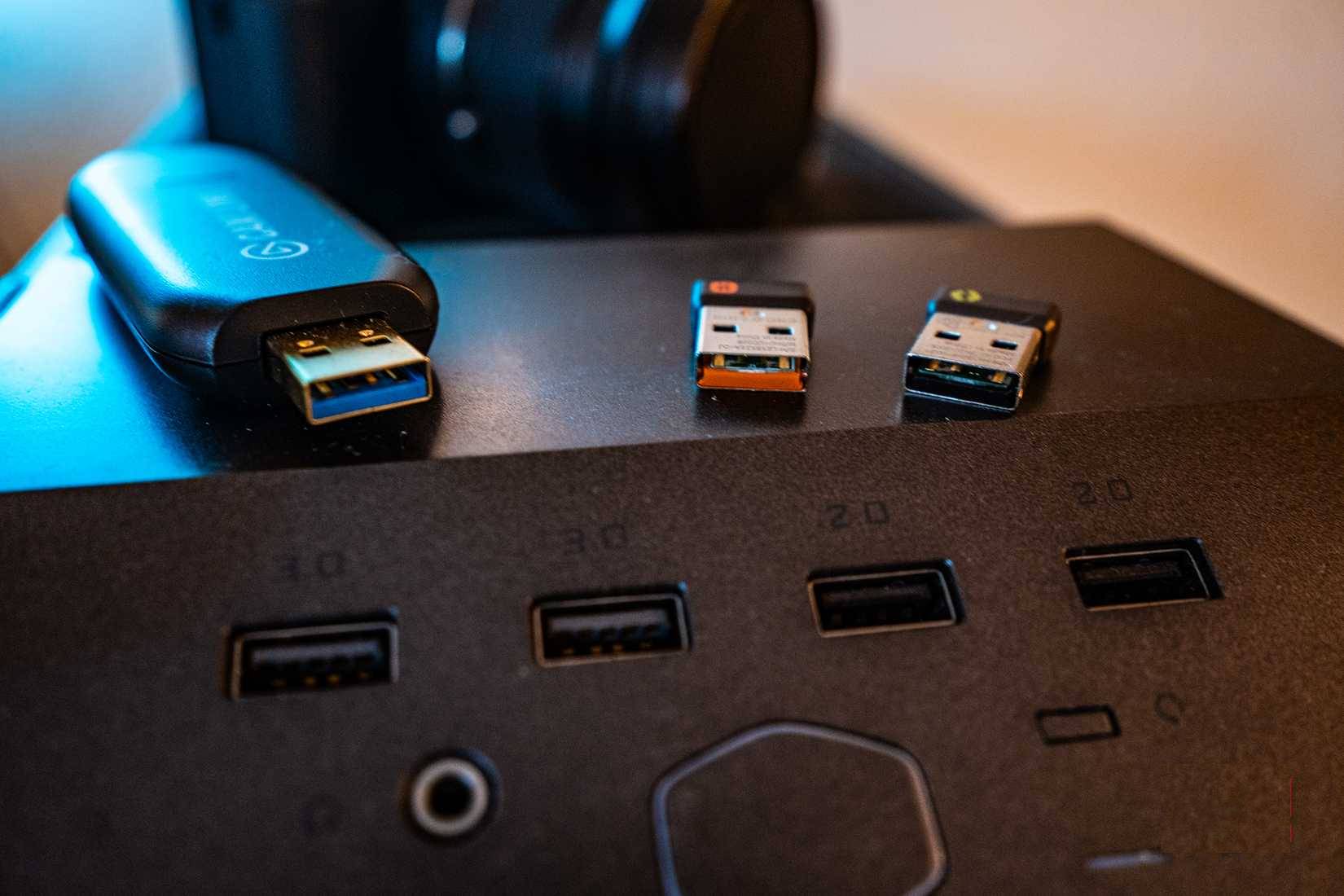
While color can be a helpful indicator, it's not a reliable way to determine the actual function of a USB port. USB versions 1.0, 2.0, 3.0, and later are standardized by the USB Implementers Forum (USB-IF), which sets the rules for speed, power, and functionality. However, USB-IF doesn't standardize color. That means manufacturers are free to choose whatever color they want.
This lack of standardization means that two computers can have red USB ports, but they may not mean the same thing. One manufacturer might use red to indicate a high-speed USB 3.2 Gen 2 port, while another might use red for aesthetic reasons, matching the design of the device. While this discrepancy is rare among major manufacturers, it's still worth keeping an eye out for, especially if you're using a custom-built computer or a lesser-known brand.
For this reason, relying solely on color can be misleading. The best way to know what a USB port can actually do is to check the device's documentation or look closely at the small symbols printed near the ports. Symbols like "SS" (SuperSpeed), "10" (10Gbps), or a lightning bolt (power) reveal more about the port's capabilities than its color.
Which devices have red USB ports?
Very rare
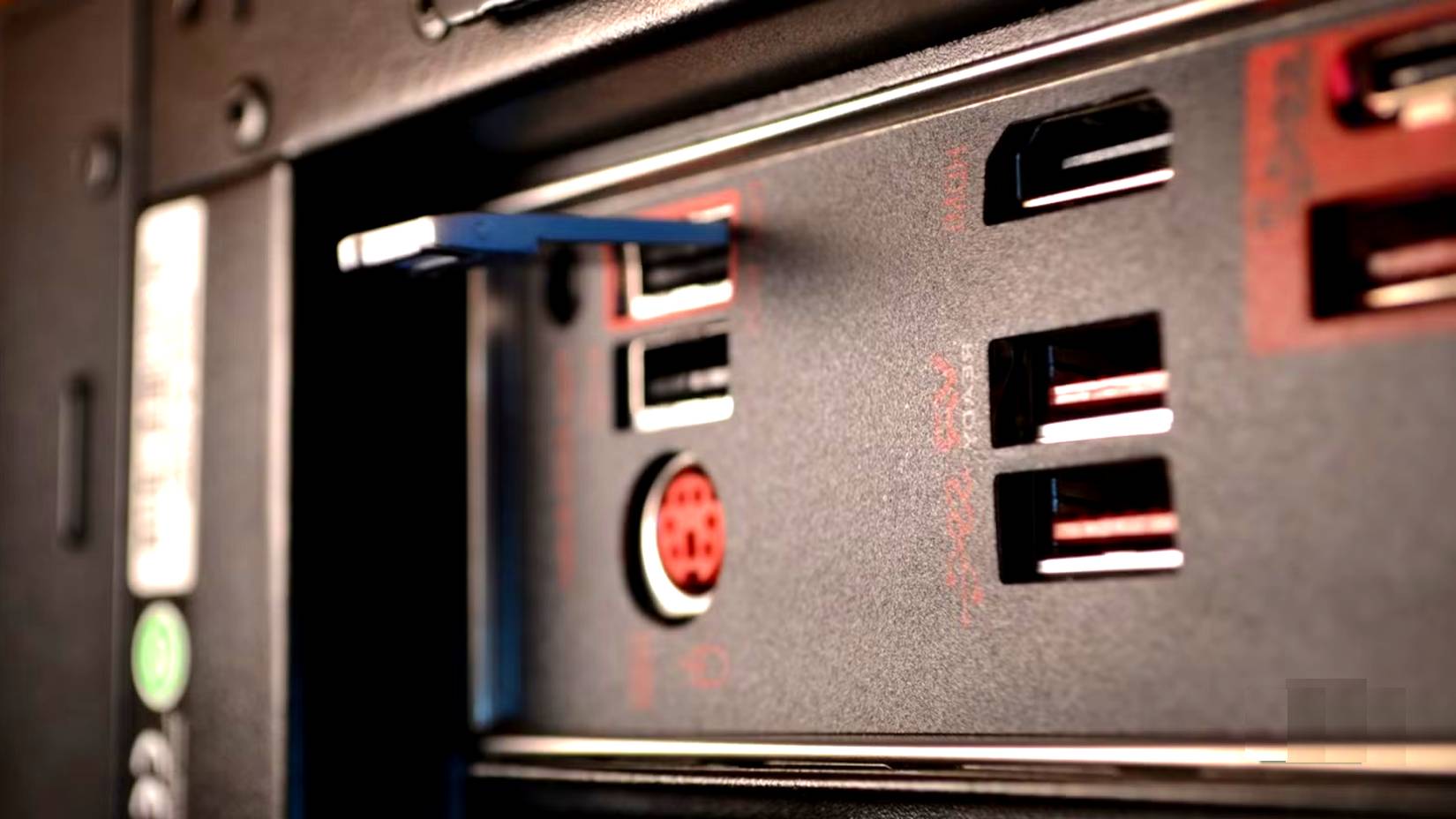
You won't find red USB ports on every computer or device. They're typically found on devices where speed, power, and performance are paramount, so you're unlikely to see them in your car, on the back of a TV, or on a basic office computer. Red USB ports are typically reserved for high-performance hardware.
Gaming laptops are among the most common devices to feature red USB ports. Brands like ASUS ROG, MSI, Dell, and Acer often use them to signal high-speed connections or 'always-on' charging. High-end motherboards are also another place where you'll often see red USB ports. High-end motherboards from brands like ASUS, Gigabyte, and MSI often use them to highlight USB 3.1 Gen 2 or USB 3.2 connections.
Outside of computers, if you come across a red USB port on a wall charger or power adapter, it usually indicates high-power output or fast charging. However, you shouldn't rely on color alone to determine the port's actual function, especially in this case.
Next time you see a red USB port, you'll know how to use it better. Remember, you don't need to use a red USB port for everything. Plugging in a regular keyboard or mouse won't take advantage of its extra speed and power. It's better to leave the port free for things like charging devices, transferring large files, or connecting high-performance accessories. It's best to learn what the different colors on your USB port mean and use them wisely.
FAQ
What should you know about what does the red USB port mean?
In practical terms, red USB ports are not as common as the blue or black ports you see on most computers. They are mostly USB-A ports, although you will occasionally see USB-C ports.
Why does what does the red USB port mean matter?
The article highlights that red usually indicates that the port can provide more power than a standard USB port.
What is the main takeaway?
The main takeaway is that a red USB port indicates USB 3.1 Gen 2 or USB 3.2 technology.
Related Articles
 What Is Port 0 Used For?4 minutes read
 What Is AAA PC Port? Why Do They Have So Many Problems?7 minutes read
 How to Change LPT Port in CMOS7 minutes read
 How to Connect Printer 2.0 USB Port to USB 3.0 Port on Windows 104 minutes read
 Summary of Some Simple Ways to Disable USB Ports on Windows6 minutes read
 8 Things You Can Do with Your Laptop's USB-C Port, Besides Charging8 minutes read
Reader Comments 0
Sign in with email or Google to join the discussion.