Table of Contents
Use Ethernet for devices that stay in one place and benefit from consistent latency or high local-network throughput. Wi-Fi remains the better choice for phones, tablets, and laptops that move around. A mixed network—wired for fixed equipment and wireless for mobile devices—usually gives a home the best balance.
Ethernet vs. Wi-Fi
| Factor | Ethernet | Wi-Fi |
|---|---|---|
| Latency | Usually lower and more consistent | Can vary with interference and airtime congestion |
| Throughput | Predictable up to the slowest port, cable, switch, or uplink | Depends on distance, walls, channel width, client radio, and other users |
| Mobility | Device is tethered to a cable | Designed for roaming |
| Setup | May require cable routes and a switch | Quick for devices within useful signal range |
| Interference | Twisted-pair cable is largely isolated from radio congestion | Shares unlicensed spectrum with nearby networks and devices |
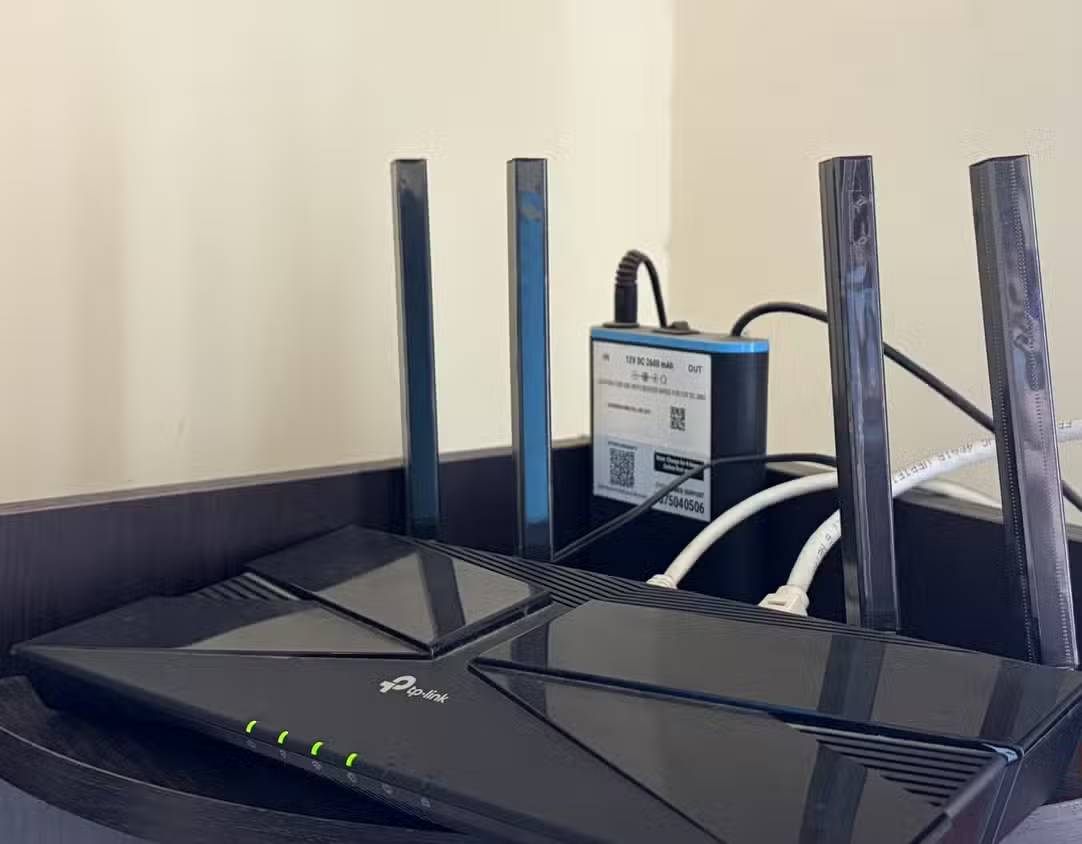
Why Wi-Fi performance fluctuates
A Wi-Fi indicator shows that a device is connected; it does not prove the connection has low latency or enough throughput. Wireless performance can change as people move, doors close, other networks use the same channel, or more clients compete for airtime.
Common causes include:
- distance and walls between the client and access point;
- interference from neighboring networks and some household devices;
- several clients transmitting on the same radio;
- older Wi-Fi standards or slow client hardware;
- a mesh system using a congested wireless backhaul;
- power-saving behavior and weak antennas in small streaming devices.
What Ethernet improves
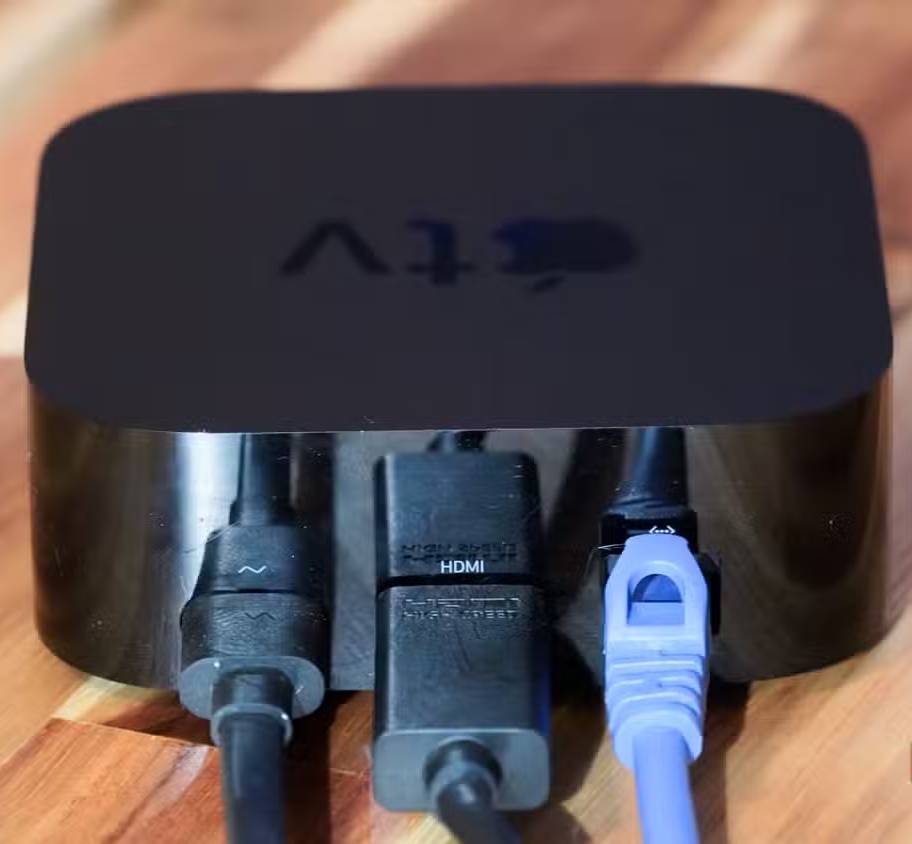
A device connected to a modern Ethernet switch gets a dedicated full-duplex link to that switch port. It no longer competes for Wi-Fi airtime or loses signal through walls. This commonly produces steadier latency, fewer retransmissions, and more predictable local transfers.
Ethernet does not give every device a separate internet connection. Wired clients still share the router's WAN link and may share a switch uplink. If the ISP connection, router, server, or streaming service is the bottleneck, changing the final link from Wi-Fi to Ethernet cannot exceed that limit.
Devices worth wiring first
- Desktop PCs and workstations: Better for large downloads, cloud backups, remote work, and stable video calls.
- Gaming consoles and PCs: Consistent latency and lower jitter matter more than peak speed in many online games.
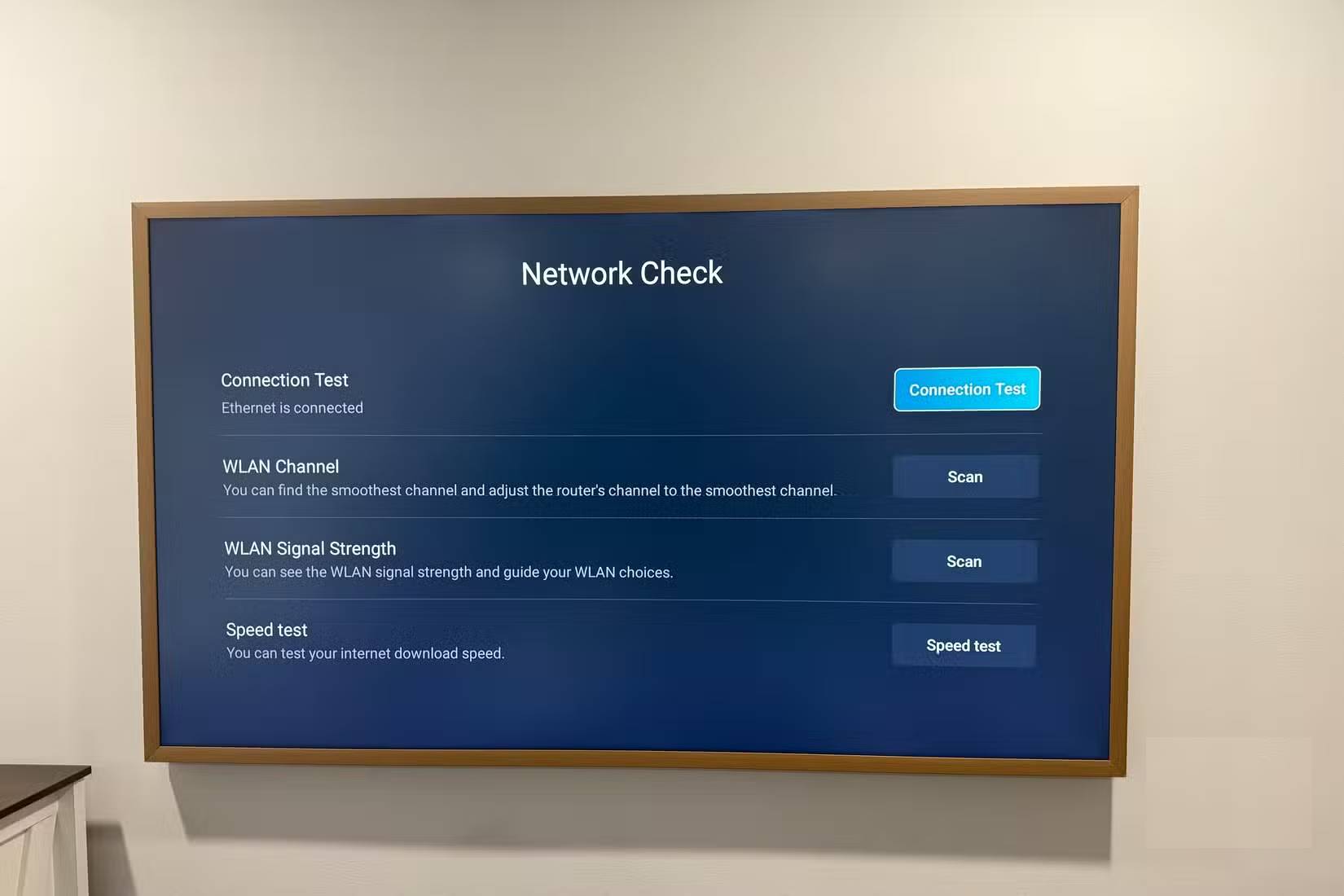
- Smart TVs and streaming boxes: Wiring frees Wi-Fi airtime and helps high-bitrate local or internet video play consistently.
- NAS devices and home servers: Wired links are important for backups and large file transfers; multi-gigabit Ethernet can help when both endpoints support it.
- Mesh nodes and access points: Ethernet backhaul leaves the radios available for clients and avoids a variable wireless hop.
- Smart-home hubs and camera recorders: A stable backbone helps equipment that coordinates many other devices.
Do not assume every device benefits equally. Some inexpensive TVs and streaming boxes have only a 100Mbps Ethernet port, while their Wi-Fi radio may test faster. Ethernet can still be more stable, but check the device specification if peak throughput matters.
Choose the right cable and ports
| Option | Good use | Notes |
|---|---|---|
| Cat 5e | Existing gigabit home runs | Suitable for 1Gbps at standard home distances when the cable is sound. |
| Cat 6 | New general-purpose home runs | A practical default with more headroom and support for shorter 10Gbps links. |
| Cat 6A | New long 10Gbps runs | Thicker and harder to route, but designed for 10Gbps up to 100 meters. |
The connection negotiates at the highest speed supported by all components: the device port, cable, wall jack, switch, and router. A Cat 6 cable cannot make a 100Mbps TV port operate at 1Gbps.
Practical ways to add Ethernet
- Short patch cable: The simplest choice when the router and device are in the same room.
- Small unmanaged switch: Use one wall run to connect several devices in an entertainment center or office.
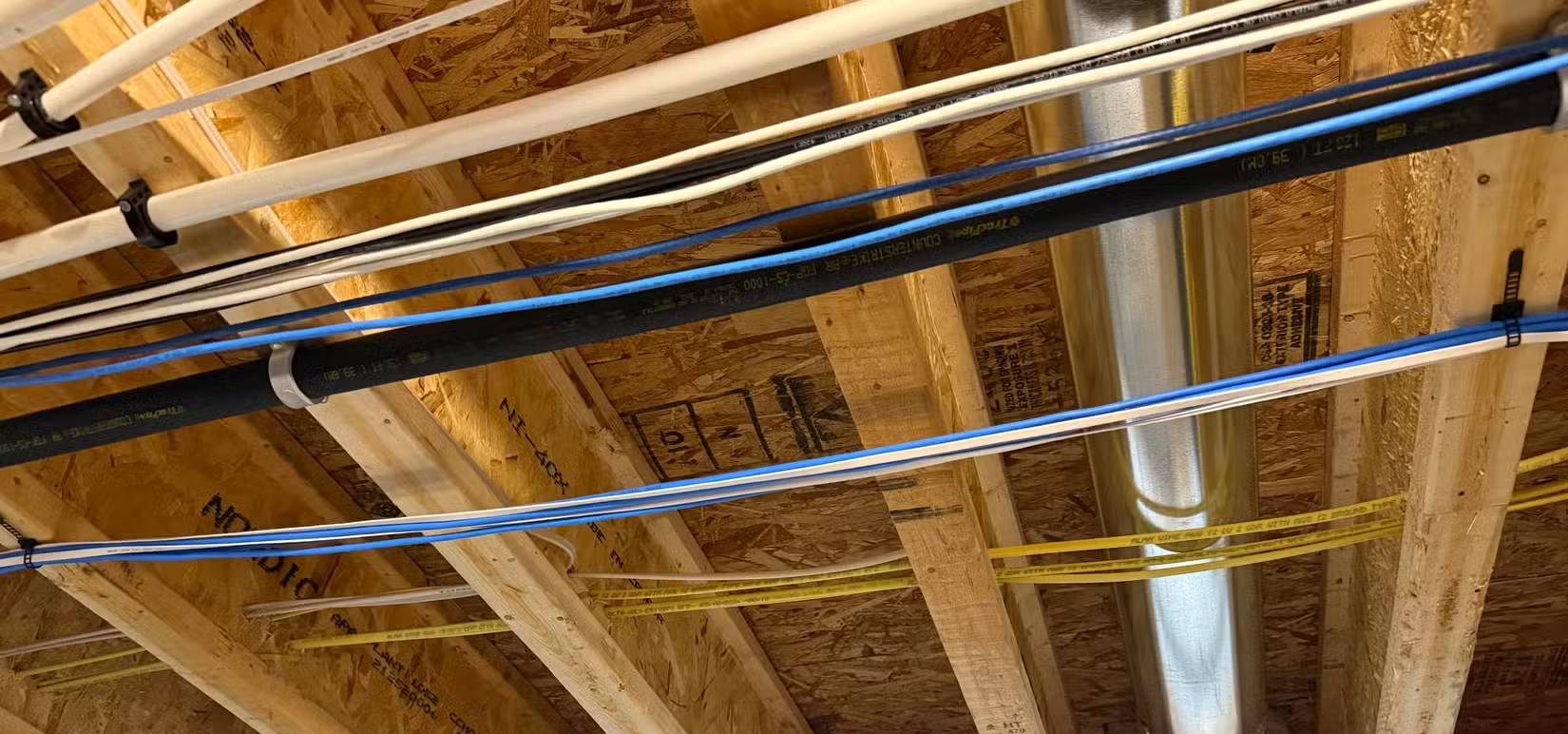
- In-wall cabling: Best during construction or renovation. Use cable rated for the installation location and follow local electrical and fire rules.
- Surface raceway: A tidy, removable route along baseboards for an existing room.
- MoCA: Can carry networking over existing coaxial cabling when compatible adapters and a suitable coax layout are available.
- Powerline networking: Easy to try, but speed and stability depend heavily on the home's electrical circuits. Treat performance claims as a best case, not a guarantee.
Avoid running ordinary indoor-rated cable through air-handling spaces, outdoors, or beside mains wiring without confirming the correct cable type and local requirements. For long or permanent runs, a qualified low-voltage installer can terminate and test the cabling.
How to verify the improvement
- Run several latency and speed tests over Wi-Fi at the same location and time of day.
- Connect the same device with Ethernet and disable Wi-Fi so the test cannot use the wrong interface.
- Check the negotiated link speed in the operating system or router.
- For NAS performance, test a local file transfer instead of relying only on an internet speed test.
- If Ethernet negotiates at 100Mbps unexpectedly, replace the cable and try another port before changing other equipment.
If the wired test is fast but wireless performance is poor, use the TipsMake Wi-Fi troubleshooting assistant or browse the Wi-Fi setup and repair guides. That comparison helps separate an ISP problem from a local wireless problem.
Related Articles
 Difference Between Ethernet and LAN4 minutes read
 How Is Wired (Ethernet) Better Than Wireless (Wi-Fi)?9 minutes read
 History Ethernet11 minutes read
 Learn About Local Area Networks -- LAN: Ethernet -- Part Ii3 minutes read
 Top 5 Best Ethernet Switch 202112 minutes read
 Stop Misusing Ethernet Cables: Explained8 minutes read
Reader Comments 0
Sign in with email or Google to join the discussion.