Table of Contents
This guide provides a clear, practical overview of "Tips for Using AI Chatbot Without Internet Connection". It organizes the most useful details, explains important considerations, and highlights the steps or choices that matter most.
How to Use AI chatbot without Internet
Step 1:
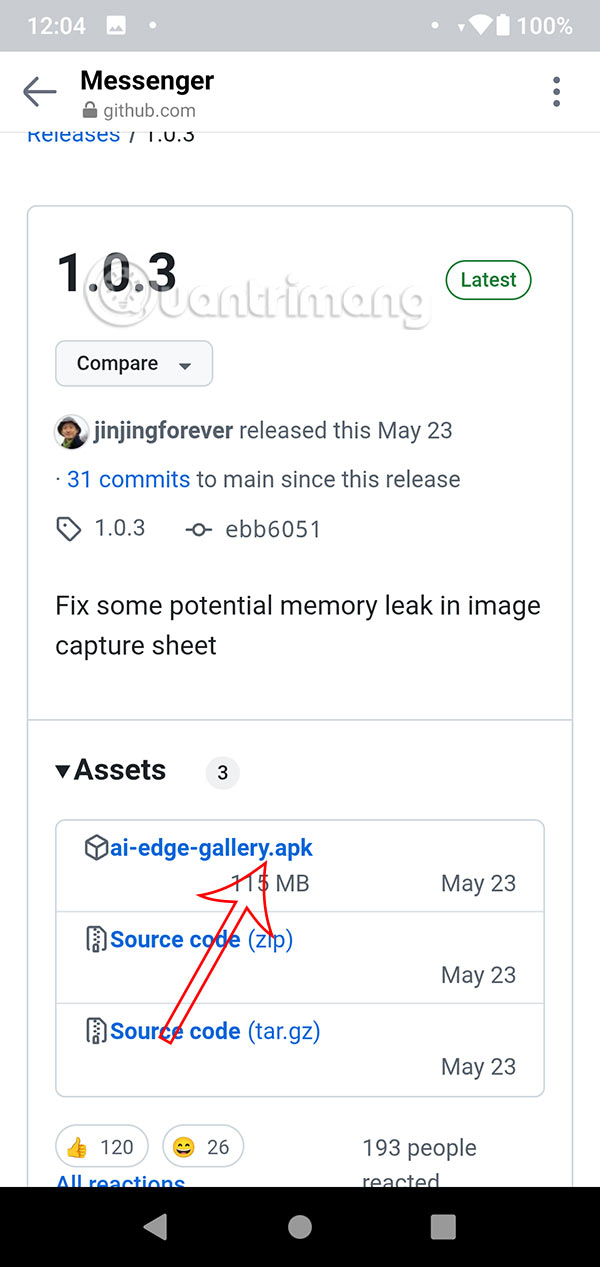
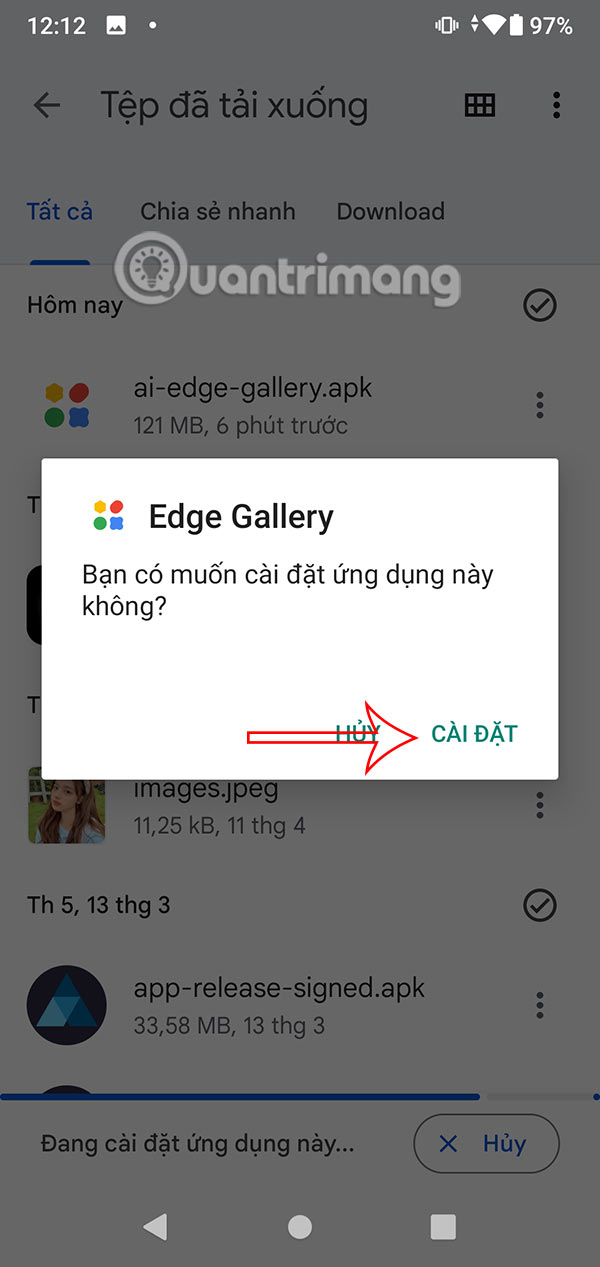
First you need to download the Google AI Edge Gallery tool for your phone. select the link below to download the apk file of the tool . Then proceed to unzip and install it on your phone .
https://github.com/google-ai-edge/gallery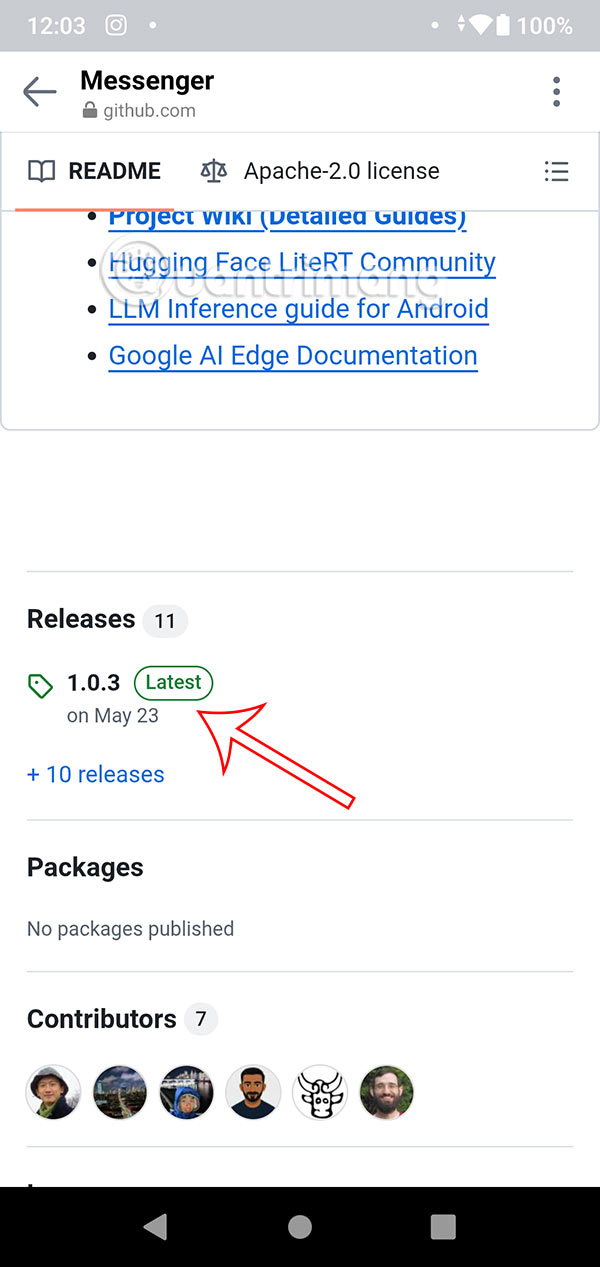
Step 2:
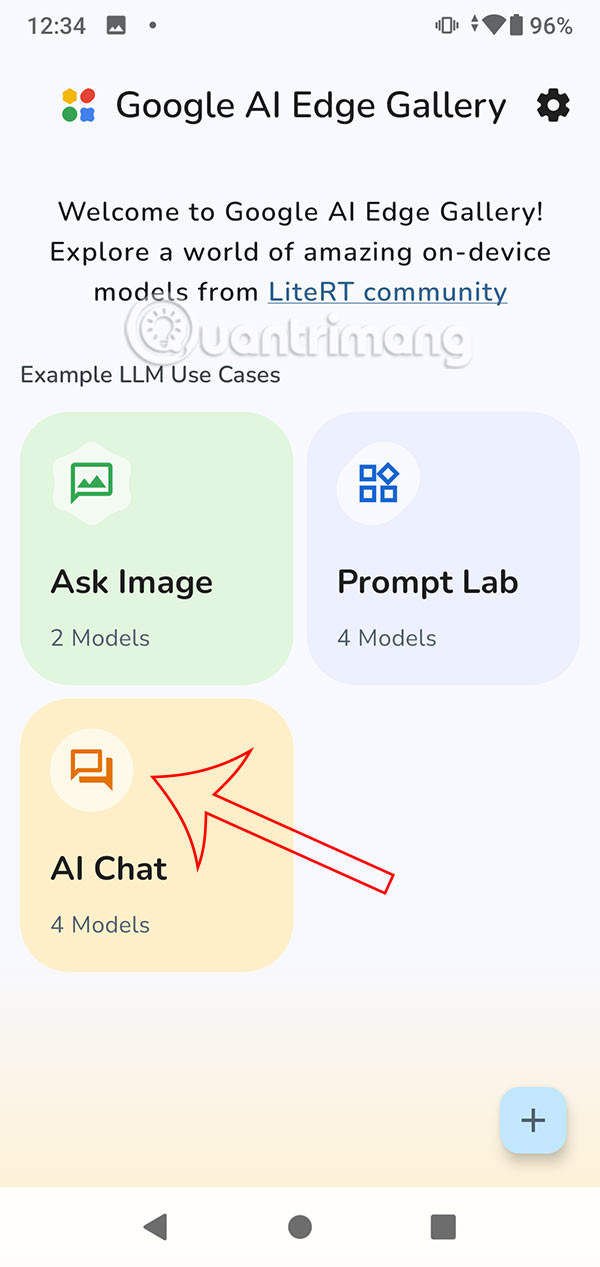
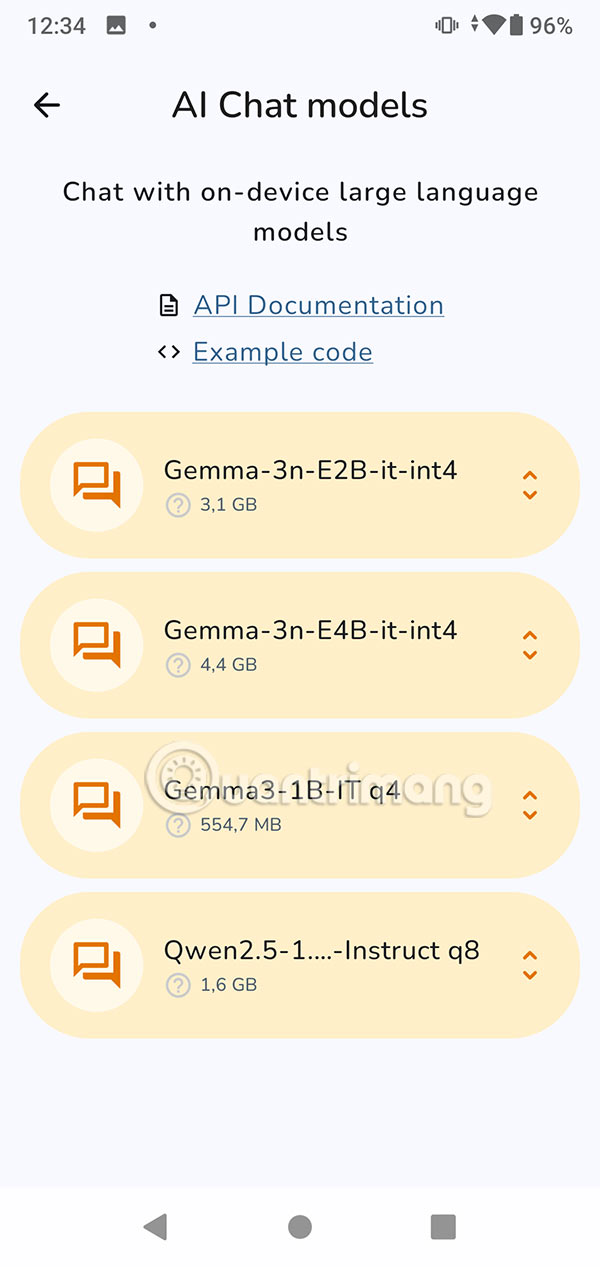
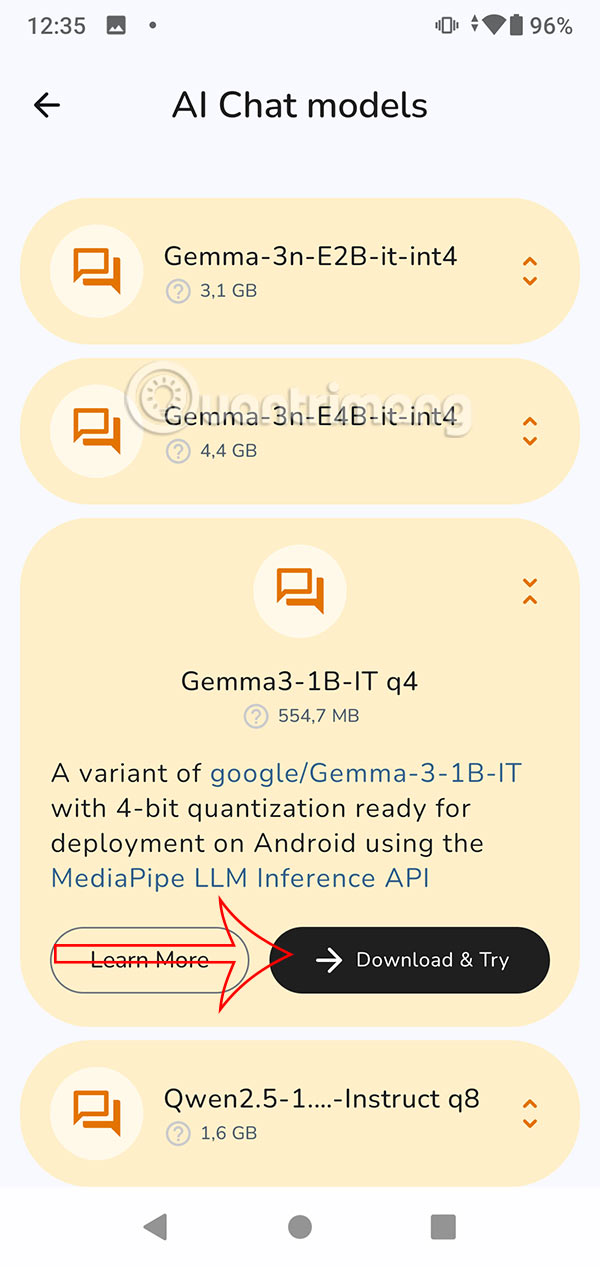
Open the newly installed Edge Gallery app, then tap on the AI Chat group to download the LLM locally on your phone, allowing you to use the AI chatbot without the Internet. Select the LLM model you want to install on your phone. The larger the model, the better the quality of the results returned.
Step 3:
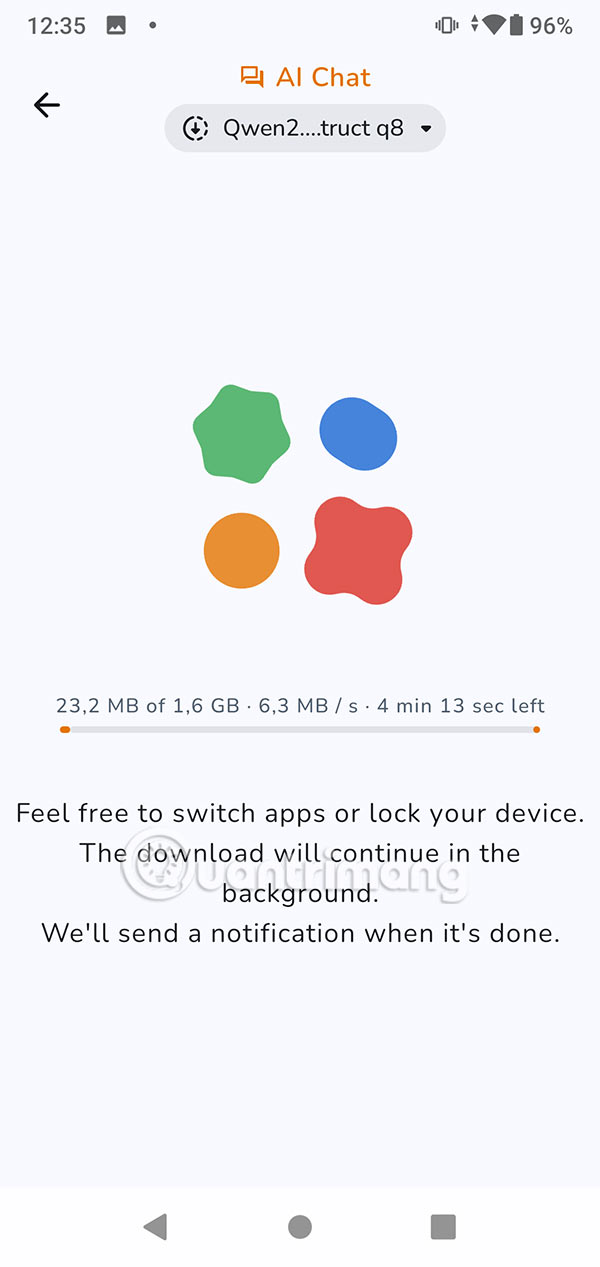
You wait for the process of downloading and installing the AI chatbot model to complete. As a result, you have an AI chatbot tool to use without the need for Internet or WiFi on your phone like the usual tools you often use.
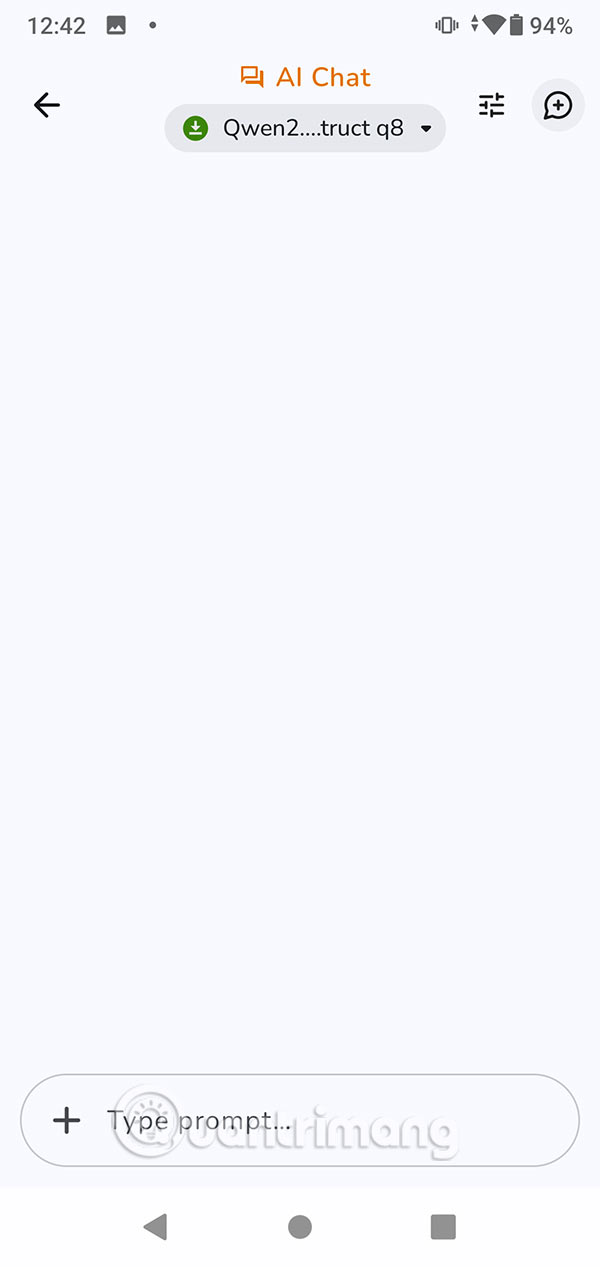
We enter the request and wait for the response from the AI chatbot tool and that's it. The phone does not need an Internet connection but you still get the response content you need.


FAQ
How to Use AI chatbot without Internet?
First you need to download the Google AI Edge Gallery tool for your phone. select the link below to download the apk file of the tool. Then proceed to unzip and install it on your phone.
What does this guide cover?
This guide explains tips for using AI chatbot without internet connection, including the main steps, important details, and practical considerations.
Who is this guide for?
It is designed for readers who want a clear, practical overview and a reliable process they can follow without unnecessary complexity.
Related Articles
 Fix the Problem of 'Dead' Internet Connection1 minutes read
 7 Steps to Overcome When Losing Internet Connection on PC5 minutes read
 Tips to Speed up the Internet, Connect to the Network Faster4 minutes read
 Check Hidden Connections to the Internet in Windows4 minutes read
 Speed up Internet Connection by Using Cmd Command on Windowsxp //3 minutes read
 Your Windows 10 Computer Is Slow to Connect to the Internet, This6 minutes read
Reader Comments 0
Sign in with email or Google to join the discussion.