Table of Contents
Claude is worth trying if you want to edit a draft in a separate preview, give related chats the same project instructions, or ask questions about selected GitHub files. ChatGPT covers overlapping ground with Canvas, Projects, and its own GitHub connection where available. Try both on a task you repeat before moving your work or paying for another plan. Some screenshots below show earlier versions of the apps.
Try the same writing brief in both apps
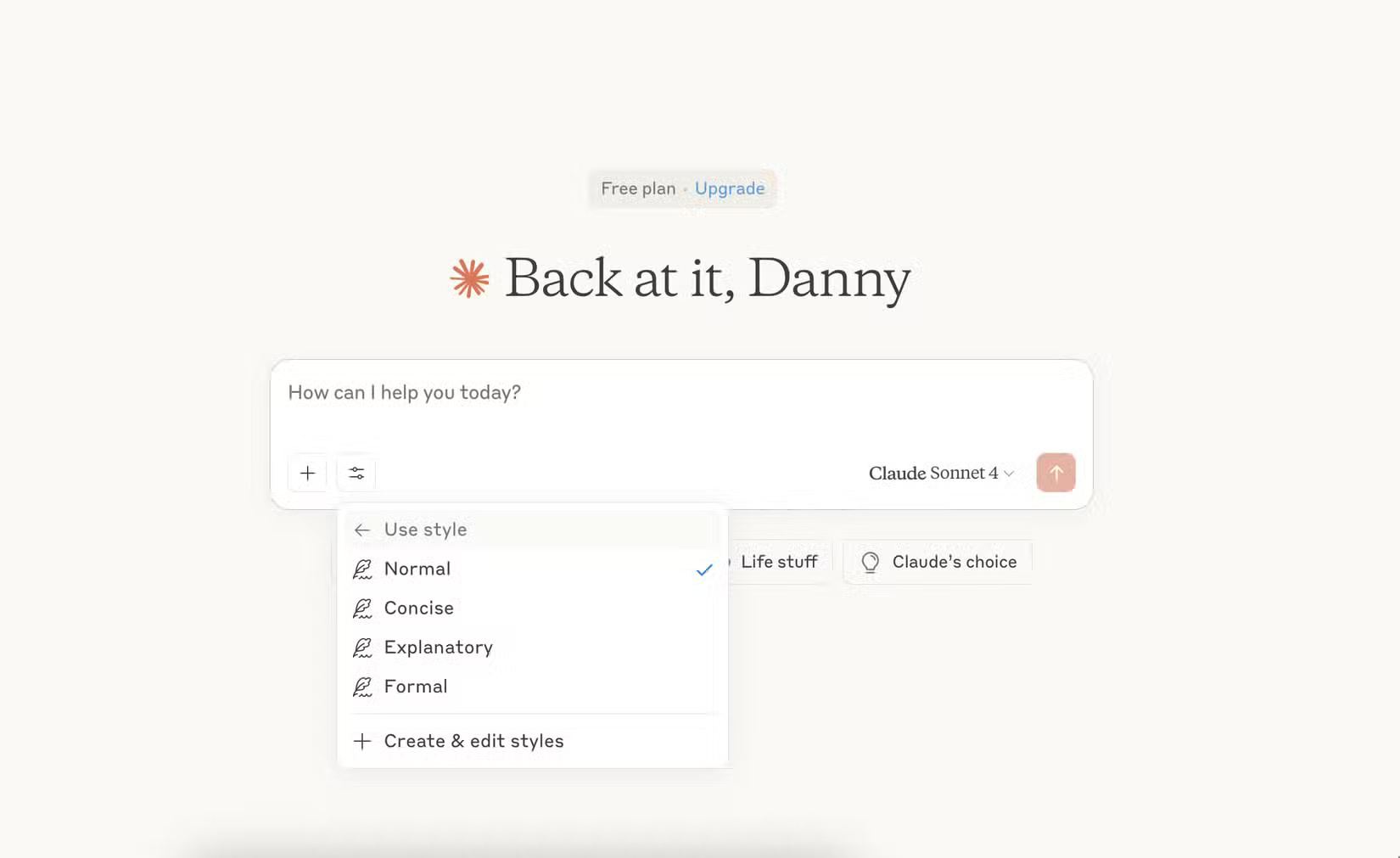
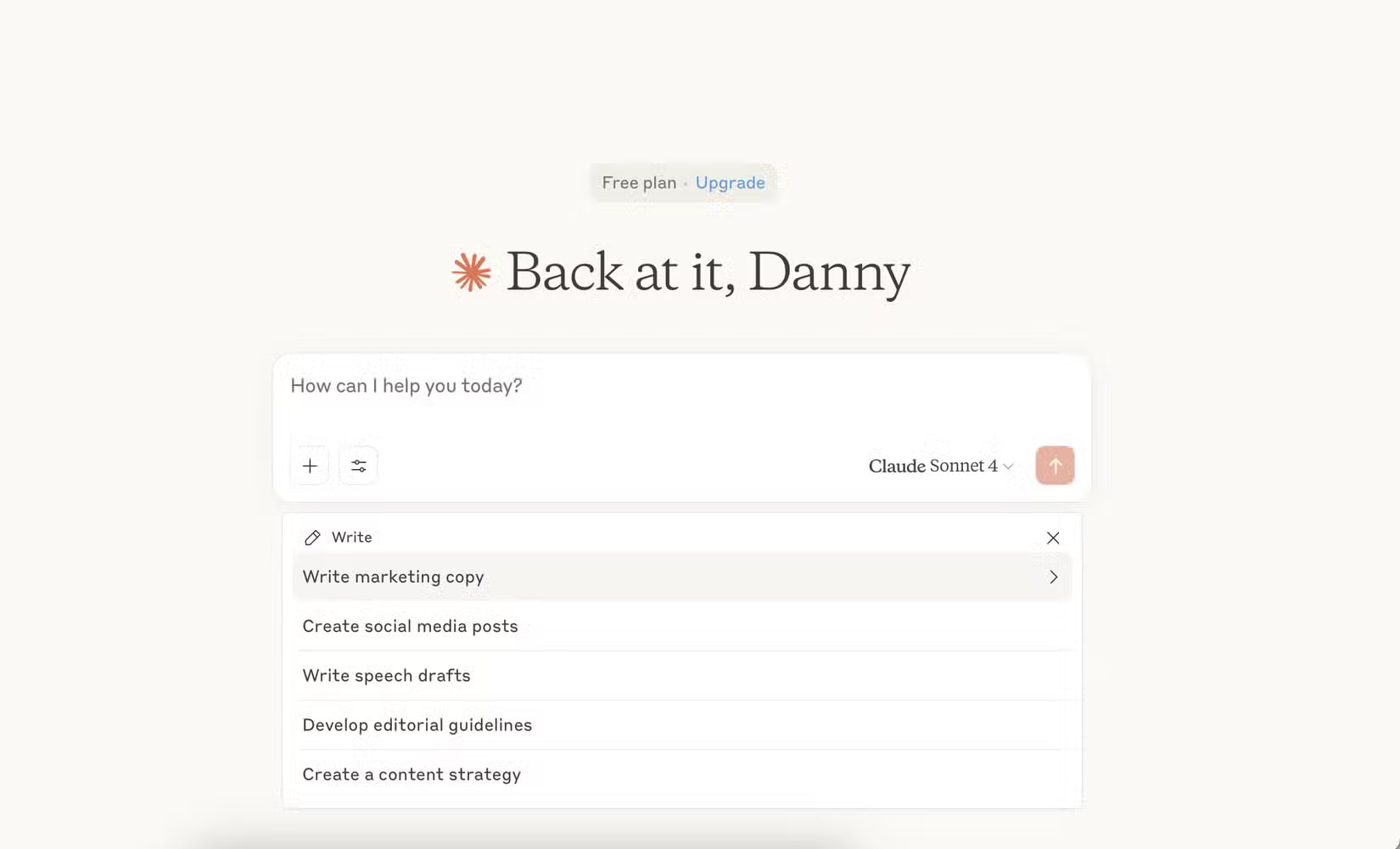
Starter prompts can help with a blank page. For a fair comparison, give both assistants the same source text and specify the reader, length, and output format. For example, ask for a 150-word email that preserves every deadline and lists requested actions in bullets. Check which draft needs fewer corrections and whether either assistant introduced a detail that was absent from the source.
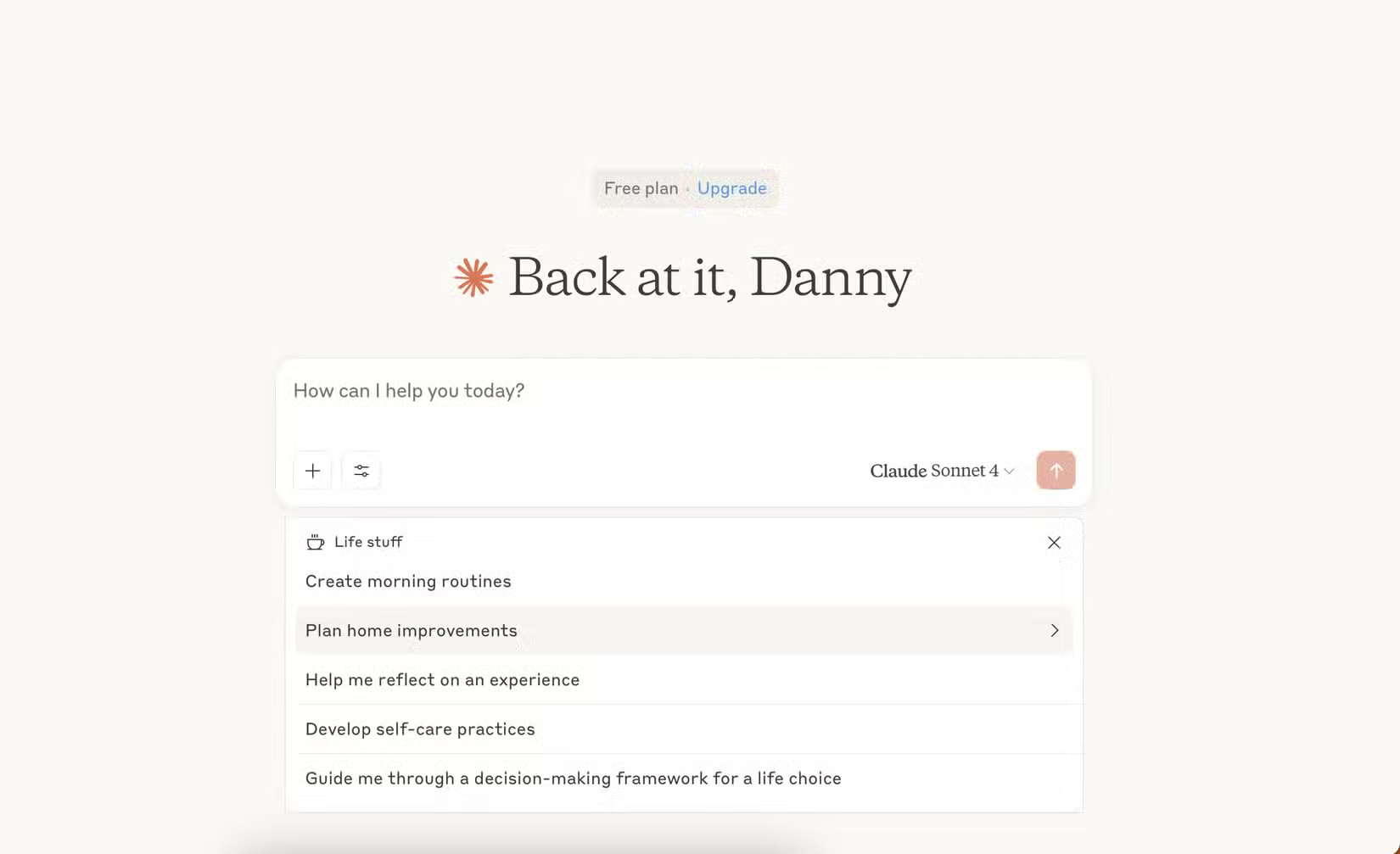
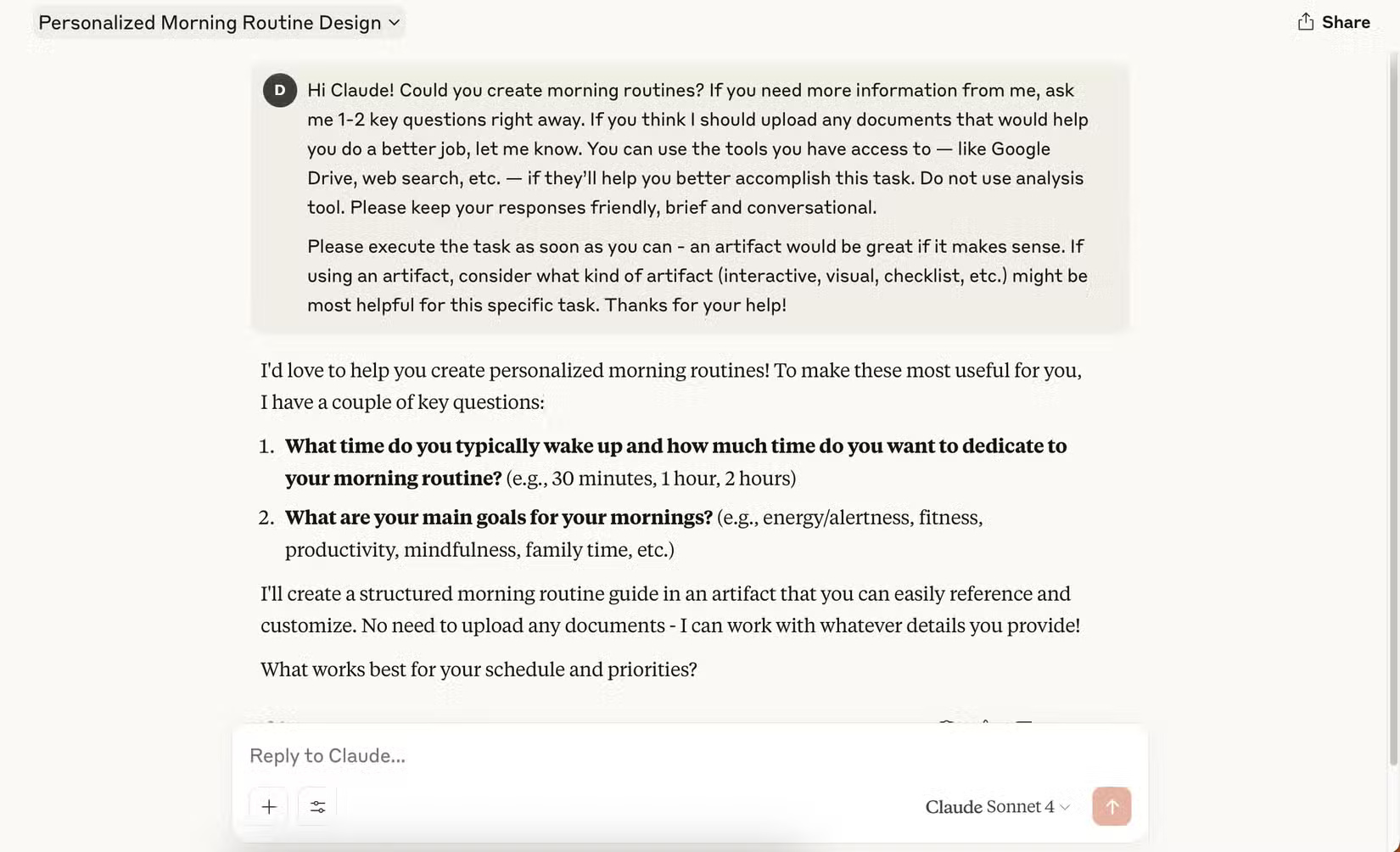
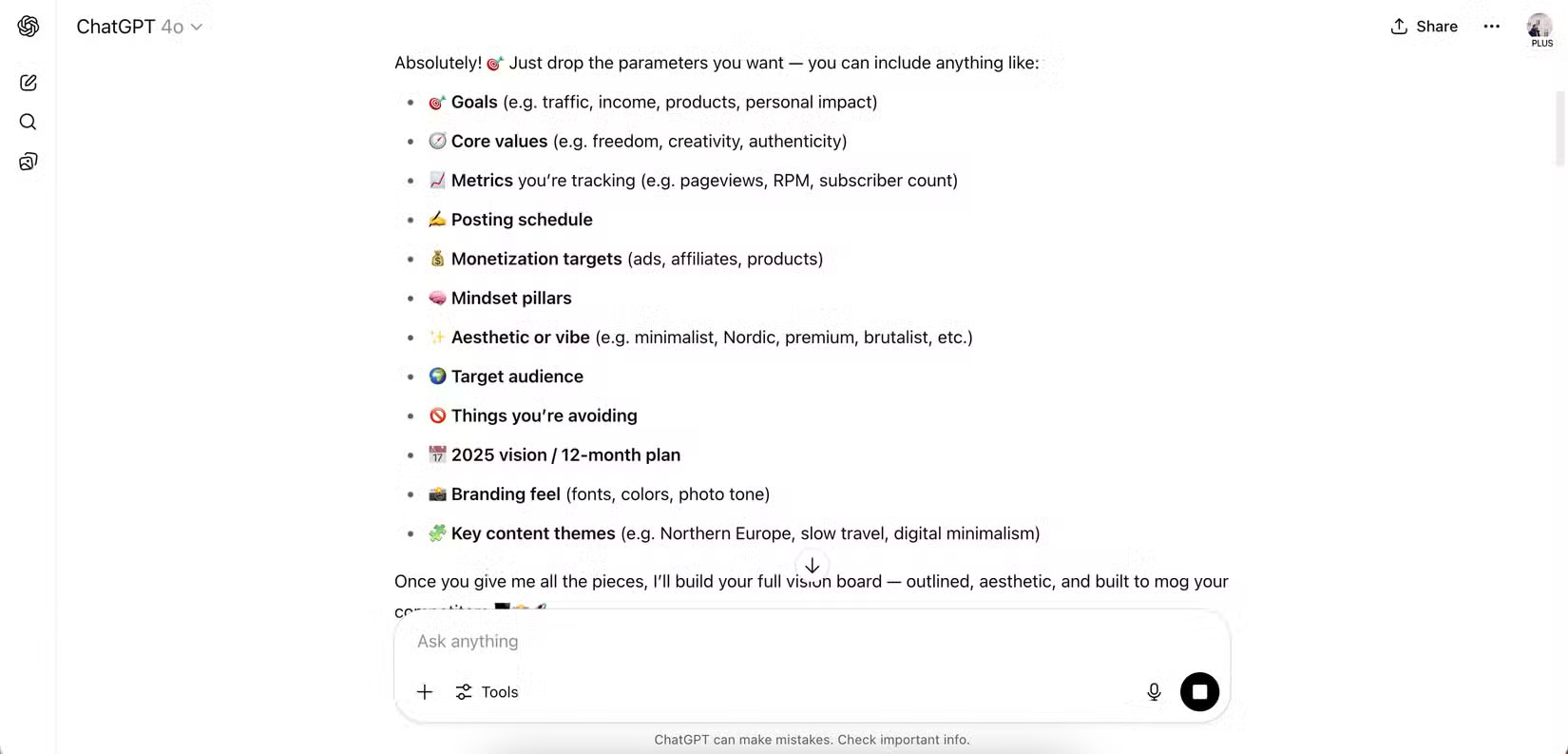
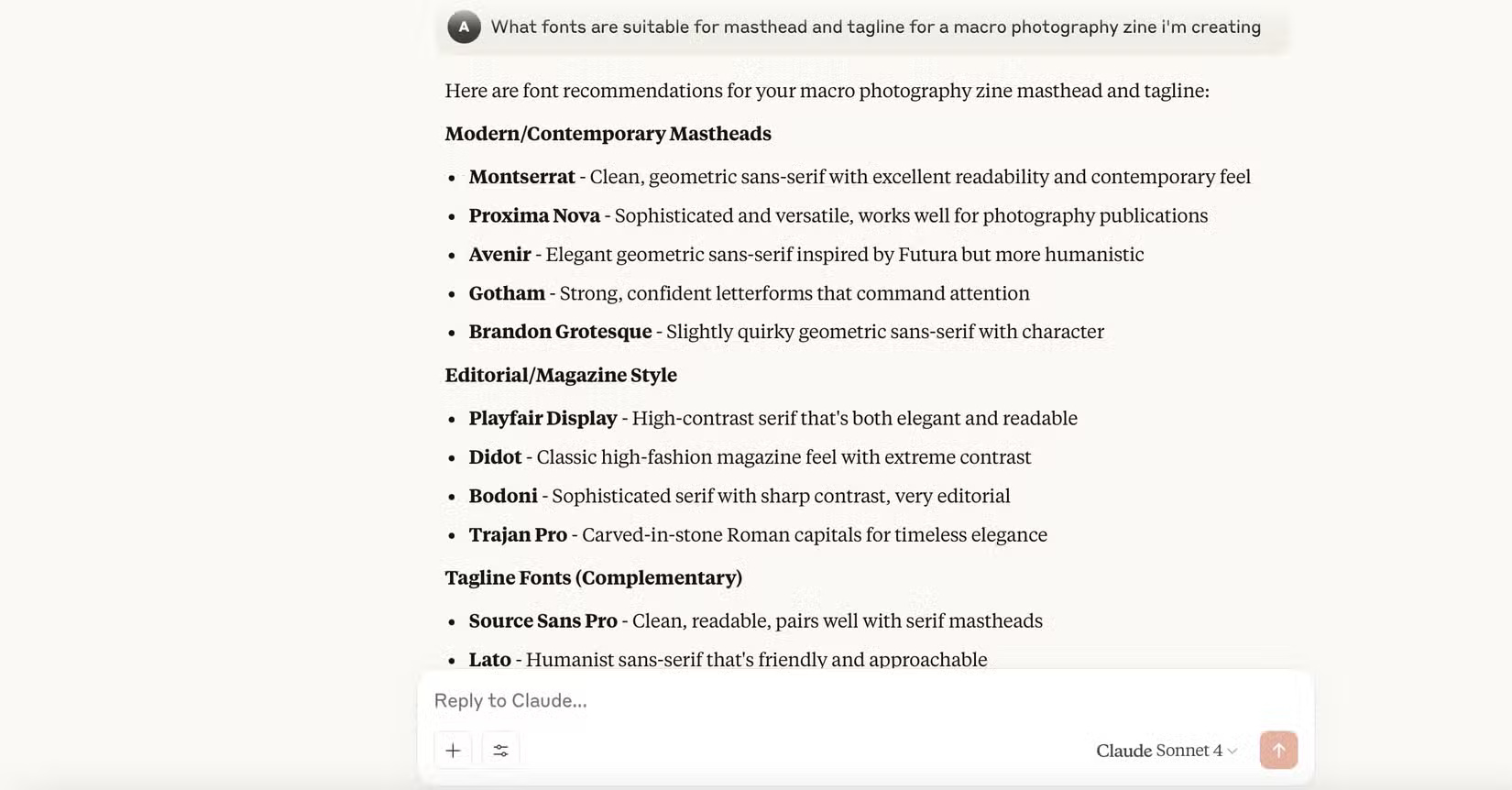
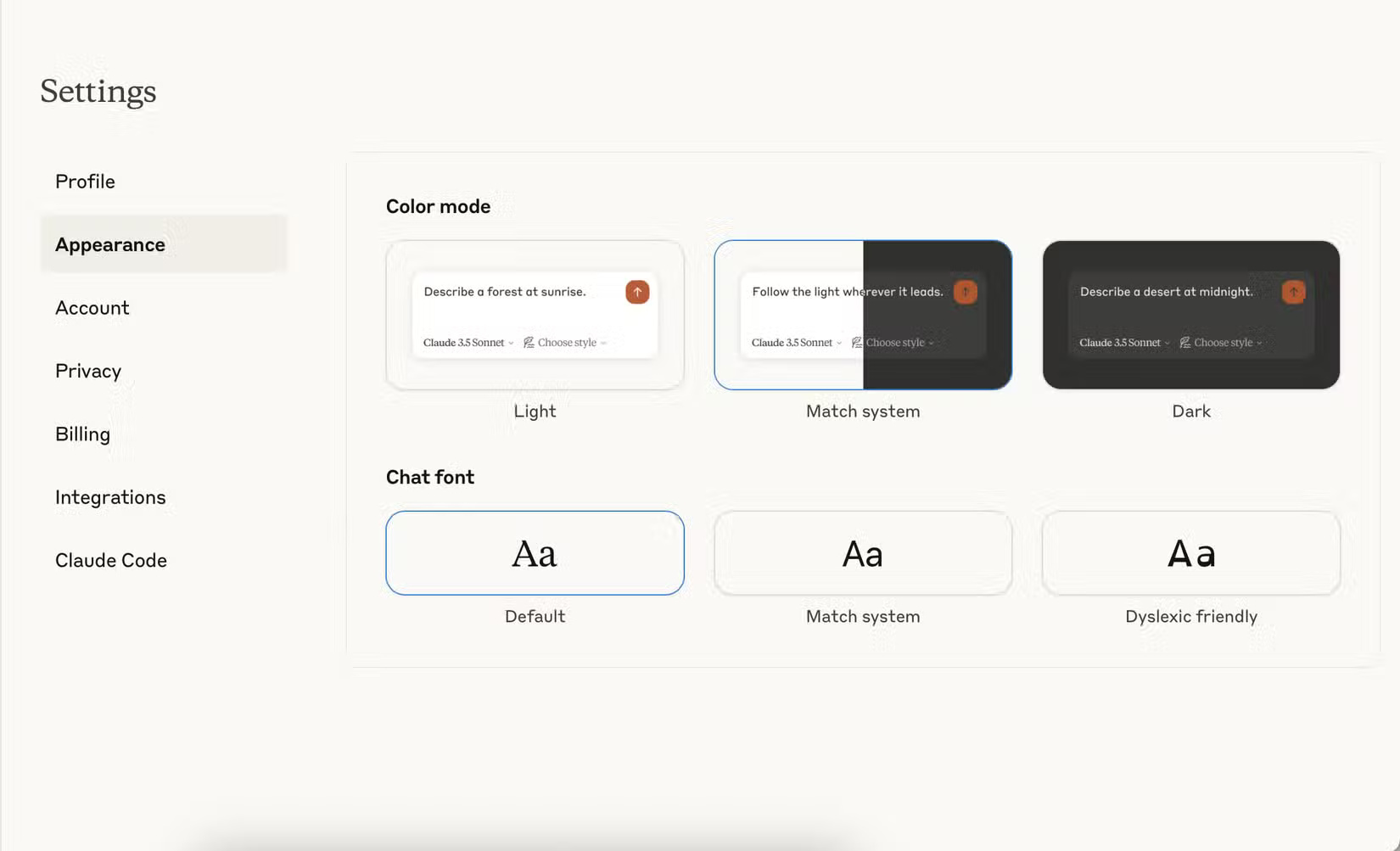
If you revise documents in several passes, try Claude Artifacts and ChatGPT Canvas. Ask for a change to one paragraph and check whether the rest stayed intact. For recurring tasks, save tone and formatting requirements in project instructions. The app’s display font is separate from the writing style you ask the assistant to use.
Organize ongoing work with projects
Both apps offer projects for grouping work and setting common instructions. Try adding a short style guide or a reference document and starting a fresh chat inside the project. Check whether the assistant can cite the relevant passage when you ask a question about it. Feature availability and file limits depend on the plan and workspace.
Check the GitHub workflow on a small repository
Claude’s GitHub integration can add selected repository files to project knowledge in supported setups. Start with a repository you are allowed to share and ask the assistant to explain a function or trace a setting to its source file. Verify any proposed code changes with your normal review and tests. Compare which repositories, branches, and files each app can access before connecting a work account.
Manage chat history before moving
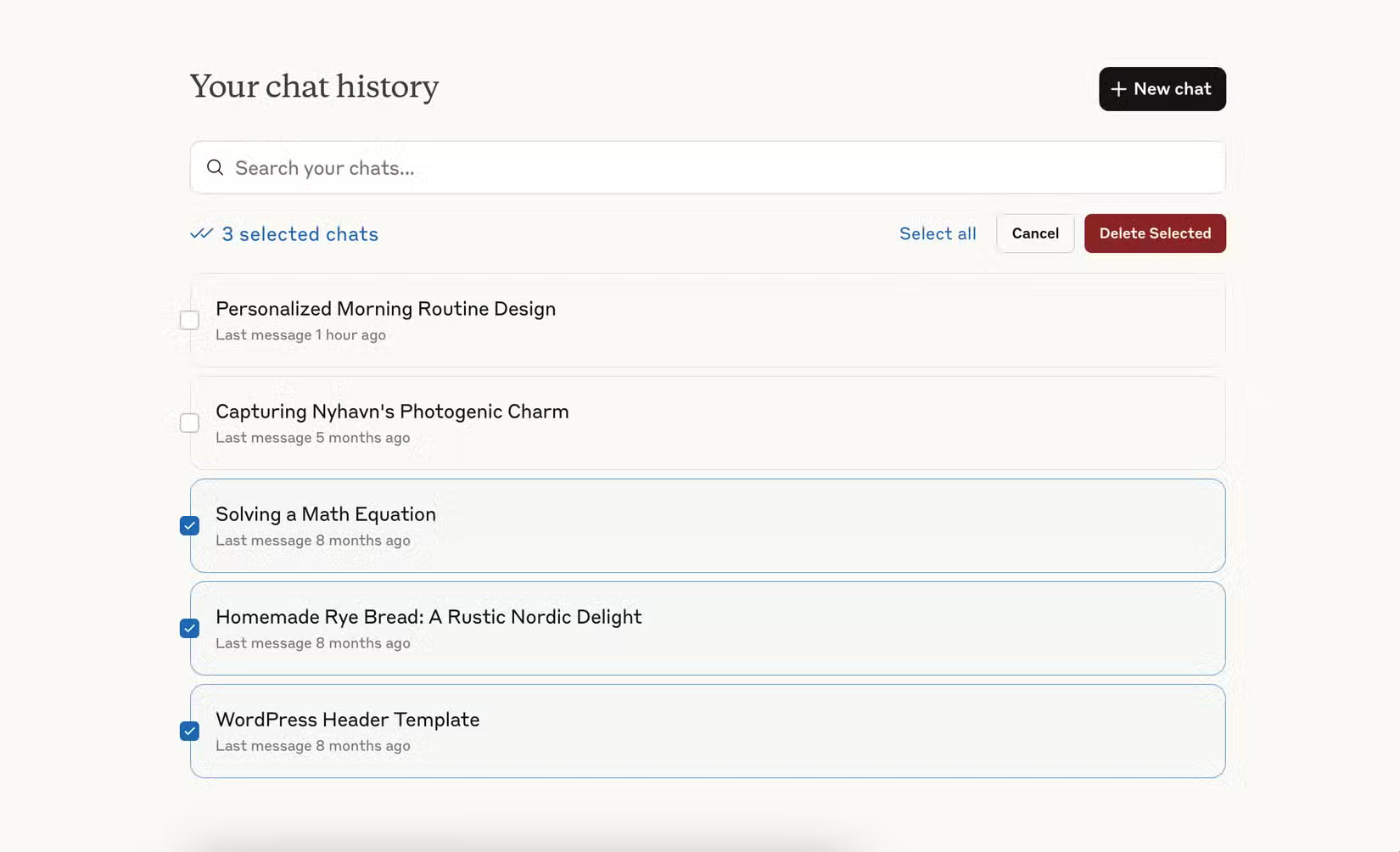
Claude’s chat history controls support selecting multiple conversations for deletion on the web. ChatGPT documents individual deletion, archiving, and a Delete all chats setting. Export or copy anything you need to keep before deleting conversations. If you decide to switch, you can move selected preferences and project context to Claude and rebuild the projects you actually use.
Related Articles
 7 Features That Claude, the Best ChatGPT Alternative, Still Misses
 Claude vs ChatGPT: Which AI Assistant Should You Choose?
 ChatGPT Plus vs. Claude Pro: Which Plan Should You Choose?
 4 ways AI Claude chatbot outperforms ChatGPT
 9 Claude Alternatives and When to Use Each One
 Claude vs. ChatGPT: Which AI Assistant Fits Your Work?
Reader Comments 0
Sign in with email or Google to join the discussion.